SiteDrive Overview
This incredible plugin will allow you to create cloud libraries and seamlessly share everything through WordPress.
Product
SiteDrive creates a portal from any WordPress site to any WordPress site allowing you to effortlessly distribute, manage, or access files. Streamline your workflows, reduce wasted time, and boost productivity.
Videos
Here is a quick overview of how SiteDrive works.
Learn about listings and how they work.
Learn how to setup and manage drives.
Learn how to get files into SiteDrive and move them around.
You can even add support for custom files.
Manage who can access your drive.
Learn how to sync files between drives.
Source: YouTube Channel
Access
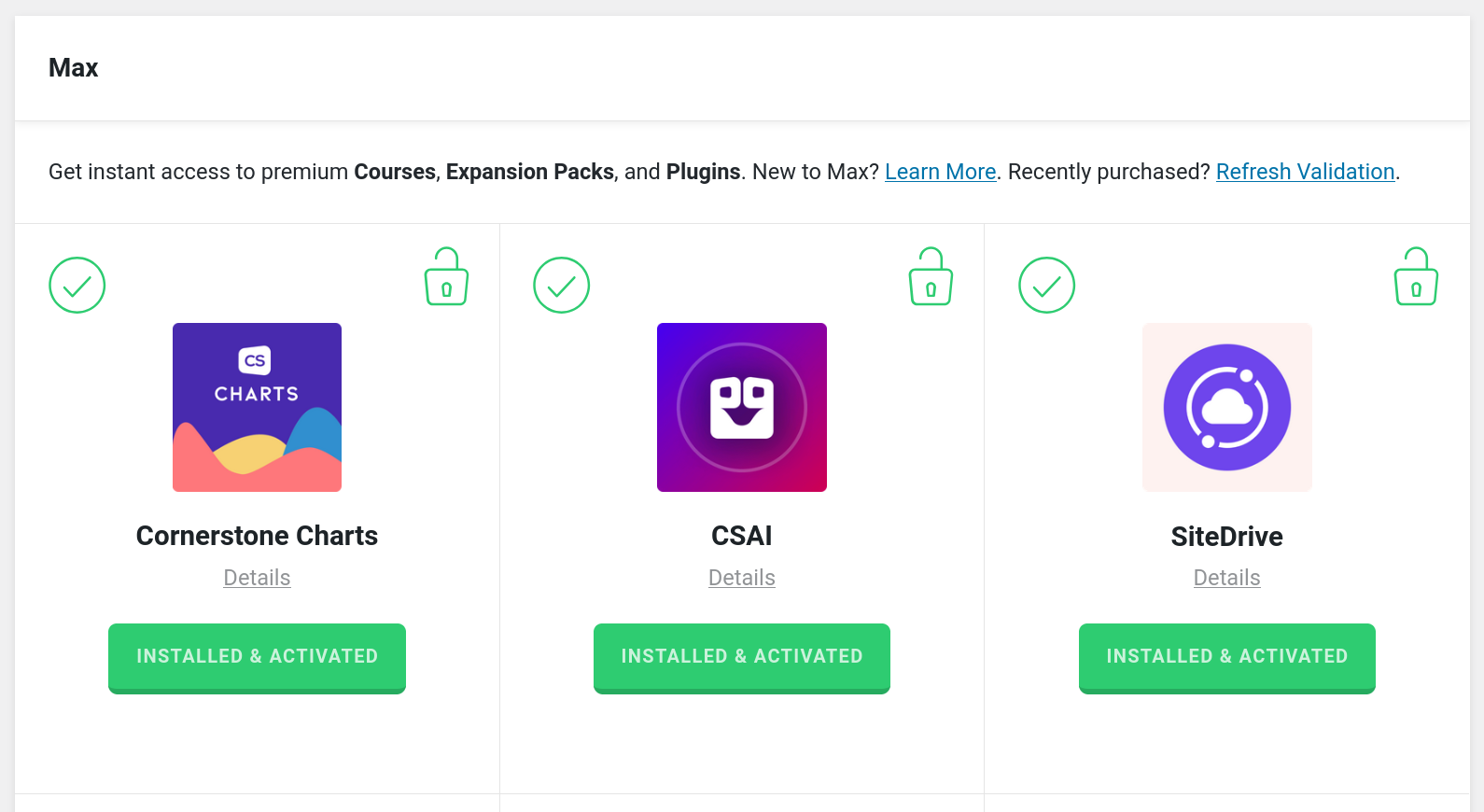
Once purchased, go to the Max section of the validation page and follow the prompts to install and activate. Note, you must be on Pro 6.7+, X 10.7+, and Cornerstone 7.7+.
Validation
If you have purchased access to SiteDrive through Max, you will use your single or unlimited license key that came with your Cornerstone Builder purchase to validate. If you have purchased SiteDrive through another channel, see these instructions.
Docs
There is extensive documentation for all parts of using SiteDrive from getting started to frequently asked questions to developer APIs and more.
See something inaccurate? Let us know