CSAI Gemini
Learn how to connect Gemini to the Cornerstone Builder.
Overview
Created by Google, Gemini is an AI assistant designed to help with writing, planning, brainstorming, and more. Experience the power of generative AI. CSAI allows you to connect to Gemini and bring the power of this AI provider directly to the Cornerstone Builder experience. We currently support chatting and generating images. The API we use from Google is currently in beta.
Grabbing an API Key
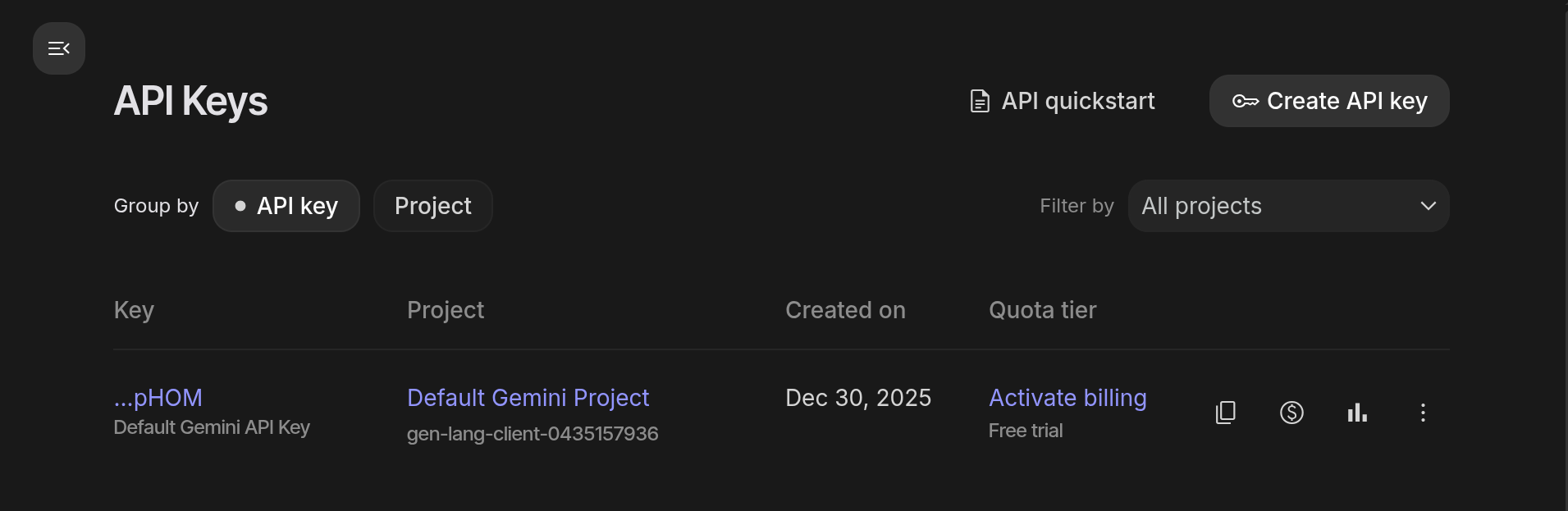
Navigate to the aistudio.google.com console. Once you are logged in, navigate to the API keys area via the API Key button. Click Create Key and make sure to copy the key it provides. We will pasting that into the Cornerstone Dashboard in the next section.
Adding the Gemini API Key to Cornerstone
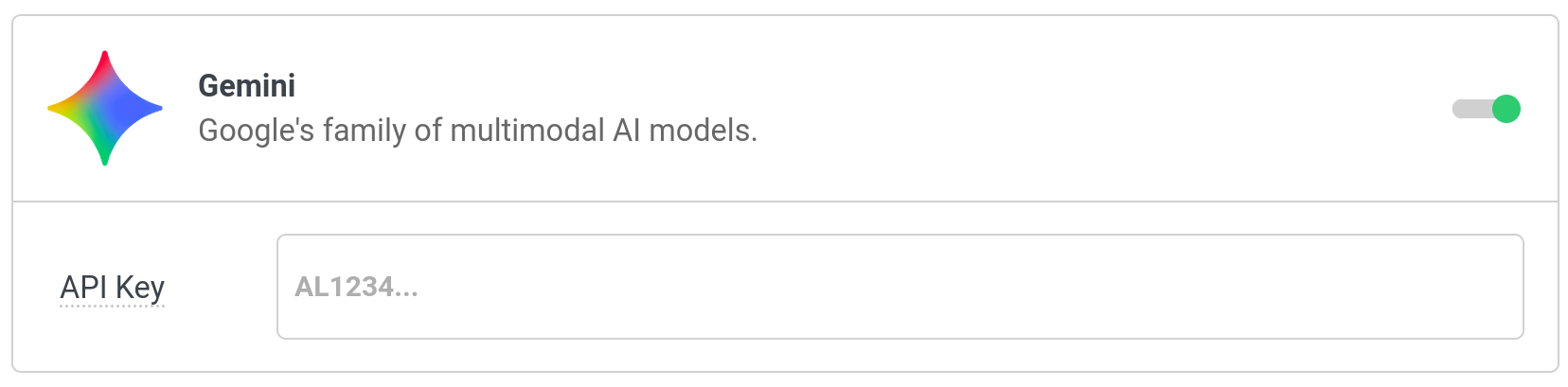
In the Cornerstone Settings navigate to CSAI > Gemini. Place your key in the API Key control, press save, and you are good to go!
See something inaccurate? Let us know