Cornerstone Forms Captcha
Protect your Forms from spam and bad actors with built-in CAPTCHA support and WordPress Nonce verification.
Cornerstone Forms comes with a number of different CAPTCHA options.
Cloudflare Turnstile
Cloudflare Turnstile is a great free option for sites. Log in to Cloudflare and grab your site key and secret key to get started.
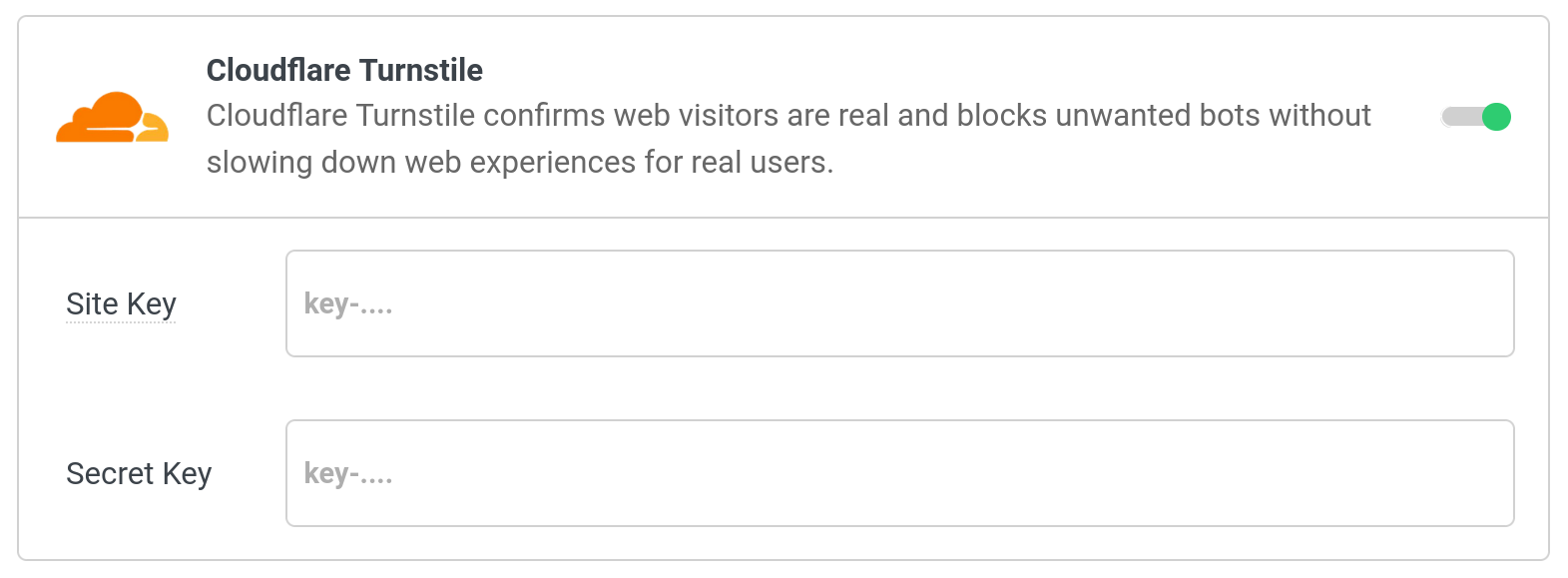
Once the element is added to your form, a Mode control lets you choose how Turnstile behaves:
- Automatic — the default. Turnstile renders a visible widget that confirms the visitor is human before the form is submitted.
- Invisible — the widget is hidden from the visitor. When the form is submitted, Turnstile runs silently in the background and the form proceeds once a token is issued. In the builder, the element appears as a small labeled placeholder so you can still select and configure it.
Note: Invisible mode requires that your Cloudflare sitekey is configured as a Managed or Invisible widget type in the Cloudflare dashboard. A sitekey created for the visible widget type will not work correctly in invisible mode.
Google reCAPTCHA
V2
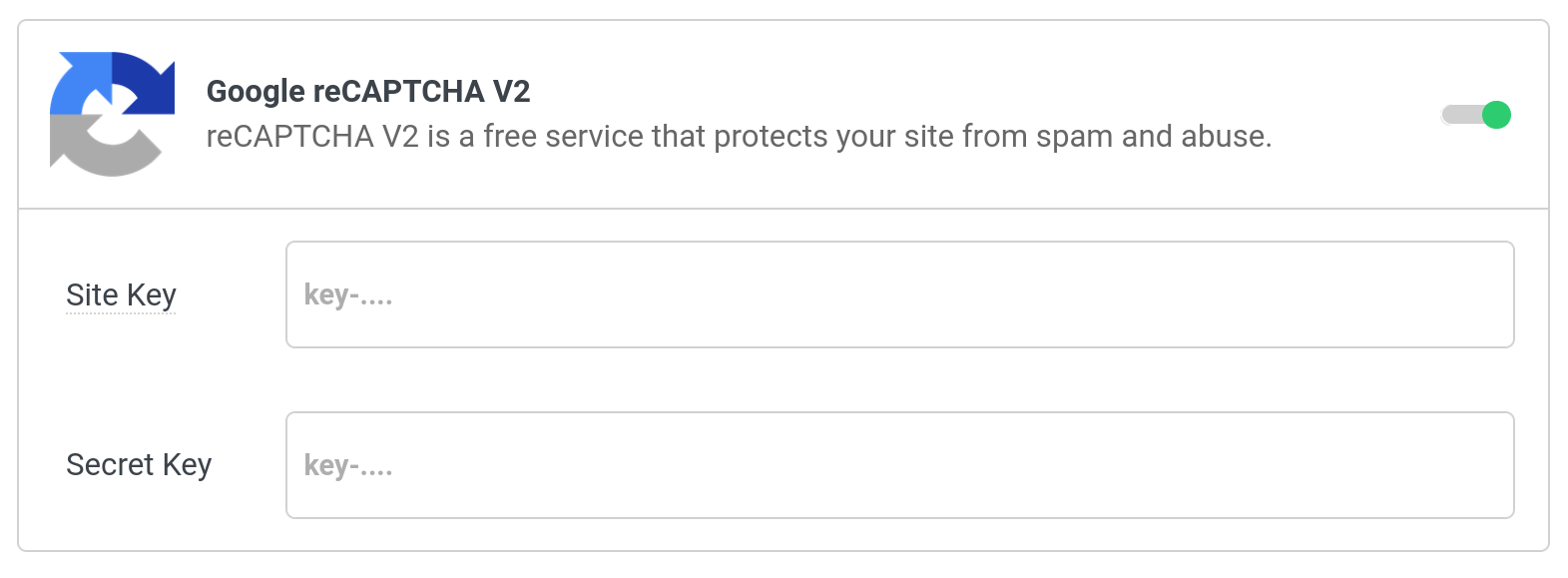
Google reCAPTCHA V2 is similar to the other CAPTCHA options. It has a button on the screen with the possibility of a popup showing up, prompting the user to select or solve a puzzle.
V3
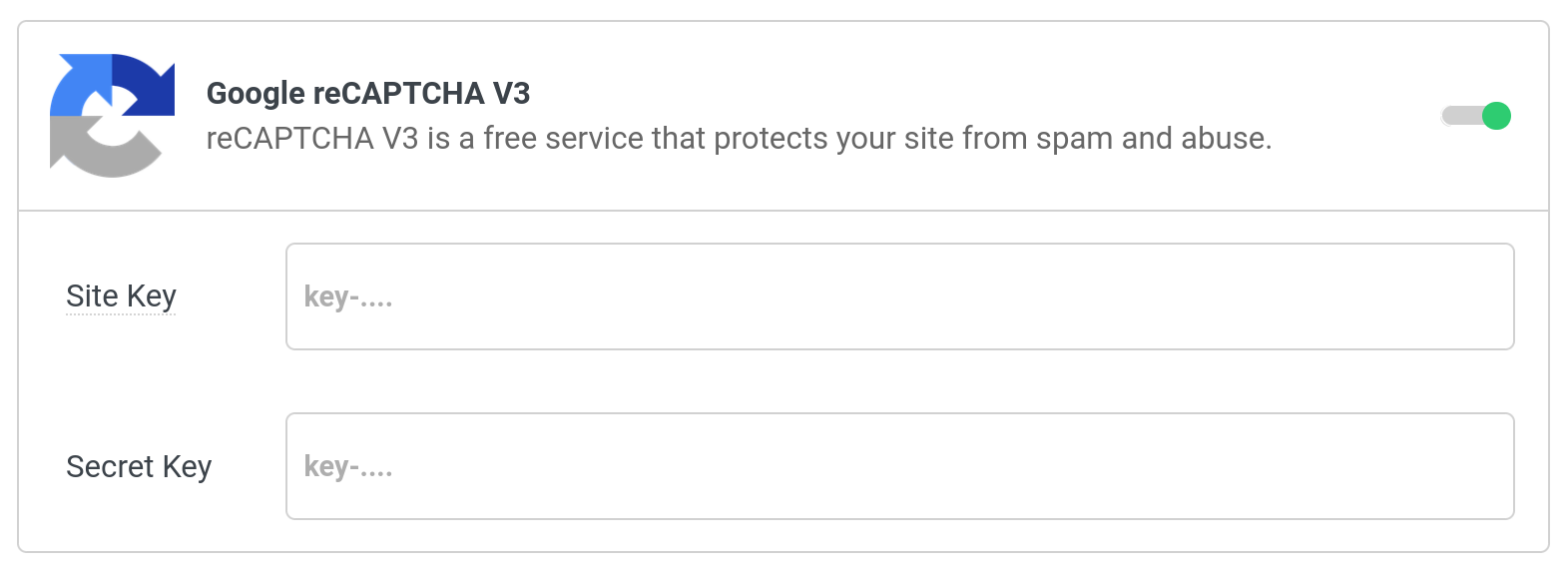
V3 is entirely in the background. You will see a small badge in the bottom right of your screen.
HCaptcha
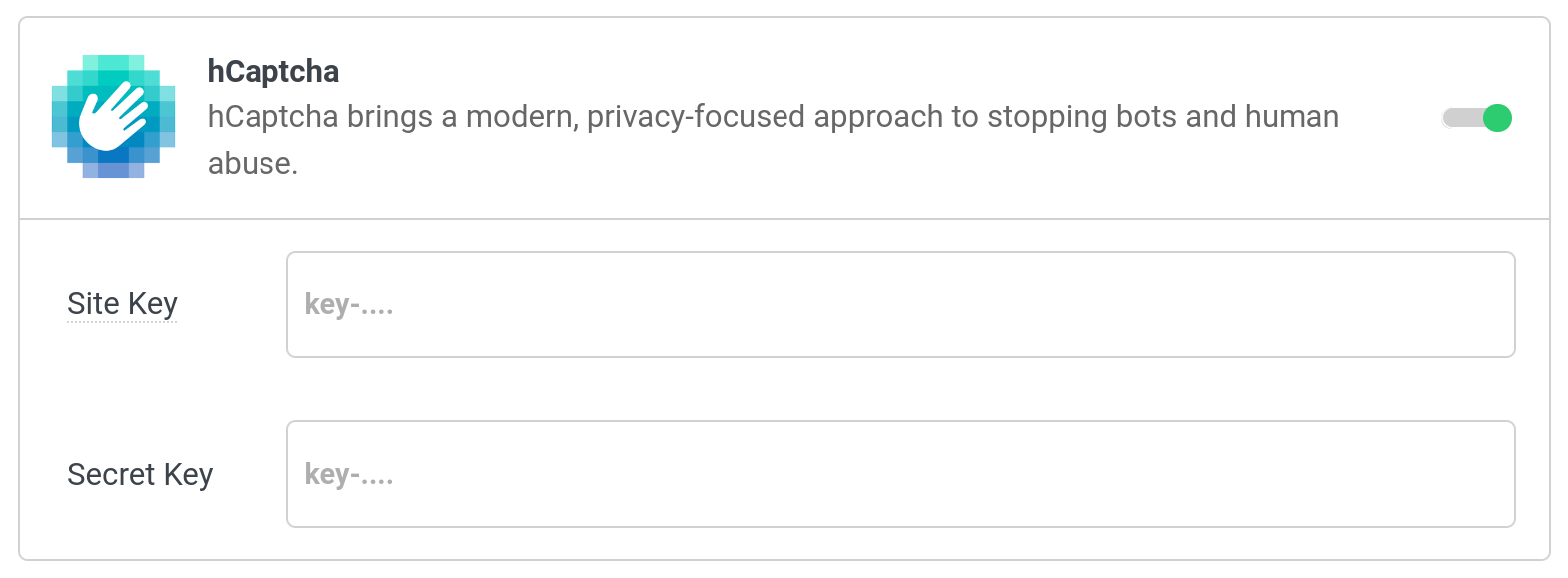
HCaptcha is a popular solution for GDPR countries. It is meant to be a drop in replacement for Google reCAPTCHA V2.
Nonce / CSRF Prevention
In WordPress, a Nonce is a security token used to protect against cross-site request forgery (CSRF) attacks. It's generated and validated by WordPress to ensure that Actions like Form submissions or plugin operations come from legitimate, trusted sources — not from malicious scripts.
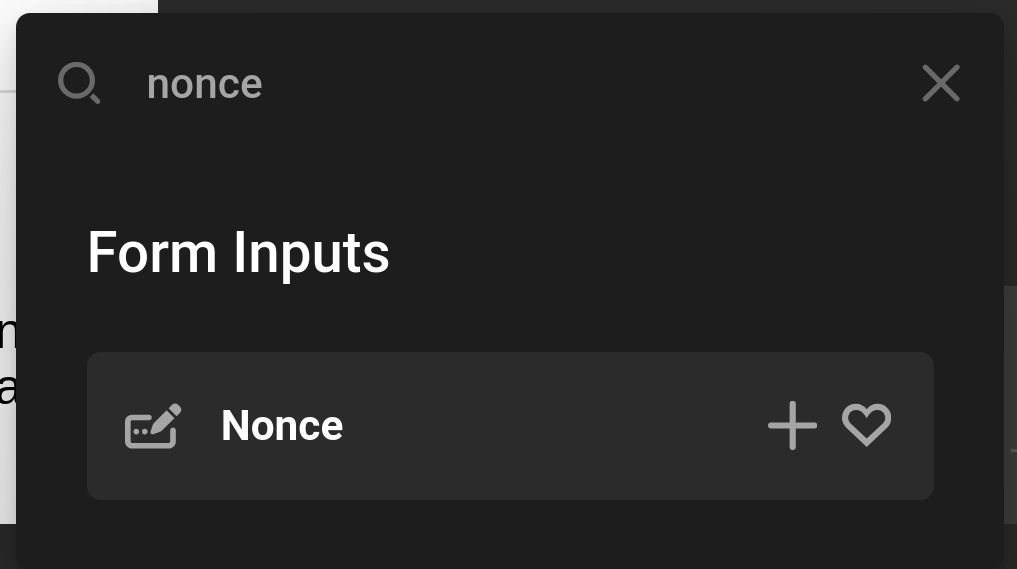
In Cornerstone Forms there is a prefab called Nonce. It will auto setup everything needed to check a Nonce on your Form. It might not look like anything is on the page, but that is because the Input is hidden on the page.
Summary
CAPTCHA and Nonce verification are the first line of defense for your Forms. For additional security like restricting Forms to certain users, see Conditions. To validate submitted data, see Validations.
- Cornerstone Forms Overview — Getting started with Forms
- Form Elements — All available Form Elements
- Form Conditions — Control Form visibility
- Form Validations — Validate submitted data
- Dynamic Content — Nonce tokens and more
See something inaccurate? Let us know