Cornerstone Forms ACF
Connect your Forms to Advanced Custom Fields (ACF) and update Post, Term, Option and User fields automatically on submission.
ACF provides multiple Action types for Form integration.
All Field Update Actions use the same internal logic — the difference is how the ID Selector control works. For Post Field updates, use the Post ID directly. For other update Actions, use the special prefix or Key as noted below. You can also use Dynamic Content tokens like {{dc:term:slug}} to reference current context data.
All ACF Field Update Actions return true on success, which can be referenced in later Actions via {{dc:form_action:response}}.
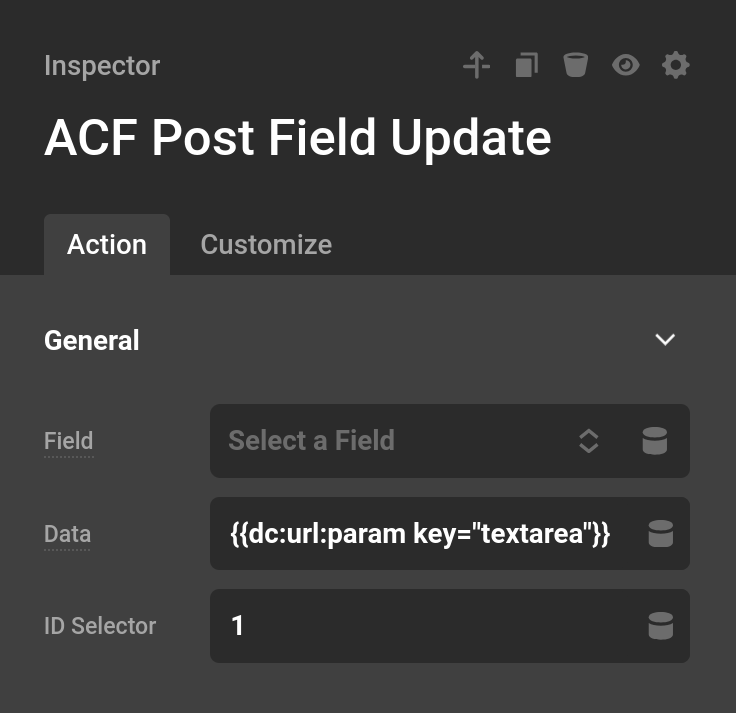
ACF Post Field Update
This Action updates a Post Field. These Fields appear in the WordPress post editor.
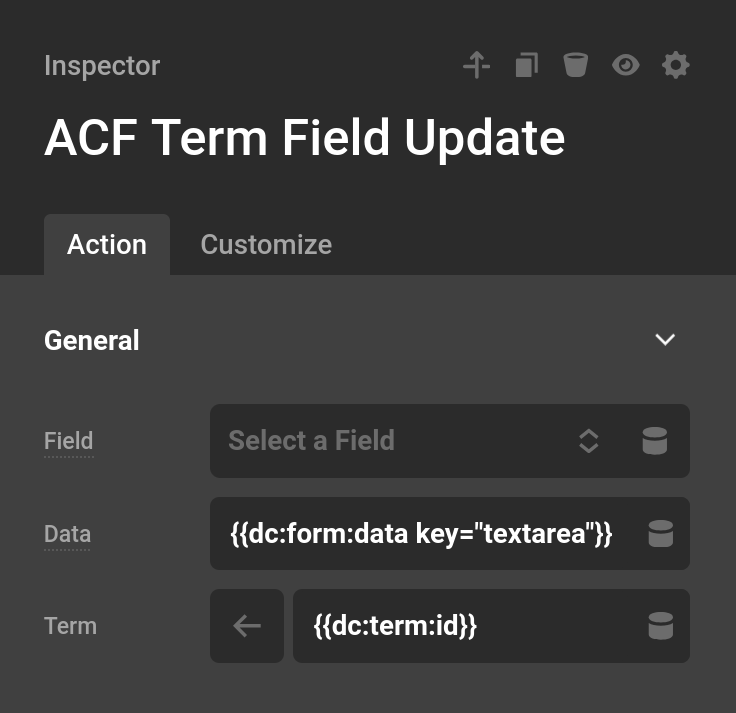
ACF Term Field Update
The term update uses the format of slug underscore id. So if you had a term with the slug category and you wanted to change the category of id 4 then the ID Selector would be category_4.
The default for the prefab uses is {{dc:term:slug}}_{{dc:term:id}}. Meaning the current term page you are looking at will be used to update.
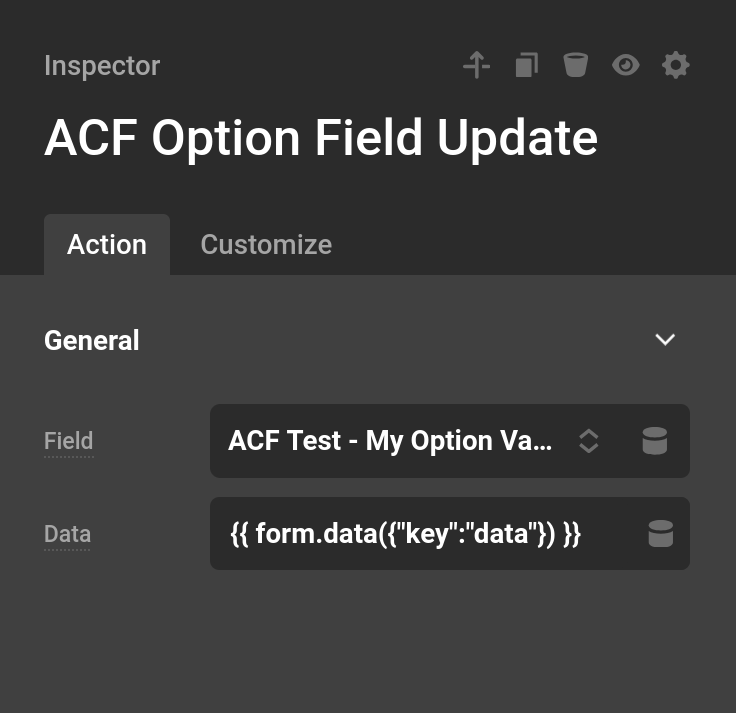
ACF Option Field Update
This Action updates an Option Field. These Fields typically appear in your WordPress dashboard settings area.
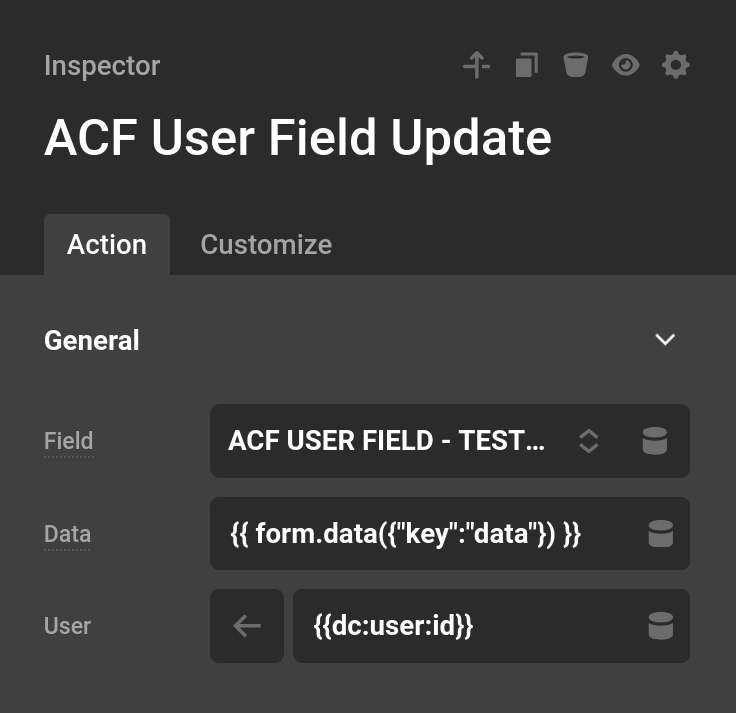
ACF User Field Update
The user update uses the format of user underscore user_id. So if you wanted to change the user with ID 4 you would set the ID Selector to user_4.
The default prefab uses user_{{dc:user:id}}, which updates the currently logged-in user's custom Fields.
Summary
ACF Actions let you connect Form submissions directly to your Advanced Custom Fields data. Combined with Dynamic Content tokens, you can build Forms that update any ACF Field on your site automatically.
- Cornerstone Forms Overview — Getting started with Forms
- Form Actions — All available Action types
- Form Dynamic Content — Tokens for referencing Form data
- Developer Guide — Building custom Actions
- CAPTCHA & Security — Protect your Forms from spam
See something inaccurate? Let us know