Release
Notes
July 13, 2026
6.8.12
7.8.12
10.8.12
Over the years, we’ve introduced powerful new systems, expanded capabilities, and pushed the boundaries of what a modern website builder can do. With the same intention, we’ve refined the everyday experience — listening closely, smoothing friction, and strengthening the foundation beneath it all.
This release cycle reflects both of these pursuits.
You’ll find meaningful Quality of Life improvements — streamlined workflows, smarter interactions, and refinements that make the builder faster and more intuitive. Alongside that progress comes continued innovation with the launch of Cornerstone Forms — setting a new standard for what form, filtering, and app building inside WordPress can be.
Less friction. More power. The Cornerstone way.
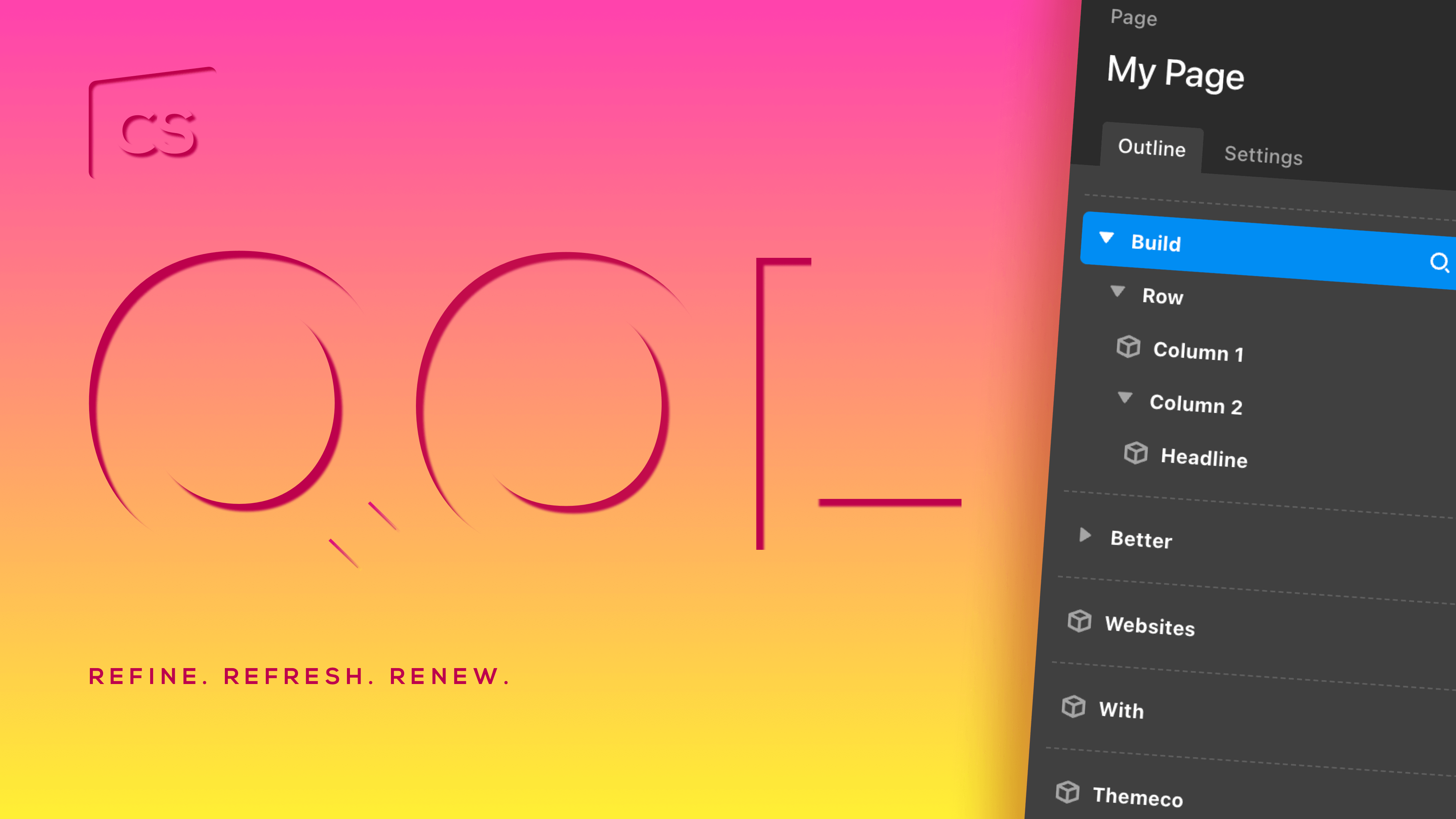
Element Parameters
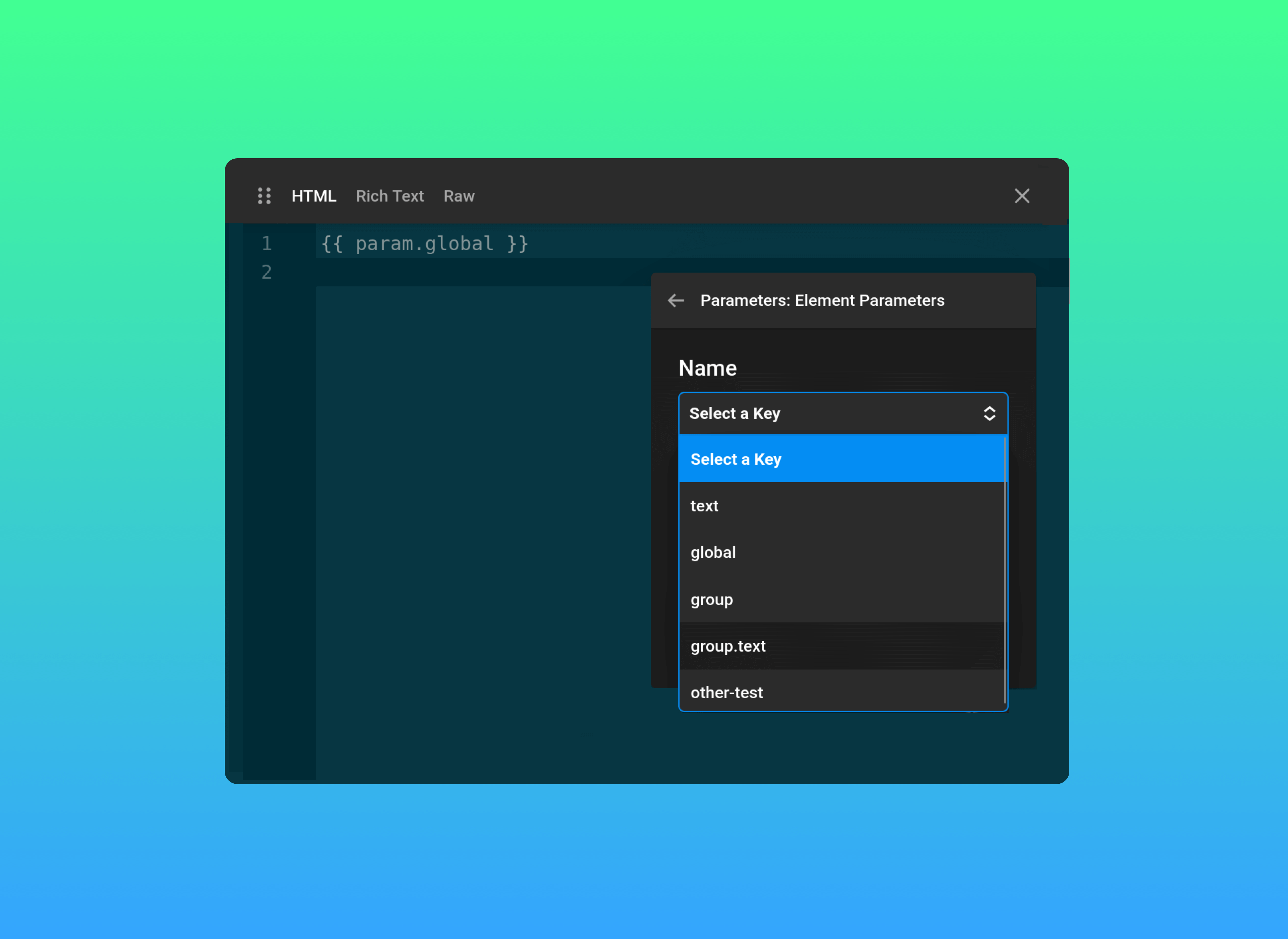
Element Parameters that accept Dynamic Content now surface all supported Parameters in a list directly inside Cornerstone. This eliminates manual entry, reduces syntax mistakes, and speeds up setup — particularly when working with complex data structures.
Autosave
AutoSave now works quietly in the background as you build, continuously preserving your progress. Changes are captured automatically, reducing the risk of lost work and eliminating the need to manually save during active sessions. It’s a seamless safeguard that keeps your focus on building.
AutoSave is optional and can be managed at any time from Cornerstone Preferences.

Gradient Builder
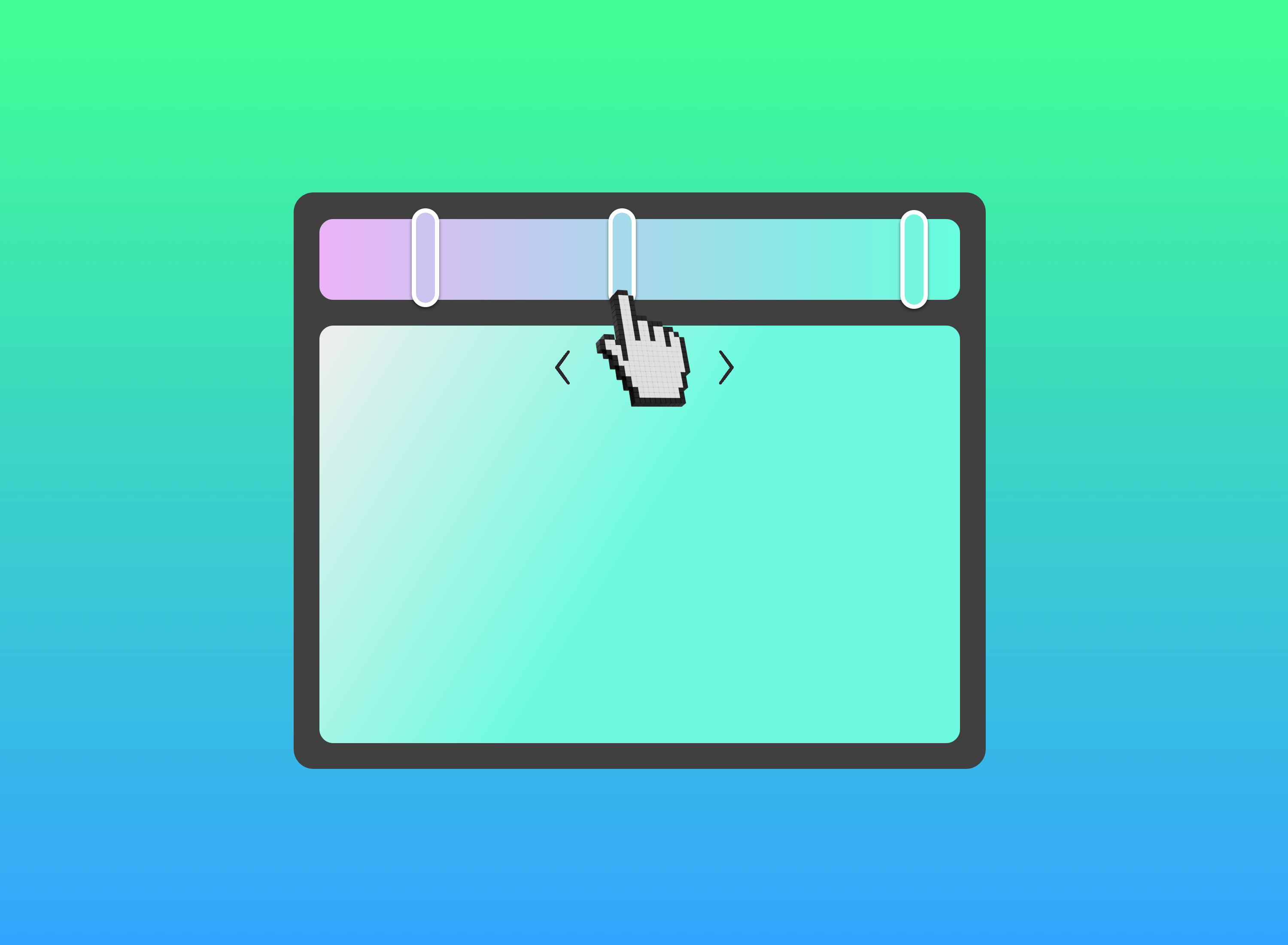
Draggable color stops have arrived!
You can now click and drag gradient stops directly inside the Gradient Builder. It’s a small change that makes shaping gradients faster, smoother, and far more natural.
Icon(ic) Expansion
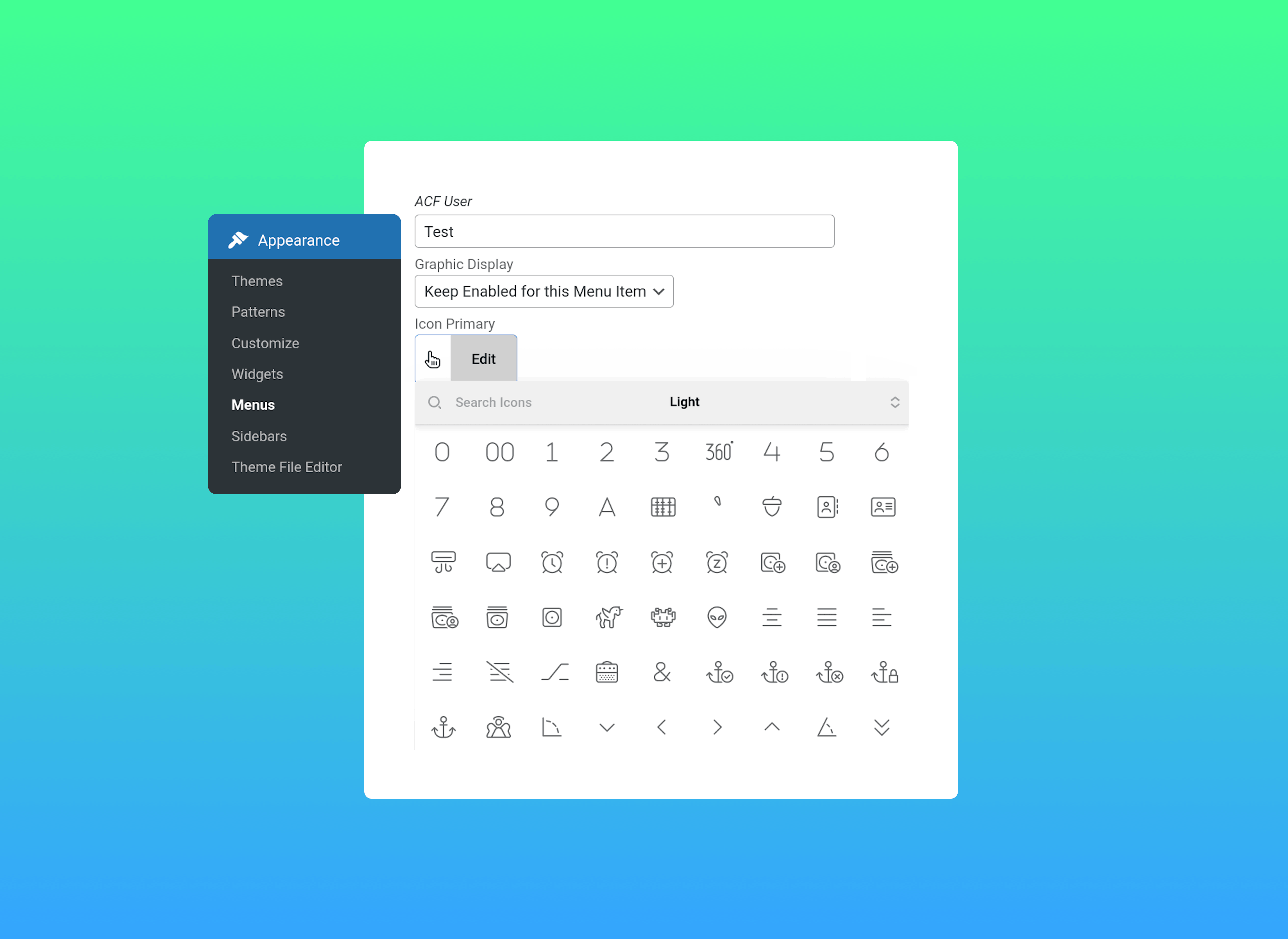
Better design options plus a boost in performance? Yes and yes! Custom icons in the WordPress menu now use the Cornerstone Icon Picker. This means a faster experience in the editor, smoother process to work with, and consistent design options between the back-end of WordPress and Cornerstone.
Better Navigation
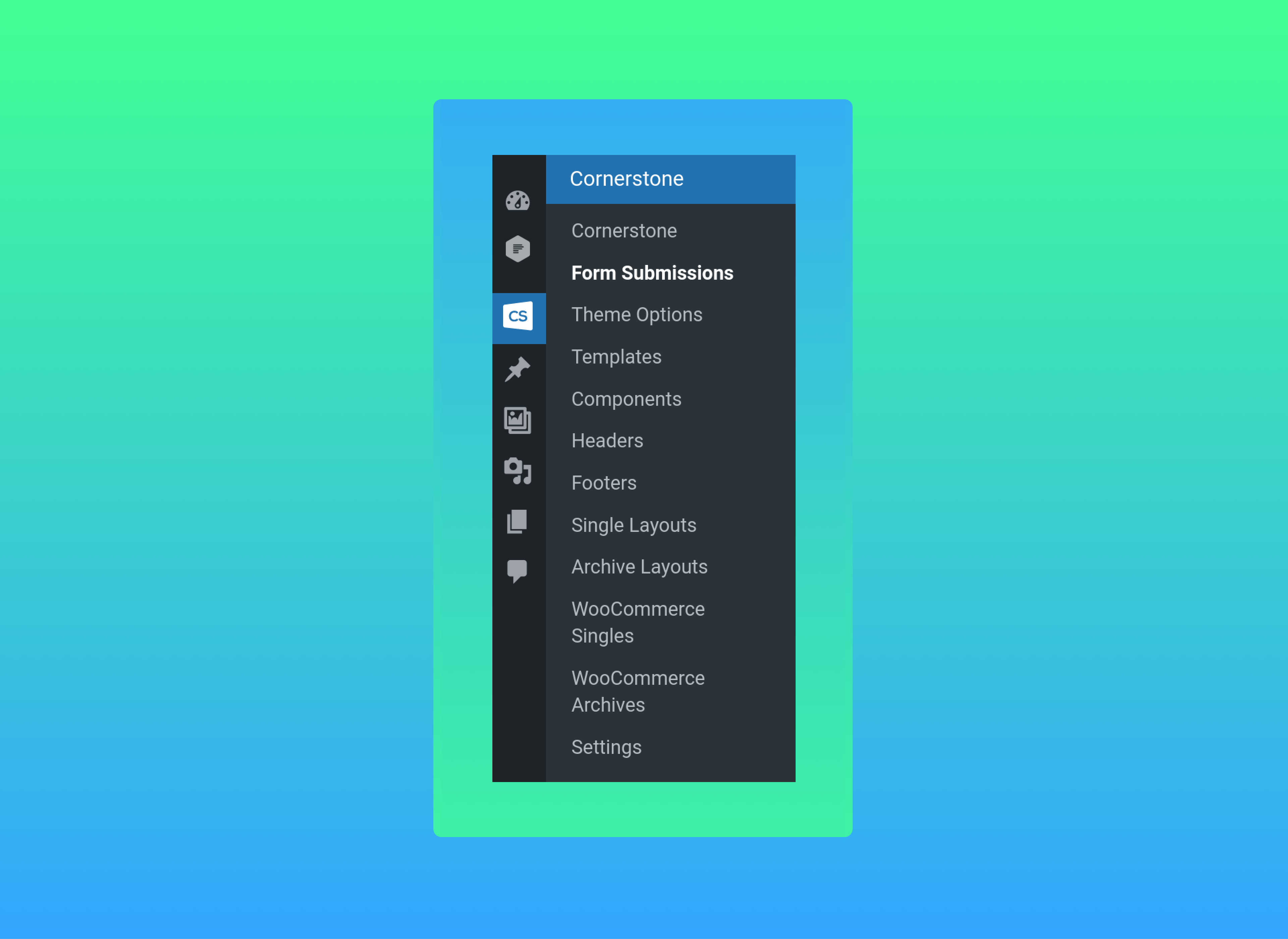
The Cornerstone Menu in WordPress is expanding. You can now navigate directly to key areas of the Cornerstone Builder directly from the WordPress admin including Headers, Footers, Layouts, and Form Submissions for Cornerstone Forms.
Devs Rejoice
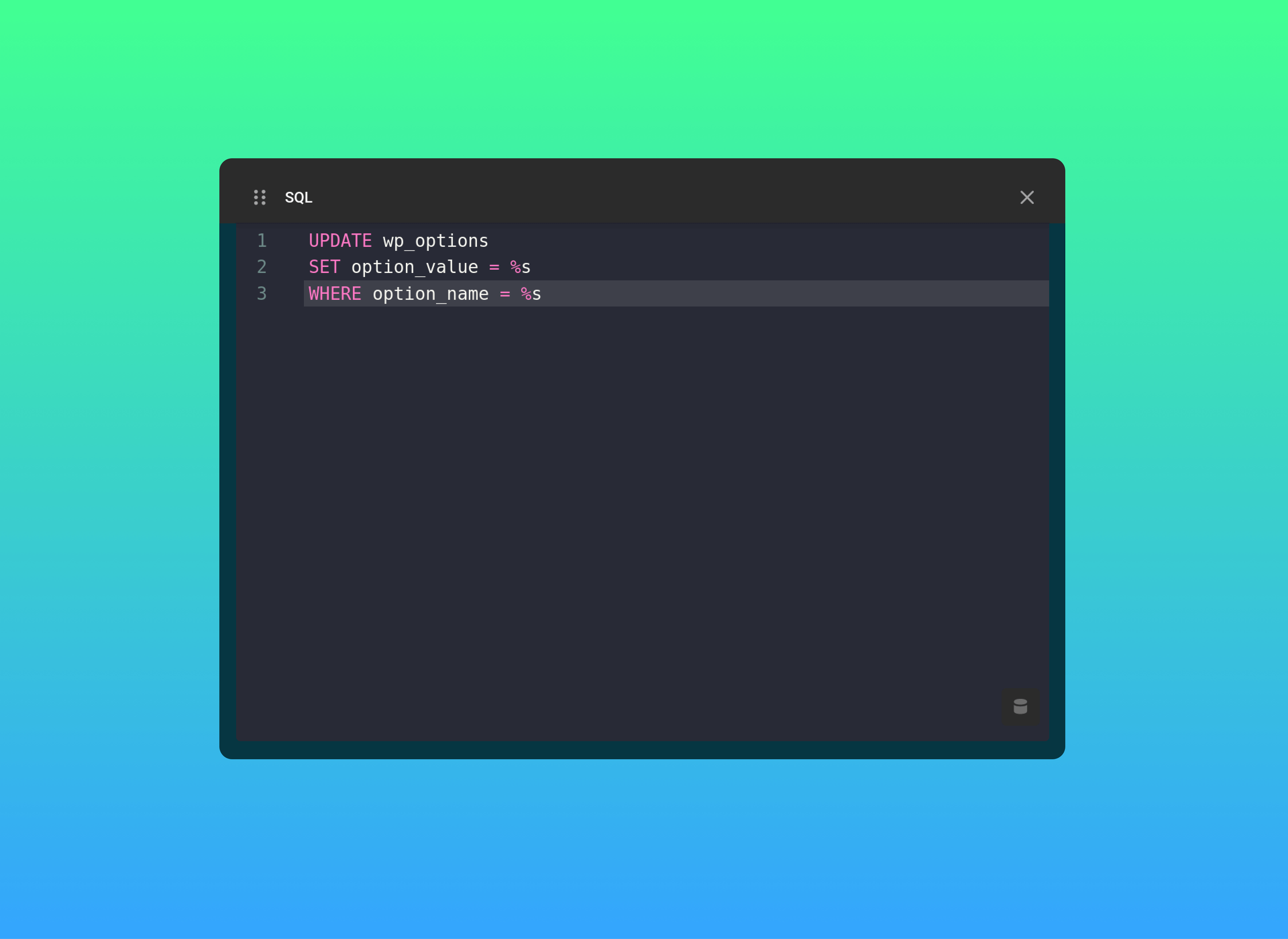
SQL is now available as a Code Editor option within the Controls API, enabling syntax highlighting and structured formatting for database queries. This brings better visibility and precision when building advanced, data-driven controls.
WooCommerce Endpoints
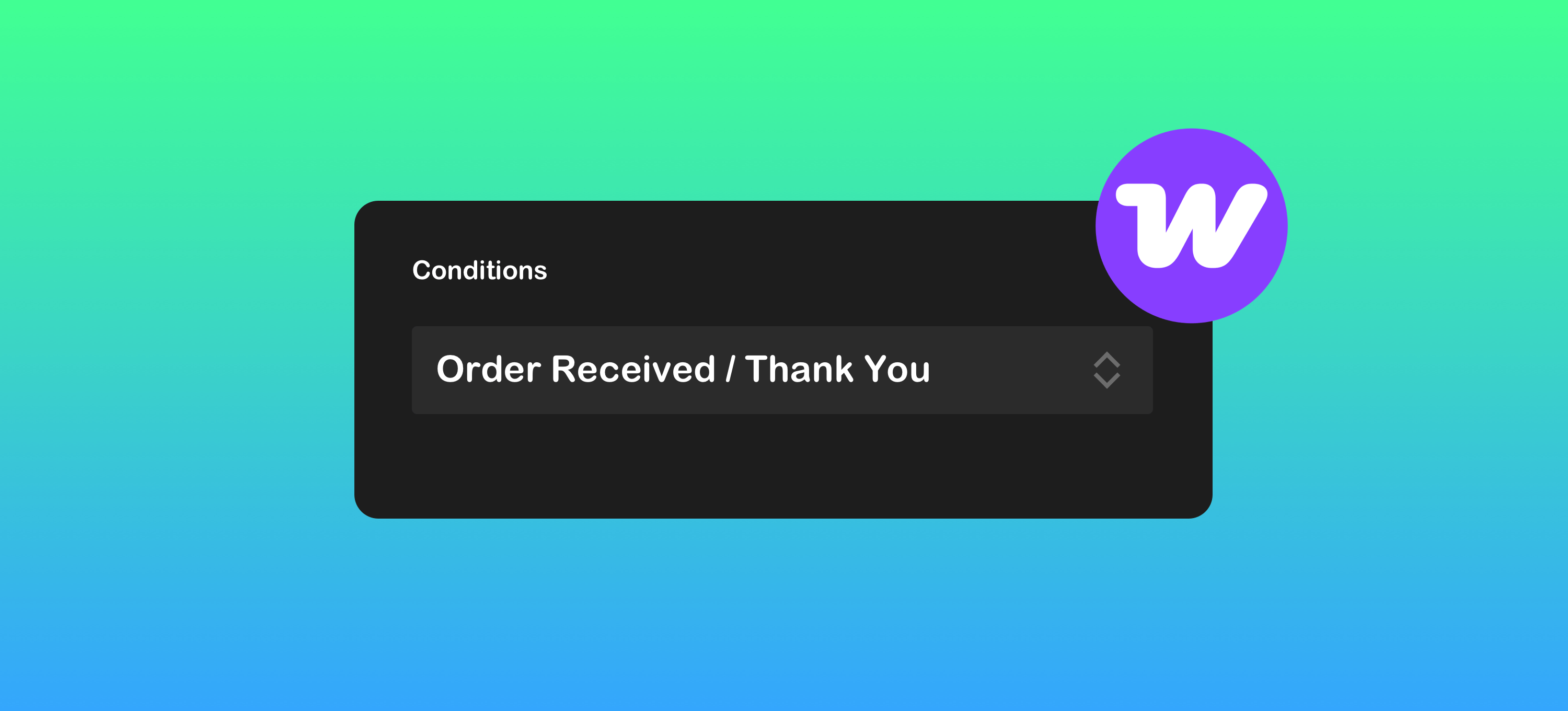
WooCommerce checkout endpoints have been added to Conditions, enabling logic-based targeting across key stages of the checkout flow. Show or hide content with greater precision and create more intentional conversion paths for your customers.
Preview Condition
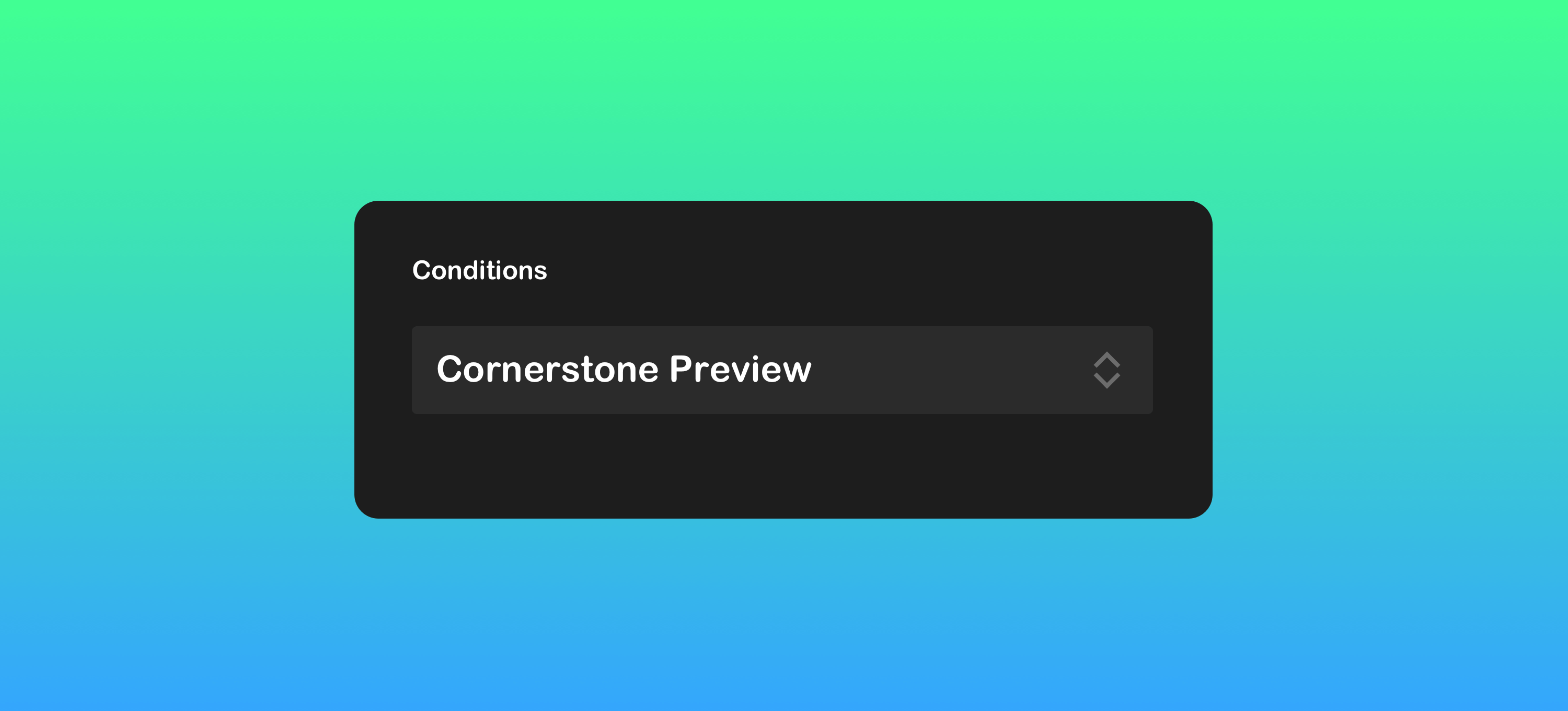
You can now use a dedicated Cornerstone Preview Condition to show or hide Elements based on whether you’re inside the builder or viewing the live site. This makes it easier to tailor the editing experience without affecting front-end output.
Element Dynamic Content
Element data is now accessible from within the Element itself. Dynamically link controls to internal values, power advanced Twig logic directly from Element data, or build Elements that adapt, compute, and respond based on their own configuration.
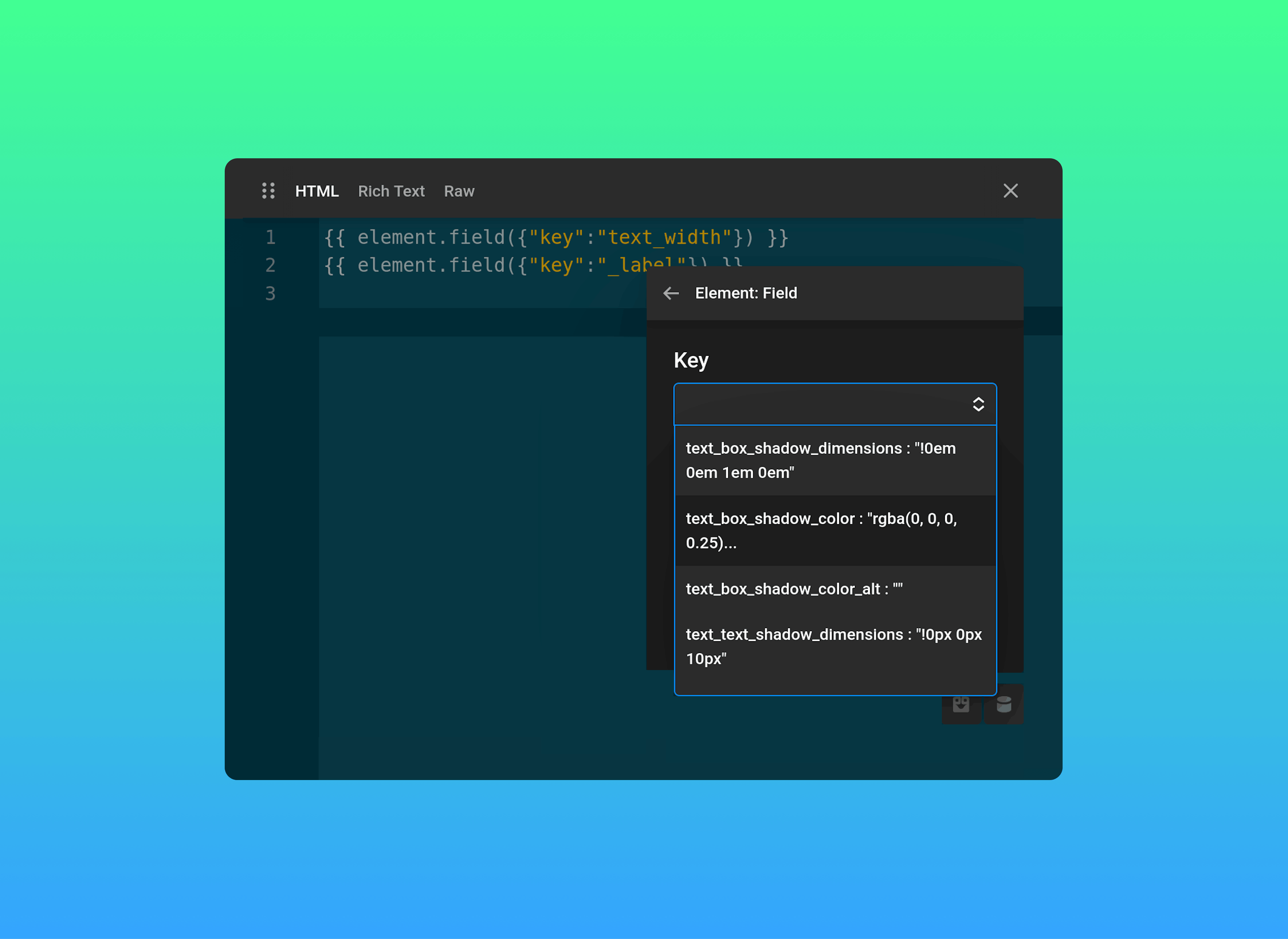
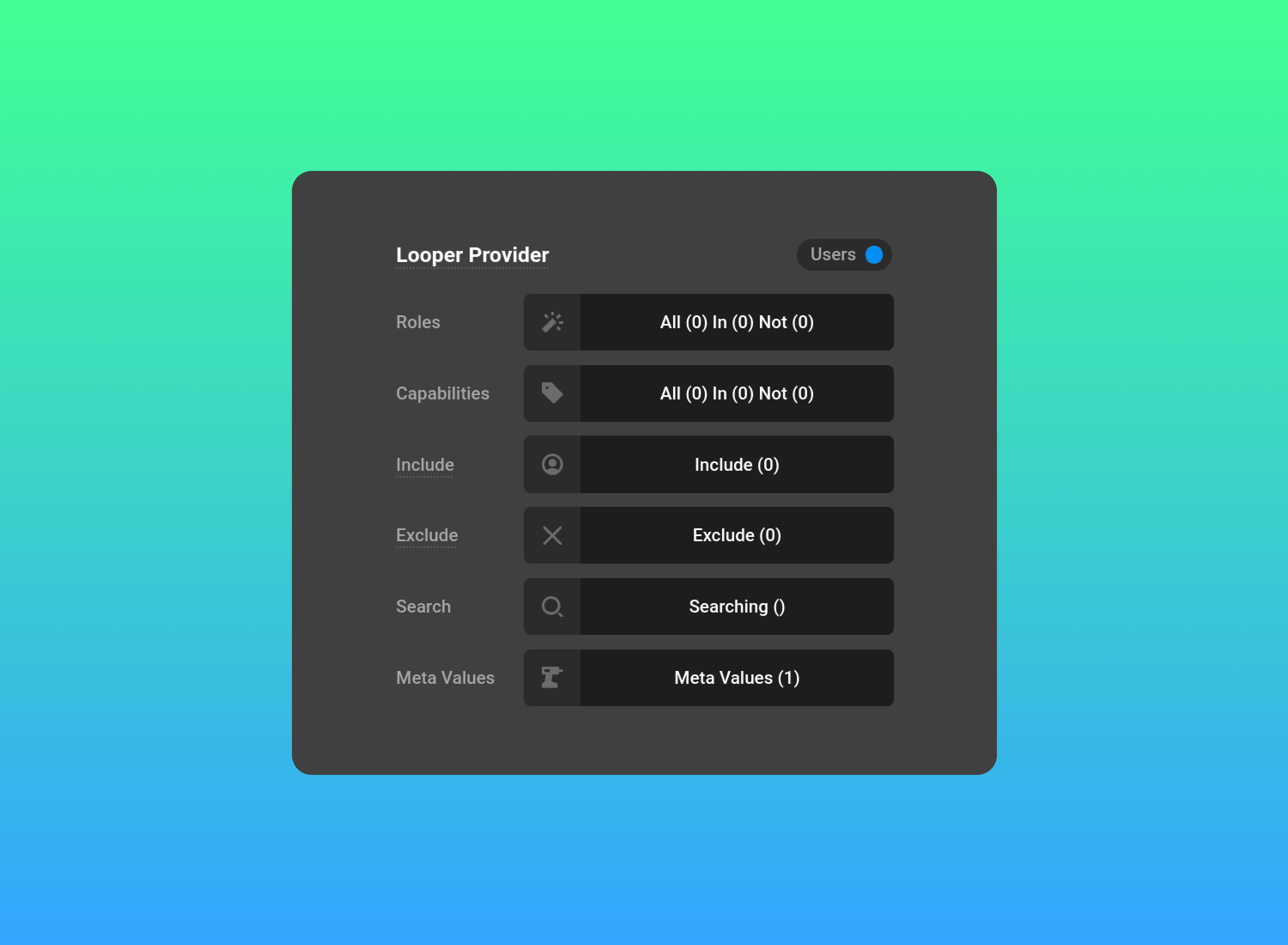
The User Looper
The User Loopers makes it easy to surface and structure user data wherever you need it opening the door to more advanced, data-driven experiences. Create dynamic user directories or populate user select boxes directly with Cornerstone Forms.
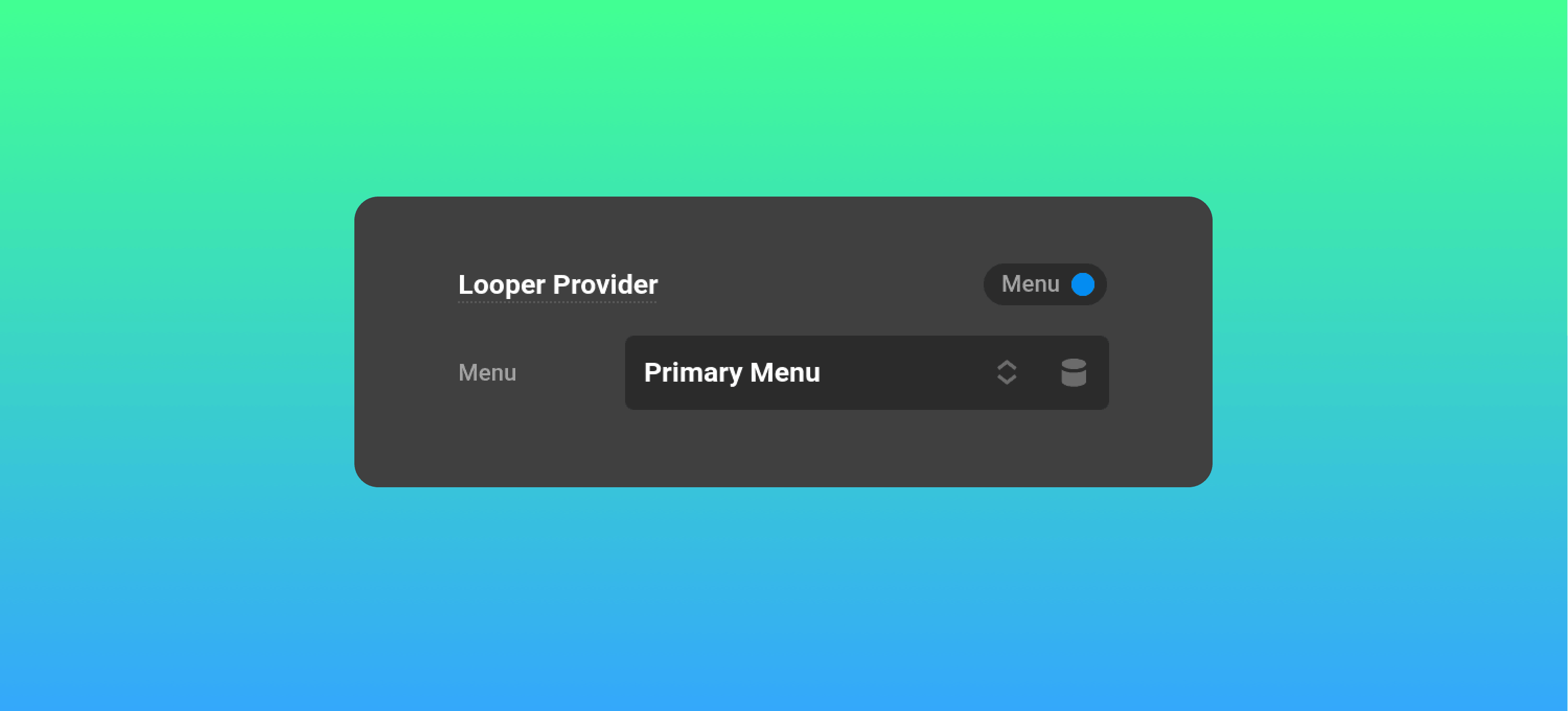
The Menu Looper
The Menu Looper allows you to build menus from scratch and control every layer of their output. Structure them dynamically, render them exactly, and move beyond default menu limitations with this powerful new addition. The Looper renaissance continues.
(No Longer) Lost in Translation
We’re making an important shift in how Cornerstone and WPML handle translations.
The legacy WPML manual editing workflow is being deprecated. While it served a purpose, there were fundamental limitations with the approach, and we’re moving toward a simpler, more standardized integration aligned with WPML’s core translation system.
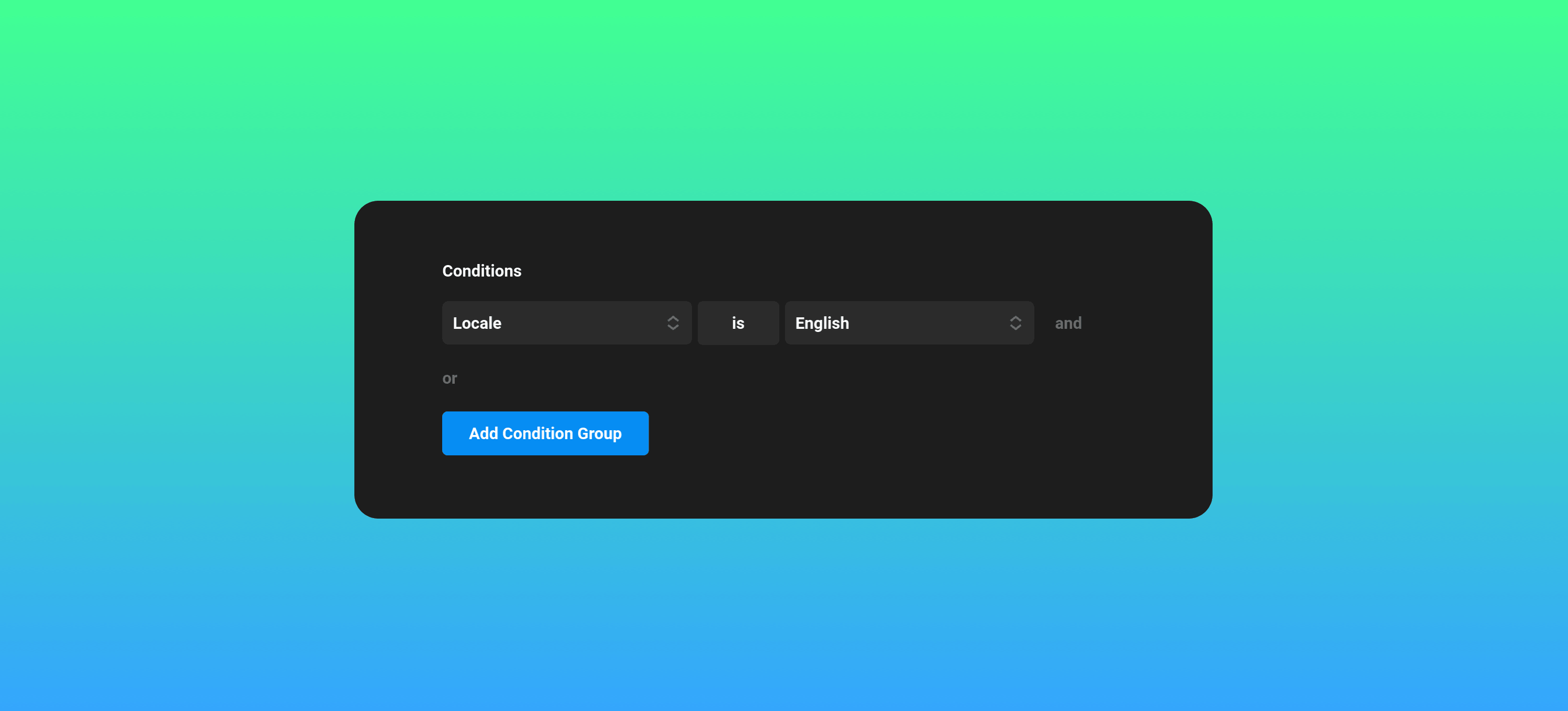
Advanced multilingual builds will now rely on Localization Dynamic Content and Conditions. This allows you to manage variations within a single page rendering entirely different sections based on language using Conditions or Dynamic Content.
The legacy manual editing system will remain available for existing sites, and it will be automatically enabled if your site was built prior to this release. You can continue using it if needed, however it will no longer receive new features or support. Our focus moving forward is ensuring that all Elements, Layouts, and Components integrate cleanly with WPML’s translation dashboard.
We’re collaborating with the WPML team to ensure a smooth experience and compatibility as this transition unfolds. Read more about our WPML integration.
Cornerstone Forms
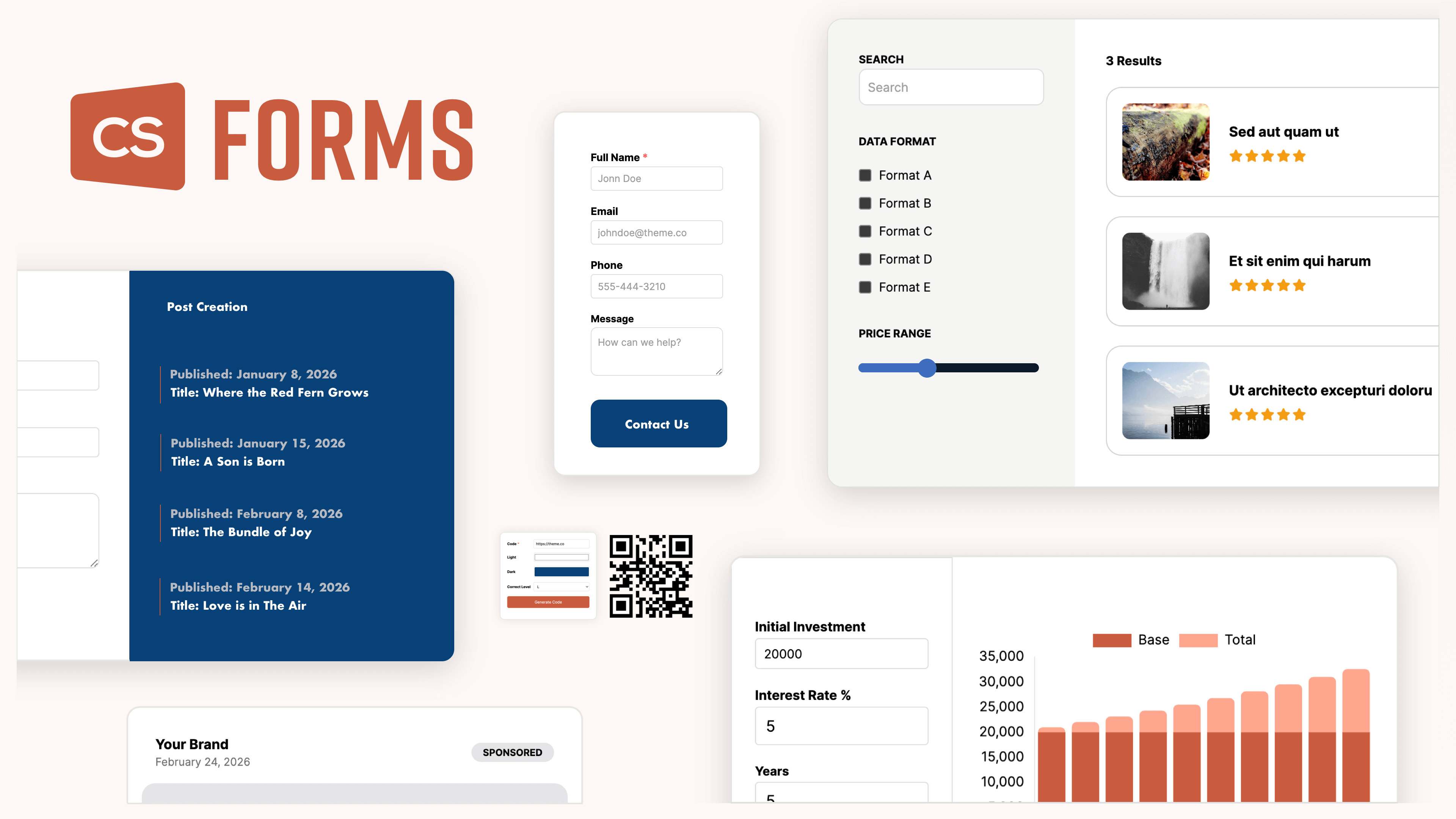
Cornerstone Forms reimagines what form building should be. Fully native to Cornerstone, it replaces traditional contact form plugins, filtering and facet tools, and even lightweight app builders with one unified workspace. Whether you're collecting submissions, filtering content, or powering interactive experiences, everything happens inside Cornerstone. Complete design freedom. Technical depth. No compromises.
Purchase Cornerstone Forms (Lifetime Deal & Unlimited Use)
Purchase The Cornerstone Builder Suite (All Builder Features & All Products)
Go Pro
We've created the most advanced builder in WordPress, and we invite you to join us! Through impressive new features, world-class support, and powerful addons including courses, expansion packs, and plugins — discover why the Cornerstone Builder is the perfect choice for your next personal or client website. Prices start from just $99/yr.
Changelog
- Pro 6.8.12 - July 14, 2026
- Feature: Days of Month dynamic content
- Updated: Document list REST speed improvements
- Updated: Accordion headers will show the mouse cursor even when using h tags
- Bugfix: Playsinline control was showing on the audio element which is not valid
- Bugfix: Accordion headers using h tags would still have the type as button
- Bugfix: WordPress 7 colors were affecting the colors of certain buttons in Cornerstone
- Cornerstone 7.8.12 - July 14, 2026
- Feature: Days of Month dynamic content
- Updated: Document list REST speed improvements
- Updated: Accordion headers will show the mouse cursor even when using h tags
- Bugfix: Playsinline control was showing on the audio element which is not valid
- Bugfix: Accordion headers using h tags would still have the type as button
- Bugfix: WordPress 7 colors were affecting the colors of certain buttons in Cornerstone
- X 10.8.12 - July 14, 2026
- Updated: X version
- Pro 6.8.11 - June 30, 2026
- Feature: Off canvas has a padding control
- Feature: ACF Integration for adding in our Font Awesome icons as individual tabs in the ACF Icon control
- Feature: Query Builder looper has a search option
- Updated: WooCommerce templates were out of date
- Bugfix: Default X stacks were giving a warning in the builder
- Bugfix: Using $el in Global CSS would cause the browser to lock up in certain situations
- Cornerstone 7.8.11 - June 30, 2026
- Feature: Off canvas has a padding control
- Feature: ACF Integration for adding in our Font Awesome icons as individual tabs in the ACF Icon control
- Feature: Query Builder looper has a search option
- Bugfix: Using $el in Global CSS would cause the browser to lock up in certain situations
- X 10.8.11 - June 30, 2026
- Updated: WooCommerce templates were out of date
- Bugfix: Default X stacks were giving a warning in the builder
- Pro 6.8.10 - June 16, 2026
- Feature: Icon element has a media source type for SVGs in your Media library
- Updated: User meta dynamic content will disallow sensitive like password hashes unless you utilize the filter `cs_dynamic_content_protected_user_fields`
- Updated: Google fonts list updated
- Bugfix: Switching the Workspace preference from Right to Left would cause the document preview to disappear
- Bugfix: wc_product_type condition did not check if the product was valid
- Bugfix: WordPress 7 issue where the block editor preview was still visible when the post was a Cornerstone type
- Bugfix: WordPress 7 issue where the link option of TinyMCE would not be visible when you checked a box
- Bugfix: TinyMCE would overwrite and break DC tags used in HTML attributes
- Cornerstone 7.8.10 - June 16, 2026
- Feature: Icon element has a media source type for SVGs in your Media library
- Updated: User meta dynamic content will disallow sensitive like password hashes unless you utilize the filter `cs_dynamic_content_protected_user_fields`
- Updated: Google fonts list updated
- Bugfix: Switching the Workspace preference from Right to Left would cause the document preview to disappear
- Bugfix: wc_product_type condition did not check if the product was valid
- Bugfix: WordPress 7 issue where the block editor preview was still visible when the post was a Cornerstone type
- Bugfix: WordPress 7 issue where the link option of TinyMCE would not be visible when you checked a box
- Bugfix: TinyMCE would overwrite and break DC tags used in HTML attributes
- X 10.8.10 - June 16, 2026
- Updated: Google fonts list updated
- Pro 6.8.9 - June 2, 2026
- Feature: User looper has a custom JSON control
- Feature: Devtools has a reset document action
- Updated: Permission checks on the template exporting REST endpoints
- Updated: WP Rocket LRC exclusions added to our footers
- Updated: Checking for updates on theme.co is cached to prevent too many requests on sites
- Updated: A gradient string with multiple gradients can be used in a color input
- Updated: Redux selector improvements in App
- Updated: Uploading a template with a taxonomy you do not have will give you a detailed error about it
- Updated: Autosave will also autosave when editing theme options and global CSS and JS
- Bugfix: API file return option had the ability to write files outside the upload directory
- Bugfix: Breadcrumb element that had an author URL would not work
- Bugfix: Outline element visibility button was broken on WordPress 7
- Bugfix: Inputs in Cornerstone were a little too big on WordPress 7
- Bugfix: React warning removal on the app tabs
- Bugfix: Tabs that scrolled would not remove the scroll button when you reached the end of the tab list
- Bugfix: Templates using .jpeg extension would not upload those images properly
- Bugfix: cs_render_child_elements_as_data would cause issues when using Dynamic Content excerpt and submitting a Cornerstone Form
- Cornerstone 7.8.9 - June 2, 2026
- Feature: User looper has a custom JSON control
- Feature: Devtools has a reset document action
- Updated: Permission checks on the template exporting REST endpoints
- Updated: Checking for updates on theme.co is cached to prevent too many requests on sites
- Updated: A gradient string with multiple gradients can be used in a color input
- Updated: Redux selector improvements in App
- Updated: Uploading a template with a taxonomy you do not have will give you a detailed error about it
- Updated: Autosave will also autosave when editing theme options and global CSS and JS
- Bugfix: API file return option had the ability to write files outside the upload directory
- Bugfix: Breadcrumb element that had an author URL would not work
- Bugfix: Outline element visibility button was broken on WordPress 7
- Bugfix: Inputs in Cornerstone were a little too big on WordPress 7
- Bugfix: React warning removal on the app tabs
- Bugfix: Tabs that scrolled would not remove the scroll button when you reached the end of the tab list
- Bugfix: Templates using .jpeg extension would not upload those images properly
- Bugfix: cs_render_child_elements_as_data would cause issues when using Dynamic Content excerpt and submitting a Cornerstone Form
- X 10.8.9 - June 2, 2026
- Updated: WP Rocket LRC exclusions added to our footers
- Updated: Checking for updates on theme.co is cached to prevent too many requests on sites
- Bugfix: In X the section starter would show the grid element
- Pro 6.8.8 - May 16, 2026
- Feature: Icon element has a Raw SVG control
- Bugfix: Published child pages with an unpublished parent would not render in the preview properly
- Bugfix: CSS functions that utilized hashtags in their functions would not work properly with TSS. As a result of the fix you can add a gradient string directly in color fields
- Bugfix: Using Element Dynamic Content in a style field would give a warning and not work properly
- Bugfix: Security Update improved float check in Document locator REST
- Bugfix: Security Update improved permission check in Preview CSS endpoint
- Cornerstone 7.8.8 - May 16, 2026
- Feature: Icon element has a Raw SVG control
- Bugfix: Published child pages with an unpublished parent would not render in the preview properly
- Bugfix: CSS functions that utilized hashtags in their functions would not work properly with TSS. As a result of the fix you can add a gradient string directly in color fields
- Bugfix: Using Element Dynamic Content in a style field would give a warning and not work properly
- Bugfix: Security Update improved float check in Document locator REST
- Bugfix: Security Update improved permission check in Preview CSS endpoint
- X 10.8.8 - May 16, 2026
- Updated: X version update
- Pro 6.8.7 - May 5, 2026
- Updated: Validation requests uses new route without /apex as the root
- Bugfix: Looper rewind on the top level looper provider on a single page, would duplicate the page
- Bugfix: Twig function get_attachment was not using a valid function and will utilize the function wp_get_attachment_url now
- Bugfix: Scroll disable on modals and off-canvas would cause a browser reflow warning
- Bugfix: "Edit Layout" would not show the same URL you were viewing on the frontend when entering Cornerstone
- Bugfix: Tree Data select (used on Looper Fields and Form Inputs) would not work on Components
- Bugfix: Typing brackets in a dimension field (margin, padding) would change unlinked to linked
- Cornerstone 7.8.7 - May 5, 2026
- Updated: Validation requests uses new route without /apex as the root
- Bugfix: Looper rewind on the top level looper provider on a single page, would duplicate the page
- Bugfix: Twig function get_attachment was not using a valid function and will utilize the function wp_get_attachment_url now
- Bugfix: Scroll disable on modals and off-canvas would cause a browser reflow warning
- Bugfix: "Edit Layout" would not show the same URL you were viewing on the frontend when entering Cornerstone
- Bugfix: Tree Data select (used on Looper Fields and Form Inputs) would not work on Components
- Bugfix: Typing brackets in a dimension field (margin, padding) would change unlinked to linked
- X 10.8.7 - May 5, 2026
- Updated: Validation requests uses new route without /apex as the root
- Bugfix: Scroll disable on modals and off-canvas would cause a browser reflow warning
- Bugfix: "Edit Layout" would not show the same URL you were viewing on the frontend when entering Cornerstone
- Pro 6.8.6 - April 22, 2026
- Feature: Accordion has an overflow option
- Feature: All Terms looper has a parent term control
- Updated: Root theme files were accessible and now have an ABSPATH check to prevent errors from bots
- Bugfix: Scroll effects will set their delay to 1ms when using 0s or 0ms to prevent an issue with Safari
- Bugfix: Layouts and Components were displaying an incorrect value for the trash section
- Bugfix: RevSlider was using a deprecated method on version 7
- Bugfix: Starter and blank stack had various CSS issues with !important being in the wrong spot
- Bugfix: Icon view partial could have a fatal error with array_filter
- Bugfix: Custom attributes being invalid JSON would cause a crash
- Cornerstone 7.8.6 - April 22, 2026
- Feature: Accordion has an overflow option
- Feature: All Terms looper has a parent term control
- Updated: Root theme files were accessible and now have an ABSPATH check to prevent errors from bots
- Bugfix: Scroll effects will set their delay to 1ms when using 0s or 0ms to prevent an issue with Safari
- Bugfix: Layouts and Components were displaying an incorrect value for the trash section
- Bugfix: RevSlider was using a deprecated method on version 7
- Bugfix: Icon view partial could have a fatal error with array_filter
- Bugfix: Custom attributes being invalid JSON would cause a crash
- X 10.8.6 - April 22, 2026
- Updated: Root theme files were accessible and now have an ABSPATH check to prevent errors from bots
- Bugfix: RevSlider was using a deprecated method on version 7
- Bugfix: Icon view partial could have a fatal error with array_filter
- Pro 6.8.5 - April 7, 2026
- Updated: Countdown element sets the font-variant to numeric-tabular to prevent layout shifting on number changes
- Updated: date-time usages in Query Builder, Countdown, and Date Show Conditions will utilize ISO again so the timezone information is sent
- Updated: WooCommerce layout types in our WordPress admin menu will utilize the WooCommerce short names (WC Single etc...)
- Updated: Previewing a Single or Archive will remember the last type of preview you were using for the given document
- Bugfix: Color picker hue slider would change when changing the spectrum value
- Bugfix: On the Starter and Blank stacks the search element would have a duplicate search clear button
- Bugfix: Various PHP 8 warning removals on ACF, Twig, and Element API
- Bugfix: Dimension controls (Padding, Margin) would not let you enter a calc statement
- Bugfix: Dimension controls (Padding, Margin) would get very buggy when entering in Dynamic Content that had spaces in the value
- Bugfix: Remote Assets (Design Cloud, Starter Site, Packs) would fatally crash if our demo server was down
- Cornerstone 7.8.5 - April 7, 2026
- Updated: Countdown element sets the font-variant to numeric-tabular to prevent layout shifting on number changes
- Updated: date-time usages in Query Builder, Countdown, and Date Show Conditions will utilize ISO again so the timezone information is sent
- Updated: WooCommerce layout types in our WordPress admin menu will utilize the WooCommerce short names (WC Single etc...)
- Updated: Previewing a Single or Archive will remember the last type of preview you were using for the given document
- Bugfix: Color picker hue slider would change when changing the spectrum value
- Bugfix: Various PHP 8 warning removals on ACF, Twig, and Element API
- Bugfix: Dimension controls (Padding, Margin) would not let you enter a calc statement
- Bugfix: Dimension controls (Padding, Margin) would get very buggy when entering in Dynamic Content that had spaces in the value
- Bugfix: Remote Assets (Design Cloud, Starter Site, Packs) would fatally crash if our demo server was down
- X 10.8.5 - April 7, 2026
- Updated: WooCommerce layout types in our WordPress admin menu will utilize the WooCommerce short names (WC Single etc...)
- Bugfix: Various PHP 8 warning removals on ACF, Twig, and Element API
- Bugfix: Remote Assets (Design Cloud, Starter Site, Packs) would fatally crash if our demo server was down
- Pro 6.8.4 - March 24, 2026
- Updated: Google Fonts list updated
- Updated: Accordion FAQ Schema will accumulate all items from the page
- Updated: WPML config updated
- Bugfix: Some migration code was using non string array keys
- Bugfix: Filter `cs_font_data` did not work properly
- Bugfix: Revolution Slider 7 masthead display did not work properly
- Bugfix: Design cloud site imports did not work when the design cloud site was using Revolution Slider
- Cornerstone 7.8.4 - March 24, 2026
- Updated: Google Fonts list updated
- Updated: Accordion FAQ Schema will accumulate all items from the page
- Updated: WPML config updated
- Updated: WPML config not sent on Cornerstone standalone
- Bugfix: Some migration code was using non string array keys
- Bugfix: Filter `cs_font_data` did not work properly
- X 10.8.4 - March 24, 2026
- Updated: WPML config updated
- Bugfix: Revolution Slider 7 masthead display did not work properly
- Bugfix: Design cloud site imports did not work when the design cloud site was using Revolution Slider
- Pro 6.8.3 - March 19, 2026
- Bugfix: Classic Revolution Slider element did not work with Revolution Slider 7
- Cornerstone 7.8.3 - March 19, 2026
- Bugfix: Classic Revolution Slider element did not work with Revolution Slider 7
- X 10.8.3 - March 19, 2026
- Bugfix: Classic Revolution Slider element did not work with Revolution Slider 7
- Pro 6.8.2 - March 18, 2026
- Feature: Mobile Device condition
- Feature: Accordion FAQ schema has new controls
- Feature: Recent Posts looper has an exclude current post control
- Feature: style_protected_keys Element definition option
- Feature: Show Conditions can be utilized in parameters
- Updated: Font Weight control will be in breakout mode when using CSS variables
- Updated: Unit field controls will be in breakout mode when using CSS functions
- Updated: Menu looper sends data related to the menu item being the current active item
- Updated: WooCommerce short description dynamic content will utilize the same formatting that WooCommerce uses for short descriptions built with their templates
- Updated: Keybinding for jumping up to the parent of the current element in the inspector
- Updated: Image object fit can utilize Dynamic Content
- Updated: Show conditions control shows the number of conditions you have
- Bugfix: Various elements had an issue with the background alt color not working
- Bugfix: Video timerail when not in advanced mode was overflowing off frame
- Bugfix: Video posters were not showing when using a youtube video
- Bugfix: Countdown element has certain controls broken due to box shadow changes
- Bugfix: Borders, when jumping from linked to unlinked mode without setting a color would cause the alt color to disapear
- Cornerstone 7.8.2 - March 18, 2026
- Feature: Mobile Device condition
- Feature: Accordion FAQ schema has new controls
- Feature: Recent Posts looper has an exclude current post control
- Feature: style_protected_keys Element definition option
- Feature: Show Conditions can be utilized in parameters
- Updated: Font Weight control will be in breakout mode when using CSS variables
- Updated: Unit field controls will be in breakout mode when using CSS functions
- Updated: Menu looper sends data related to the menu item being the current active item
- Updated: WooCommerce short description dynamic content will utilize the same formatting that WooCommerce uses for short descriptions built with their templates
- Updated: Keybinding for jumping up to the parent of the current element in the inspector
- Updated: Image object fit can utilize Dynamic Content
- Updated: Show conditions control shows the number of conditions you have
- Bugfix: Various elements had an issue with the background alt color not working
- Bugfix: Video timerail when not in advanced mode was overflowing off frame
- Bugfix: Video posters were not showing when using a youtube video
- Bugfix: Countdown element has certain controls broken due to box shadow changes
- Bugfix: Borders, when jumping from linked to unlinked mode without setting a color would cause the alt color to disapear
- X 10.8.2 - March 18, 2026
- Bugfix: Video posters were not showing when using a youtube video
- Pro 6.8.1 - March 7, 2026
- Feature: Images have a fetch priority control
- Updated: Root color scheme is now controlled by a Theme Option and not set to `light dark` by default
- Bugfix: WebP images would export properly, but not import properly in our .tco files
- Bugfix: Classic control could crash on certain dimension based fields
- Bugfix: Default stacks were not enqueuing child theme CSS properly
- Bugfix: Graphic icon background alt color was broken
- Cornerstone 7.8.1 - March 7, 2026
- Feature: Images have a fetch priority control
- Bugfix: WebP images would export properly, but not import properly in our .tco files
- Bugfix: Classic control could crash on certain dimension based fields
- Bugfix: Graphic icon background alt color was broken
- X 10.8.1 - March 7, 2026
- Updated: Root color scheme is now controlled by a Theme Option and not set to `light dark` by default
- Bugfix: Default stacks were not enqueuing child theme CSS properly
- Pro 6.8.0 - March 3, 2026
- Feature: Autosave builder preference
- Feature: Element Dynamic Content. Which will output data from your element.
- Feature: Menu Looper
- Feature: User Looper
- Feature: Is Cornerstone Preview condition
- Feature: Menu custom icons uses our icon picker
- Feature: New dynamic options for Cornerstone controls, db_options, post_type, terms.
- Feature: WooCommerce layouts have checkout endpoint assignments
- Feature: Control partial list-style
- Feature: function `cs_render_child_elements_as_data` for usage in data based element rendering
- Feature: `valid_ancestor` control option which requires the element type to have a parent be a certain element type
- Feature: Dynamic Content button for List control can use Dynamic Content for the whole list
- Feature: Column Element Order control
- Updated: A URL parameter that was 0 would not be returned properly
- Updated: Control type select will enter breakout mode when using value `__custom__` as a select option
- Updated: `cs_element_library_group_arrangement` filter to change the elements group order
- Updated: `cs_element_should_hide` filter to add custom element hiding code
- Updated: `sql` can be use as a mode type in the 'code-editor' control type
- Updated: Cornerstone control type `date-time` has a `timeFormat` and a `dateFormat` option
- Updated: Element prefabs can have their own custom Icon
- Updated: Preview based settings code moved out of preview to App
- Updated: You can utilize light-dark as a color value in our color picker
- Updated: Audio and Video element did not utilize SVG icons when in Font Awesome SVG mode
- Updated: Parameter dynamic content will display as a select box of available parameters
- Updated: Box and Text shadow have new default values so the App can seem more responsive when enabling those features
- Updated: Template tab renamed to Library
- Updated: Component name setting will try to create a slugged version of it's title
- Updated: Our custom post types will show up in the WP dashboard as a post type list
- Updated: WPML Cornerstone manual editor is turned off for new sites. Sites built with previous versions will have this enabled when upgrading during this transition period
- Updated: Ability to grab entire field setting data in ACF Dynamic Content
- Updated: Theme Options link on the WordPress admin sidebar
- Updated: WPML integration will send info about our elements so all elements going forward will be translatable by WPML by default
- Bugfix: You couldn't use a bool value in a 'list' type control
- Bugfix: The menu custom icons were causing severe performance issues
- Bugfix: Alt colors not working on a breakpoint when it's the same as the base value
- Bugfix: Child theme had a style dependency issue on custom stacks
- Bugfix: External API using URL encode on a the attribute type would not work with certain APIs
- Bugfix: A managed parameter that was being used as a list would not work properly
- Bugfix: Youtube videos inside our Video player setting didn't have properly working controls
- Bugfix: Jump links scrolling would sometimes have the sticky header overlapping the final location
- Bugfix: Closing a document that opened a document that was edited, would not show the save button as having changes.
- Bugfix: When switching from a linked to an unlinked border, it would improperly set your border color to black
- Cornerstone 7.8.0 - March 3, 2026
- Feature: Autosave builder preference
- Feature: Element Dynamic Content. Which will output data from your element.
- Feature: Menu Looper
- Feature: User Looper
- Feature: Is Cornerstone Preview condition
- Feature: Menu custom icons uses our icon picker
- Feature: New dynamic options for Cornerstone controls, db_options, post_type, terms.
- Feature: WooCommerce layouts have checkout endpoint assignments
- Feature: Control partial list-style
- Feature: function `cs_render_child_elements_as_data` for usage in data based element rendering
- Feature: `valid_ancestor` control option which requires the element type to have a parent be a certain element type
- Feature: Dynamic Content button for List control can use Dynamic Content for the whole list
- Feature: Column Element Order control
- Updated: A URL parameter that was 0 would not be returned properly
- Updated: Control type select will enter breakout mode when using value `__custom__` as a select option
- Updated: `cs_element_library_group_arrangement` filter to change the elements group order
- Updated: `cs_element_should_hide` filter to add custom element hiding code
- Updated: `sql` can be use as a mode type in the 'code-editor' control type
- Updated: Cornerstone control type `date-time` has a `timeFormat` and a `dateFormat` option
- Updated: Element prefabs can have their own custom Icon
- Updated: Preview based settings code moved out of preview to App
- Updated: You can utilize light-dark as a color value in our color picker
- Updated: Audio and Video element did not utilize SVG icons when in Font Awesome SVG mode
- Updated: Parameter dynamic content will display as a select box of available parameters
- Updated: Box and Text shadow have new default values so the App can seem more responsive when enabling those features
- Updated: Template tab renamed to Library
- Updated: Component name setting will try to create a slugged version of it's title
- Updated: Our custom post types will show up in the WP dashboard as a post type list
- Updated: WPML Cornerstone manual editor is turned off for new sites. Sites built with previous versions will have this enabled when upgrading during this transition period
- Updated: Ability to grab entire field setting data in ACF Dynamic Content
- Updated: Theme Options link on the WordPress admin sidebar
- Updated: WPML integration will send info about our elements so all elements going forward will be translatable by WPML by default
- Bugfix: You couldn't use a bool value in a 'list' type control
- Bugfix: Alt colors not working on a breakpoint when it's the same as the base value
- Bugfix: External API using URL encode on a the attribute type would not work with certain APIs
- Bugfix: A managed parameter that was being used as a list would not work properly
- Bugfix: Youtube videos inside our Video player setting didn't have properly working controls
- Bugfix: Jump links scrolling would sometimes have the sticky header overlapping the final location
- Bugfix: Closing a document that opened a document that was edited, would not show the save button as having changes.
- Bugfix: When switching from a linked to an unlinked border, it would improperly set your border color to black
- X 10.8.0 - March 3, 2026
- Feature: Menu custom icons uses our icon picker
- Updated: You can utilize light-dark as a color value in our color picker
- Updated: Audio and Video element did not utilize SVG icons when in Font Awesome SVG mode
- Updated: Our custom post types will show up in the WP dashboard as a post type list
- Bugfix: Child theme had a style dependency issue on custom stacks
- Bugfix: Jump links scrolling would sometimes have the sticky header overlapping the final location
FAQ
Status
- 03/02/26: Pro 6.8.0, X 10.8.0, and Cornerstone 7.8.0 available via manual updates
- 03/04/26: Pro 6.8.0, X 10.8.0, and Cornerstone 7.8.0 available via automatic updates
- 03/06/26: Pro 6.8.1, X 10.8.1, and Cornerstone 7.8.1 available via automatic updates
- 03/17/26: Pro 6.8.2, X 10.8.2, and Cornerstone 7.8.2 available via automatic updates
- 03/18/26: Pro 6.8.3, X 10.8.3, and Cornerstone 7.8.3 available via automatic updates
- 03/23/26: Pro 6.8.4, X 10.8.4, and Cornerstone 7.8.4 available via automatic updates
- 04/06/26: Pro 6.8.5, X 10.8.5, and Cornerstone 7.8.5 available via automatic updates
- 04/21/26: Pro 6.8.6, X 10.8.6, and Cornerstone 7.8.6 available via automatic updates
- 05/04/26: Pro 6.8.7, X 10.8.7, and Cornerstone 7.8.7 available via automatic updates
- 05/15/26: Pro 6.8.8, X 10.8.8, and Cornerstone 7.8.8 available via automatic updates
- 06/01/26: Pro 6.8.9, X 10.8.9, and Cornerstone 7.8.9 available via automatic updates
- 06/15/26: Pro 6.8.10, X 10.8.10, and Cornerstone 7.8.10 available via automatic updates
- 06/29/26: Pro 6.8.11, X 10.8.11, and Cornerstone 7.8.11 available via automatic updates
- 07/13/26: Pro 6.8.12, X 10.8.12, and Cornerstone 7.8.12 available via automatic updates
The following confirmed issues are specific to this cycle. If listed here we are planning to address it in a subsequent point release. Items will be crossed off as they are corrected and you will see corresponding notes in the changelog above.
- None reported so far