
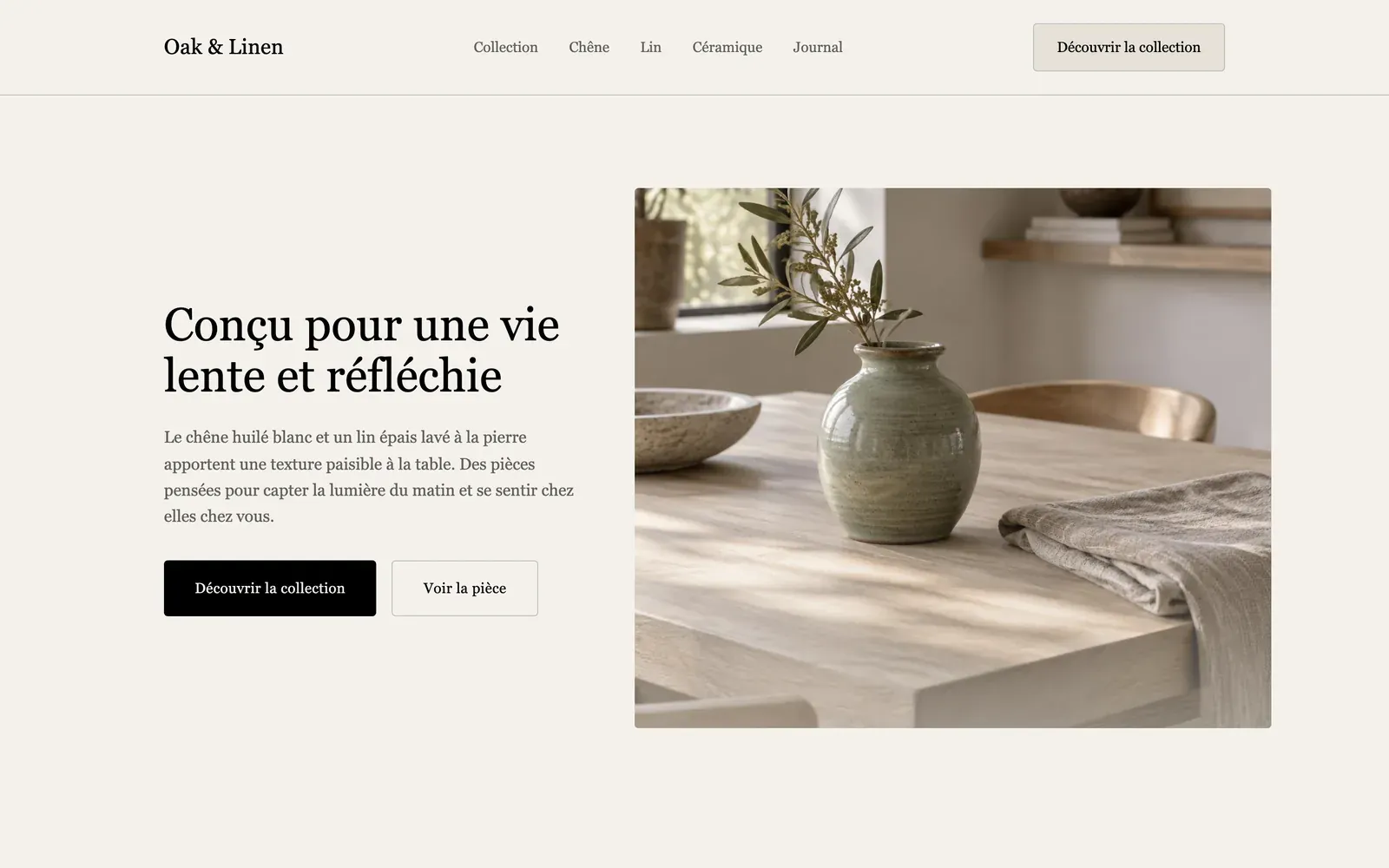
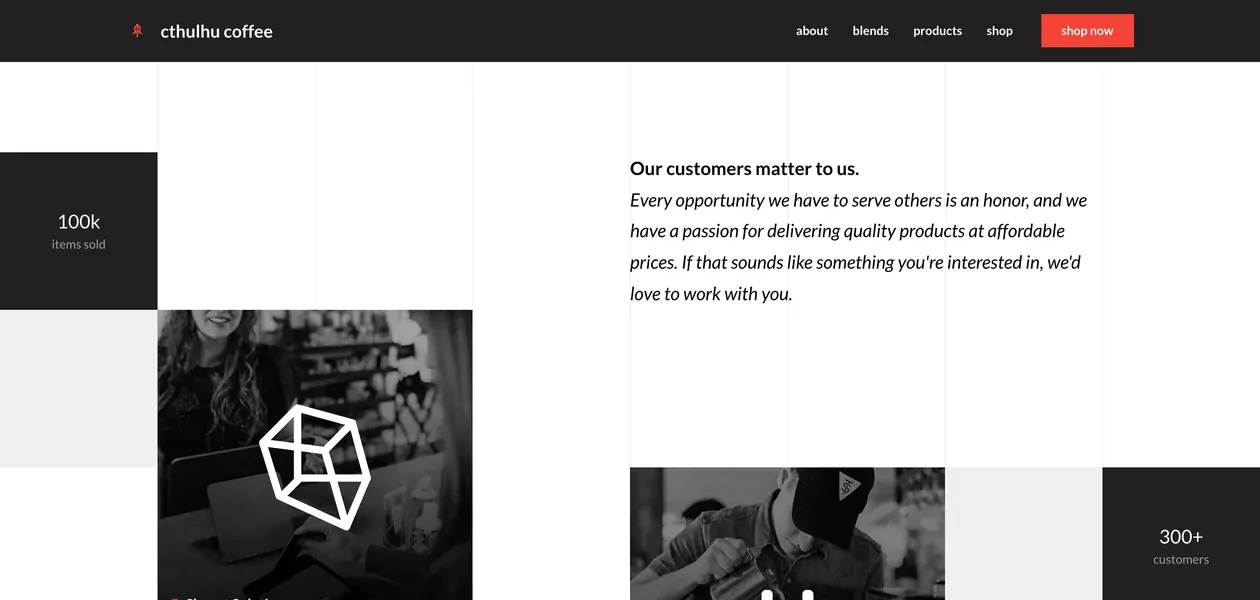
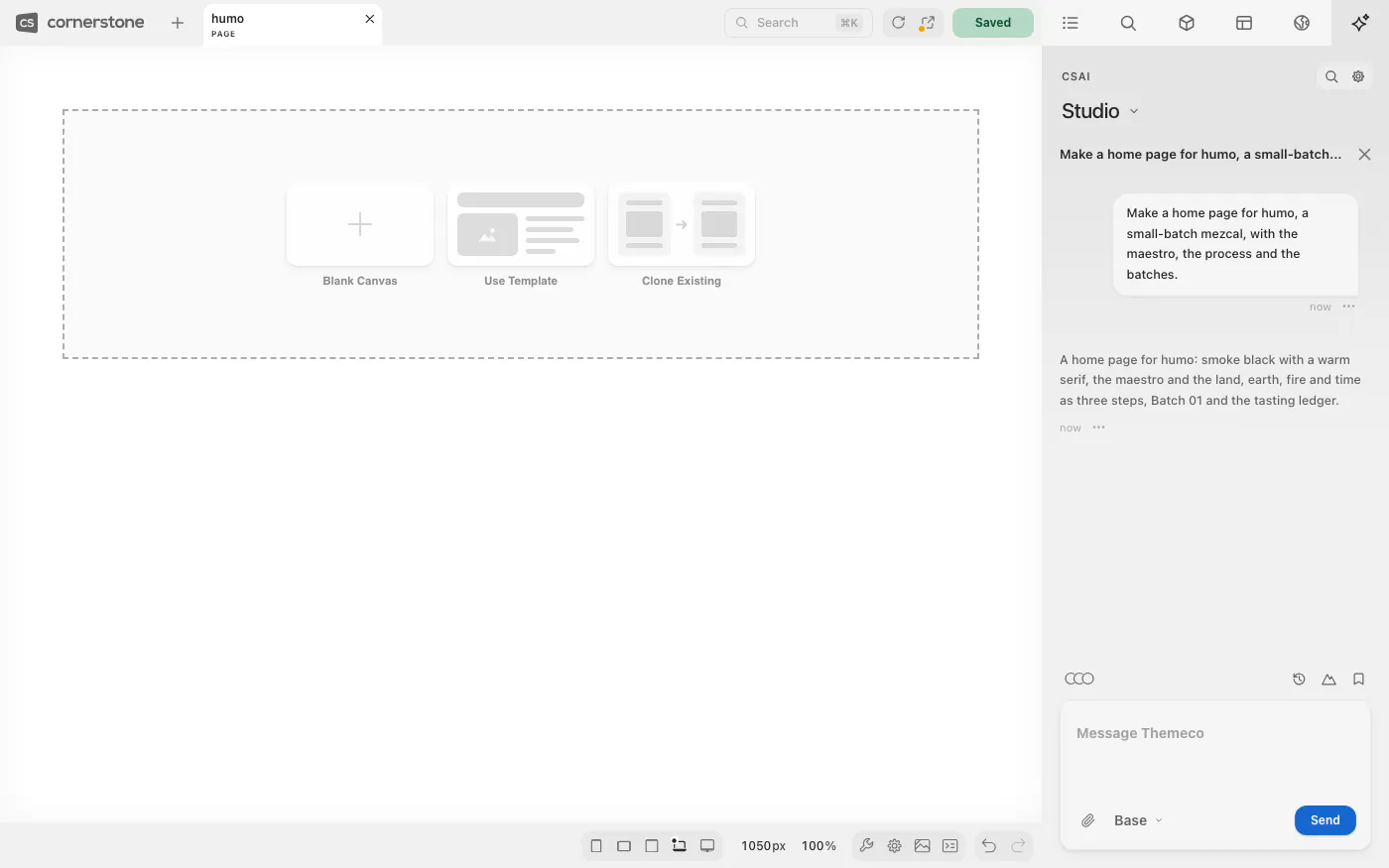
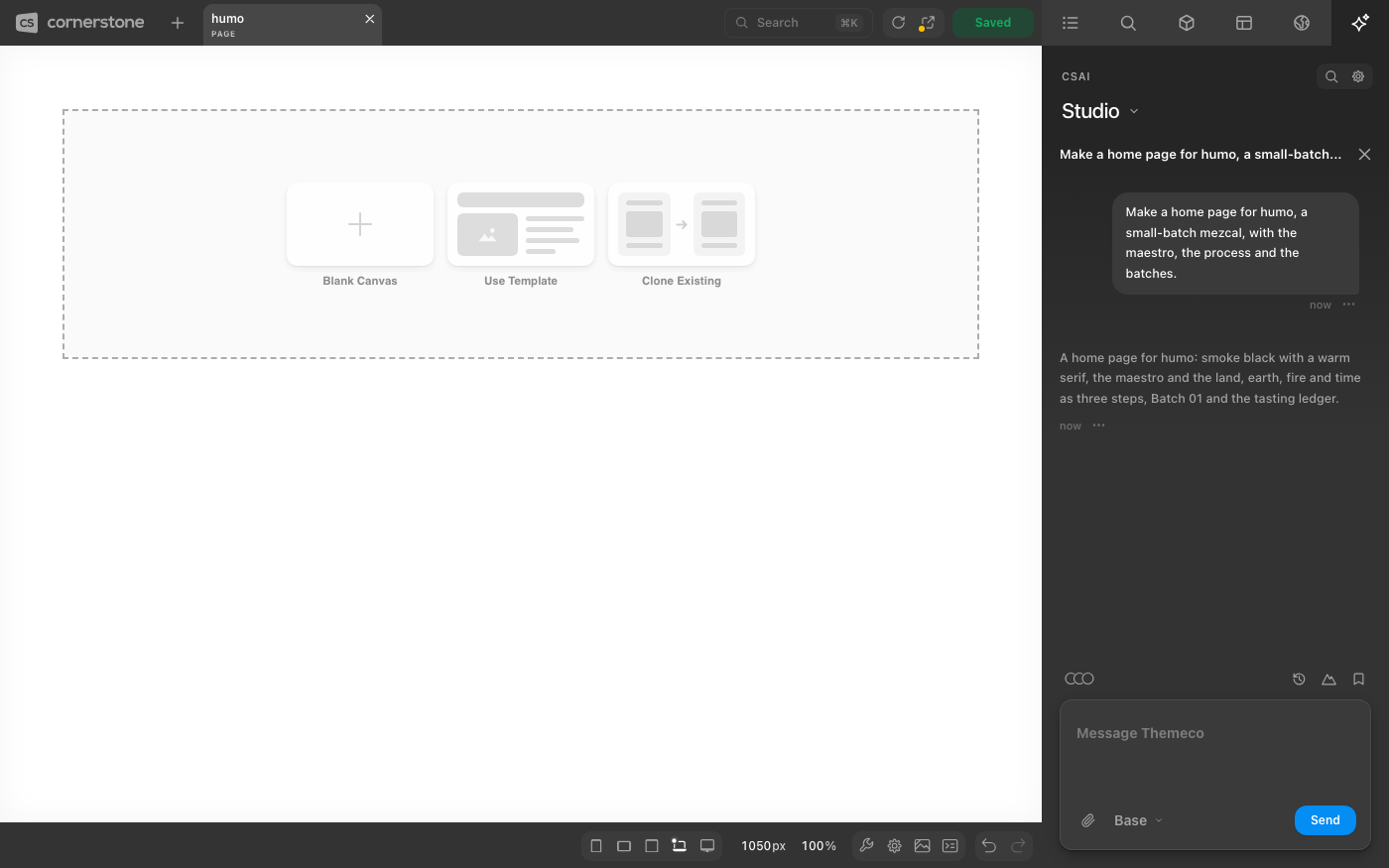
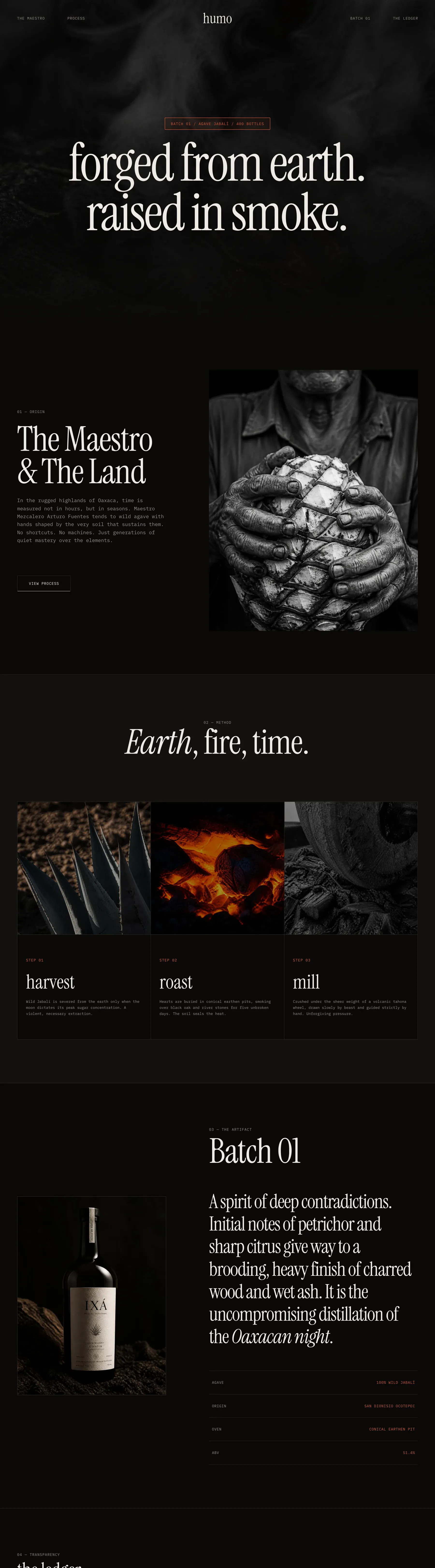
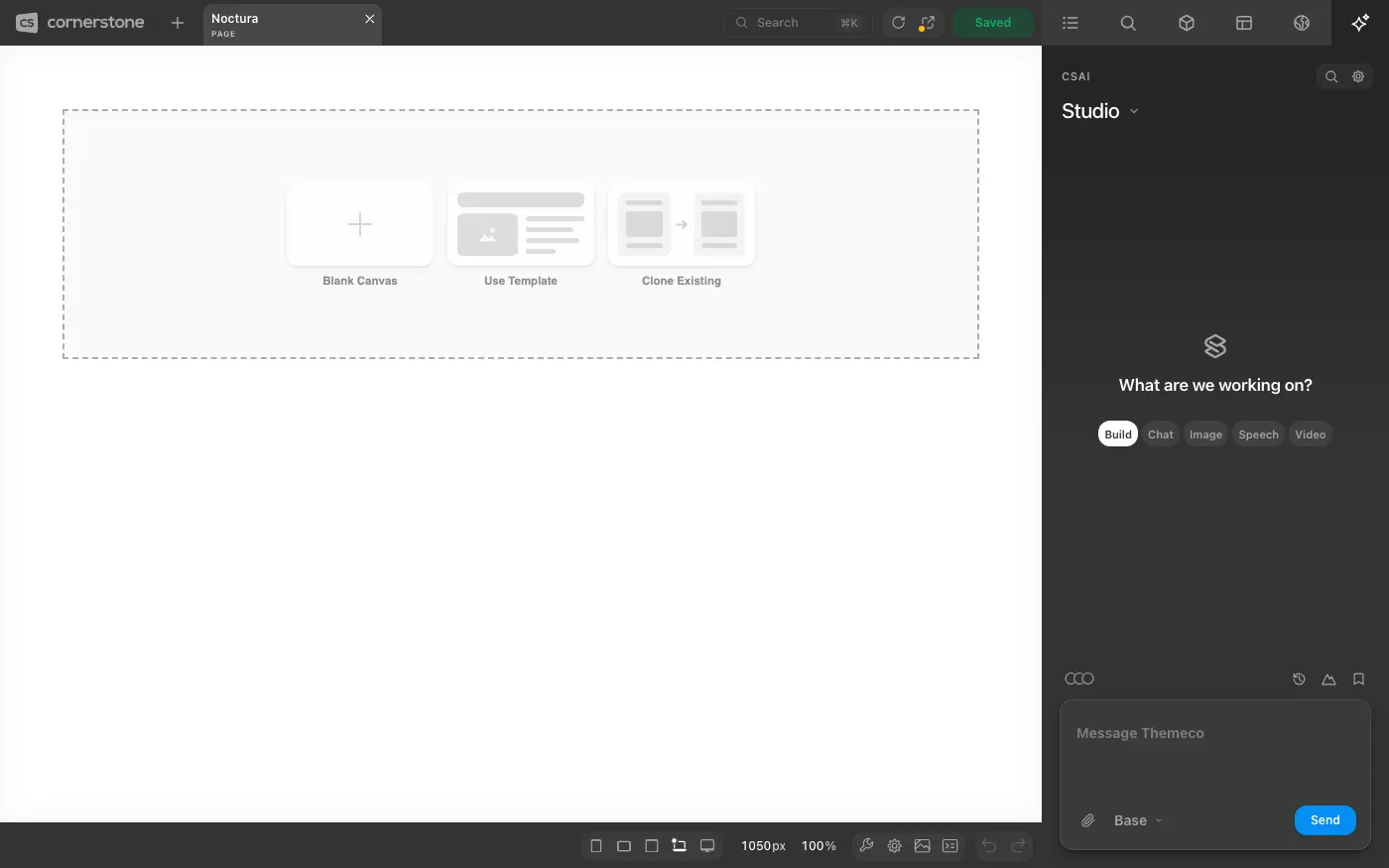
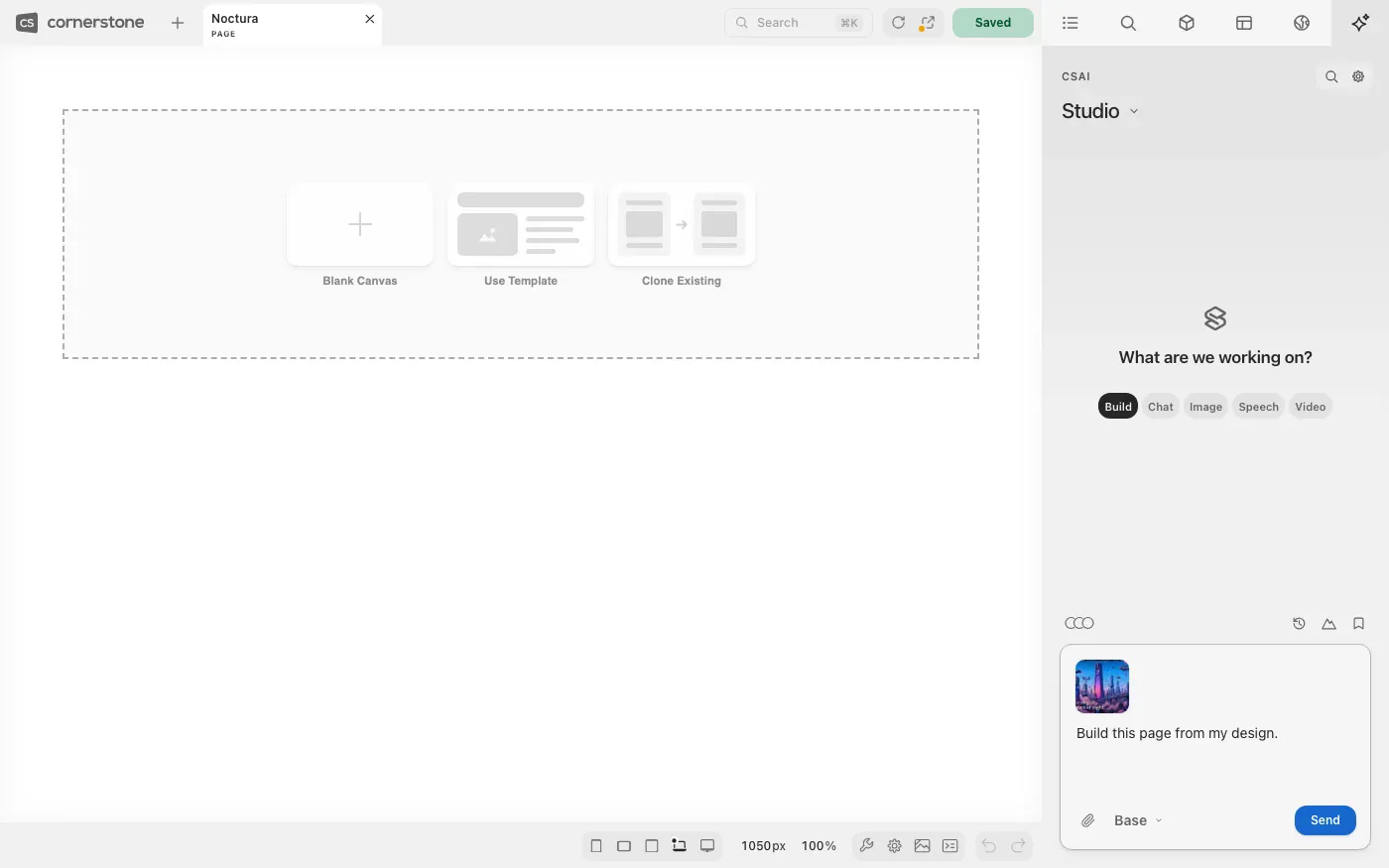
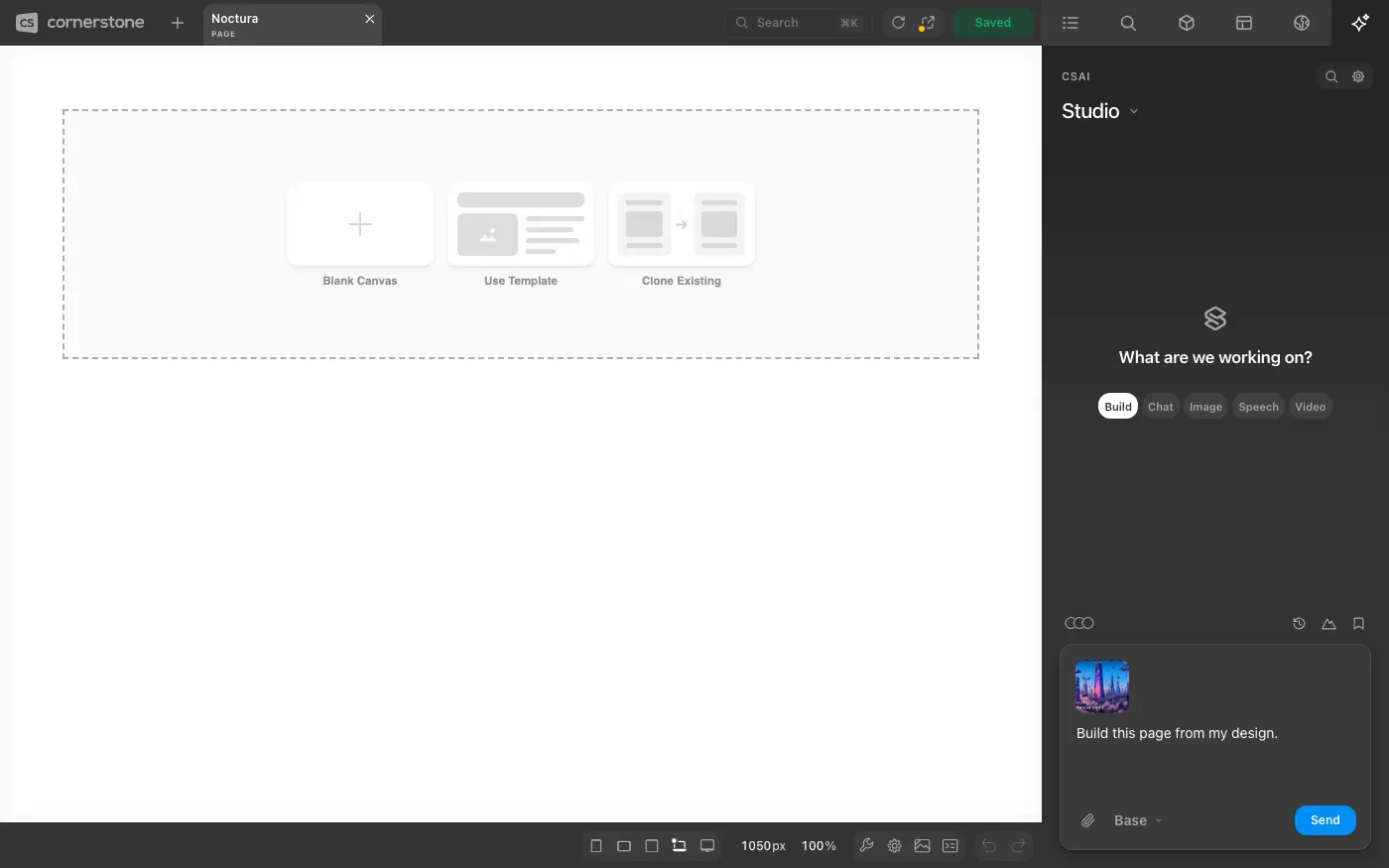
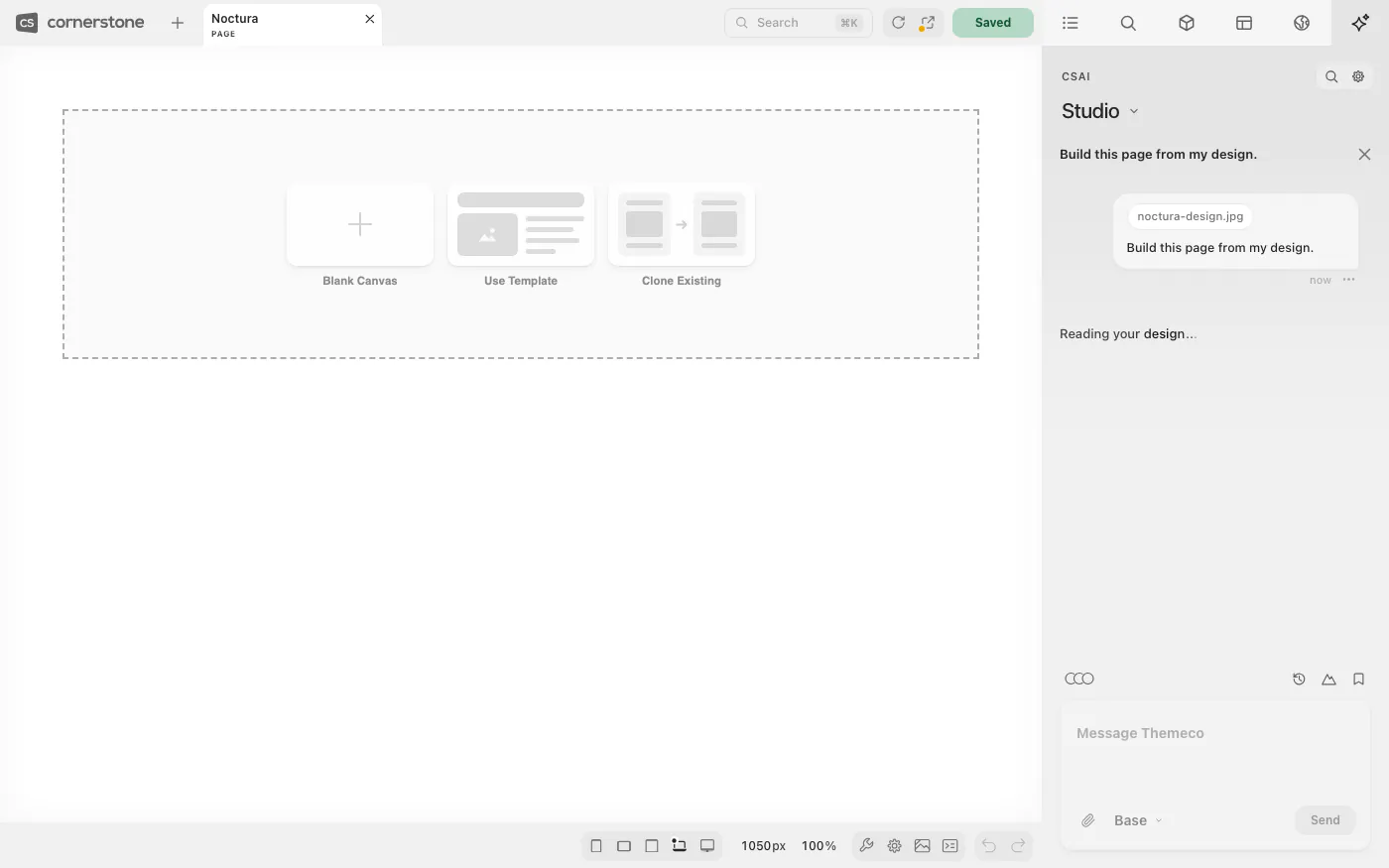
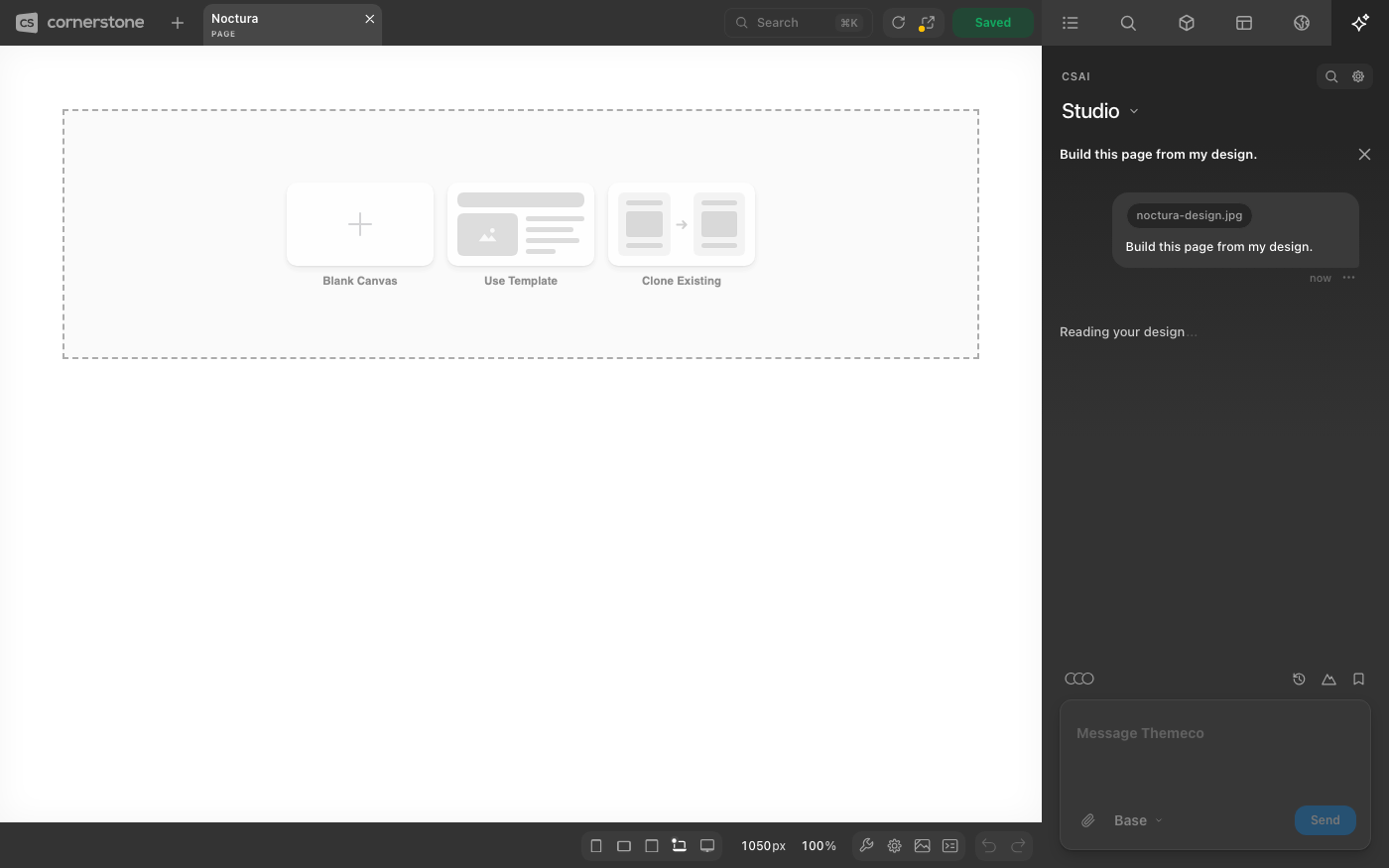
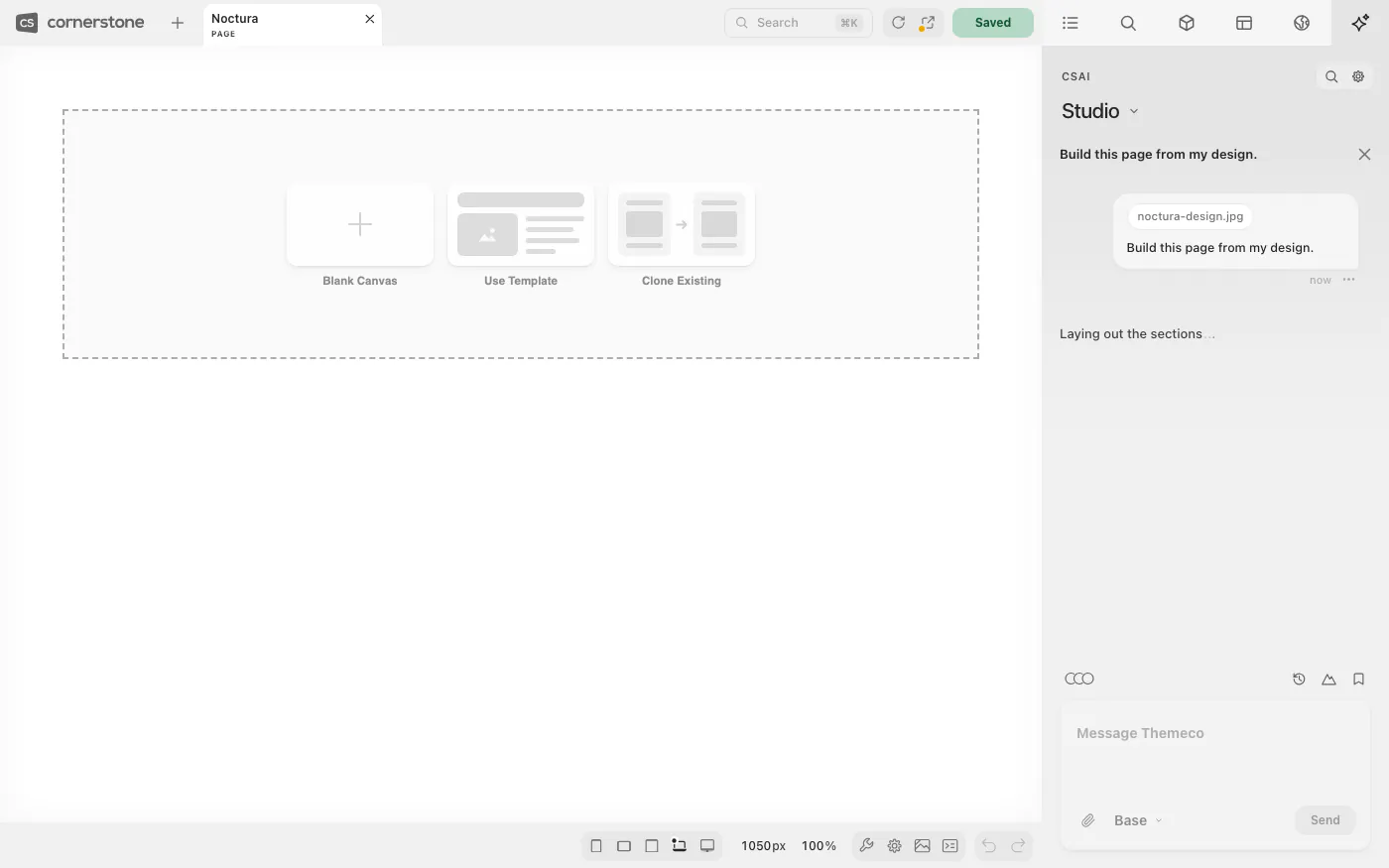
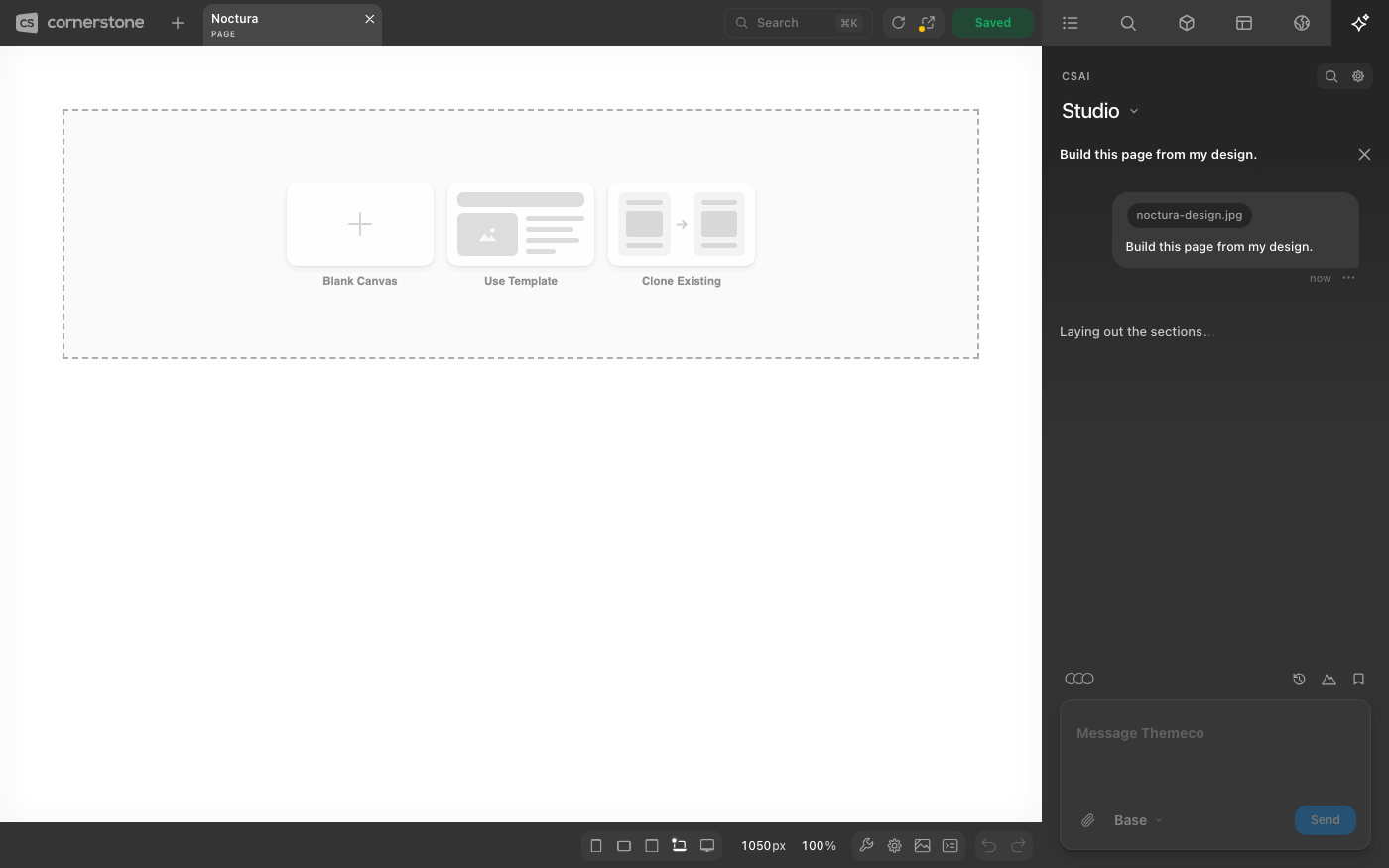
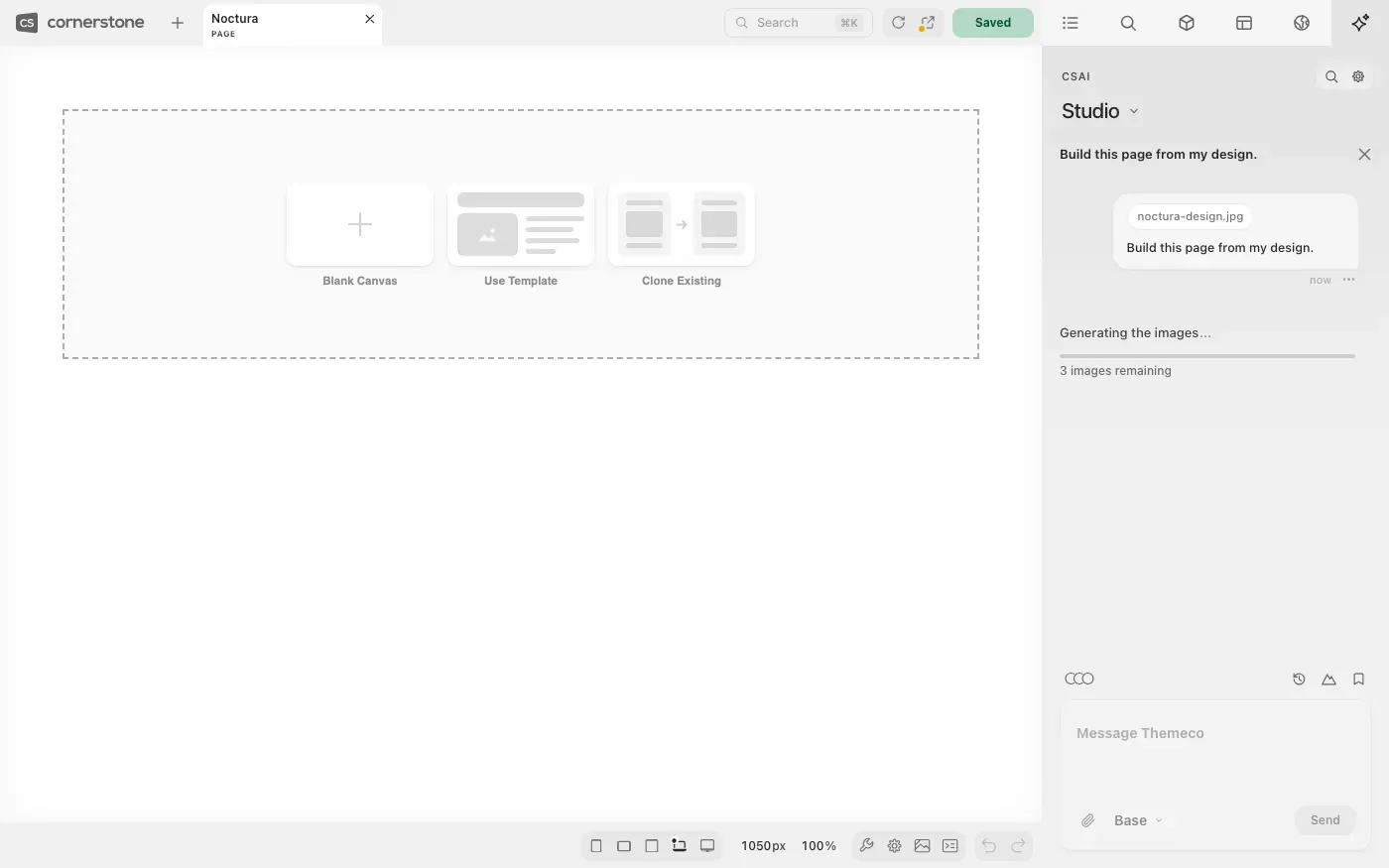
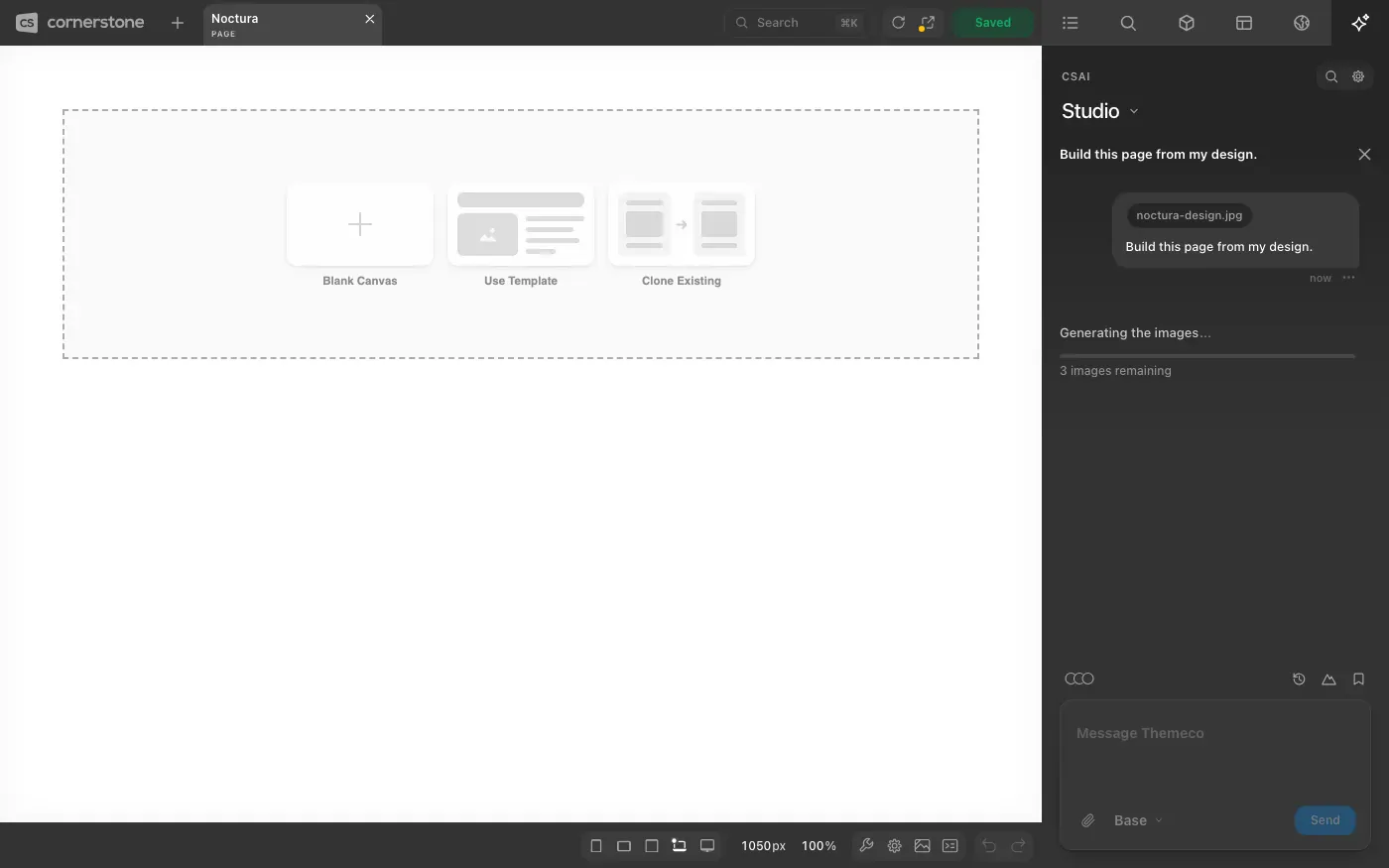
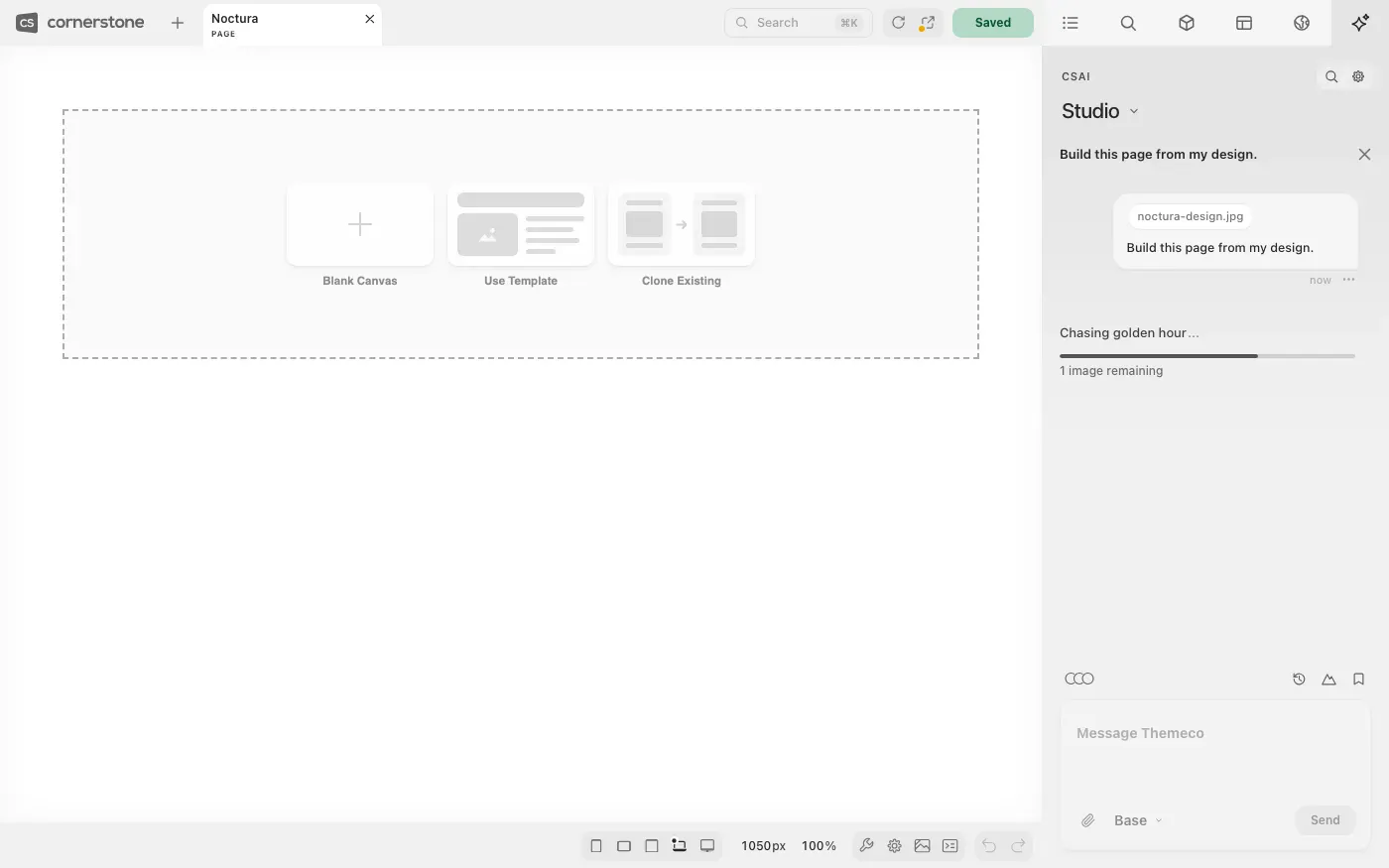
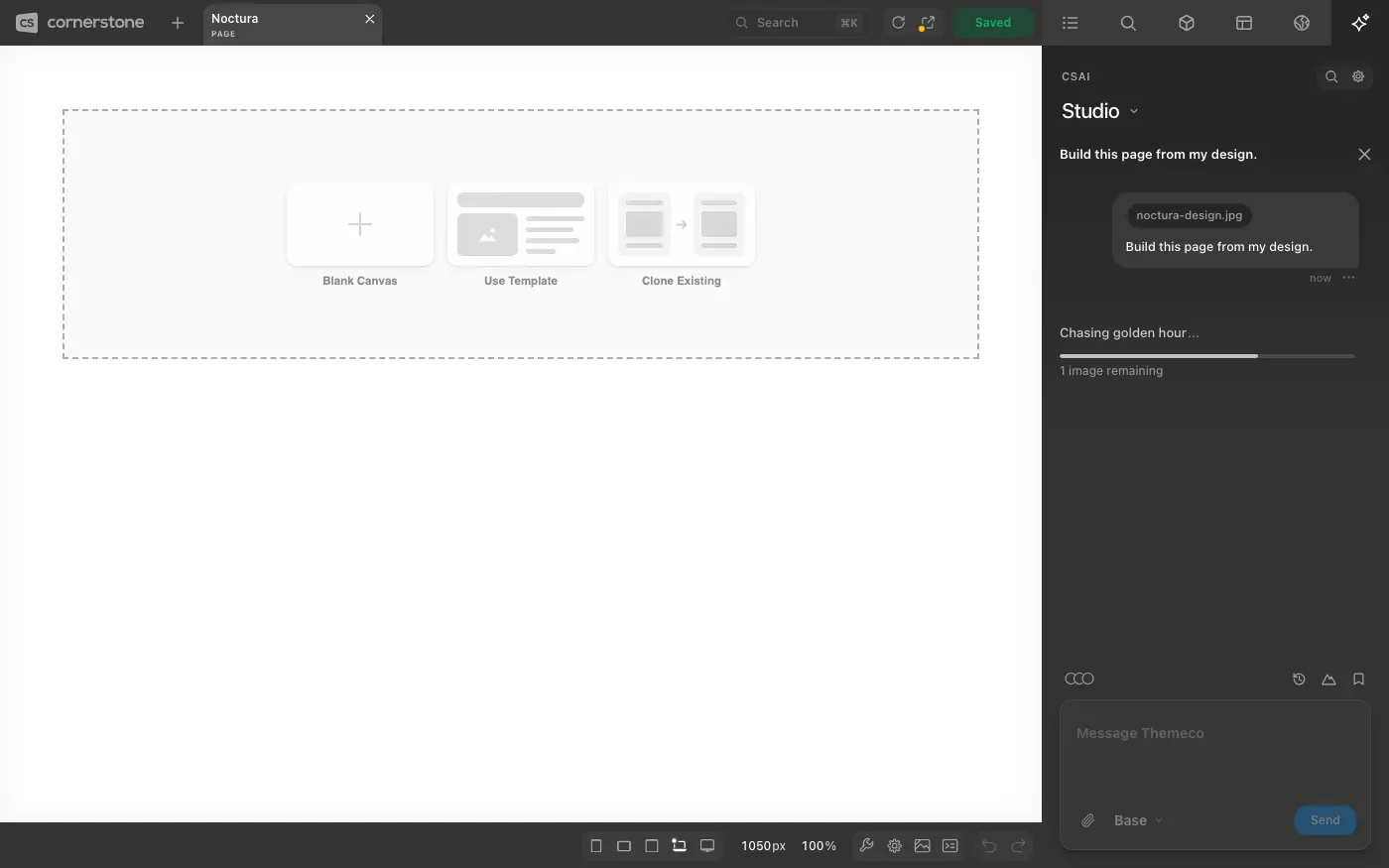
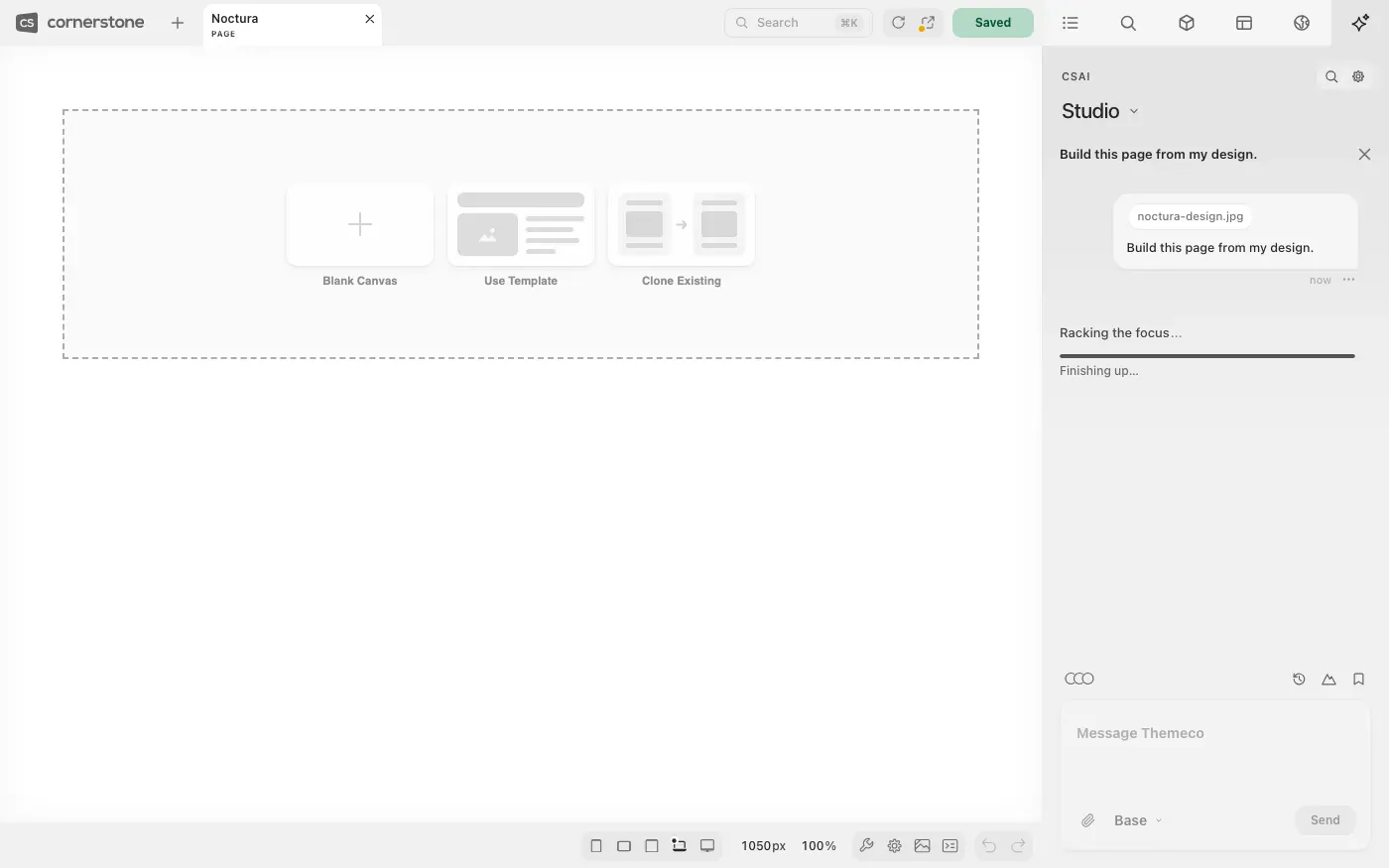
"Make a home page for Cthulhu Coffee with blends, gear and prices."
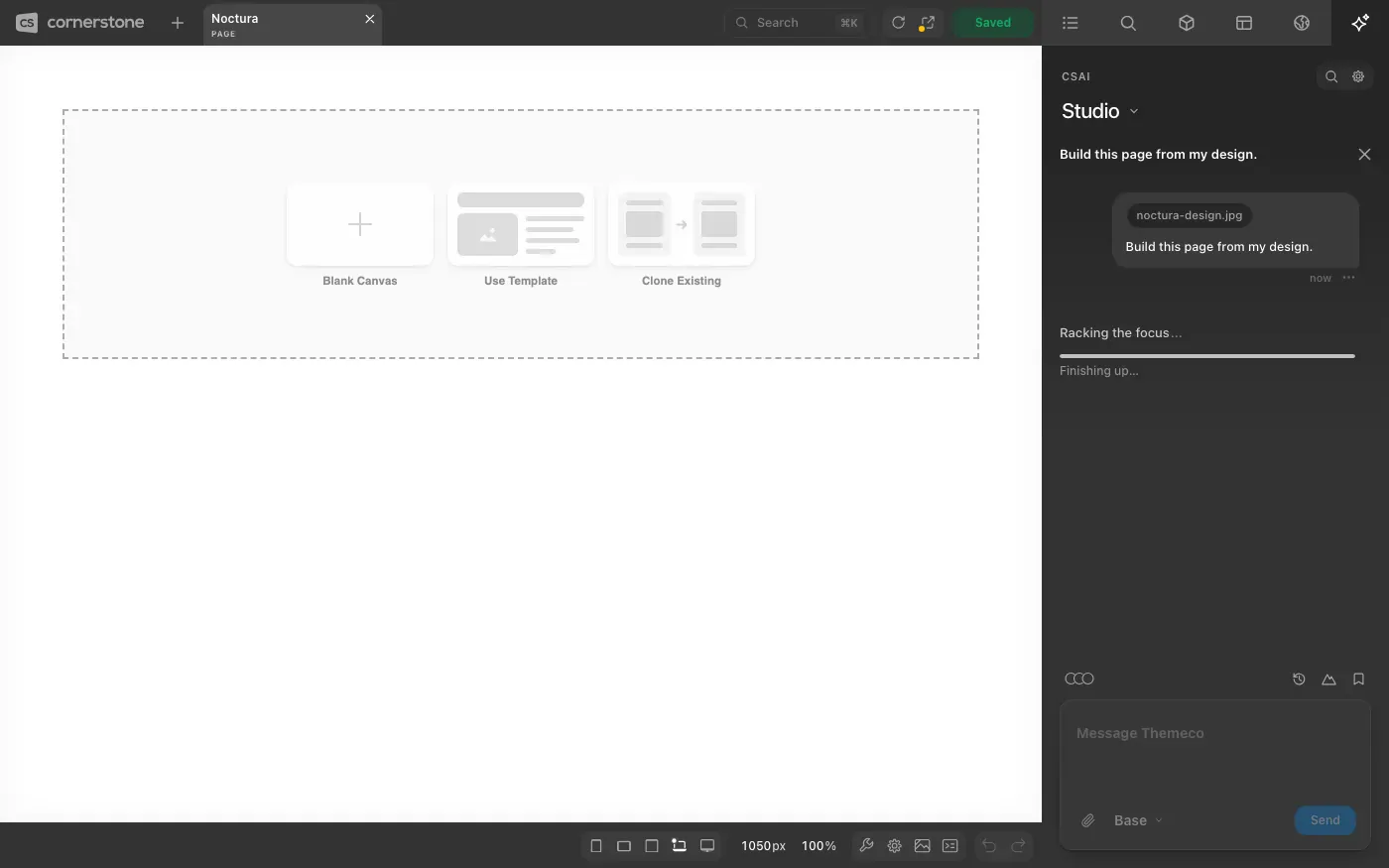
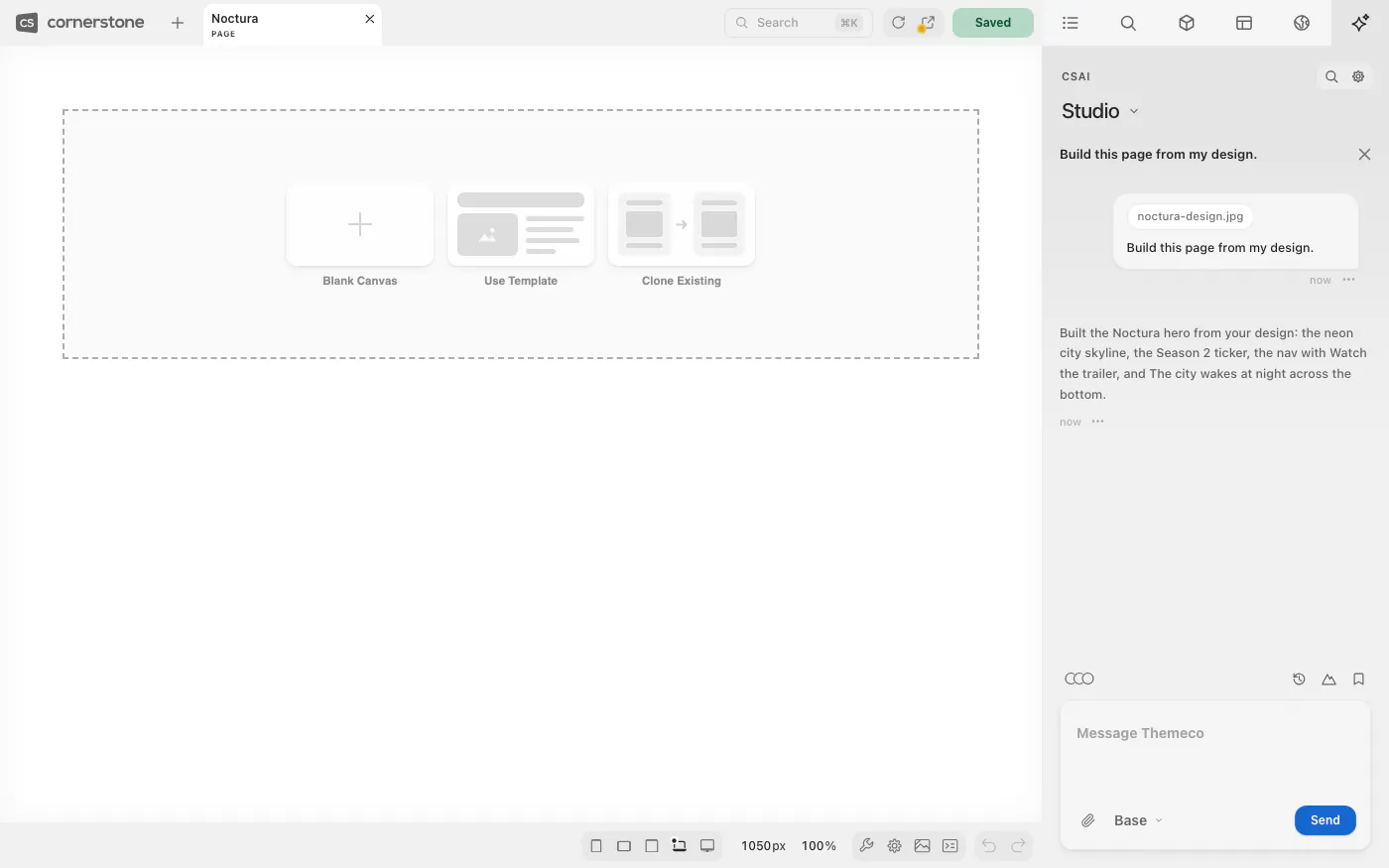
Build Page
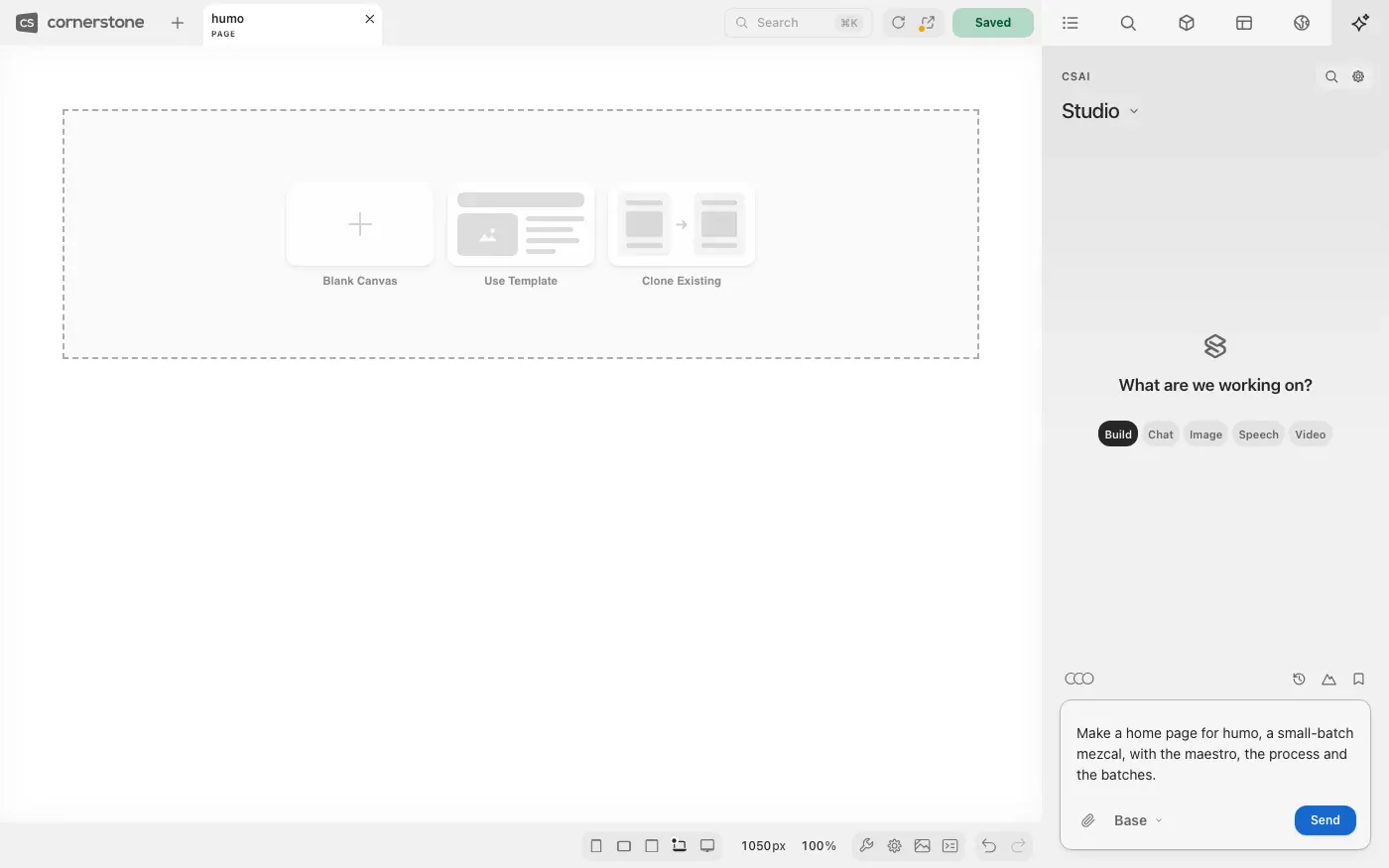
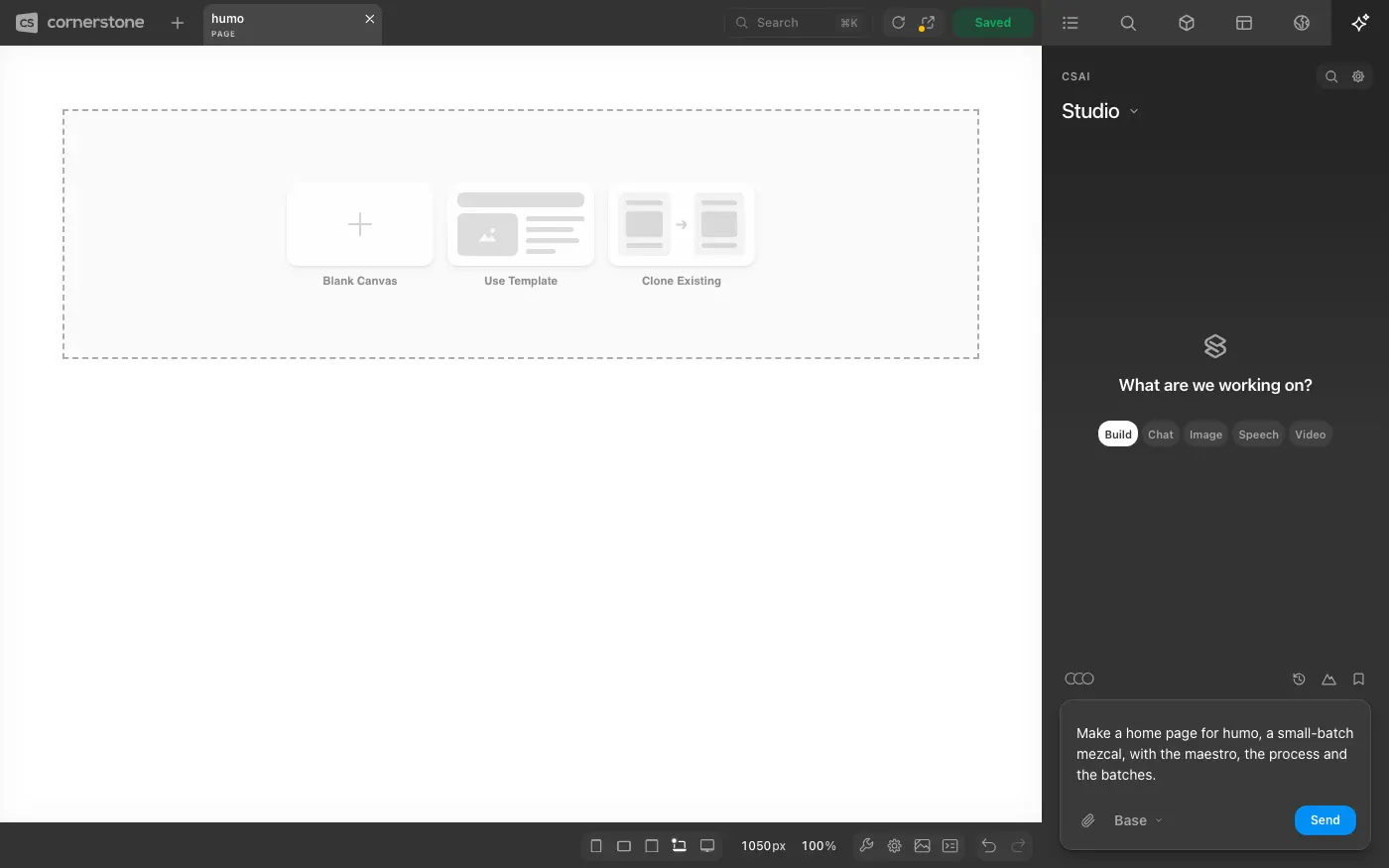
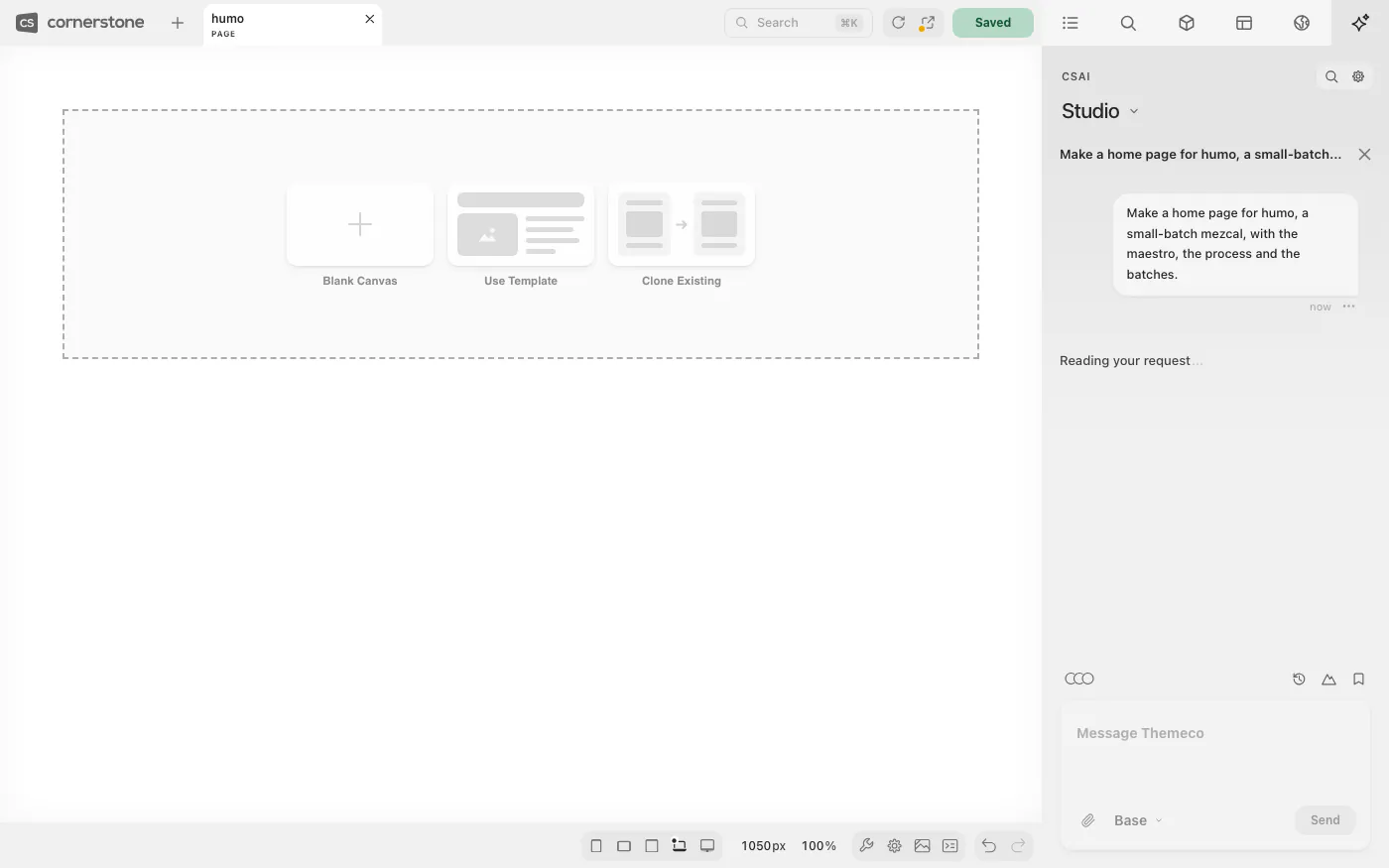
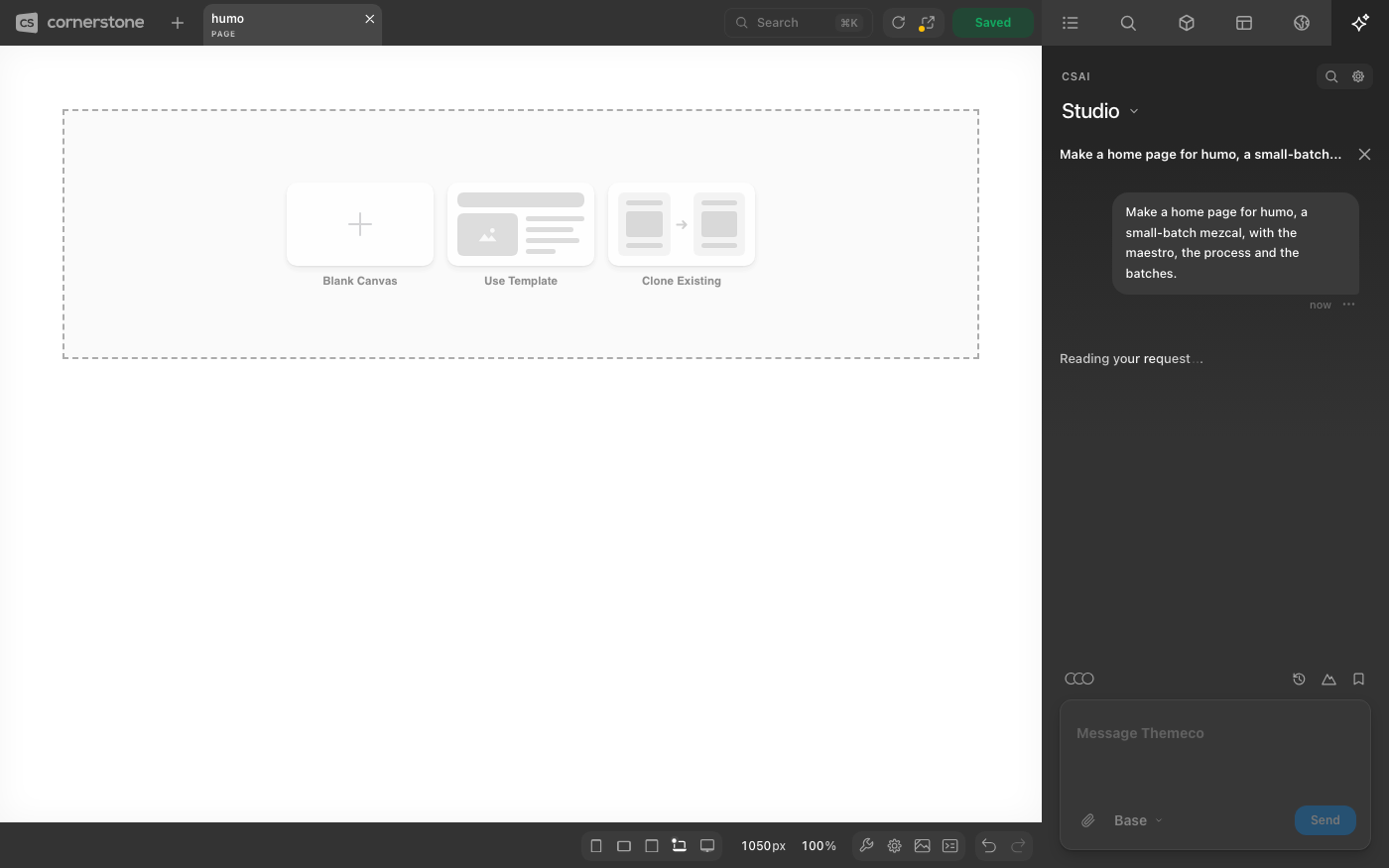
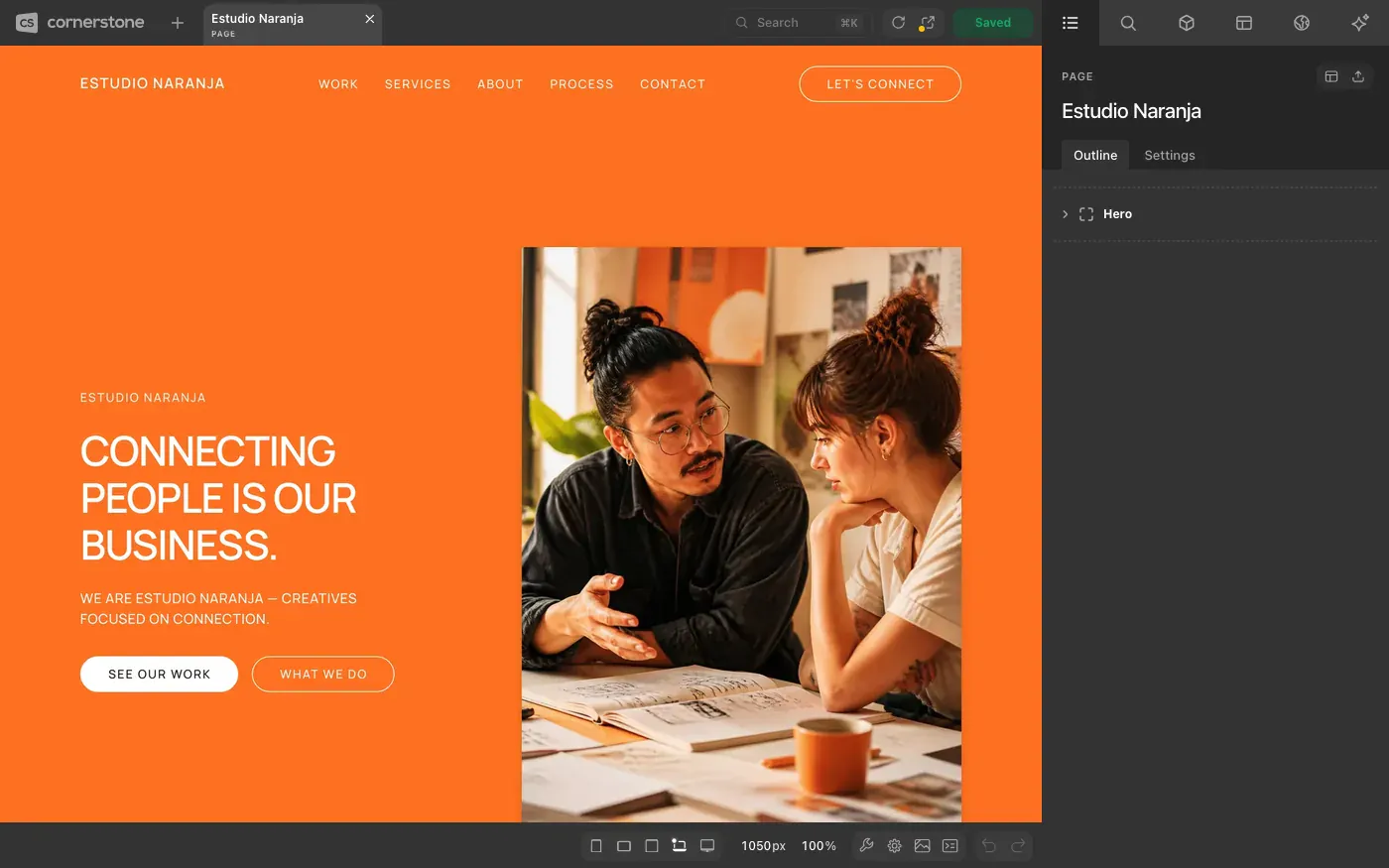
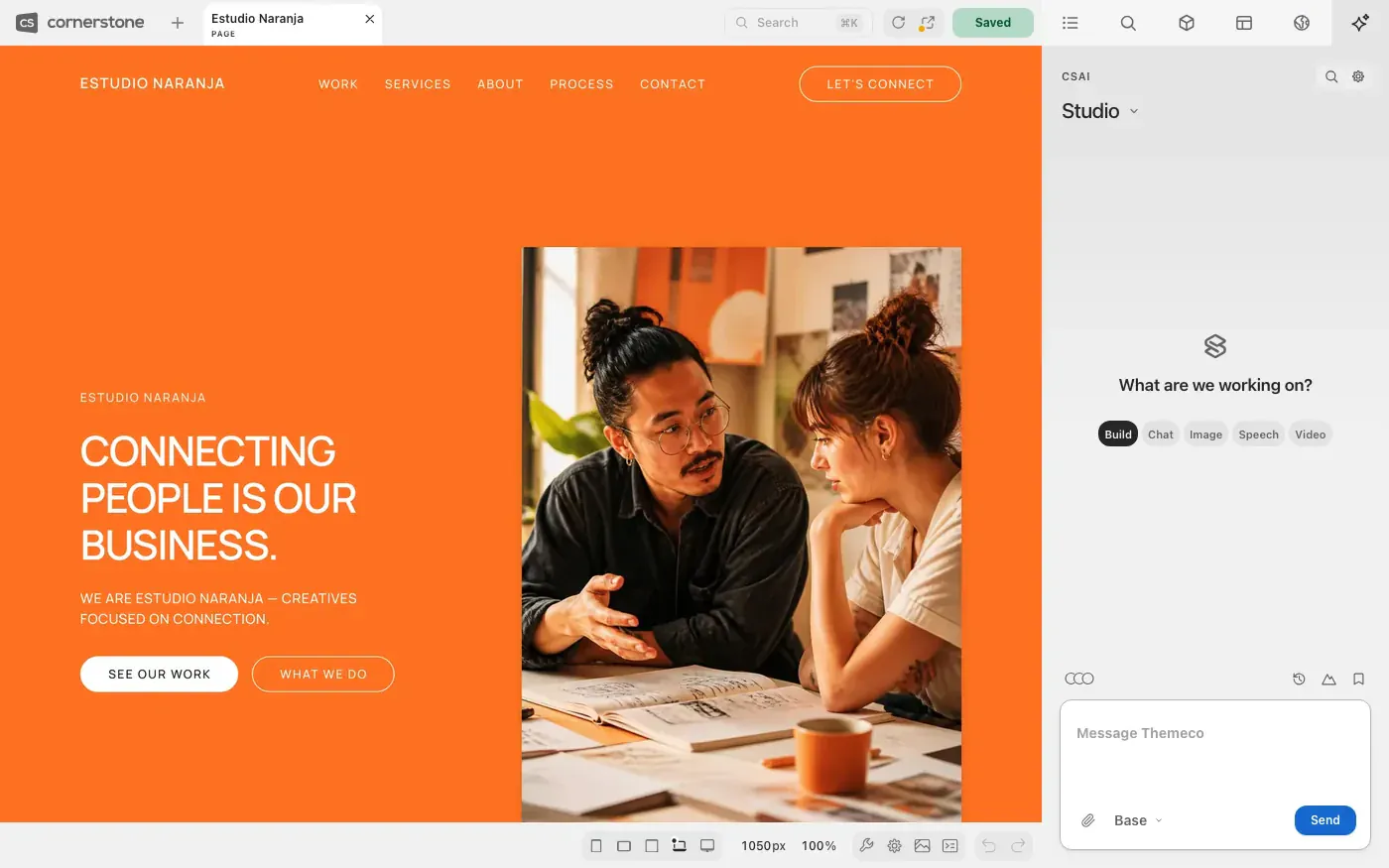
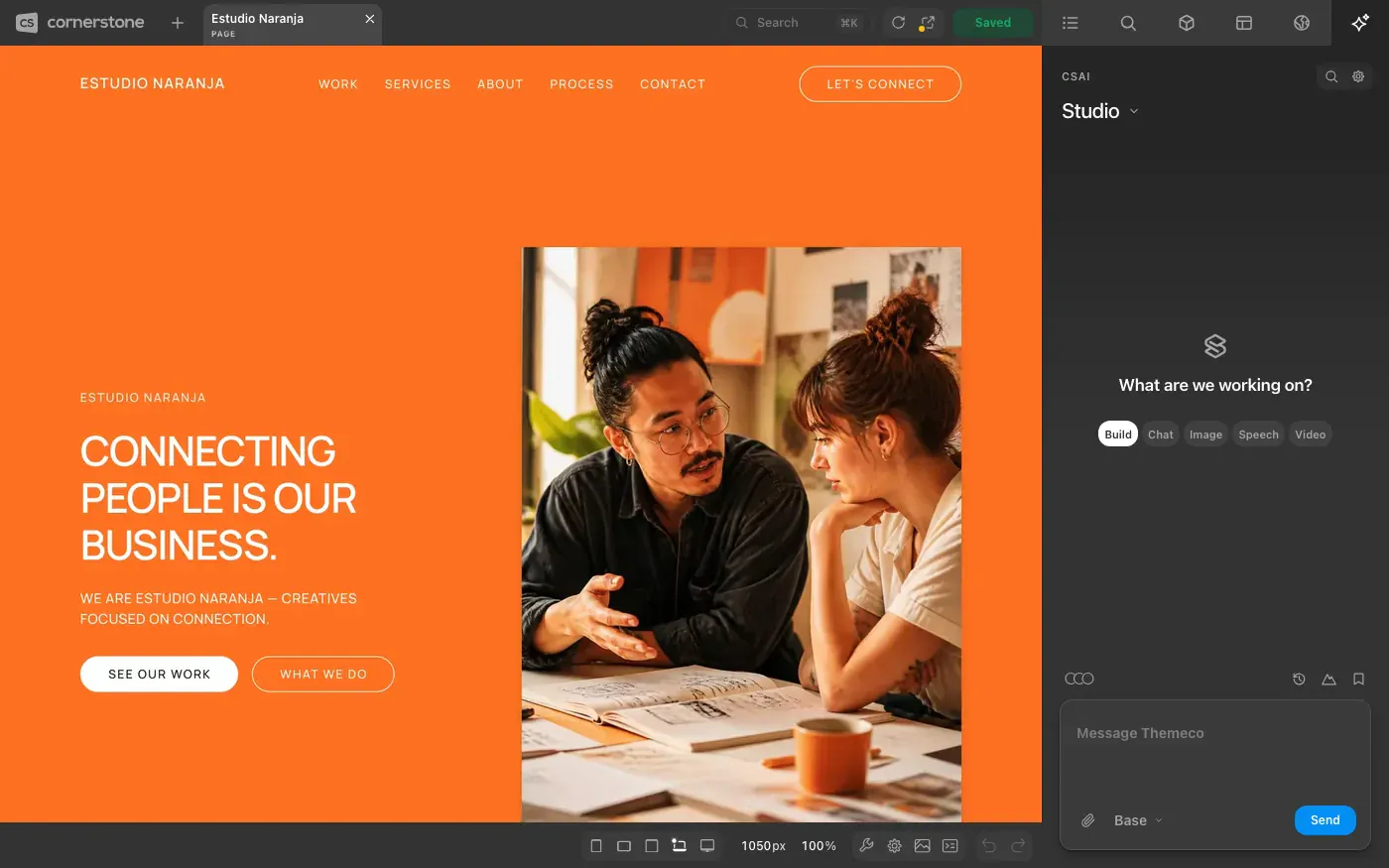
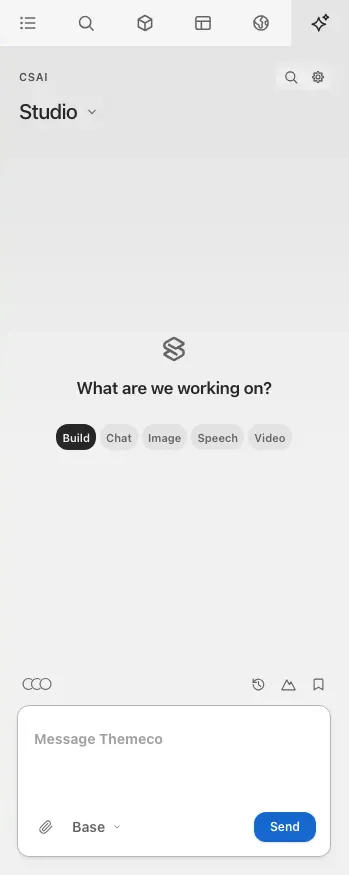
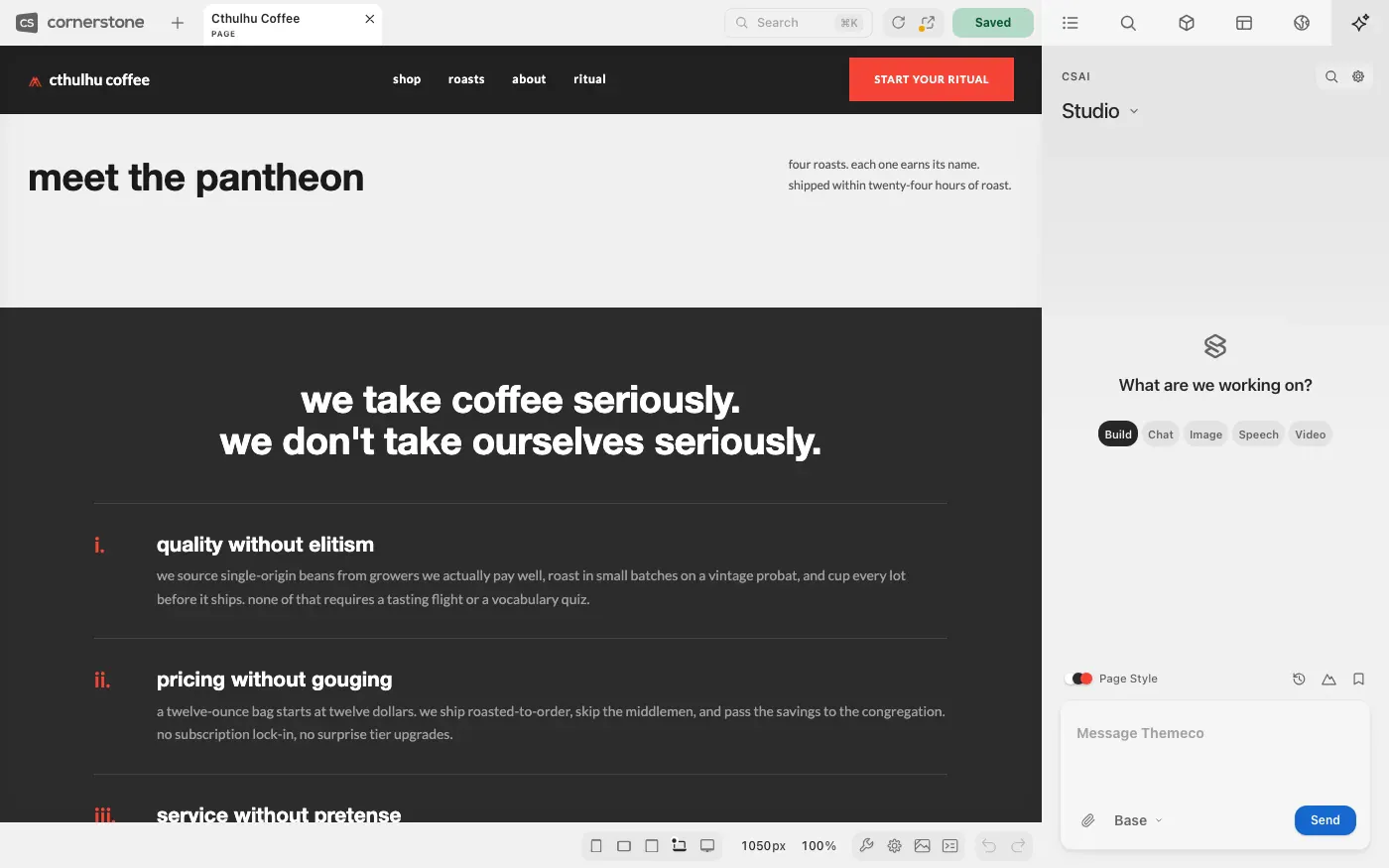
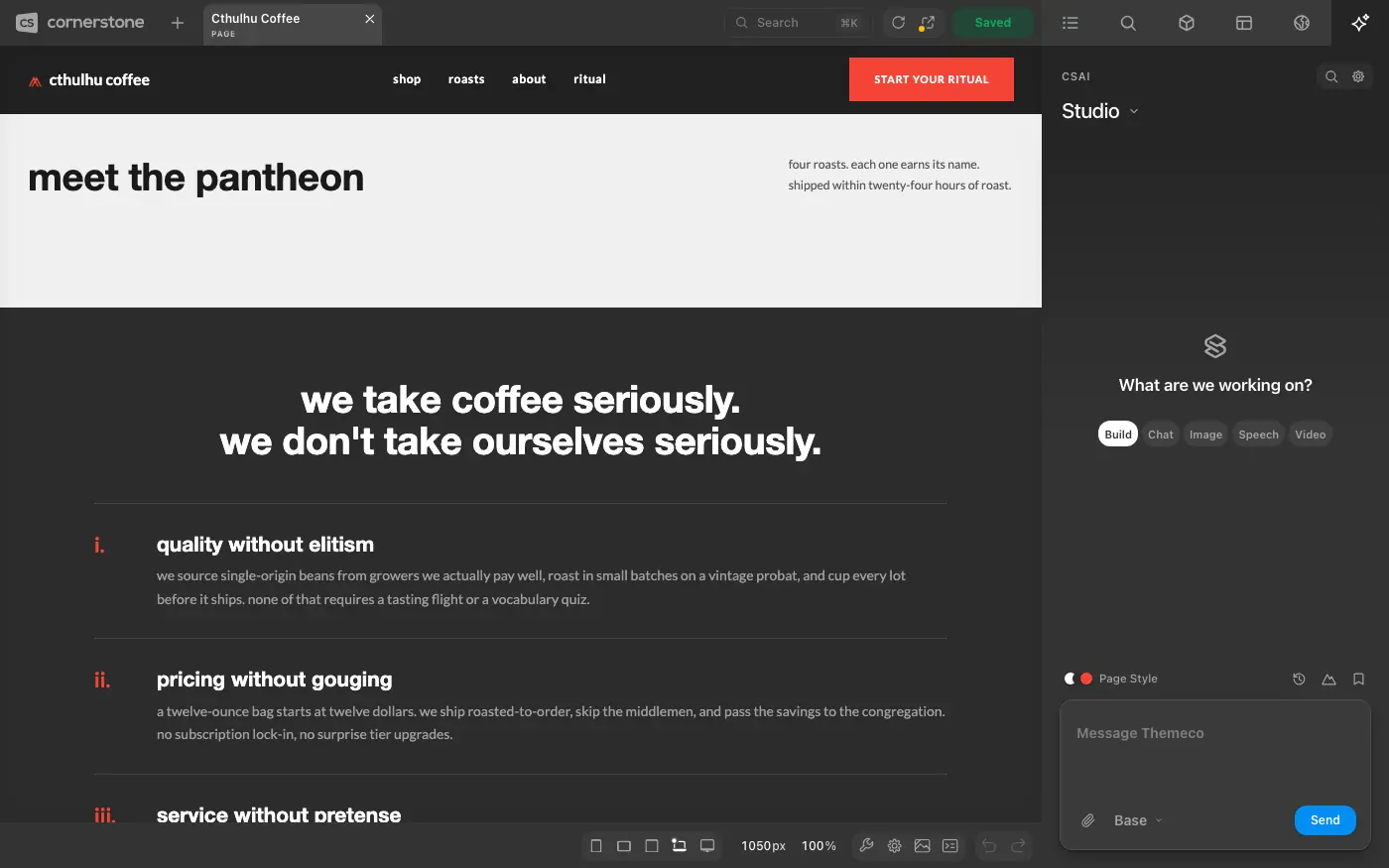
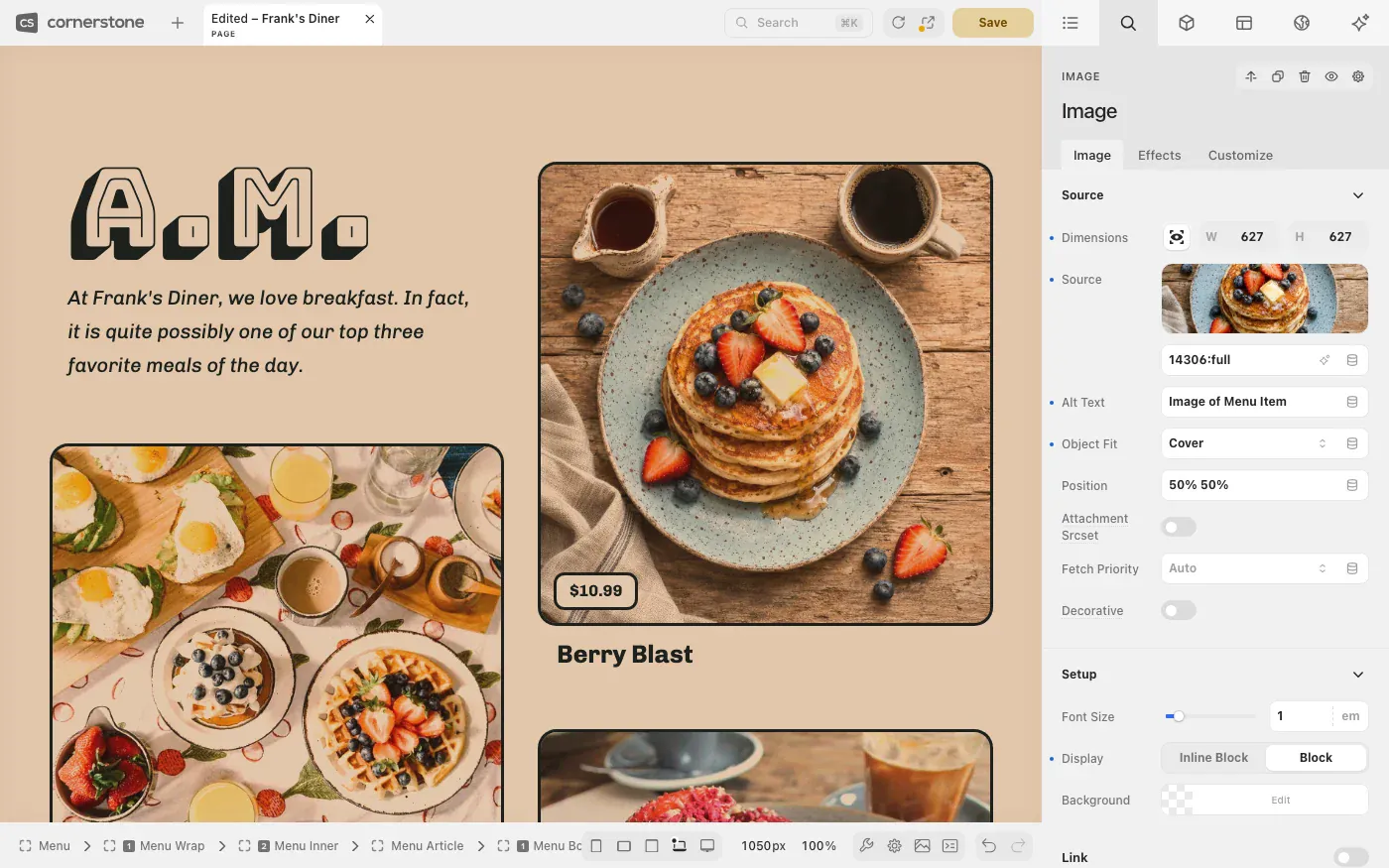
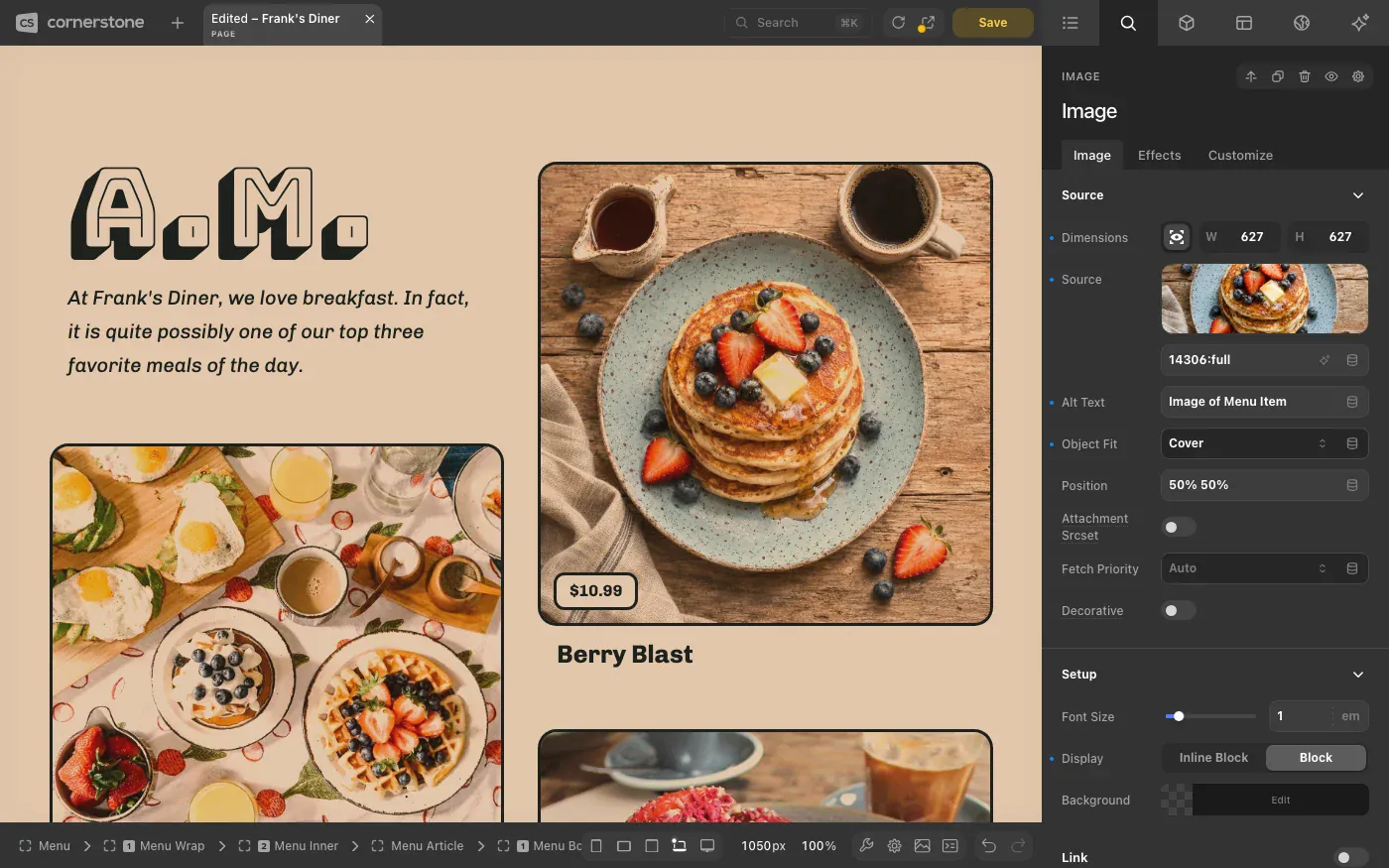
Every great website starts with an idea. Describe what you want and watch Studio create it right in Cornerstone. From stunning layouts to matched styles, the distance between imagining and building has disappeared.



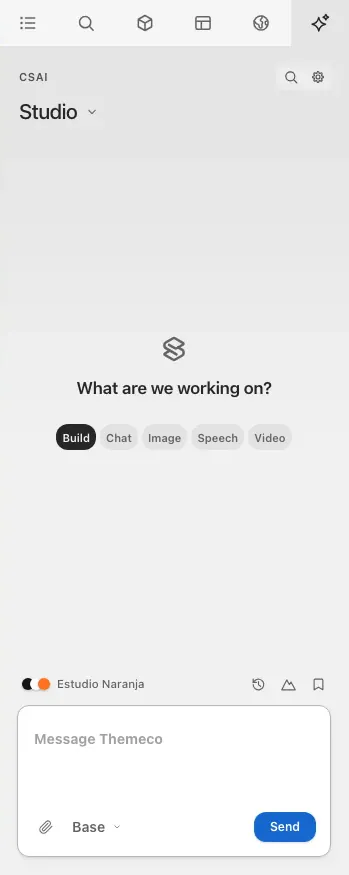
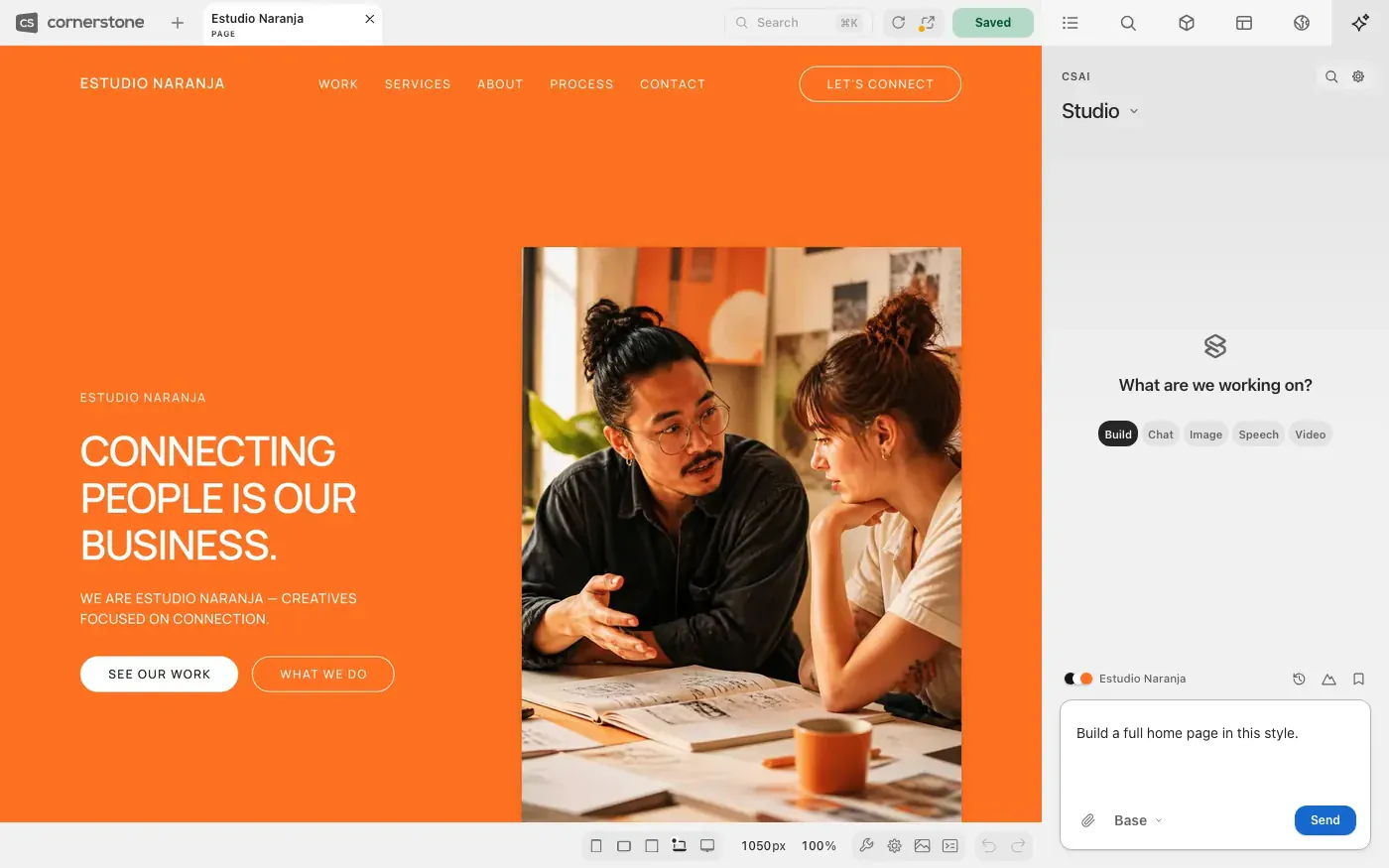
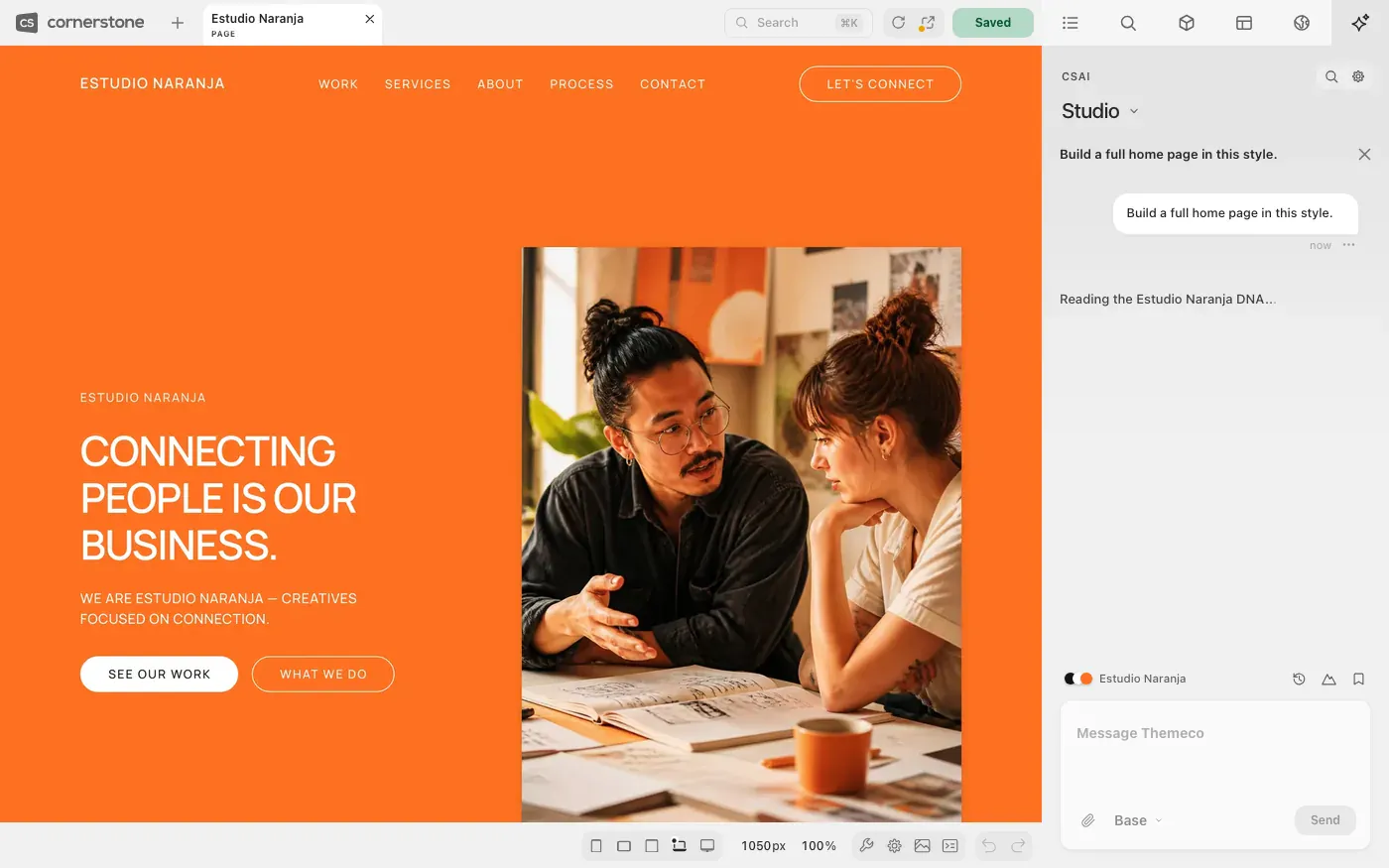
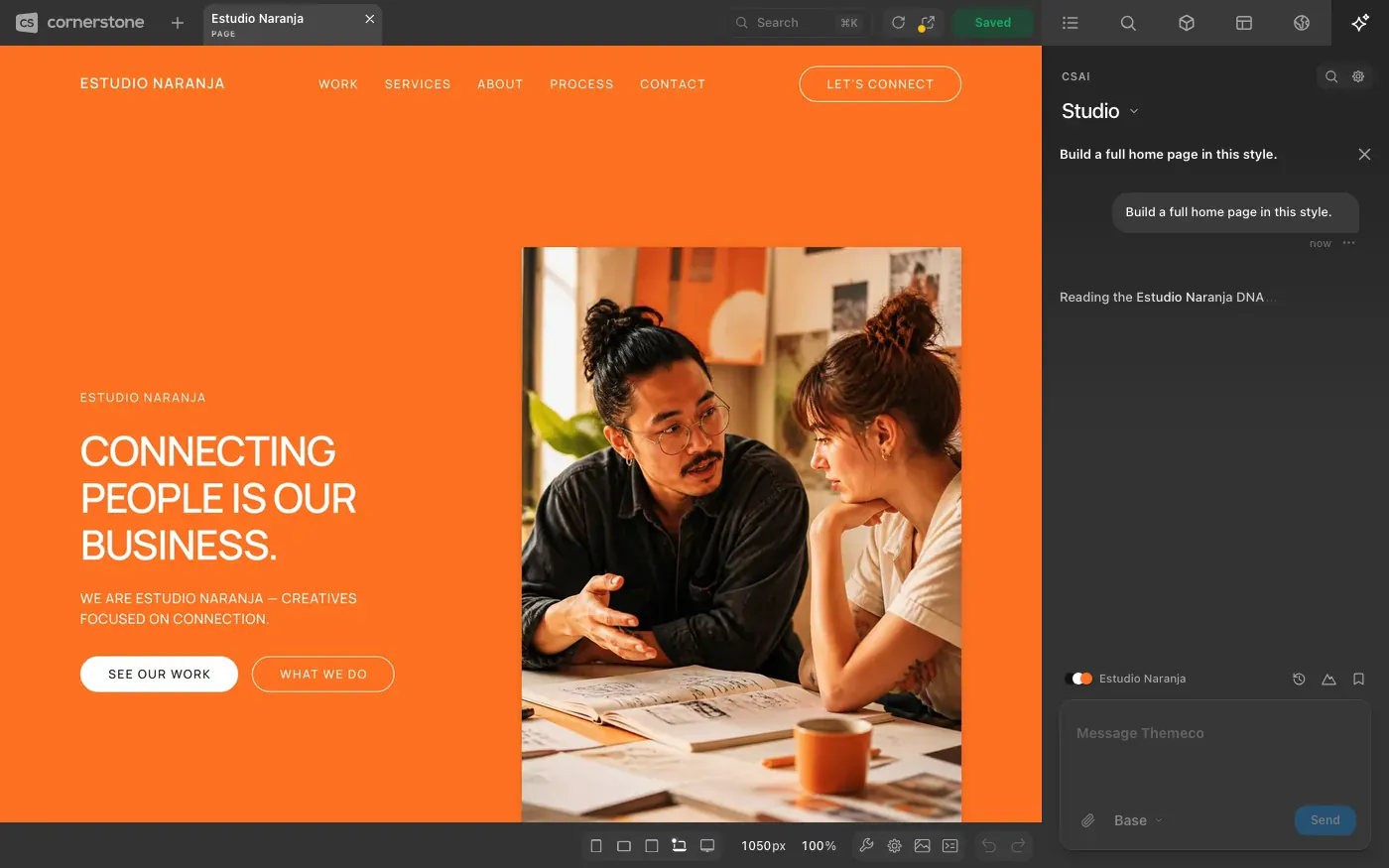
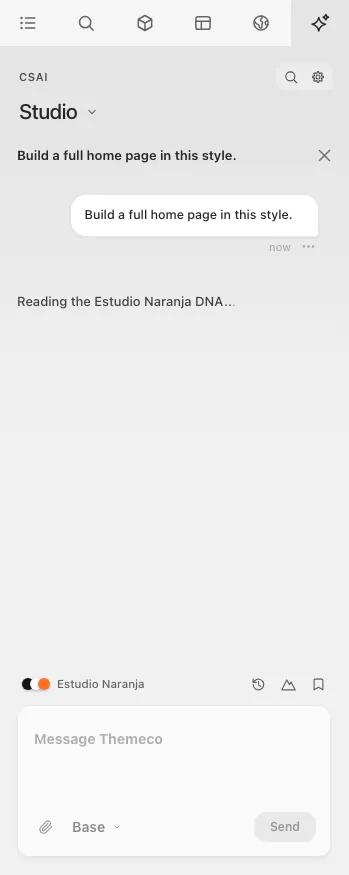
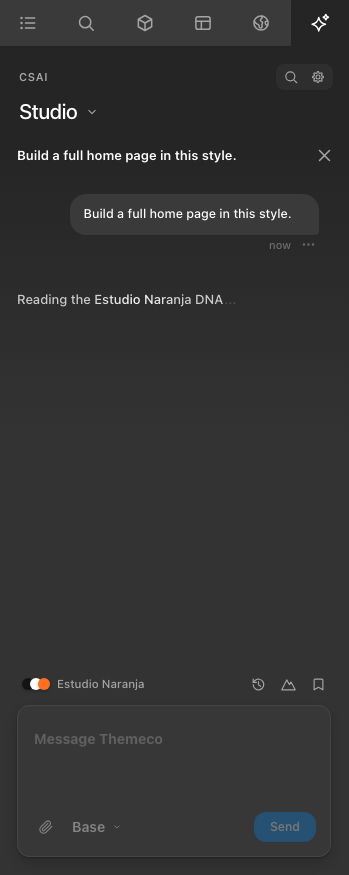
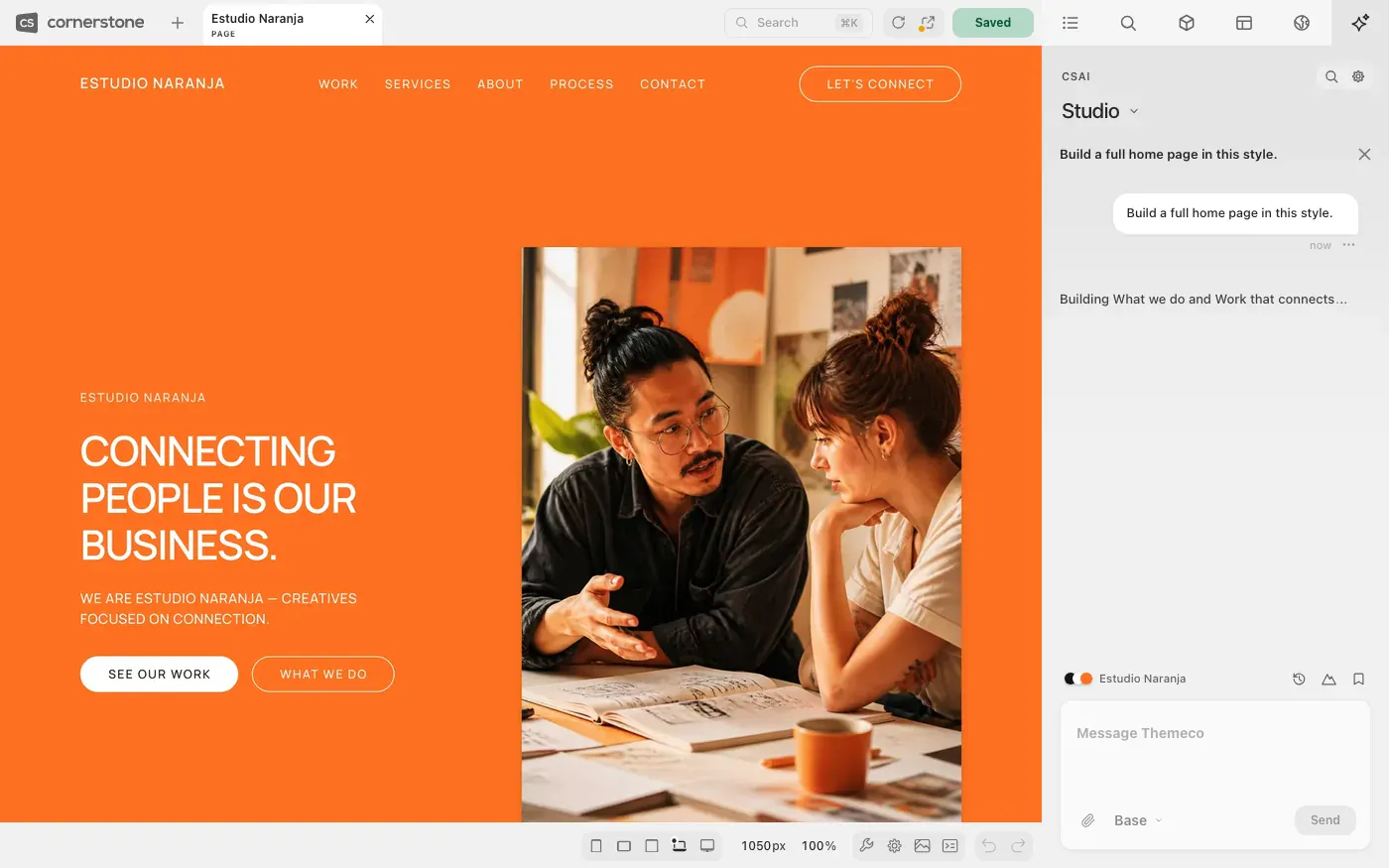
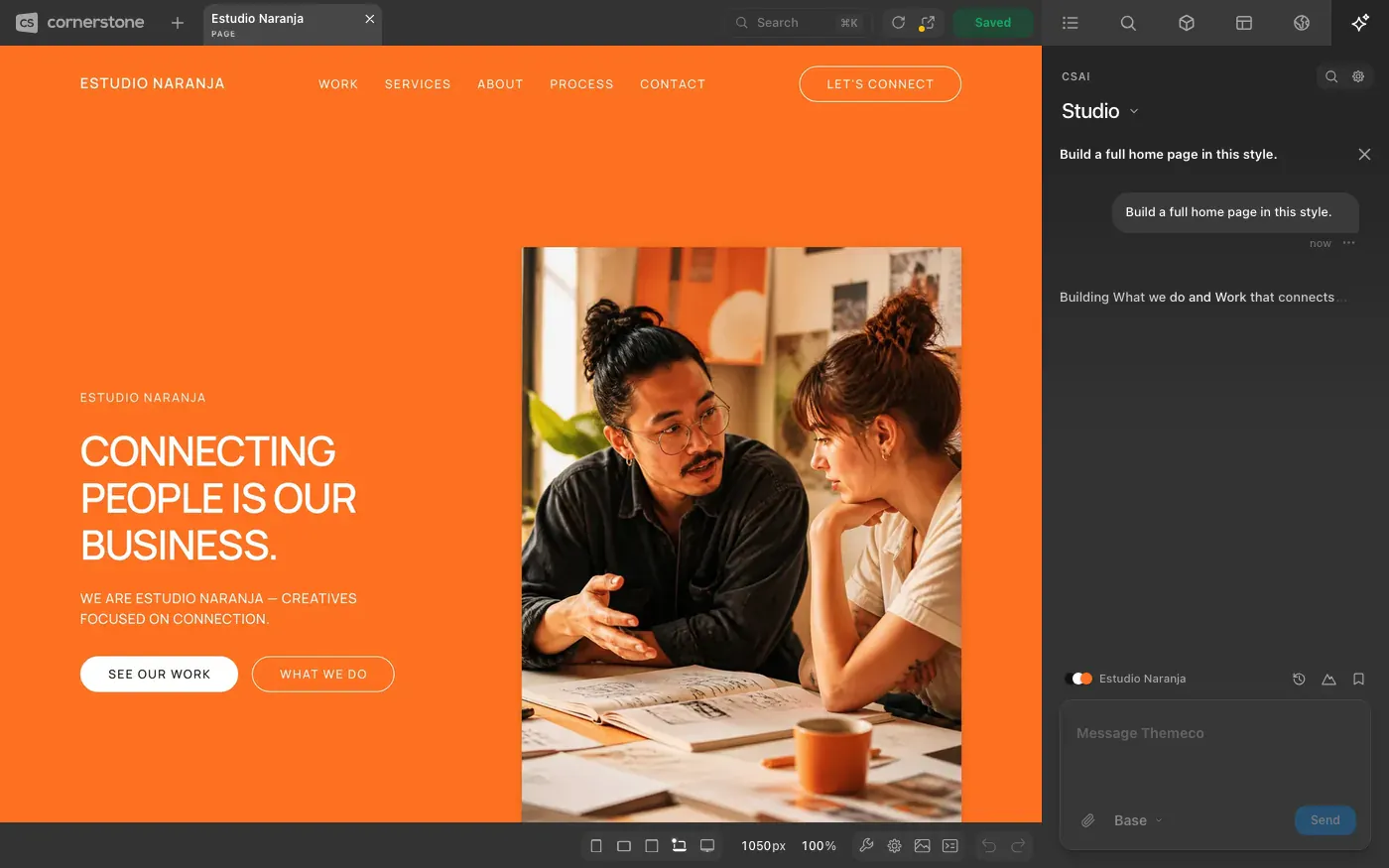
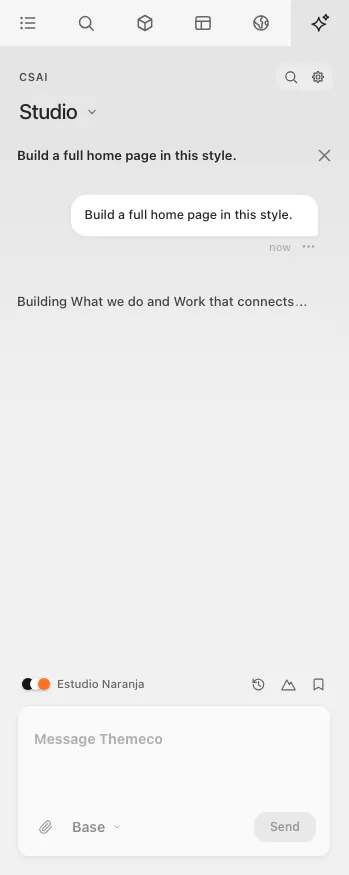
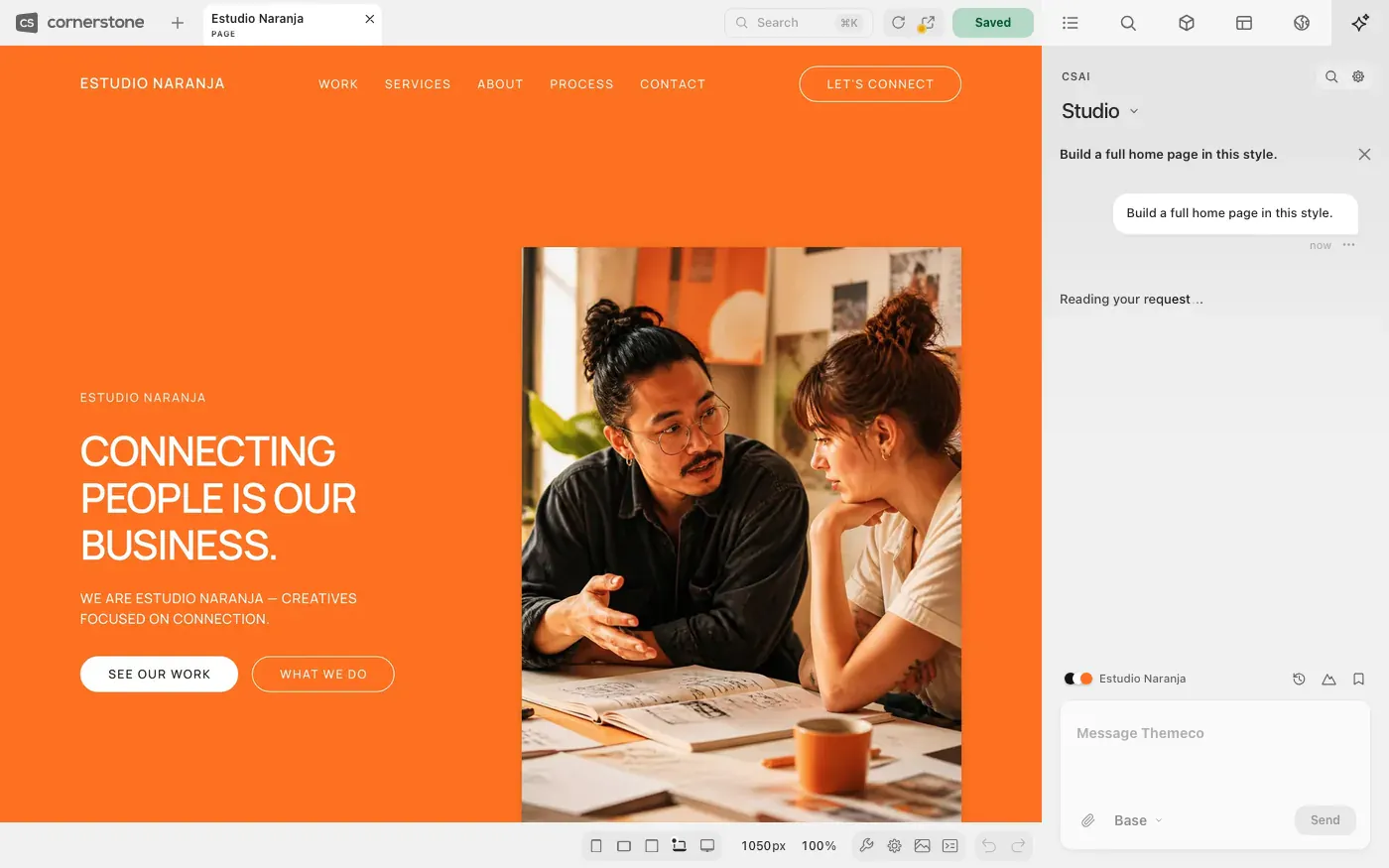
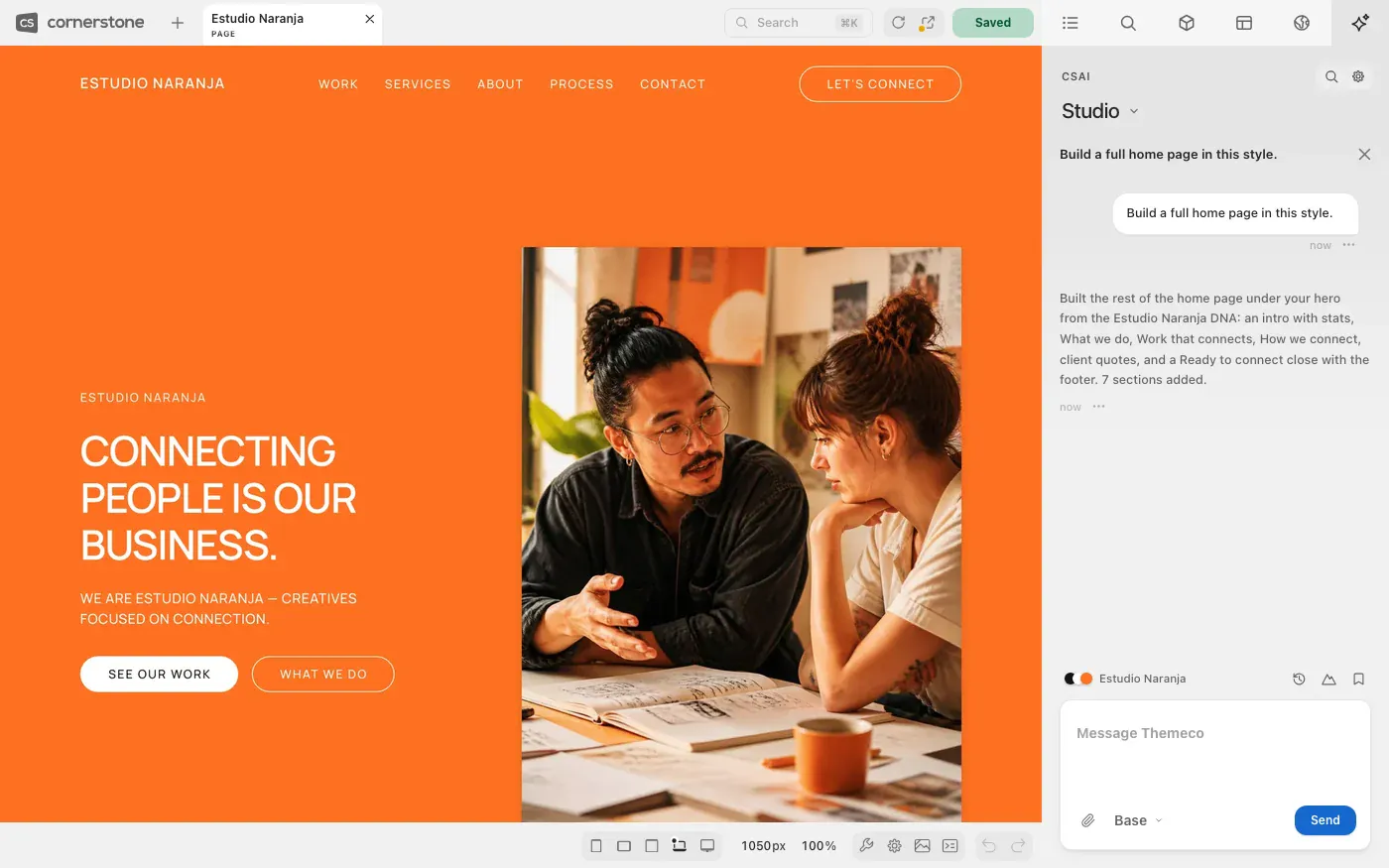
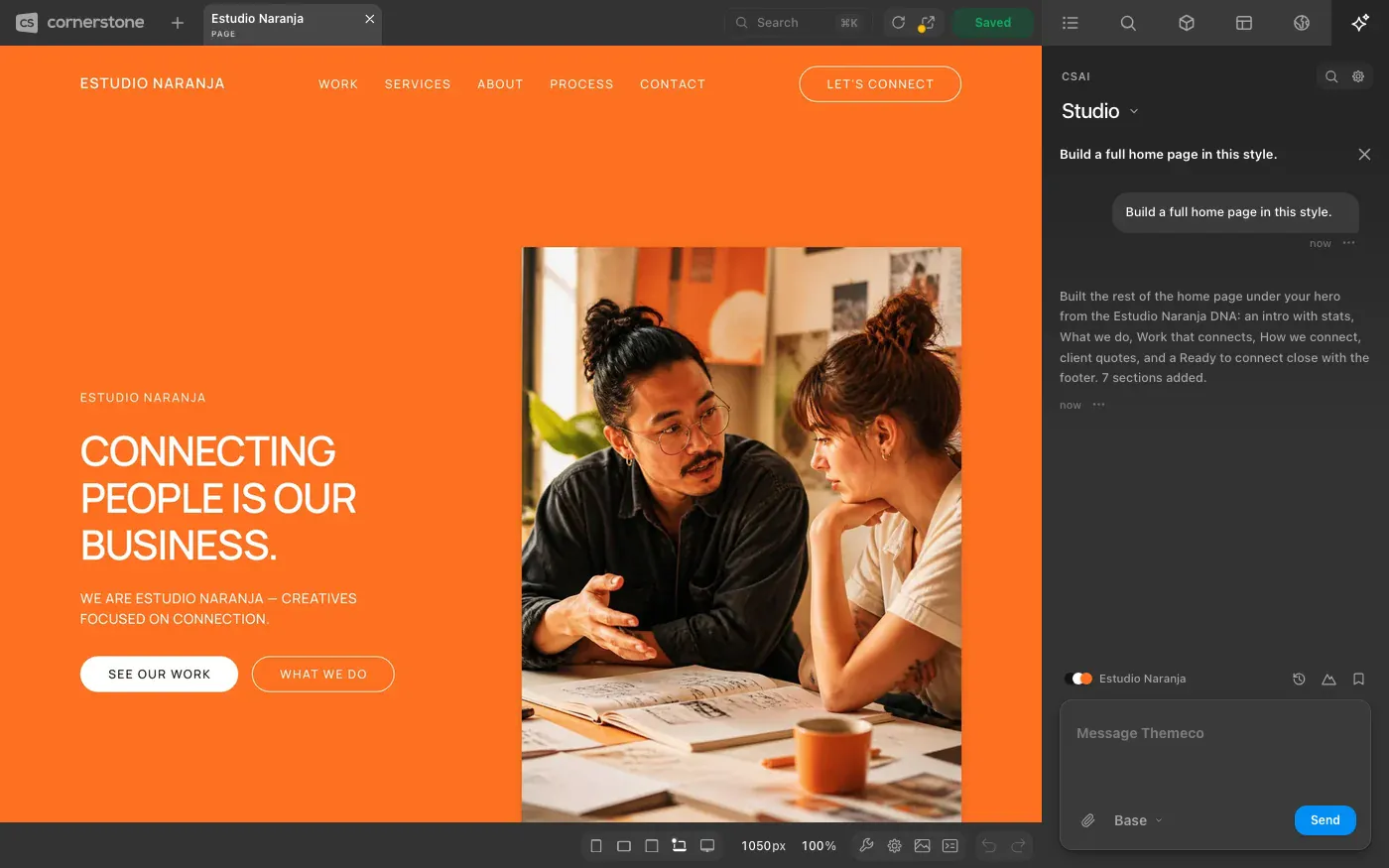
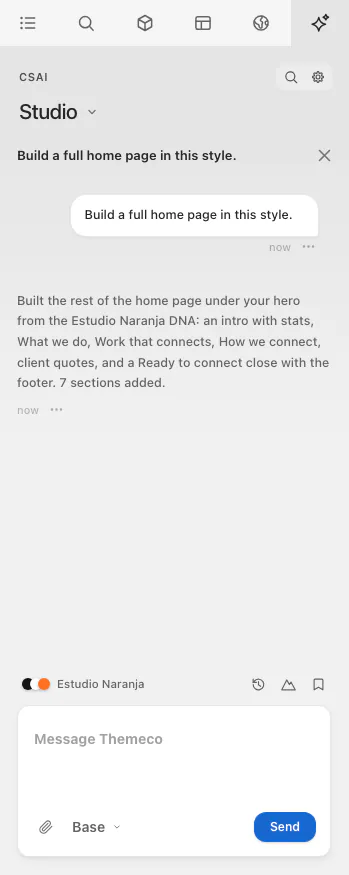
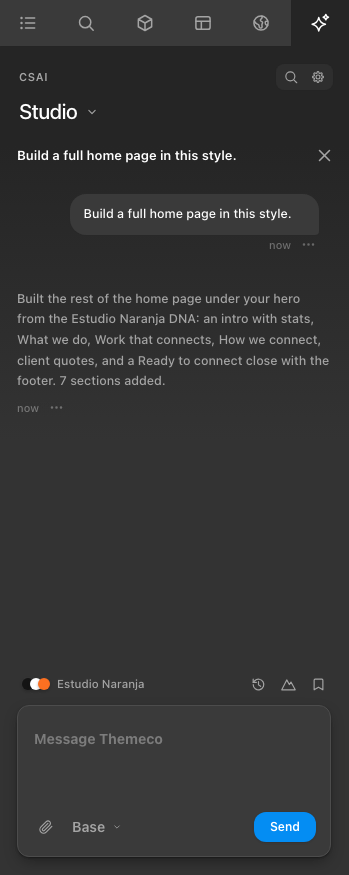
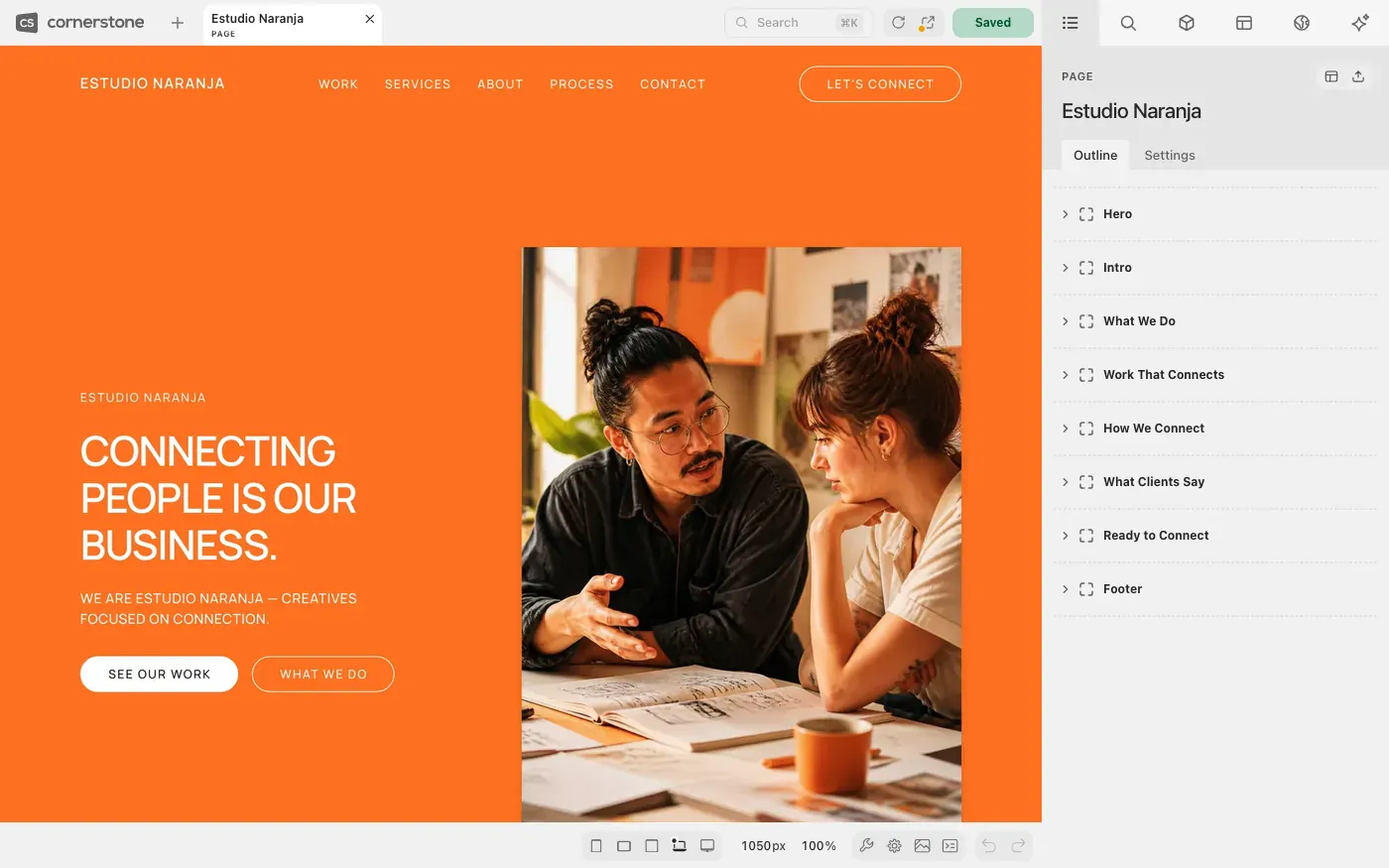
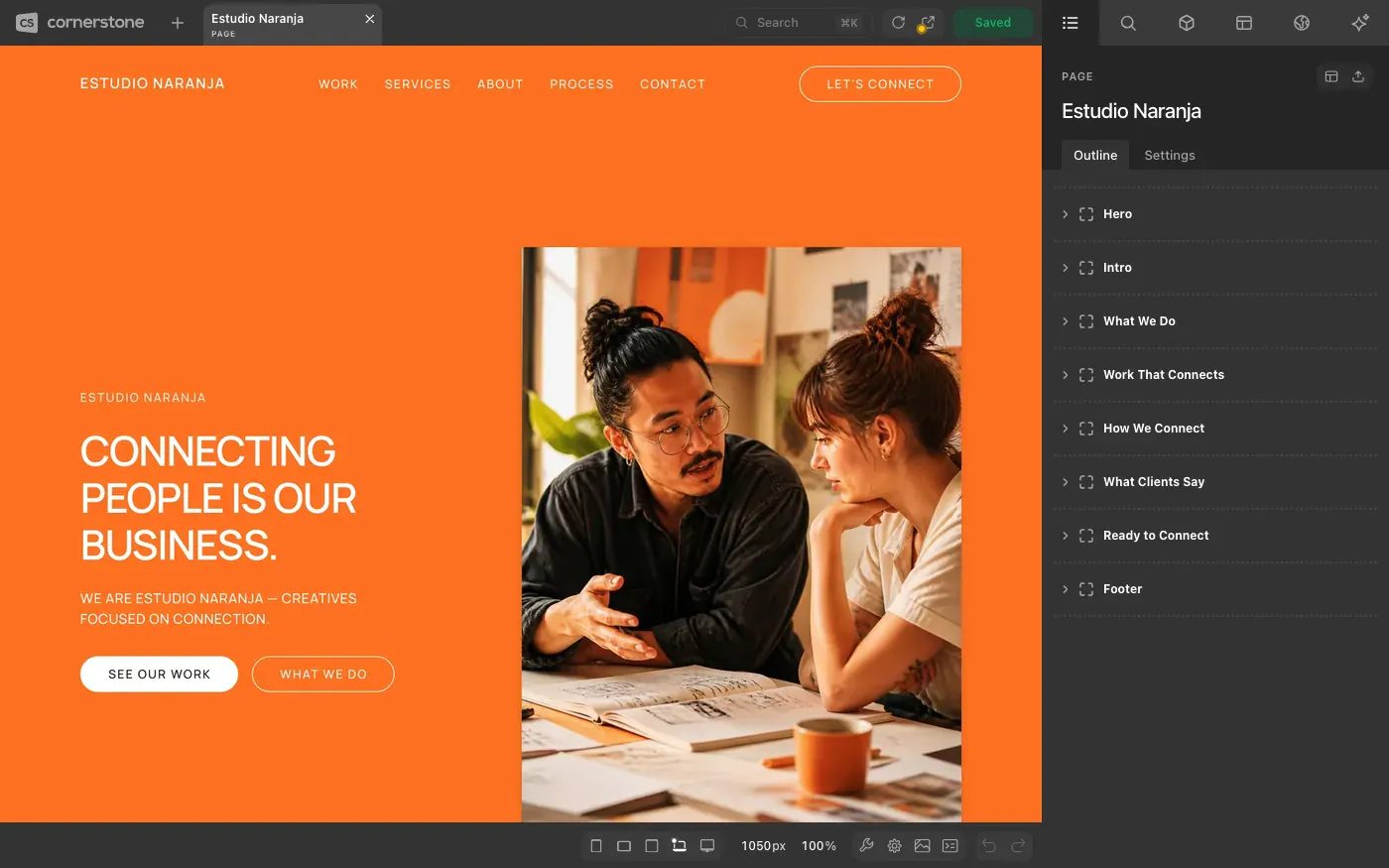
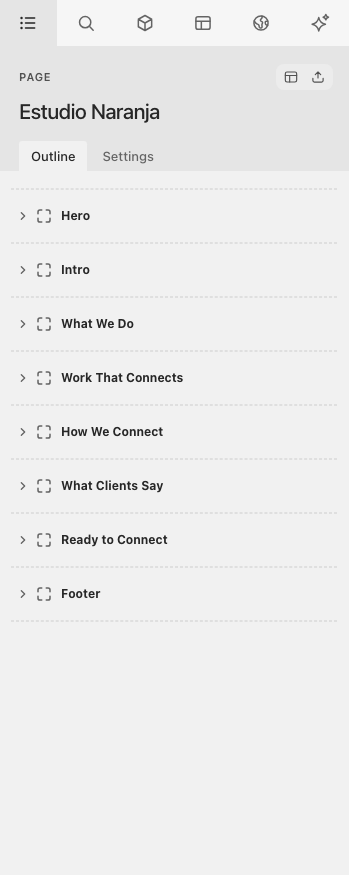
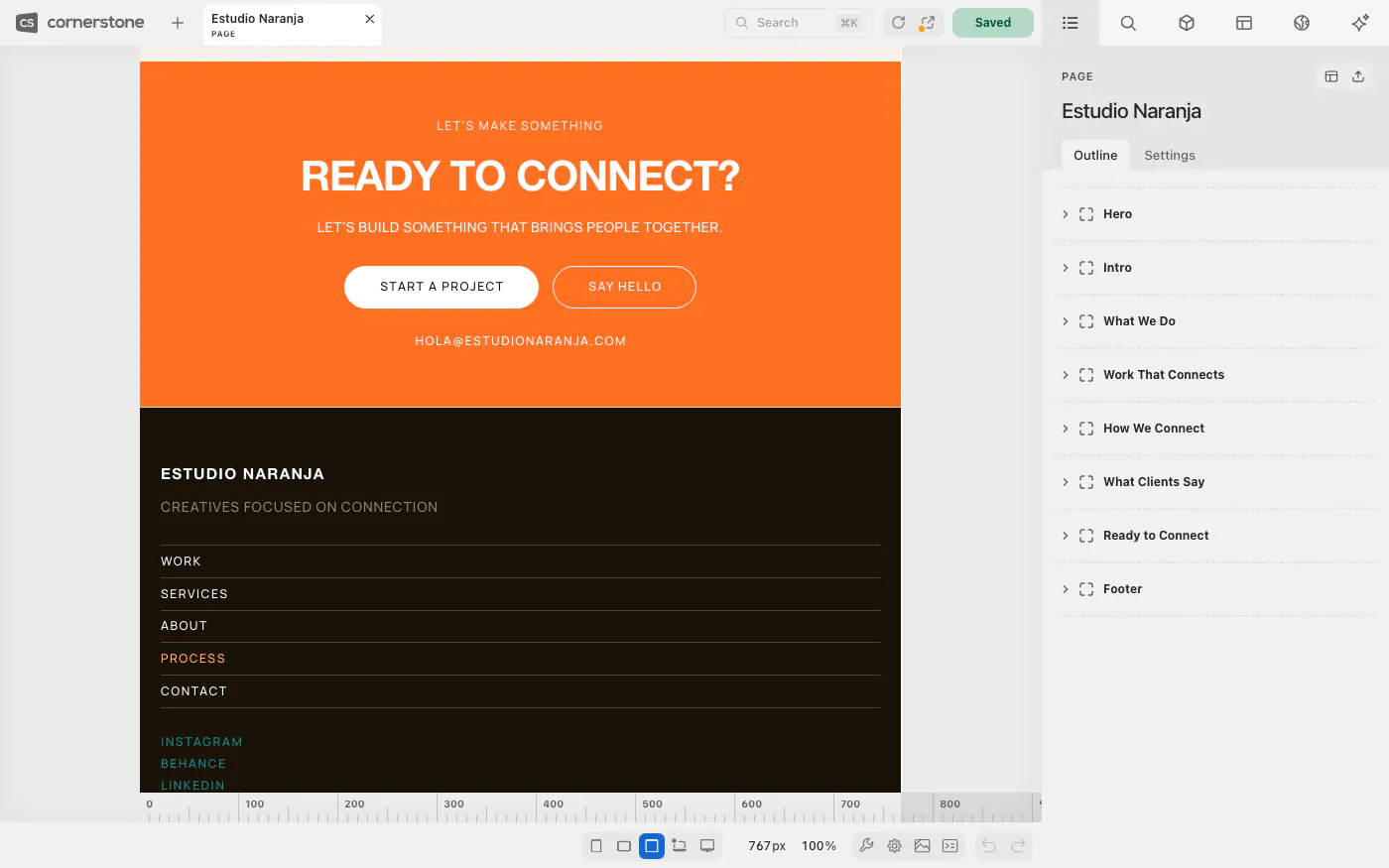



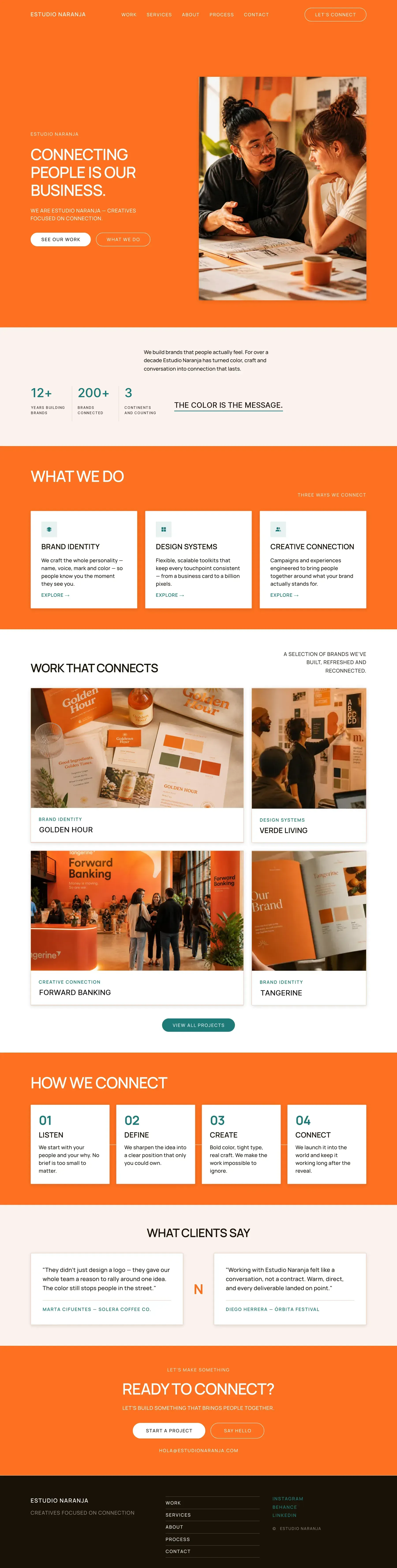
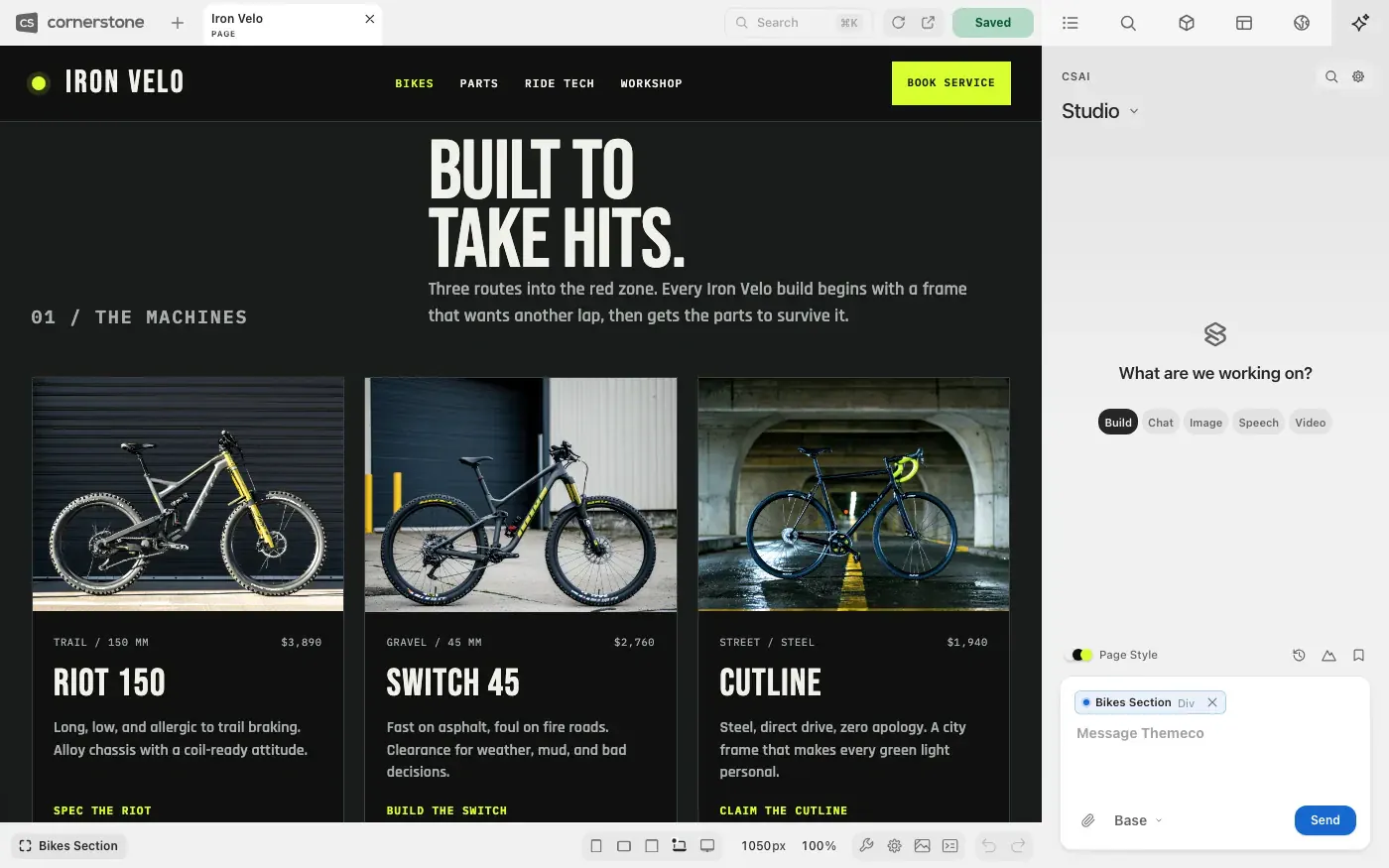
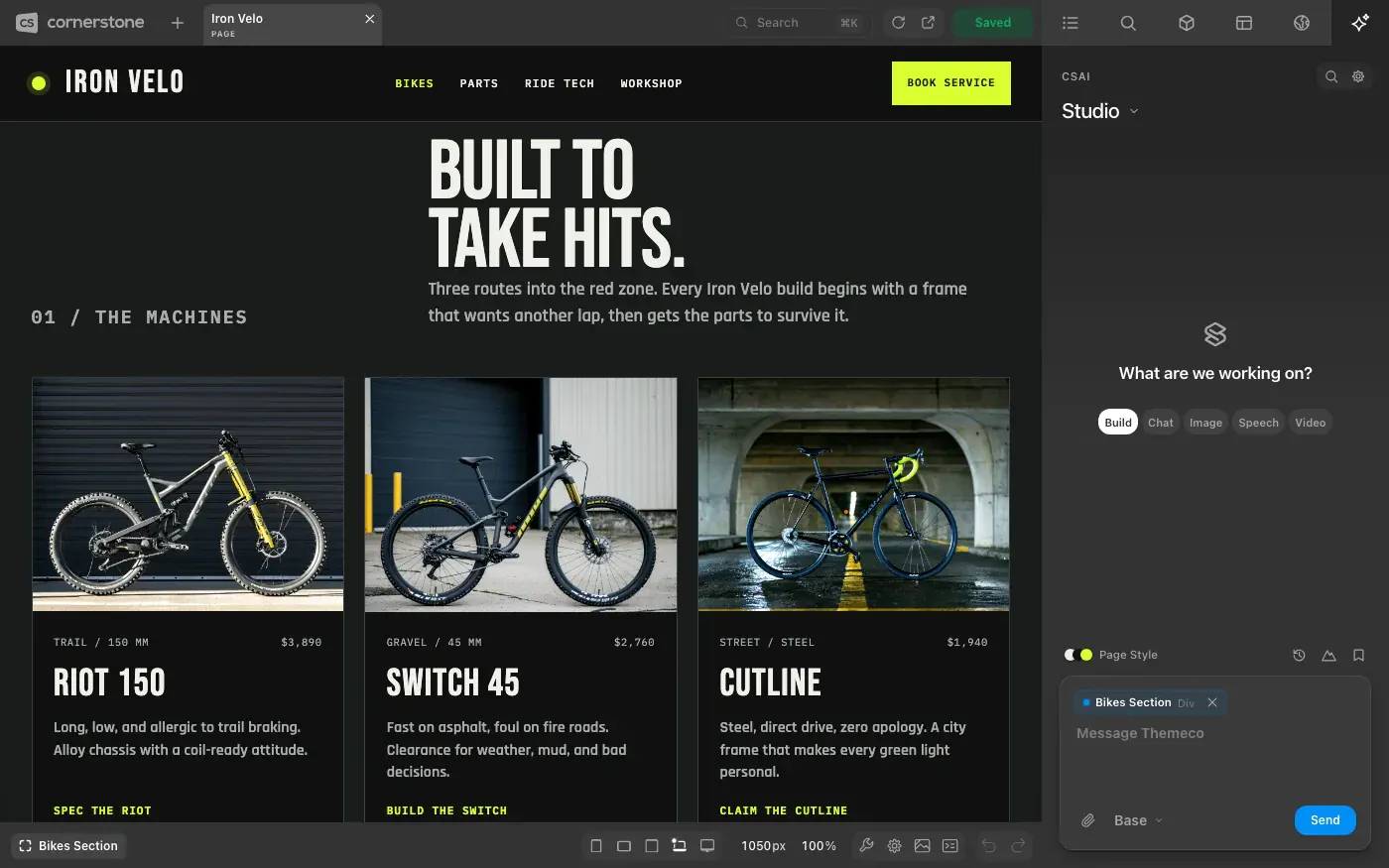


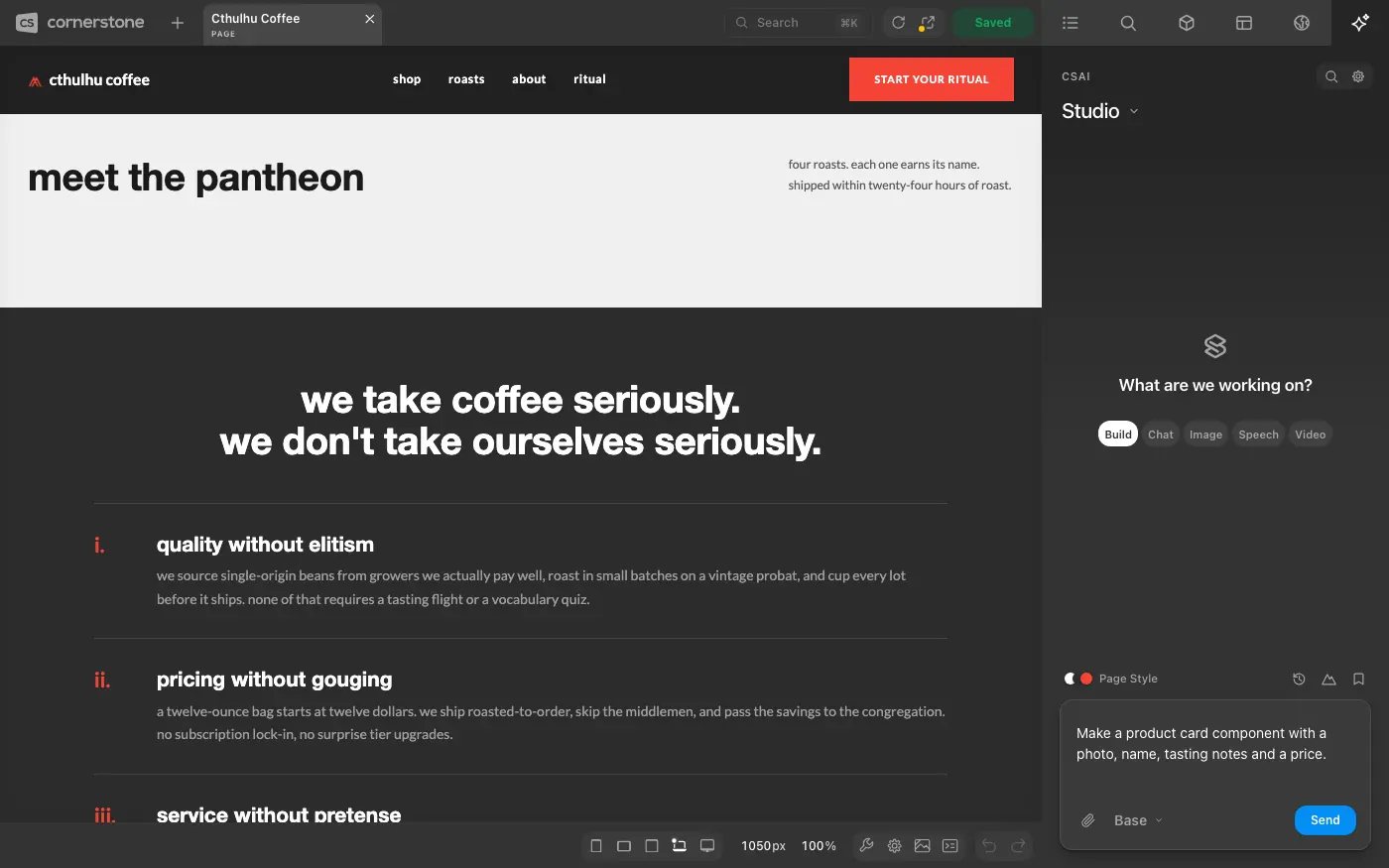
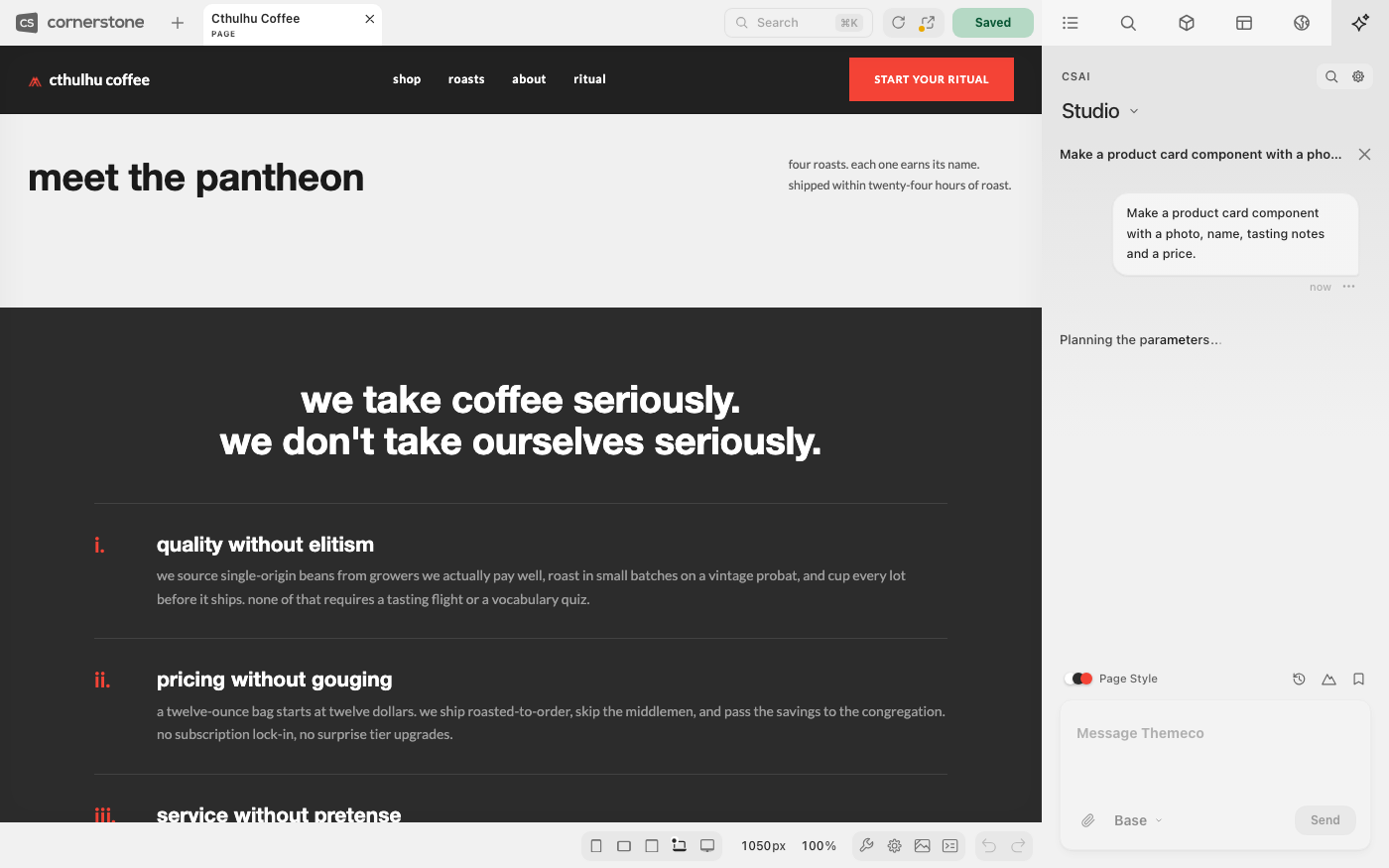
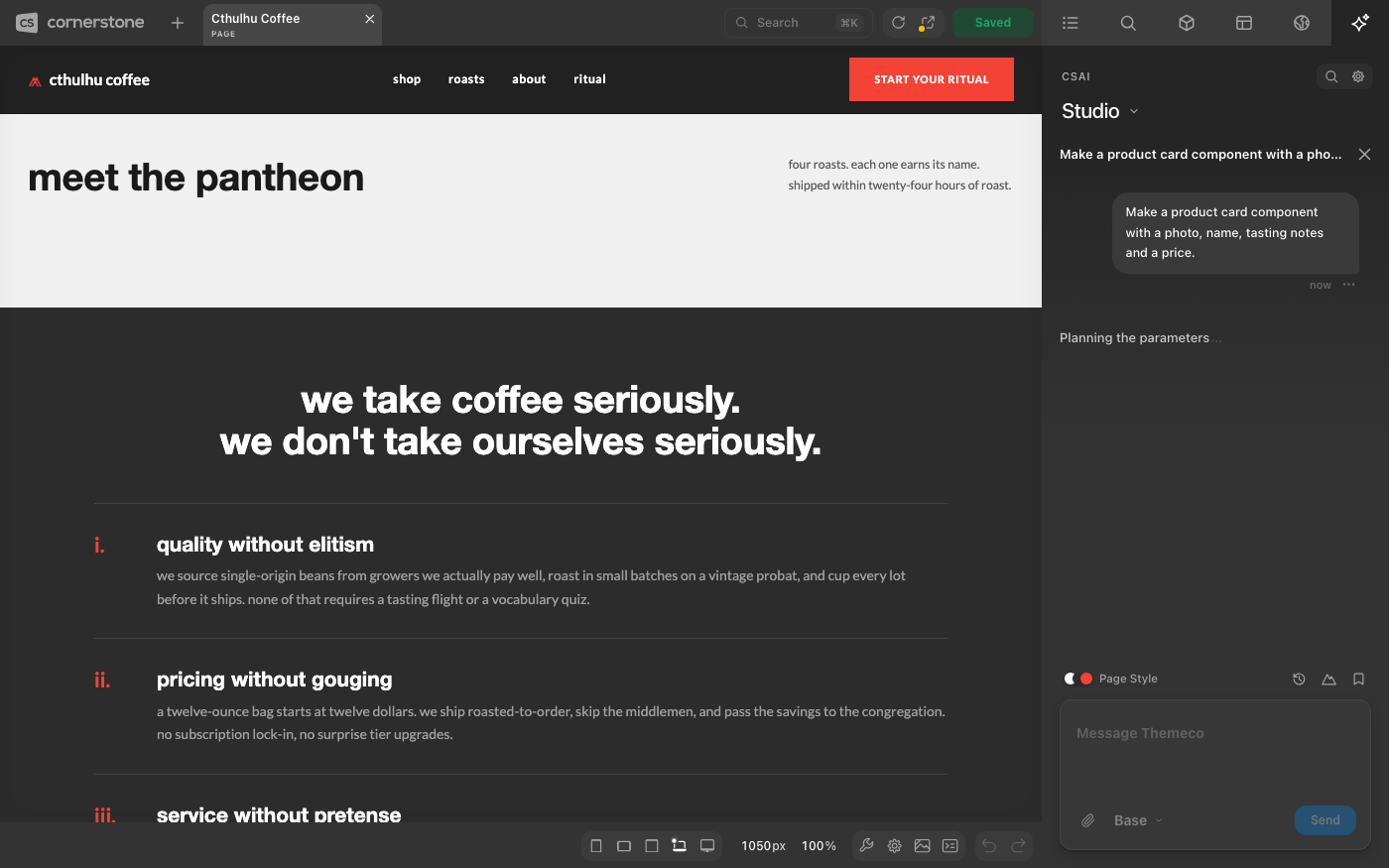
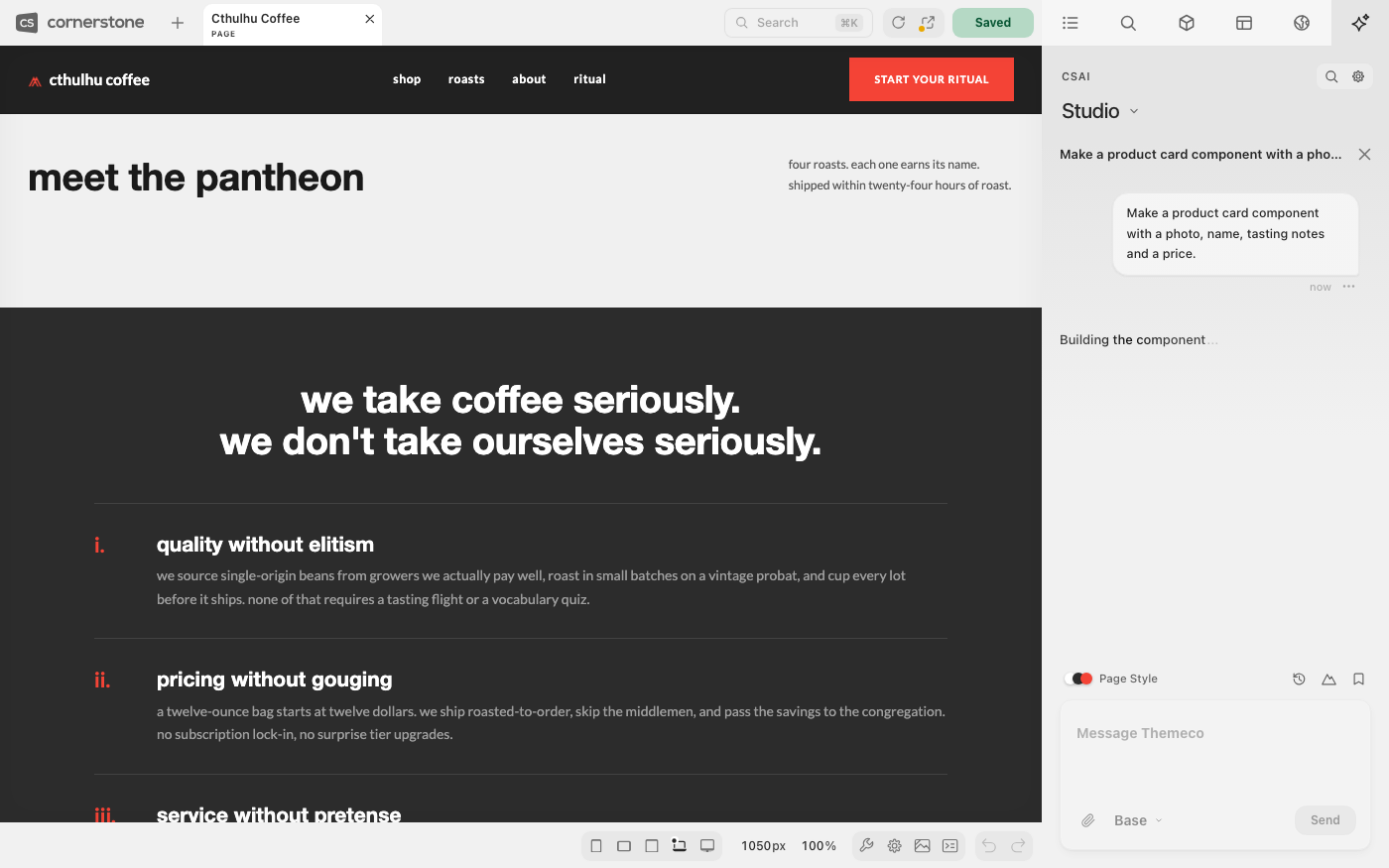


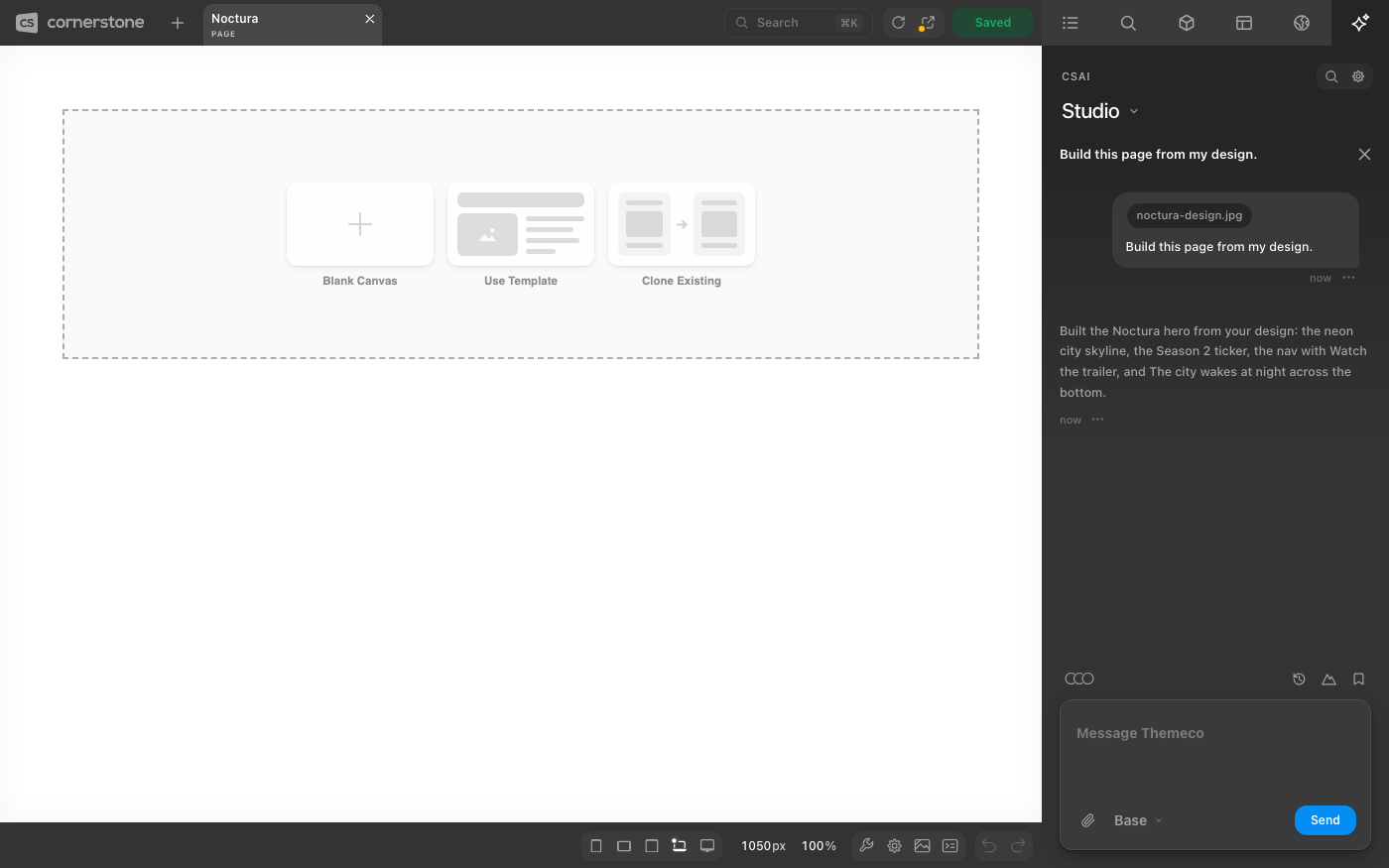



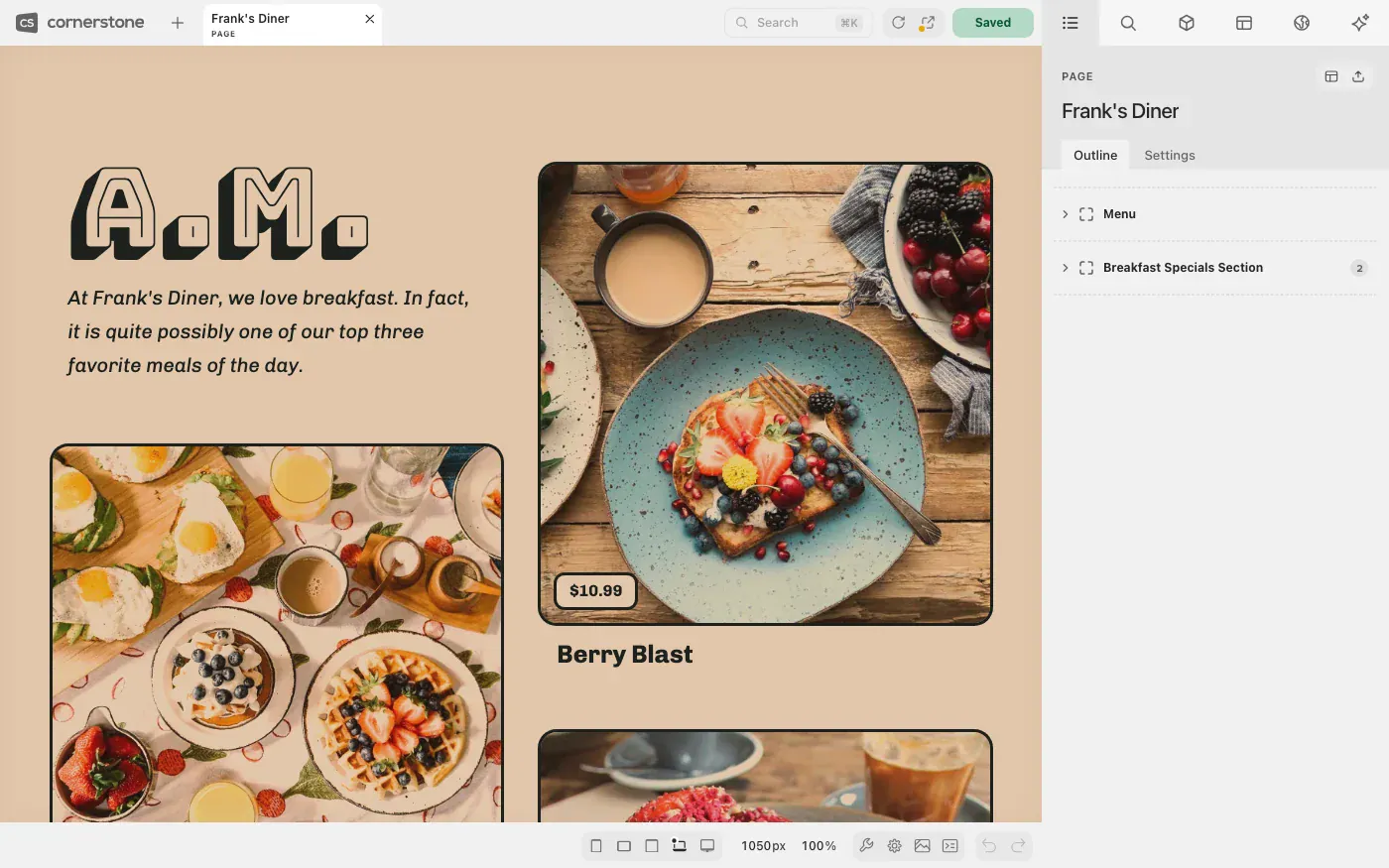
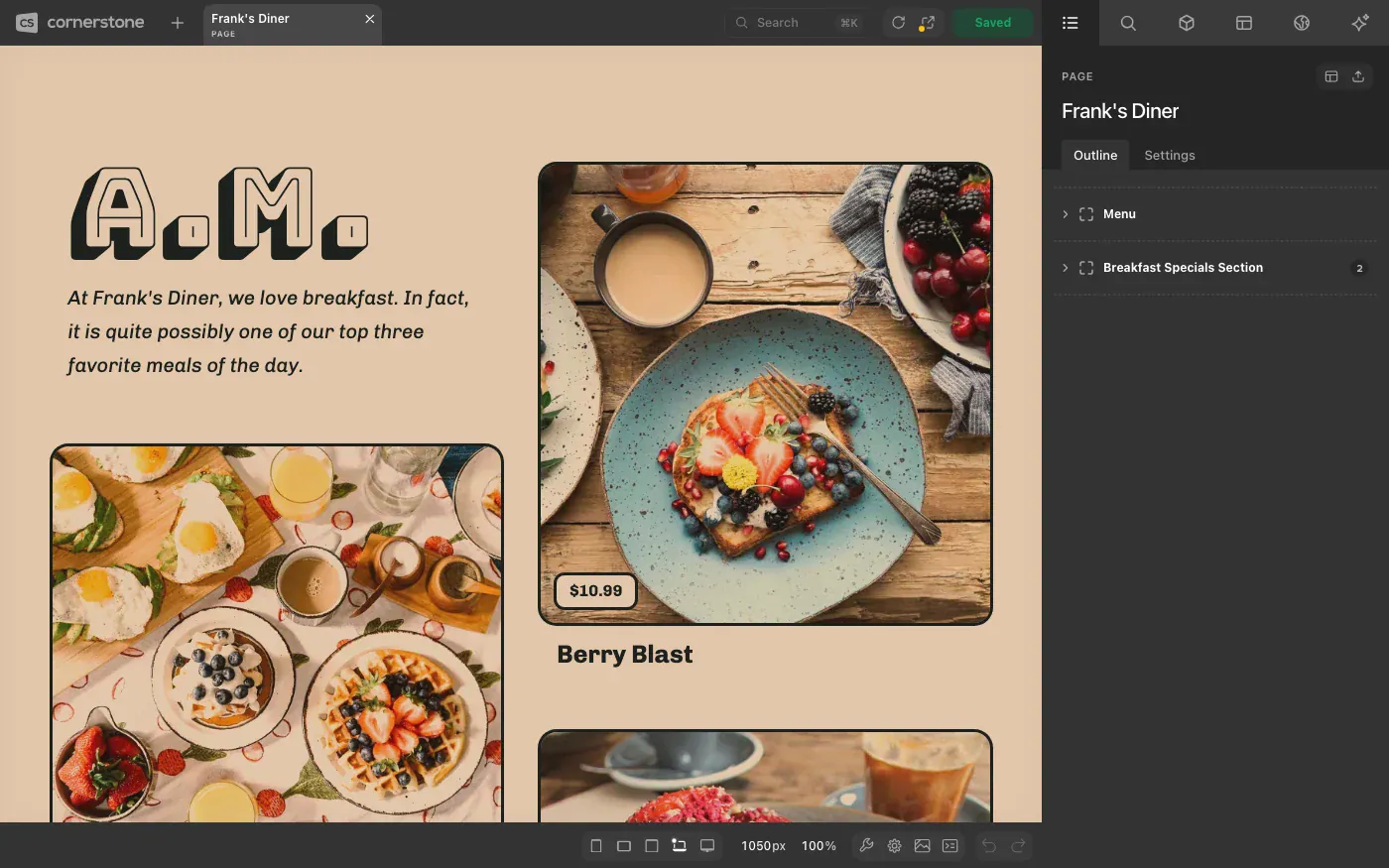

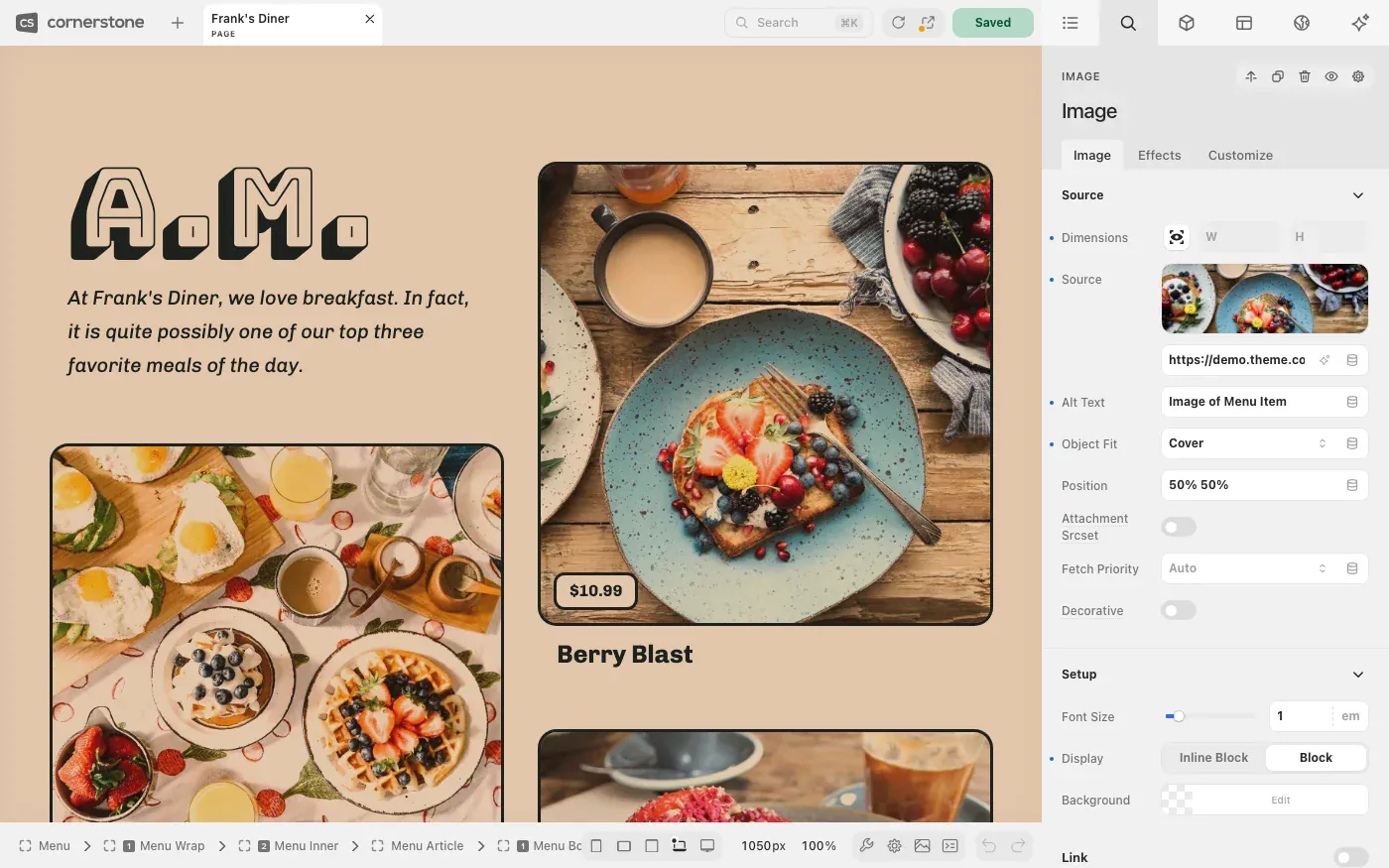
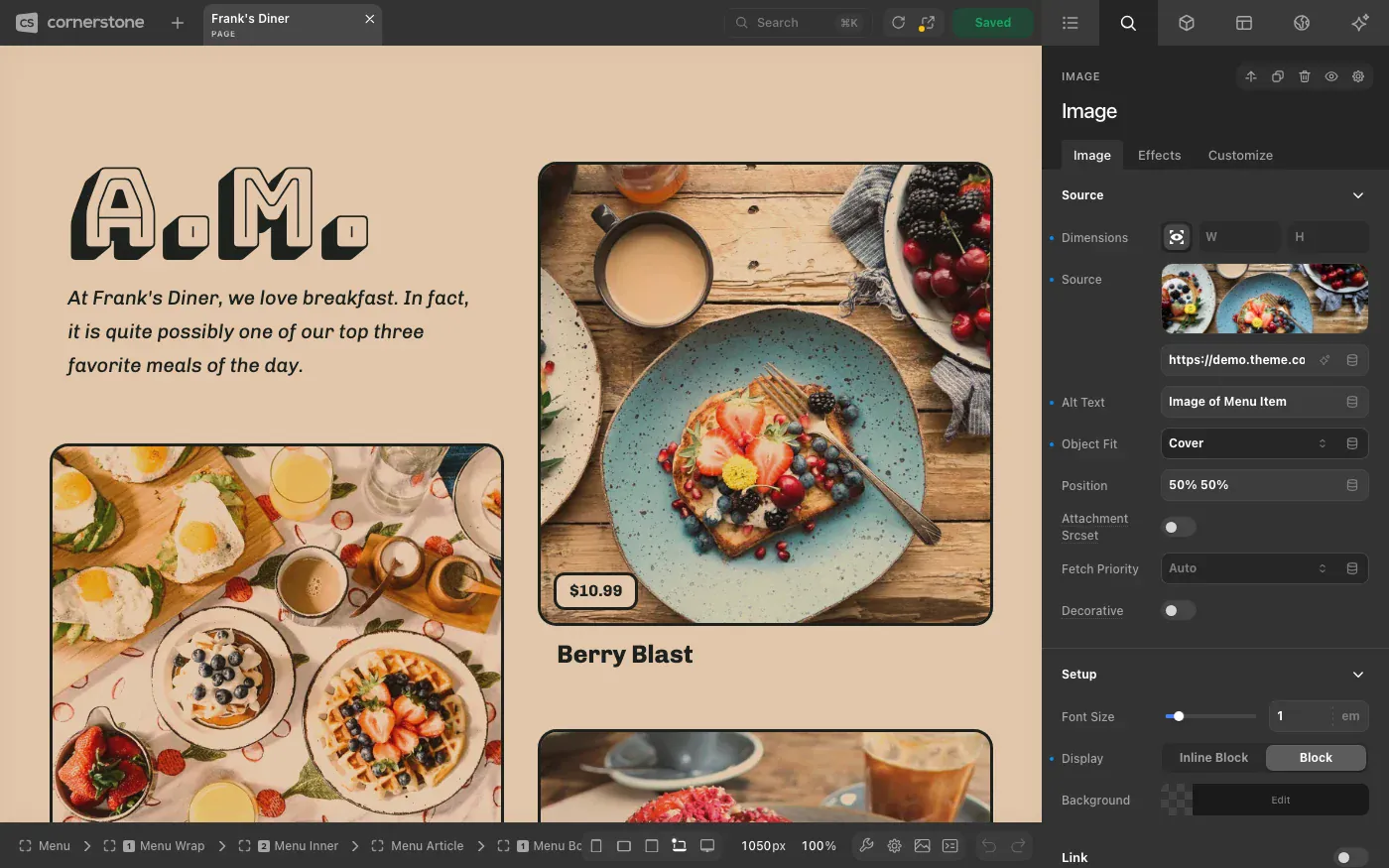
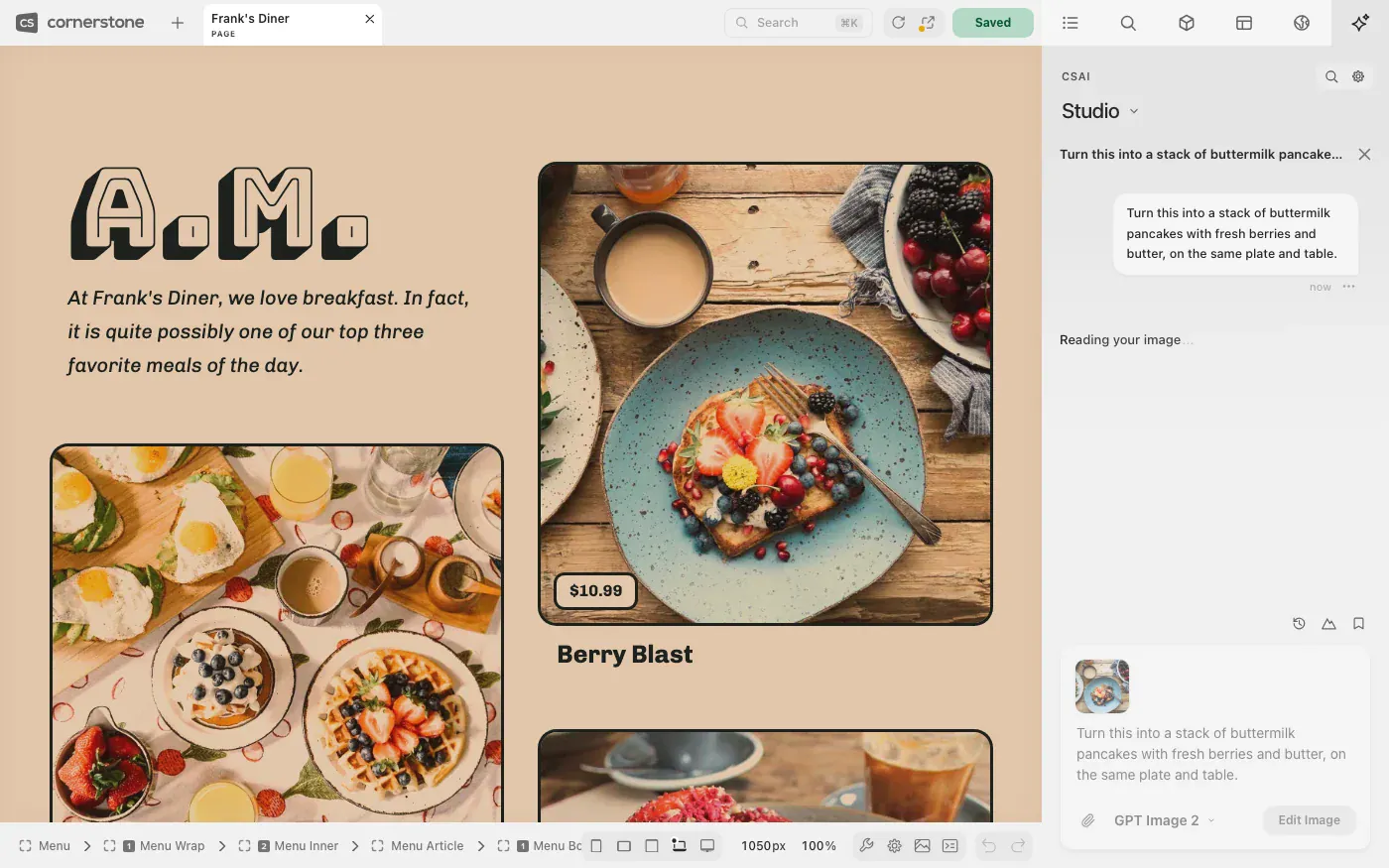
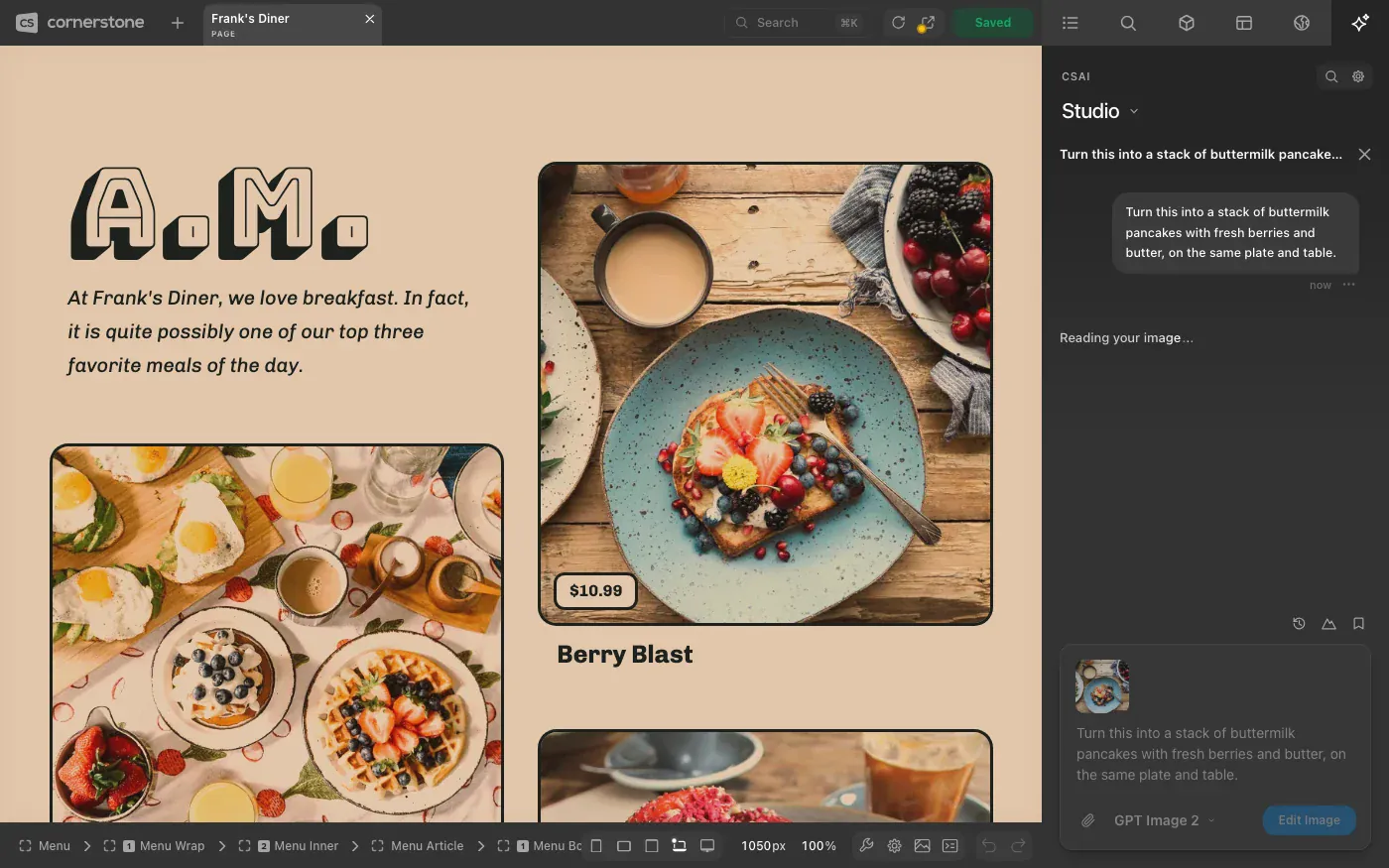
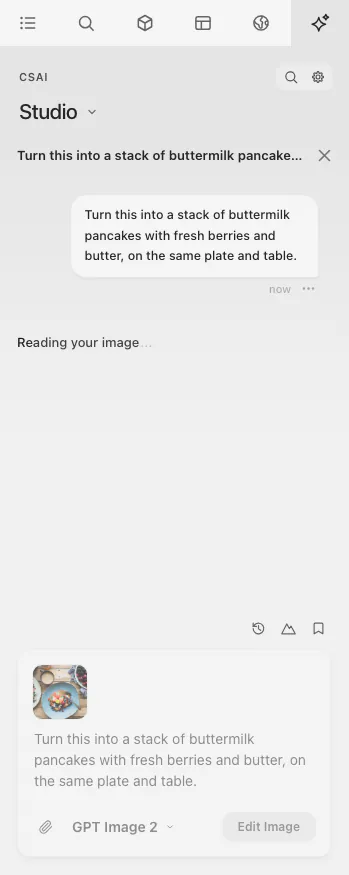
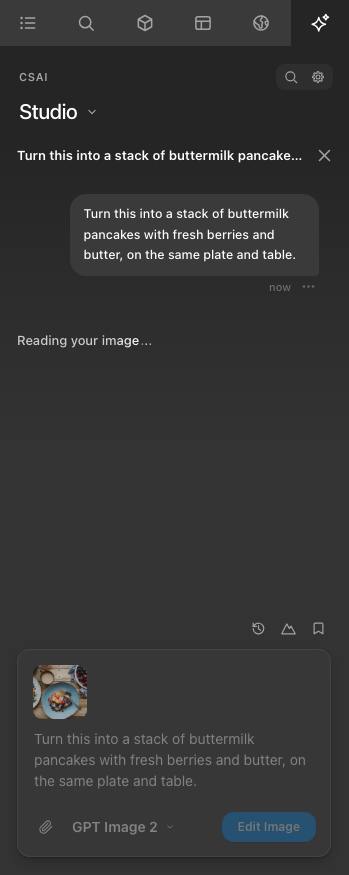
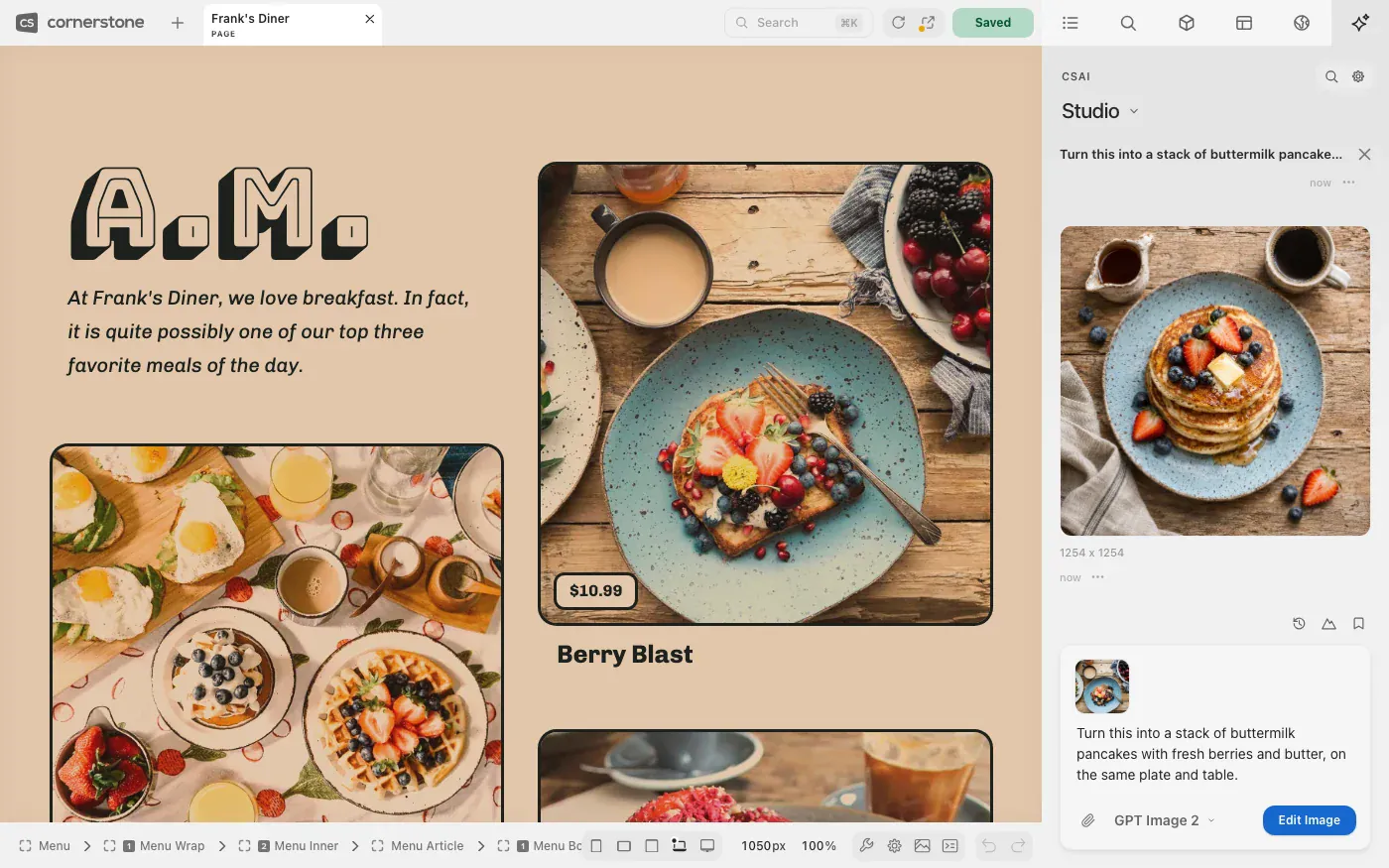
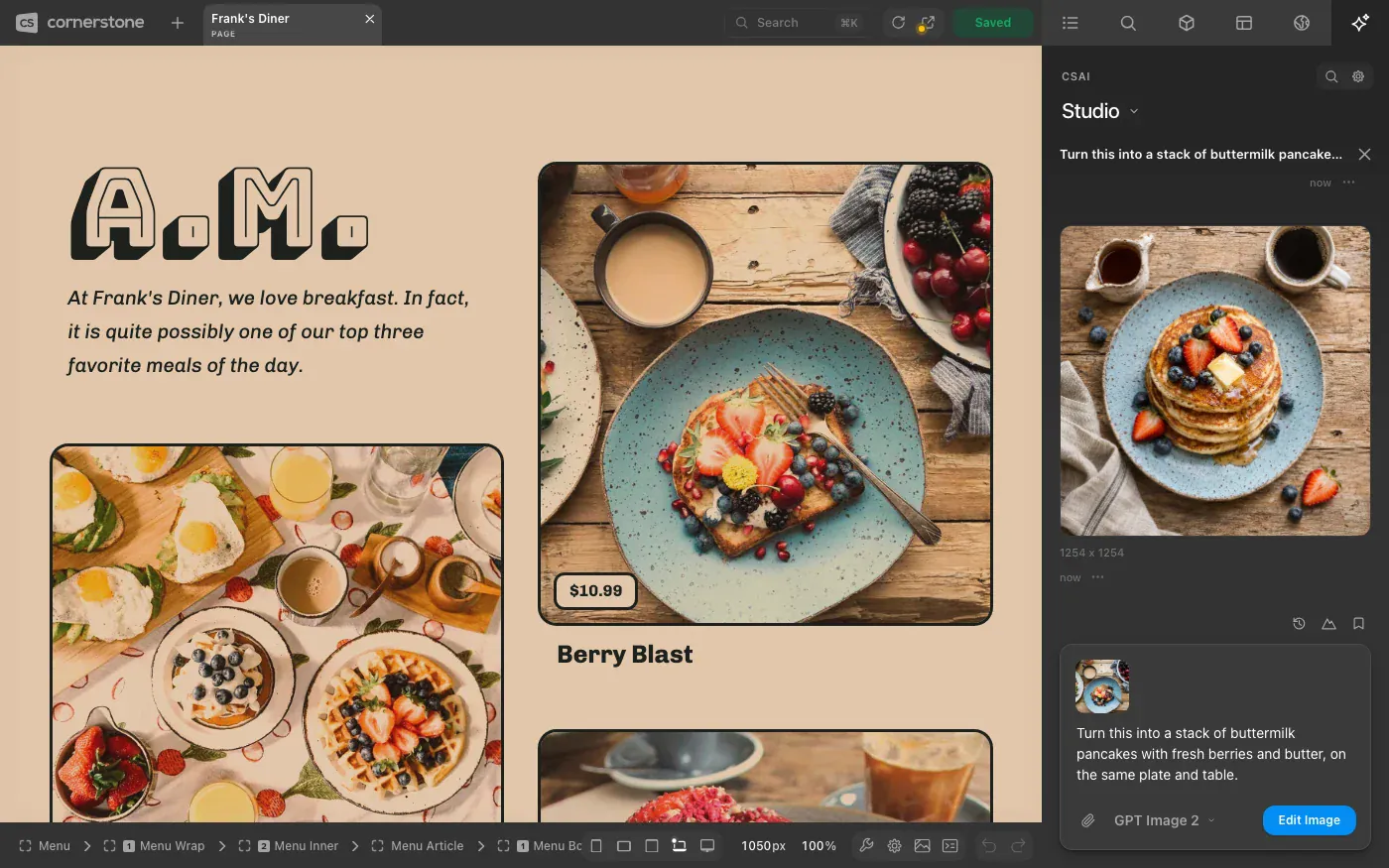
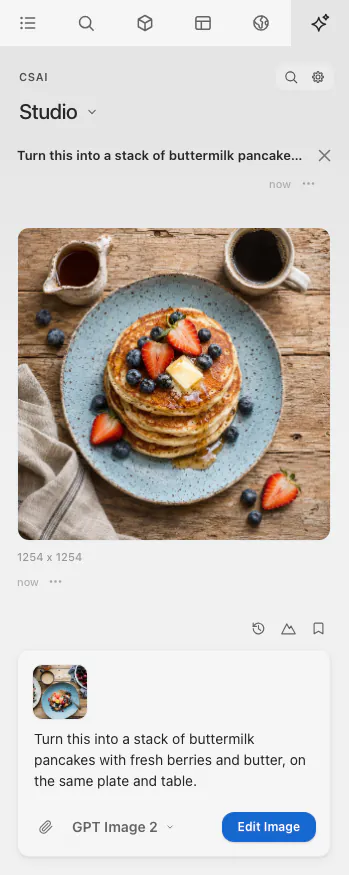
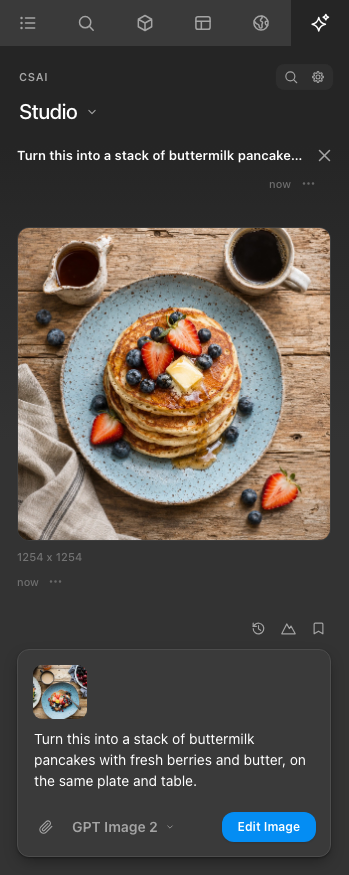
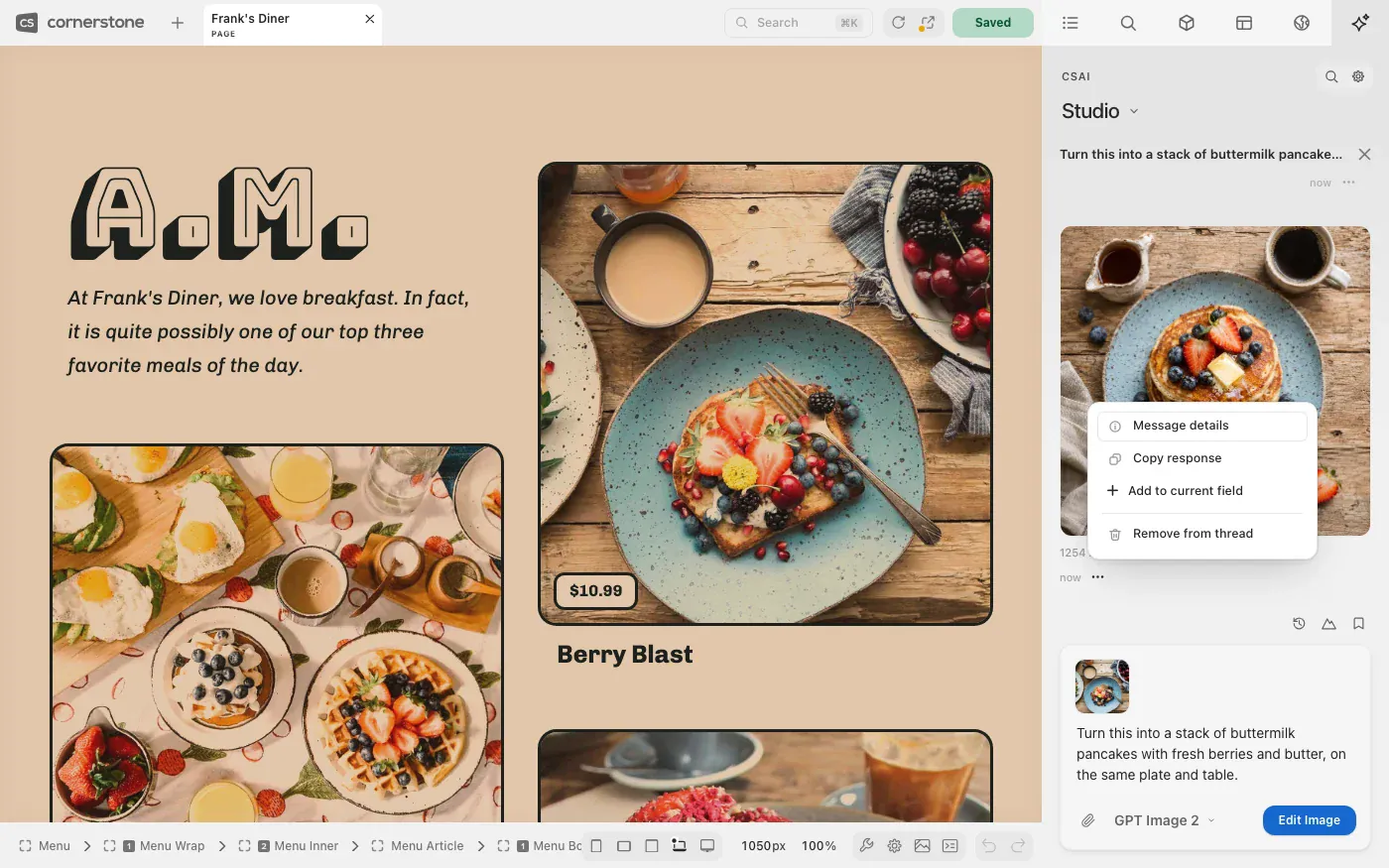
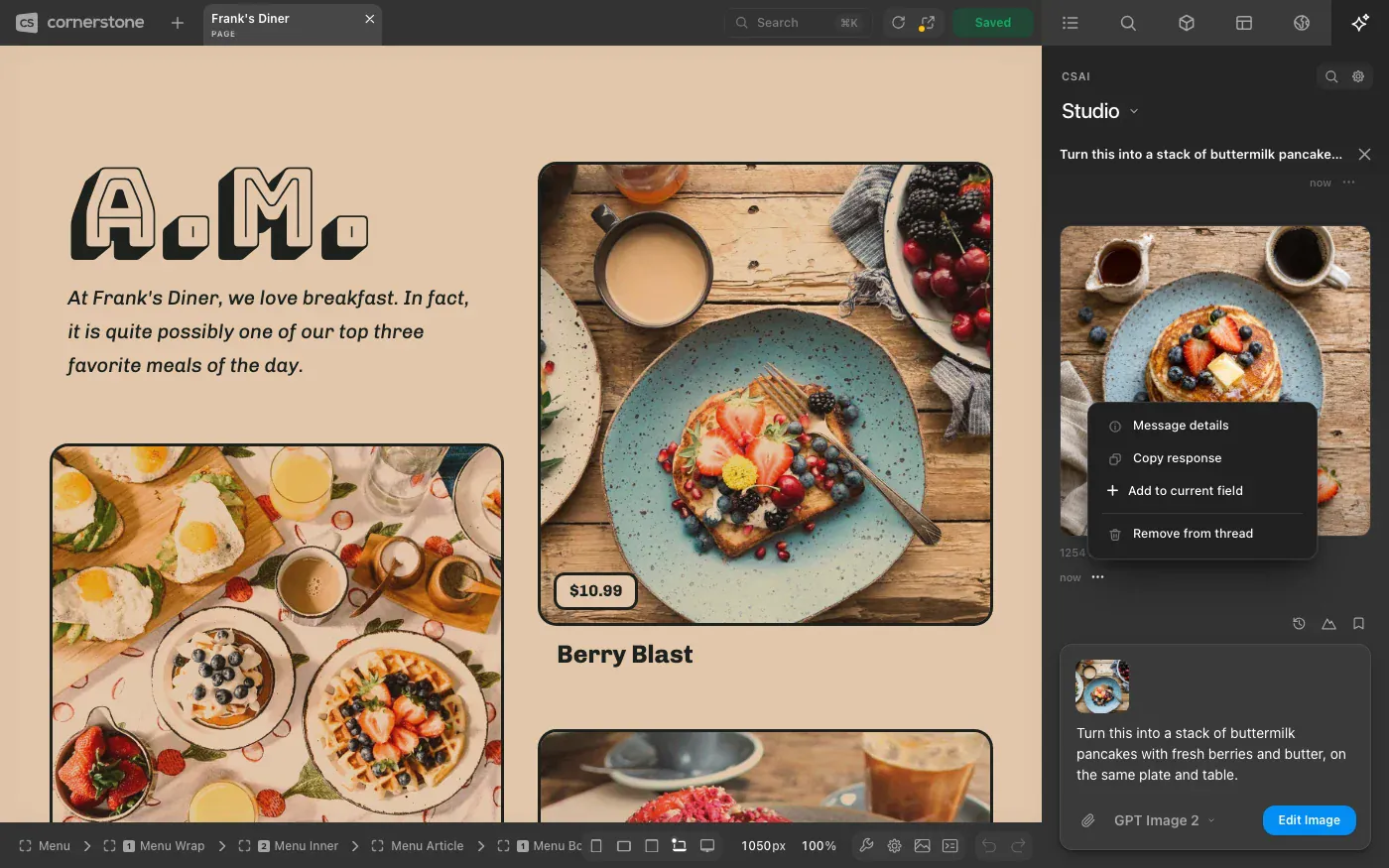
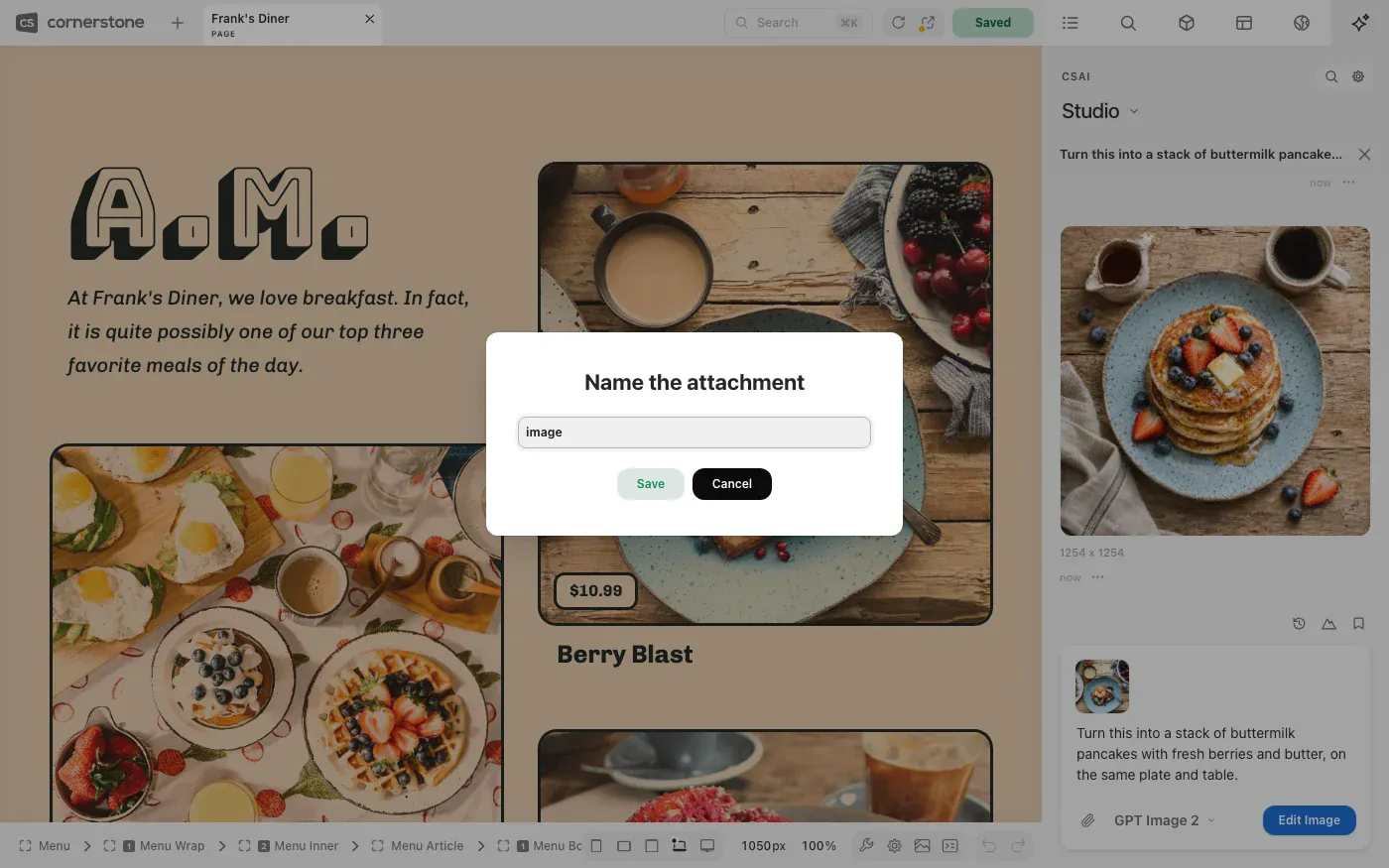


Use Case: #1
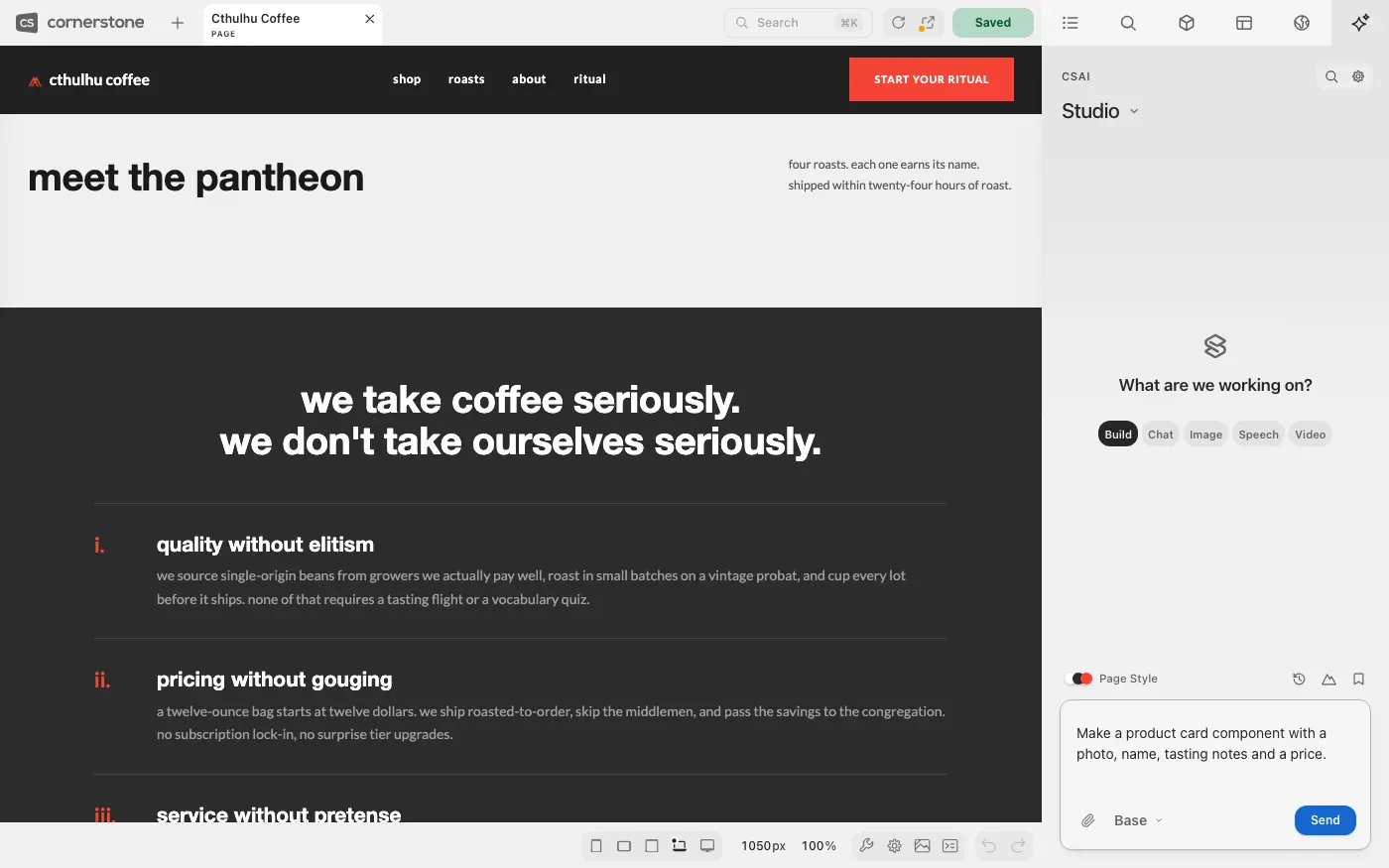
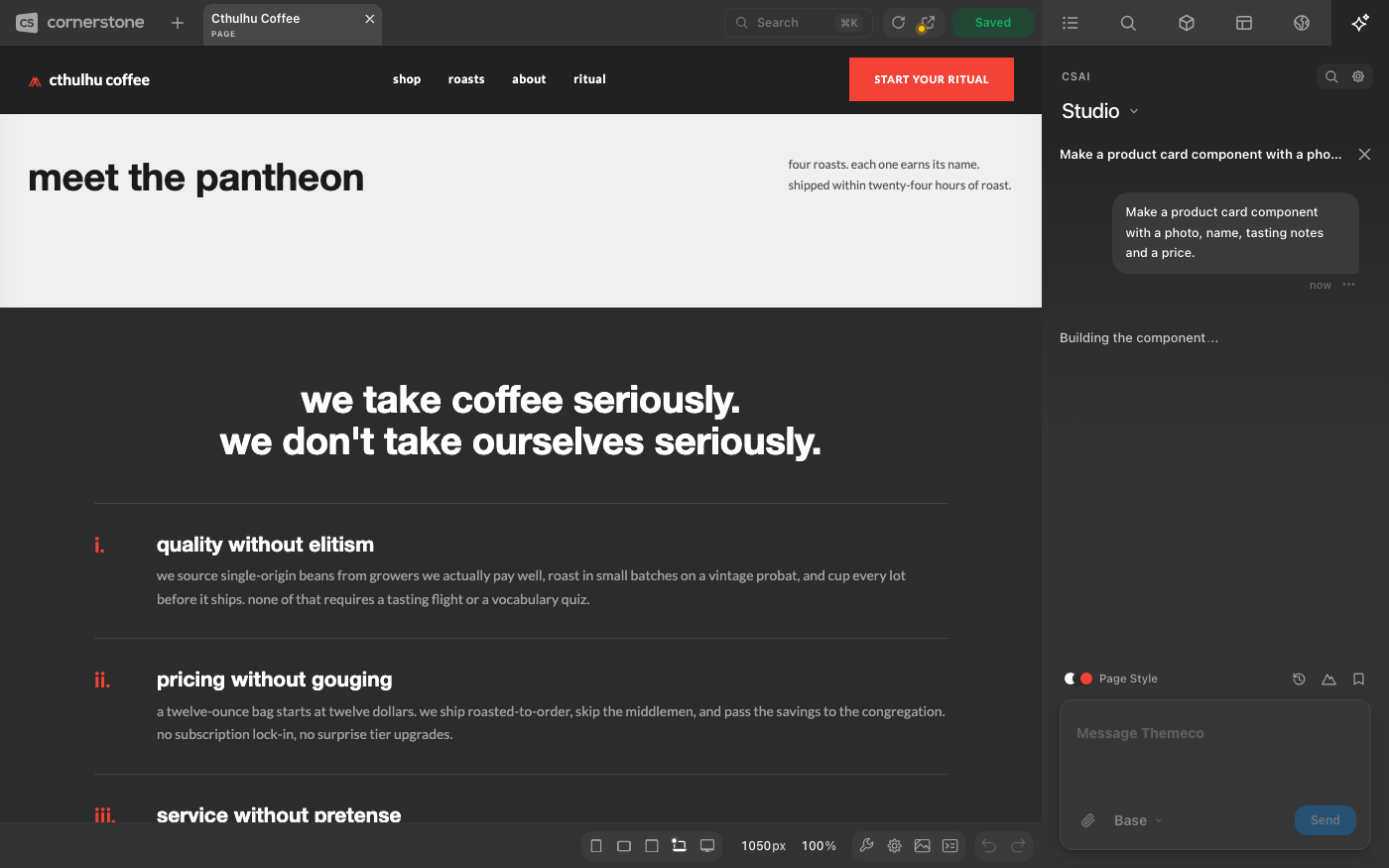
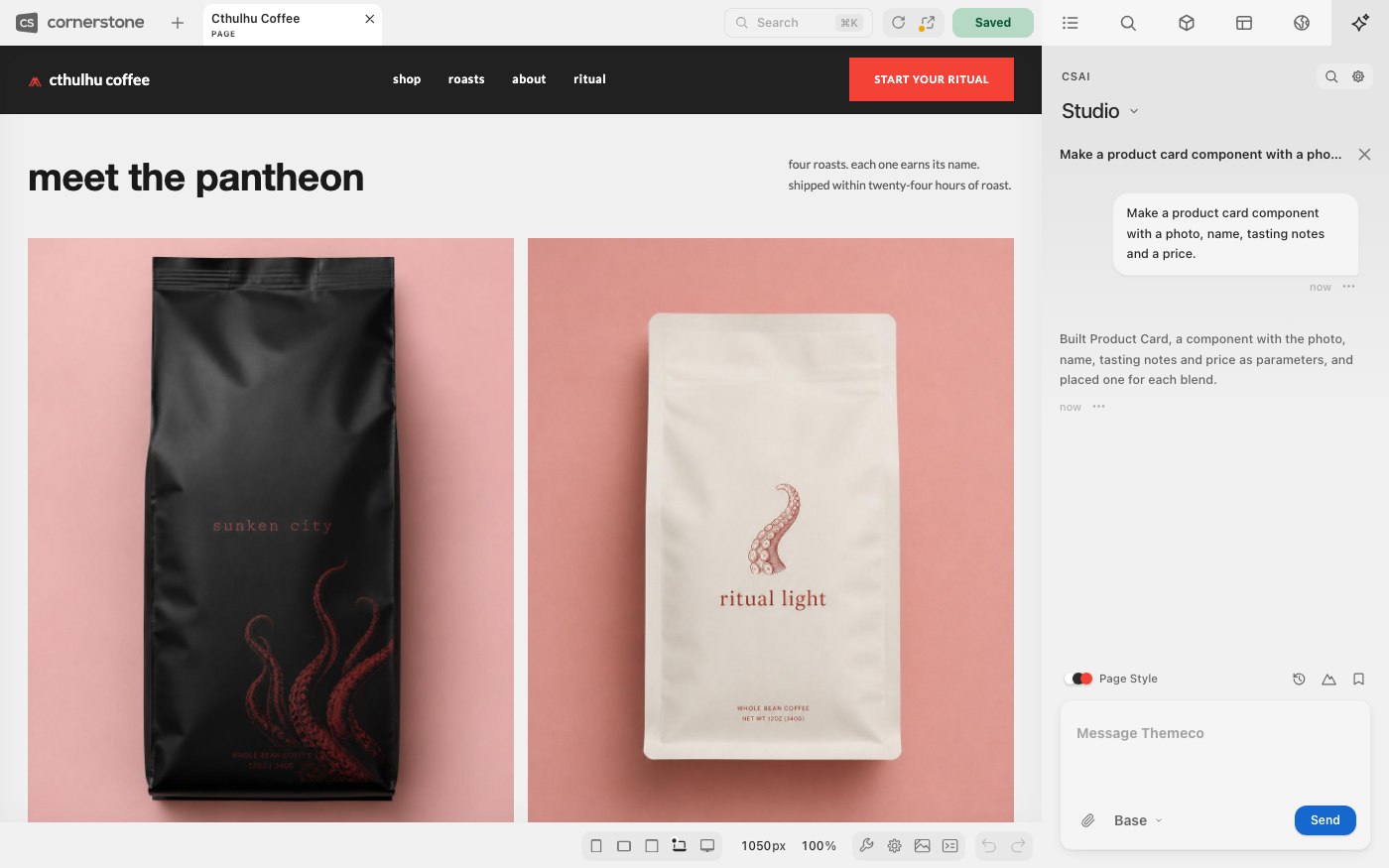
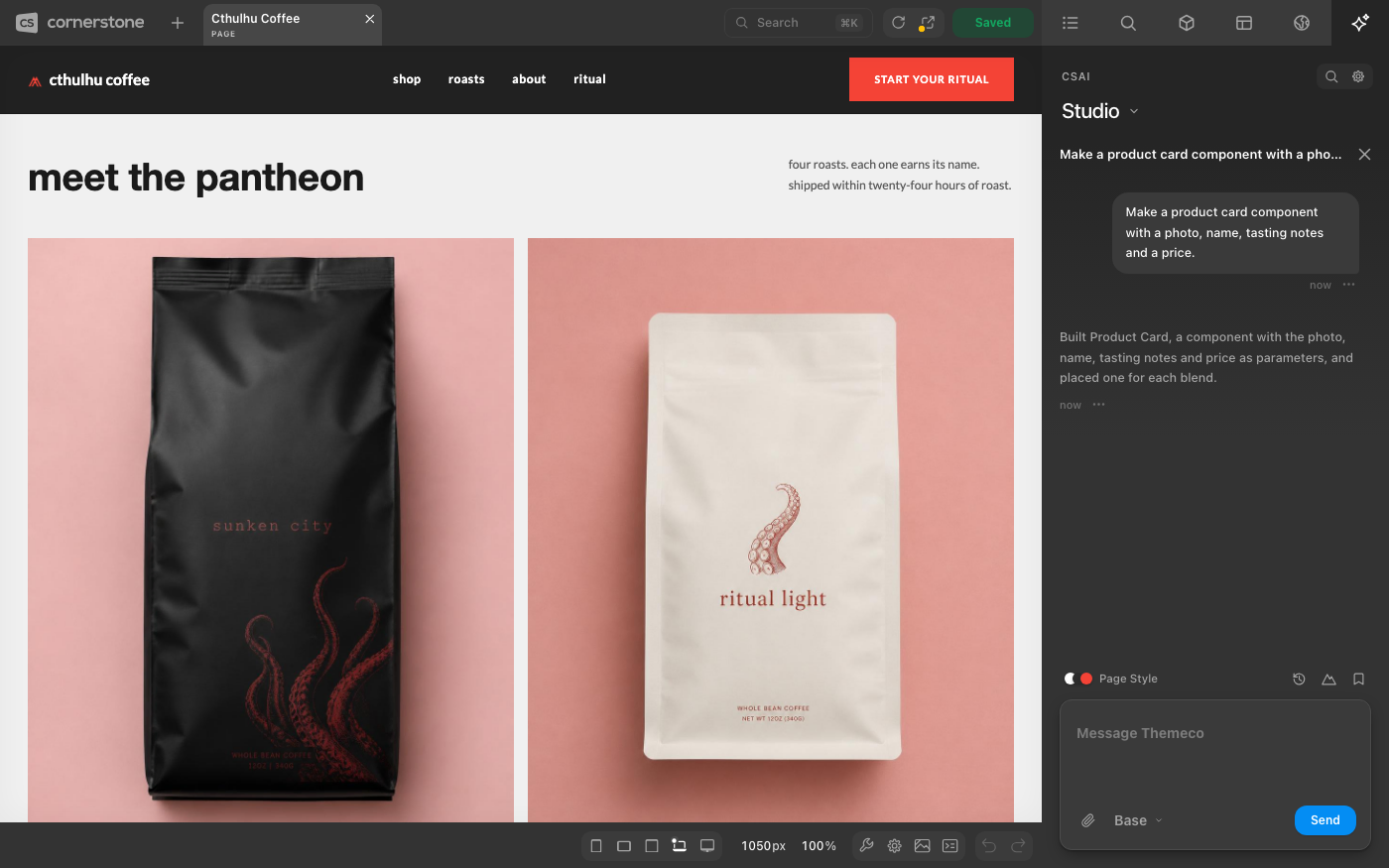
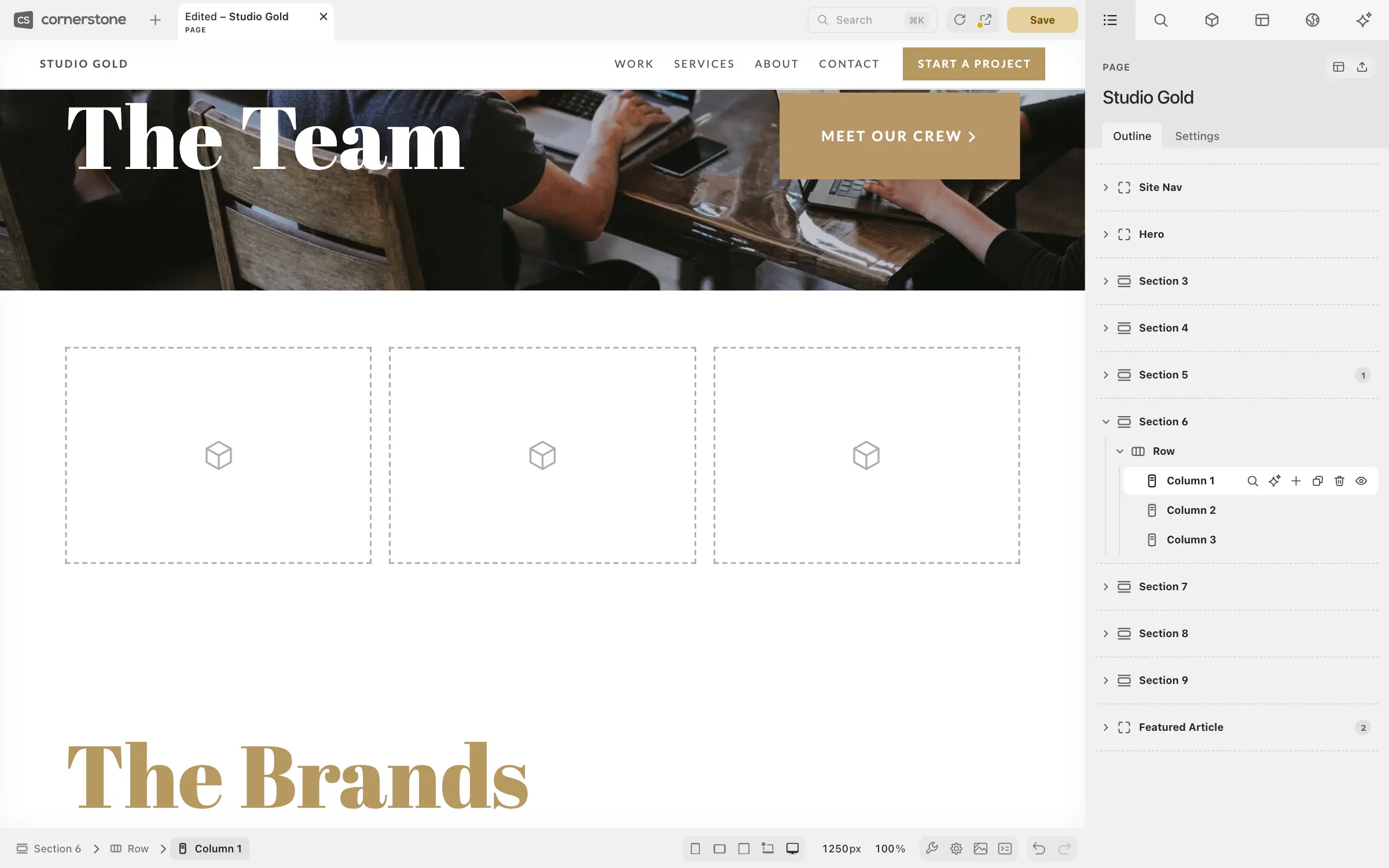
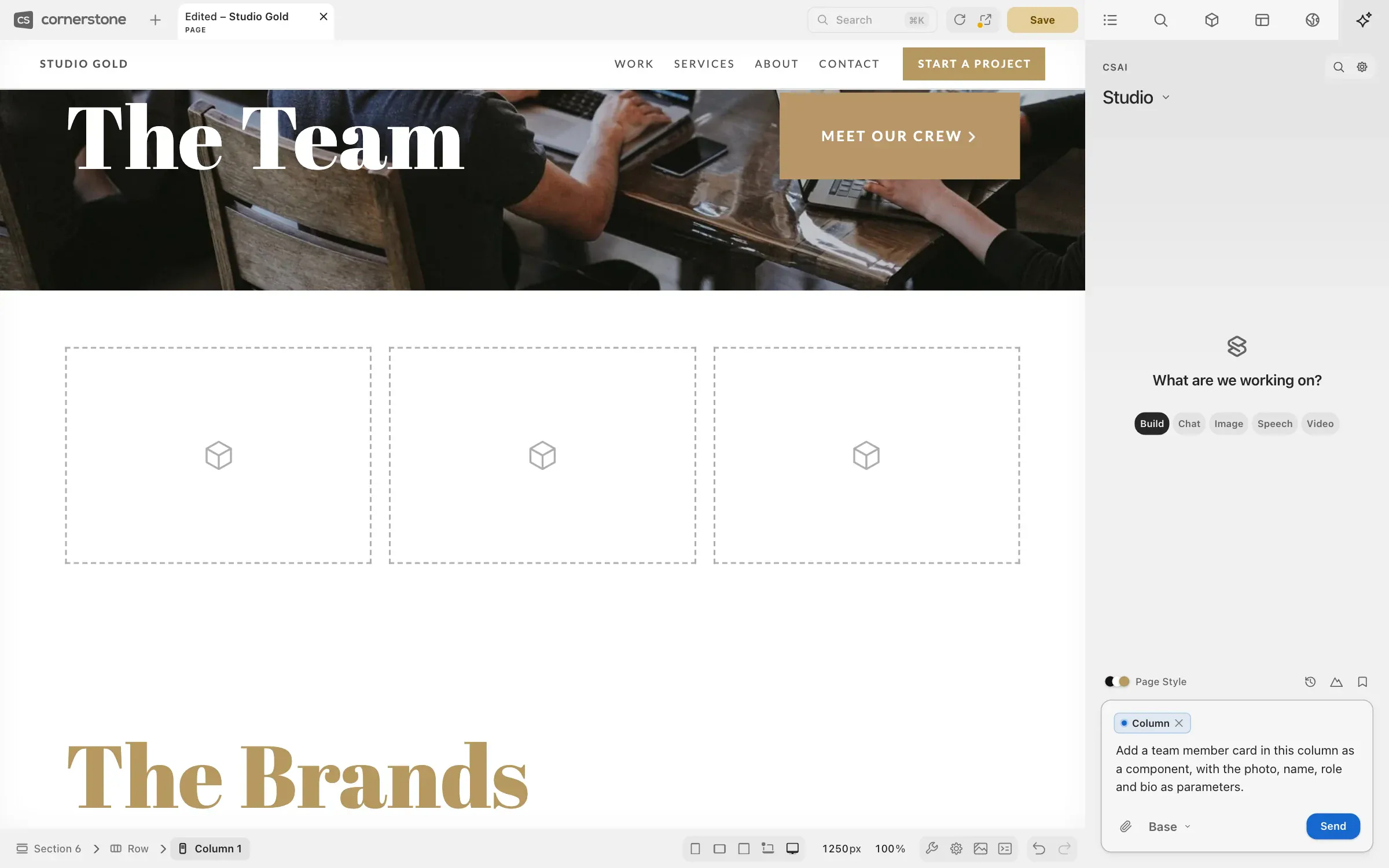
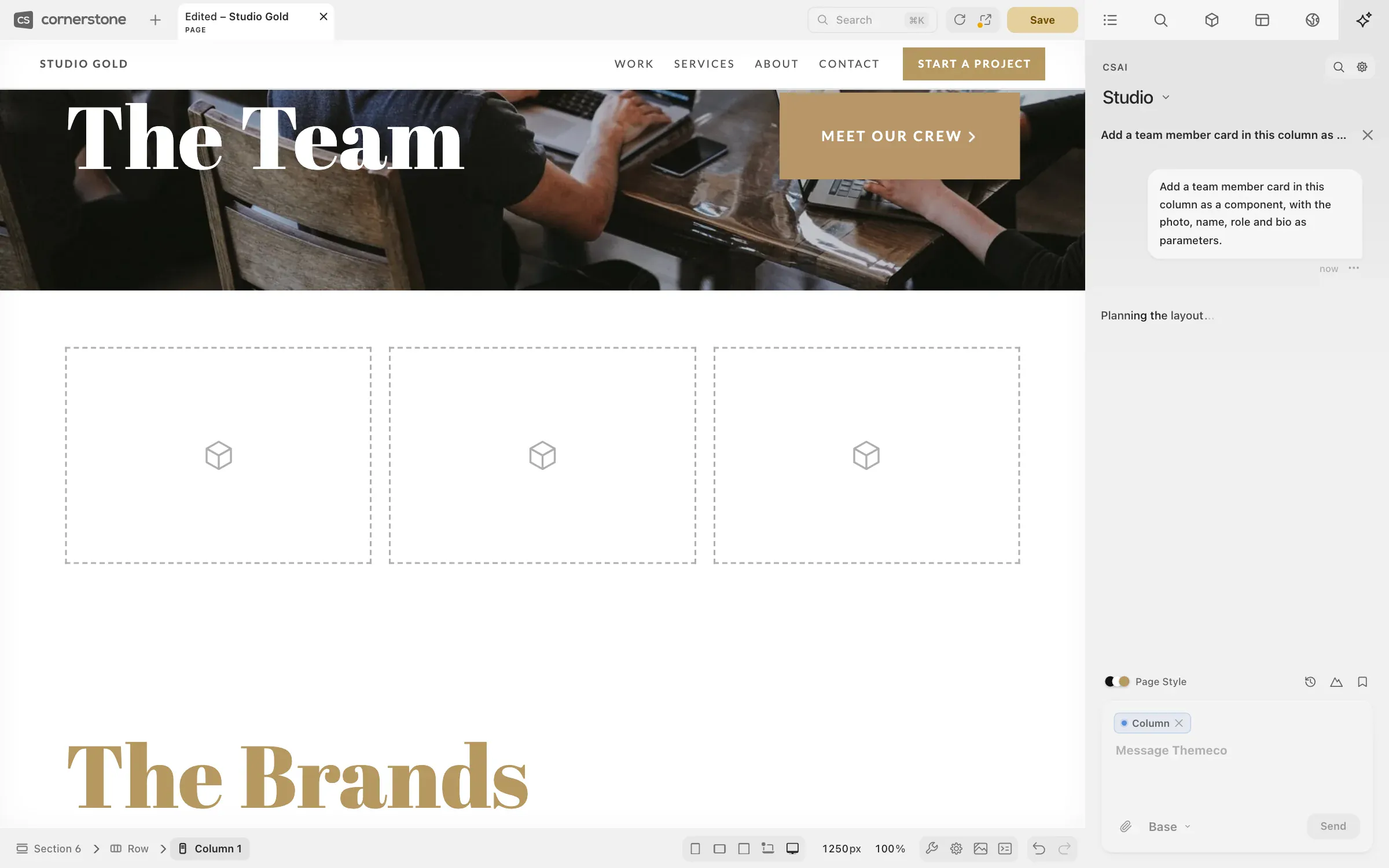
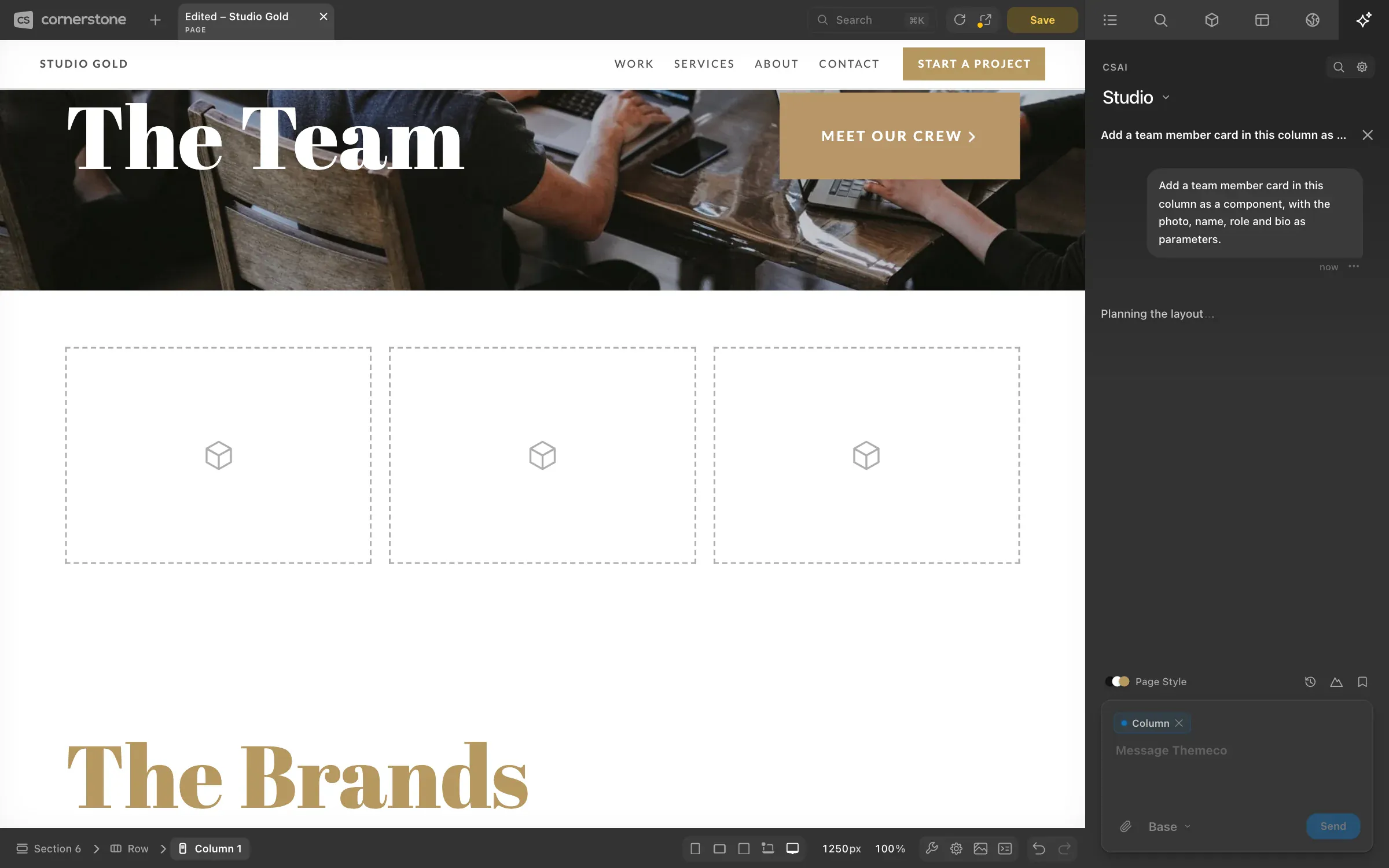
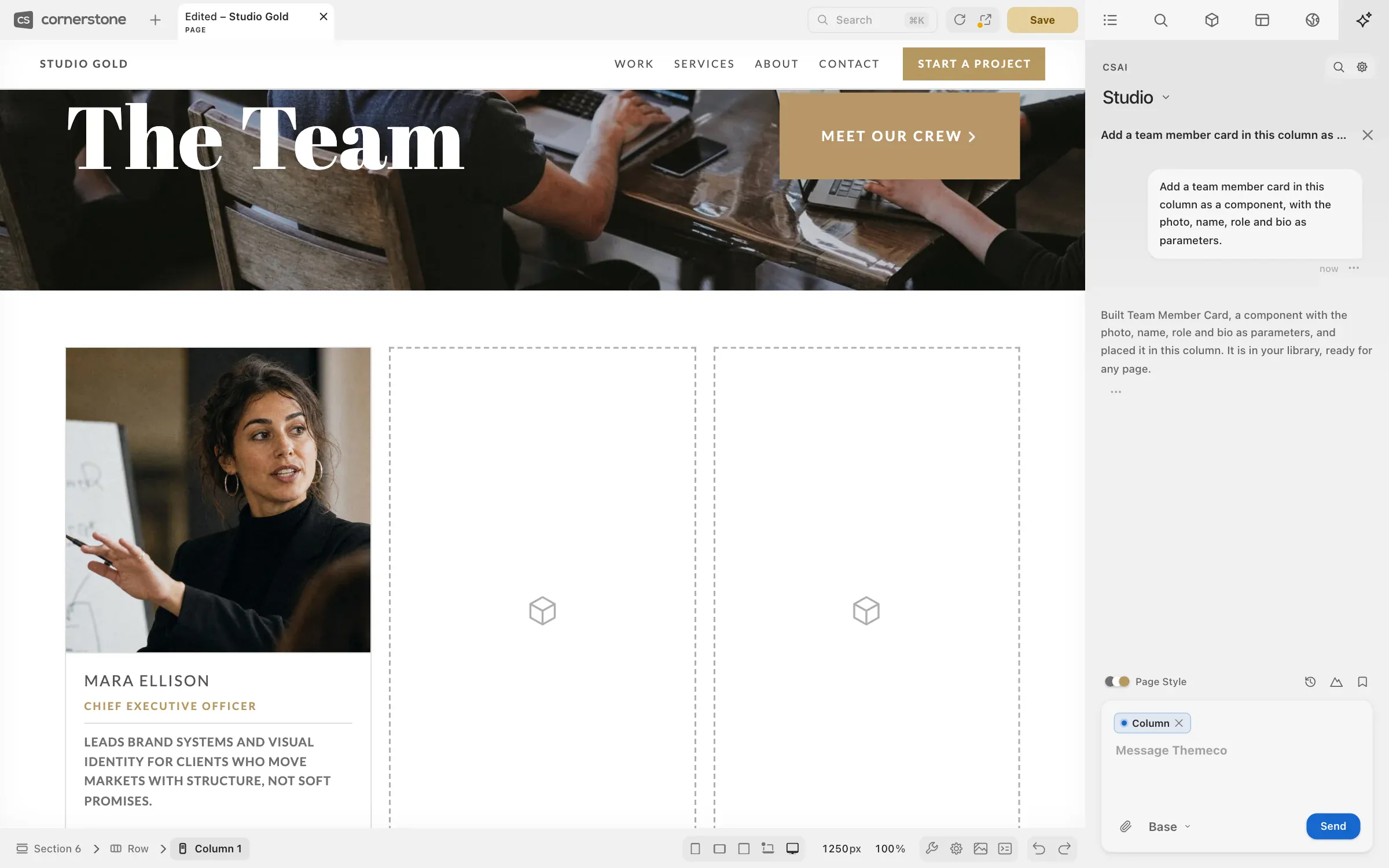
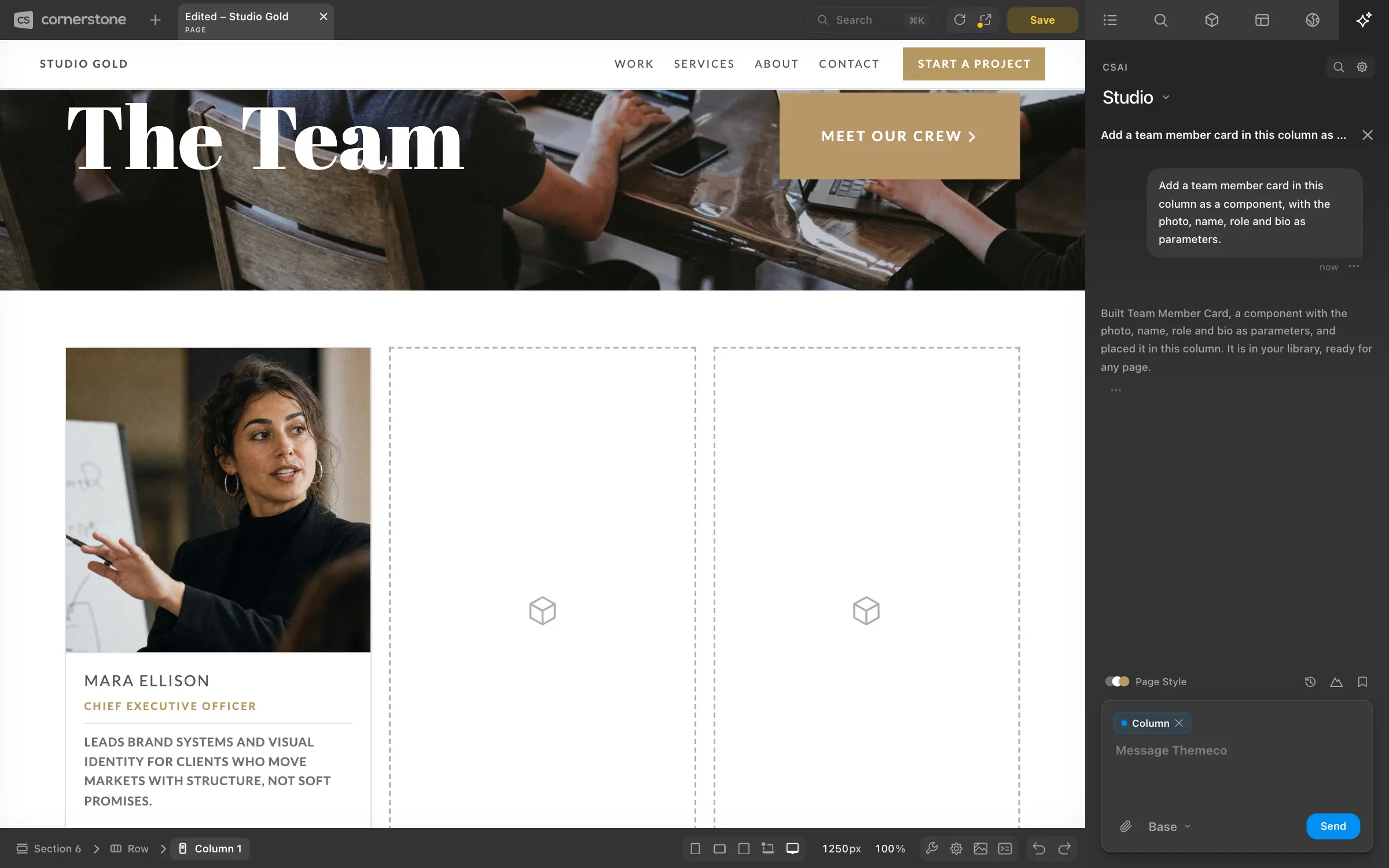
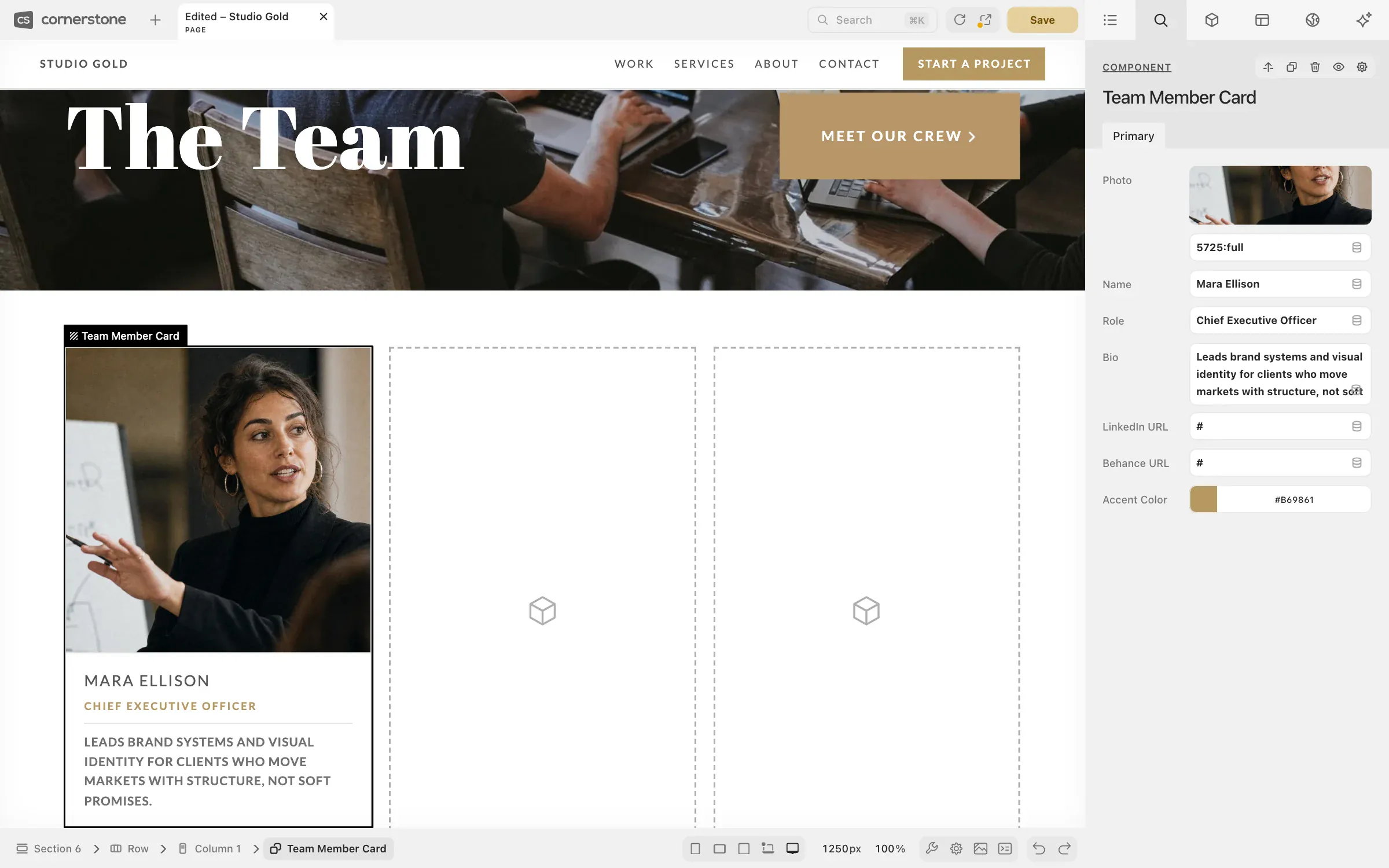
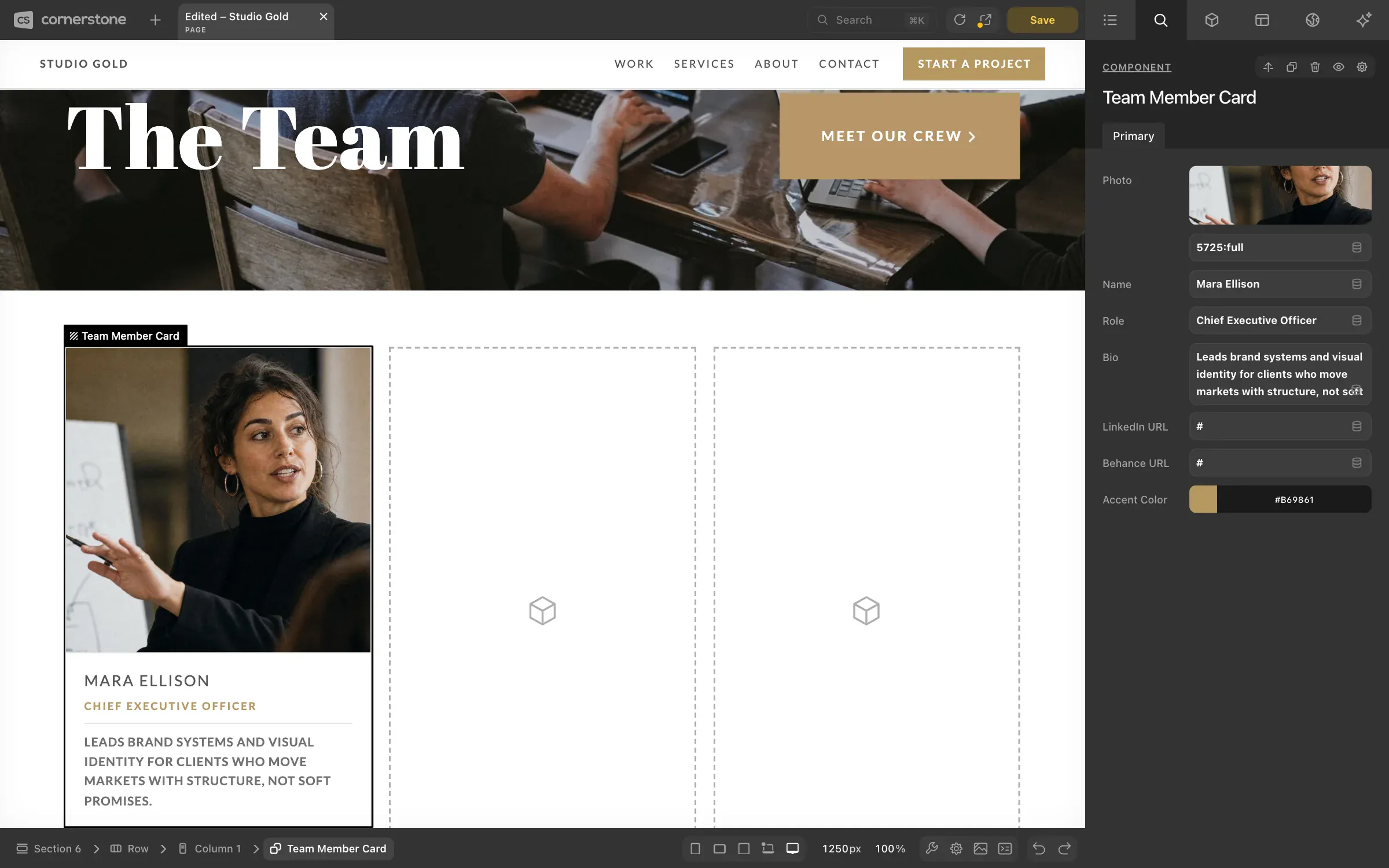
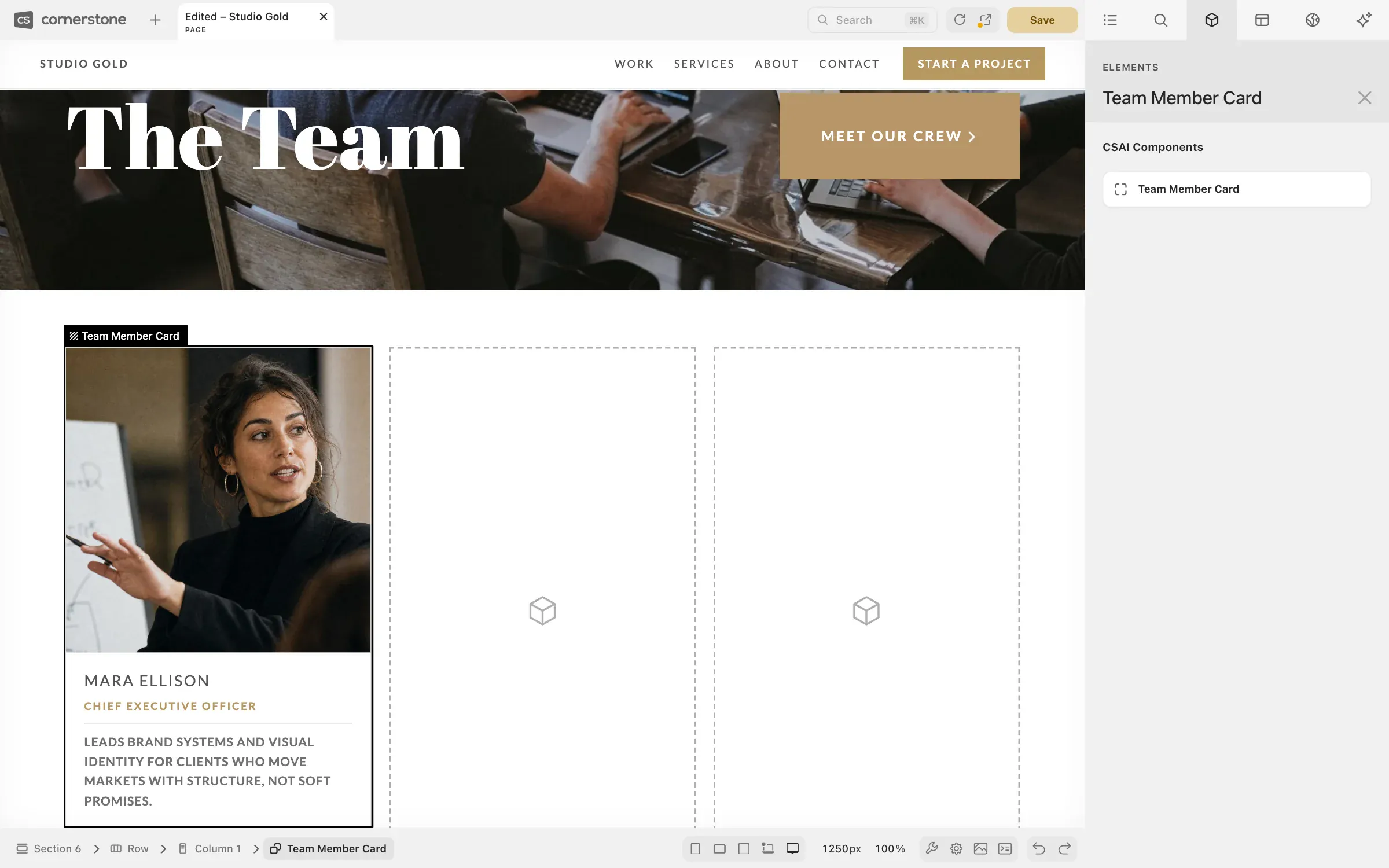
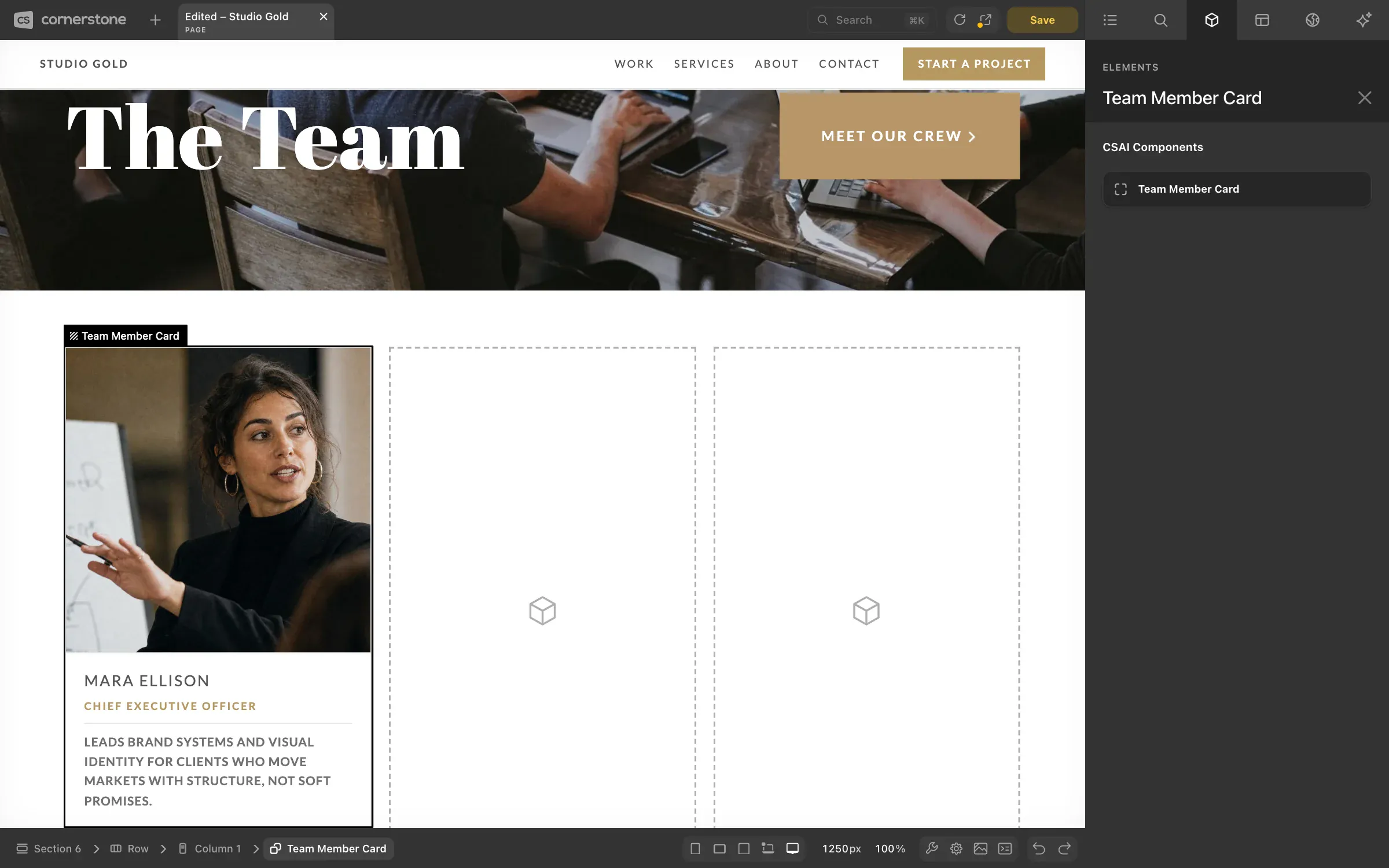
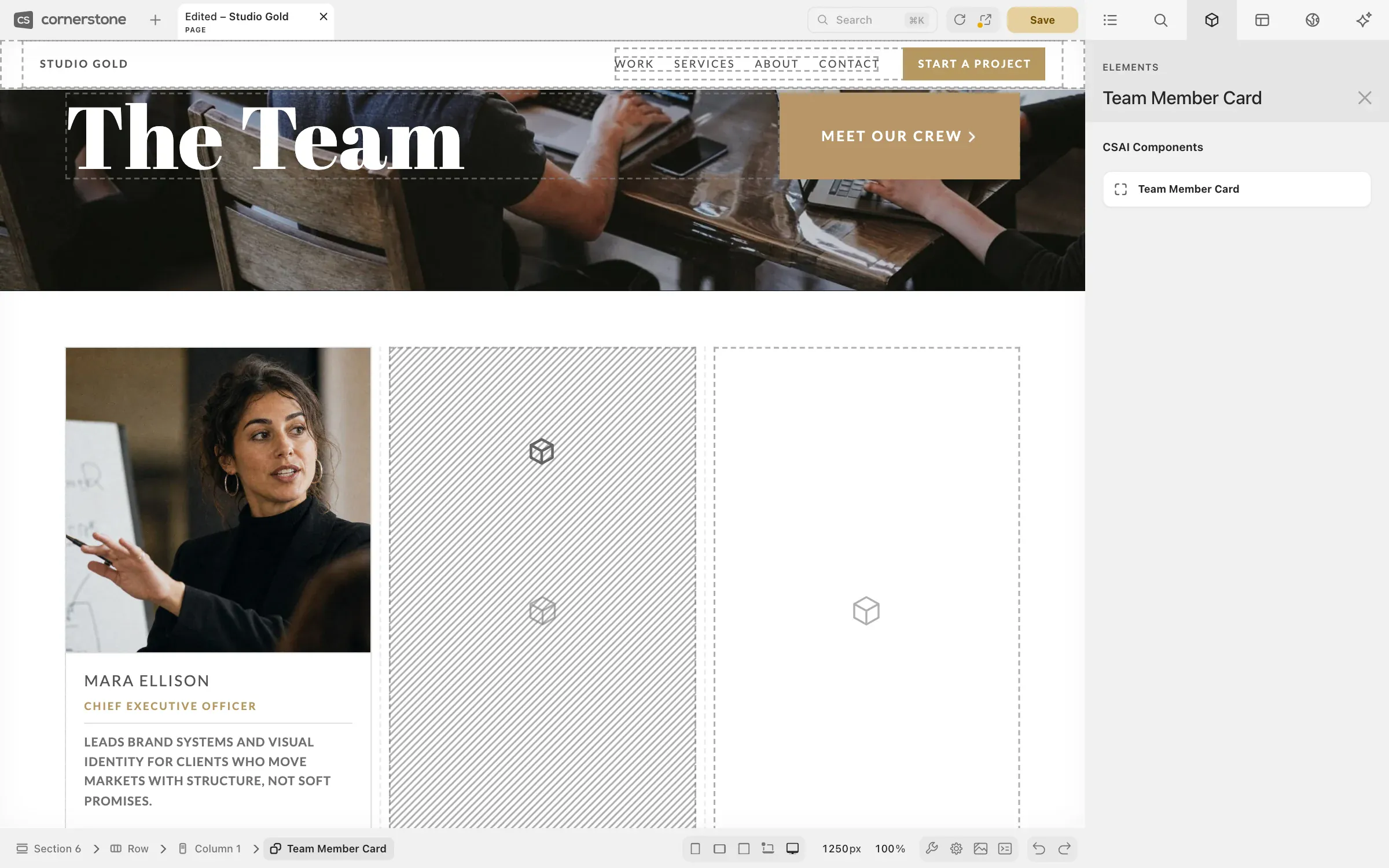
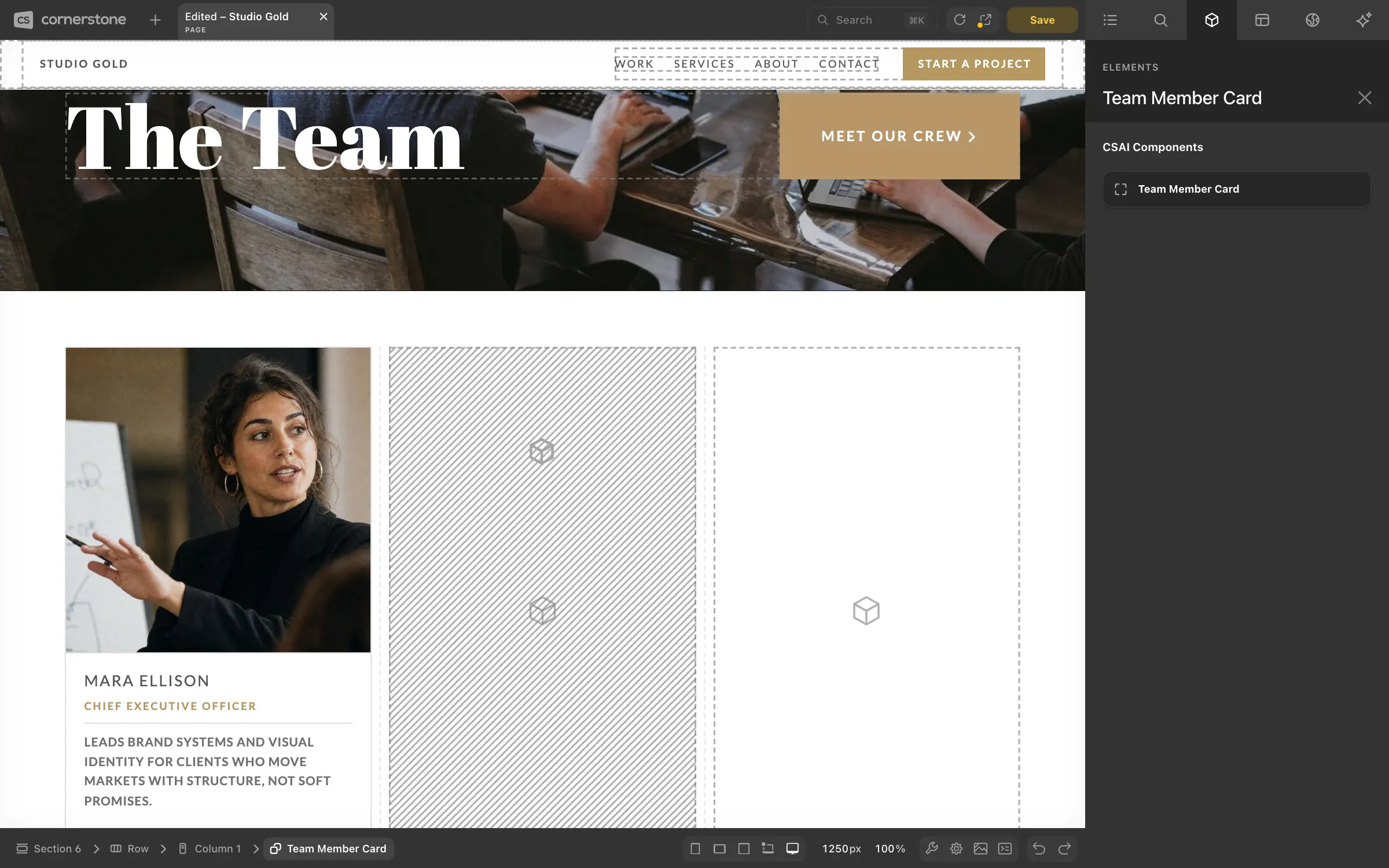
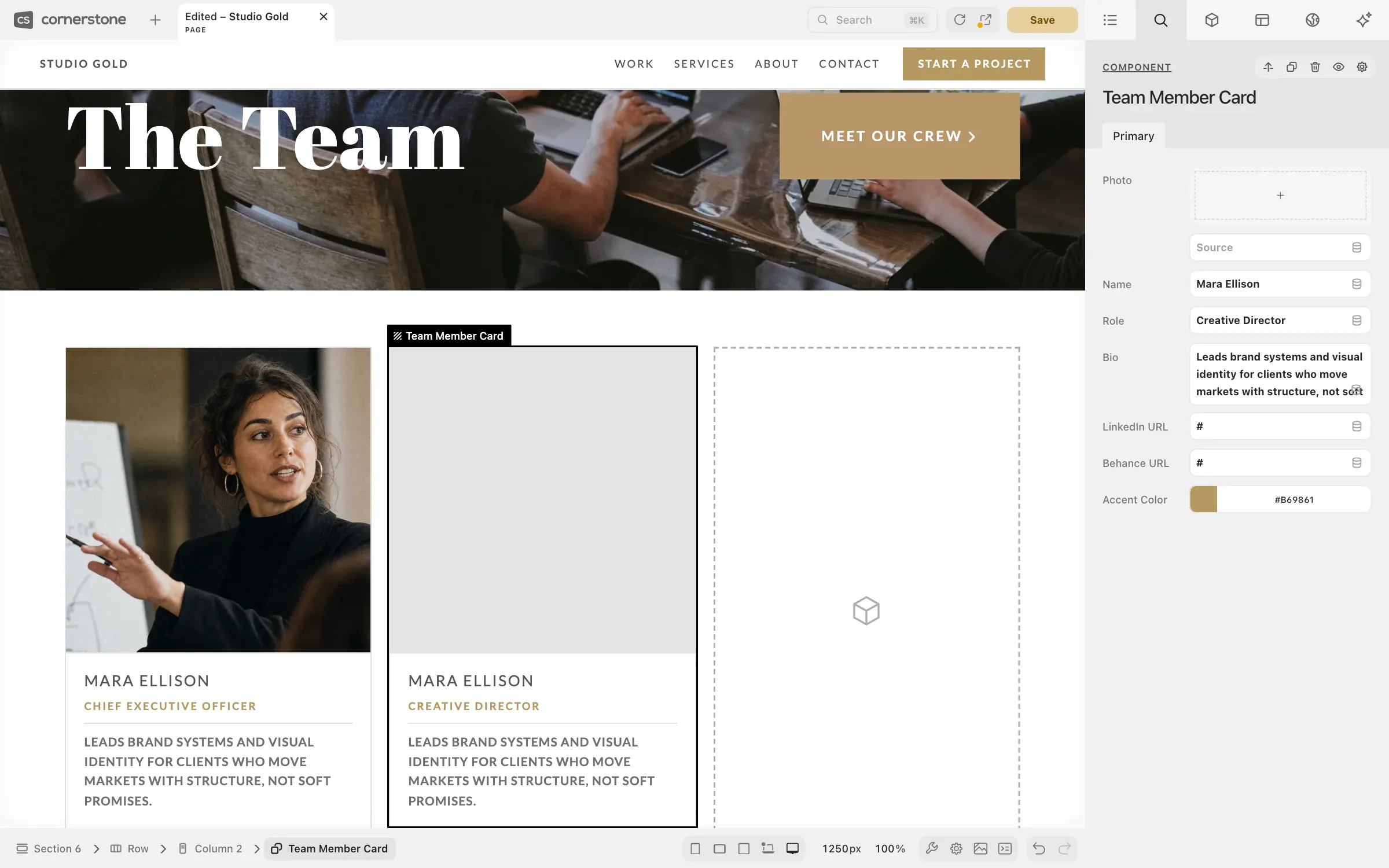
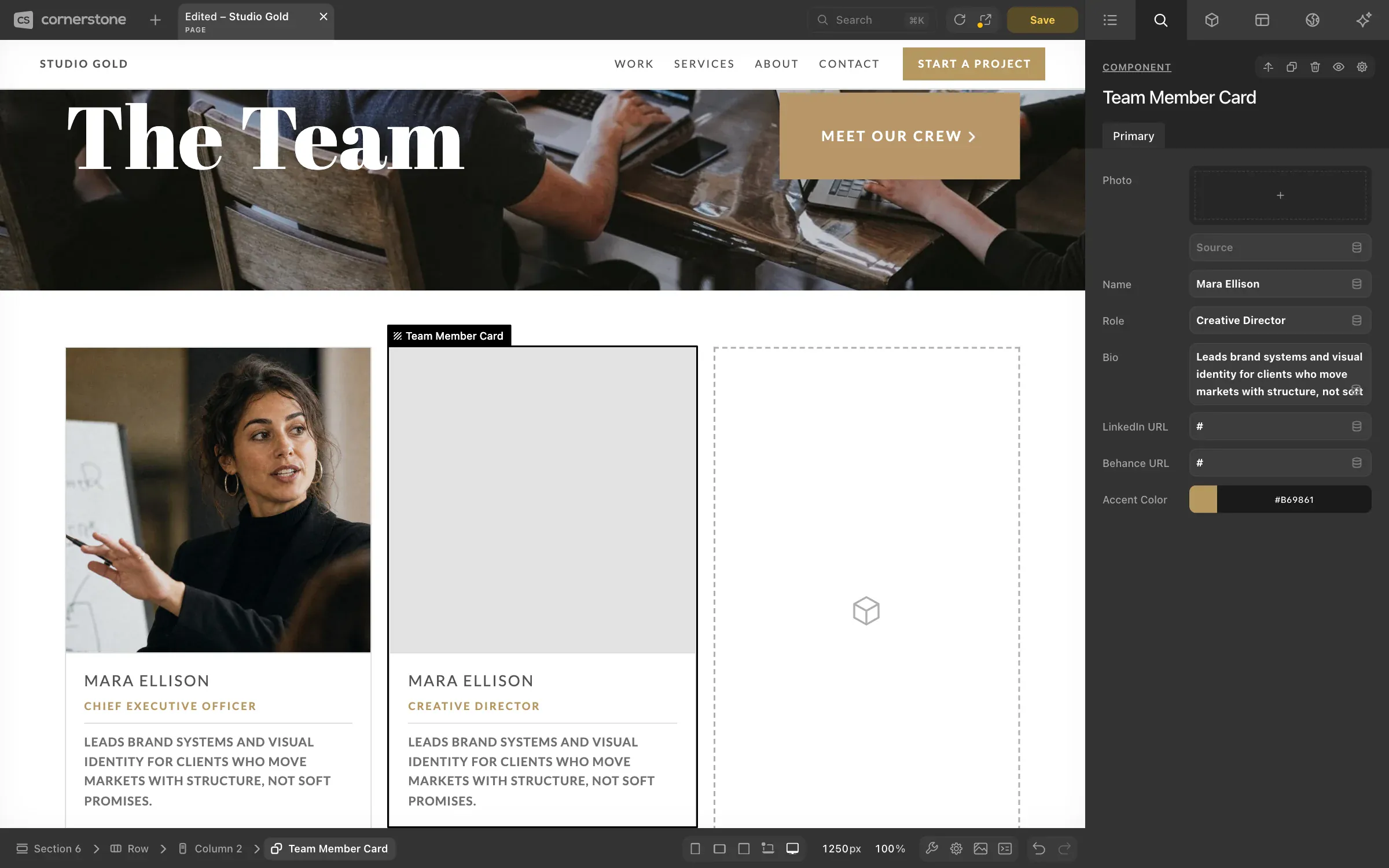
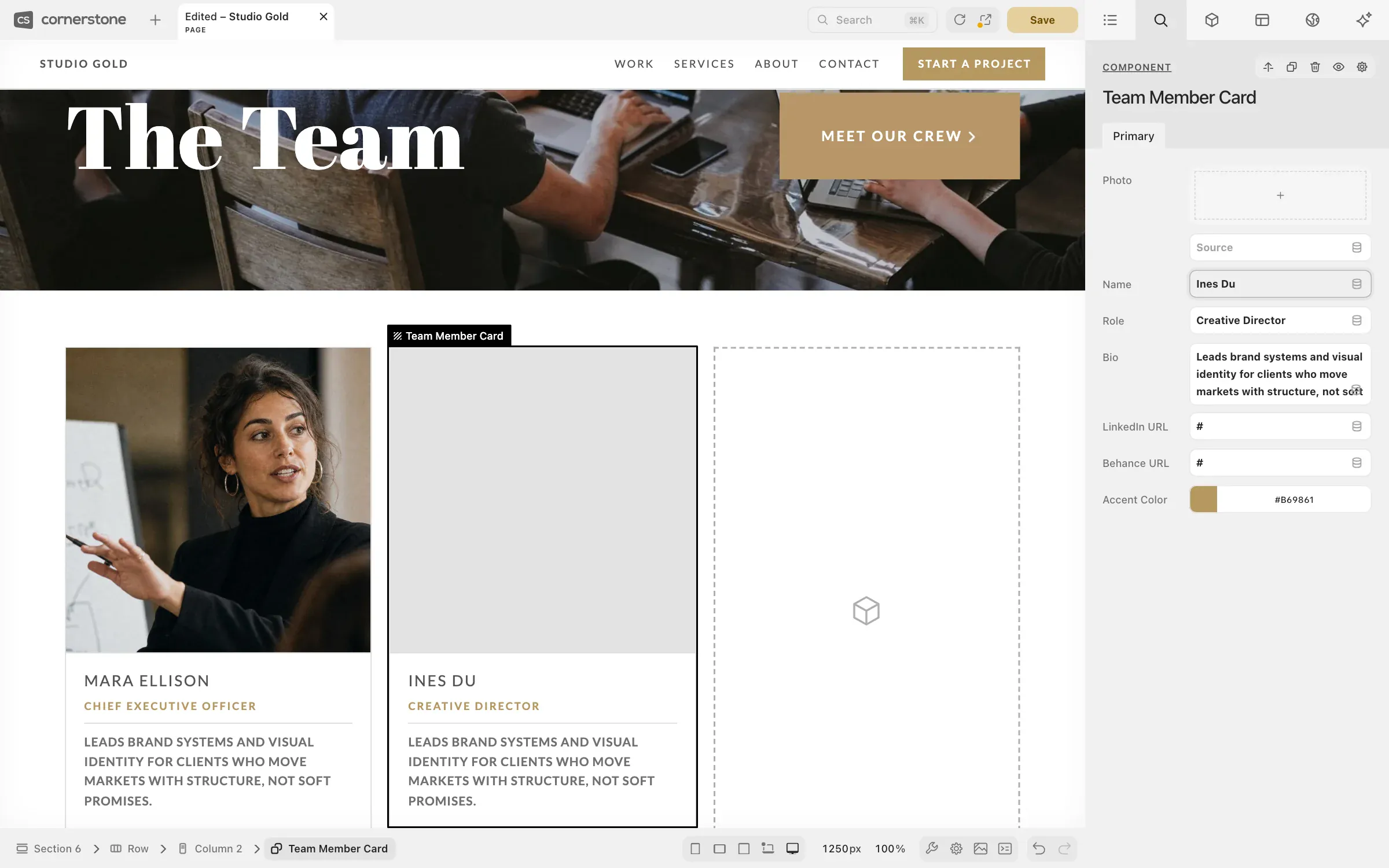
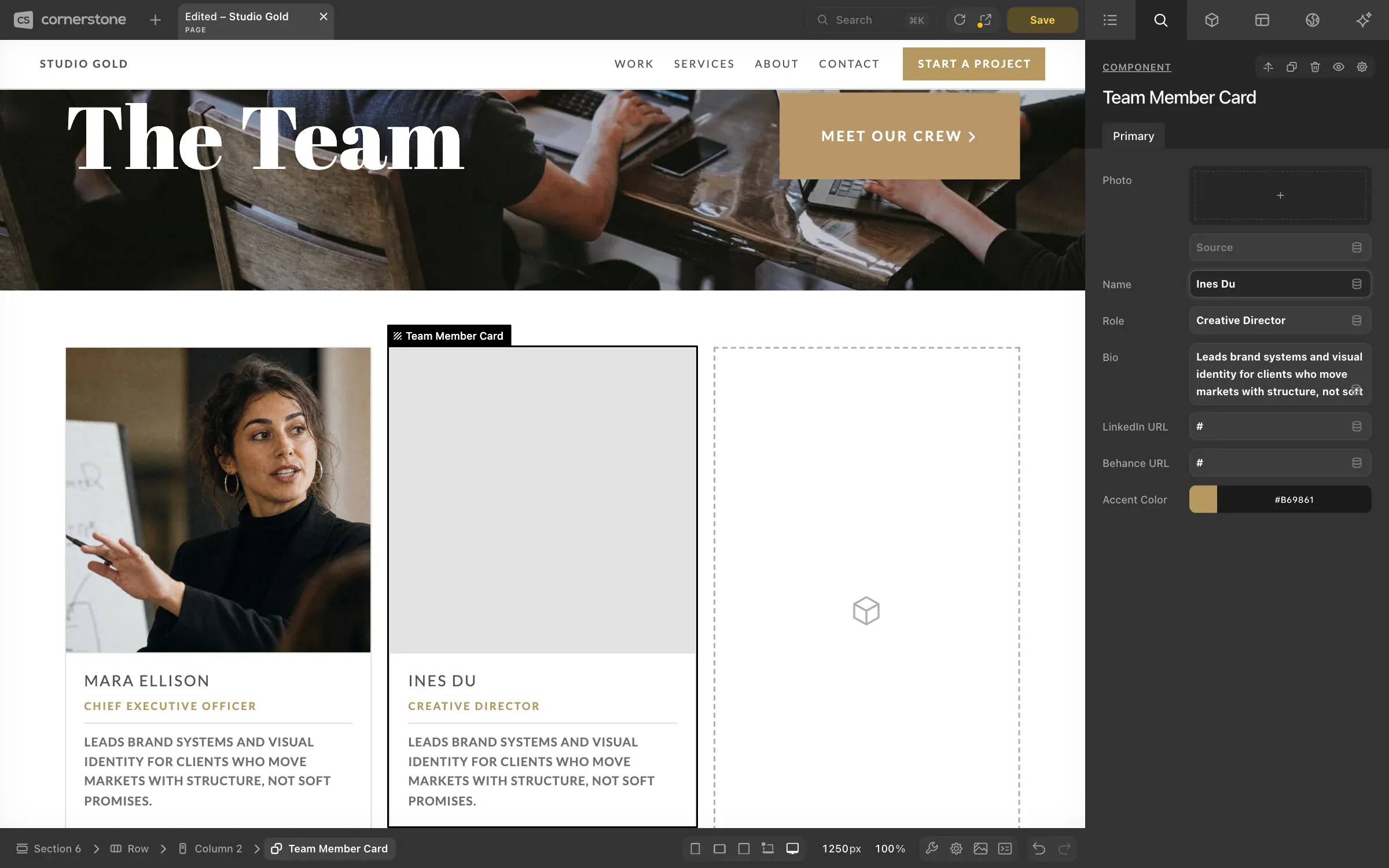
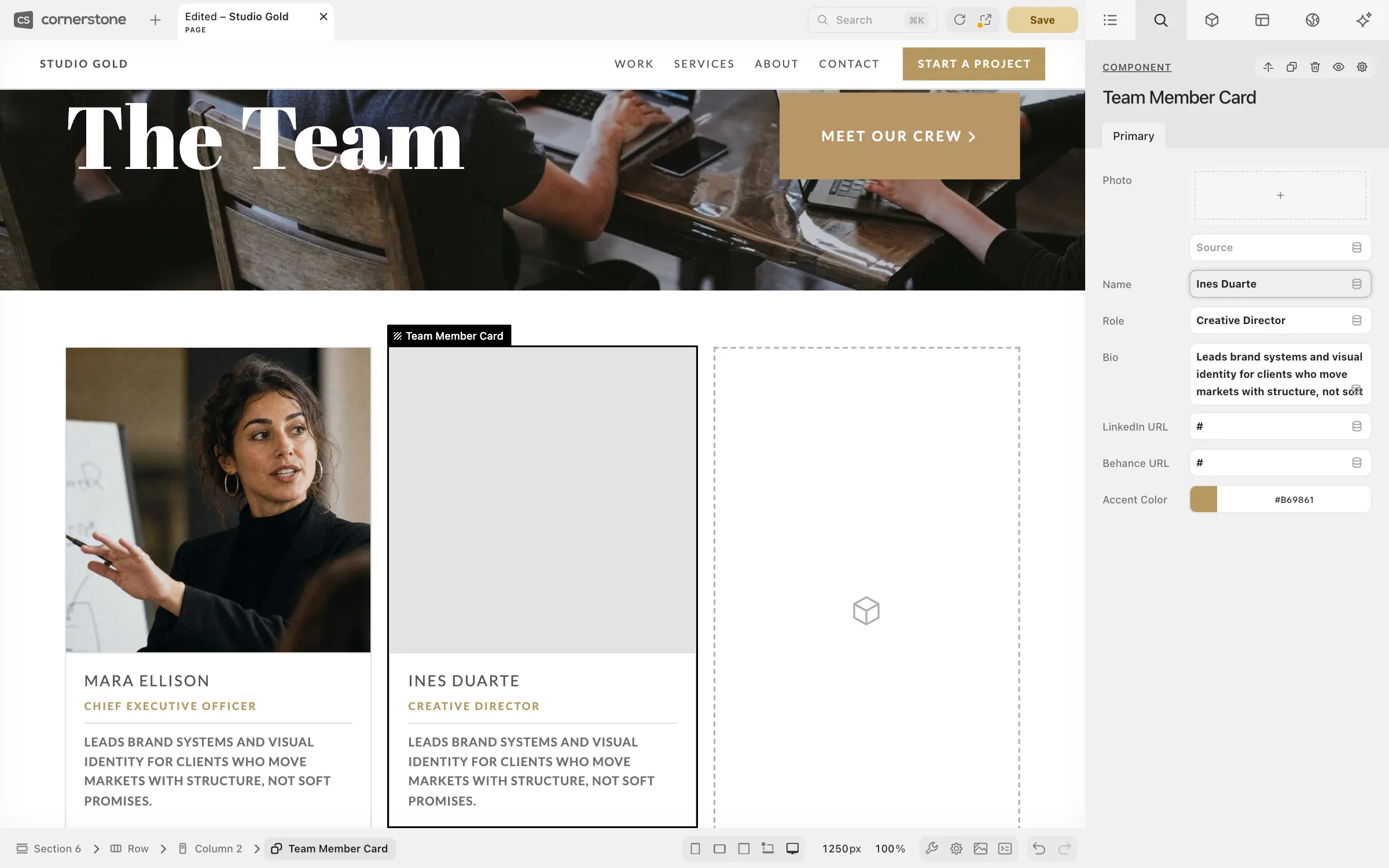
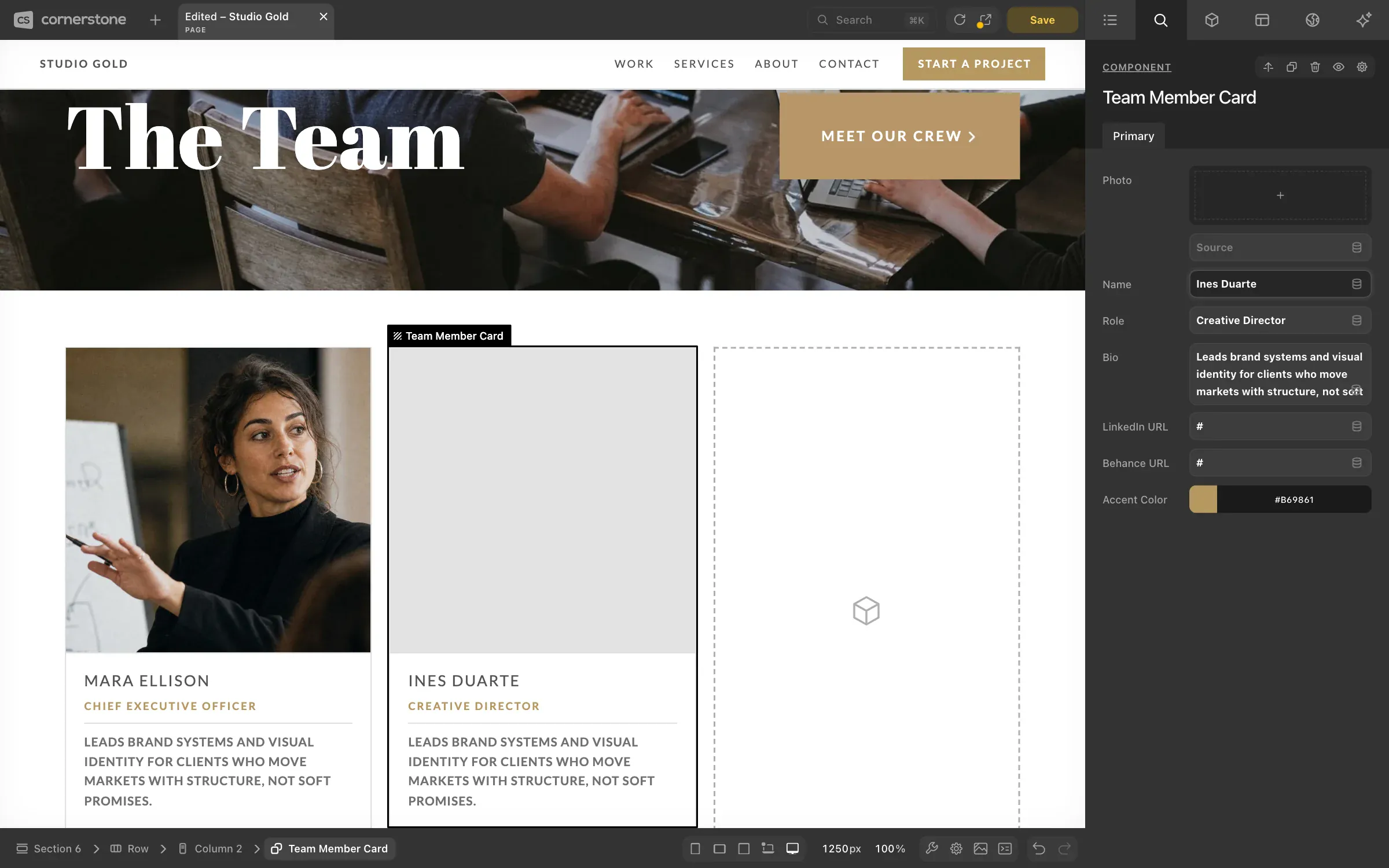
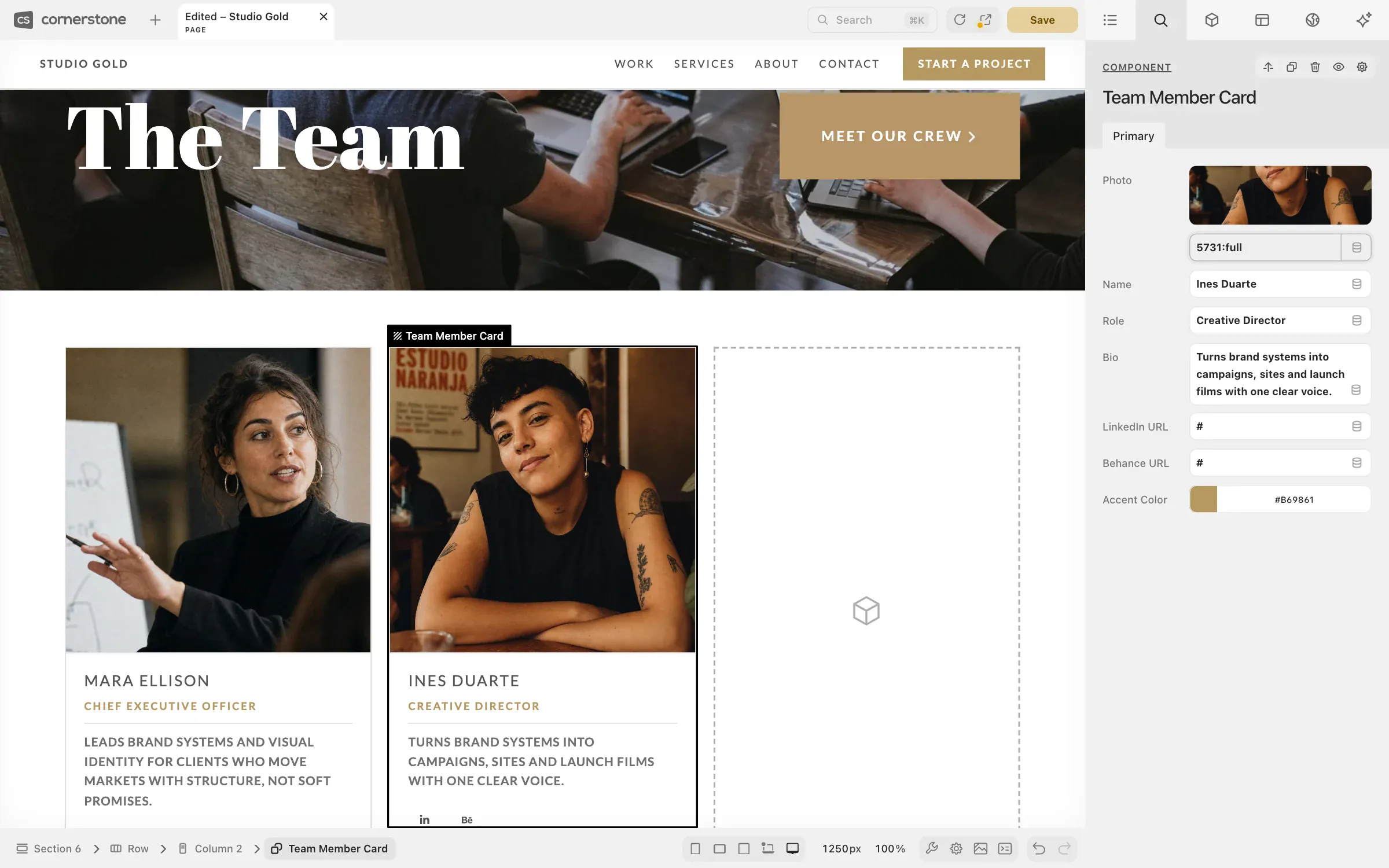
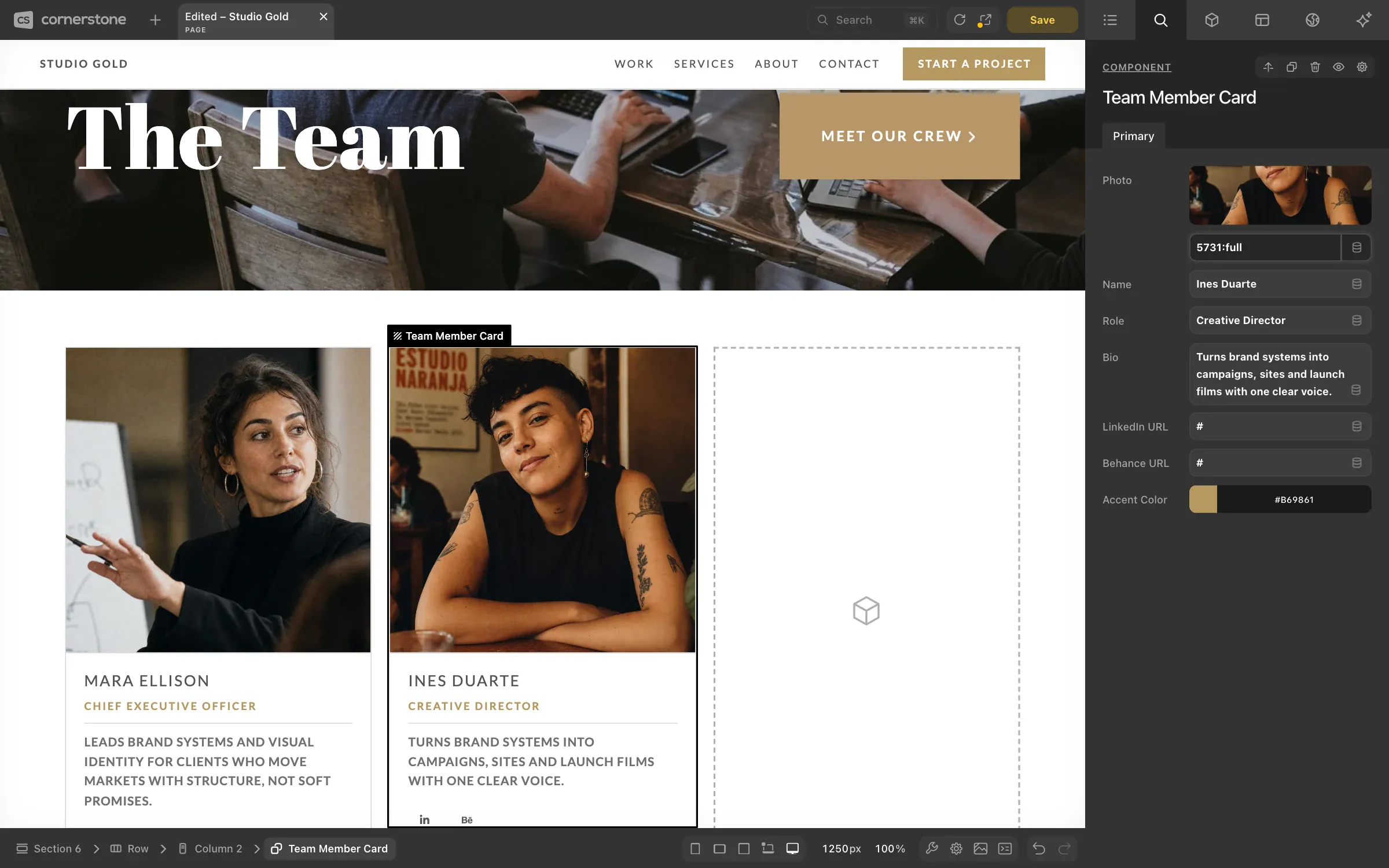
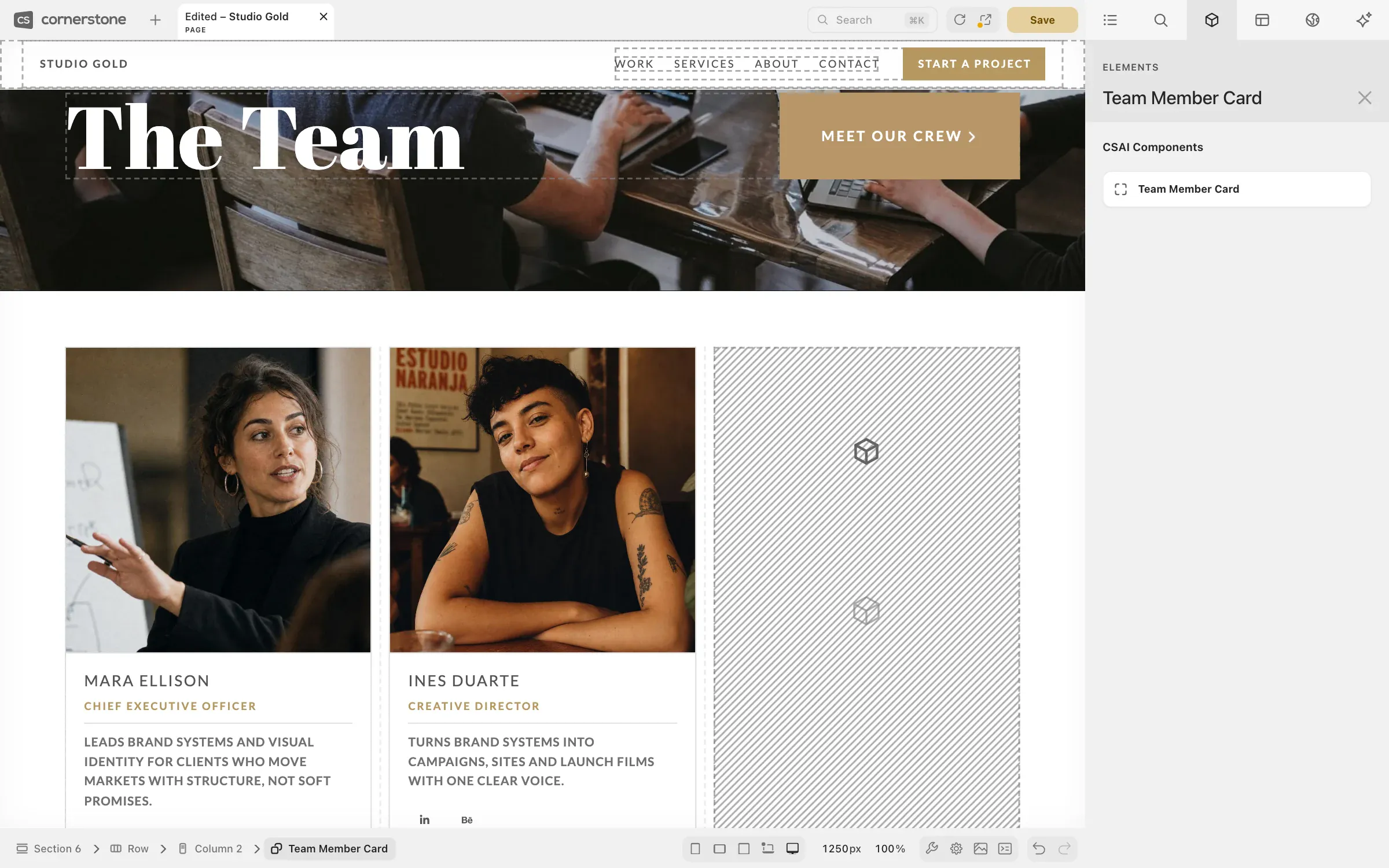
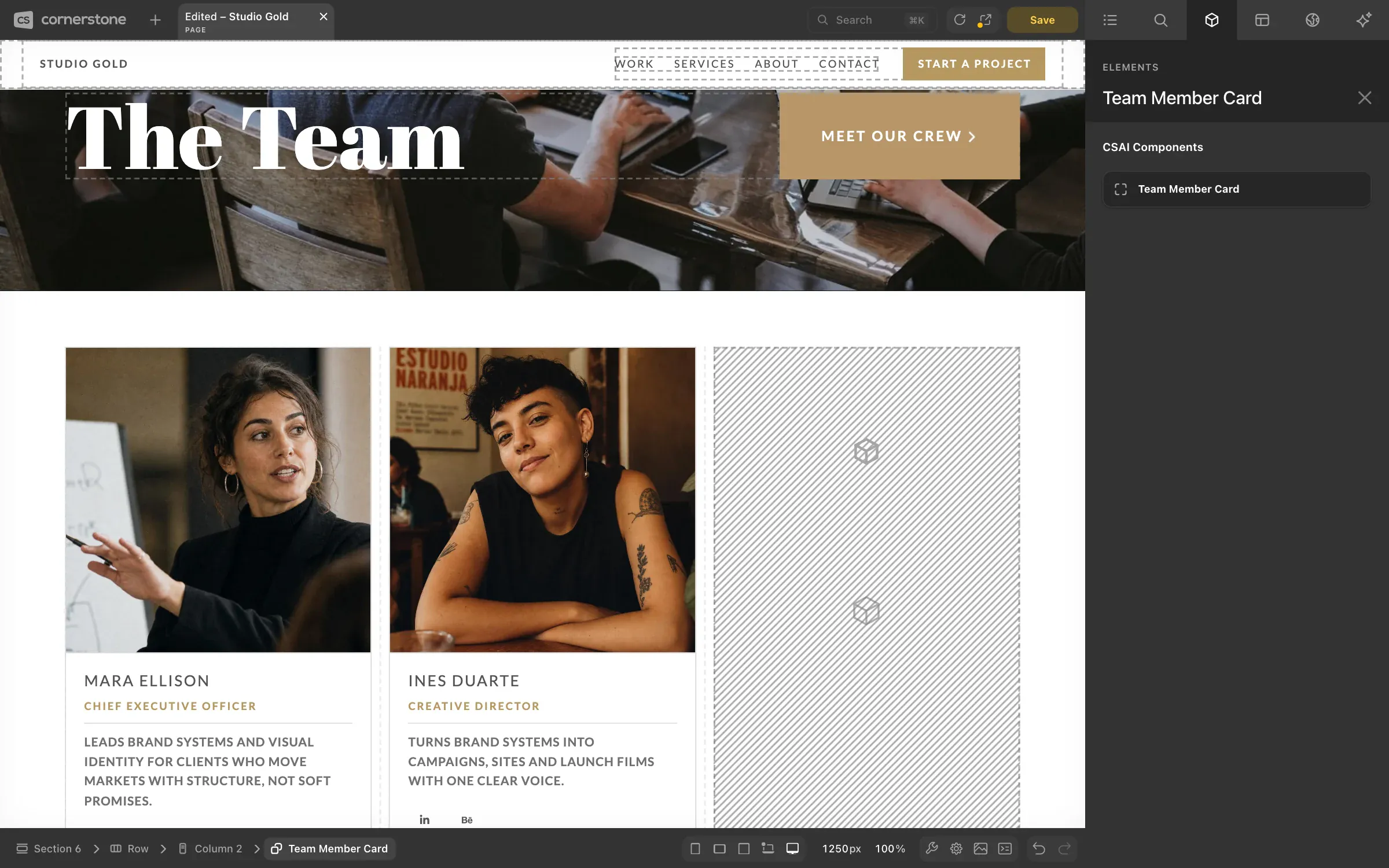
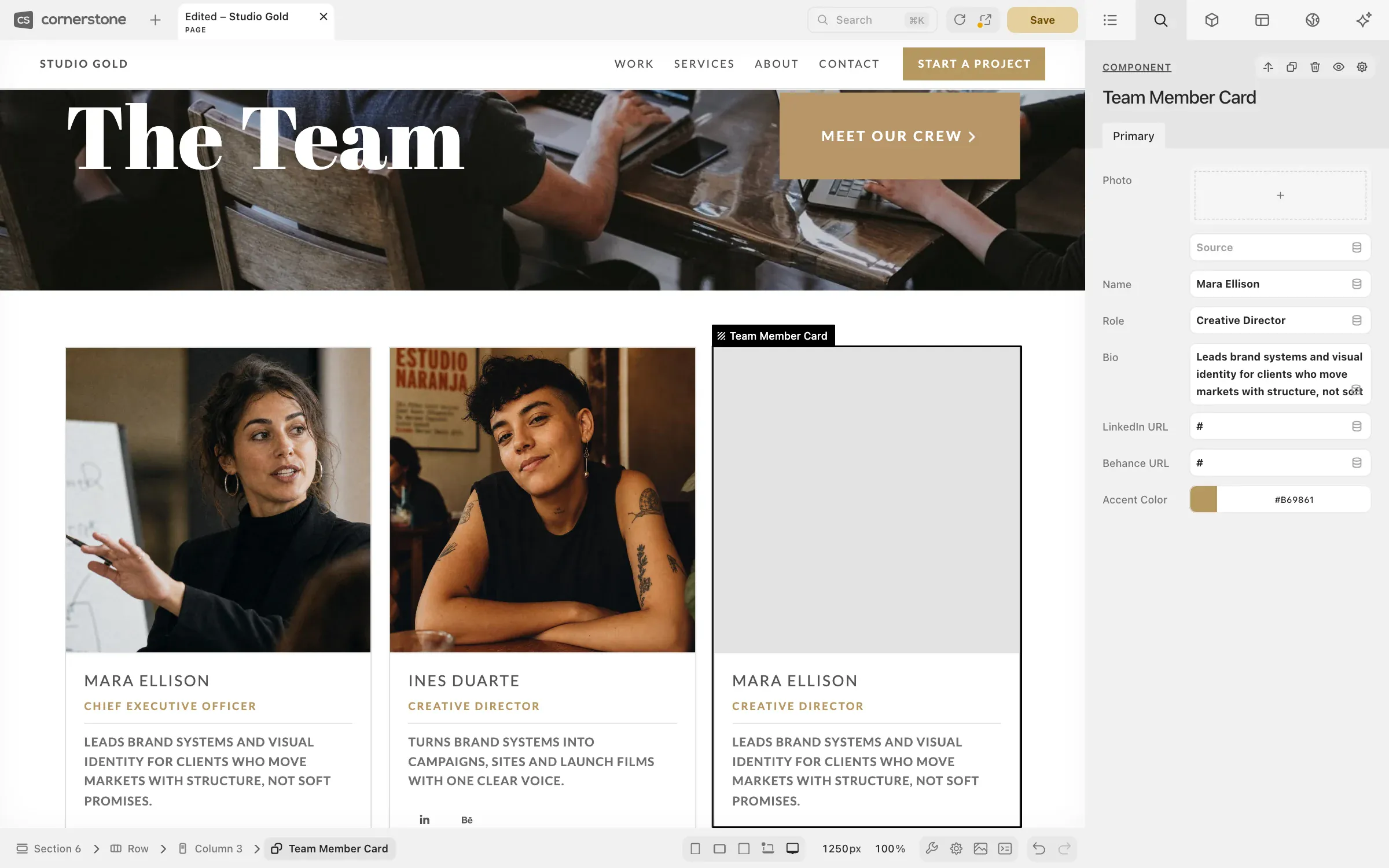
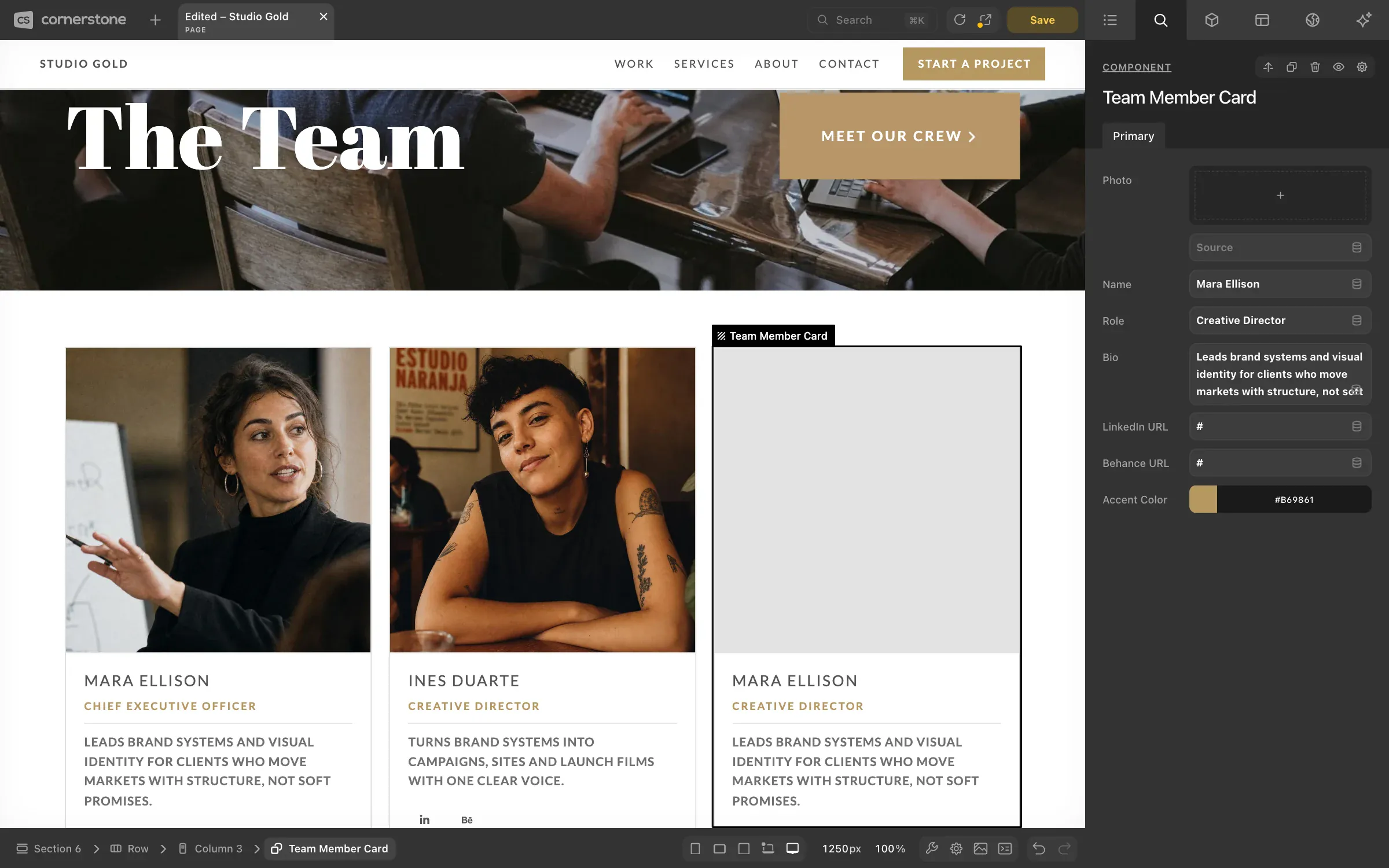
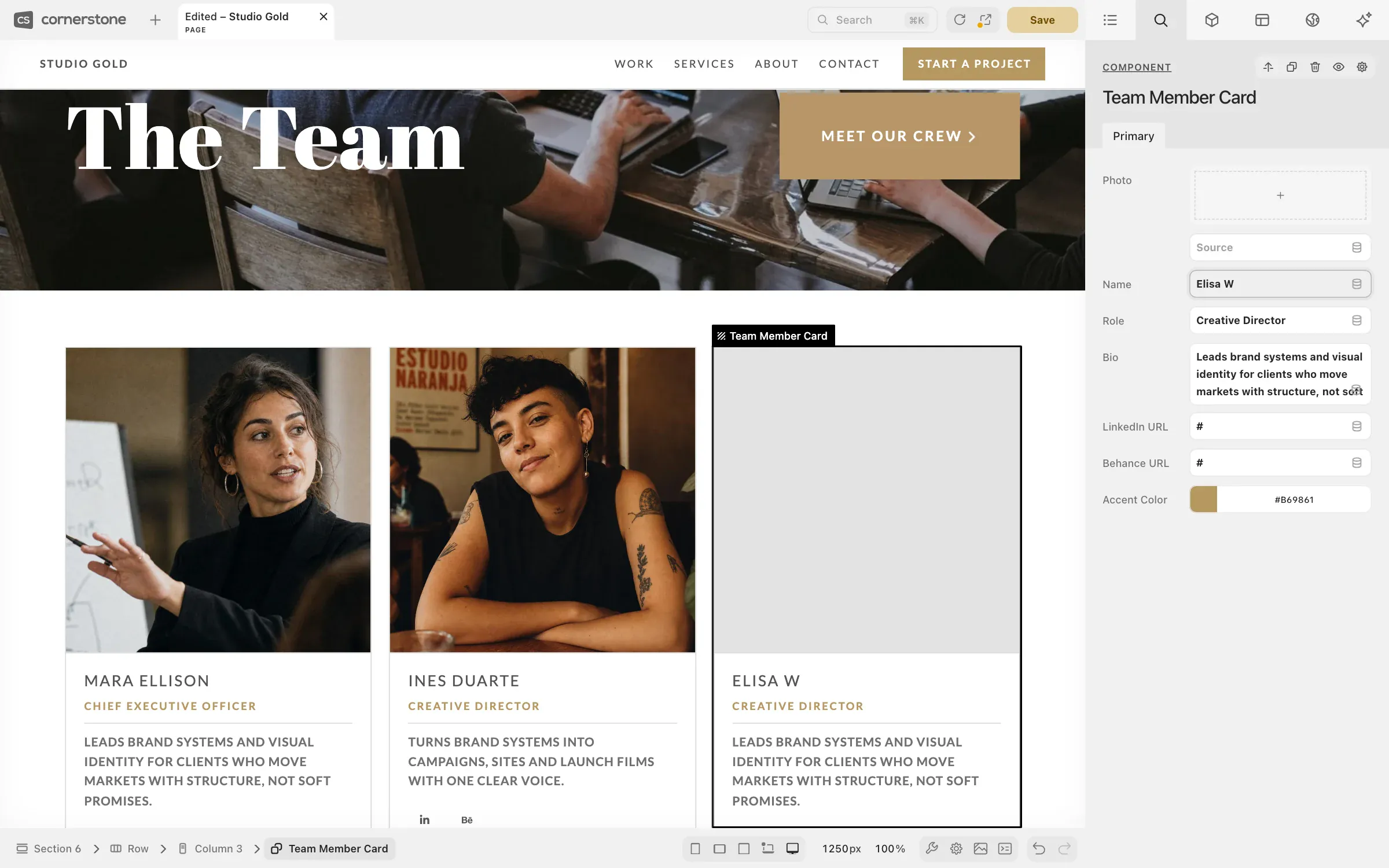
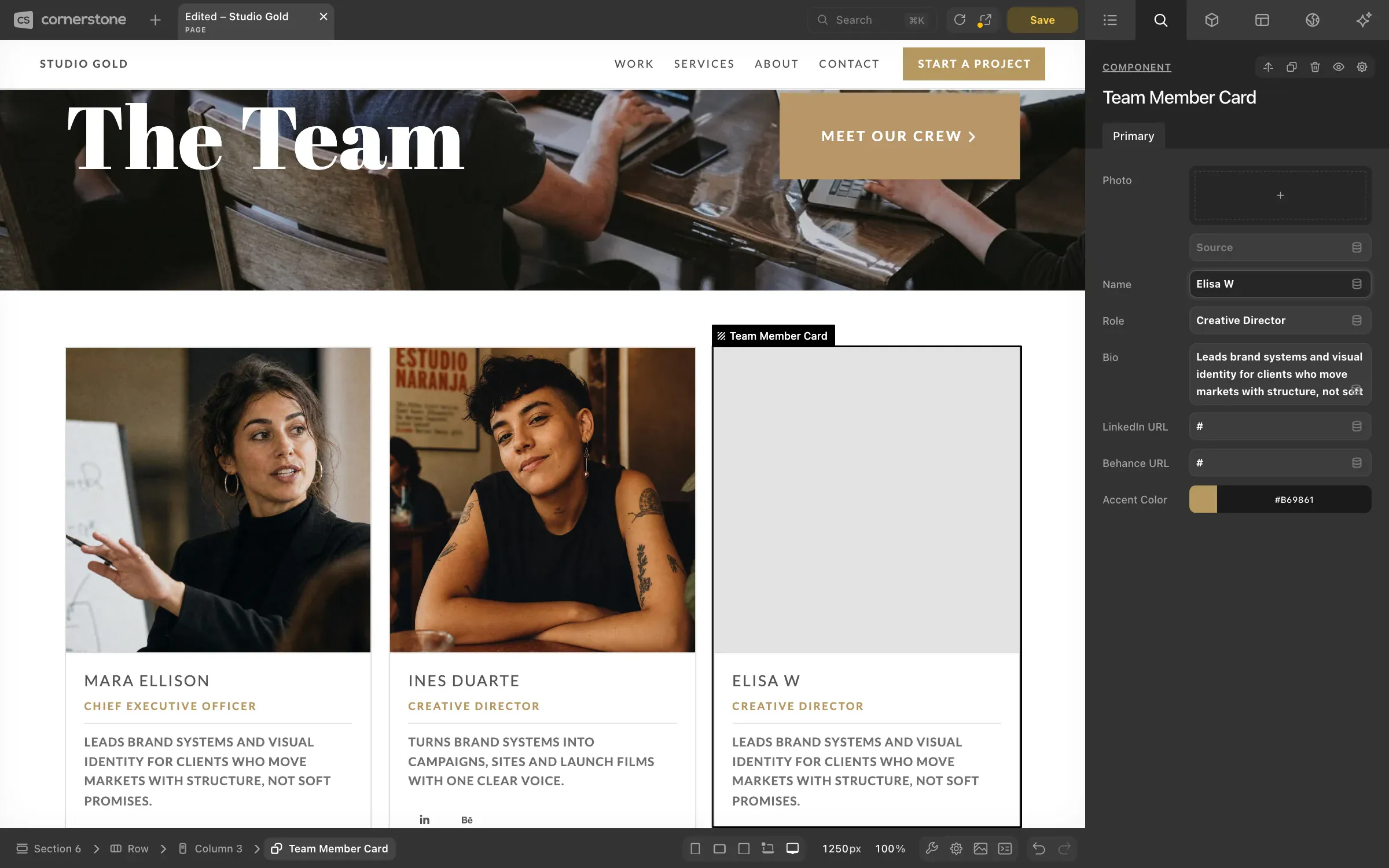
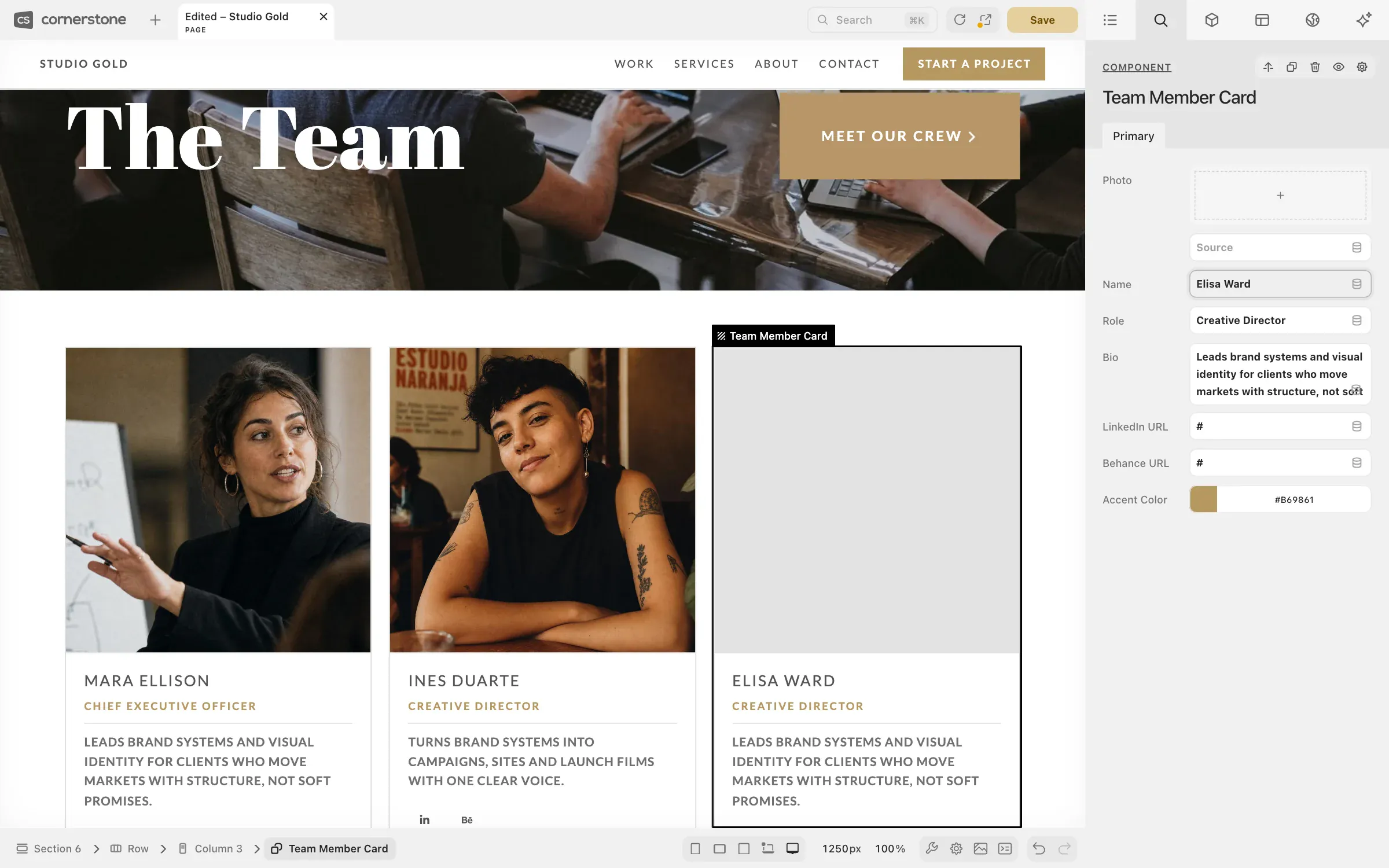
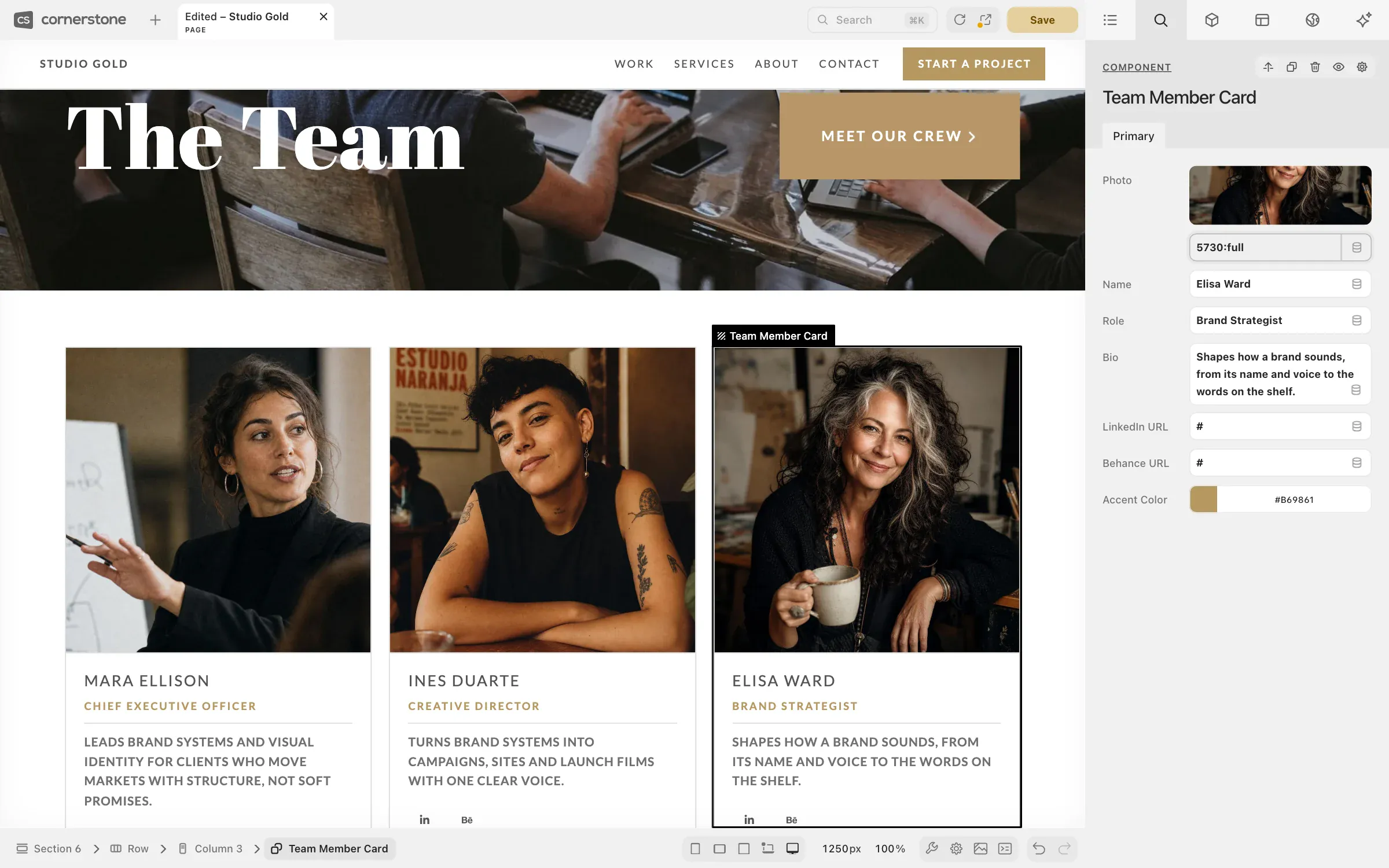
Ask for a Component, or select a section and ask Studio to make it reusable. You get a real Cornerstone Component, its Parameters wired with Dynamic Content.
Use Case: #2
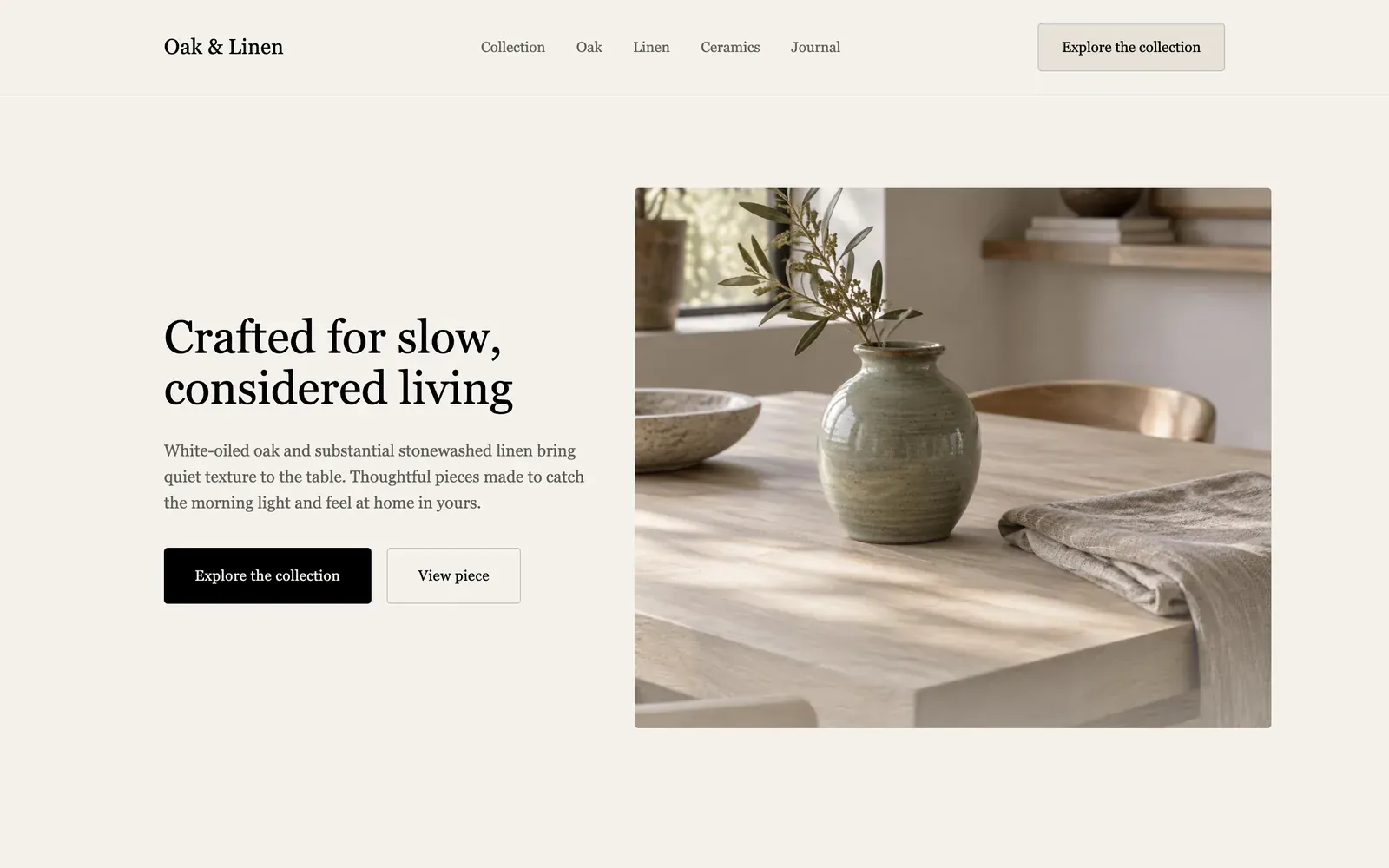
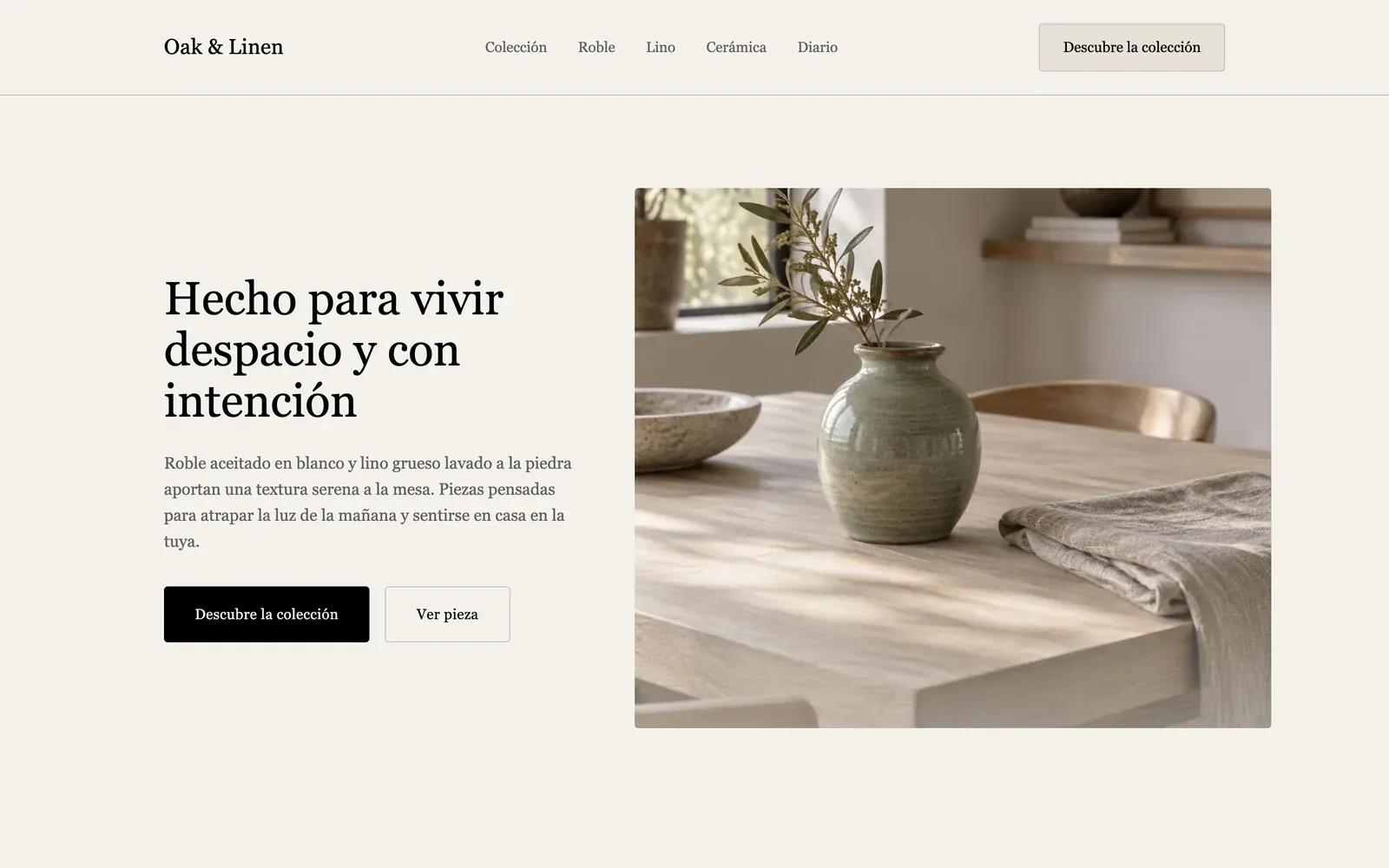
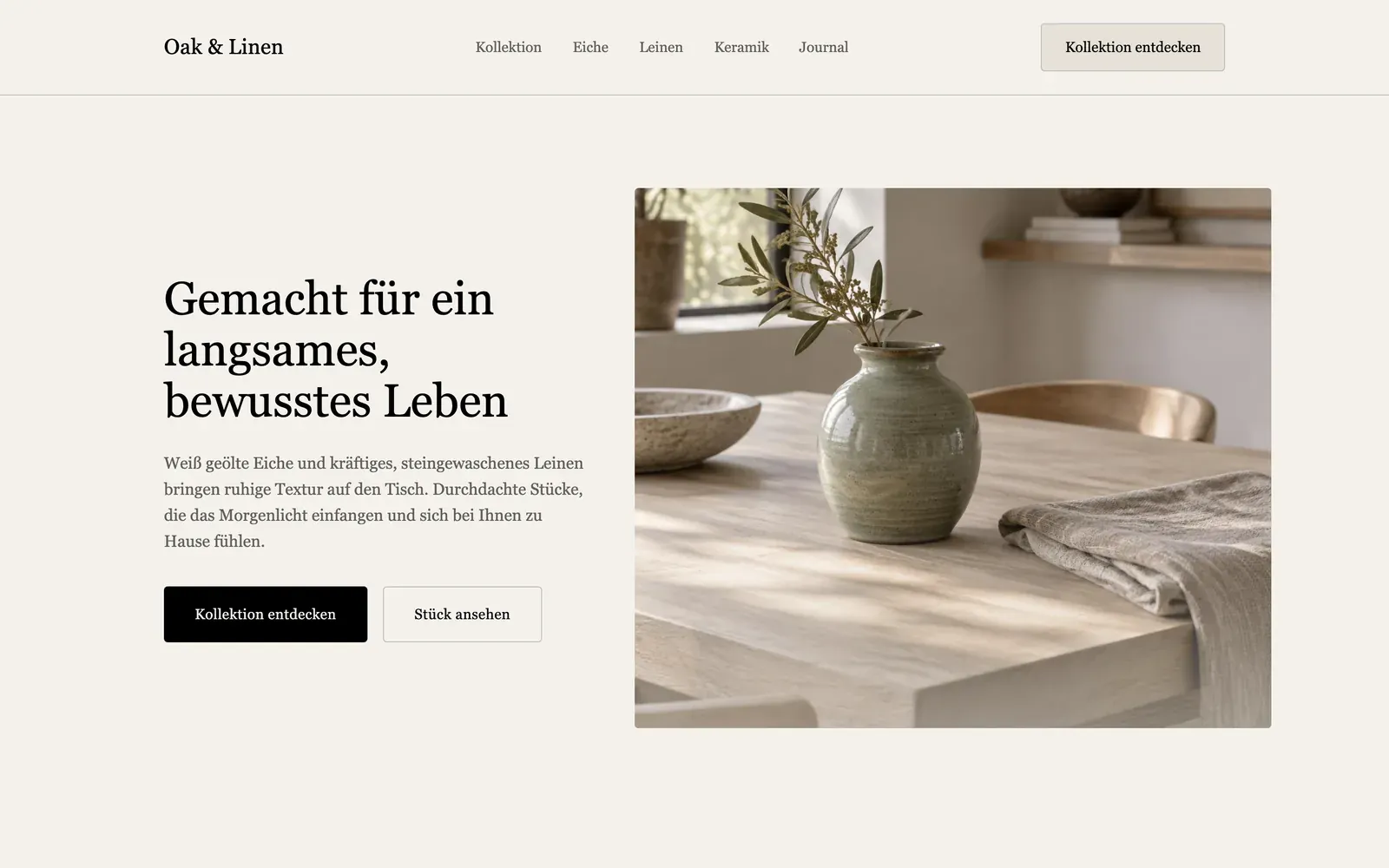
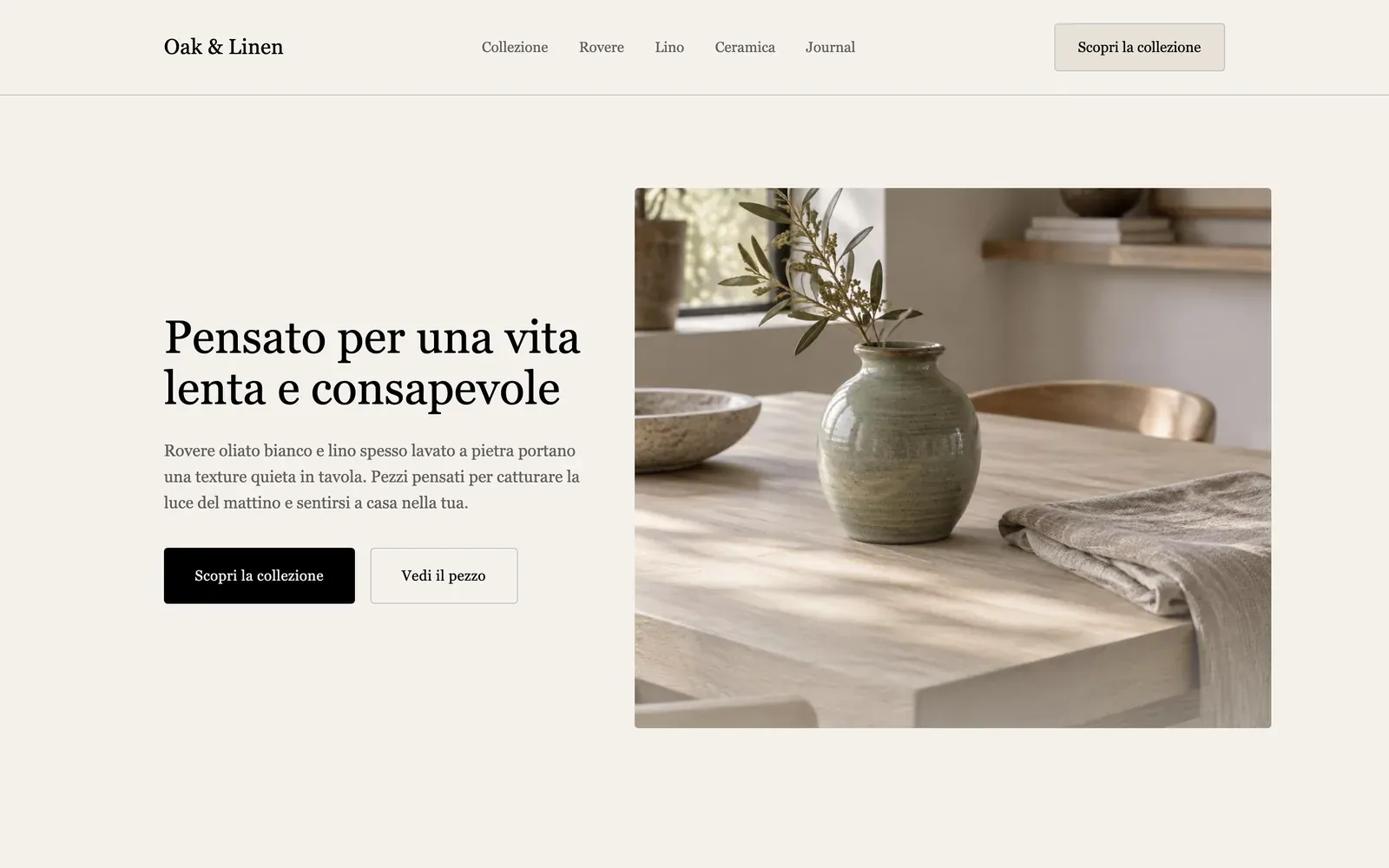
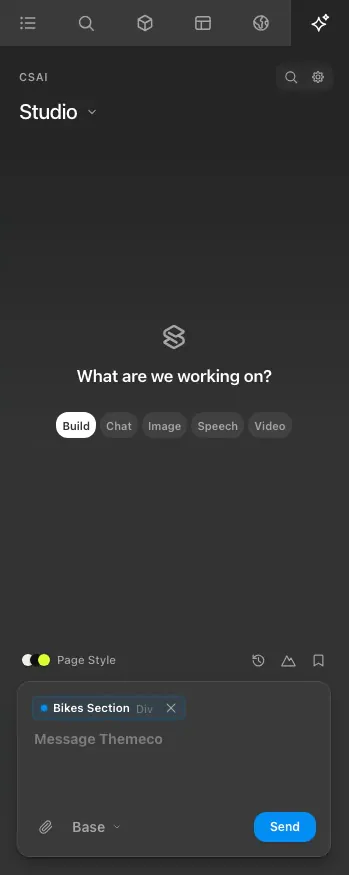
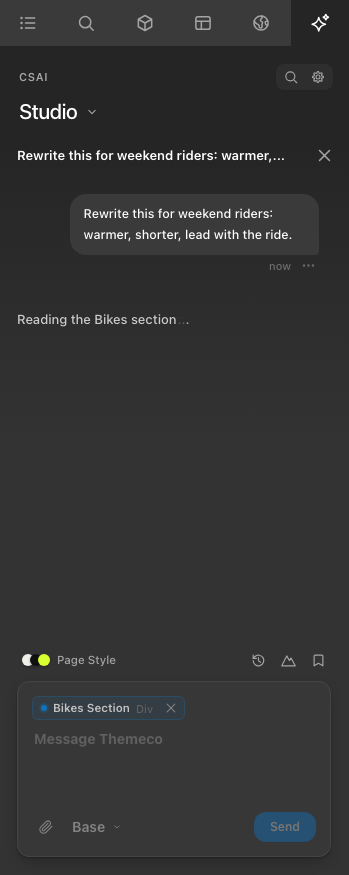
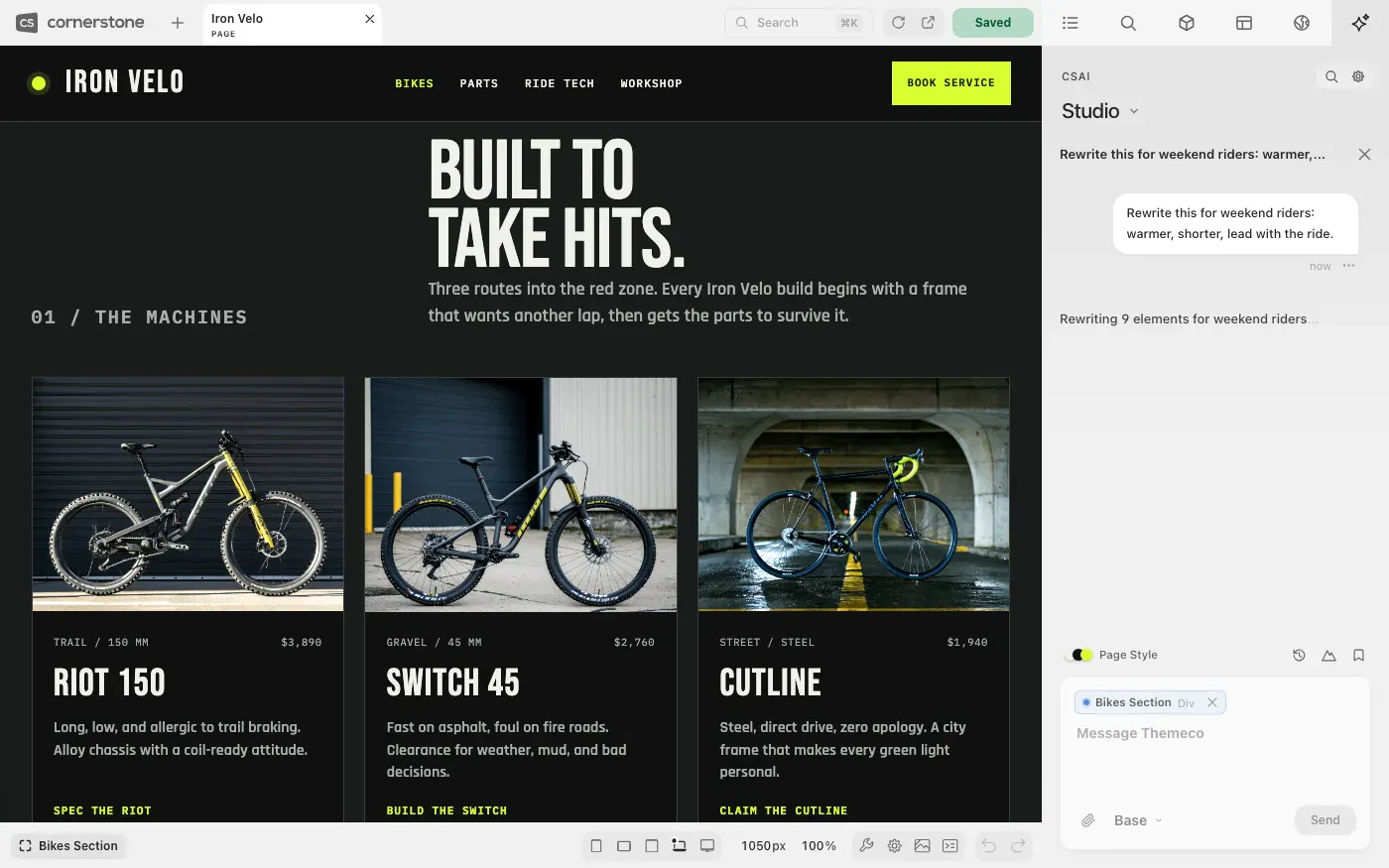
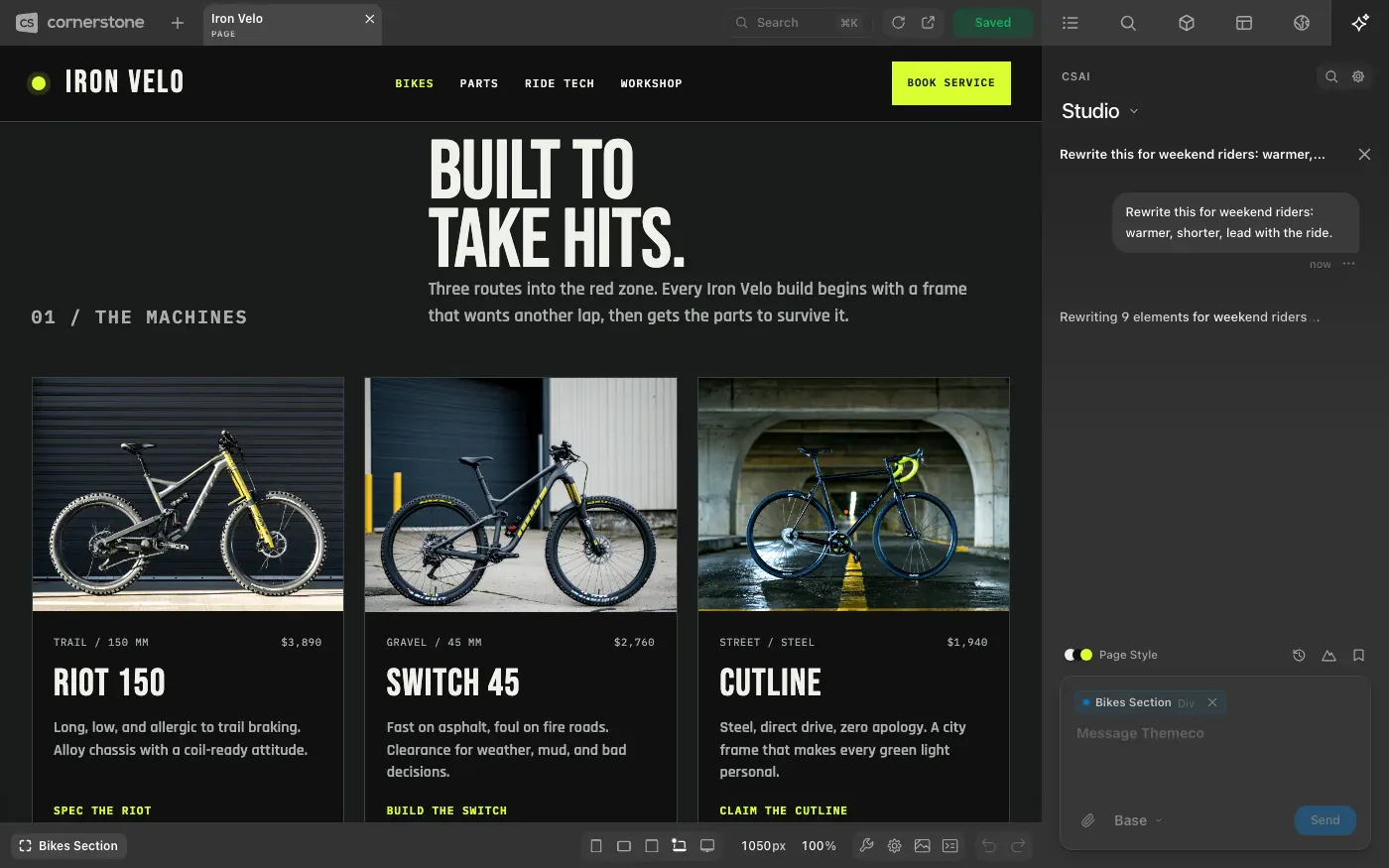
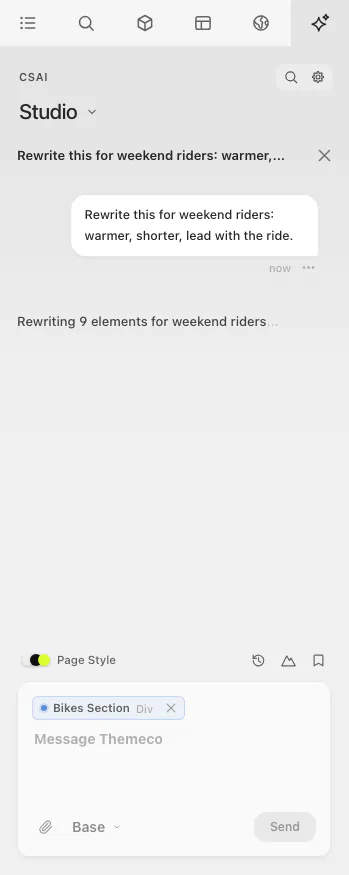
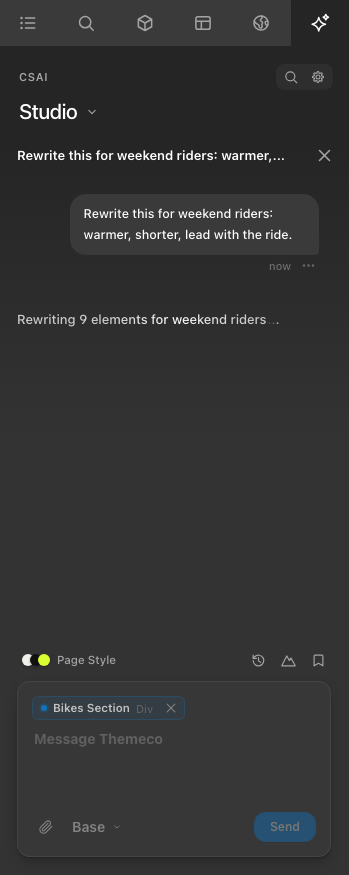
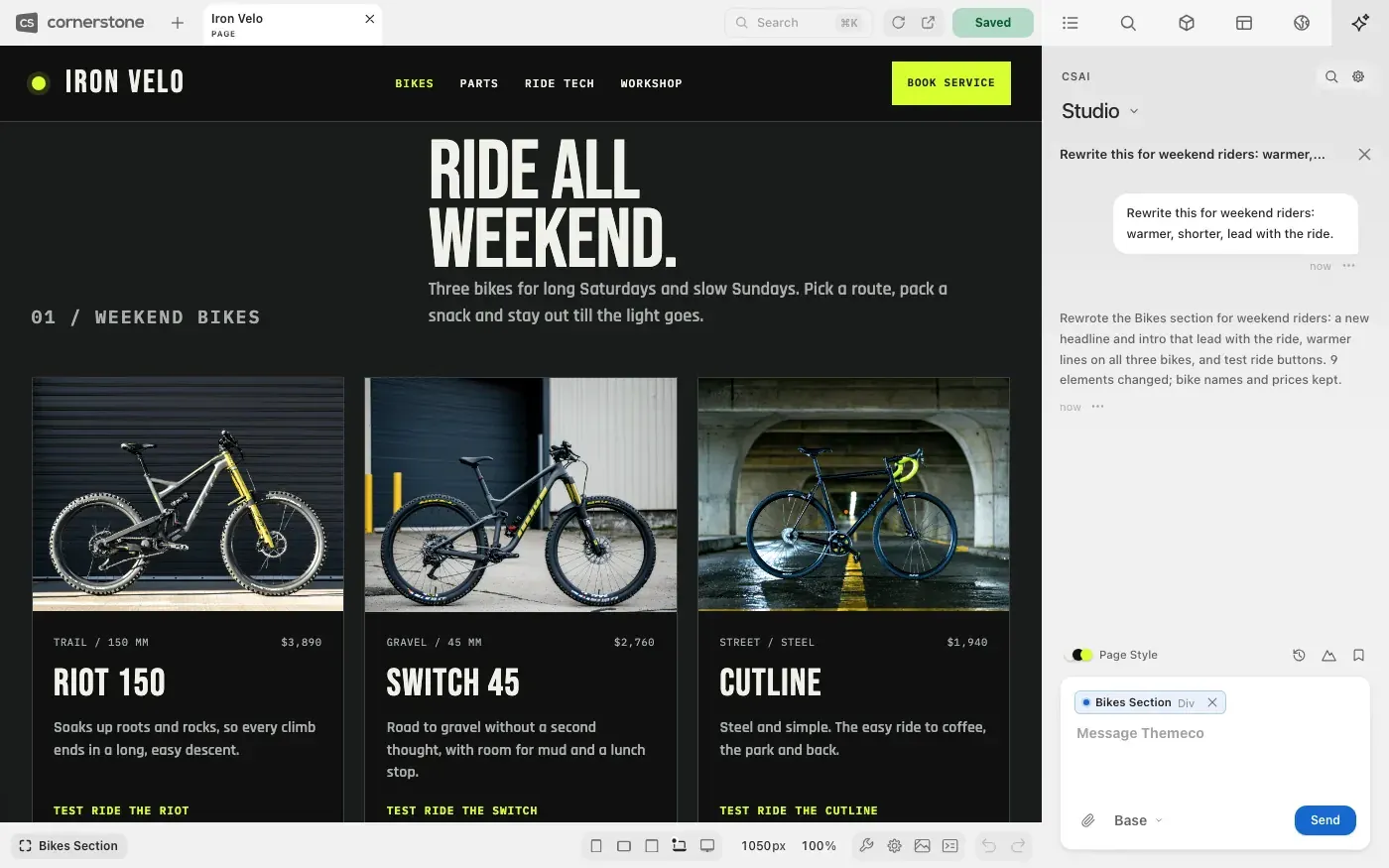
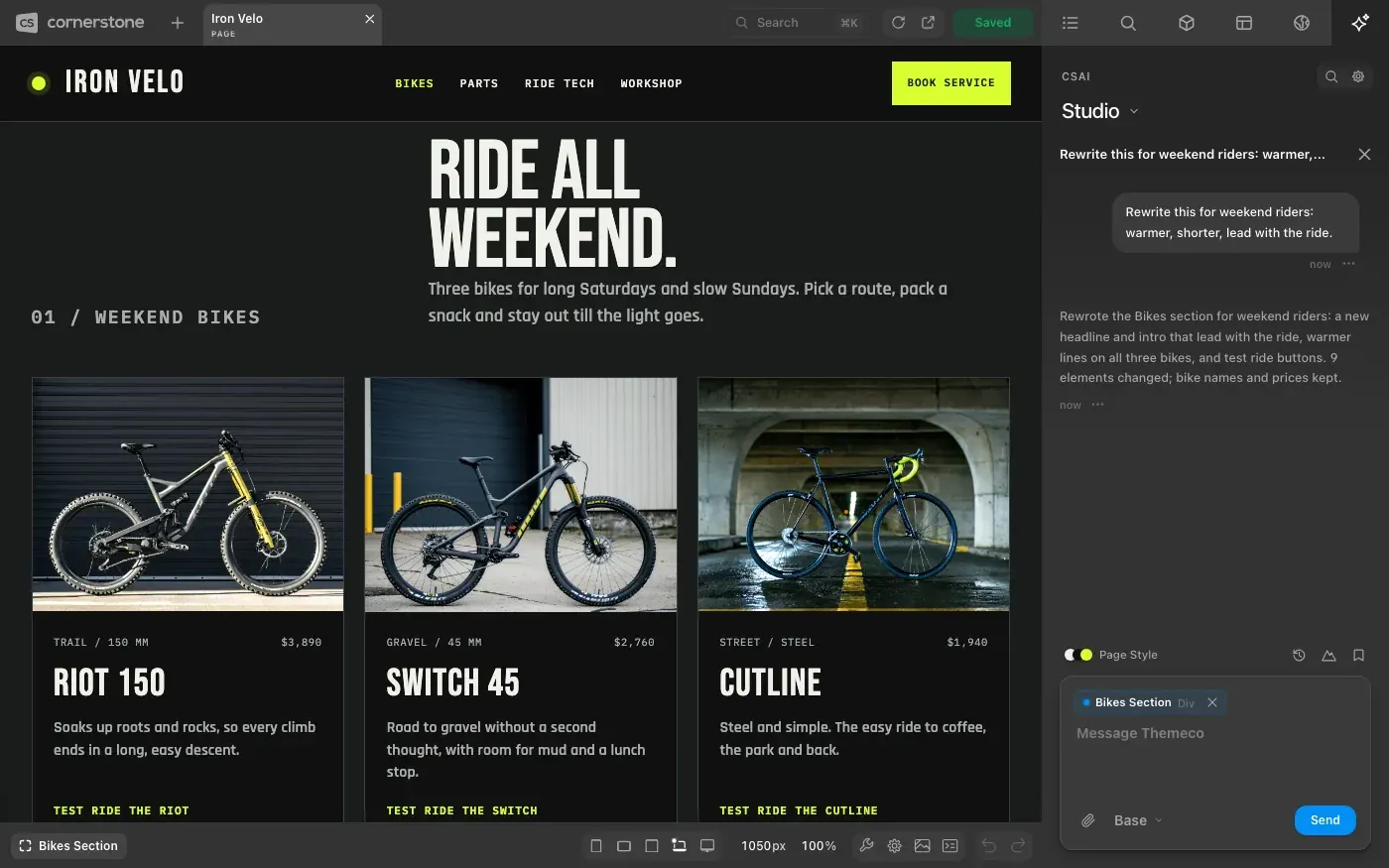
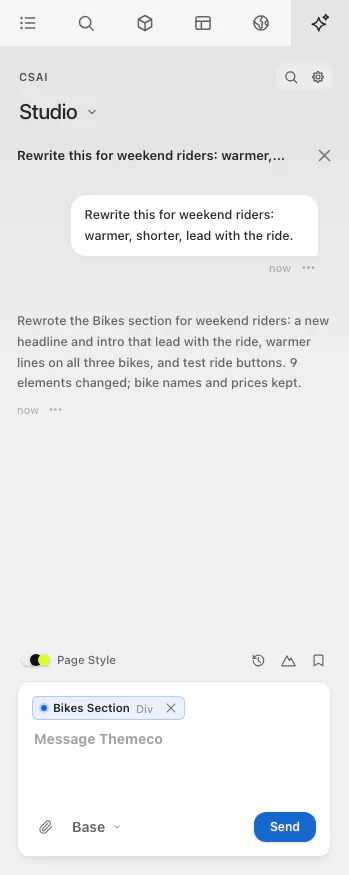
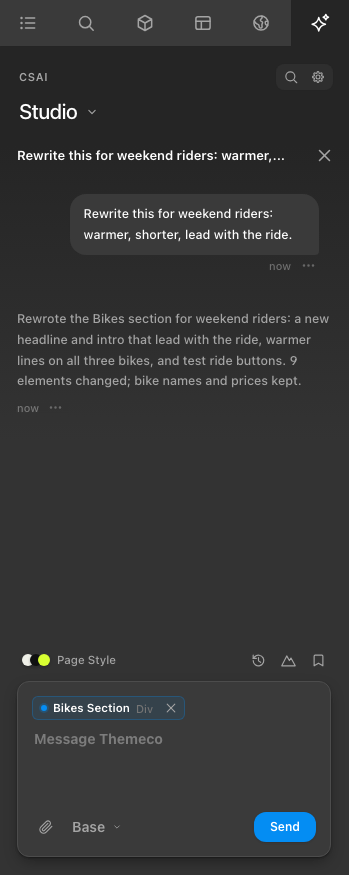
Ask Studio to translate the page and it rewrites every headline, button and label in place.
The layout, the images, and the styles stay as they were.
Use Case: #Infinity
Nine real requests and what Studio built from each. Every result is made of regular Cornerstone elements, ready to edit by hand.
"Make a home page for Cthulhu Coffee with blends, gear and prices."
Build Page
"Add a reviews section that matches this page."
Match This Page
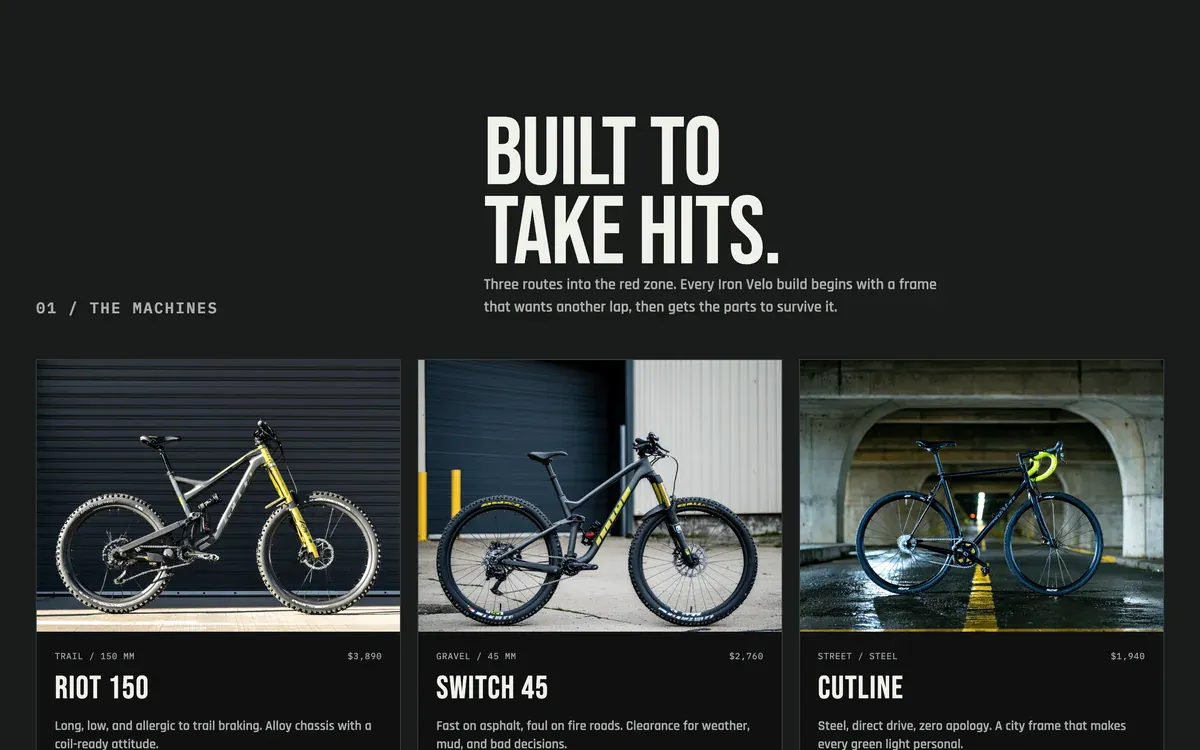
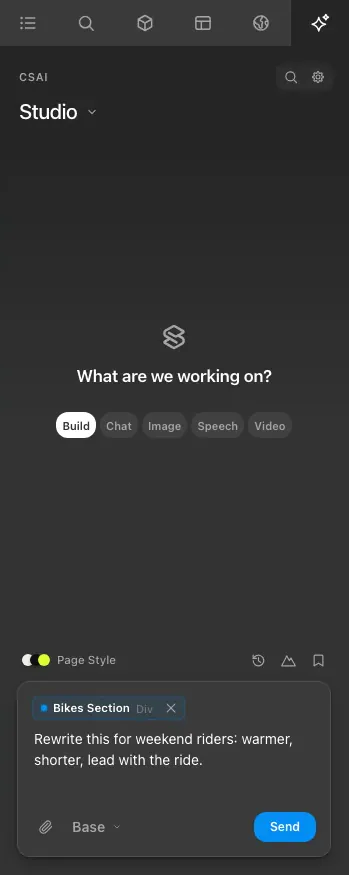
"Build a section for our three bikes, with a photo for every bike."
Build with Images
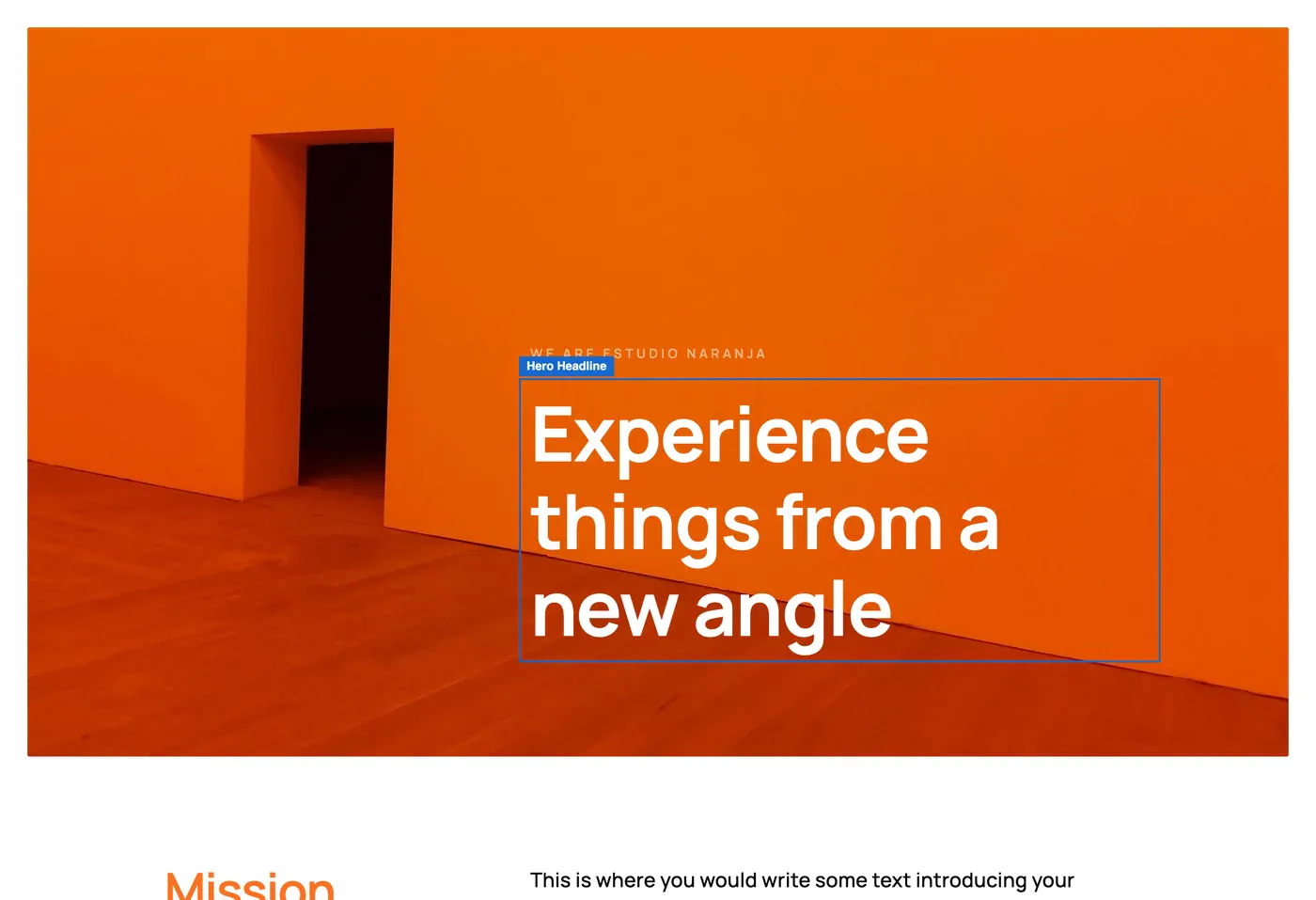
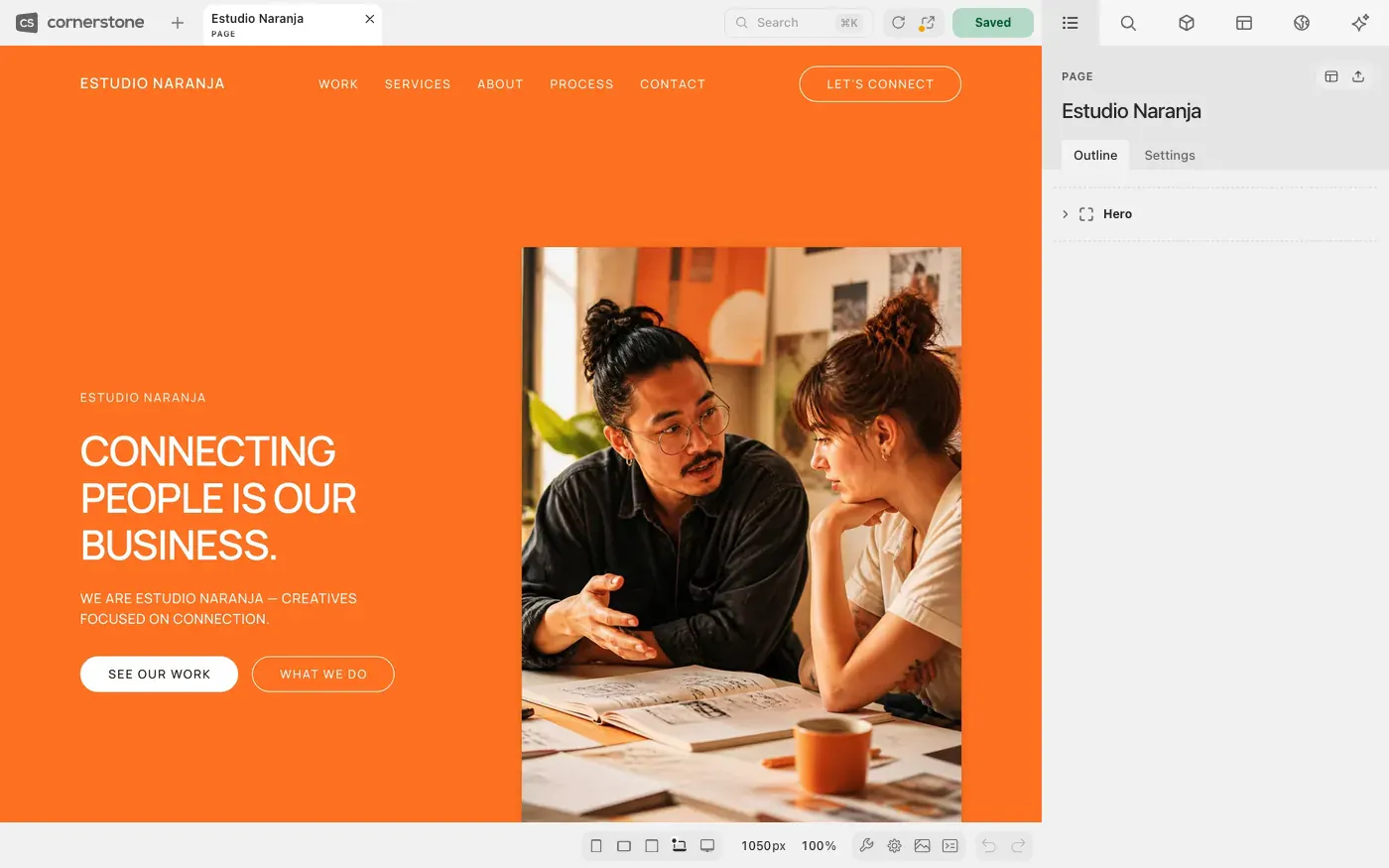
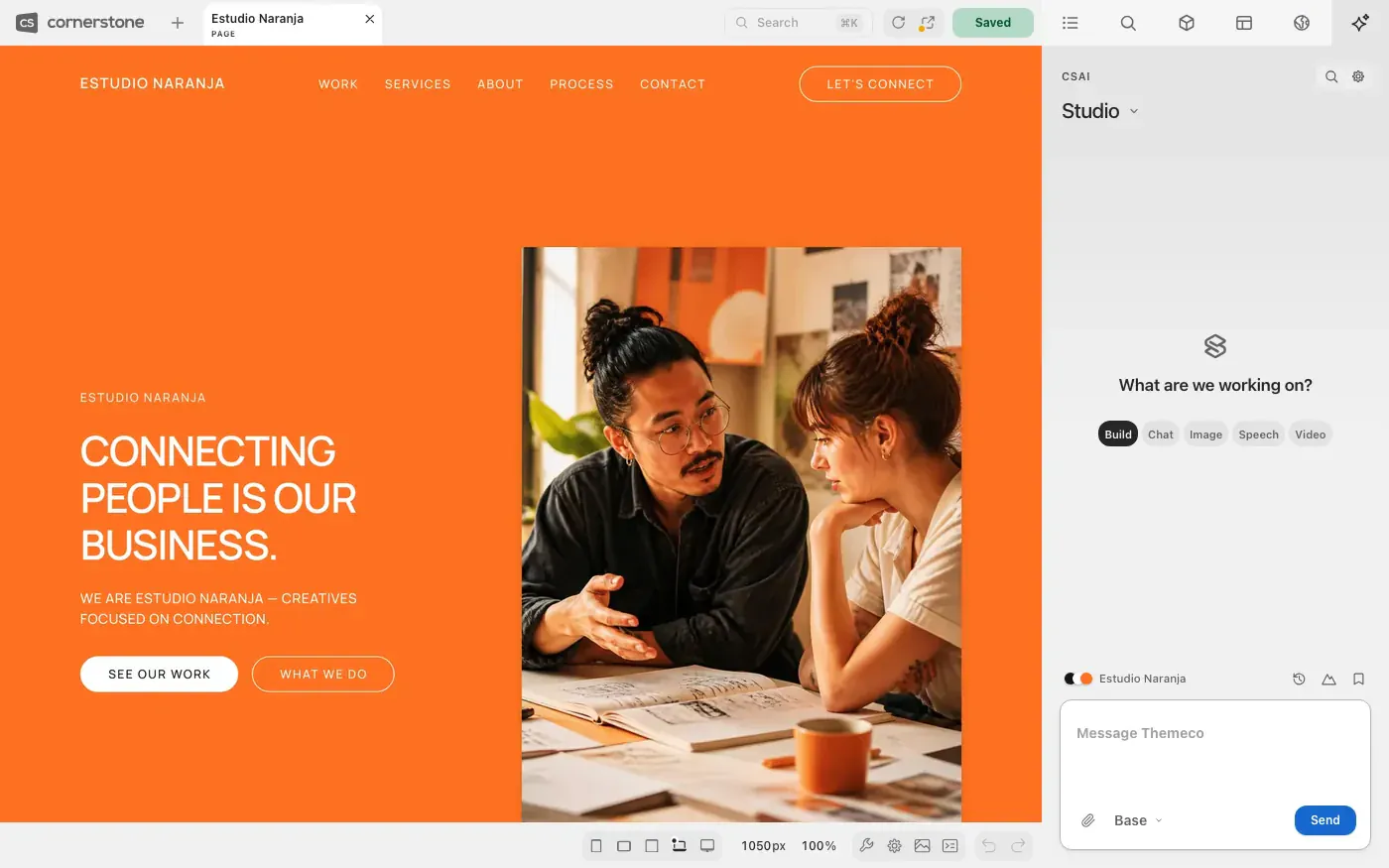
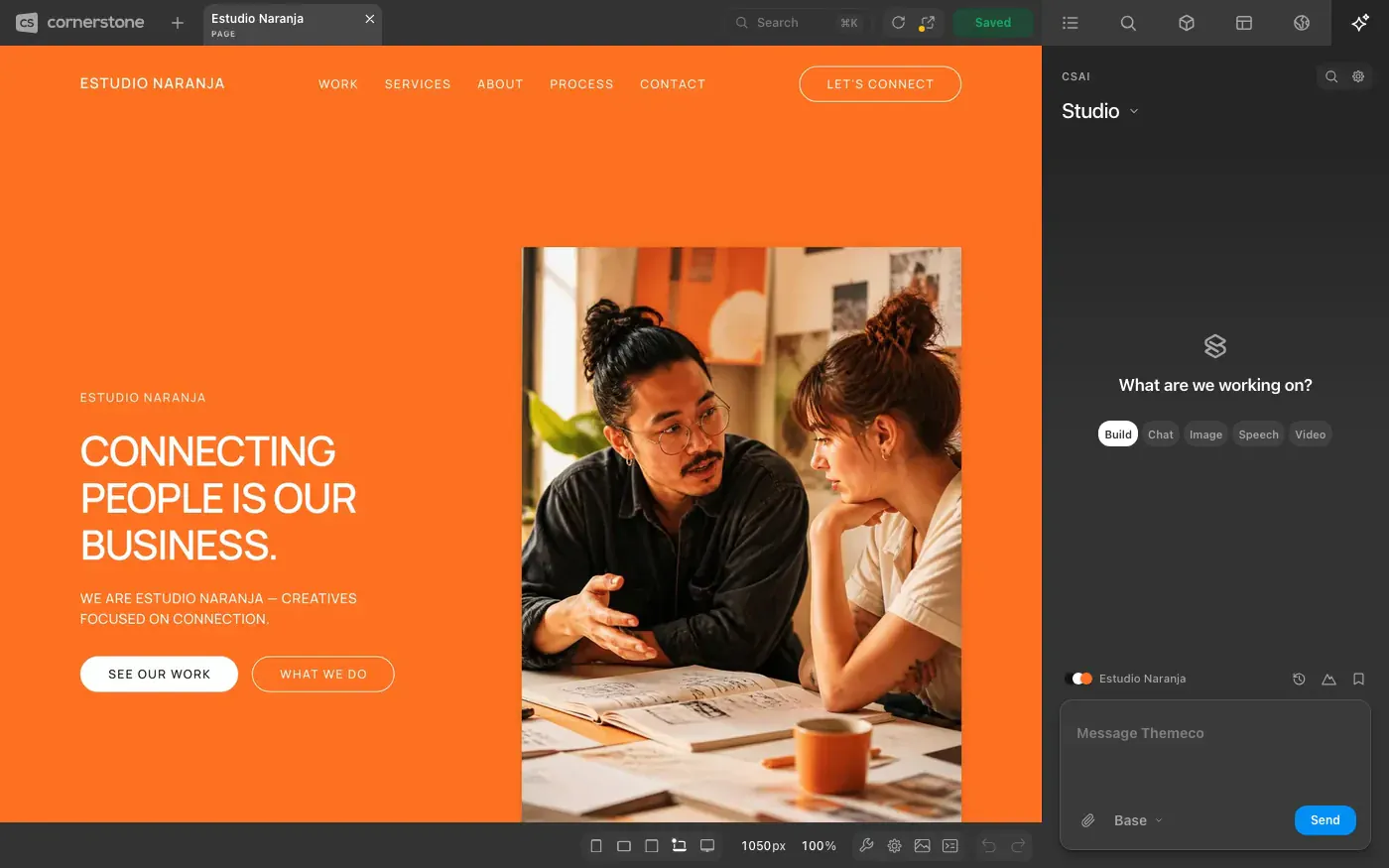
"Build an about page in the Estudio Naranja style."
Design DNA
"How do I point a button at my ticket page?"
Ask Questions
"Add a section about my new dog walking service."
Create Section
"Add tabs for breakfast, lunch and dinner."
Build Tabs
"Build a lookbook page in this site's style."
Add Functionality
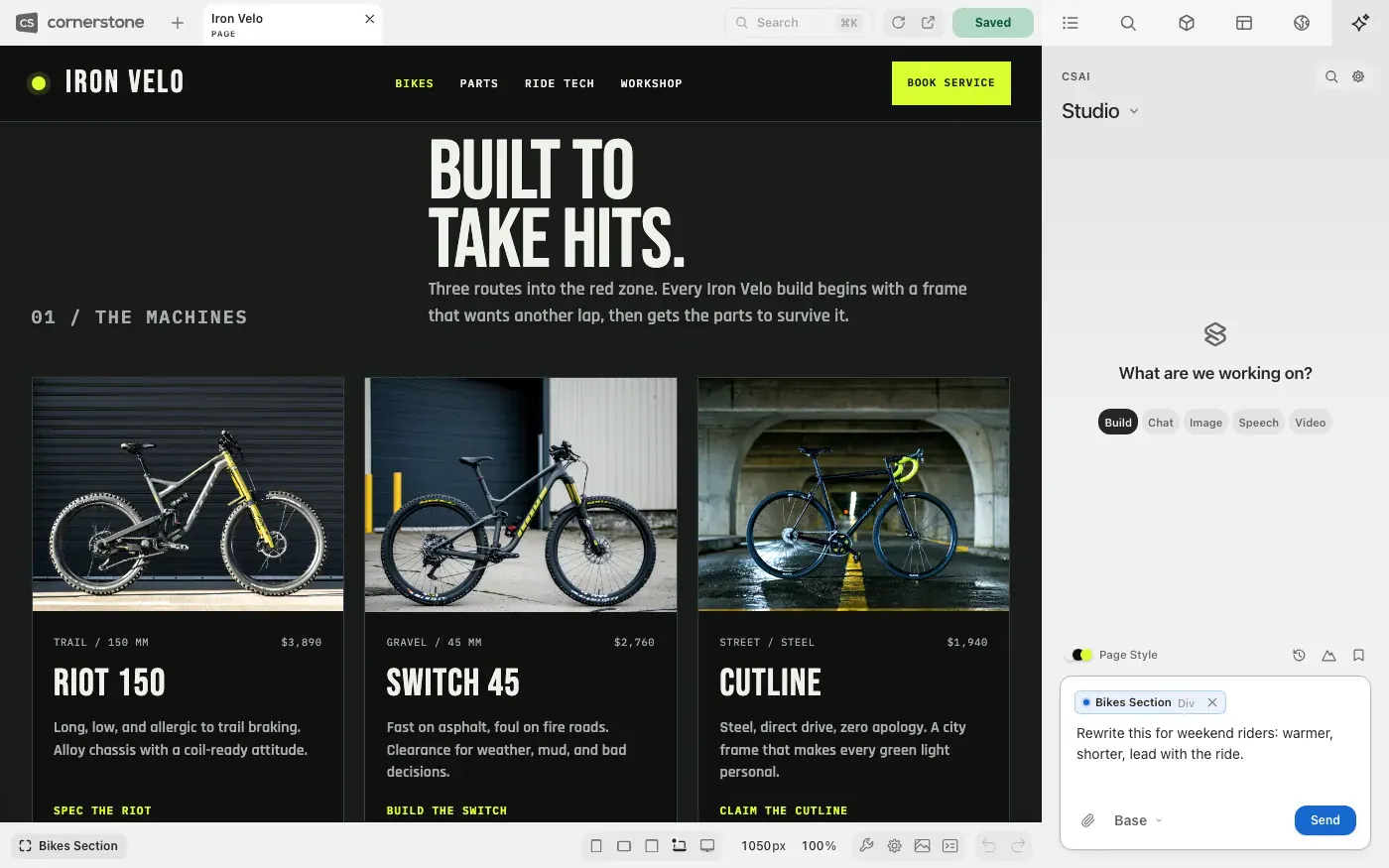
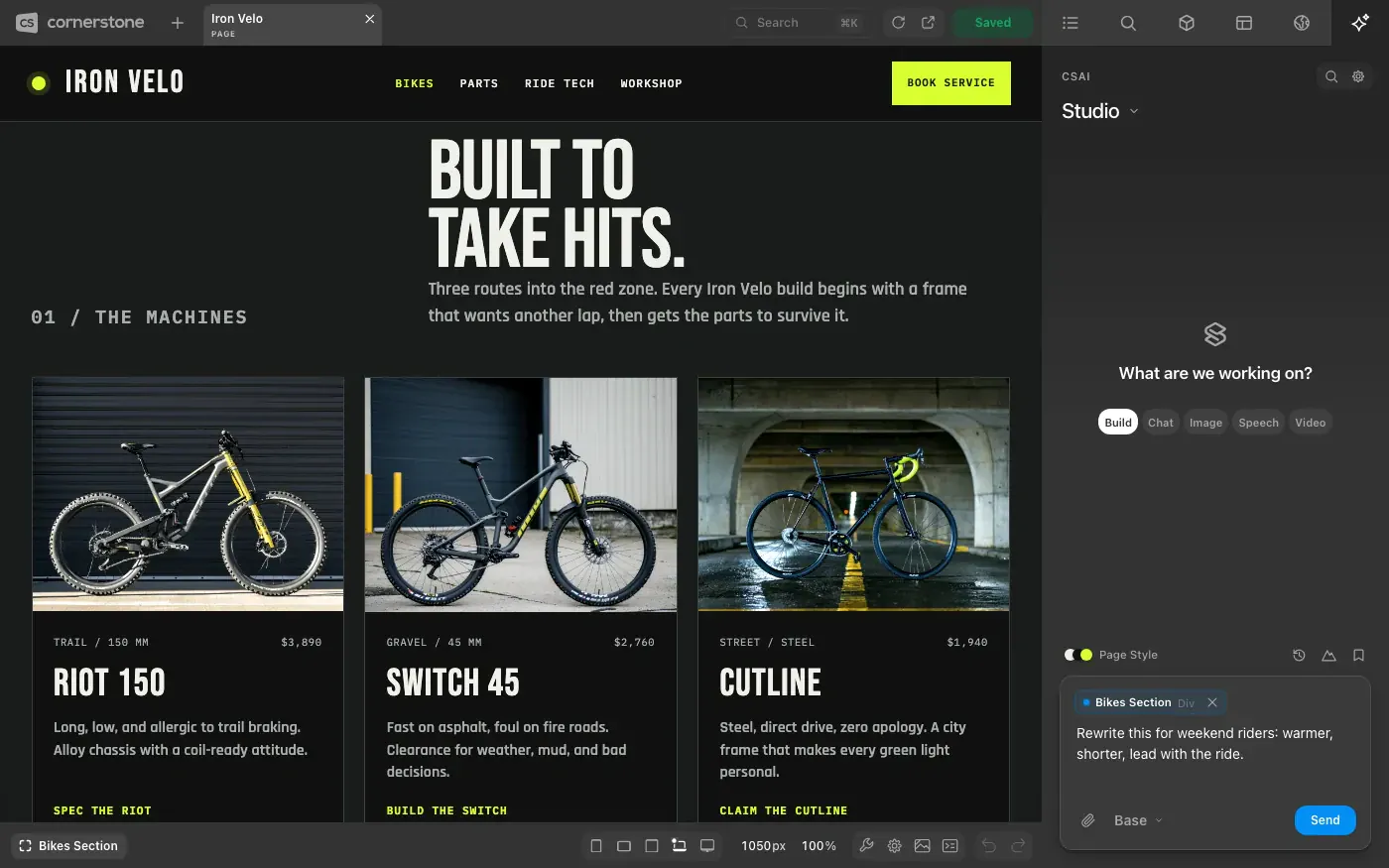
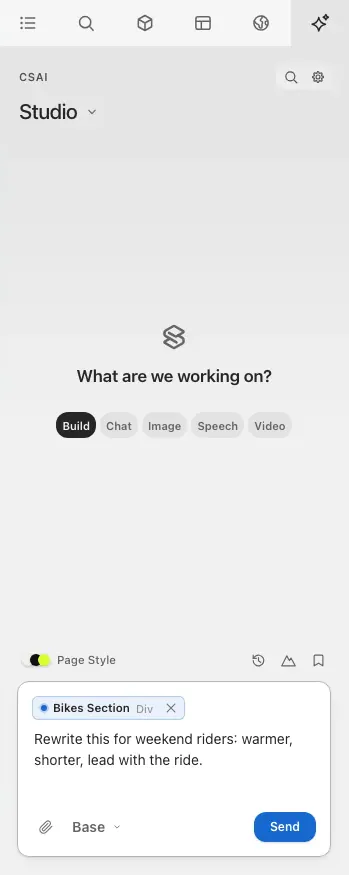
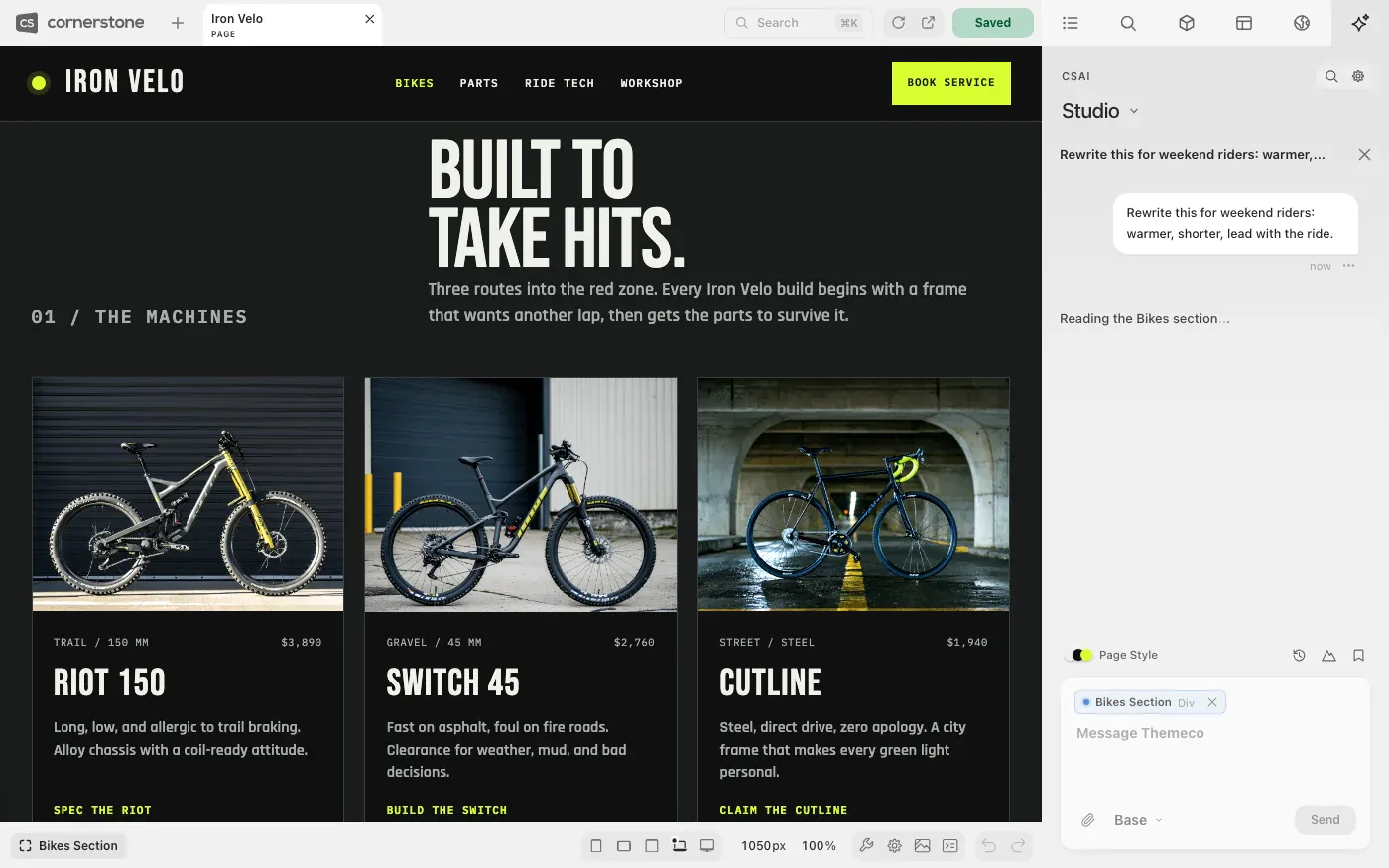
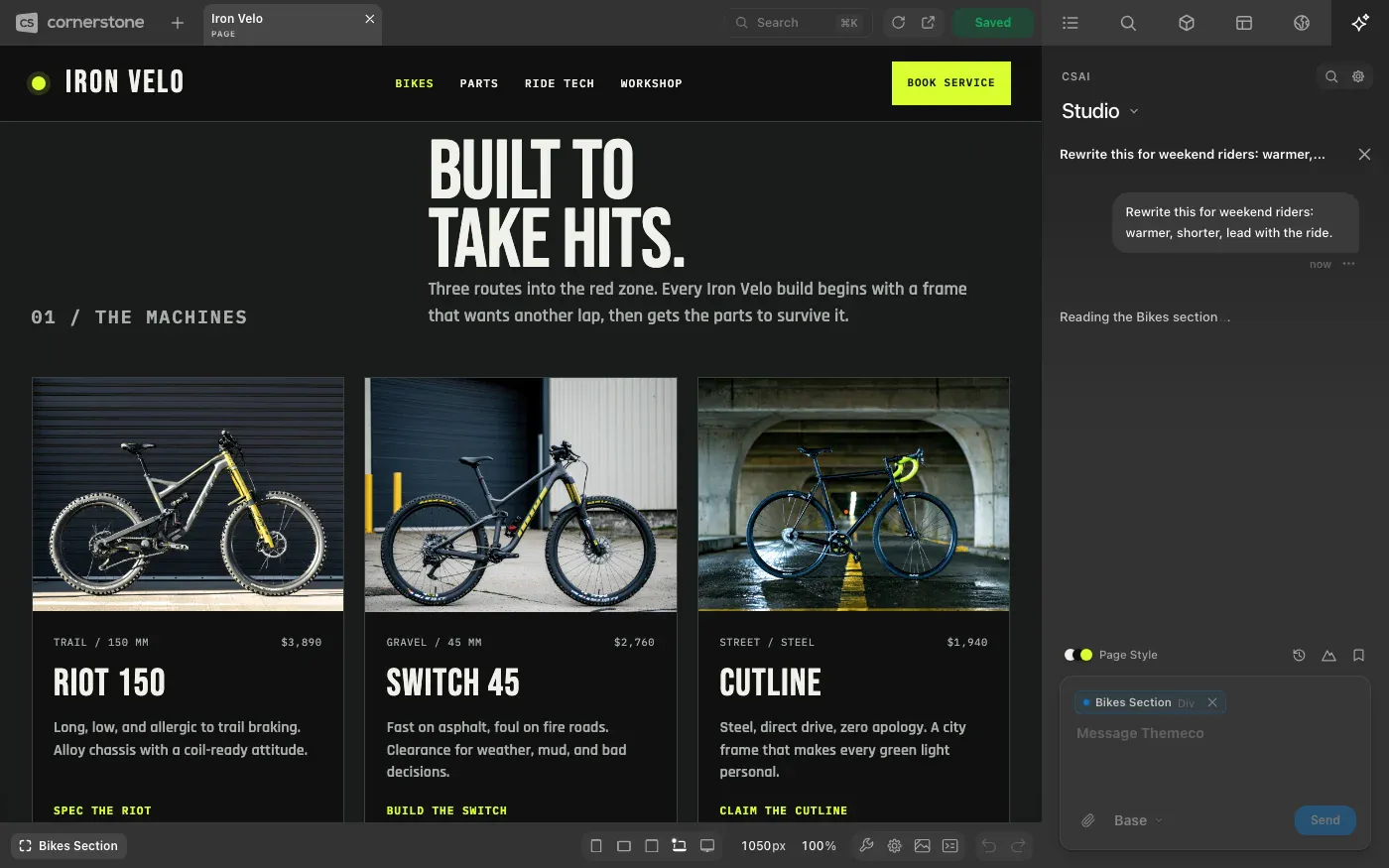
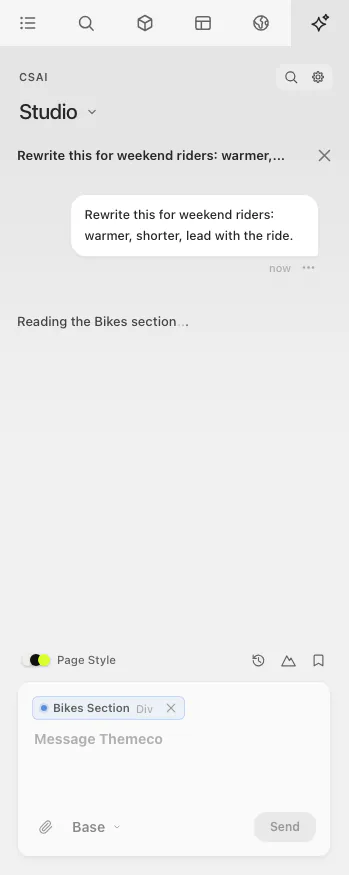
"Rewrite this so it sounds like us."
Edit Text
Say what you need, and Studio builds it in the style your site already has.
Or create from scratch and bring a new vision to life.

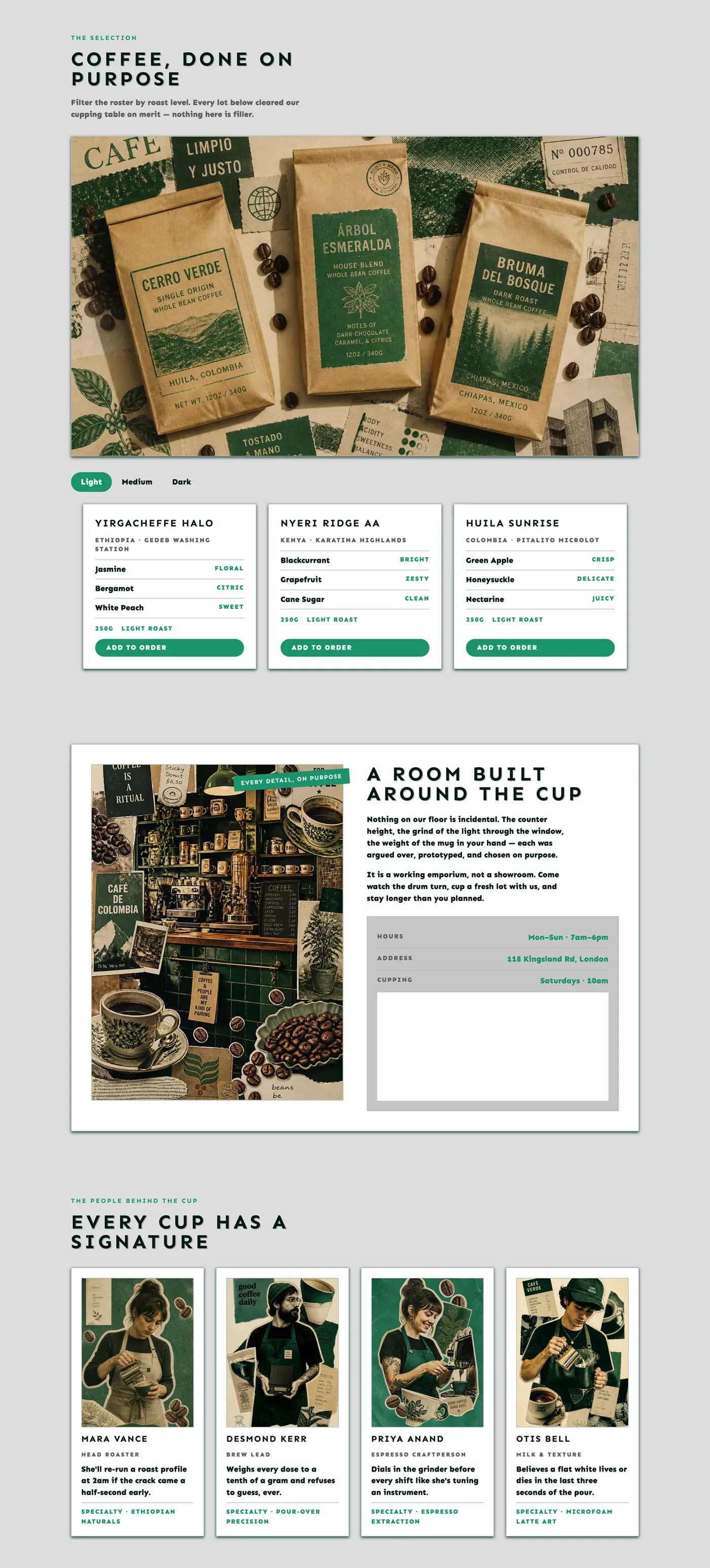
Build a page
"Make a page for our coffees, the cafe and the baristas."
Studio is the AI builder inside Cornerstone. Describe a page or section you’d like to create, and Studio builds it on your canvas with native Cornerstone Elements. Those Elements use clean, semantic markup designed for performance. You can select, style, and rearrange each one in the visual builder.
Studio uses the AI Credits you purchase as part of your Cornerstone plan. Your plan’s AI level includes both AI Credits and Instant Builds. You can also buy individual Studio credits in your Themeco account.
Builds and edits land in the live builder, where you can review and undo them. Nothing is saved until you press Save.
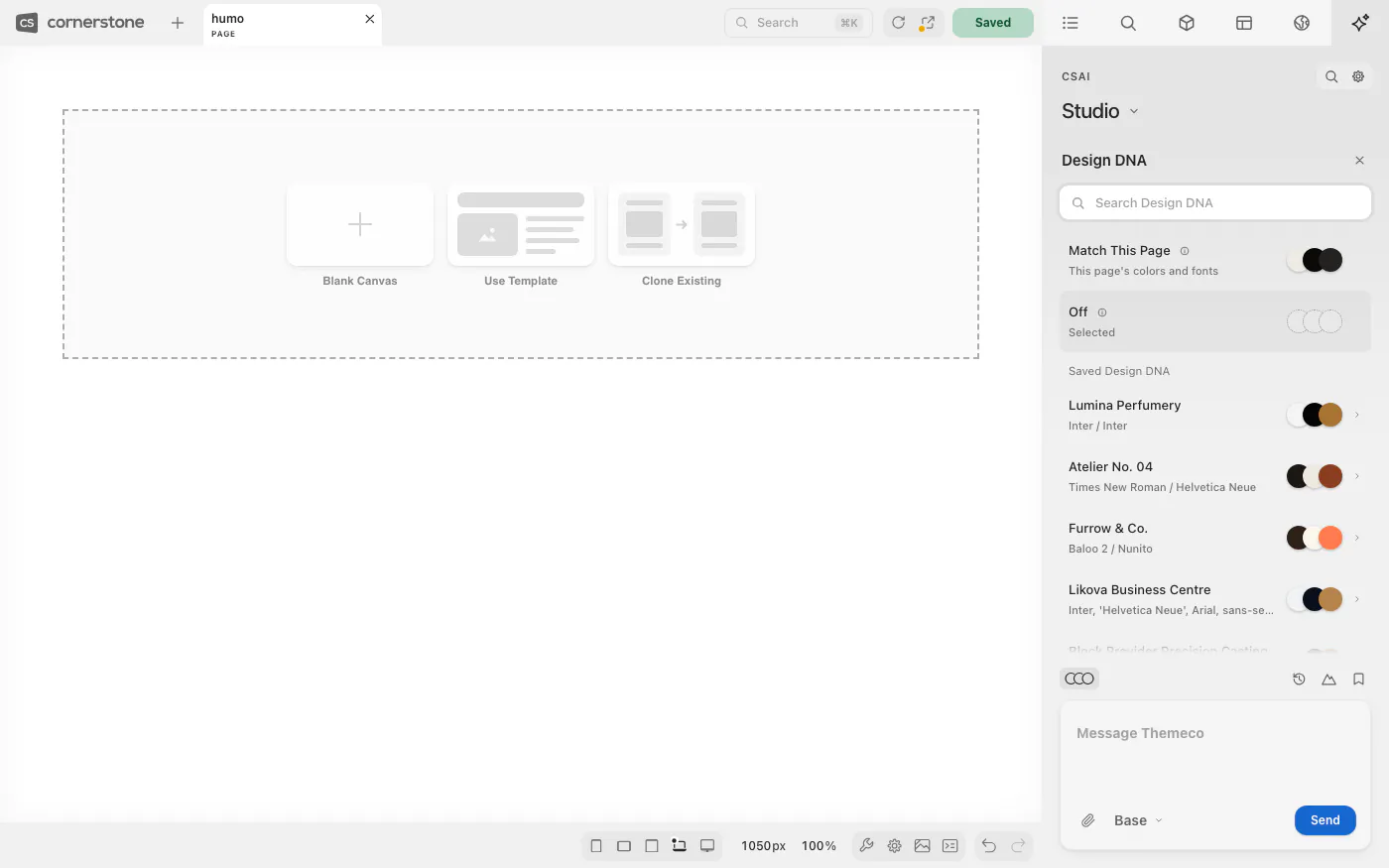
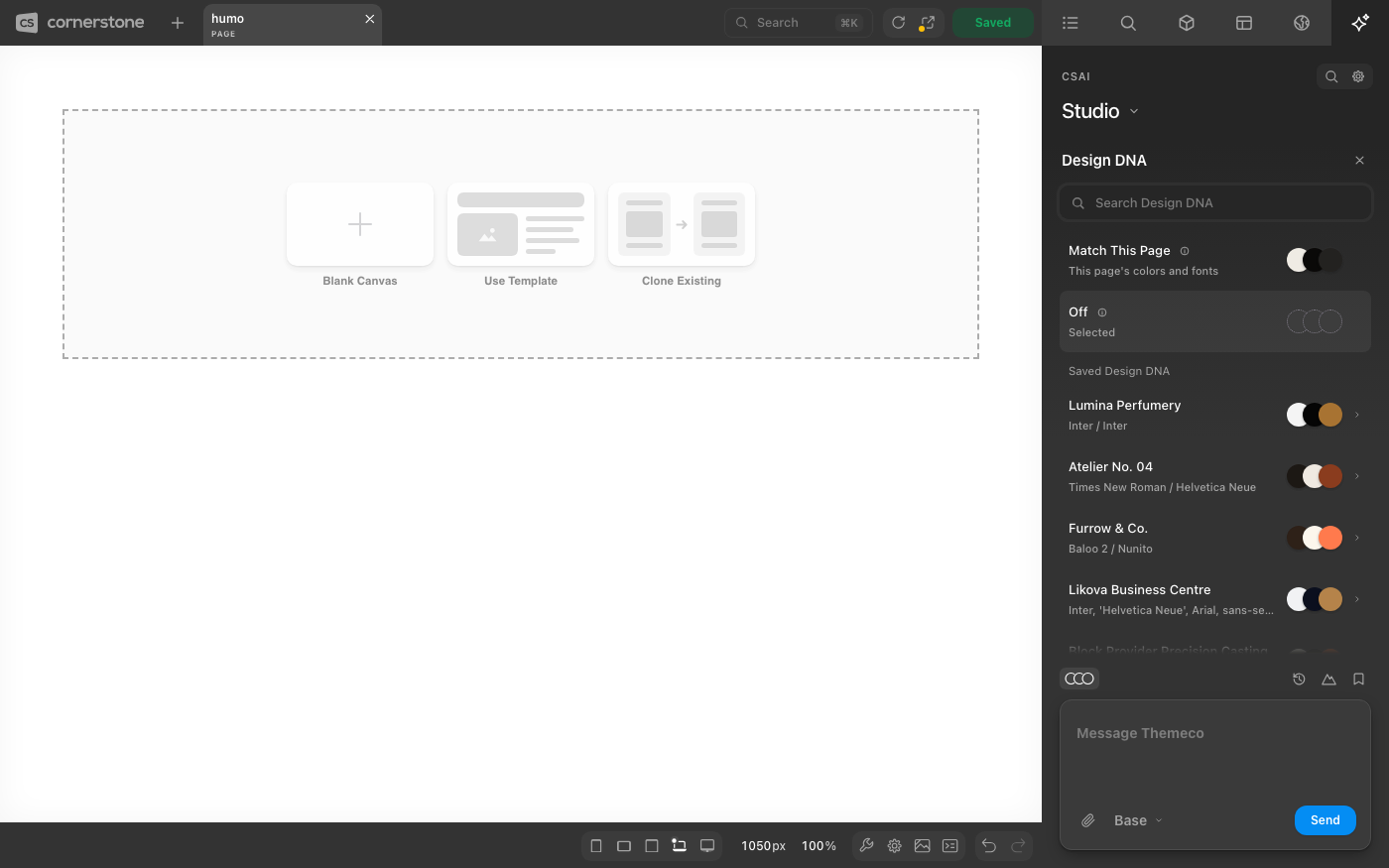
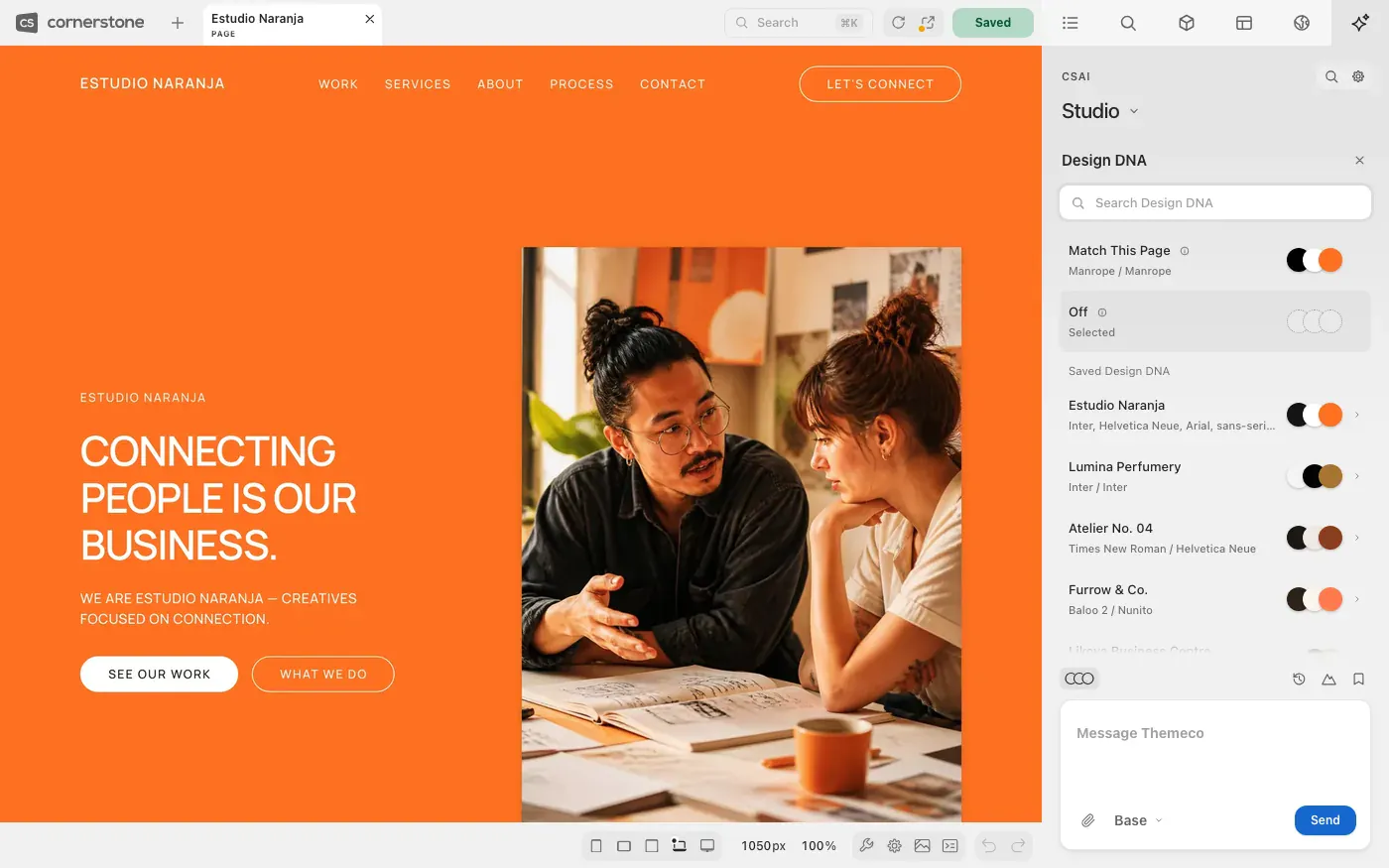
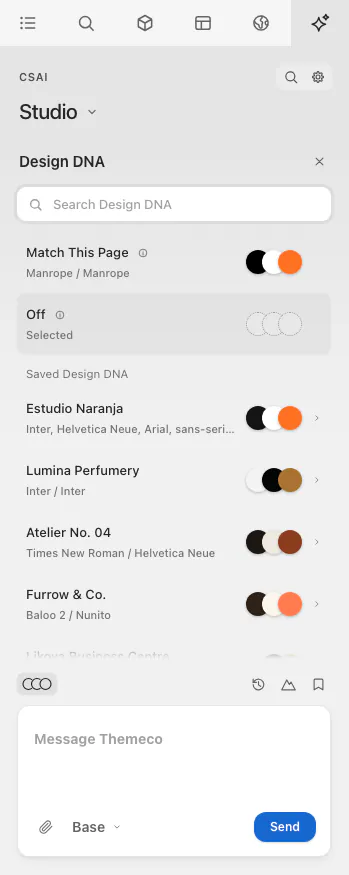
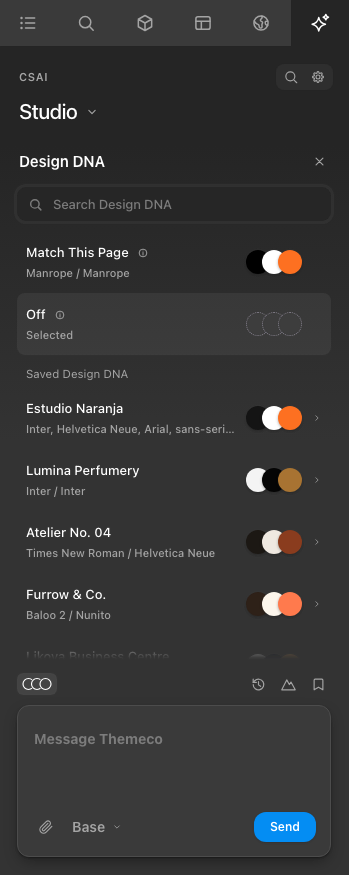
Yes. Choose Match this page to follow the design of the page you’re working on. To reuse that style, save the page as Design DNA and select it for a Studio thread. Studio will follow its color palette, fonts, and voice.
You choose who can use Studio. In your Cornerstone settings, open permissions and select the WordPress roles that should have access.