Building a website used to mean starting from scratch. Now you can start with finished.
h1Build imported.
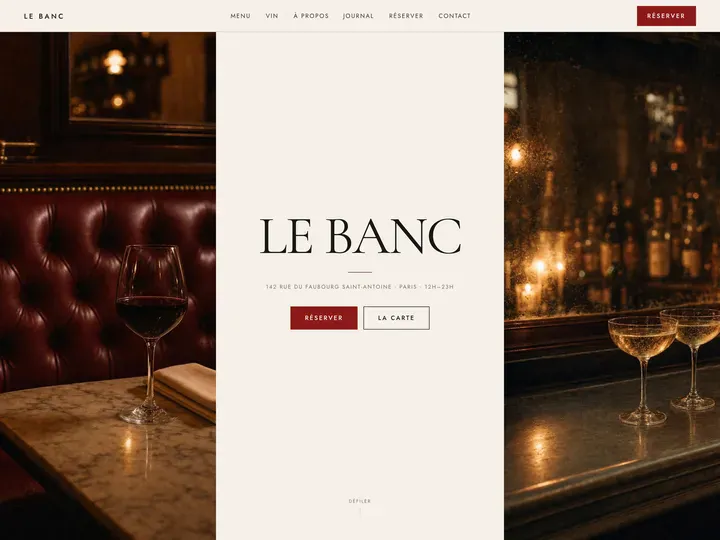
le-banc.html
Native by design
Edit it like you built it.
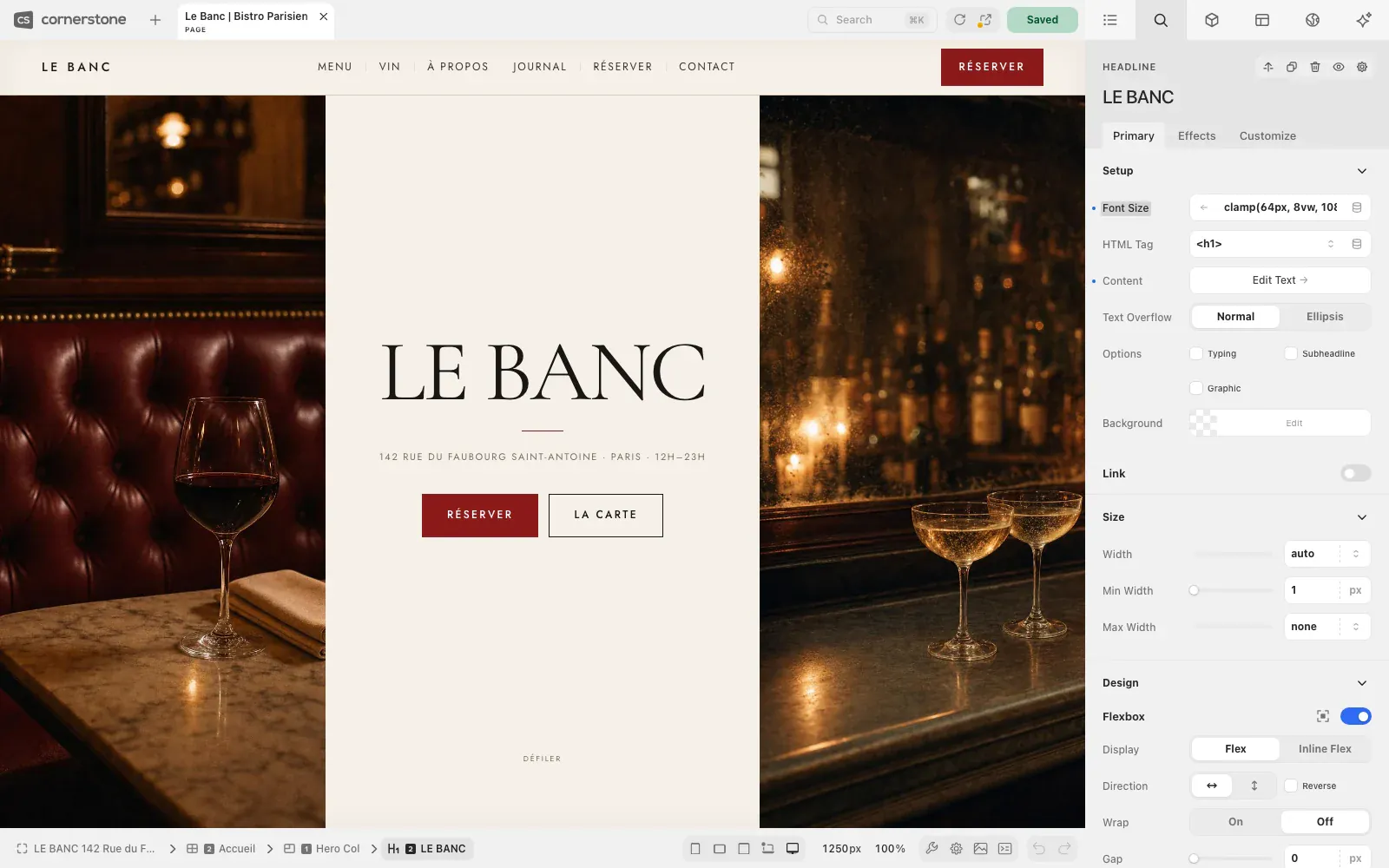
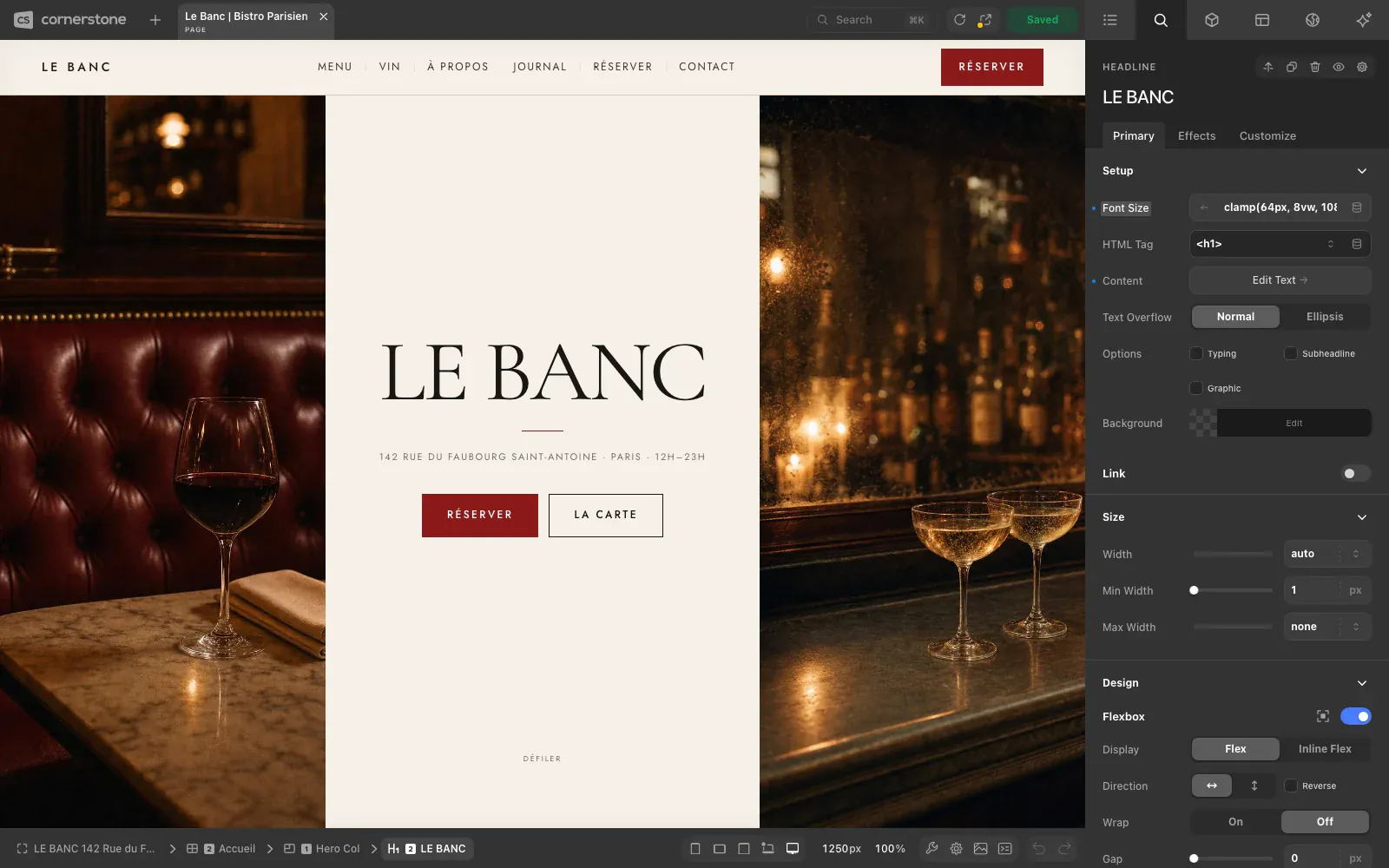
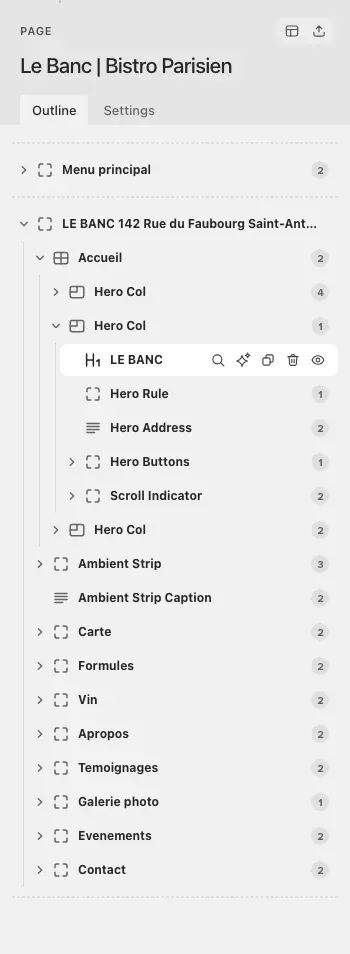
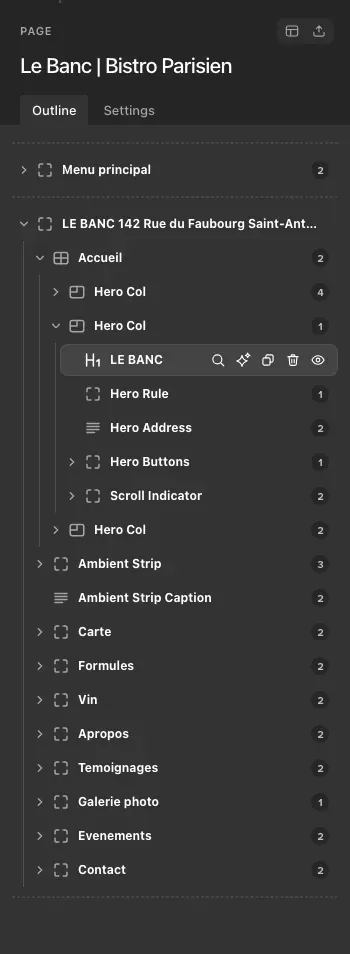
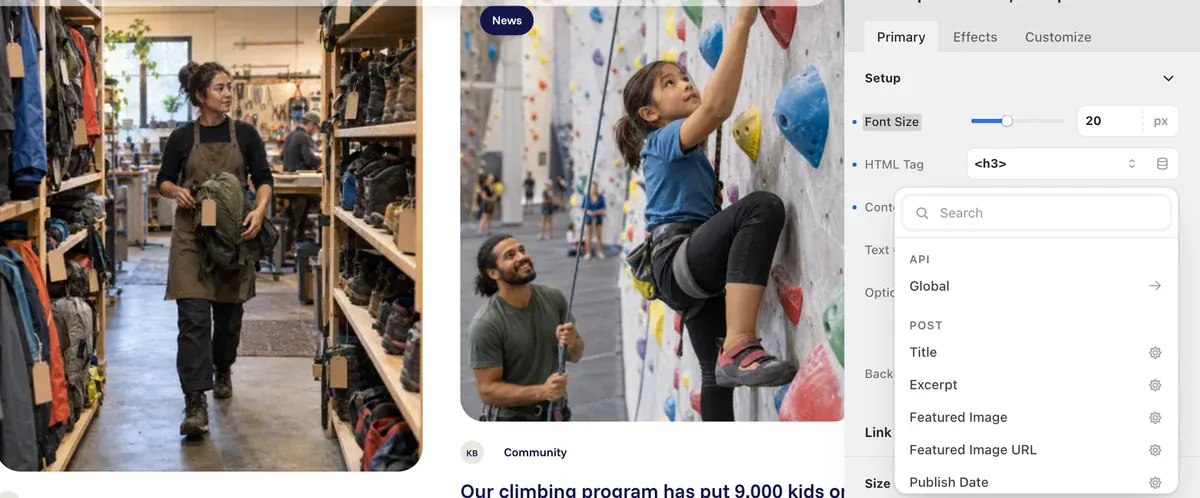
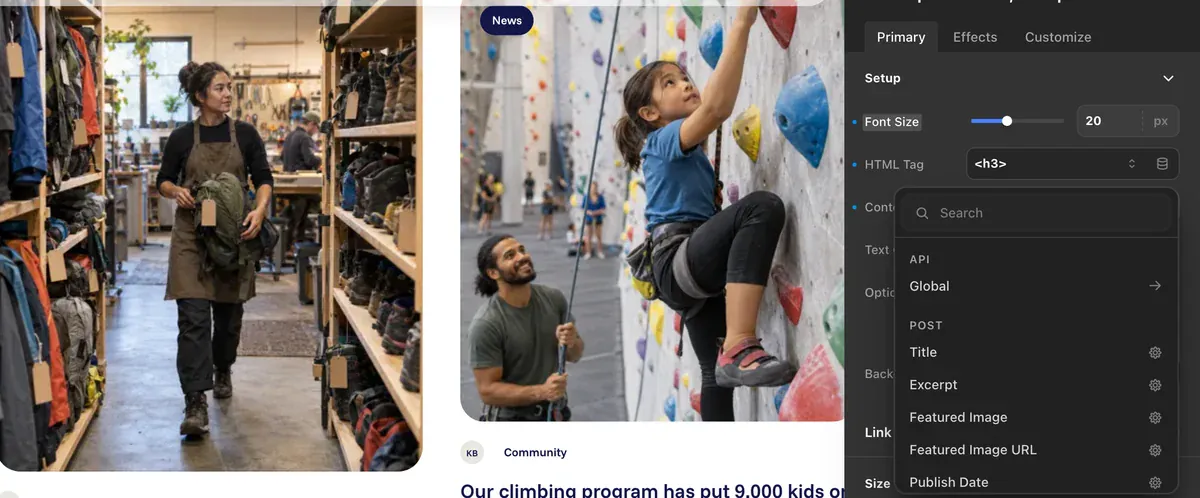
Instant Builds rebuilds the page from Cornerstone's own Elements. Select a headline, a photo, or a form and the Inspector opens with its controls.
HeadlineImported. Fully editable.
Second FixIts headline, type and spacing, as designed
InputRebuilt as native Forms.
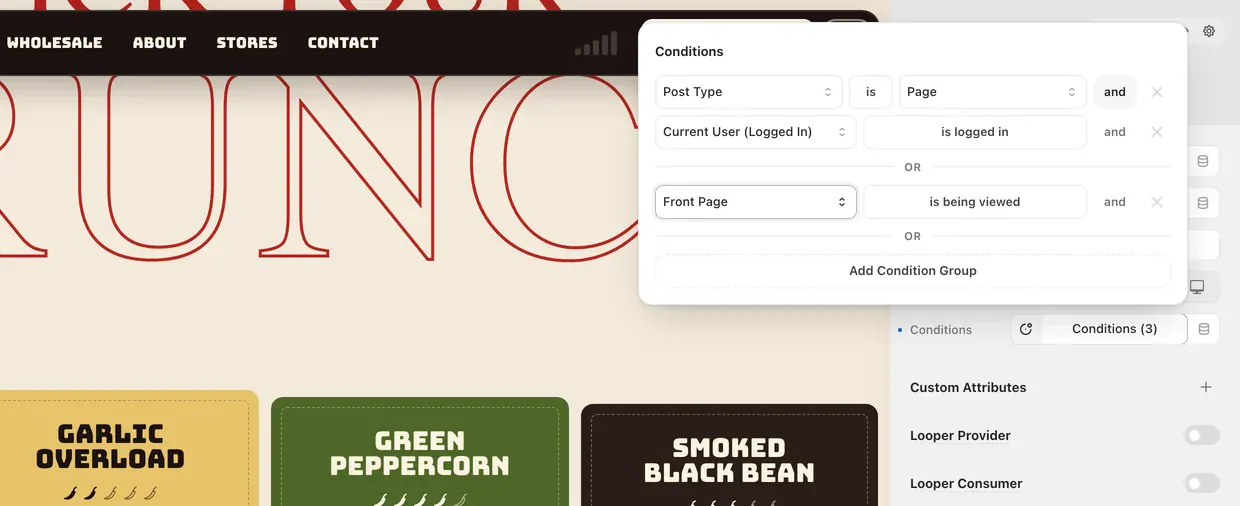
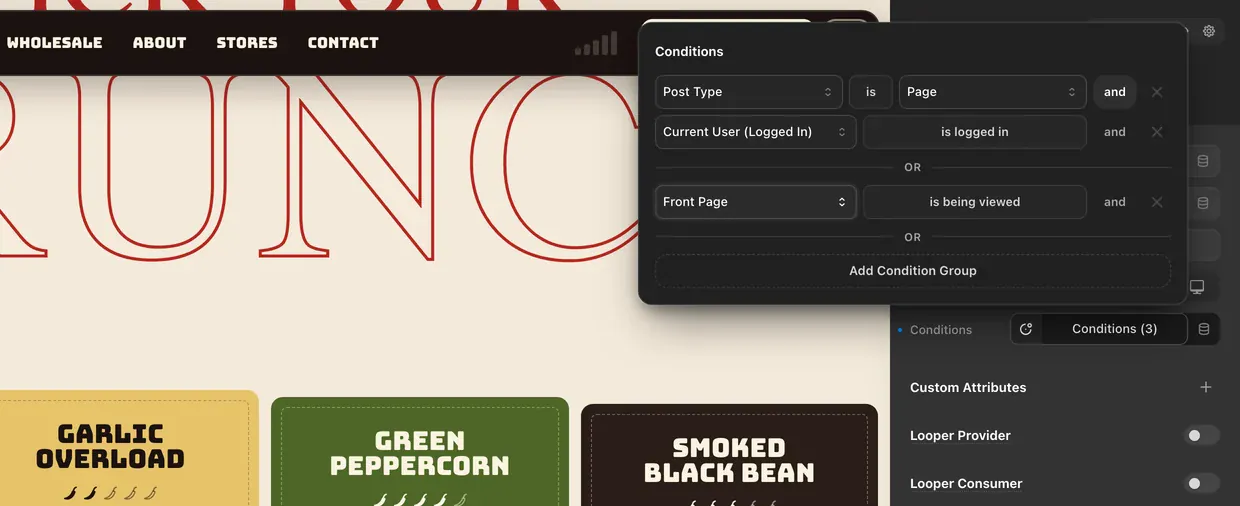
Feeds, filters and logged-in areas import visually; rebuild with Loopers and Conditions. External scripts are optional.
Every websitebecomes inspiration.Every inspirationbecomes real.
drop-zone.html
kettlebrook.html
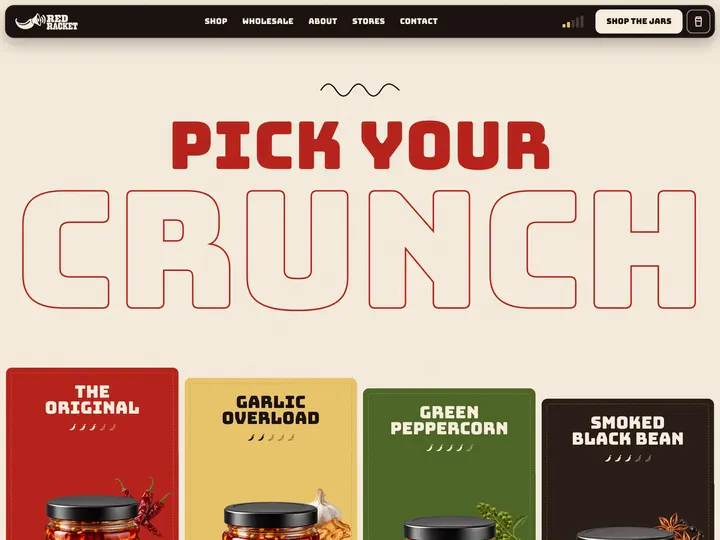
red-racket.html
le-banc.html
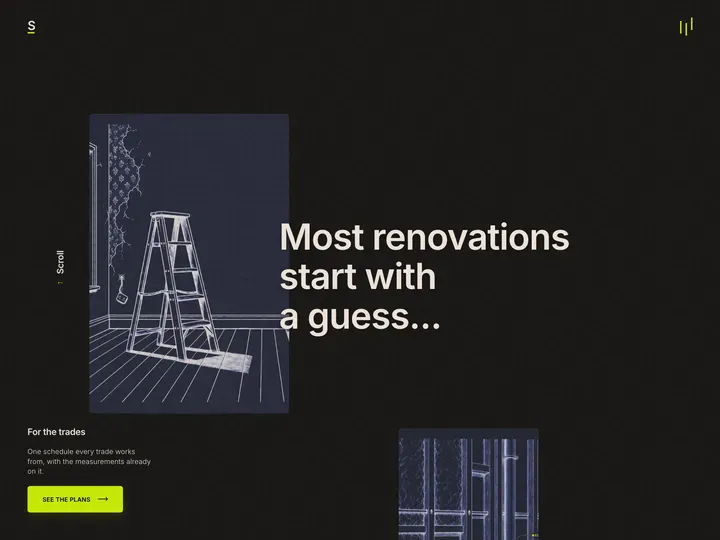
second-fix.html
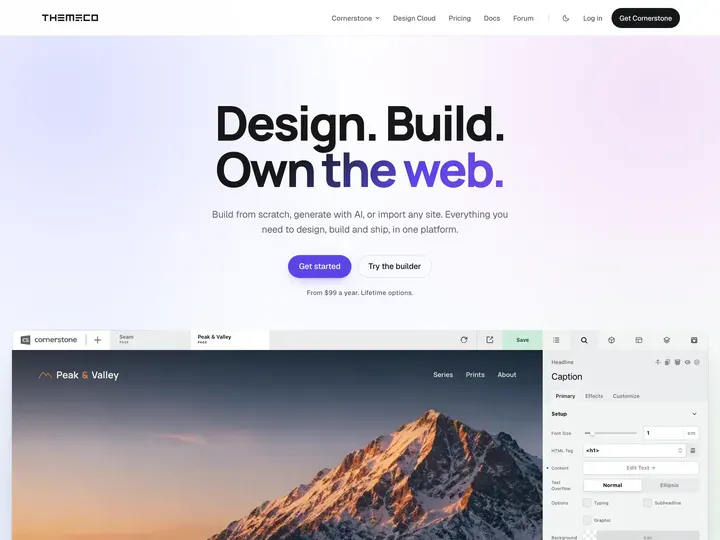
themeco.html
red-racket.html
drop-zone.html
kettlebrook.html
red-racket.html
le-banc.html
second-fix.html
themeco.html
red-racket.html
Drop Zone
Kettlebrook
Red Racket
Le Banc
Second Fix
Themeco home
Red Racket
Drop Zone
Kettlebrook
Red Racket
Le Banc
Second Fix
Themeco home
Red Racket
All the details
Bring the whole site. Styles and all.
A ZIP becomes a website. Colors, fonts and variables become more than data. Everything arrives in Cornerstone ready for refinement.
A whole site, one .zip.
Export a site as a .zip and drop it in. Every HTML page becomes its own draft, with its images, video, audio and stylesheets, and the links between pages point at the new pages. Up to 30 pages in one import, and the header and footer can be split into documents every page shares.
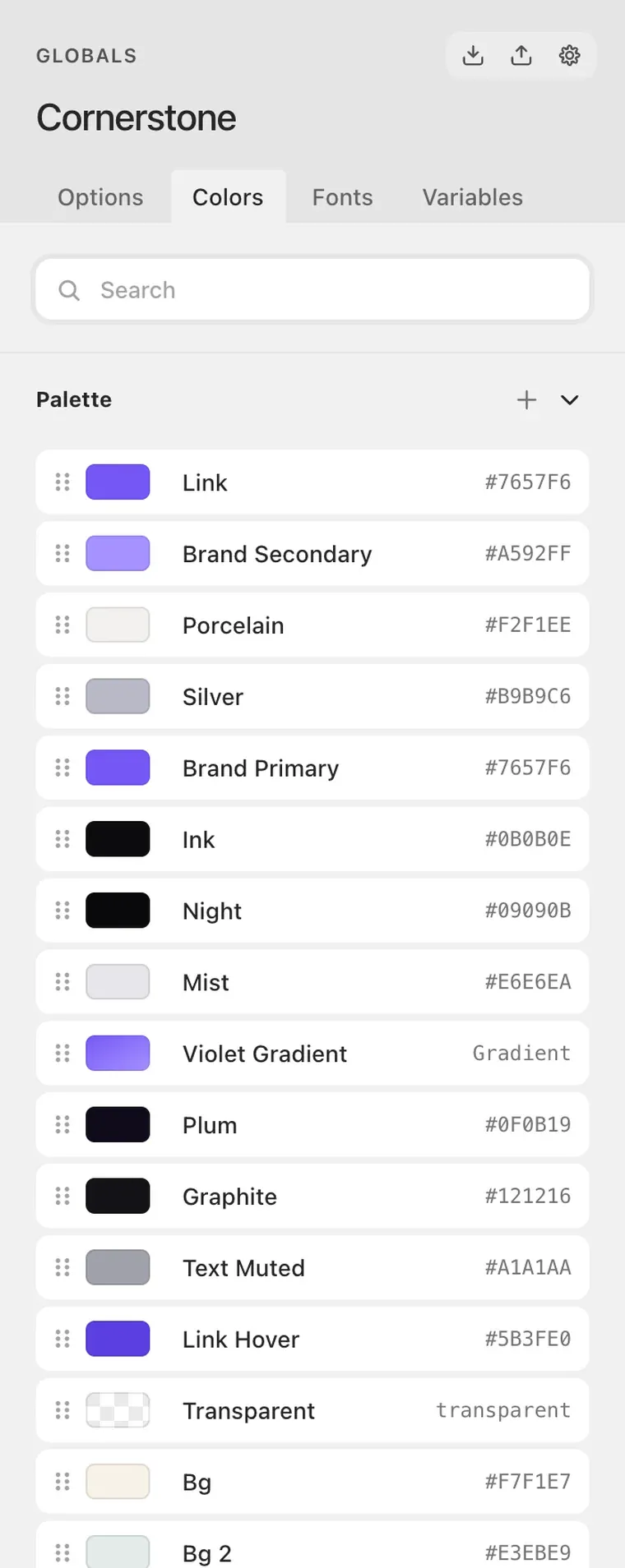
Globals, automatic.
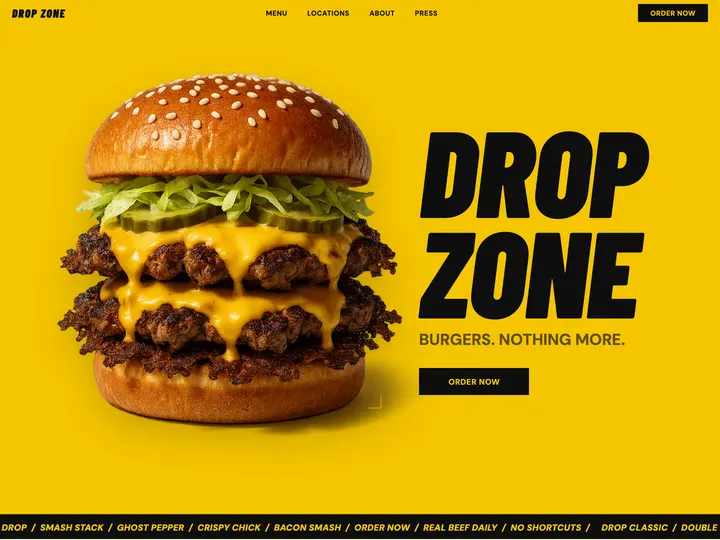
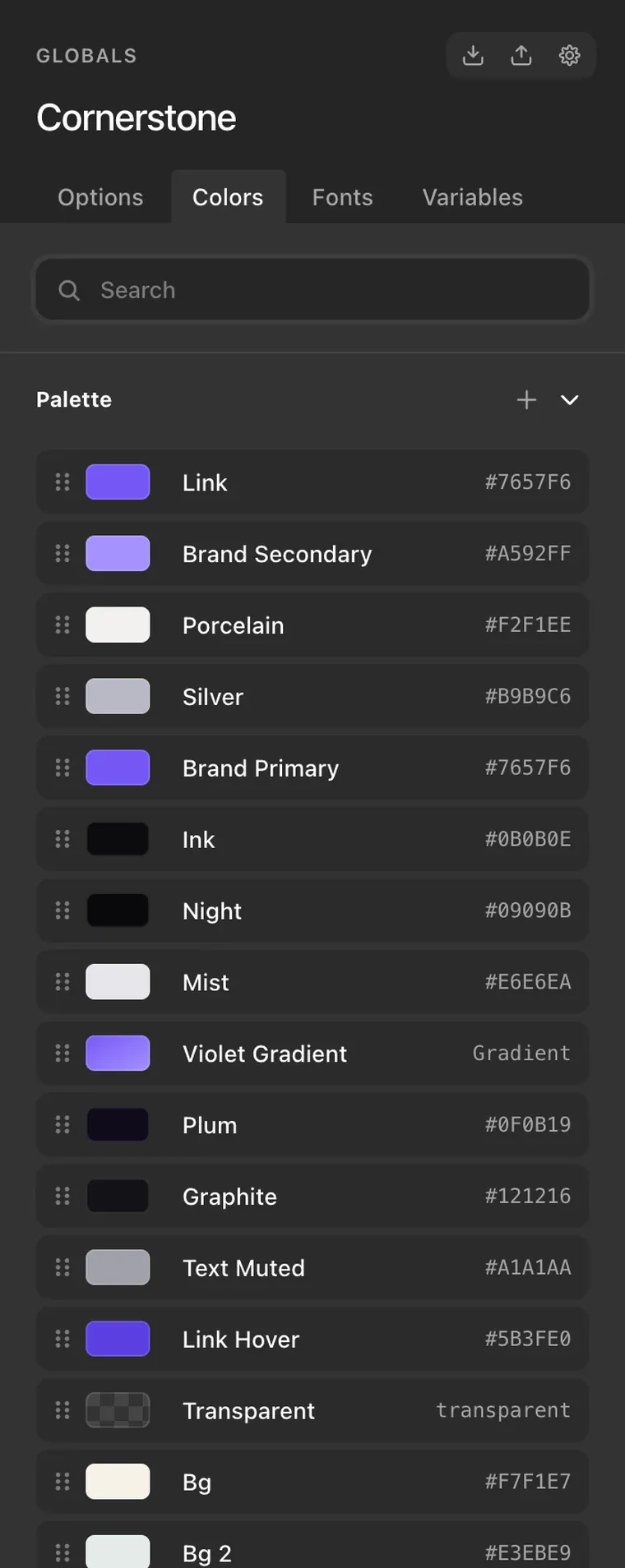
A page's colors, fonts and CSS variables arrive as Cornerstone globals, each with the name the page gave it. Change Drop Zone's yellow once and every element that uses it follows. Google Fonts come in as global fonts, and custom font files are added to the Media Library.
Then keep building
Instant Builds is just the front door.
Once in Cornerstone, every tool in the builder is available. Turn a list into Loopers, create conditions, pull in real data, and tune each breakpoint, all visually.
Loopers
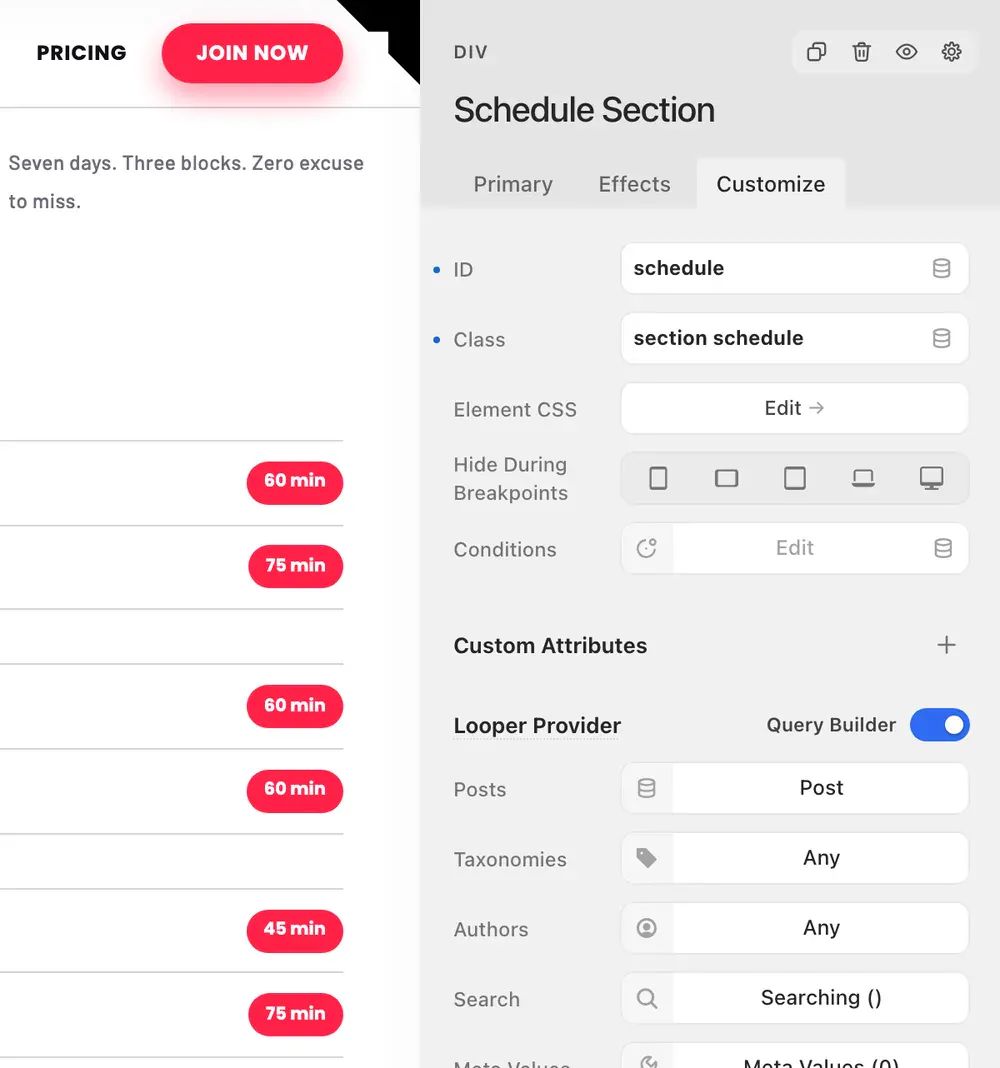
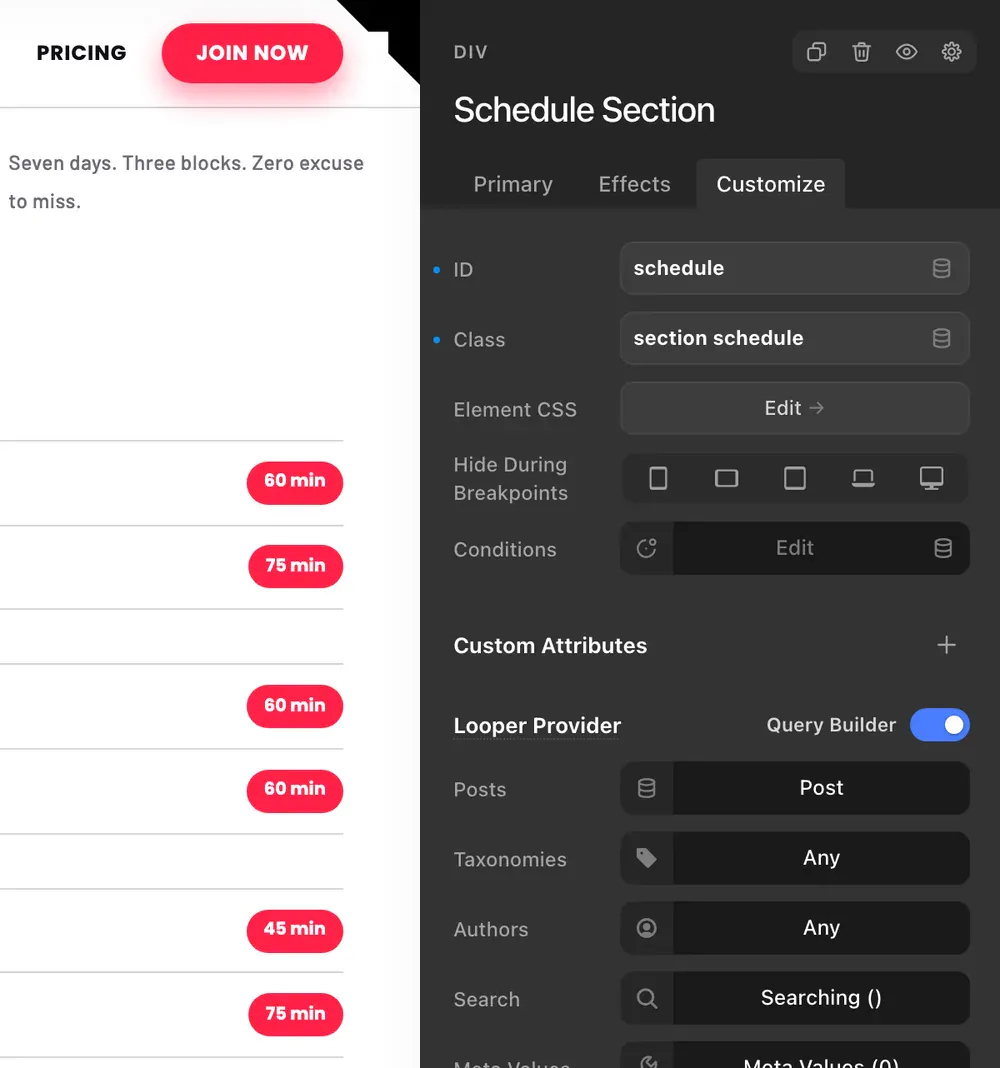
Turn an imported list into a Looper Provider and it repeats for every post, product or item on your site. Display it, filter it, even nest it.
Dynamic Content
Pull posts, fields and site data into any element that came in.
Conditions
Show or hide any imported element by user, page or date, with no code.
Story CardComponent
TitleText
PhotoImage
ButtonURL
AccentColor
Components and Parameters
Right-click a section that repeats and Convert to Component. Expose Parameters, then reuse it on every page.
Contact formForm
NameText
EmailEmail
MessageTextarea
Sends toMailchimp
Forms
The forms that came in are Cornerstone Forms. Connect their fields and they send.
Saved from the import
Hero
Template
Pricing band
Design Cloud
Header and footer
Documents
Templates and Design Cloud
Save an imported section as a Template, or add ready-made Design Cloud sections next to it.
Global colors, fonts and variables
The page's palette and type arrived as globals. Change one once and the whole site follows.
In practice
Built for real work, on real deadlines.
A client needs a rebuild. A design needs a new home. An idea needs to get out the door. Spend less time designing and building. Spend more time on what matters most.
The client loves their site. You just want it in Cornerstone.
Your client has already signed off on the design. A change of builder shouldn't mean paying to recreate it. Keep the project focused on the move, without turning it into a redesign.
You start withThe client's existing siteTheir live site, with its existing layout, pages and content.
You end withTheir site in CornerstoneThe same design, rebuilt as Elements you can edit visually.
You prompted a great design. Now you can make it real.
Getting a good result from AI takes iteration. Once you've found it, the next step should be finishing the website, not hiring someone to rebuild the design in another tool.
You start withAn AI-generated HTML fileA static page from an AI tool, with its design saved as HTML.
You end withAn editable websiteThe AI design, ready to edit and publish in Cornerstone.
A template isn't a rulebook. Every detail is up to you.
A template should save time, not dictate every design decision. Use the parts that fit your project, change the ones that don't, and keep the head start you paid for.
You start withAn HTML templateA finished layout with fonts, colors and styles in place.
You end withYour own versionKeep the parts that fit. Change everything that doesn't.
A screenshot is useful until it's time to build. Go beyond a visual reference and explore how a page fits together, then use what you learn in your own work.
You start withA website that inspires youA live page with a layout or design you'd like to build on.
You end withA starting point of your ownAn editable version to reshape into your vision.
That hand-coded site from 2014? It deserves a second life.
A site doesn't stop being useful because the workflow has aged. Make routine updates practical again, so the next change doesn't depend on finding someone who still knows the code.
You start withThe original site filesYears of content and custom styling, all maintained in code.
You end withA site you can edit visuallyUpdate content and refresh the design without touching code.
Skip the blank canvas. Prototype on something real.
Test a layout, try the navigation or put a flow in front of a client. Get useful feedback before committing time and budget to the full build.
You start withAn idea you need to testChoose a URL with the layout or structure you have in mind.
You end withA working page to test it onTry the flow, get feedback and change what falls short.
Begin the redesign at 90%. Never start from zero again.
A redesign is a chance to improve the site, not repeat all the work behind it. Keep the project's time and budget focused on what's changing, rather than what's staying.
You start withThe client's current websiteEstablished pages, familiar navigation and years of content.
You end withA head start on the redesignKeep the useful parts. Rebuild only what needs to change.
1Discover
Find a design that inspires you.
2Import
Upload HTML or enter URL.
3Customize
Every detail is yours to edit.
4Launch
Publish as a finished website.
What is Instant Builds?
Instant Builds gives you a new starting point for web design. Paste a page URL, upload an HTML file, or bring in a ZIP of HTML pages. Instant Builds uses the design to create editable Cornerstone Elements, so you can keep the parts you like and make the site your own.
Will it keep getting better?
Every day. We’re combining human review with AI training to keep improving the brain behind Instant Builds. This is not just some script, wrapper, or prompt. What you’re seeing today is the beginning of something that keeps getting smarter.
Is this a screenshot or a copy of the site?
Each section is made of native Cornerstone Elements with their own structure and controls. You can select a heading to edit its text, restyle a button, or rearrange a section just as you would on a page you built yourself.
Does it work with any website?
It works with most websites. Some sites limit what an import can access through their security settings. Instant Builds brings the visible design into Cornerstone as editable Elements. Use Loopers, Dynamic Content, and Conditions to add live feeds, filters, and experiences for logged-in visitors.
What’s the difference between a URL, an HTML file, and a ZIP?
A URL is the web address of the page you want to import. An HTML file gives you the closest match and works well for files you own, including AI exports, templates, and static pages. A ZIP lets you import up to 30 HTML pages from an exported site at once.
How accurate is it?
HTML uploads give the closest match because you provide the file itself. URL imports can be faithful too, with some pages needing more adjustment than others. How a site is built and served, including its scripts, security settings, and owner restrictions, affects what carries over. Imported pages arrive as editable Elements, giving you a starting point to refine in Cornerstone.
Can I import a whole website?
Yes. Export the site as a ZIP and upload up to 30 HTML pages at once. Each page becomes a draft. Links between those pages point to the new drafts, and you can save the header and footer once and share them across every page.
What happens to scripts and custom code?
That’s your call on every build. You can include the page’s external scripts or leave them out. You’ll find the imported page’s CSS and JavaScript in its custom CSS and JS fields in Cornerstone.
How many Instant Builds do I need?
One Instant Build makes one page. A five-page site takes five builds, whether you import the pages one by one or as a ZIP. A single landing page takes one. Count the pages you want, and that’s your number.