


"On Paw & Pace, make Weekly Regular $22 a walk and add Weekends included to its list."
get_layoutupdate_layout
The AI you already use can now work on the website you already own.
Cornerstone’s MCP server gives your AI app direct access to native layouts,
pages, and global styles so it can read, build, and update your site.
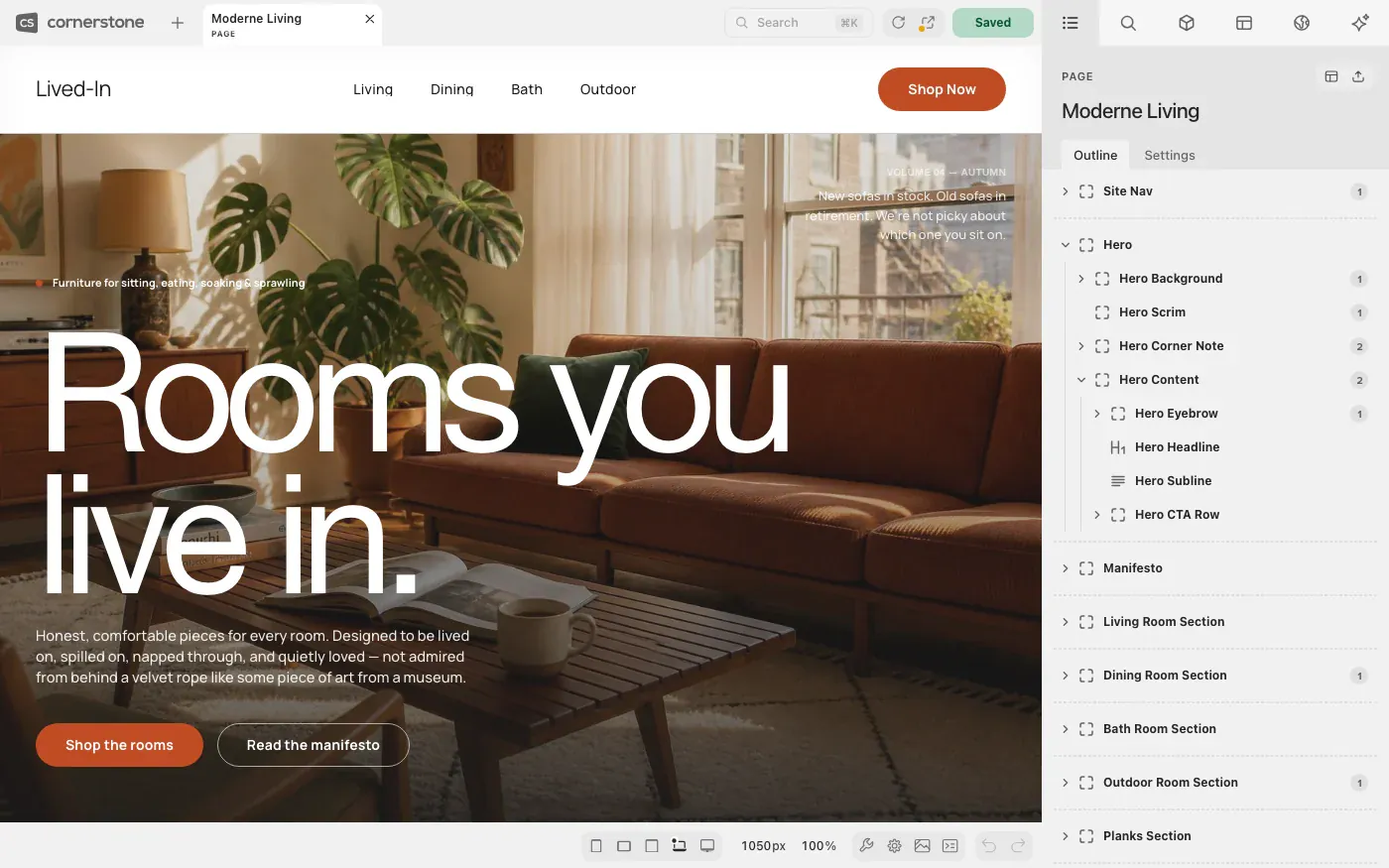
get_layoutupdate_layoutChanged 1 Element, saved a revisionReply to Claude
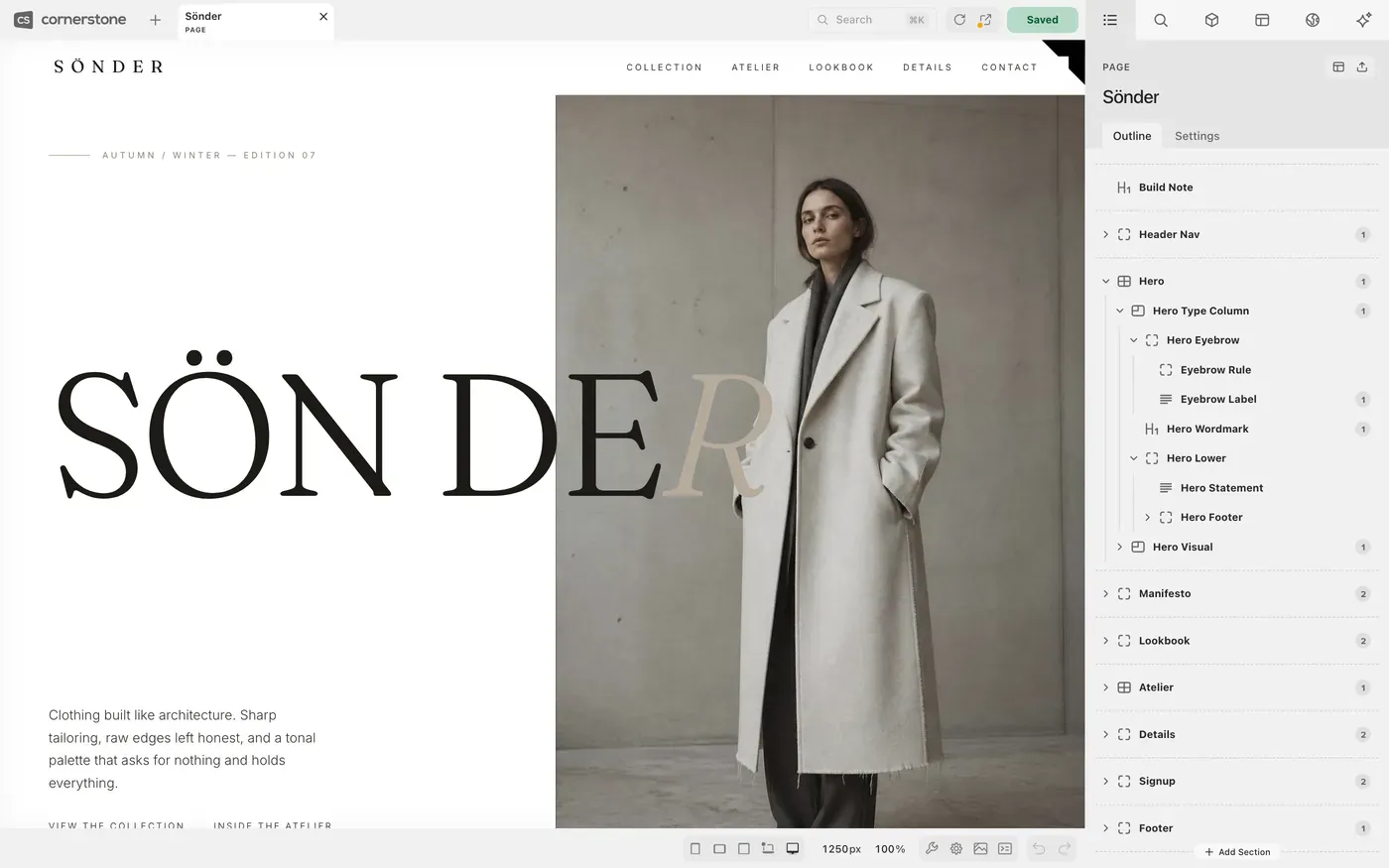
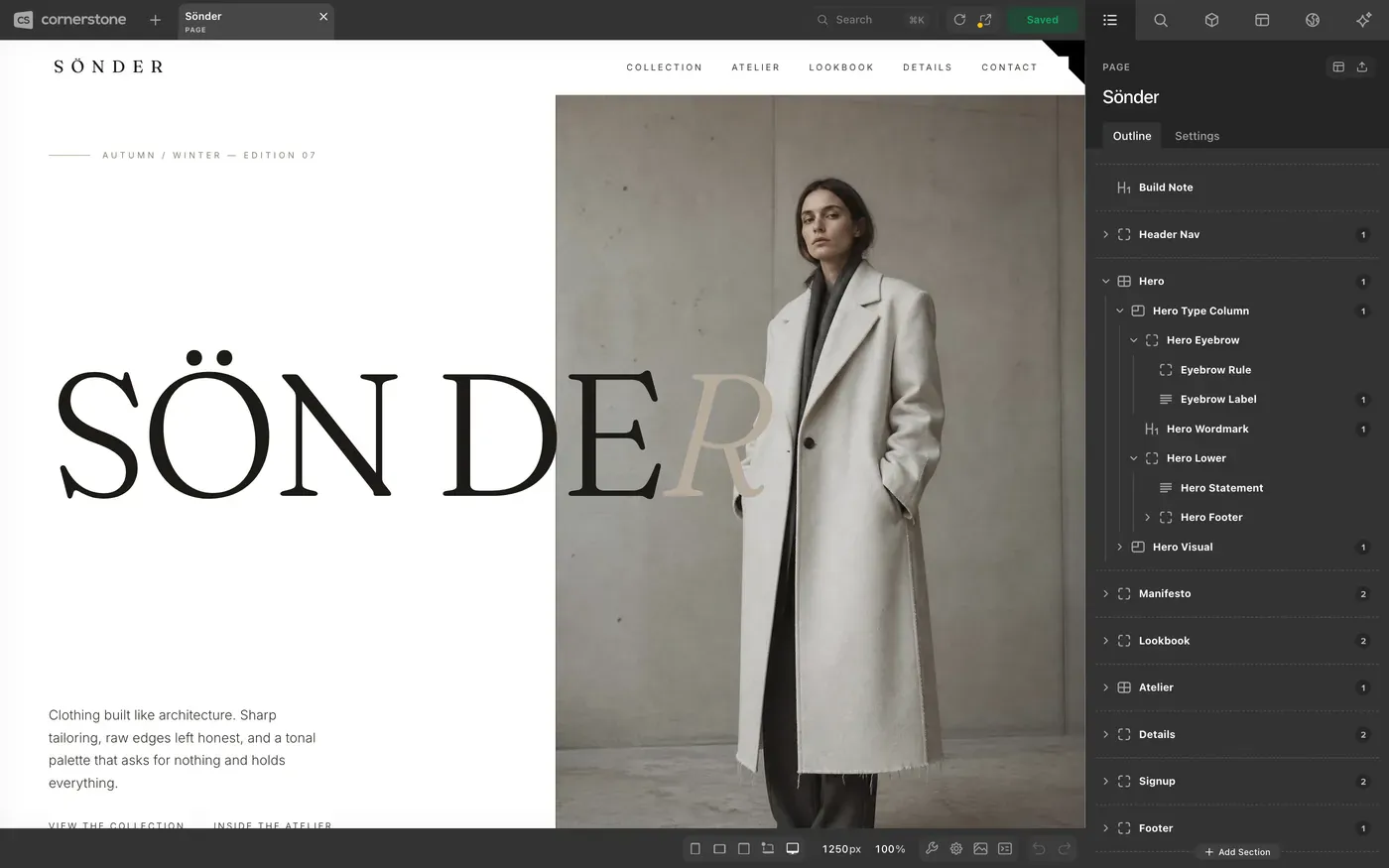
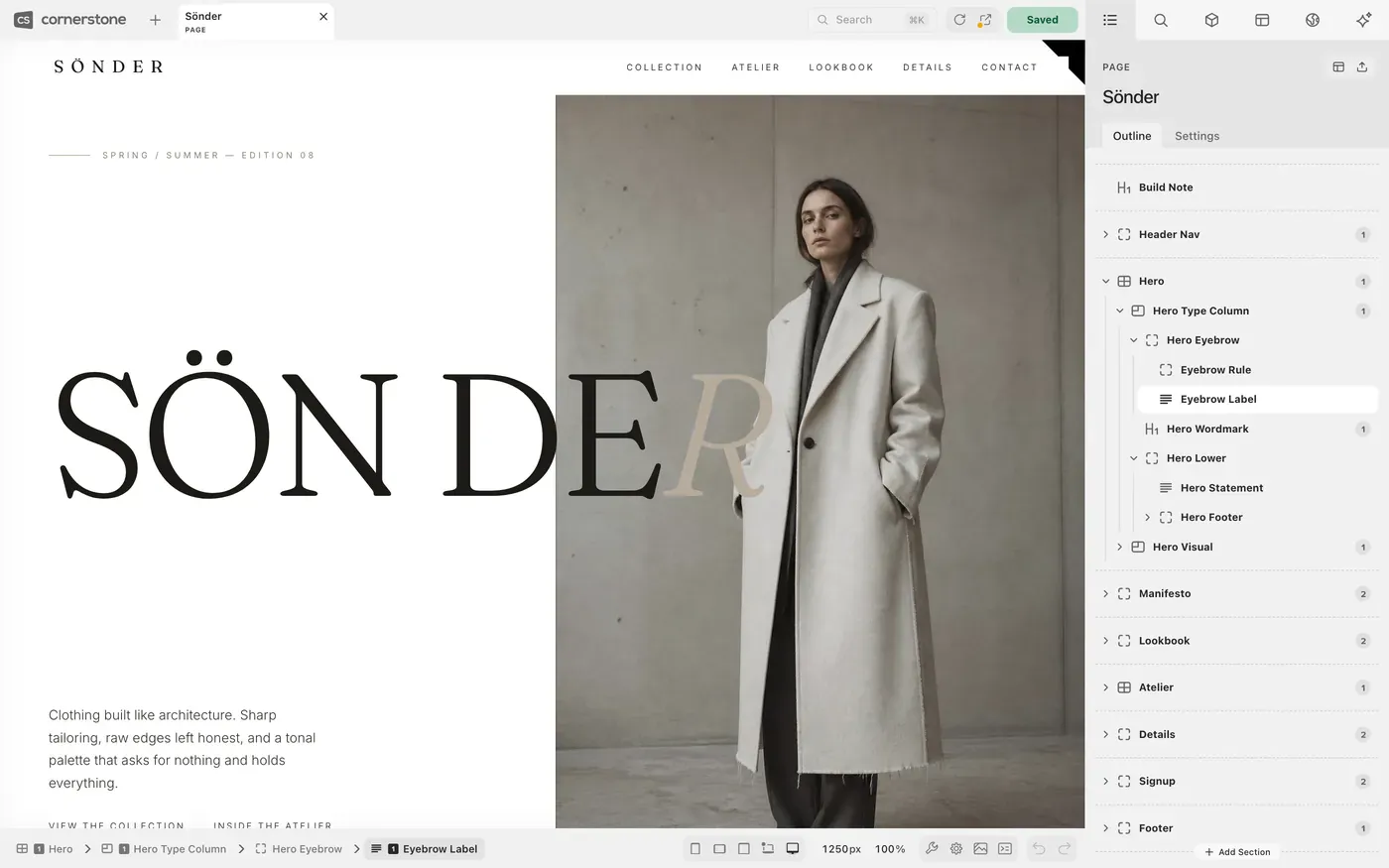
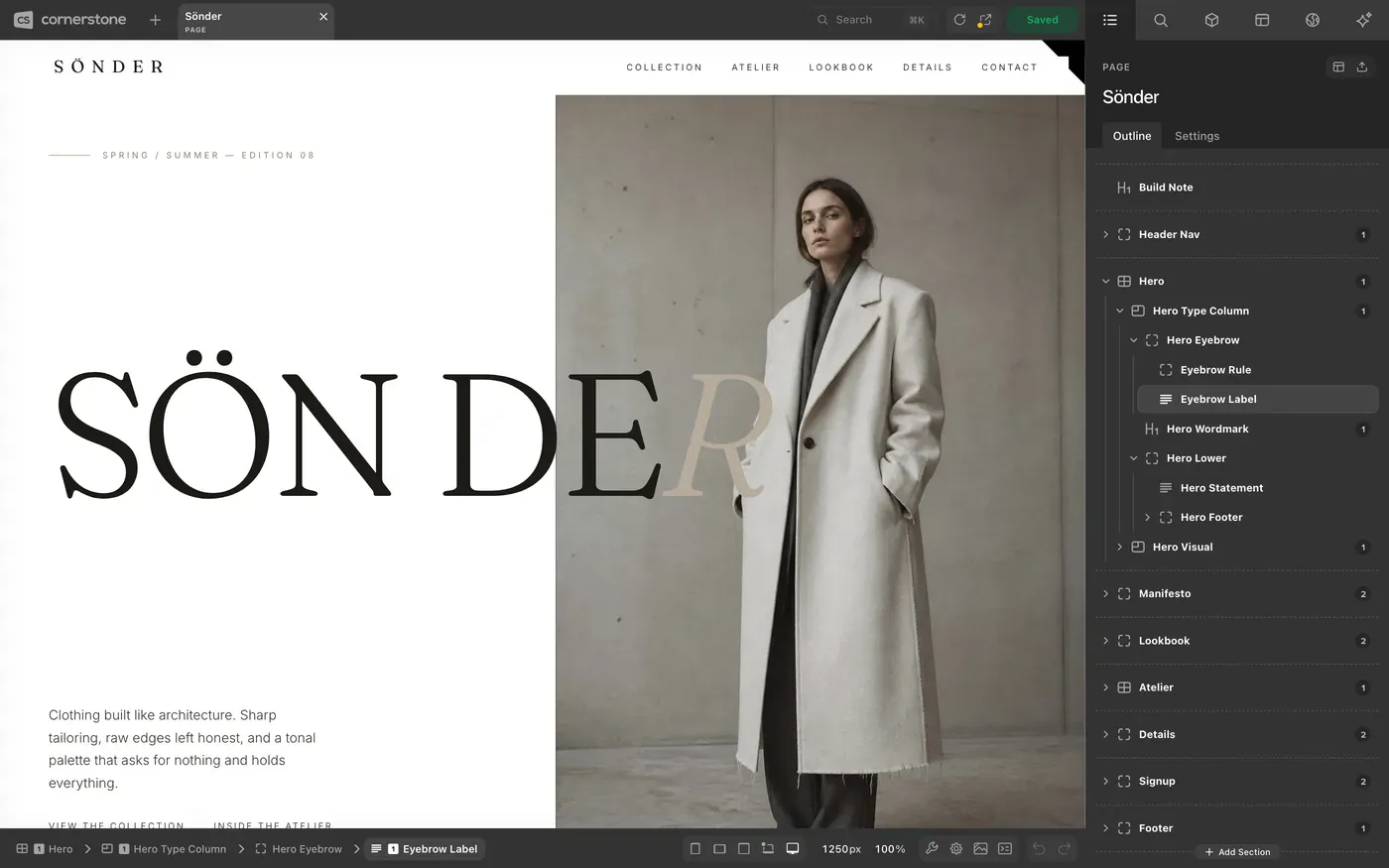
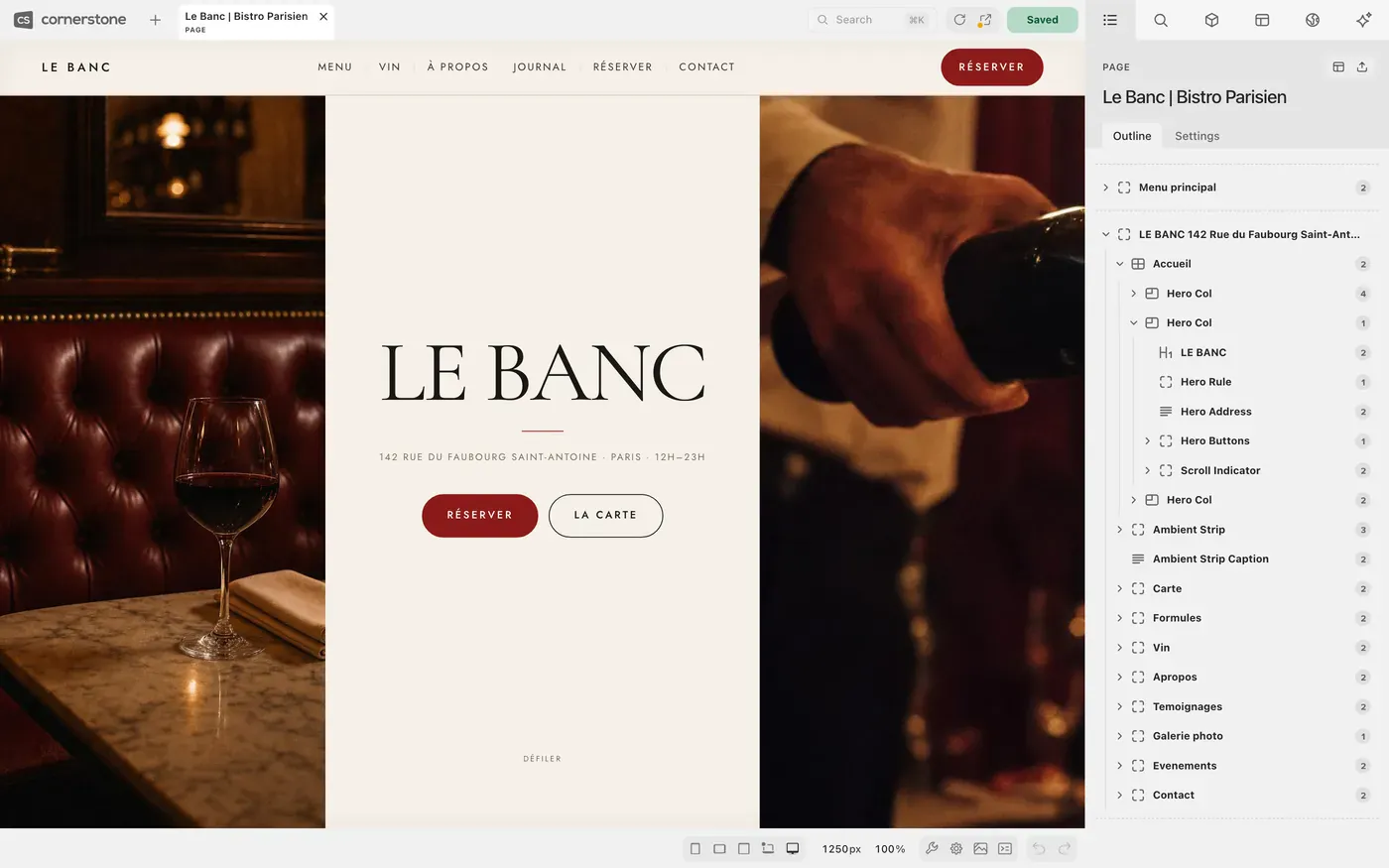
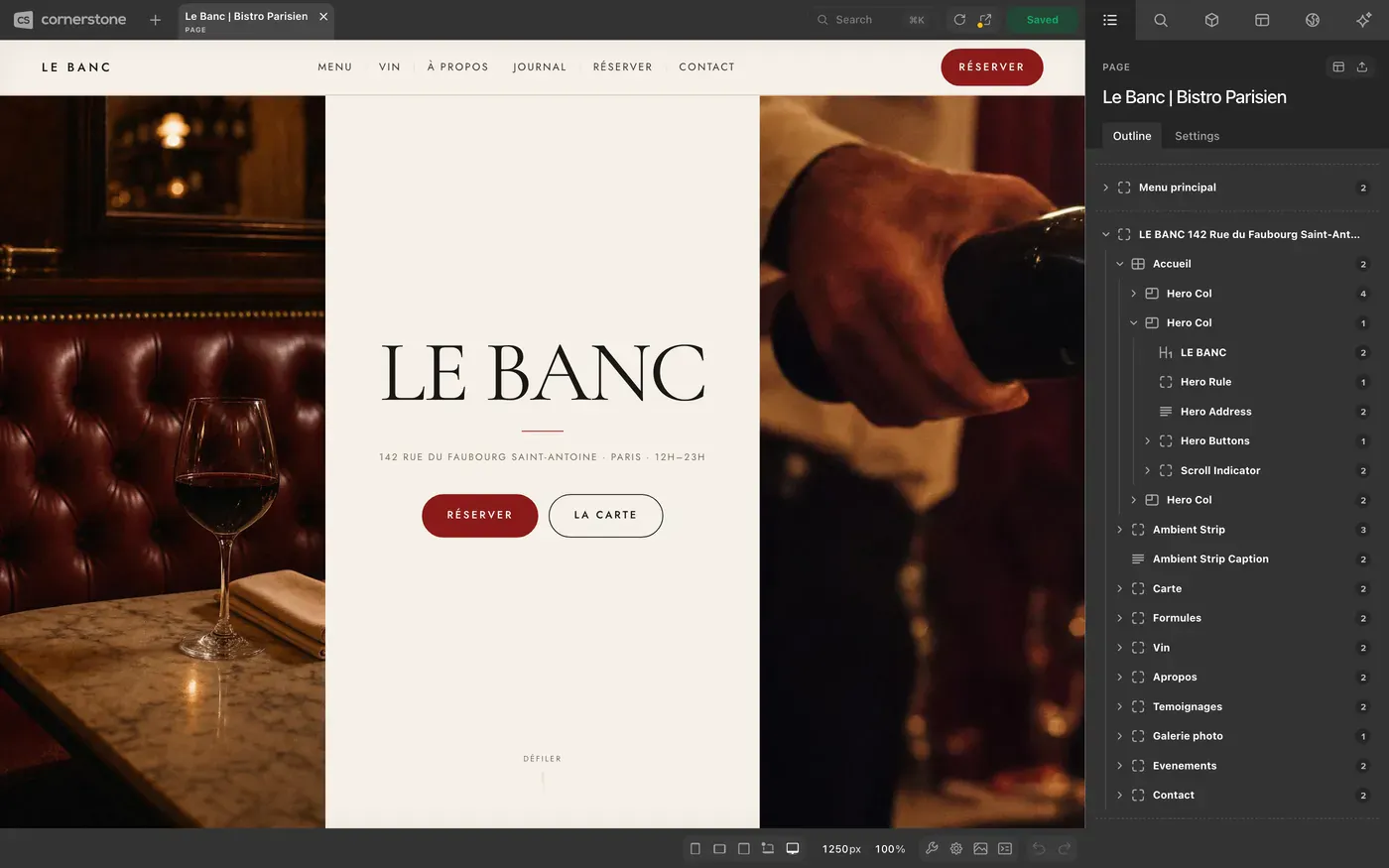
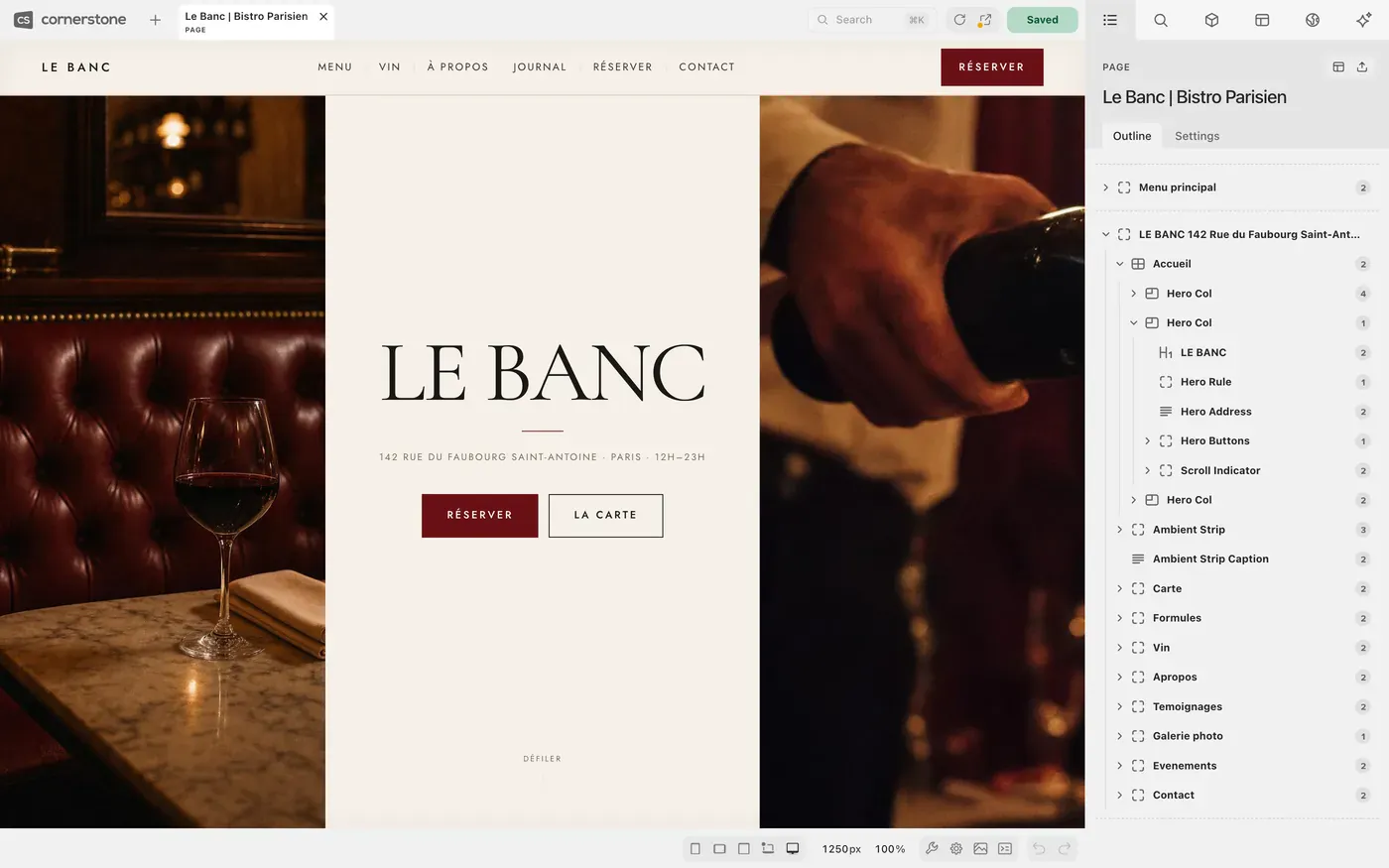
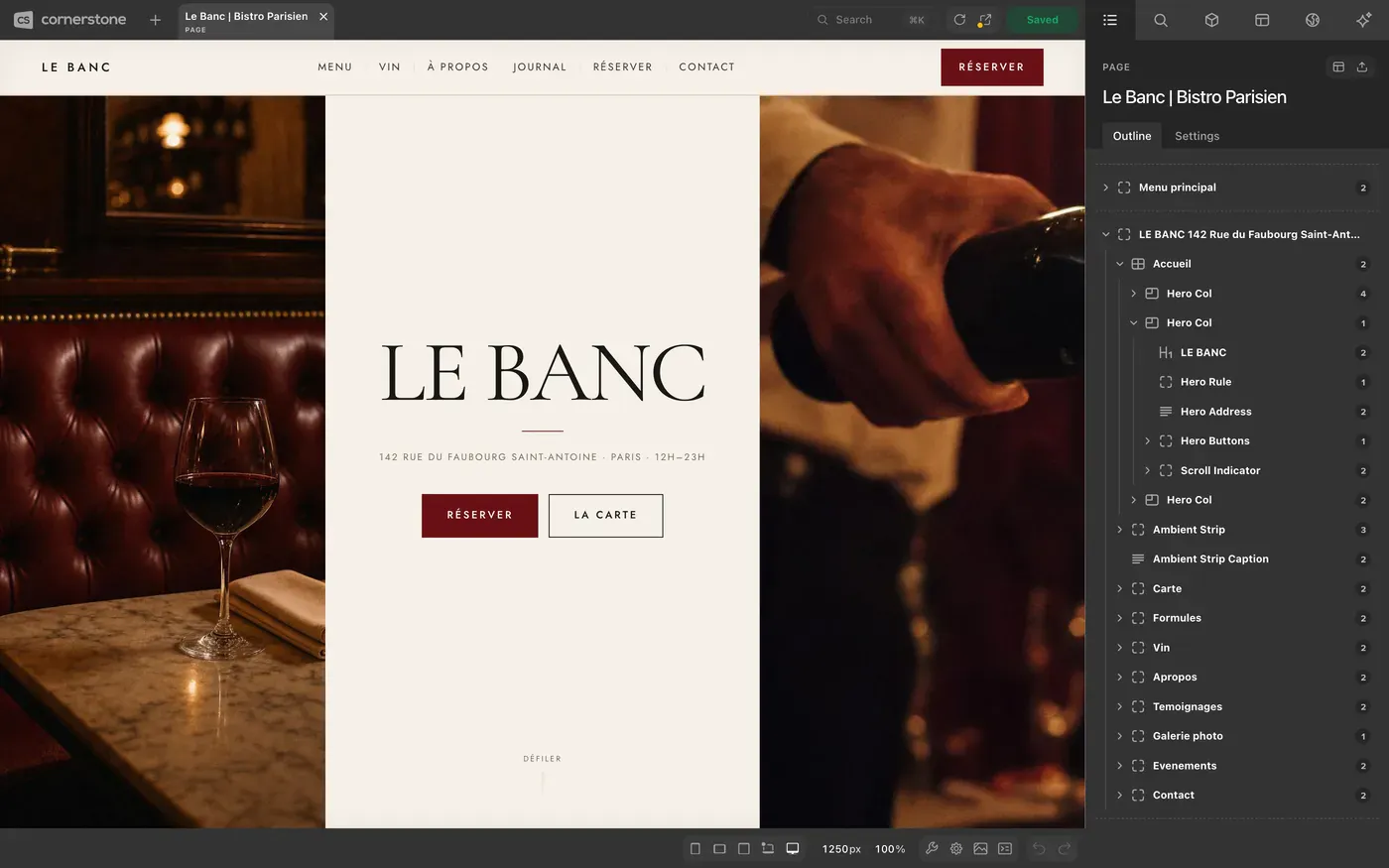
Give your AI access to the parts that shape your site. Refine a Button, build a page, or update shared Headers, Footers, and Globals through one connection to Cornerstone.
 Your app asked
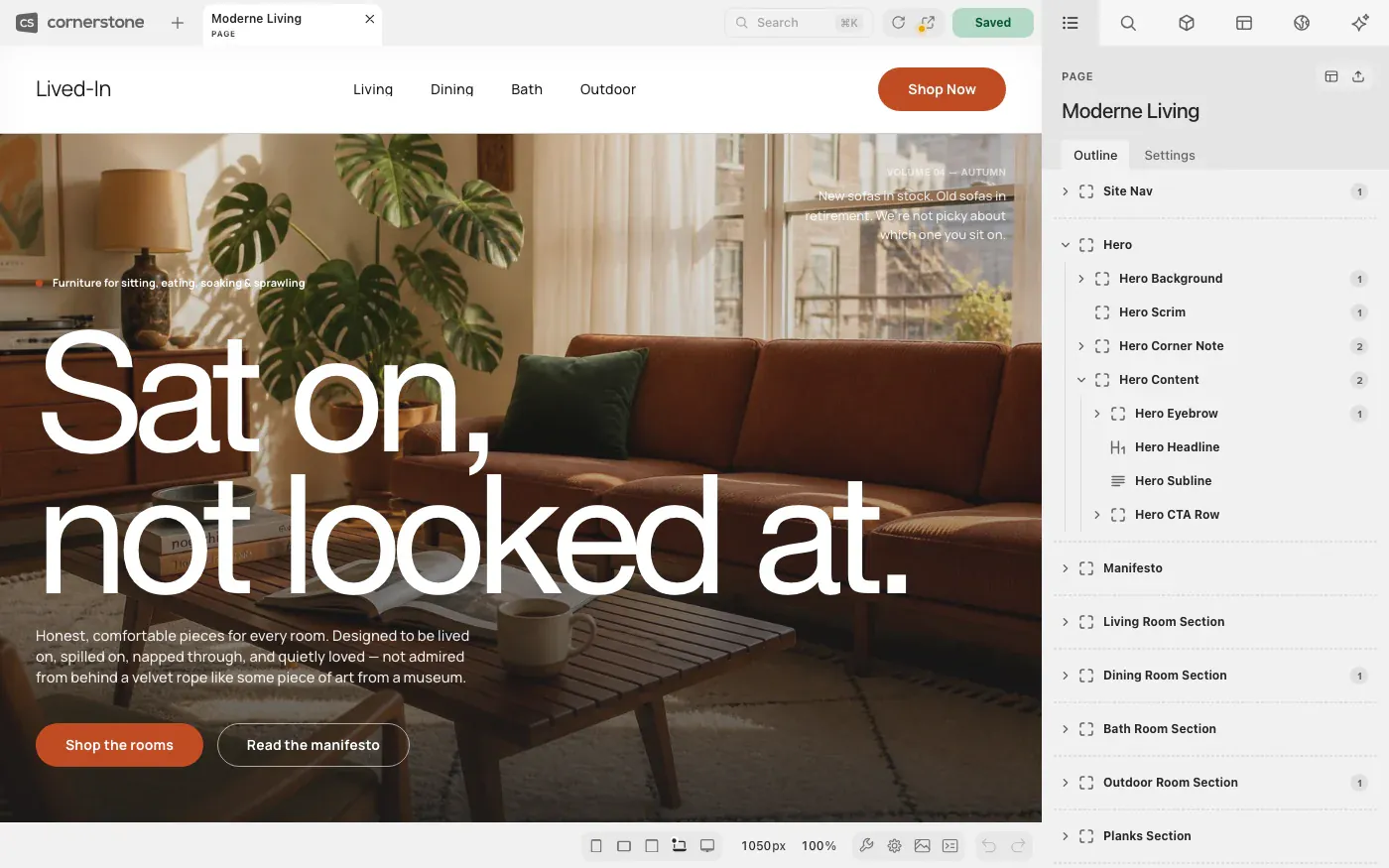
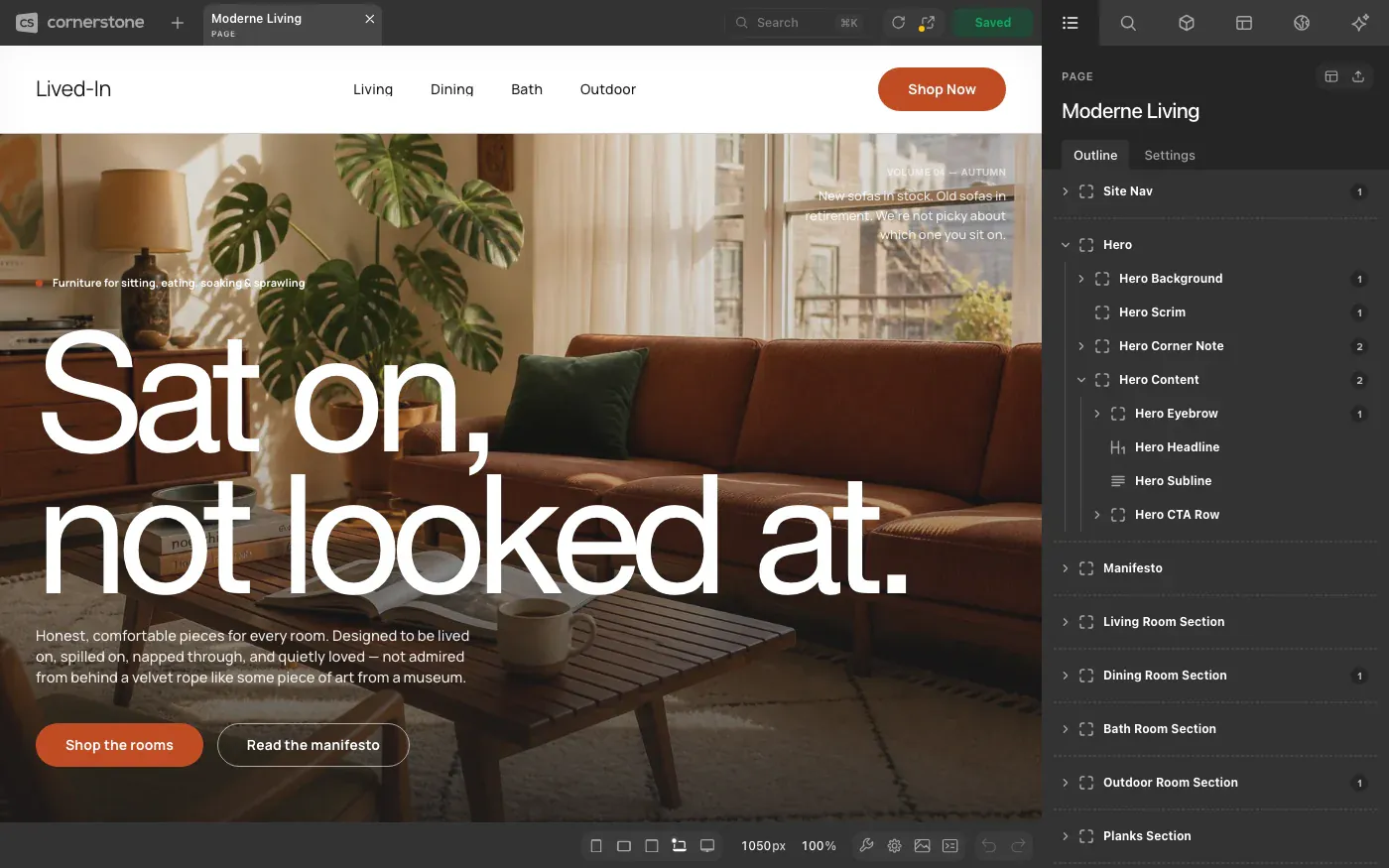
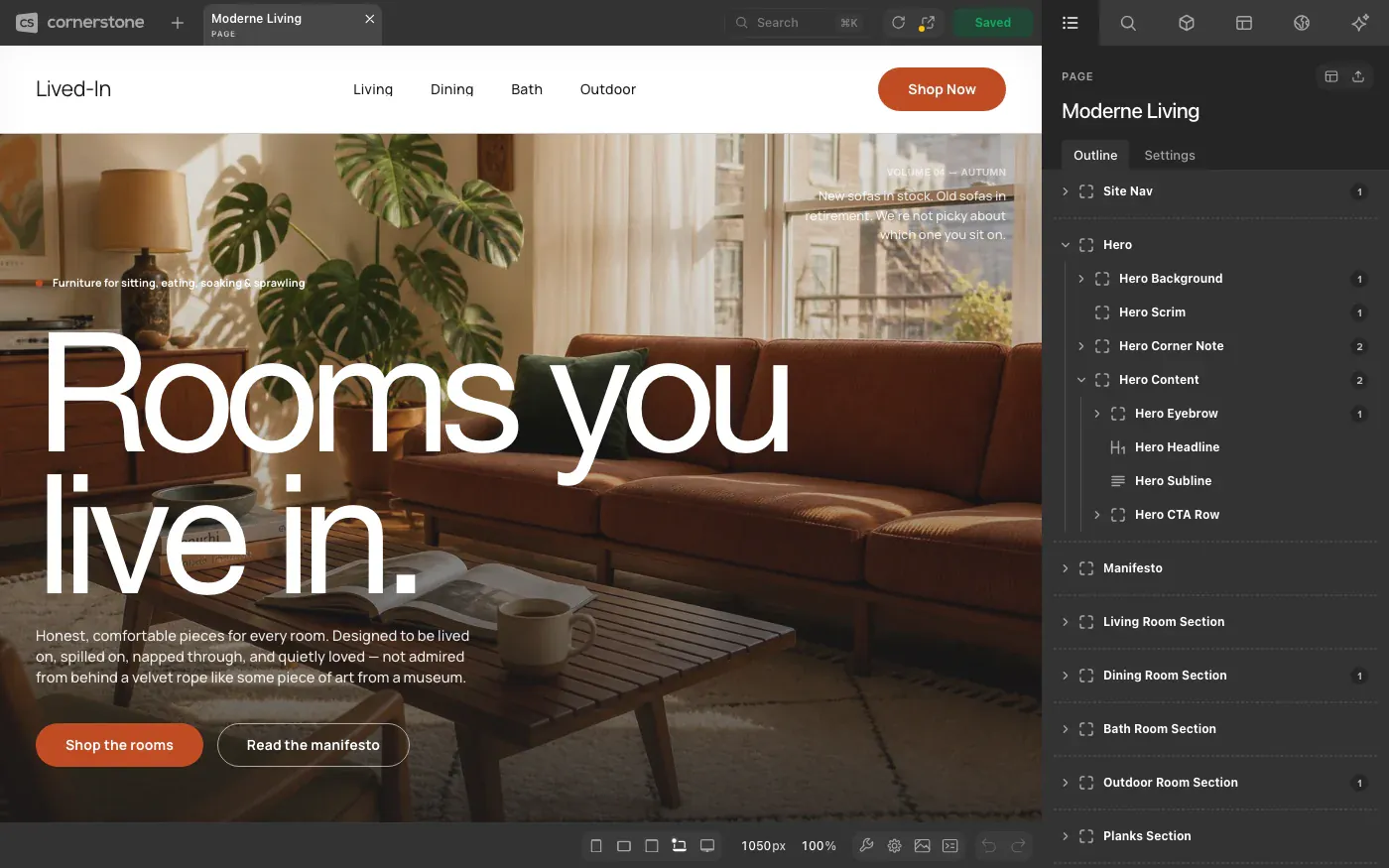
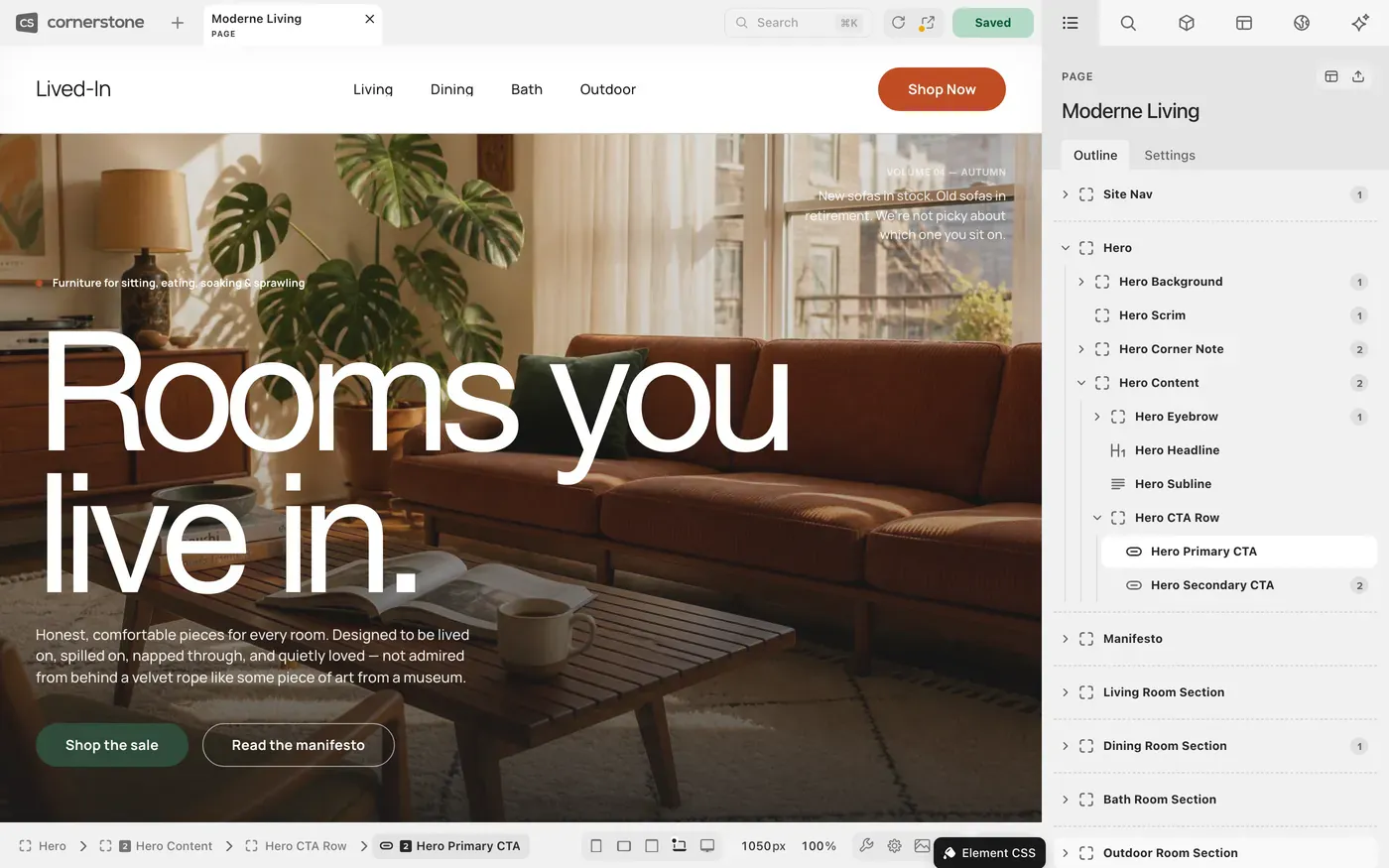
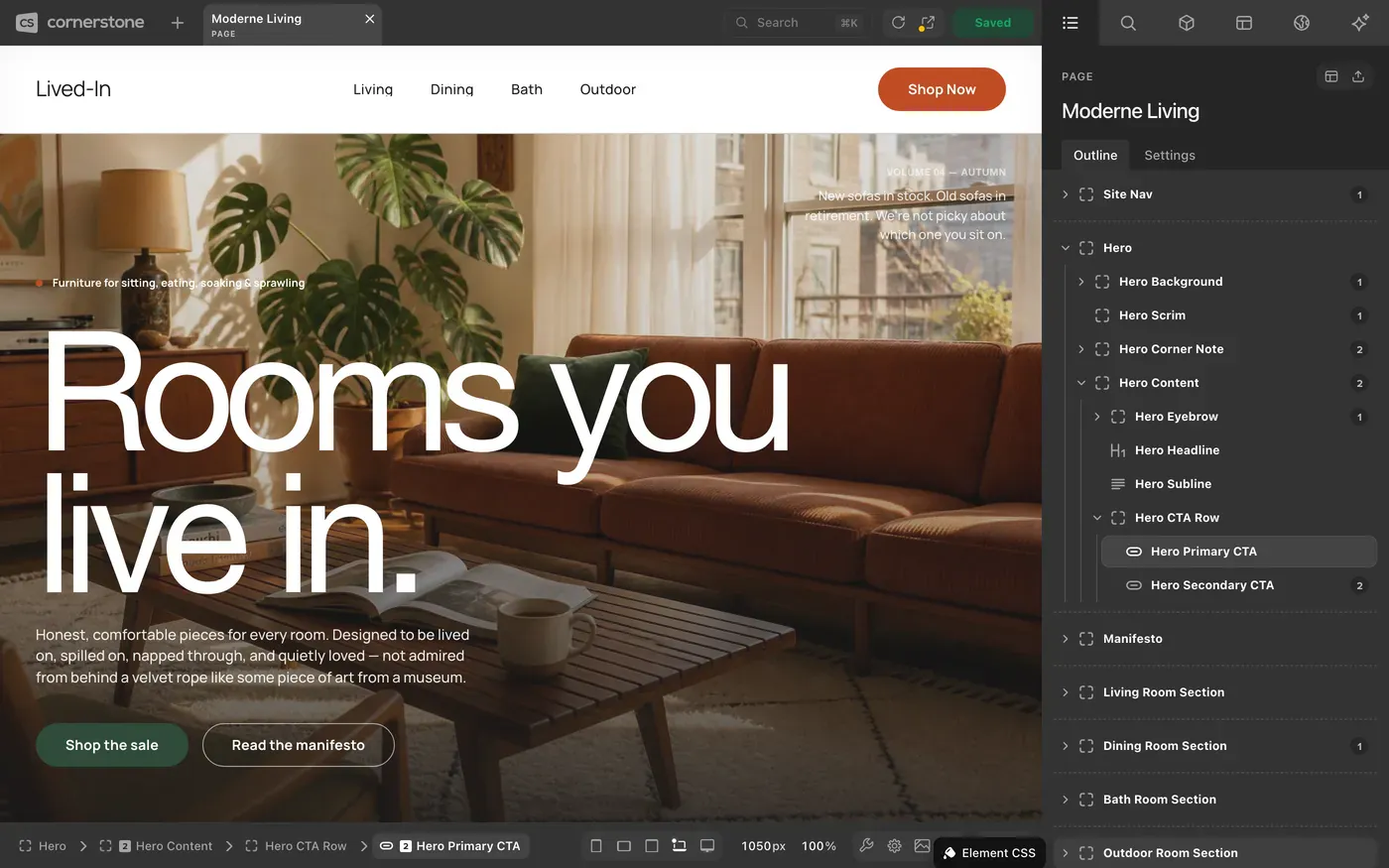
Change the Moderne Living hero headline to "Rooms you live in."
list_layoutsget_layoutupdate_layoutbulk_updatecreate_postget_globalsupdate_globalsget_element_search_mediainstant_buildsget_accountThe keys light in the order the app calls them, as each request above runs.
MCP in action
Ask for a change the way you would ask a colleague.
Your app finds the page, makes the change and tells you what it did.
"On Paw & Pace, make Weekly Regular $22 a walk and add Weekends included to its list."
get_layoutupdate_layout
"Across Studio Gold, swap every Start a project Button for Book a call, on every page."
bulk_updatePreview first
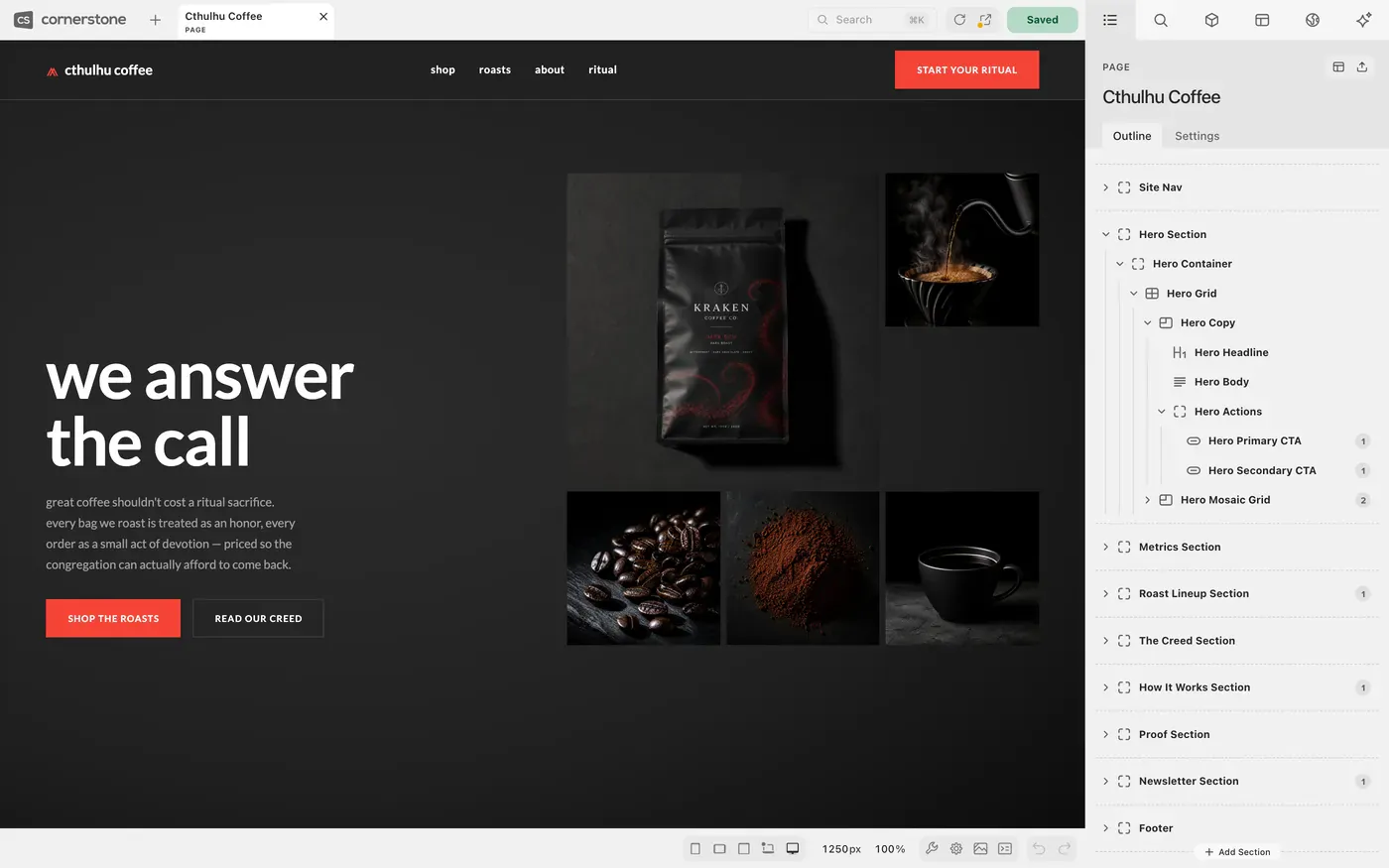
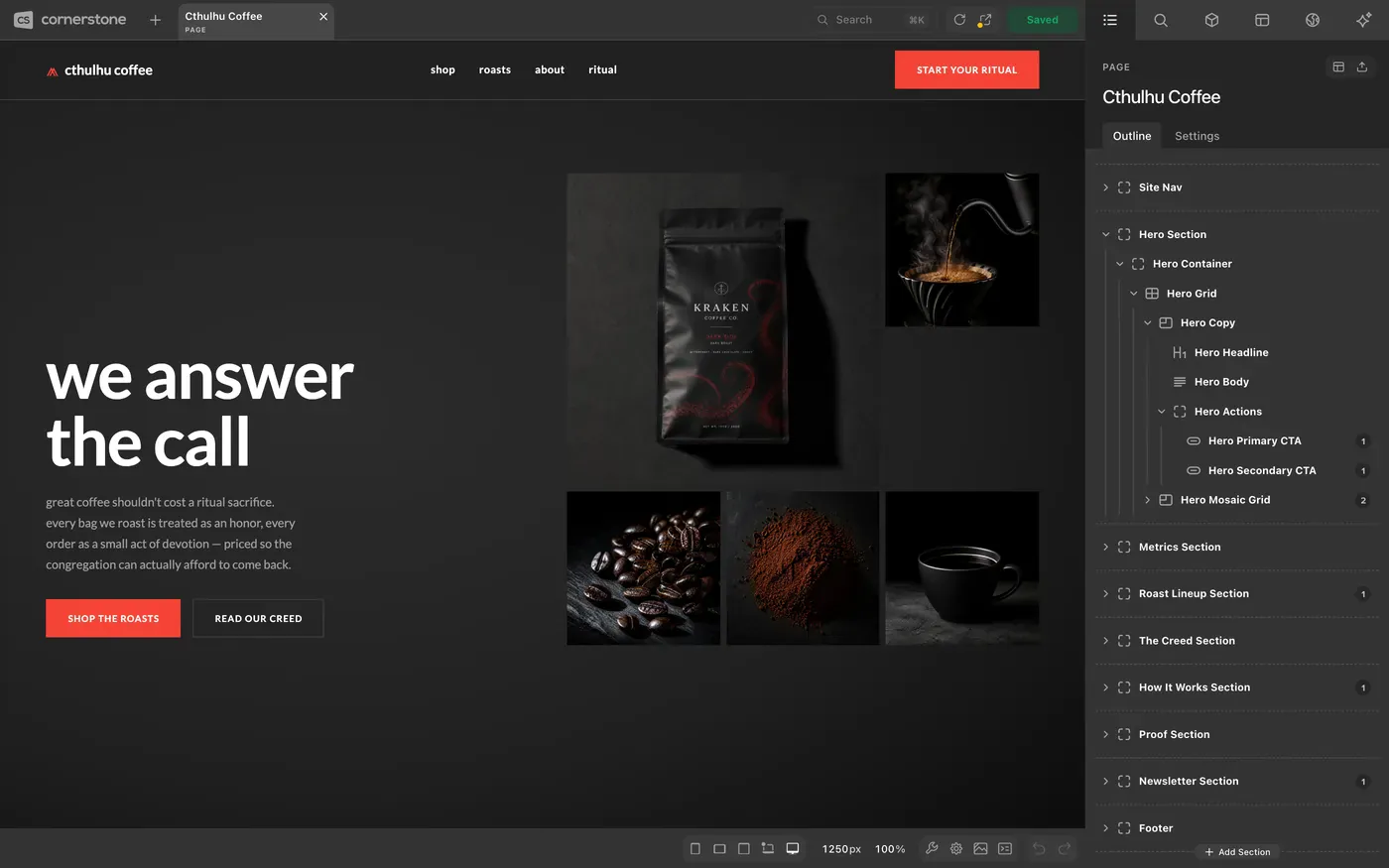
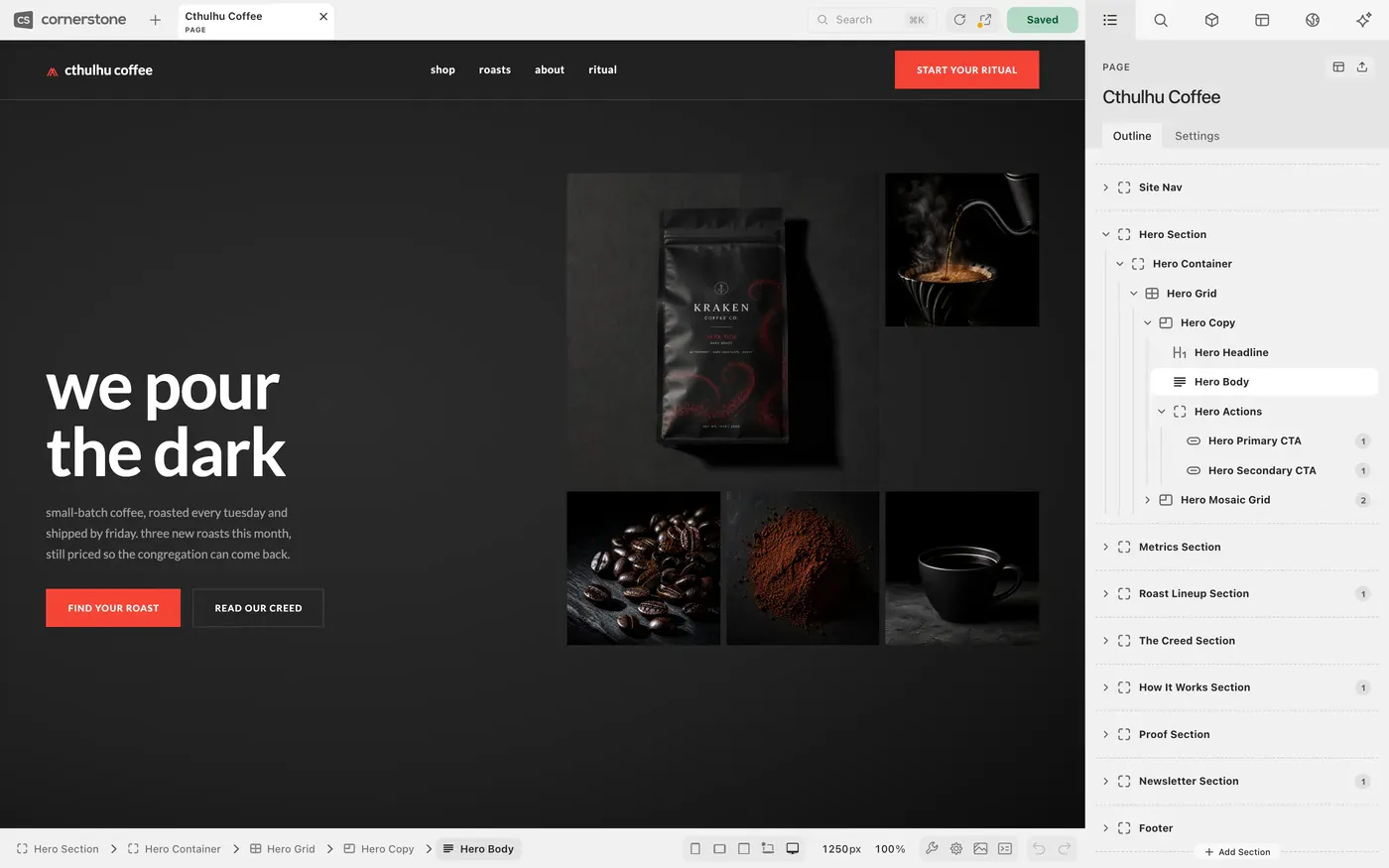
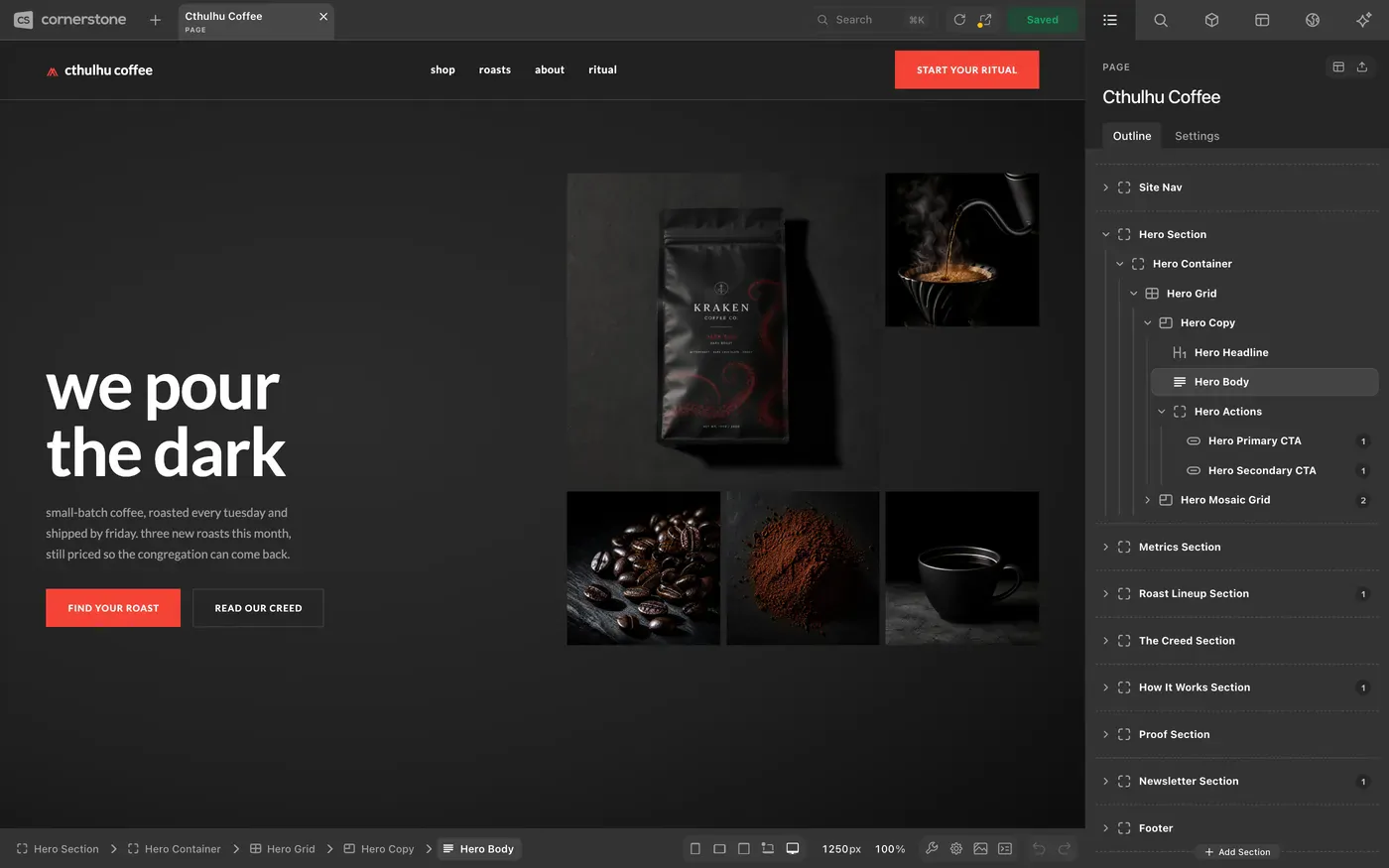
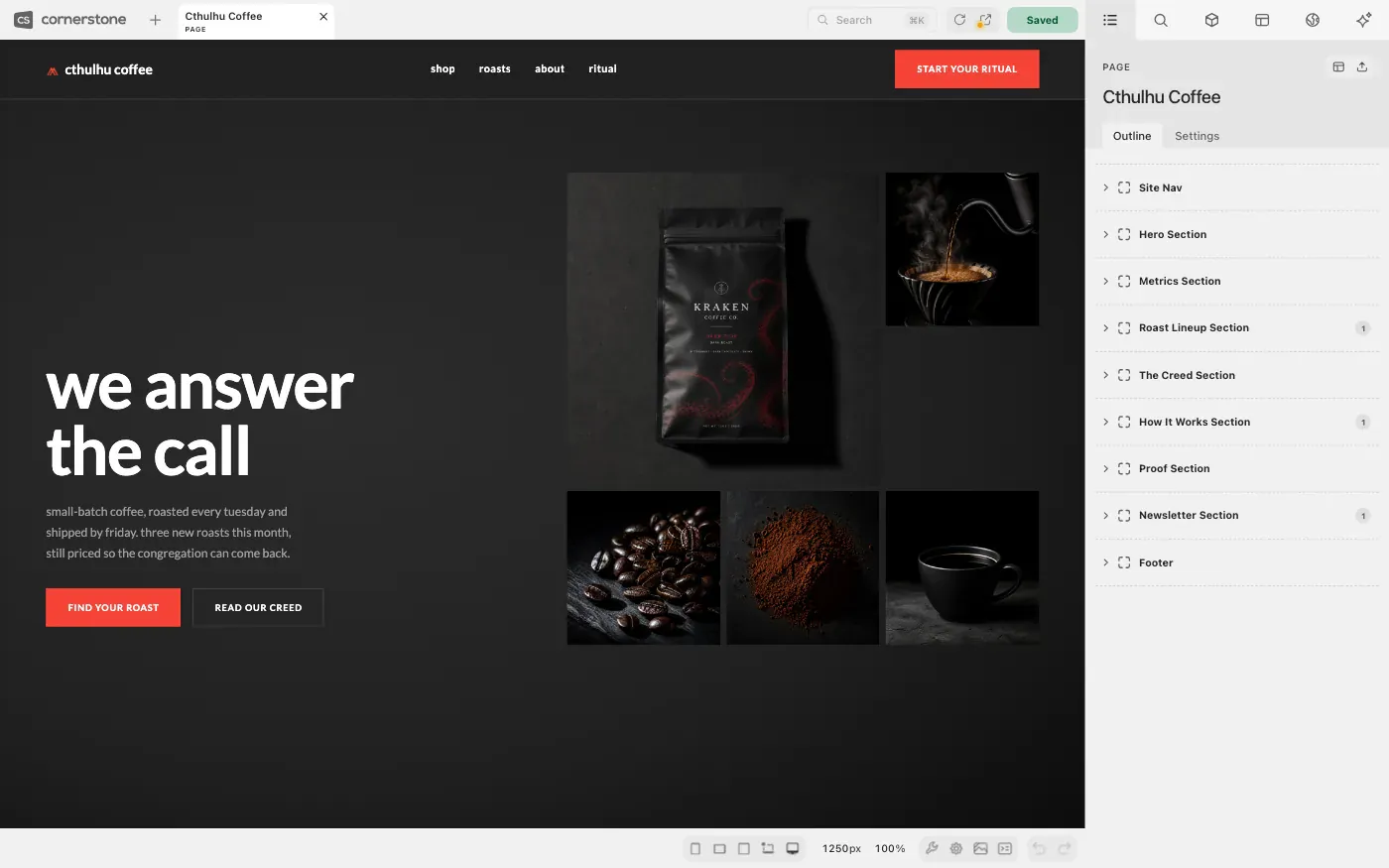
"On Cthulhu Coffee, set the body font to Inter and make the brand red a little darker."
get_globalsupdate_globals
"Turn the Vitra waitlist page at vitra.example into a Cornerstone page."
instant_builds1 Instant Build
"Check the Understory home page for images without alt text and links to nowhere."
get_layoutFree review
"On Humo, make the hero line Forged from earth, finished in smoke."
get_layoutupdate_layout
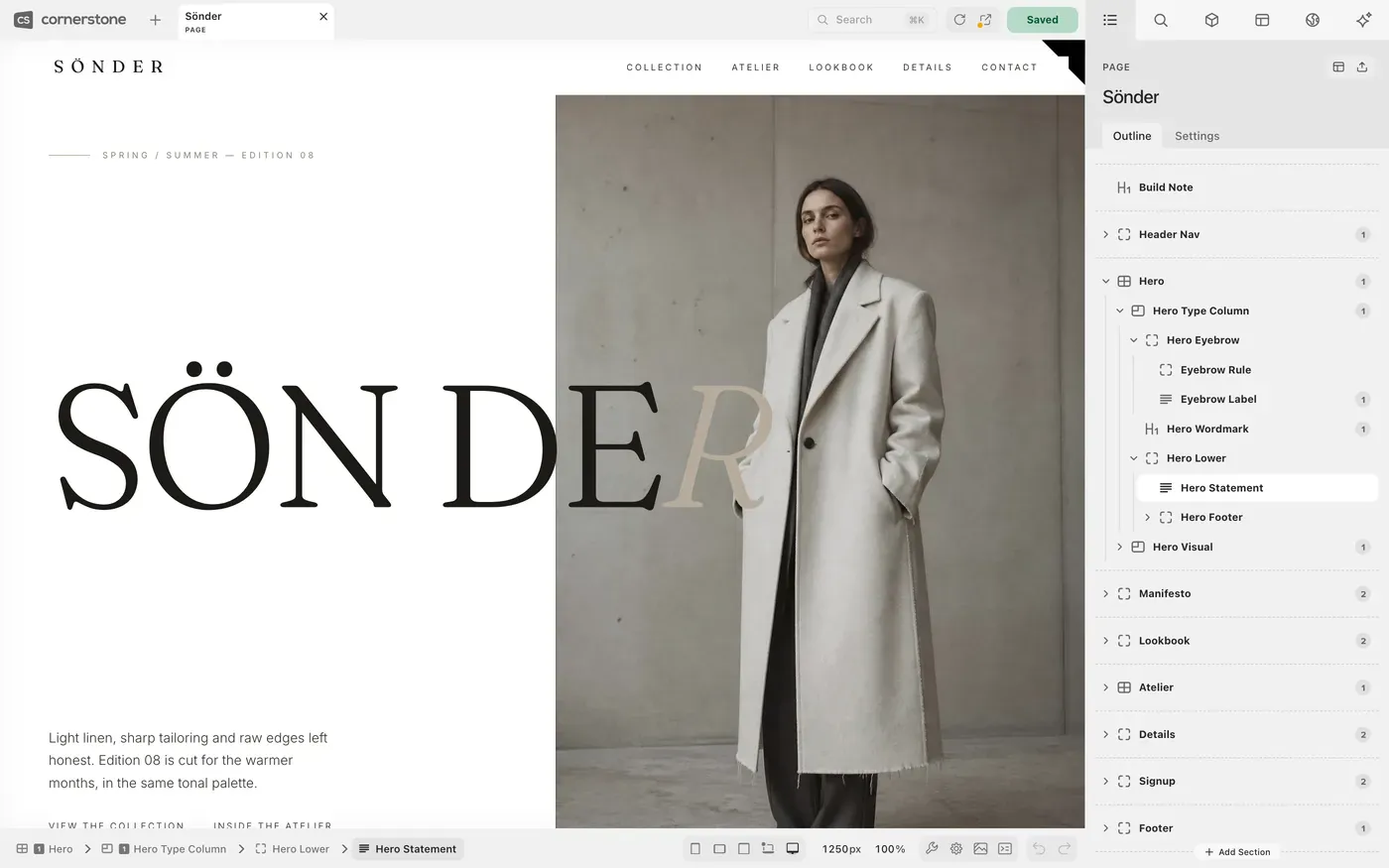
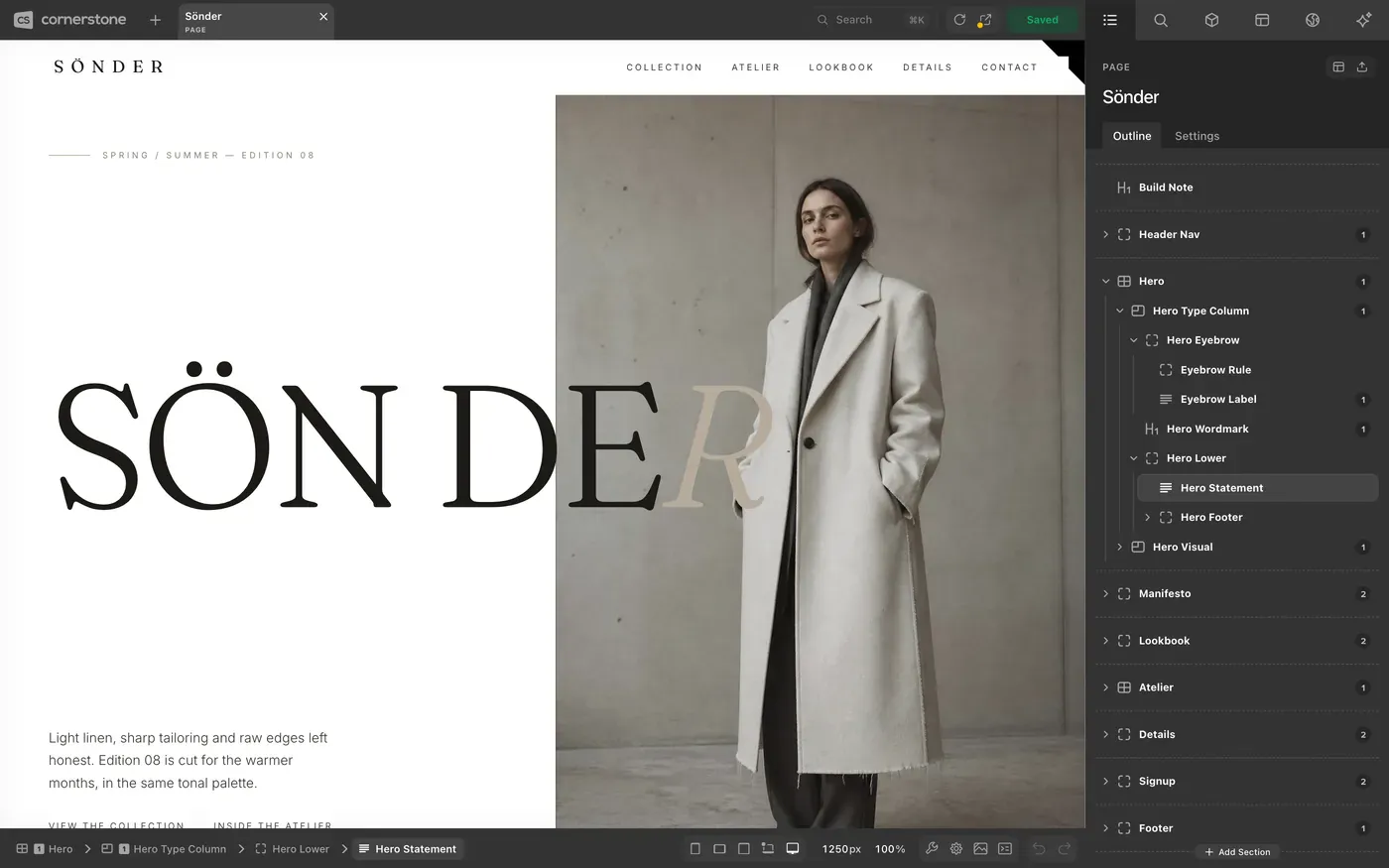
"Make a Footer for Sönder with the atelier address and a Visit us link."
create_postupdate_layout
"On Iron Velo, change the hero headline to Ride further."
get_layoutupdate_layout
"Undo the last change to the Barbell Brotherhood coaches page."
get_layoutupdate_layout
Under the hood
Your AI works with the same Elements and Globals you use every day.
Changes are checked before they’re saved, with a way to restore what was there.
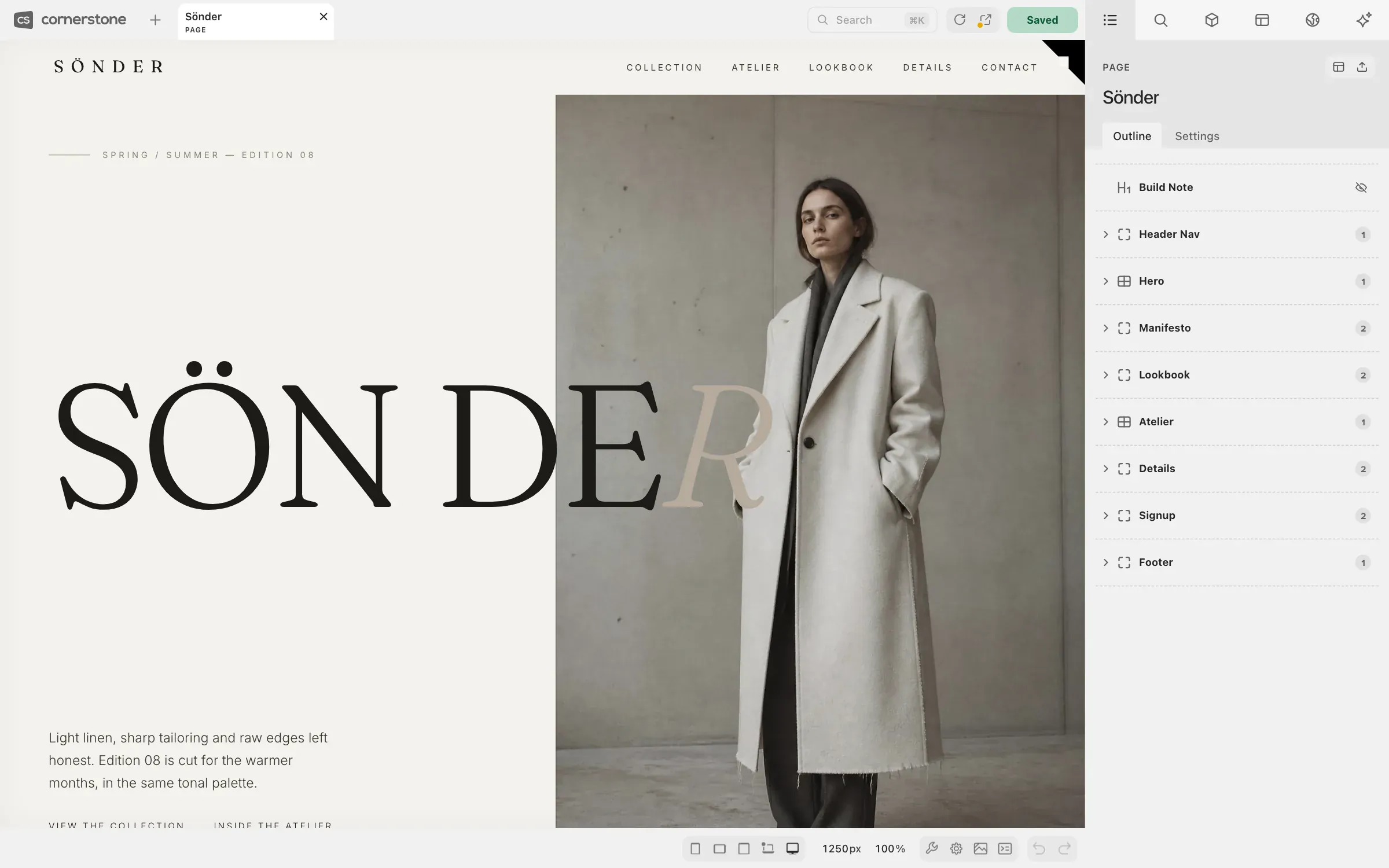
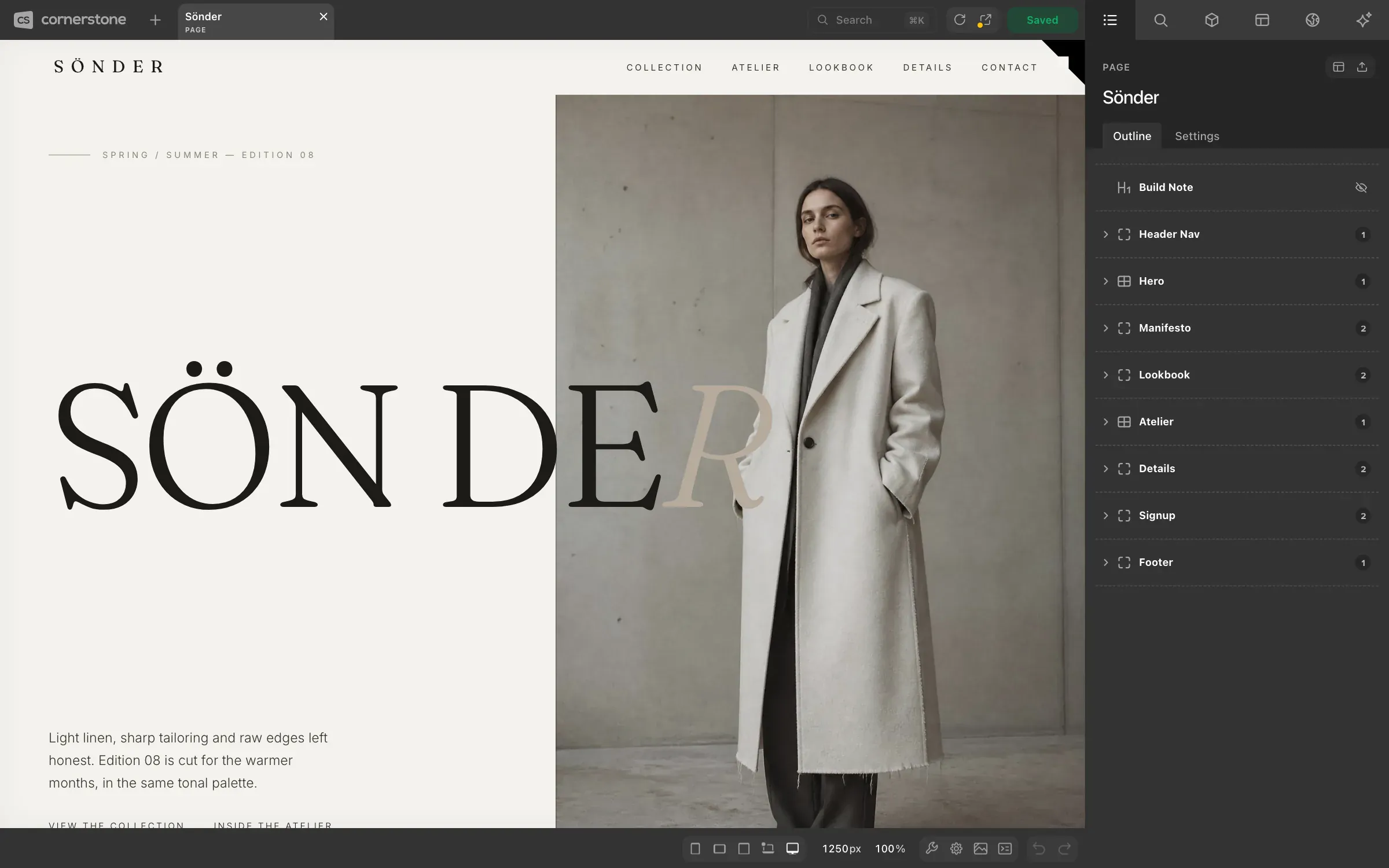
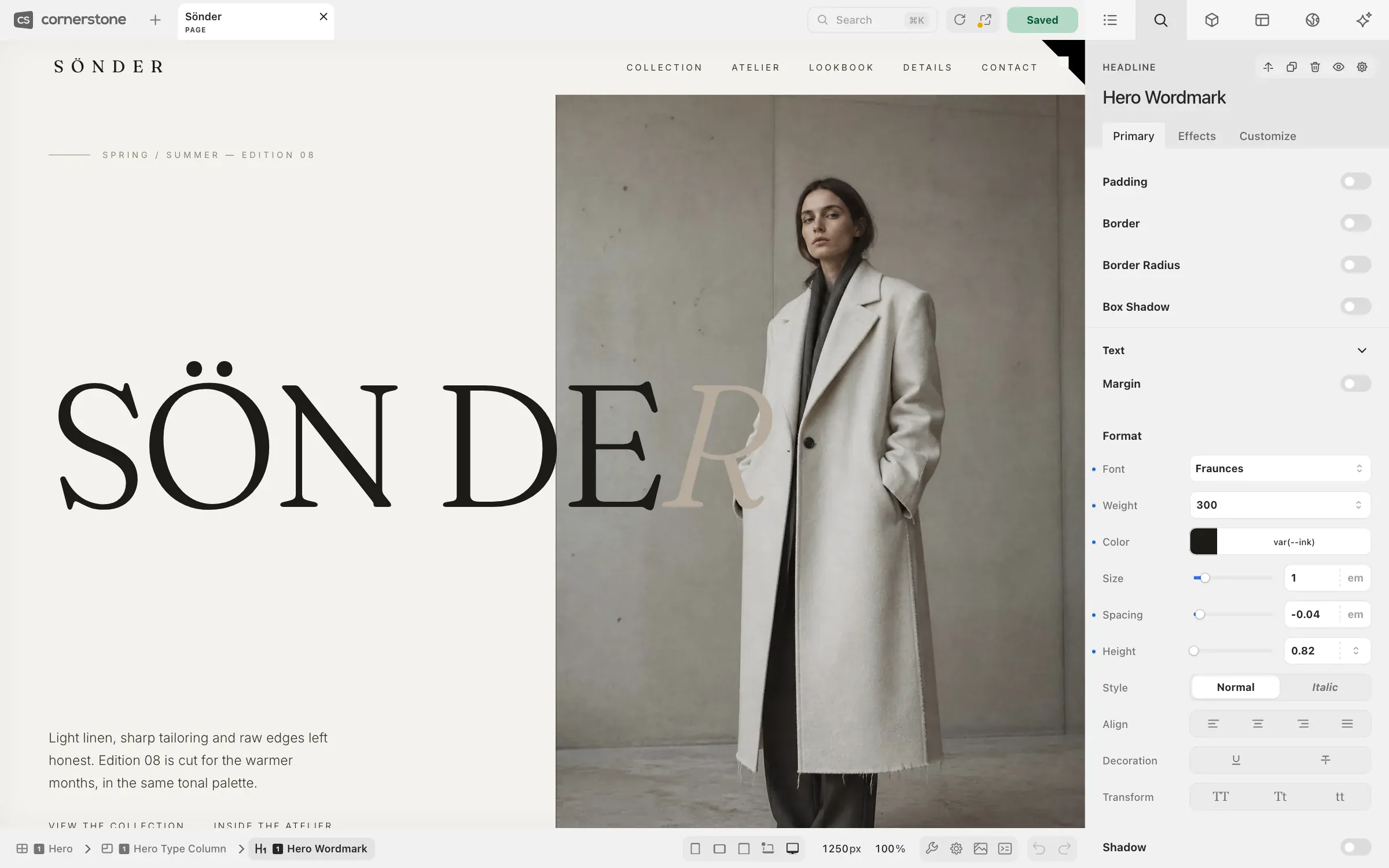
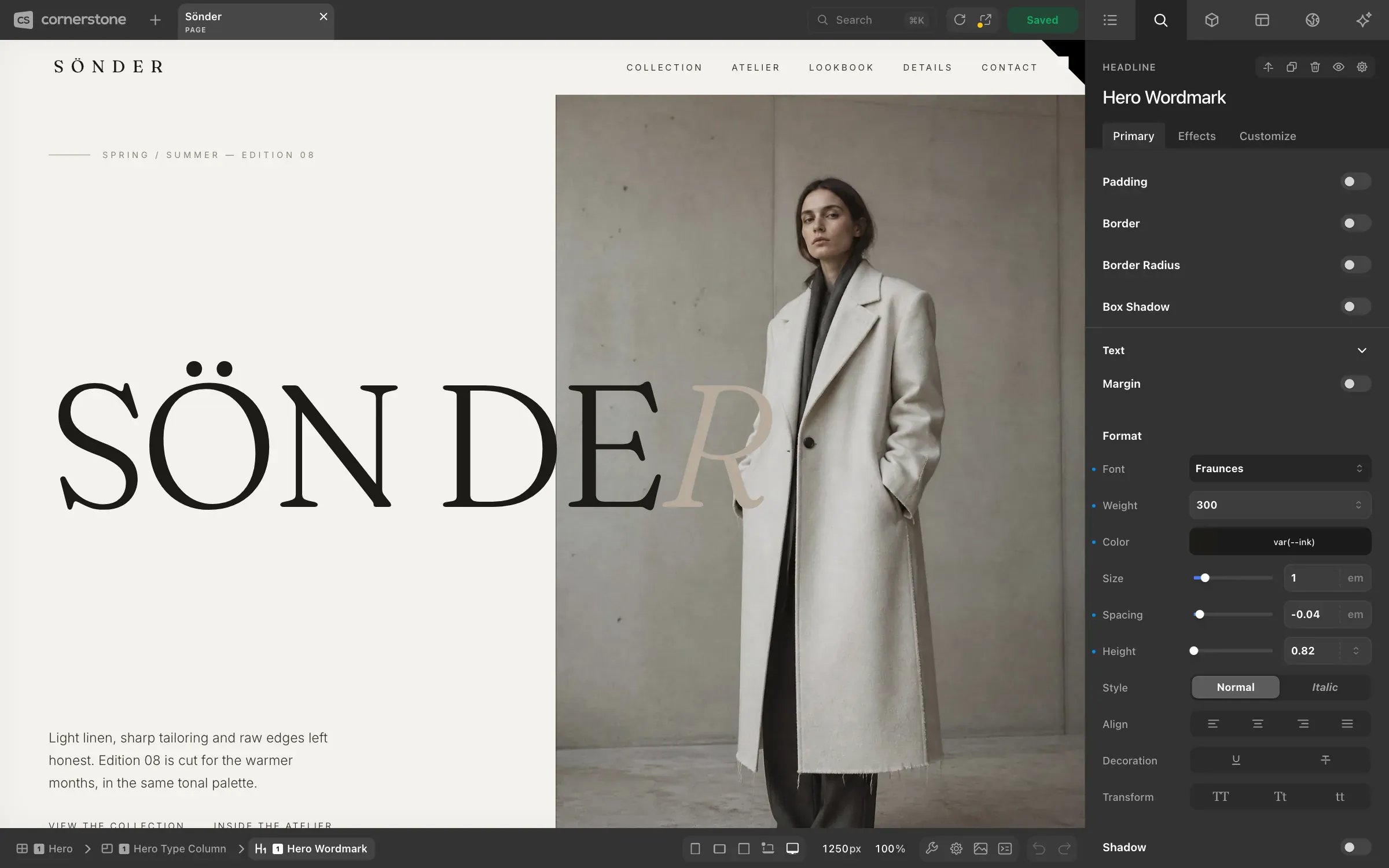
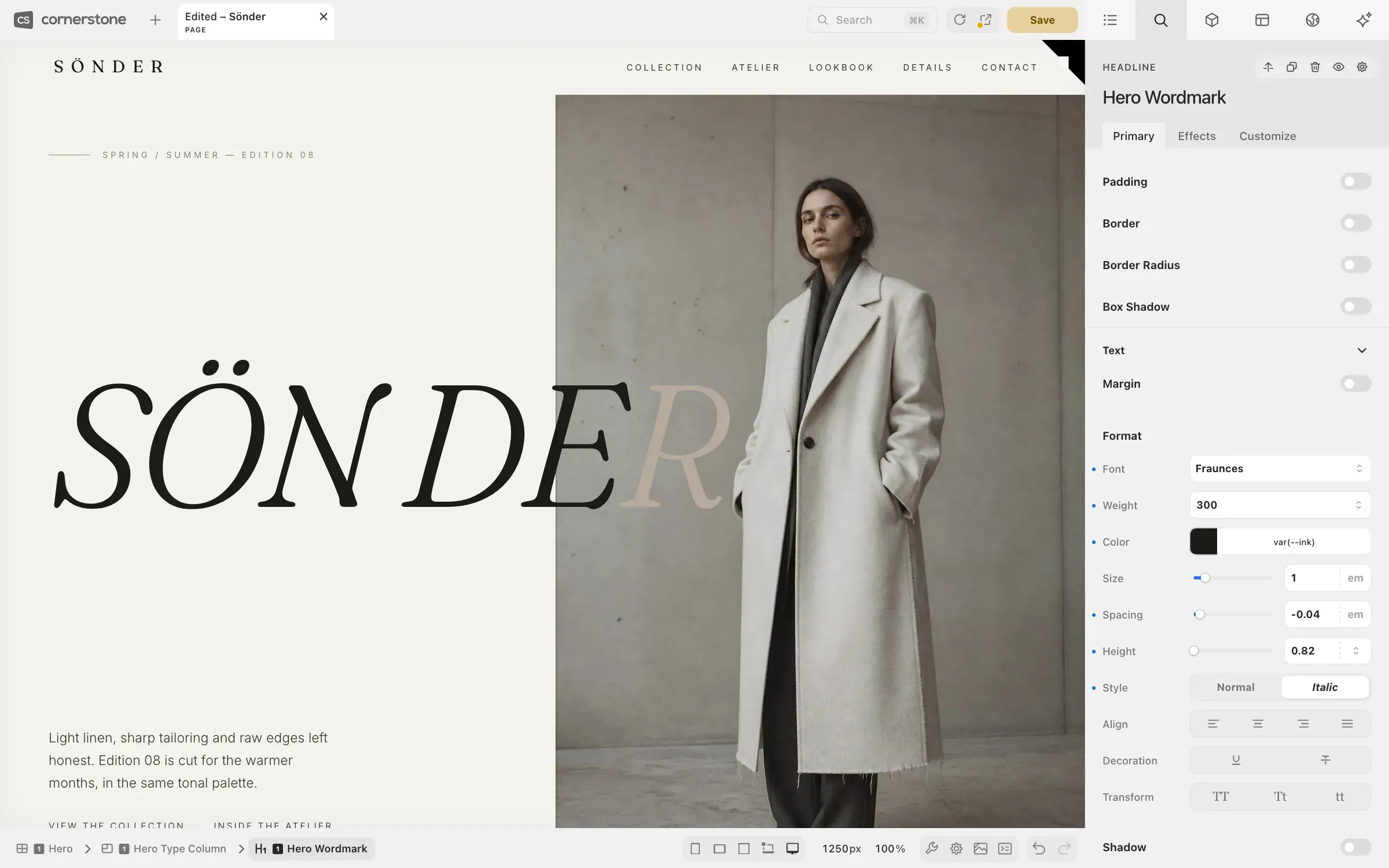

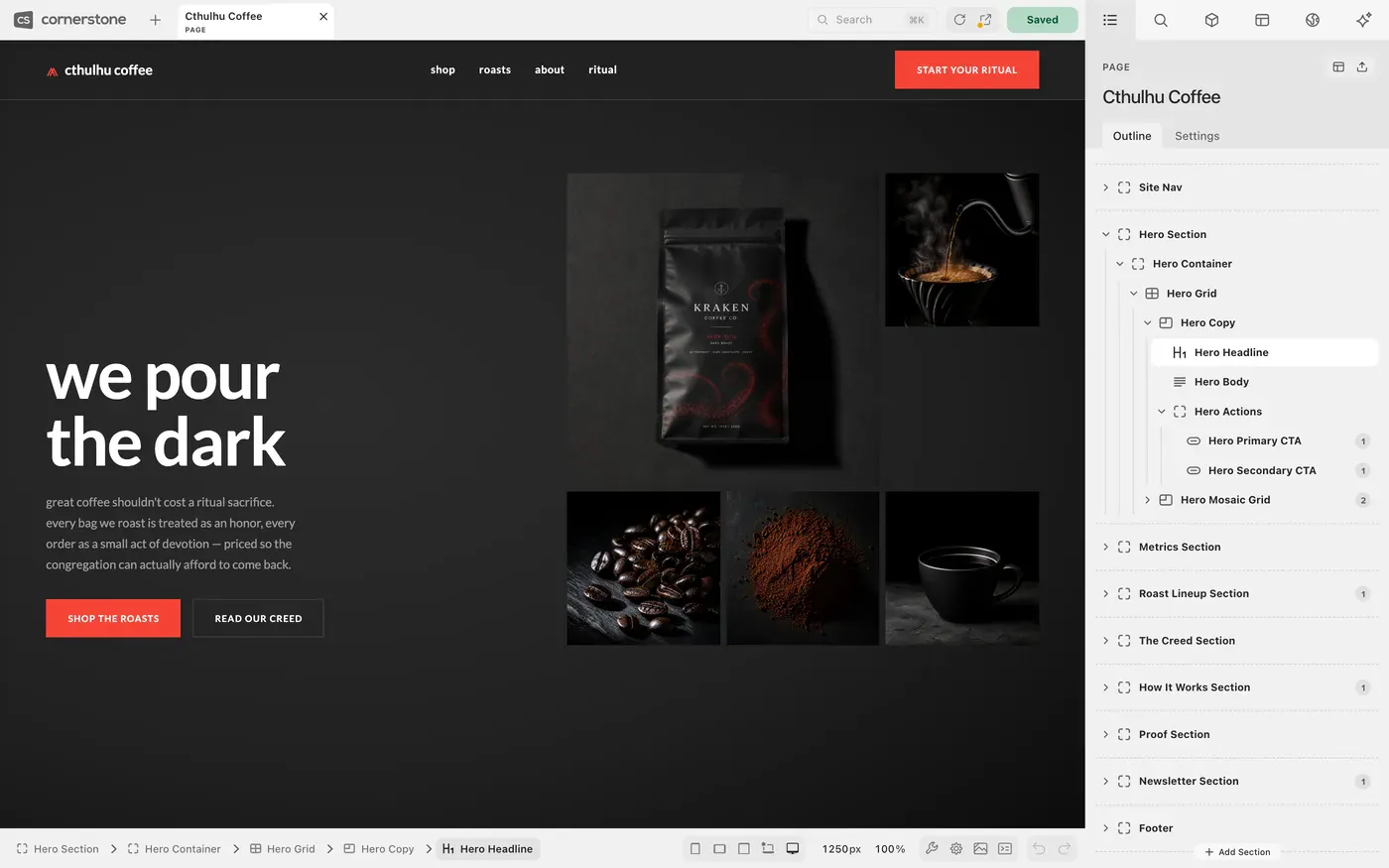
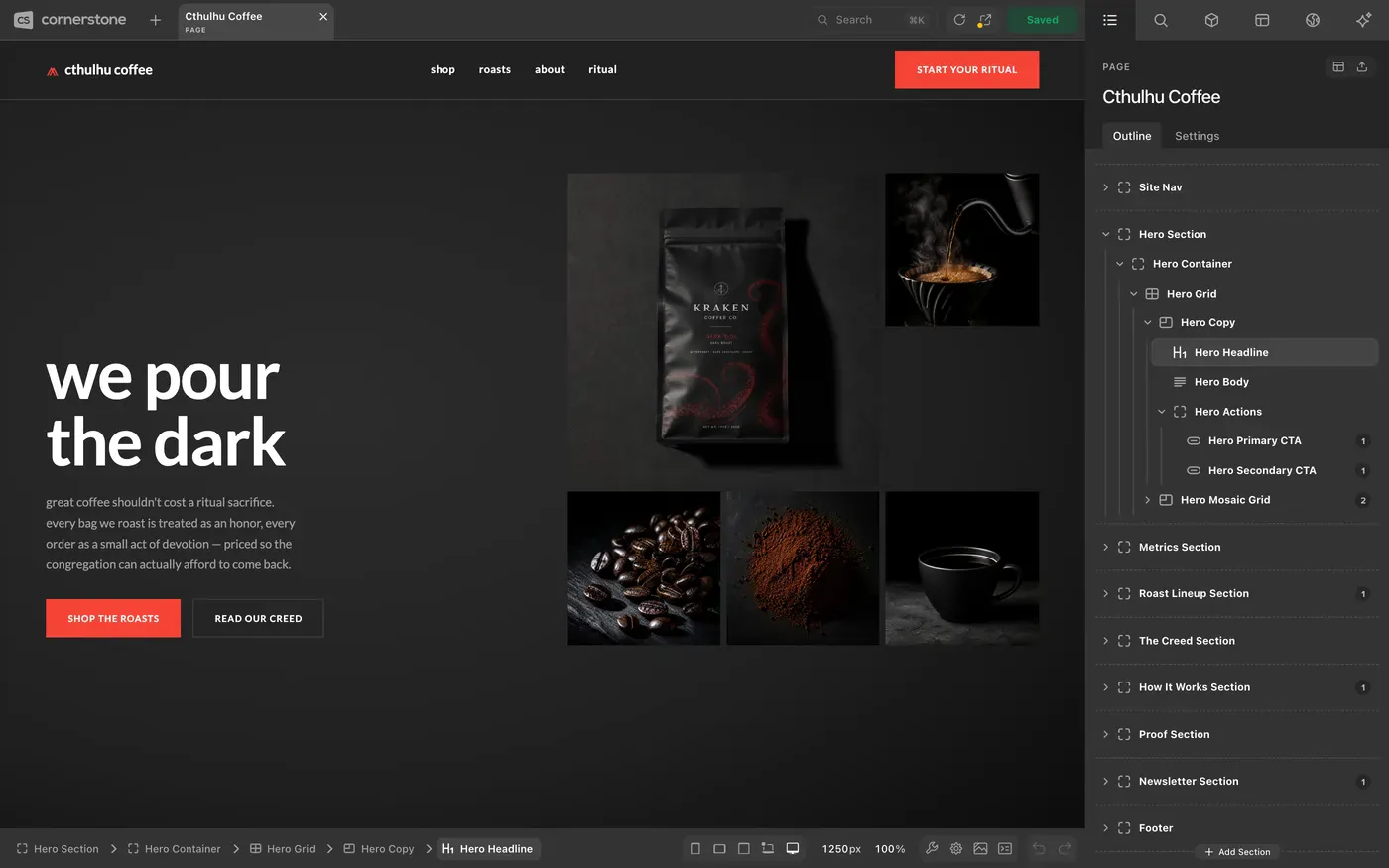
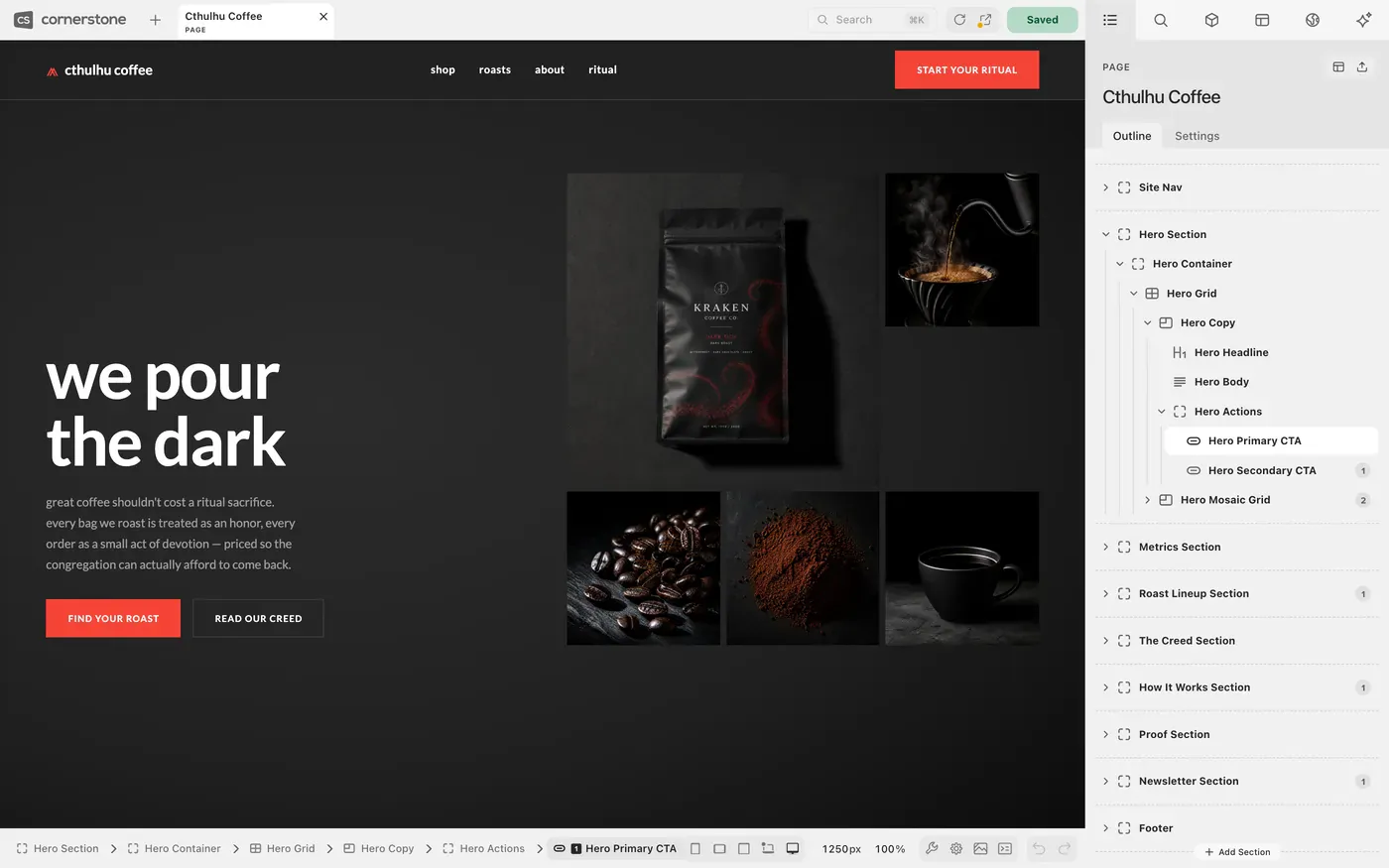
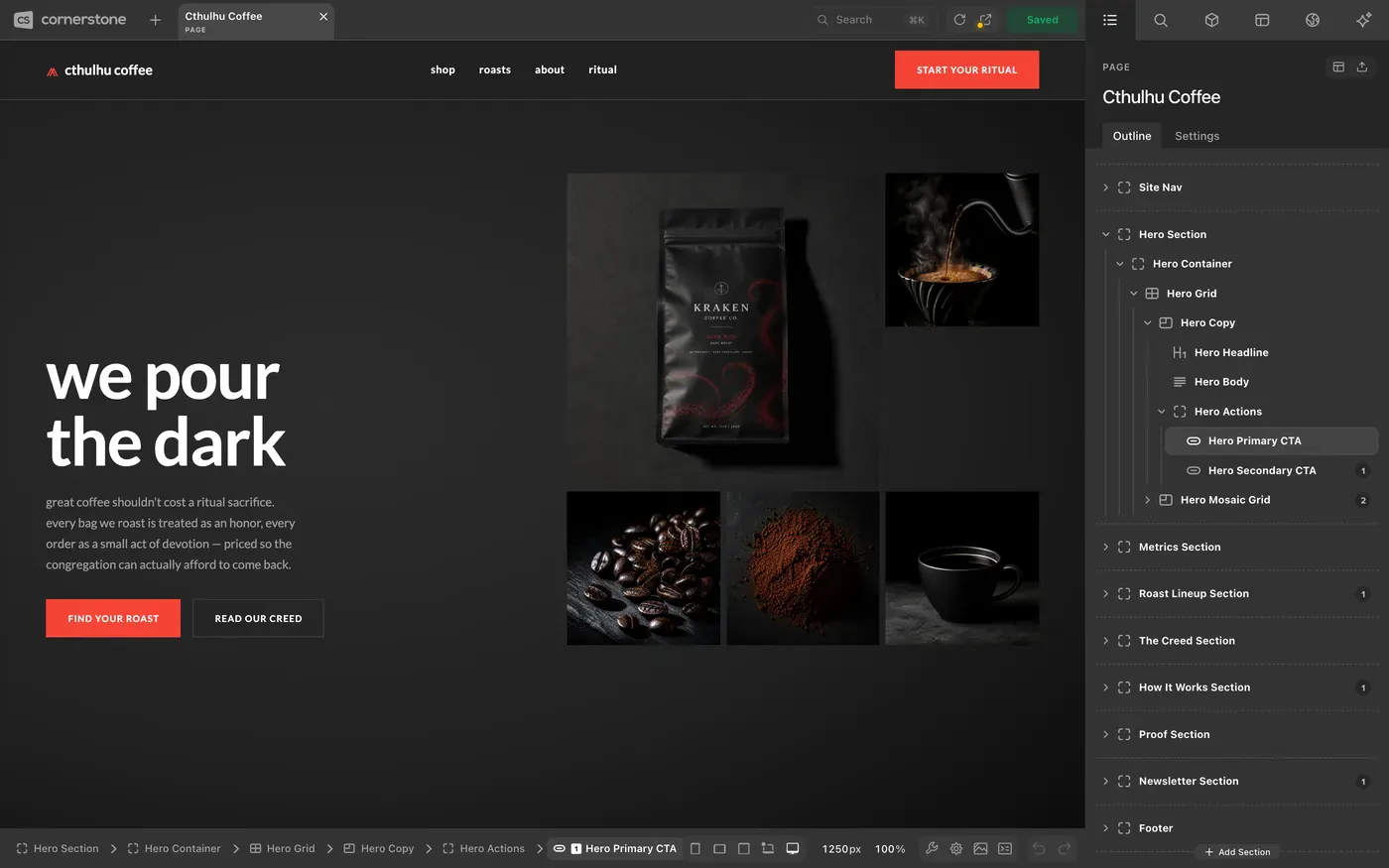
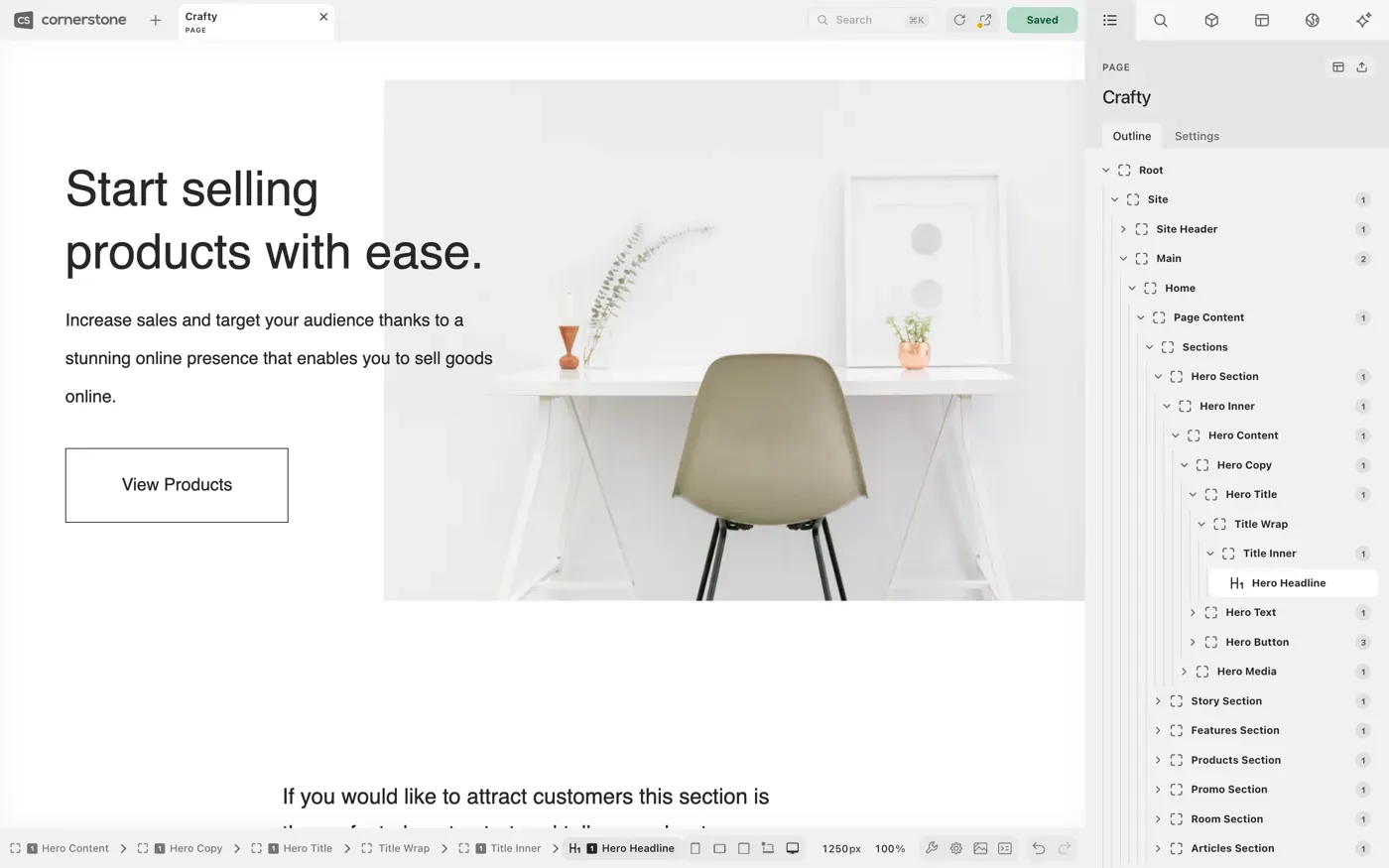
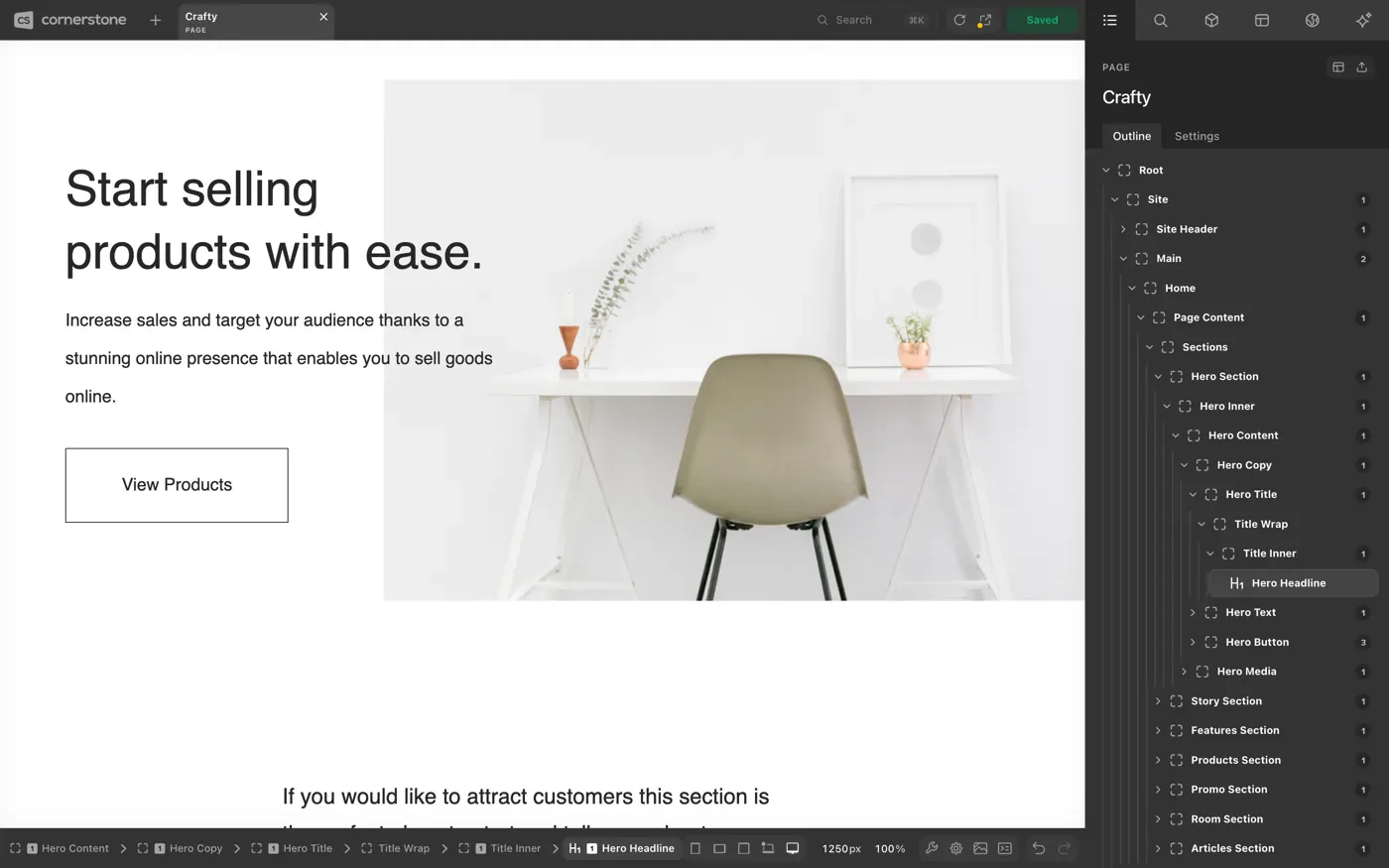
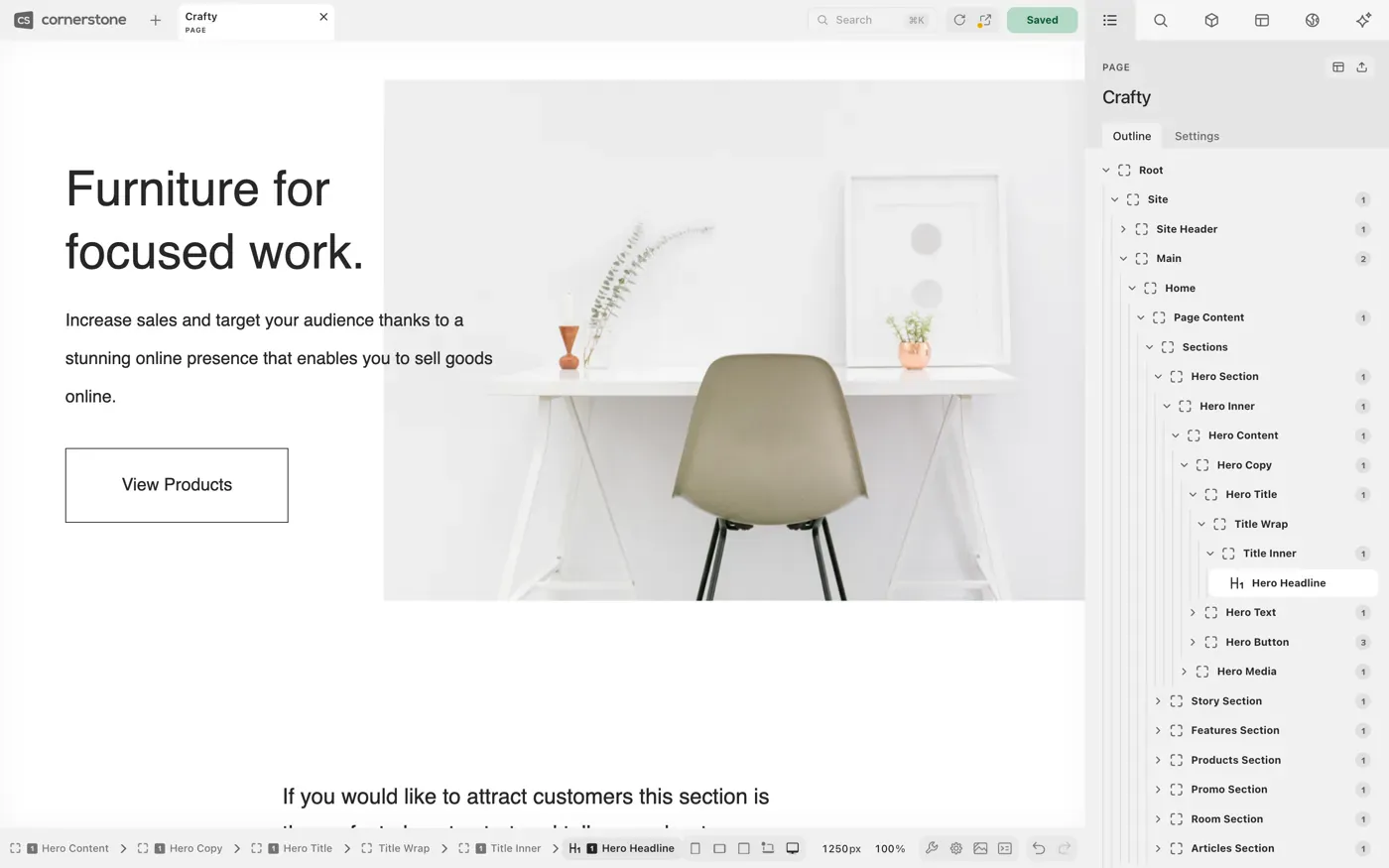
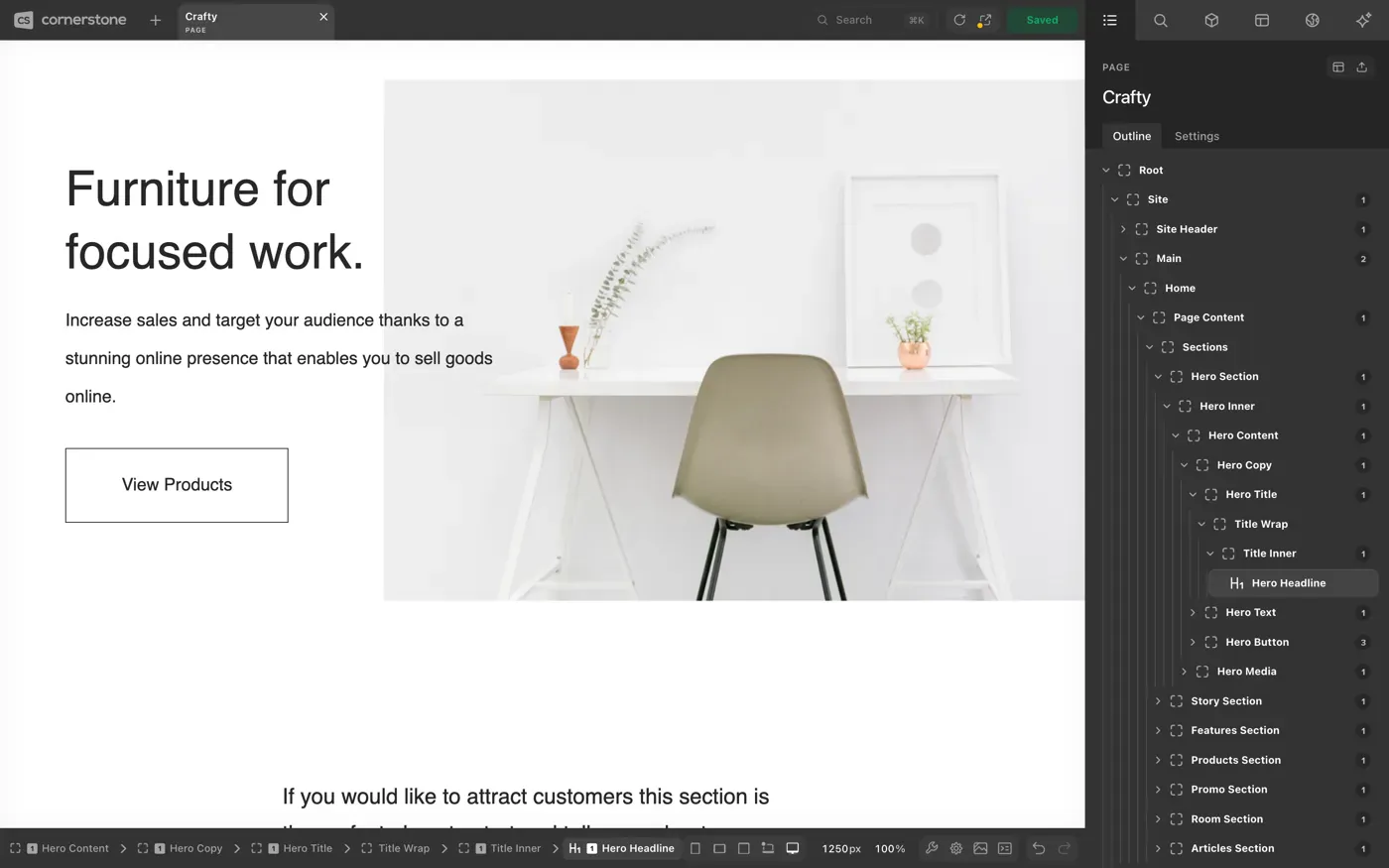
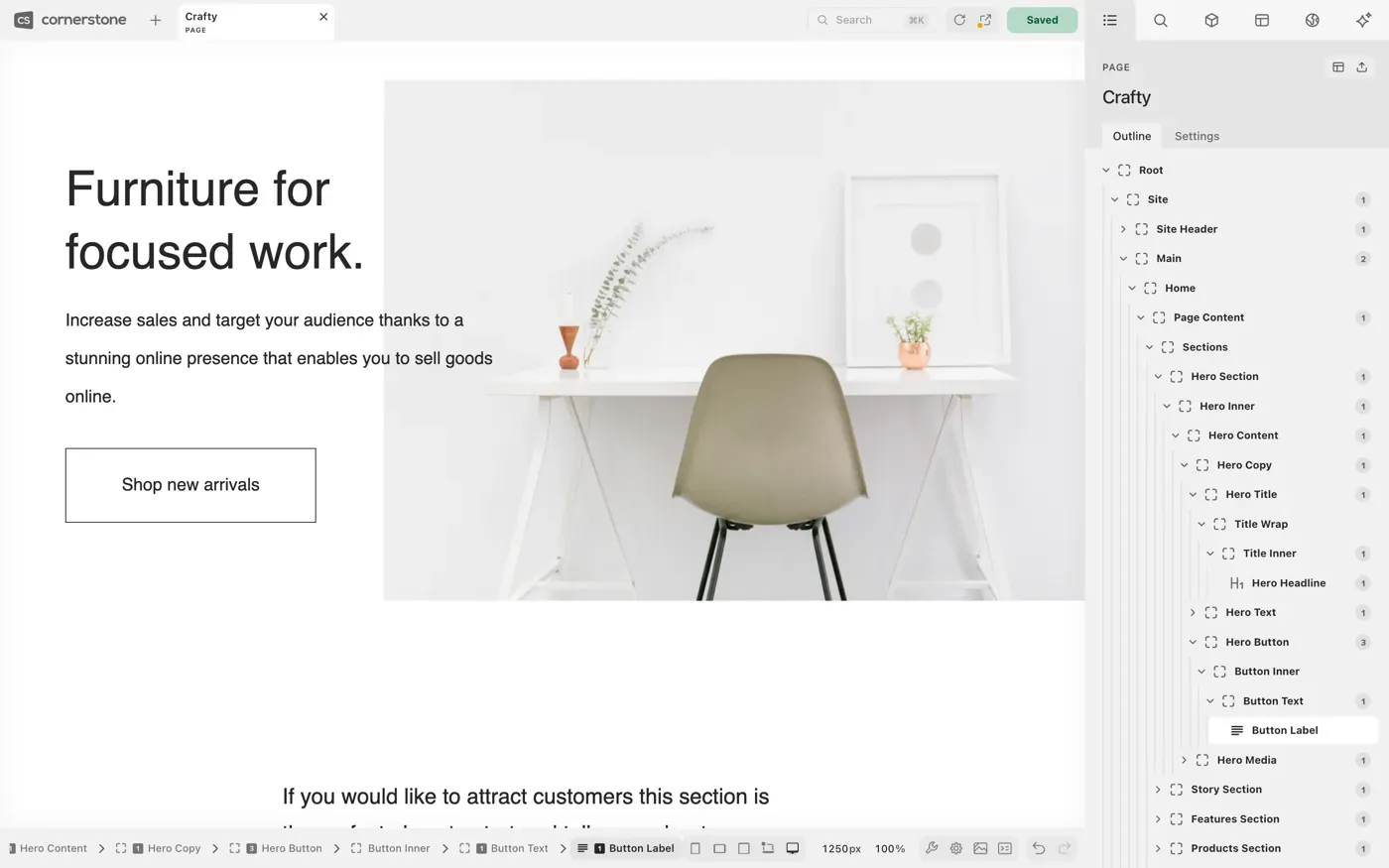
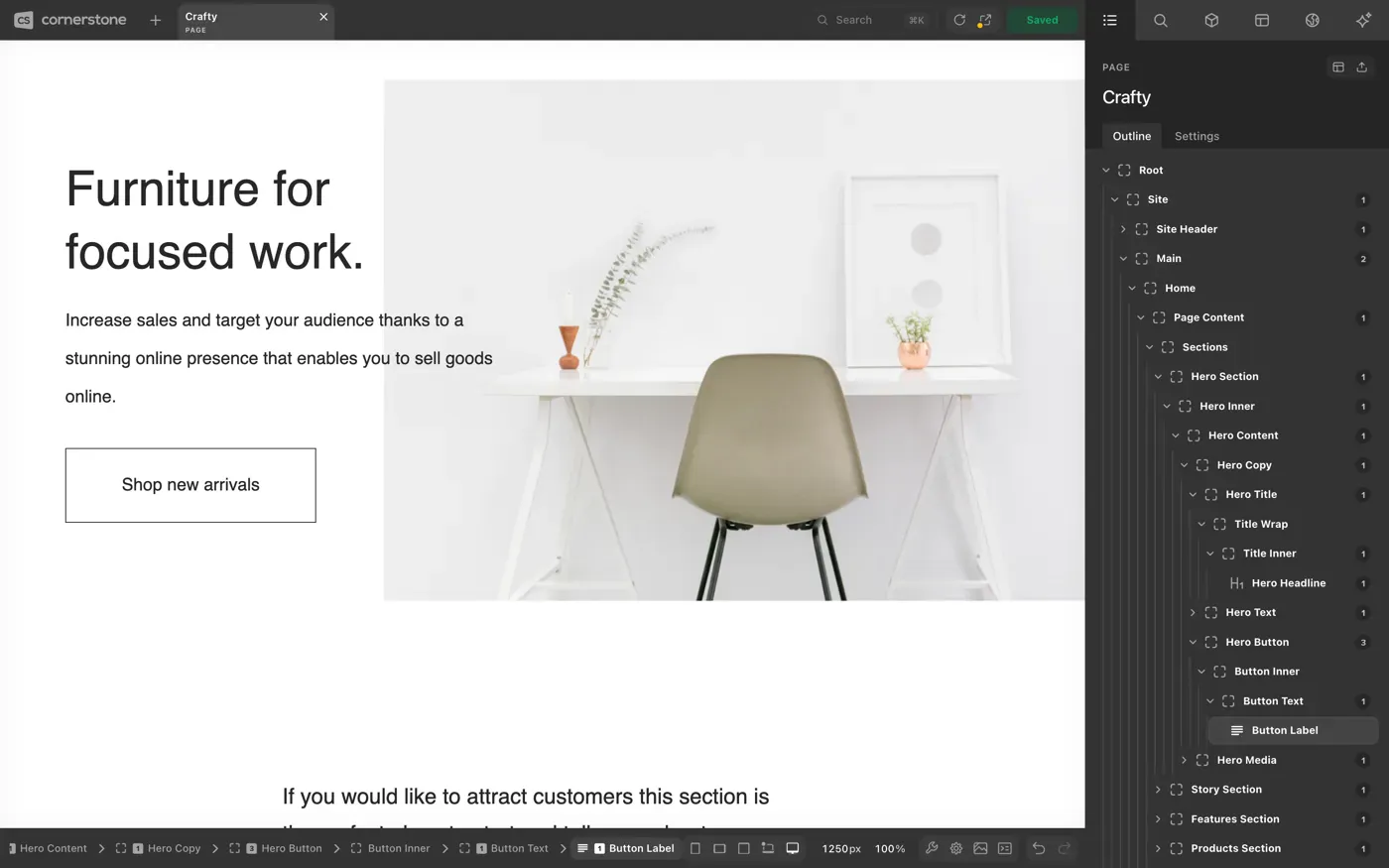
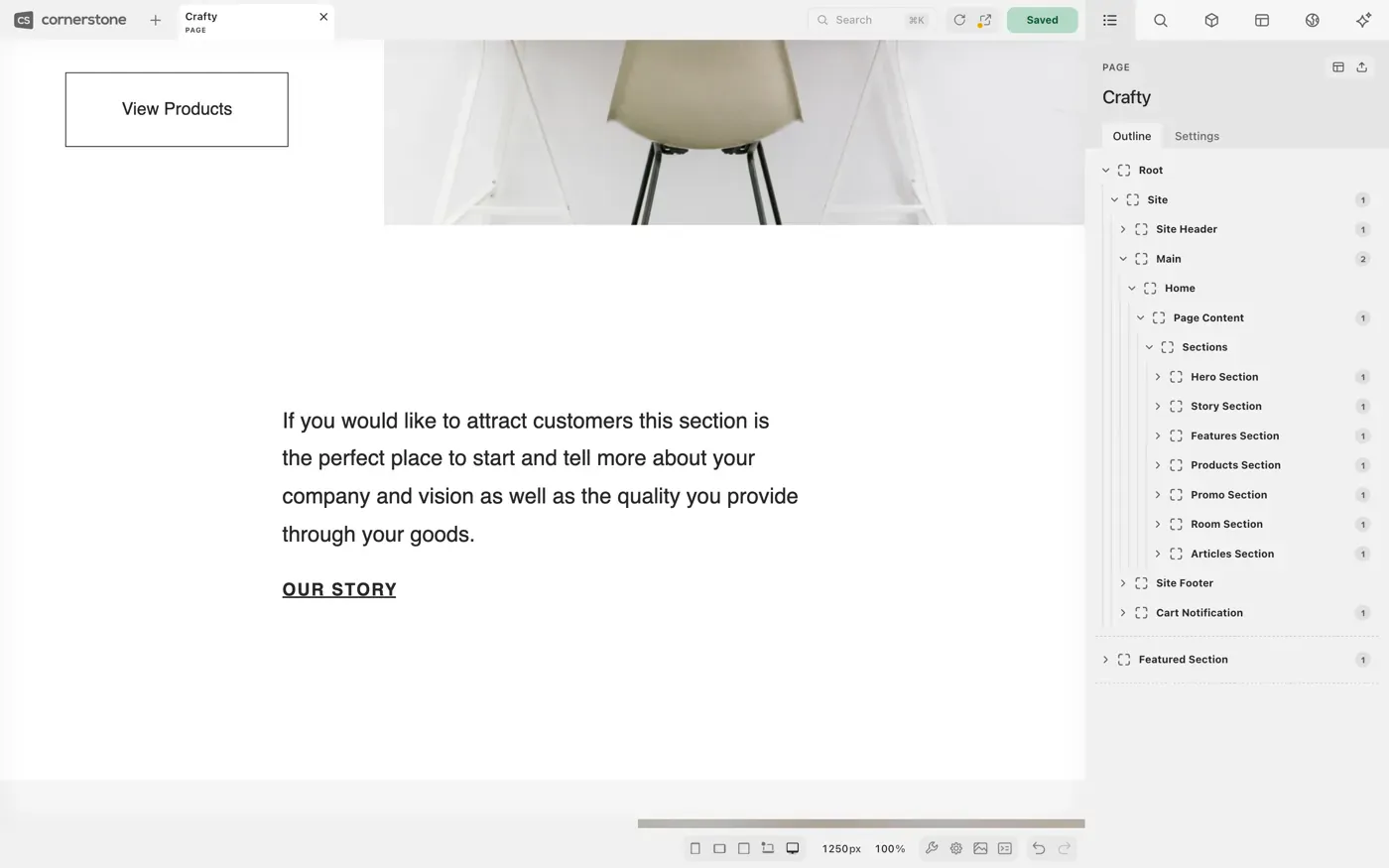
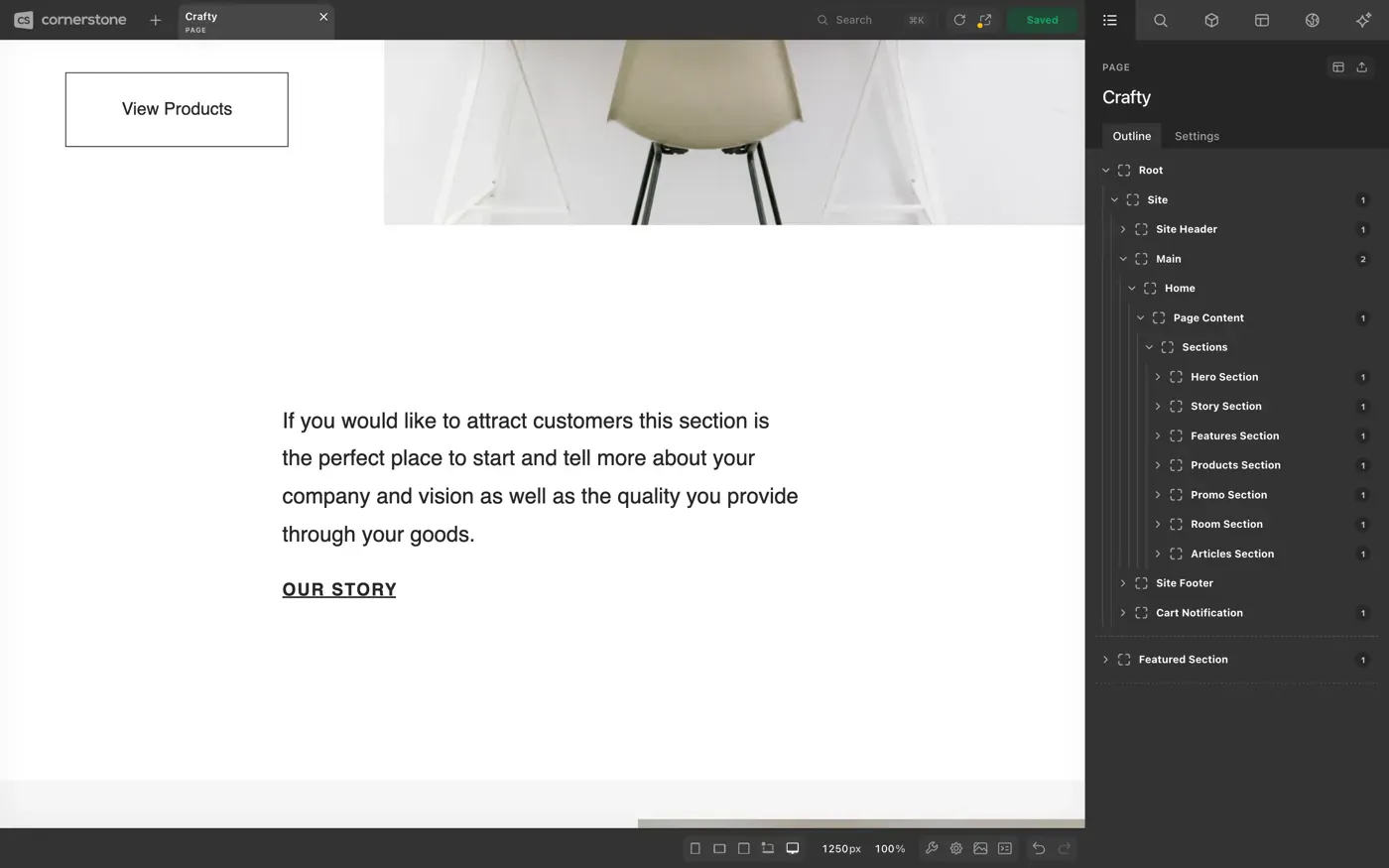
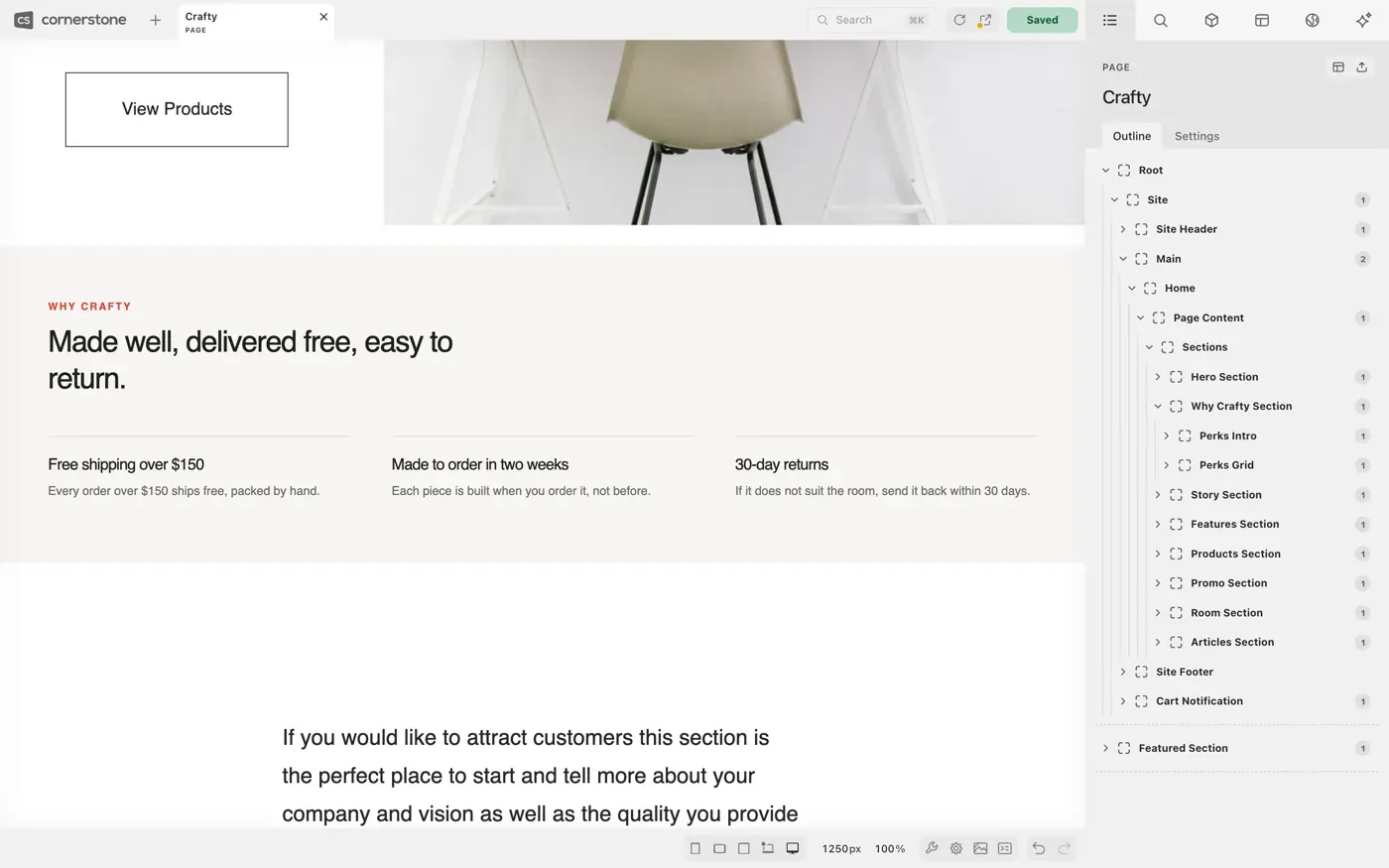
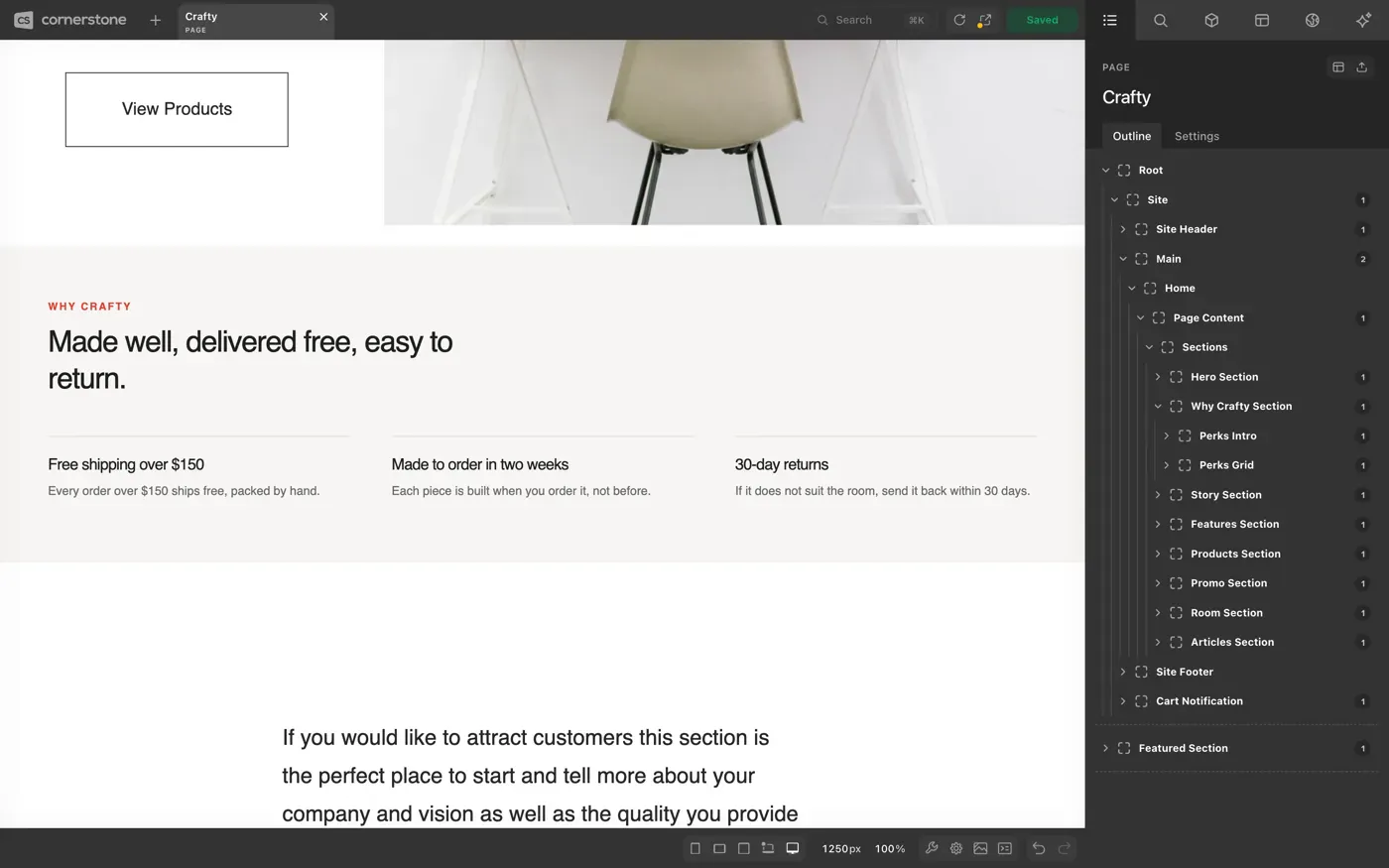
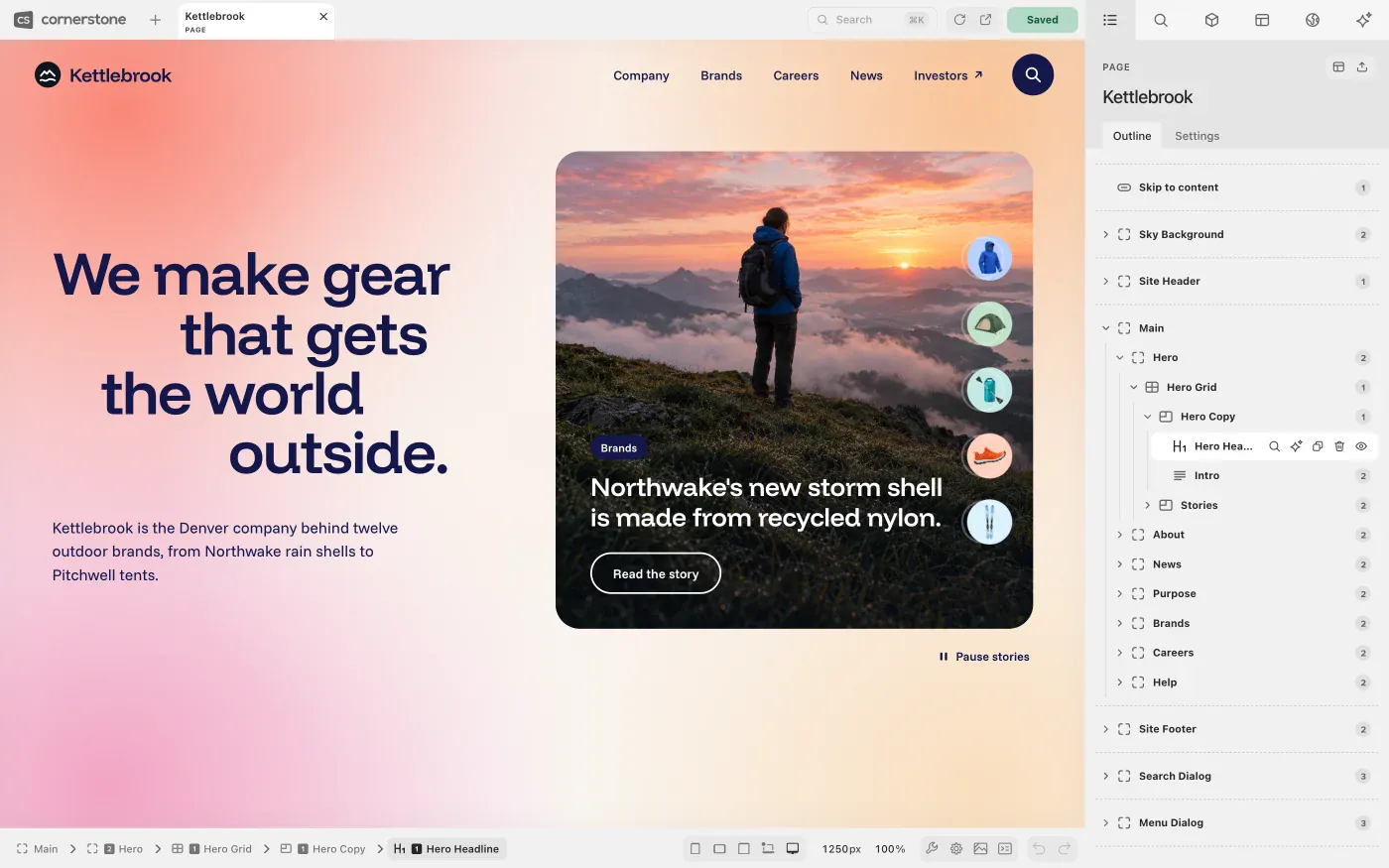
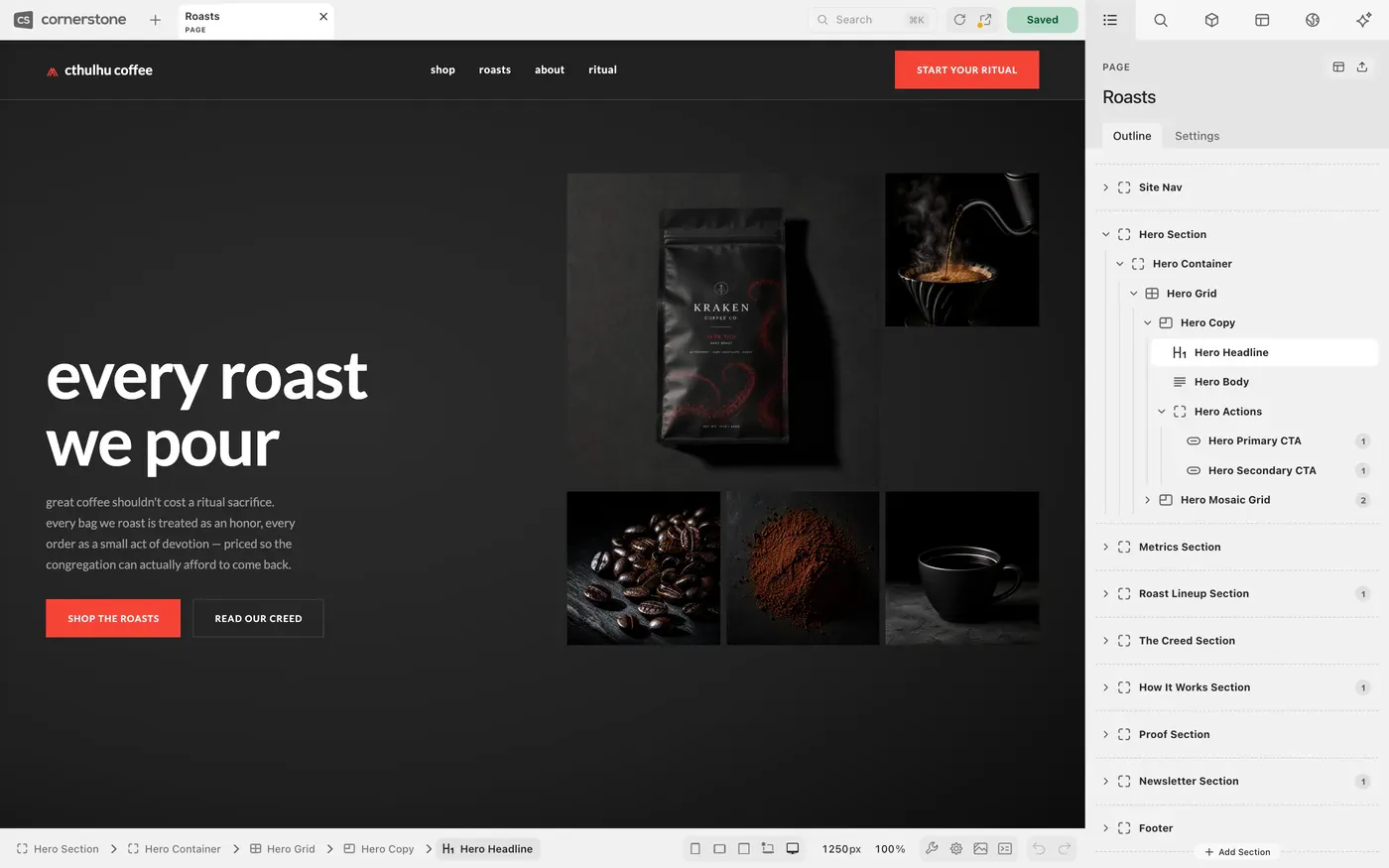
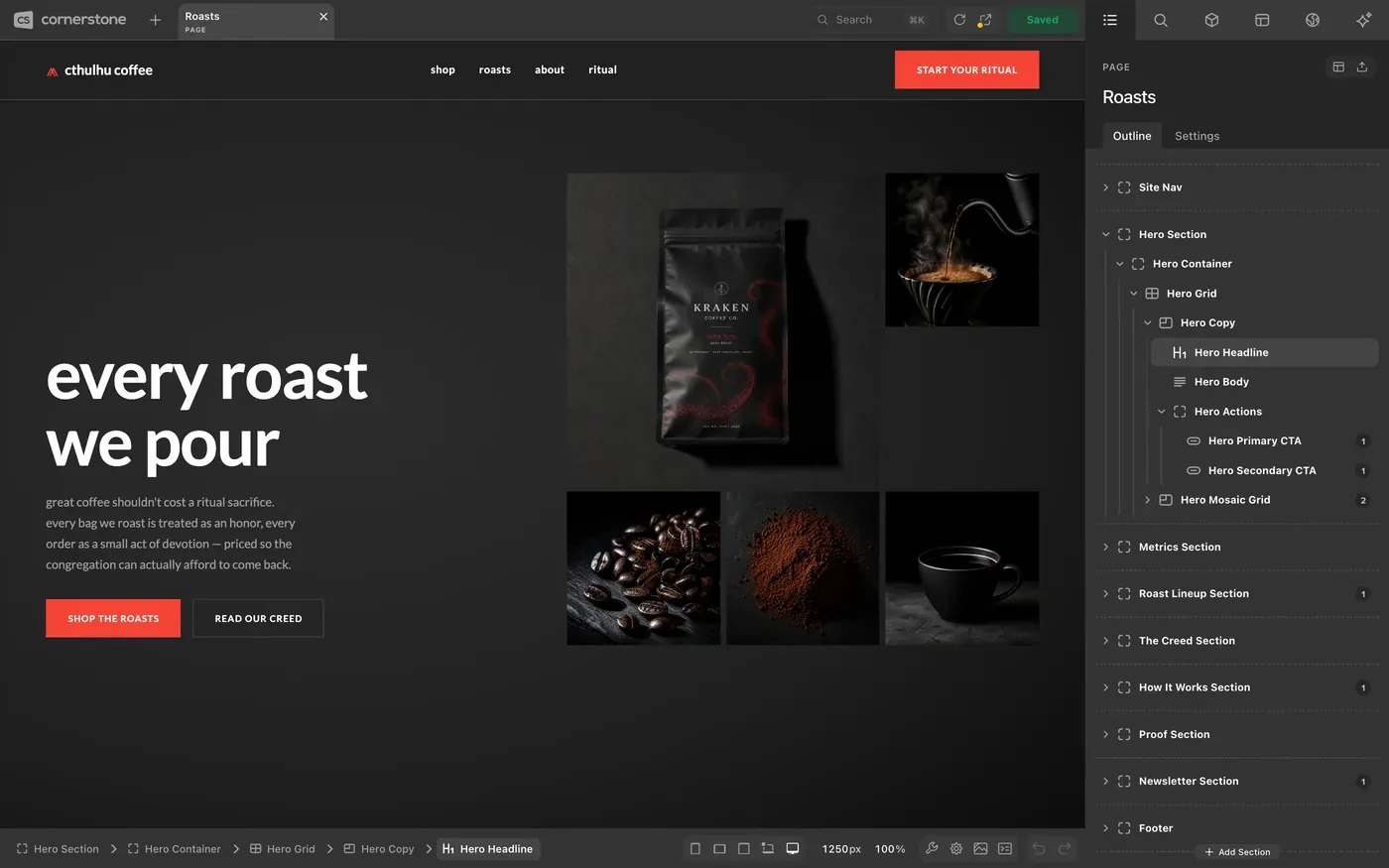
Whatever your app builds or changes uses native Cornerstone Elements, Controls, and Globals. Open the page at any time and select any section, heading, or Button to refine its layout, styling, and content by hand.
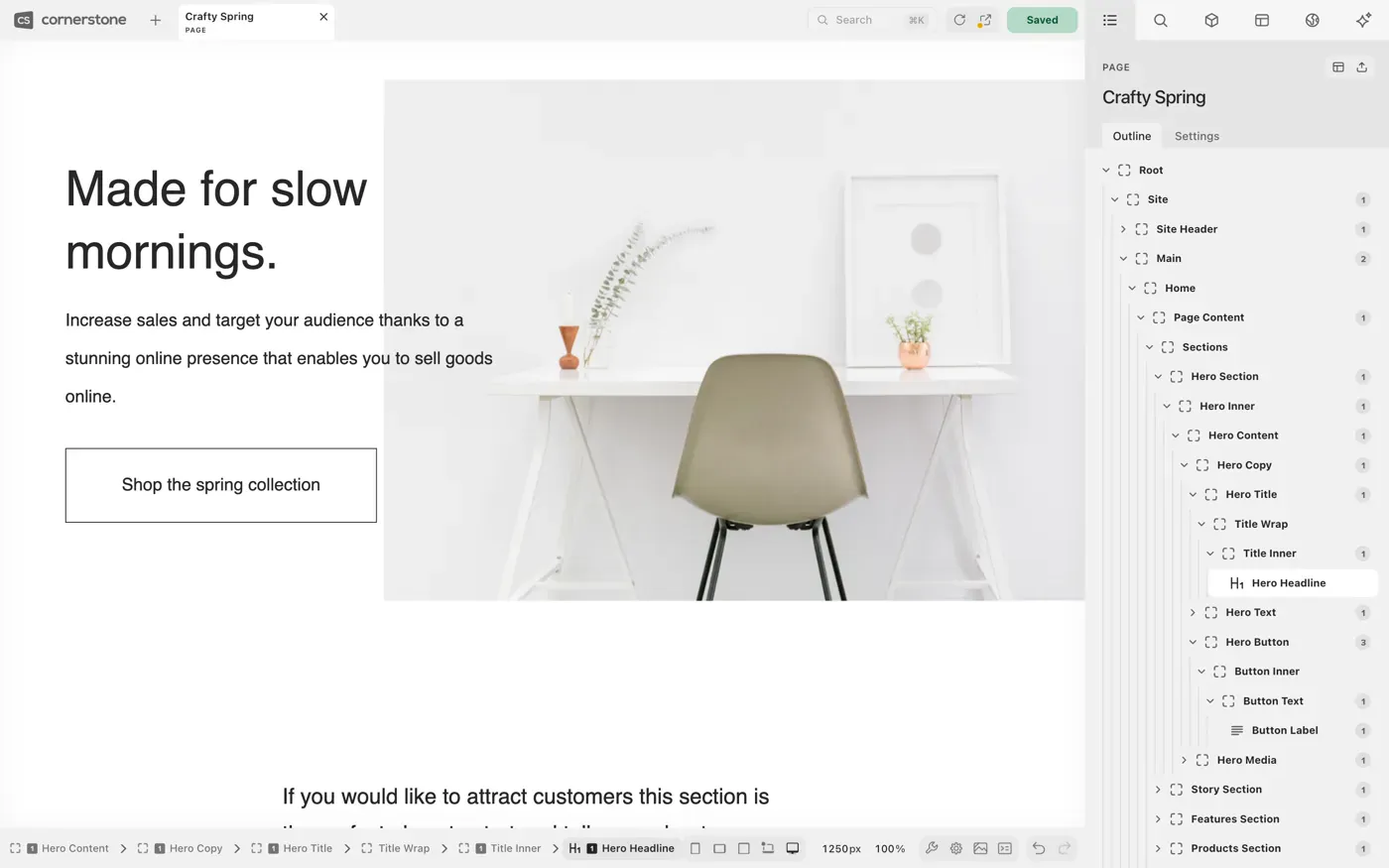
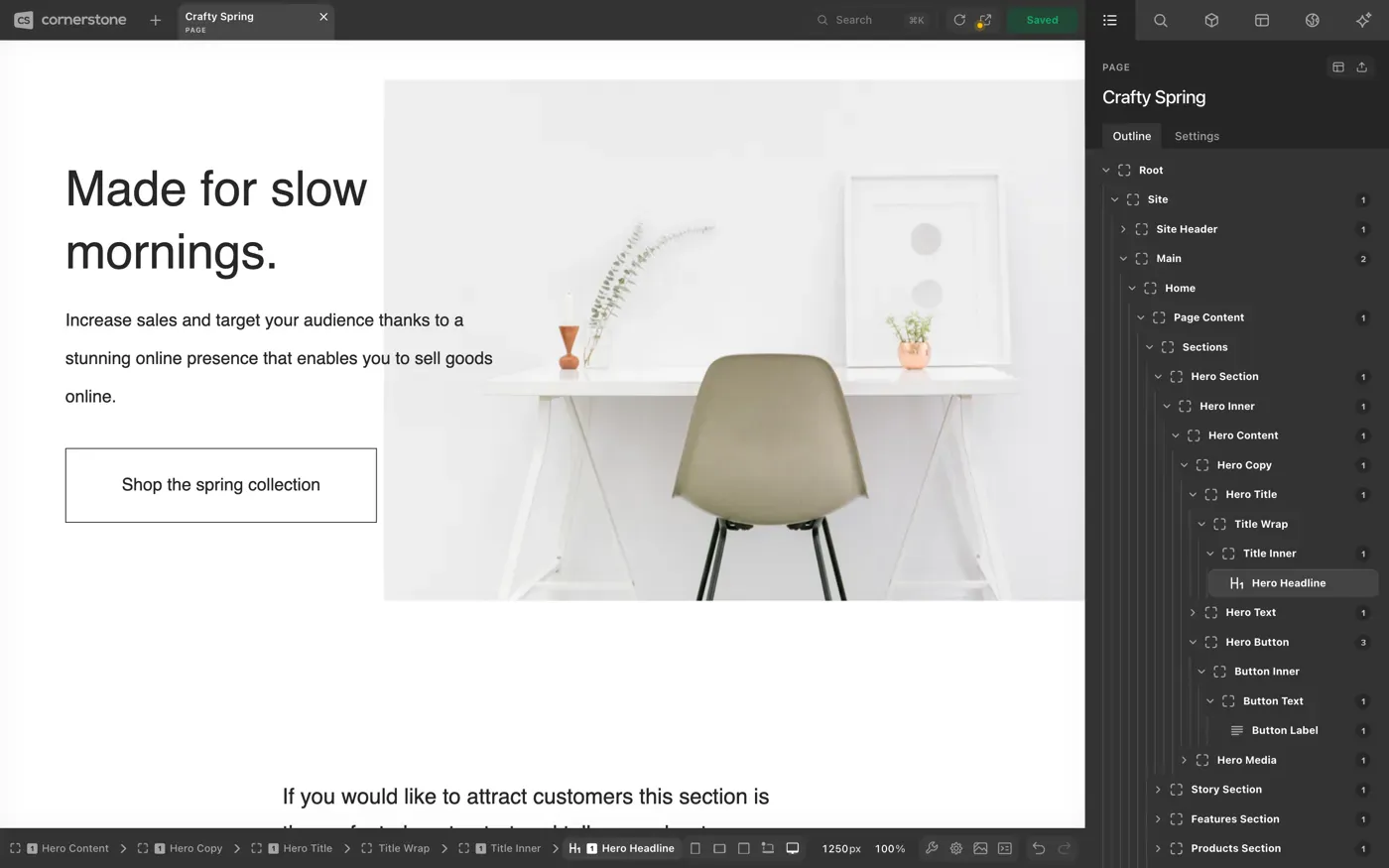
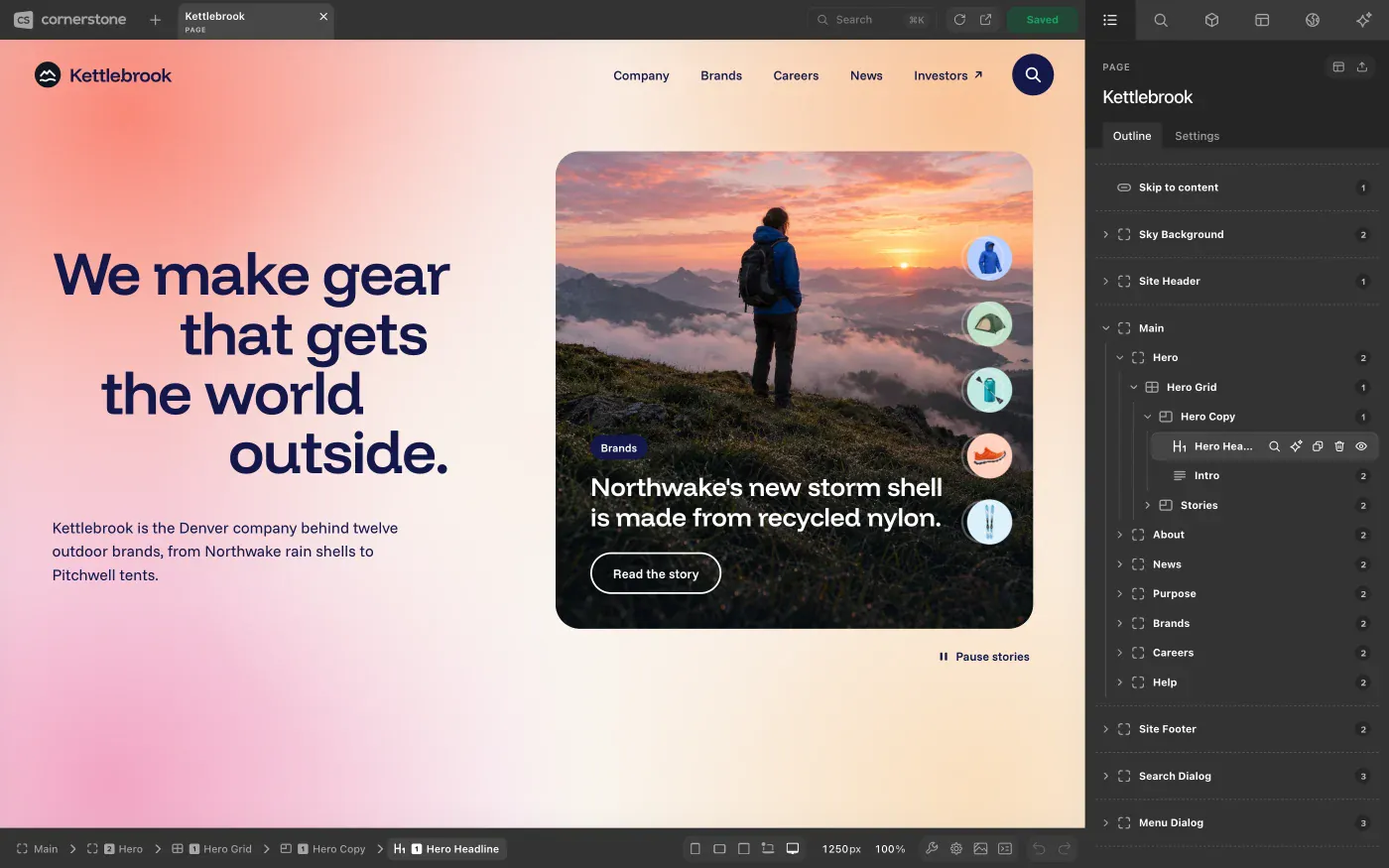
Select an Element and adjust it in the Inspector.
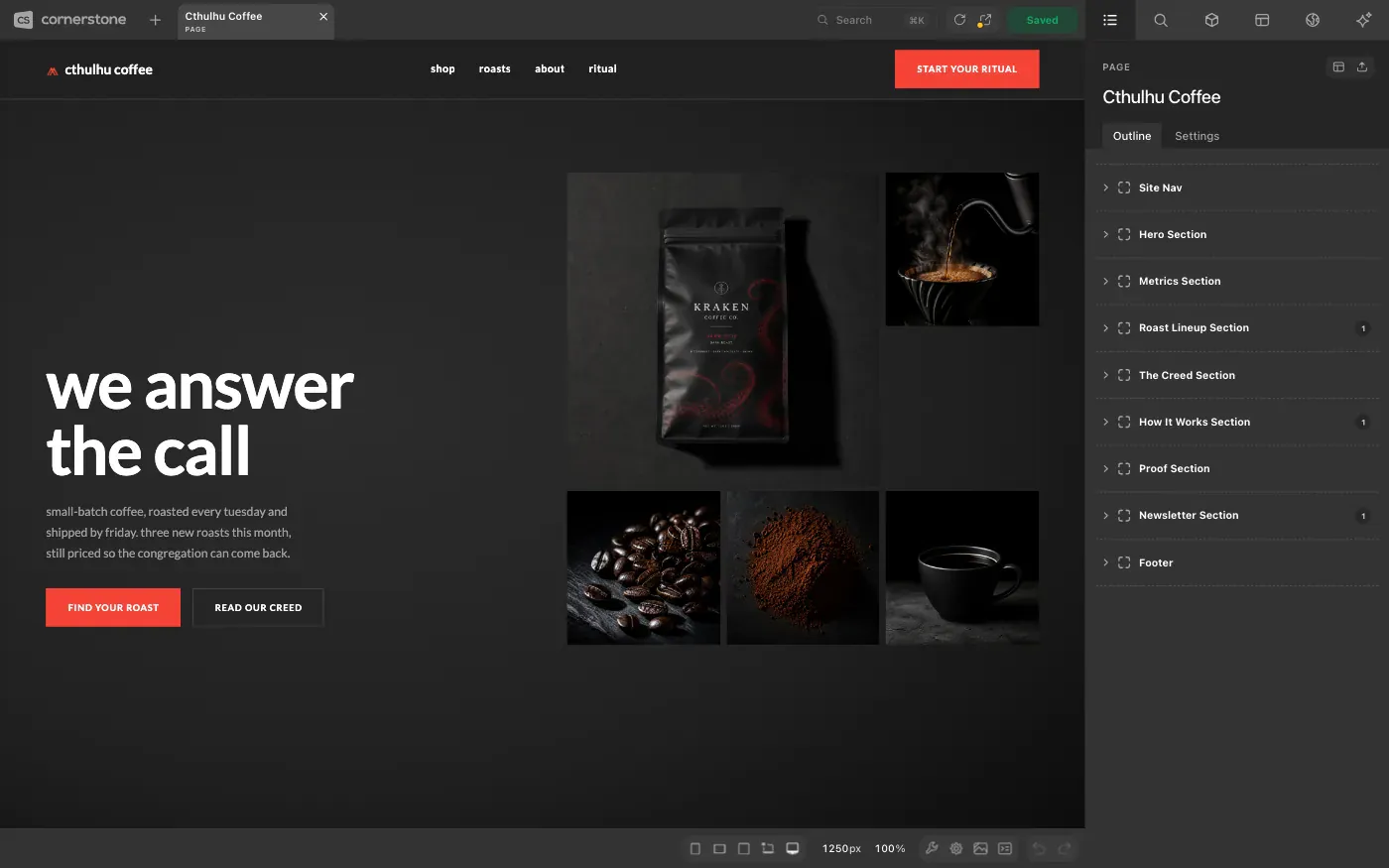
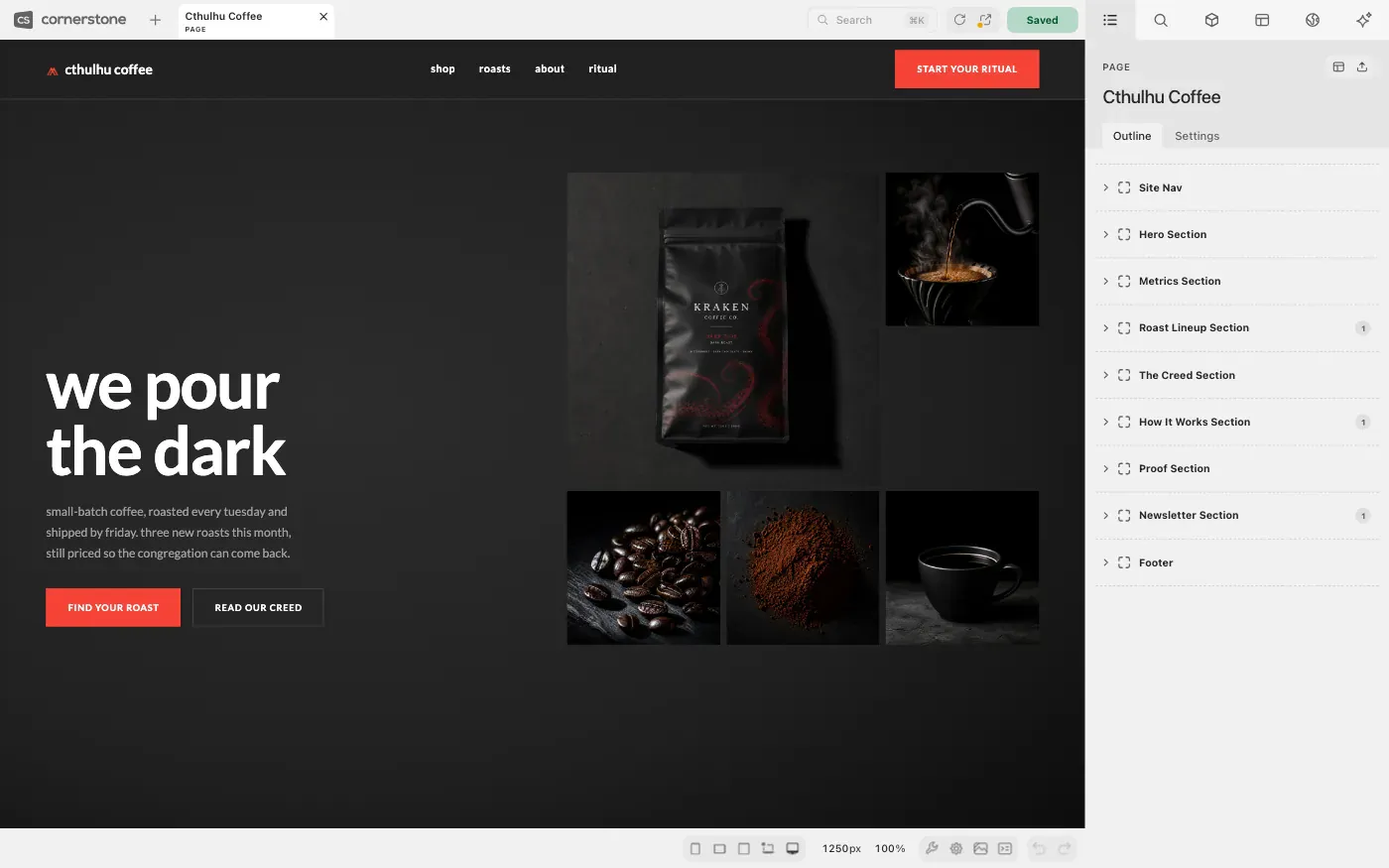
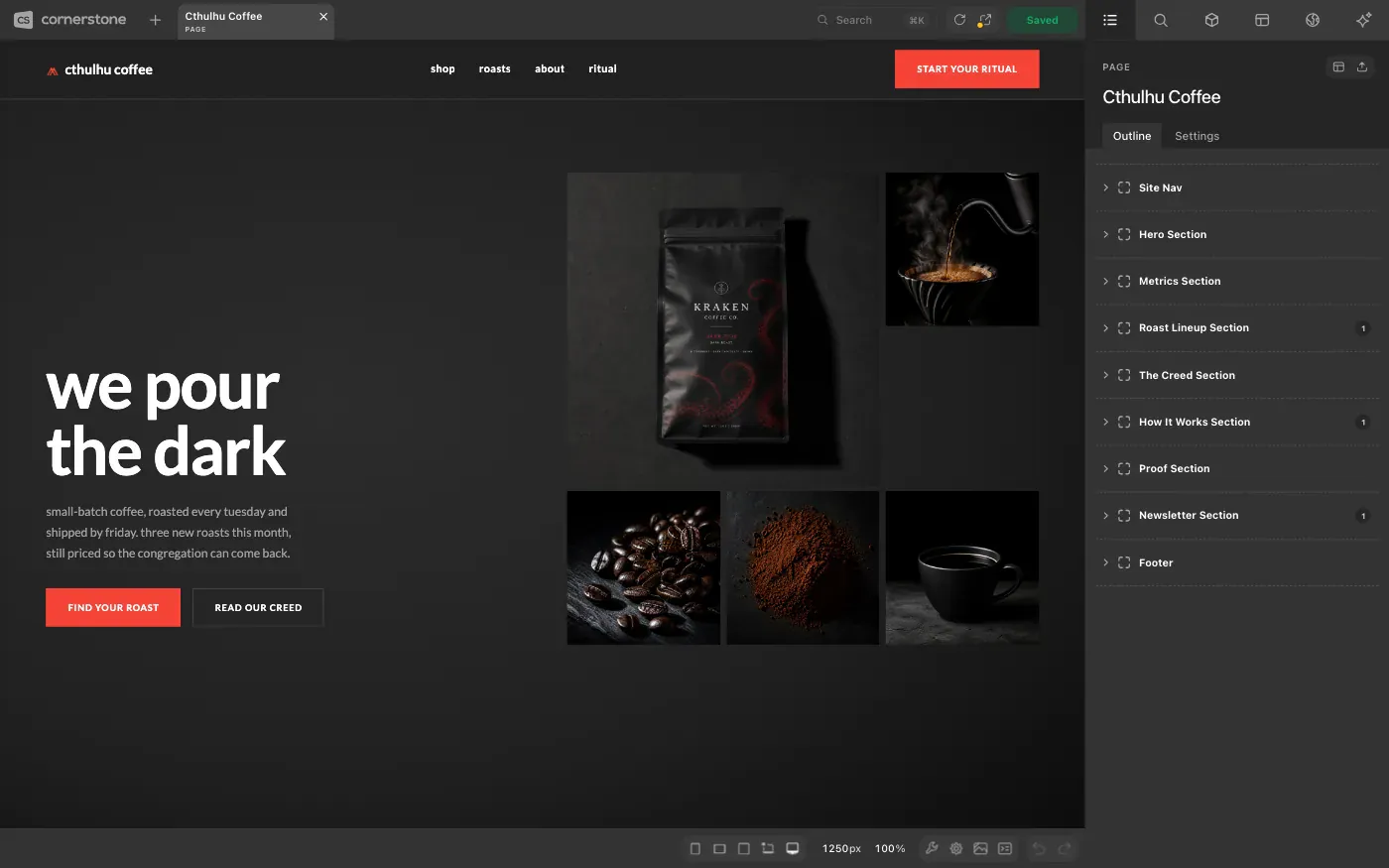
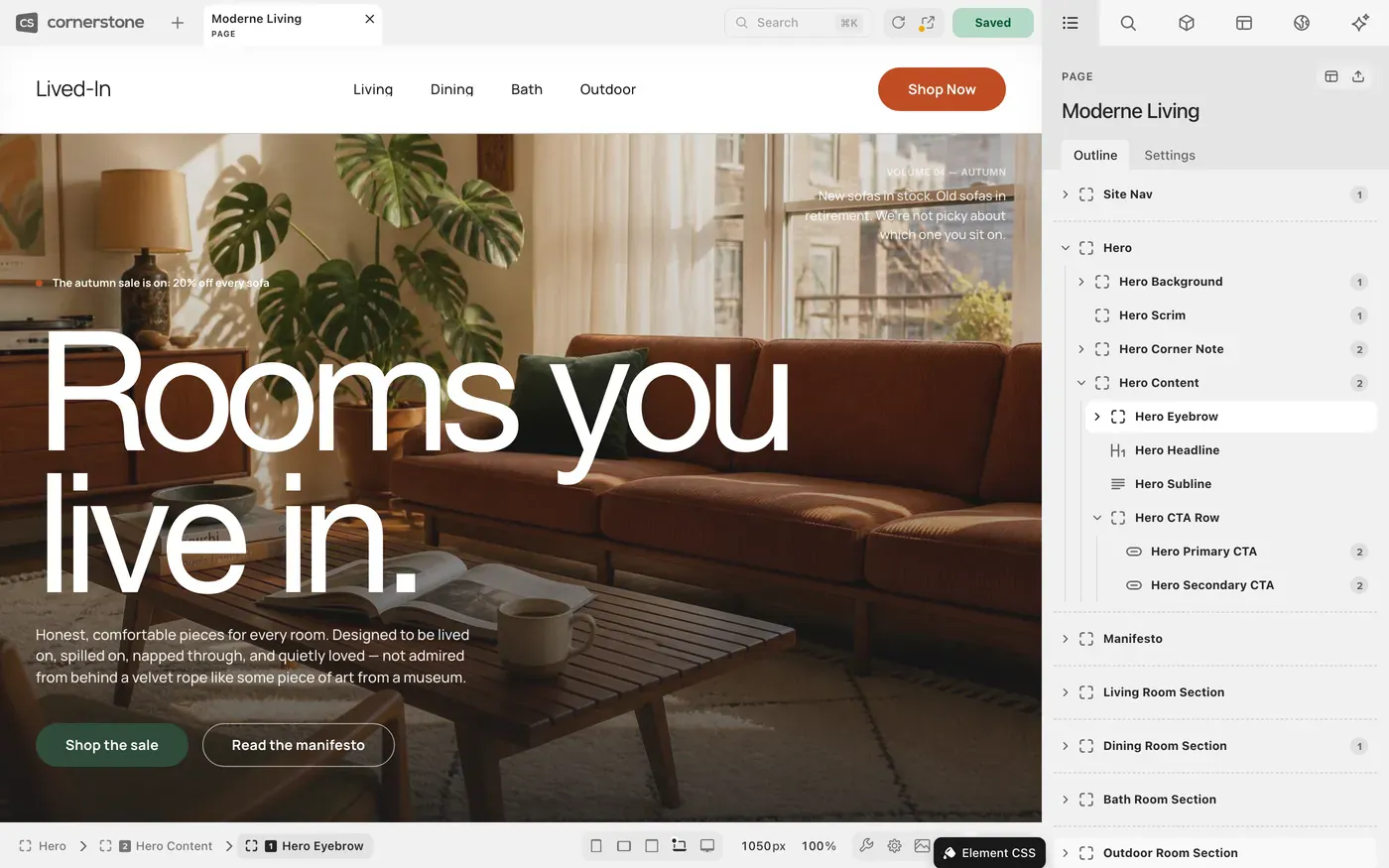
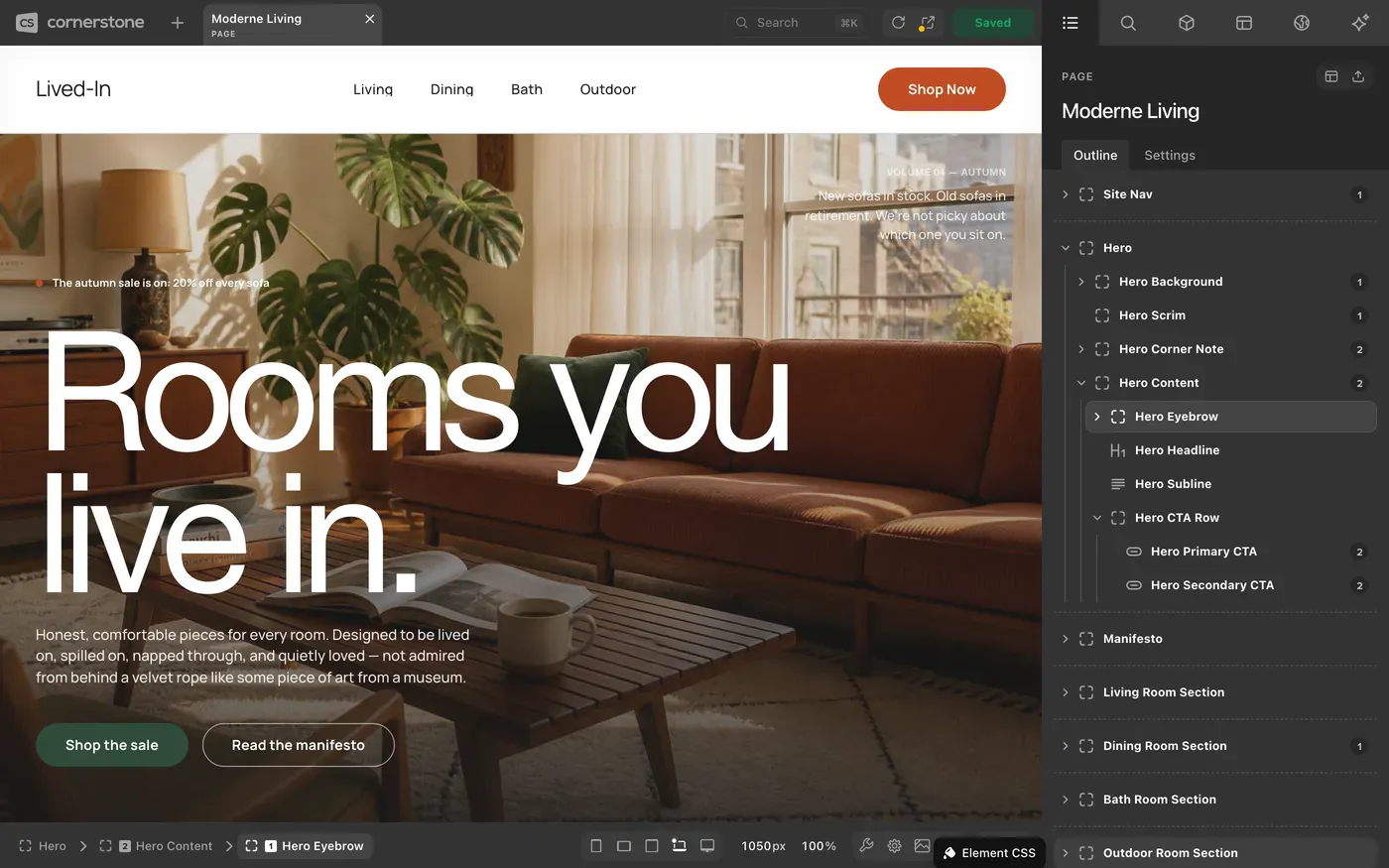
Each write checks for newer edits before it saves. Outdated changes are blocked, and every write returns undo instructions. Page revisions keep earlier versions available, so you can review what changed and restore the right one.
Saved edit → blocked overwrite → restored headline.
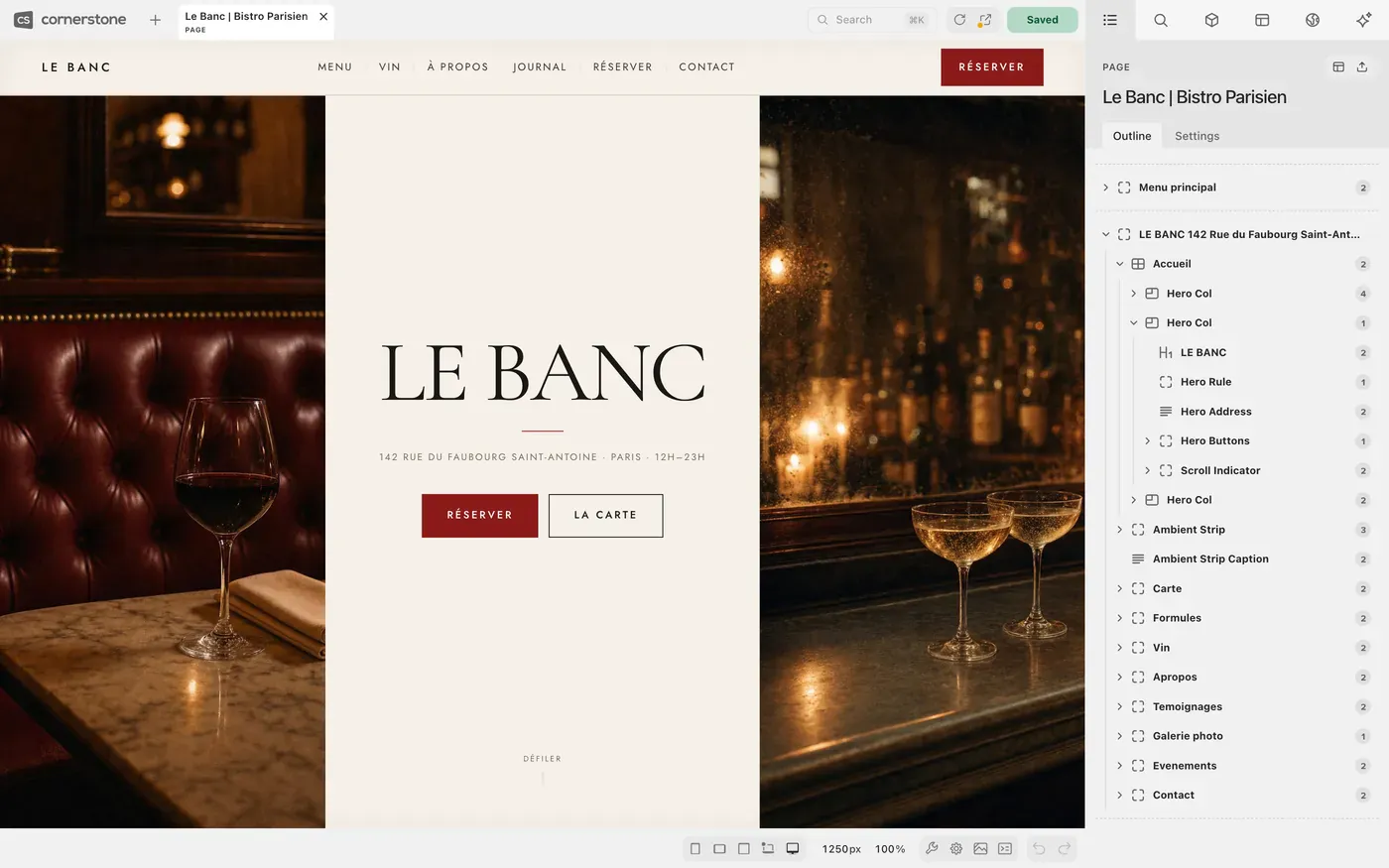
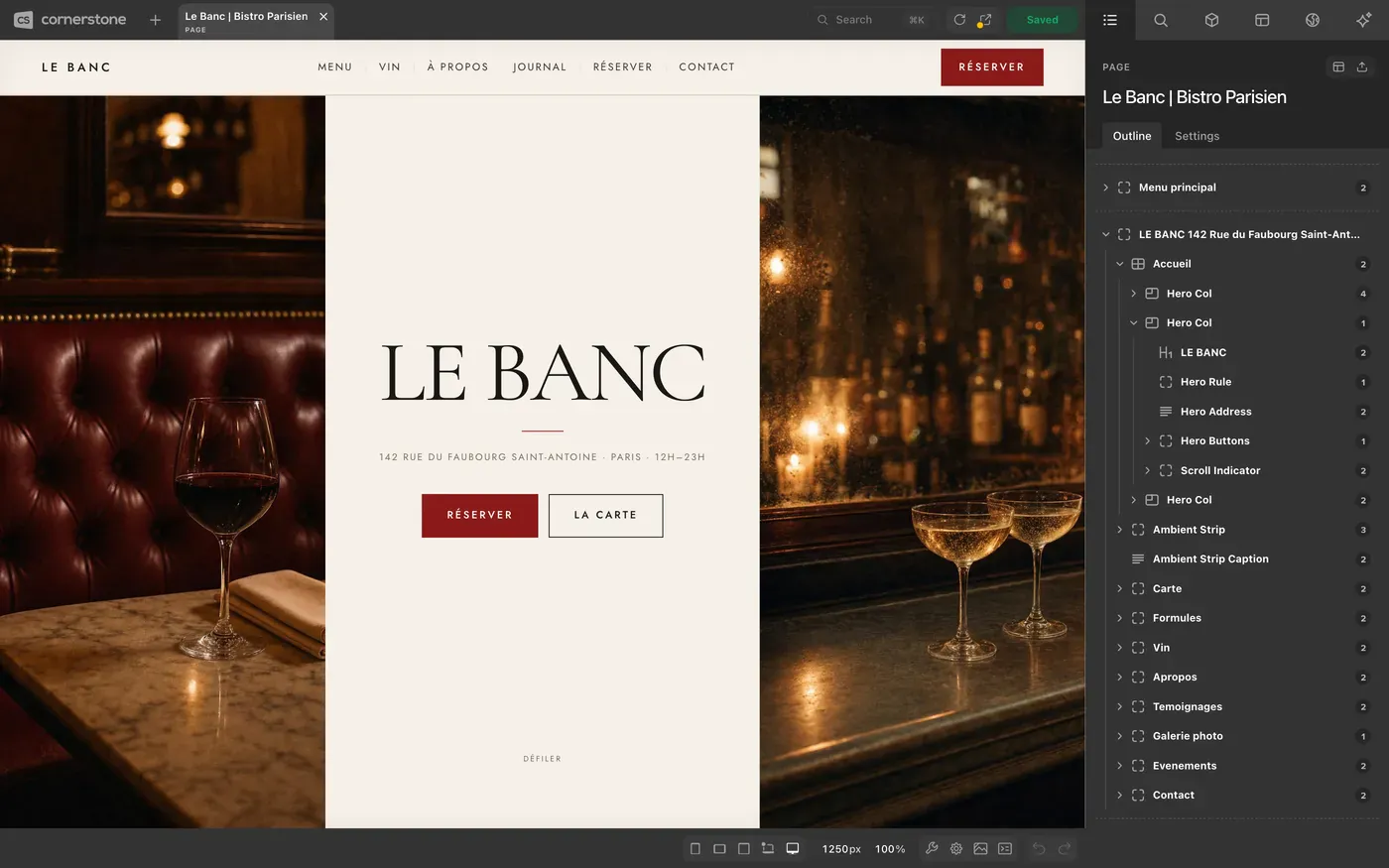
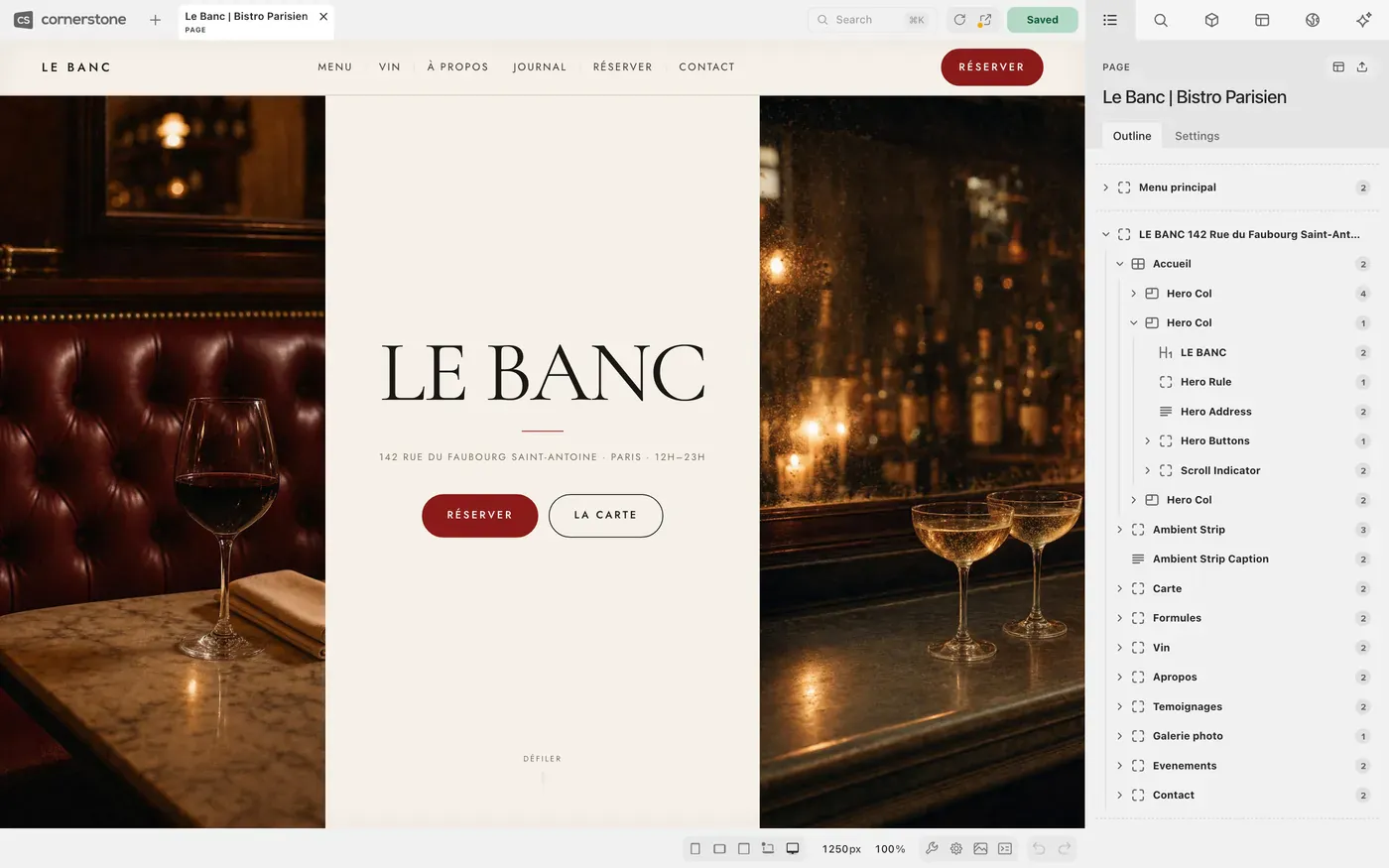
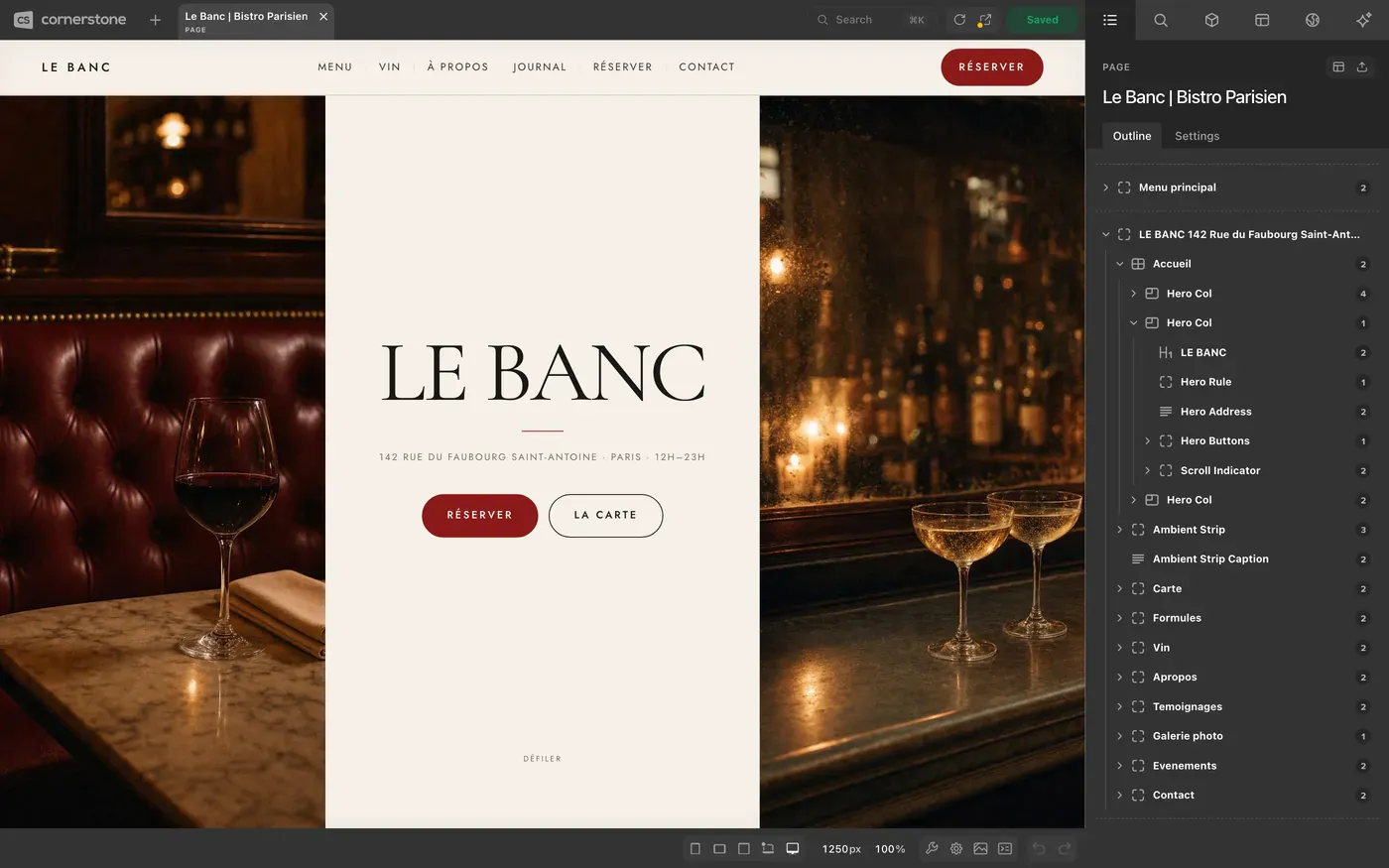
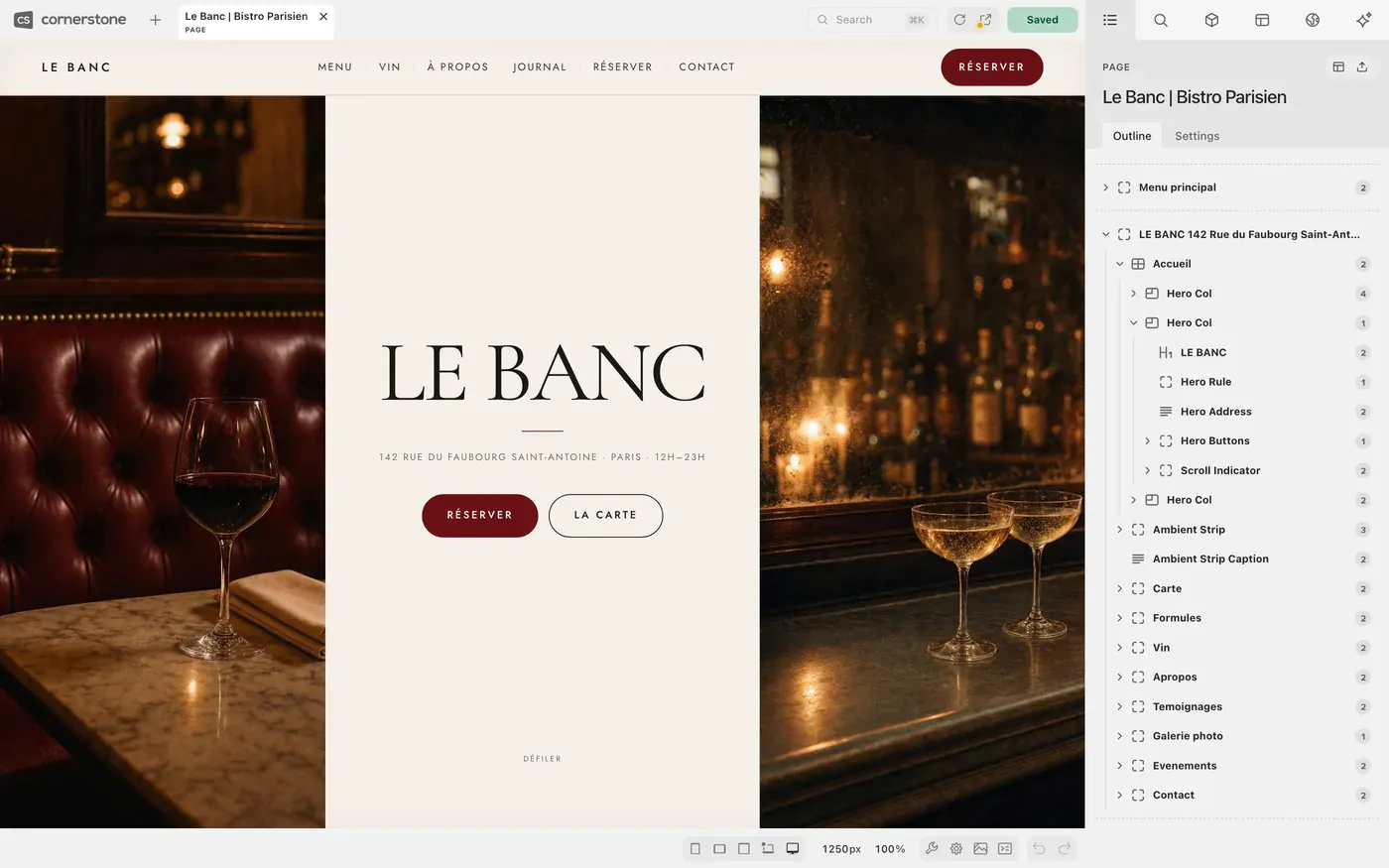
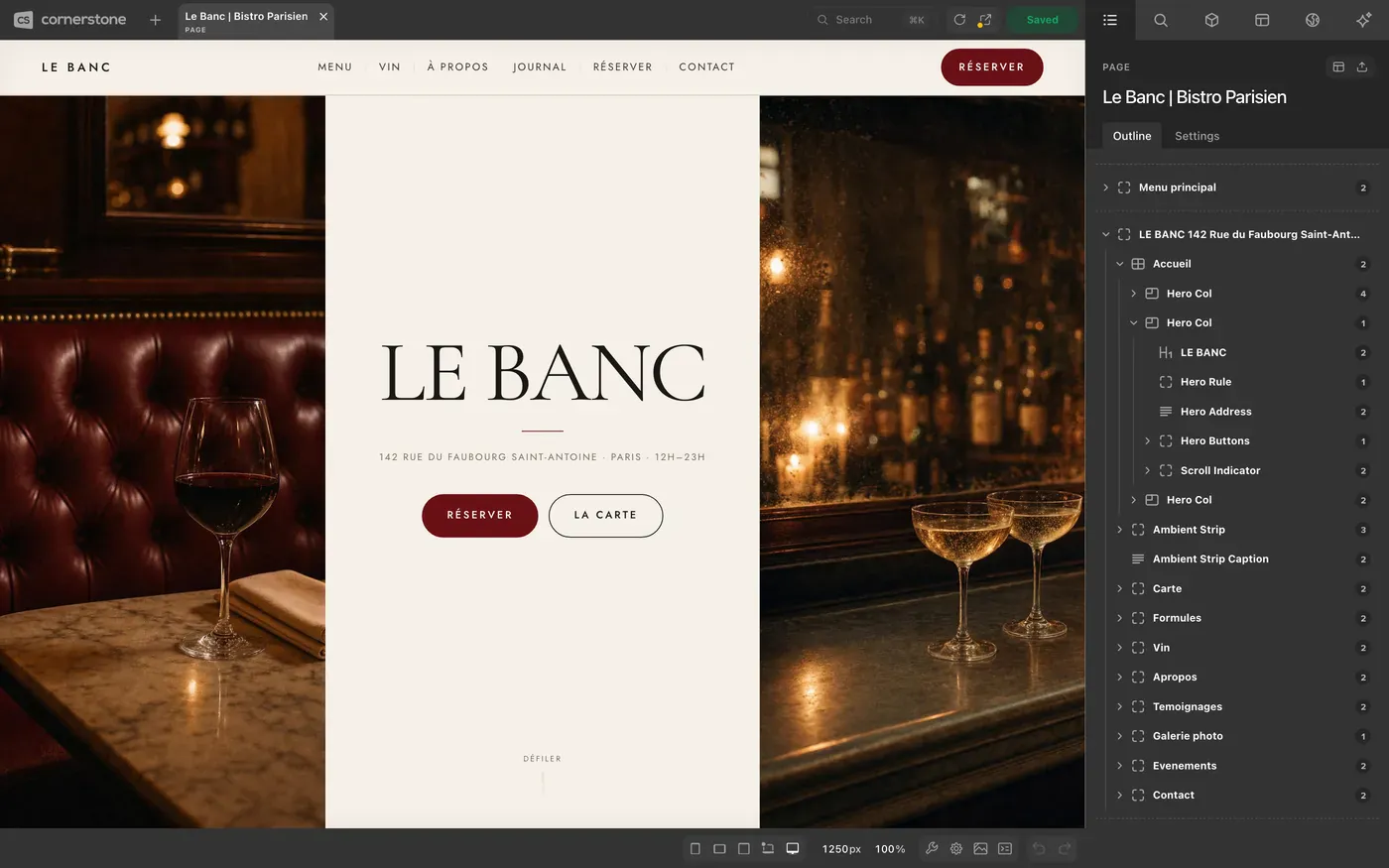
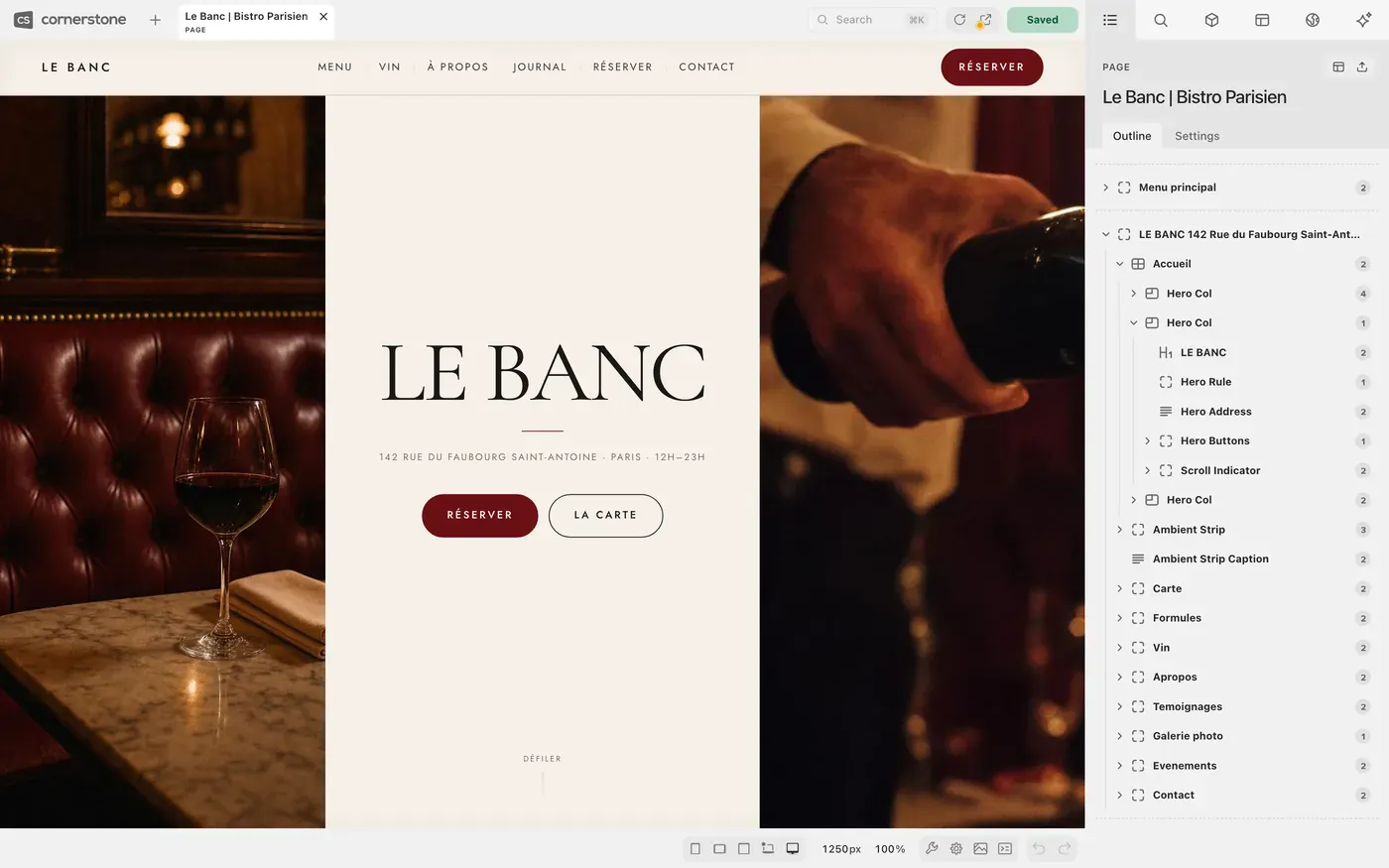
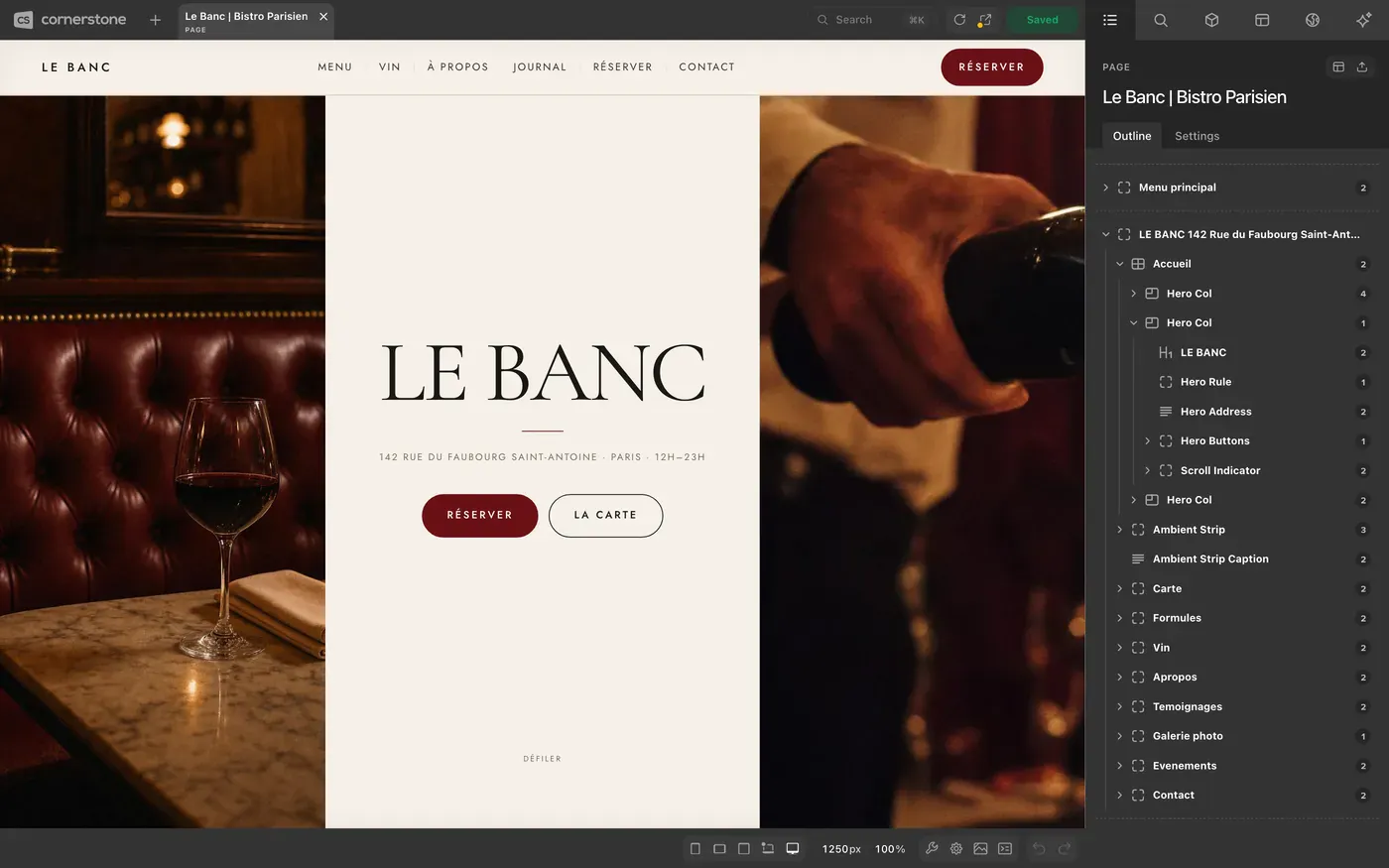
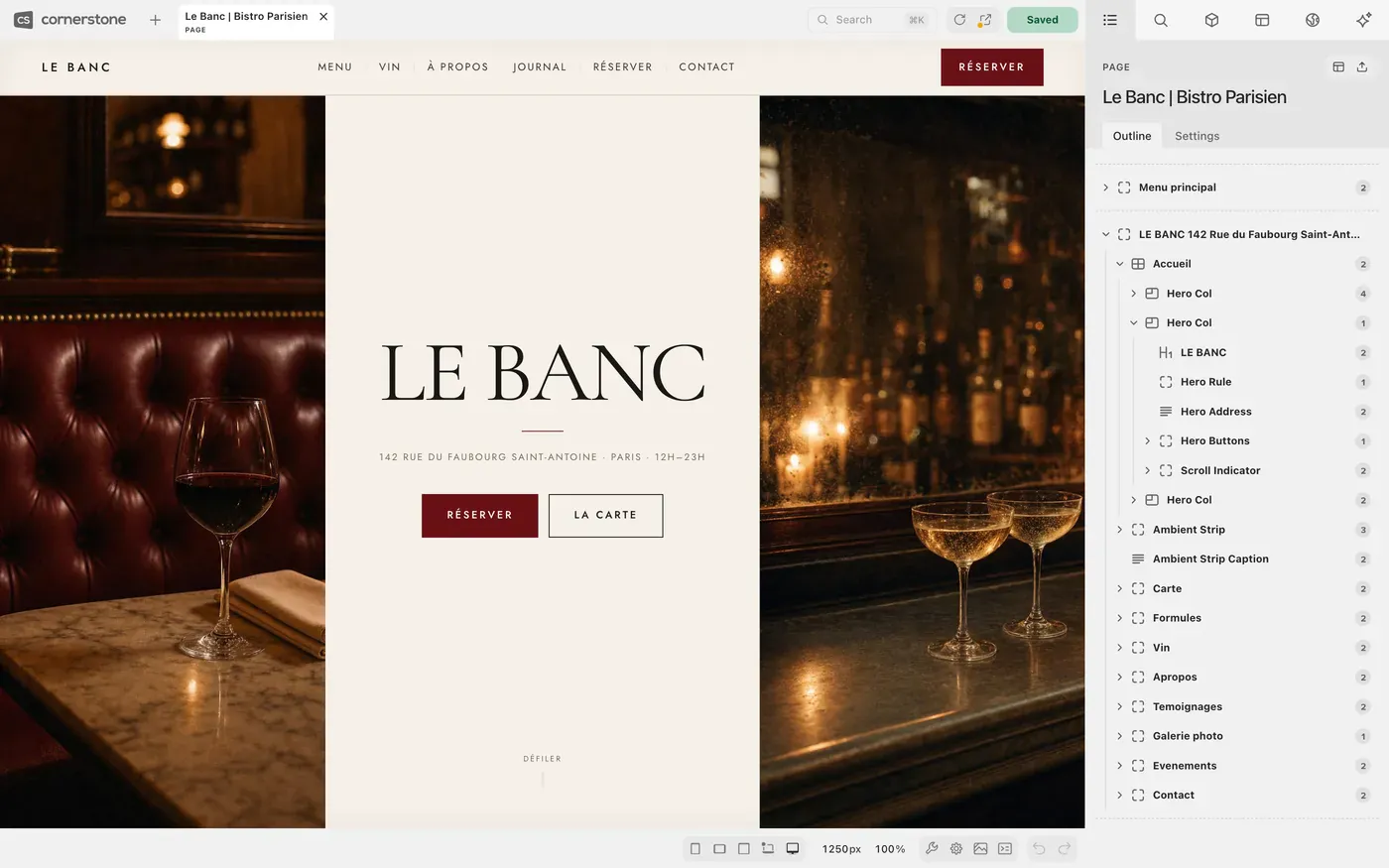
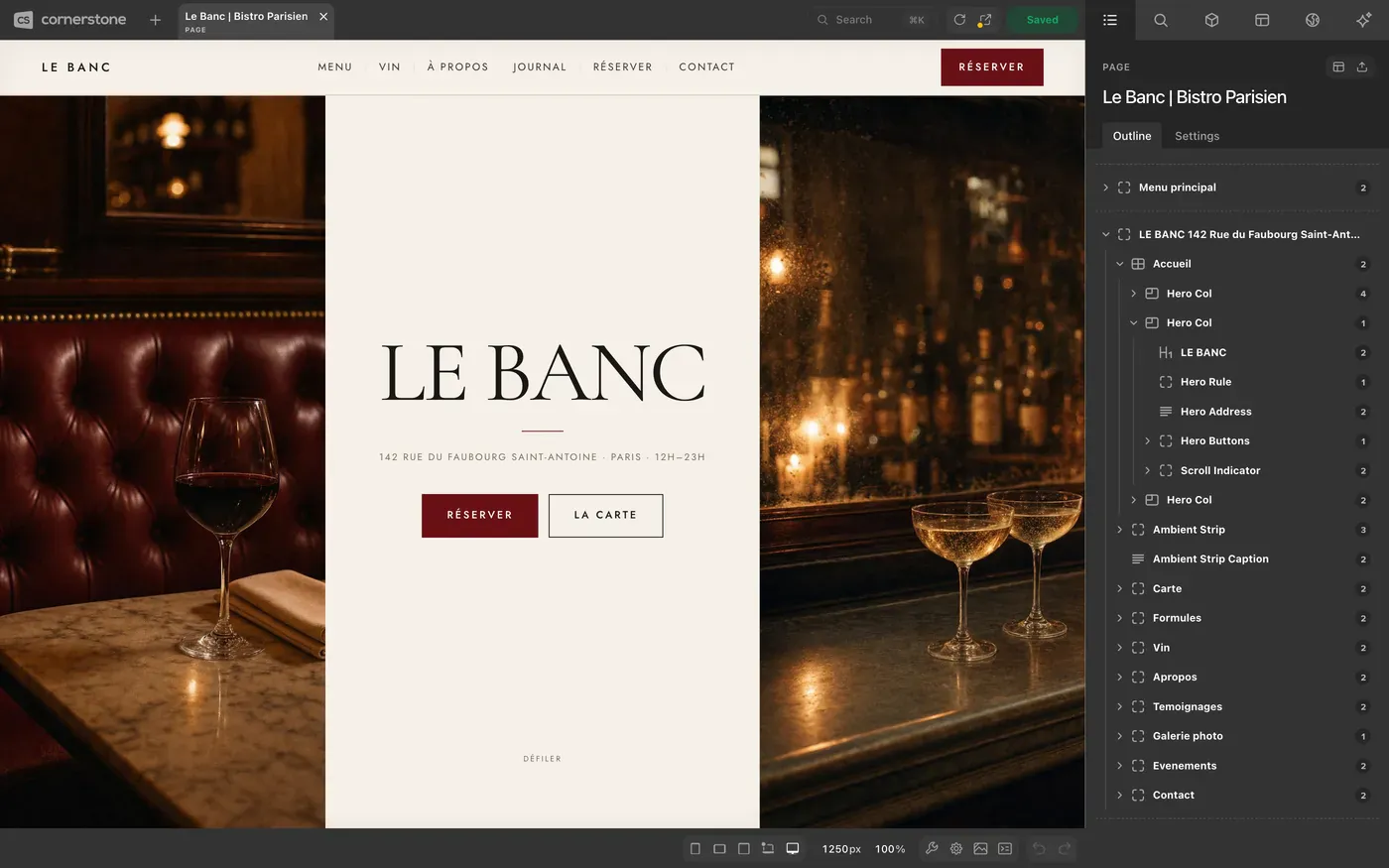
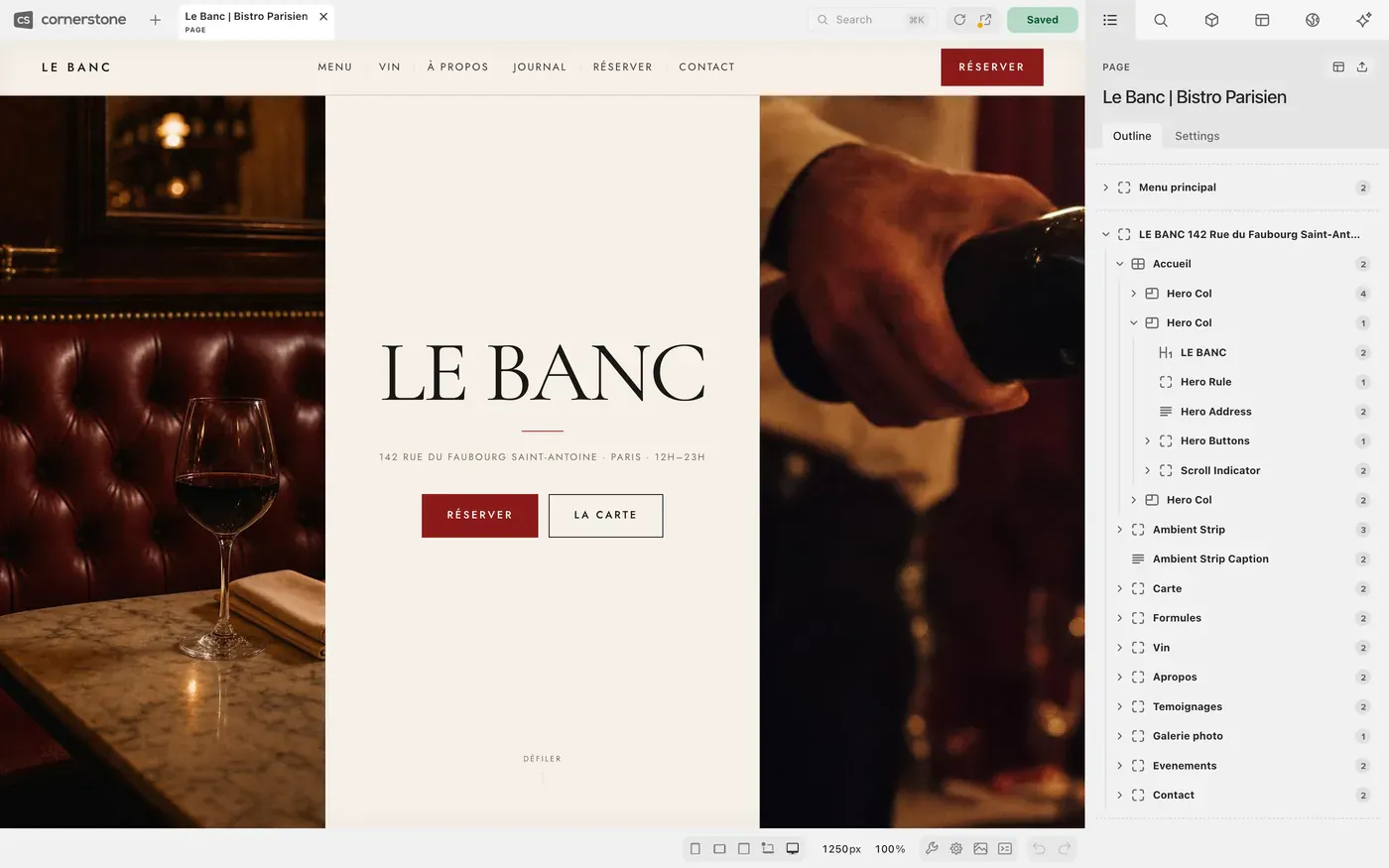
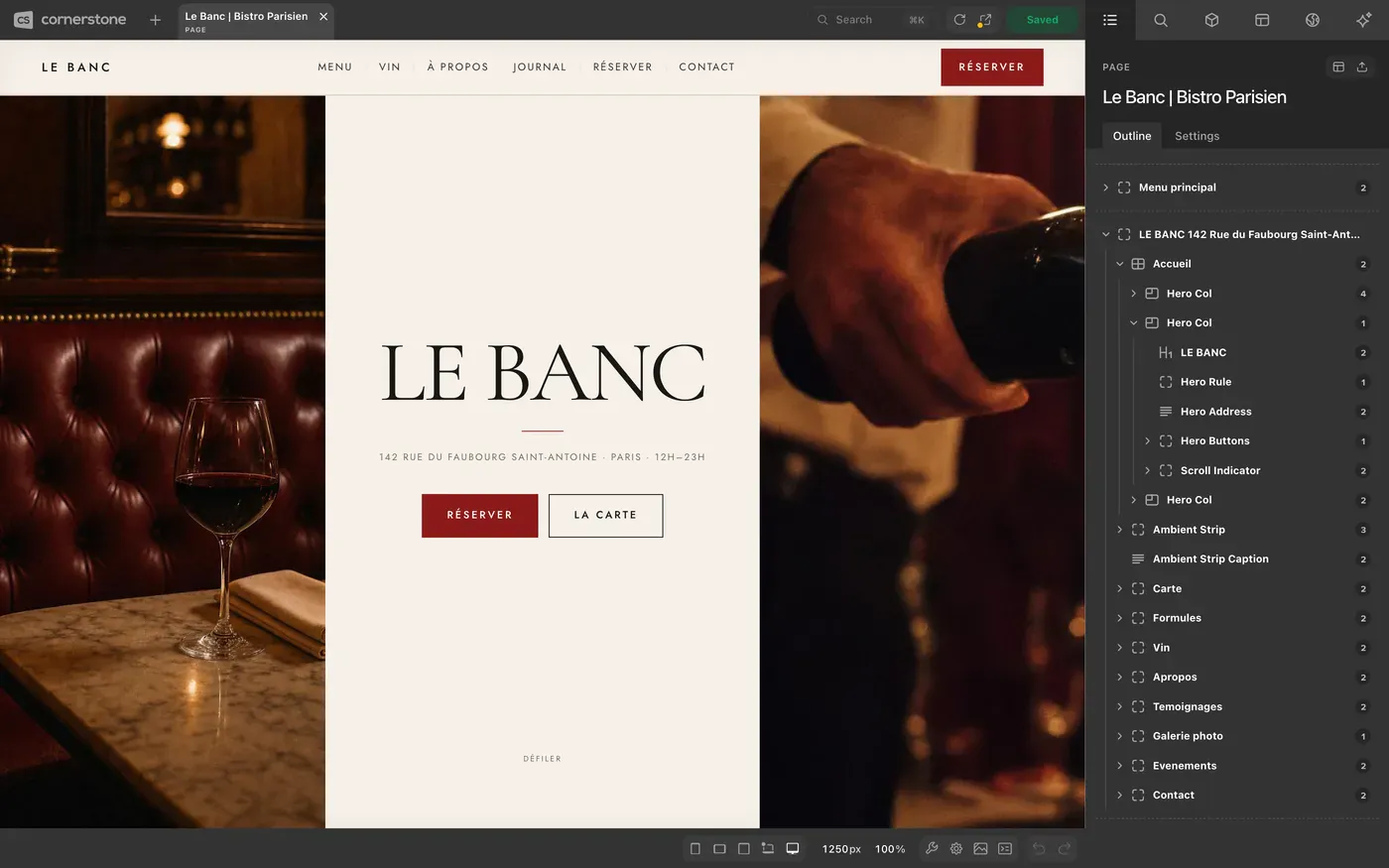
Make every rouge on Le Banc a deep green.
get_globalsColor Rouge is #8b1a1aupdate_globalsChanged 3 colors3 pages changed by 1 call. No credits.
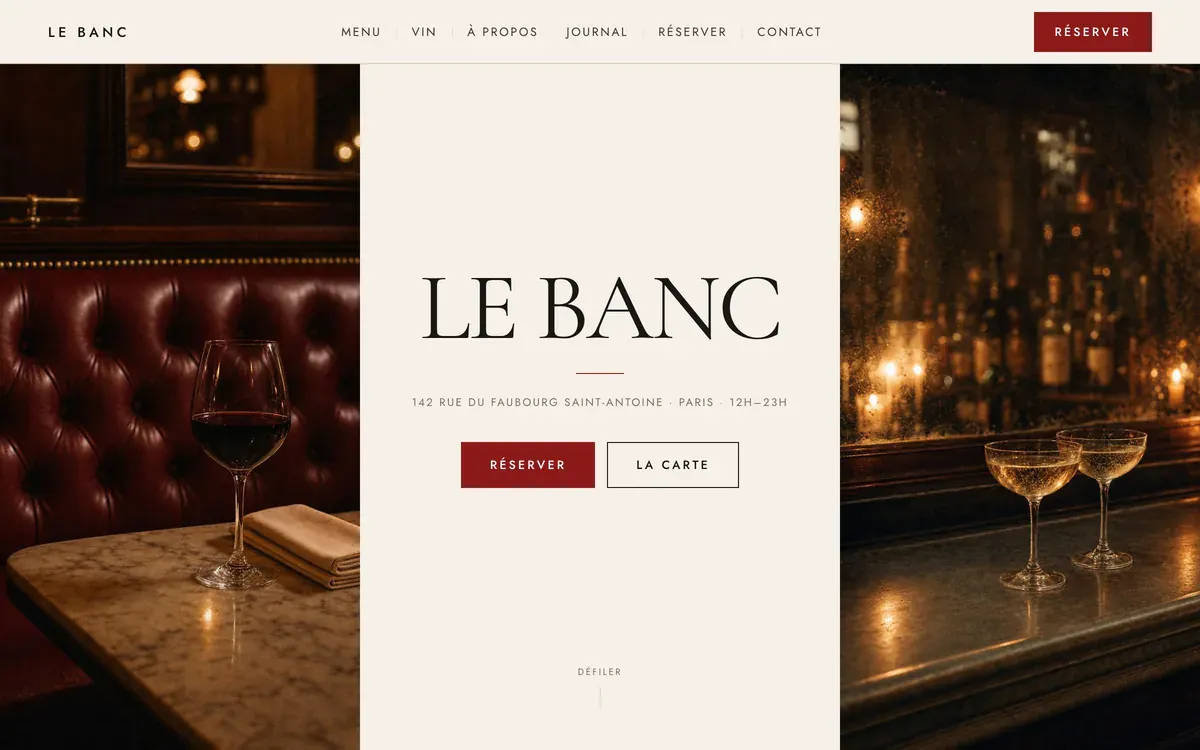
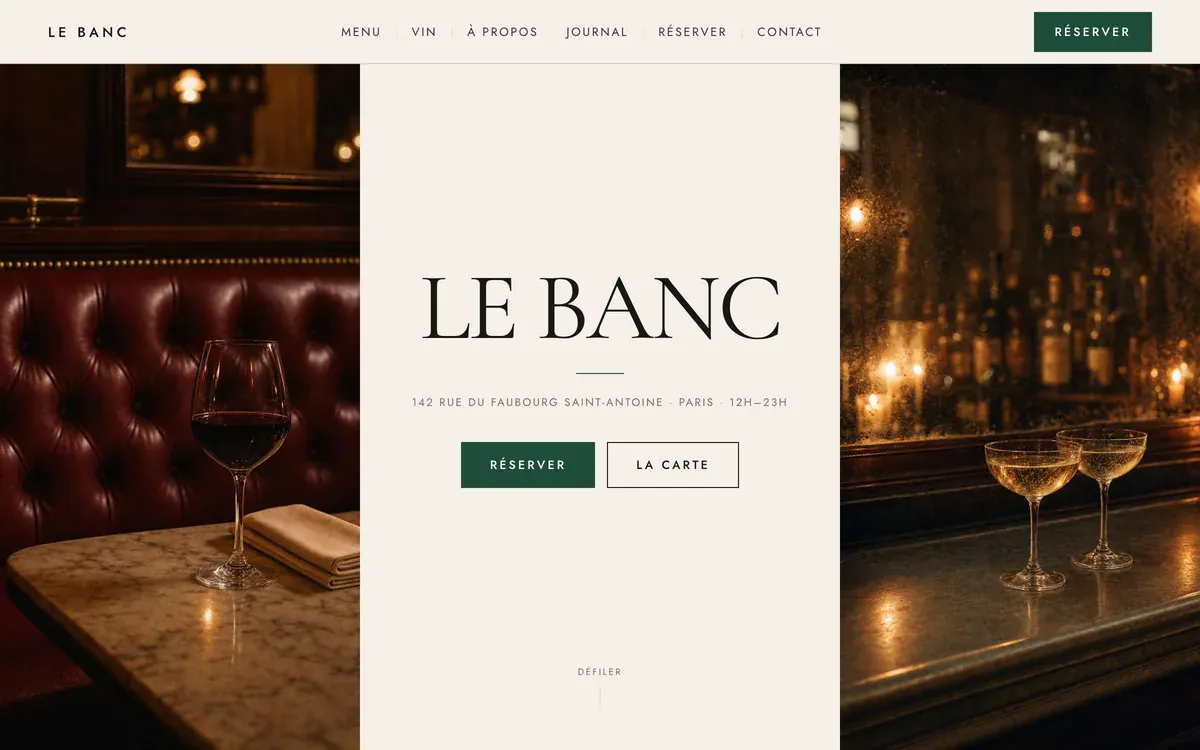
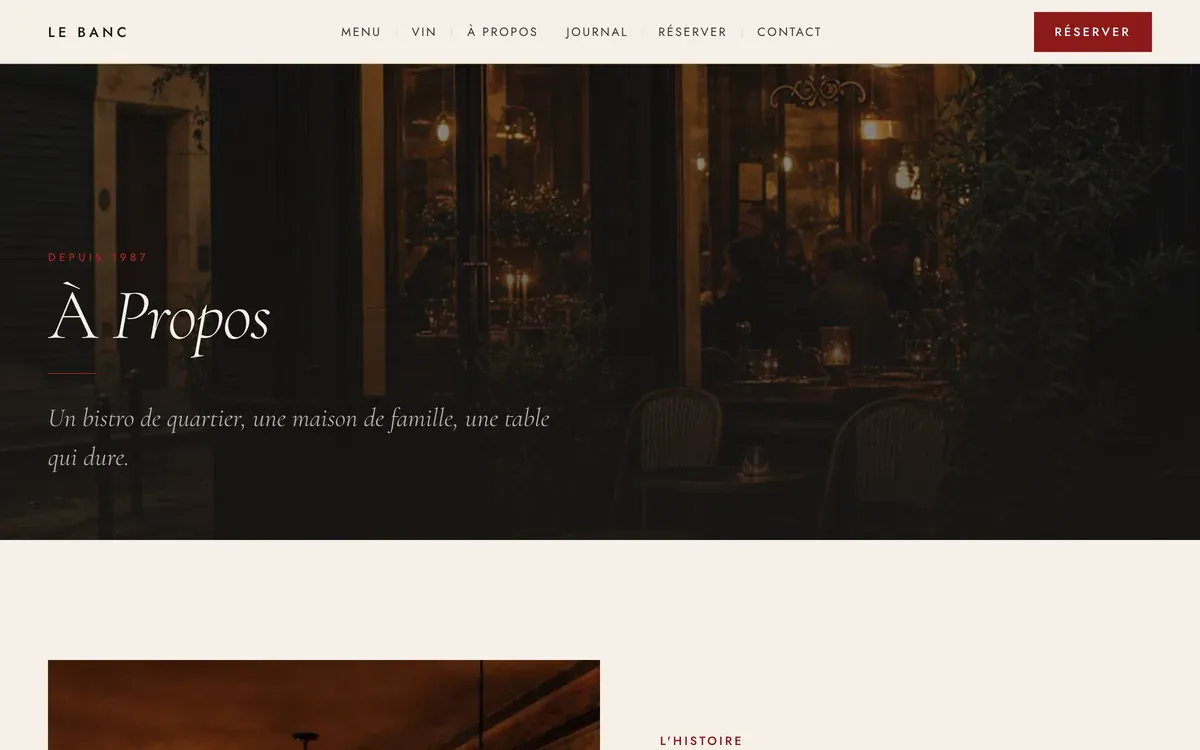
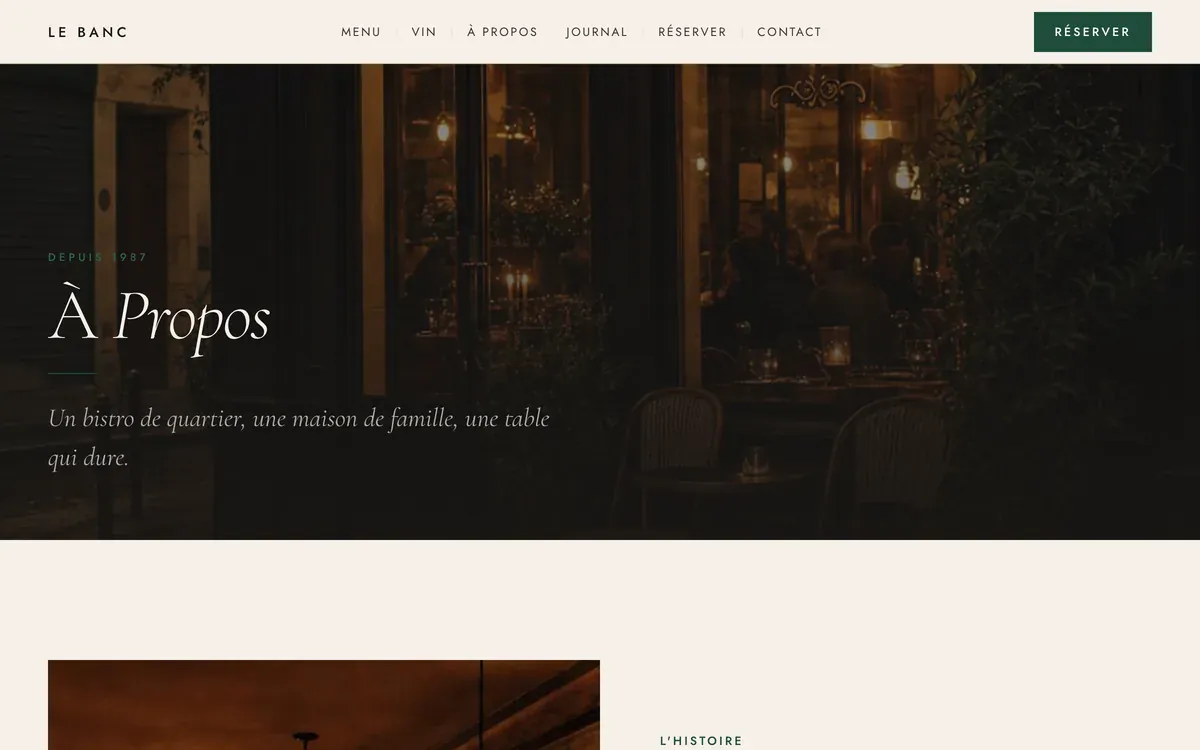
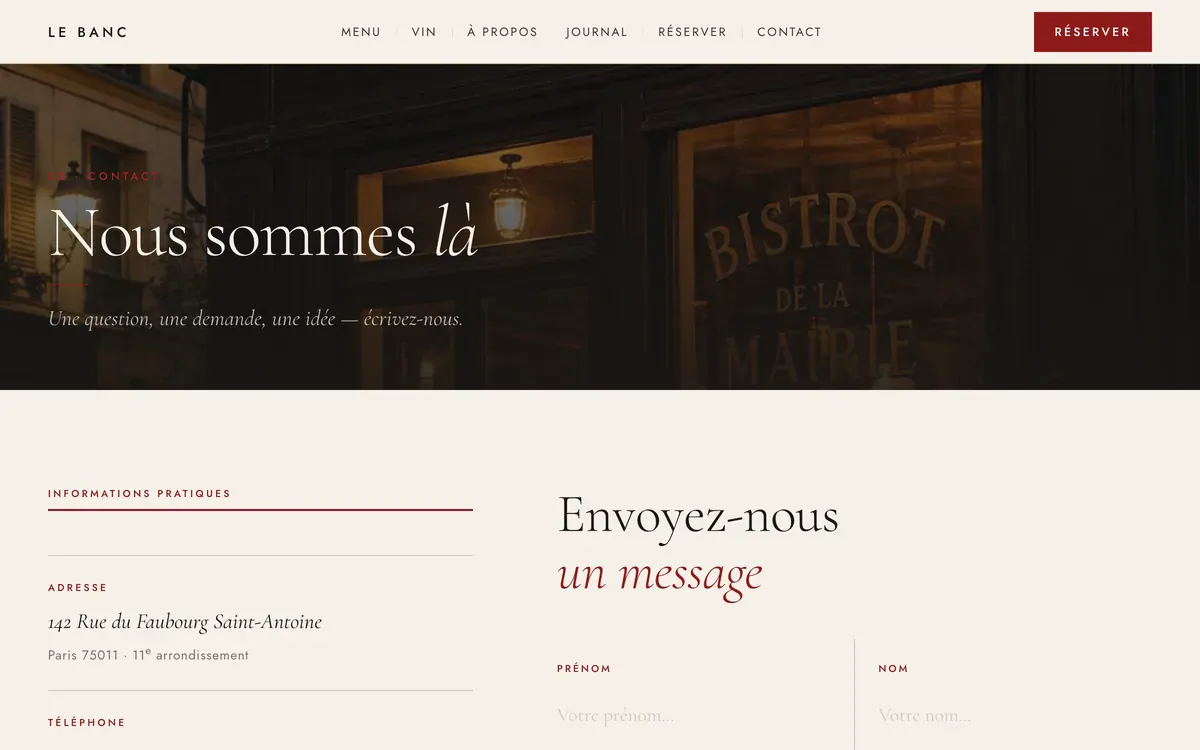
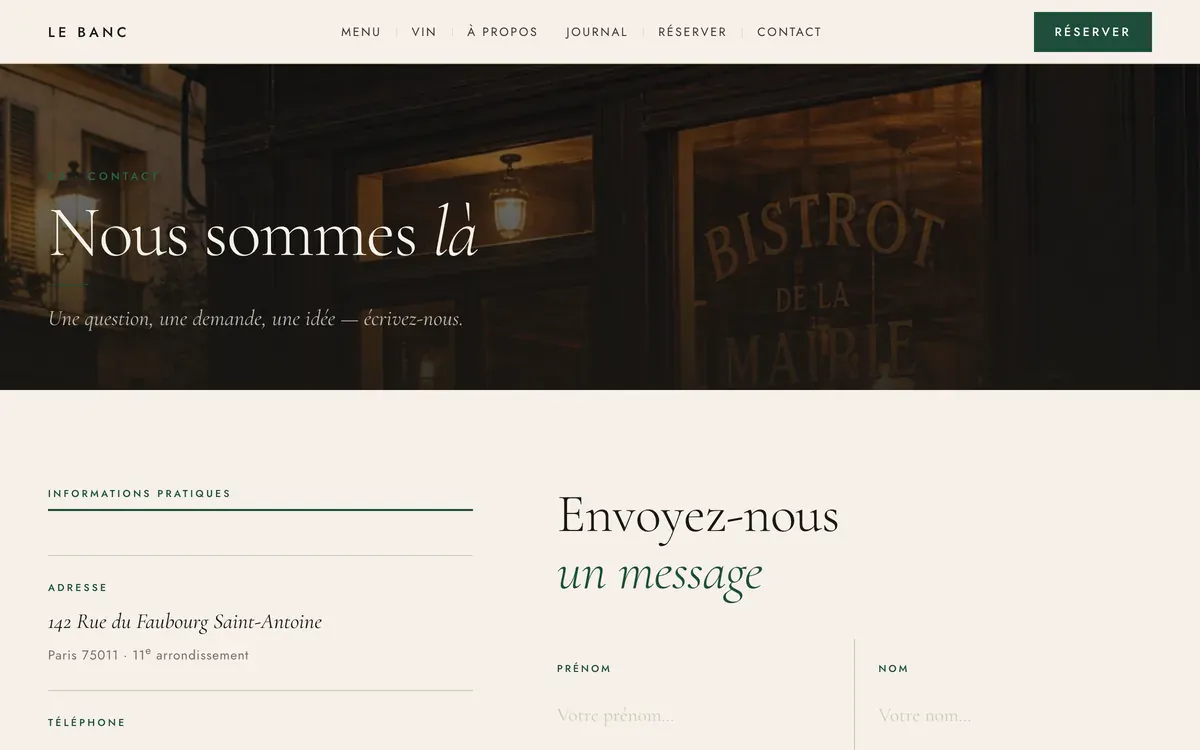
Update shared colors, fonts, Headers, and Footers from your app. Changes to a Global reach every page using it. For edits across multiple pages, bulk_update previews the changes before you apply them.
One Global update, reflected across all three pages.
Quick setup
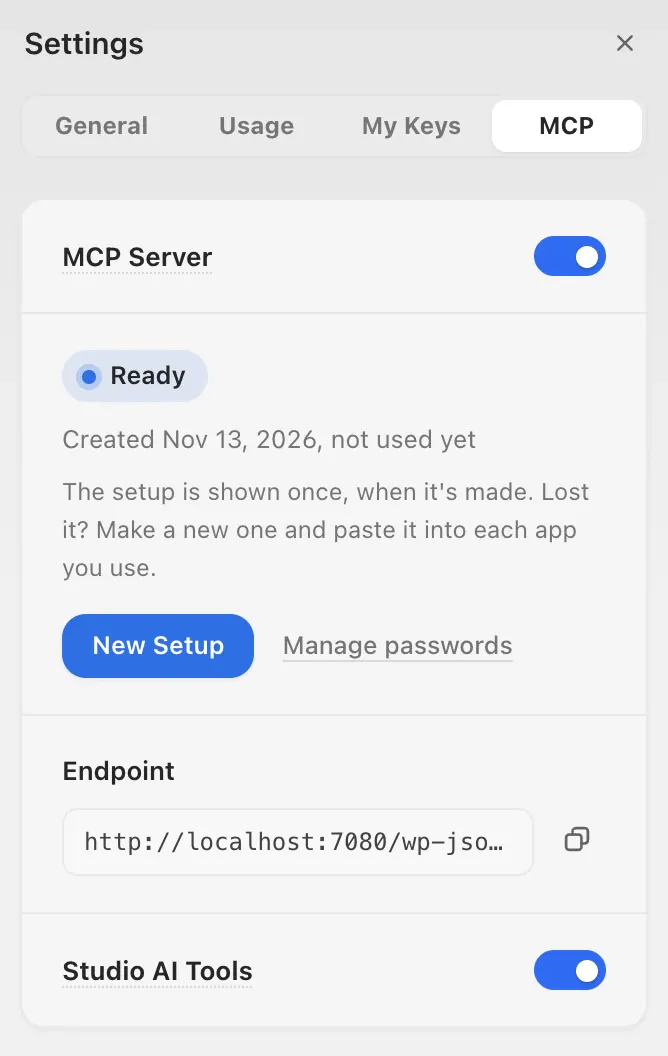
Create a connection in CSAI, then paste the setup into your AI app.
1Create a connection
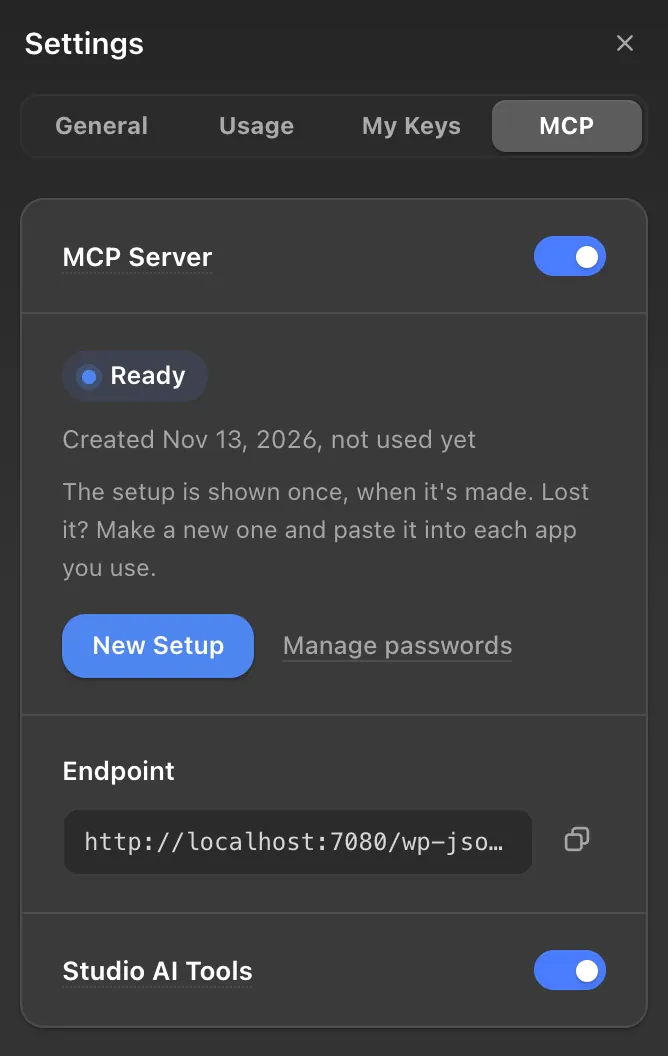
In CSAI, open Settings > MCP and select Create Connection. This creates an Application Password for your account and a setup for your AI app.
2Paste the setup into your app
Copy the setup into your AI app. Your site’s address and Application Password are already filled in, and the password is shown only once.
Terminal
claude mcp add --transport http cornerstone \
  'https://example.com/wp-json/cornerstone-ai/v1/mcp' \
  --header 'Authorization: Basic xxxxxxxxxxxxxxxx'
Run this command in a terminal.
claude_desktop_config.json
{
  "mcpServers": {
    "cornerstone": {
      "command": "npx",
      "args": [
        "-y", "mcp-remote",
        "https://example.com/wp-json/cornerstone-ai/v1/mcp",
        "--header", "Authorization:${CS_AUTH}"
      ],
      "env": { "CS_AUTH": "Basic xxxxxxxxxxxxxxxx" }
    }
  }
}
Add this to claude_desktop_config.json (Settings > Developer > Edit Config), then restart Claude. Needs Node.js.
~/.codex/config.toml
[mcp_servers.cornerstone]
url = "https://example.com/wp-json/cornerstone-ai/v1/mcp"
http_headers = { "Authorization" = "Basic xxxxxxxxxxxxxxxx" }
Add this to ~/.codex/config.toml. The Codex CLI and IDE extension share it. Run codex mcp list to check it.
Terminal
copilot mcp add --transport http cornerstone \
  'https://example.com/wp-json/cornerstone-ai/v1/mcp' \
  --header 'Authorization: Basic xxxxxxxxxxxxxxxx'
Run this command in a terminal. It saves the server to ~/.copilot/mcp-config.json.
~/.cursor/mcp.json
{
  "mcpServers": {
    "cornerstone": {
      "url": "https://example.com/wp-json/cornerstone-ai/v1/mcp",
      "headers": { "Authorization": "Basic xxxxxxxxxxxxxxxx" }
    }
  }
}
Add this to ~/.cursor/mcp.json, or .cursor/mcp.json in a project.
MCP config
{
  "mcpServers": {
    "cornerstone": {
      "type": "http",
      "url": "https://example.com/wp-json/cornerstone-ai/v1/mcp",
      "headers": { "Authorization": "Basic xxxxxxxxxxxxxxxx" }
    }
  }
}
For apps that connect over HTTP. Key names vary by app.
All set? Ask your app to list the pages on your site. Looking around is free, so explore before you change anything.
Our CSAI plugin is now Cornerstone MCP. Install and activate it alongside Cornerstone on your WordPress site to connect your AI app and use the tools shown on this page. You can buy the plugin on its own or get it with any Cornerstone plan.
Claude Code, Claude Desktop, Codex, GitHub Copilot CLI and Cursor each get a ready-made setup. Any other app that connects to MCP servers over HTTP can use the general one.
You sure can. Your AI app can call Instant Builds to convert a full web page into editable Cornerstone Elements, or use Studio to generate layouts and images. Import a design, create something new, and keep building through the same MCP connection.
No. You don’t need our AI Credits to read, build, or edit your site through MCP. They’re only used when you call Studio’s AI tools. Instant Builds uses your build balance instead. Your AI app’s own charges are separate.
Administrators. Each connection signs in as one account with an Application Password. Replace the connection and every app set up with the old one stops working until you paste the new setup.
No. A write has to carry the checksum the app read. If anyone saved the document after that, the write is refused and the app reads it again.
Every write returns the operations that undo it, so you can ask the app to put it back. Pages and posts also keep the previous version as a revision you can restore.
Yes. WordPress offers Application Passwords over HTTPS or on a local site, and the setup for a local address includes what the app needs to connect to it.
It reads the page's Elements and can ask for its rendered HTML. There is no live preview unless the app has a browser of its own, and changes show in the builder the next time the page is opened.
Cornerstone MCP launches the week of November 30, 2026. Pre-order the standalone plugin or get MCP with a Cornerstone plan.
Standalone plugin
Give your AI direct access to Cornerstone to build pages, refine layouts, and make changes.
One-time purchase. Unlimited sites.
Requires Cornerstone on your WordPress site.
Complete toolkit
Get access to all Cornerstone Builder features including Studio, Instant Builds, MCP, and more.
Lifetime & subscription plans available.
Compare plans, billing options, and everything included.


