Hello @rkassebaum,
Thanks for writing to us.
Please ensure that you are using a Pro custom Header. You need to create a Pro custom Header from the Header builder and then insert the Header template into your custom Header. Please have a look at the screenshot given below.
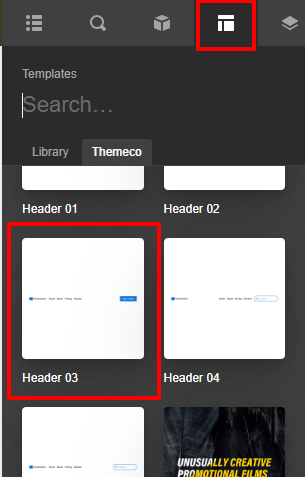
In case you have not seen the header builder doc please have a look at it to learn more about how to create Pro Custom Header.
After creating the custom Header you need to go to the Header bar—>Navigation inline element.
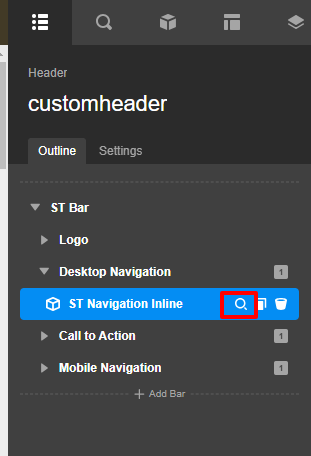
You need to select the menu from the select box which you have created from the WordPress menu
Hope it helps
Thanks

