Hey @RendallN,
We’re sorry for the inconvenience.
You’re using the Pro Header and the demo uses the Original Header which includes the Portfolio filter as well as the title.
You can add the filter to your header using this shortcode [x_portfolio_filters]. Below is what you’ll get if you’ll add a Bar and add a Content Area element with the filter shortcode in it. You need to style the bar a bit.
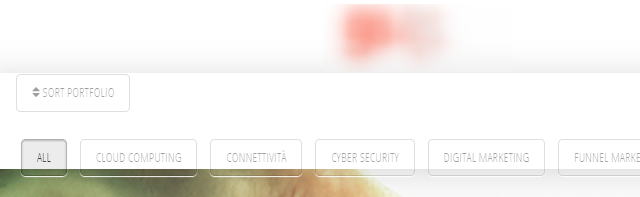
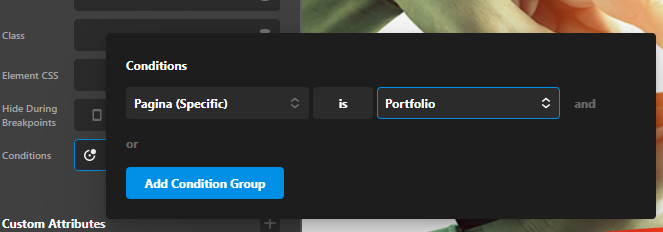
For the title, you can add a Headline element and set your own text. Then, you can set it to display only on the portfolio page by setting the element’s Condition. To learn more about Conditions, please see https://theme.co/docs/conditions-and-assignments
Your Condition setup should look like this: Page (Specific) is Portfolio
Regarding the delay in response, we’re sorry about this but the forum is currently busy or we’re receiving a high volume of queries because we’ve just released a major update. Once new questions already have an answer, response times will go back to normal.
Hope that helps and thank you for understanding.
