Hello @LucyKeile,
Thanks for writing in! You can only accomplish what you have in mind if you use the latest version of Cornerstone (5.0.7) or Pro Theme (4.0.7). Please do the following:
1.) Edit your post in Cornerstone or Pro Editor
2.) Remove your classic video player.
3.) Insert the new DIV element.
4.) Use the <a> as the tag for the DIV element
5.) Add a child to the DIV element and use the video element.
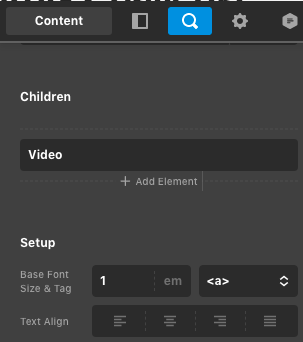
6.) Insert the video URL in the Video child element
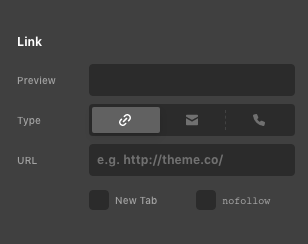
7.) And lastly, please do not forget to add the link you want to user to be redirected to in the DIV element.
Hope this makes sense.
