Subject: Cornerstone saves successfully but desktop frontend stops rendering after one section
Hello Themeco Support,
I have a serious issue with my homepage built in Pro/Cornerstone.
The affected page is WordPress page ID 950 and is configured as the site’s static homepage.
Problem:
- In Cornerstone, the complete page is present: approximately 104 sections.
- On the published desktop/laptop frontend, the page stops after the section named “B - Met je eigen groep koken.”
- The mobile version has worked at times, while the laptop version fails; after editing mobile, the behaviour has sometimes reversed.
- Clicking Save in Cornerstone shows “Saved Awesome,” but changes are not reflected on the published website.
What I verified:
- The public homepage is definitely page ID 950.
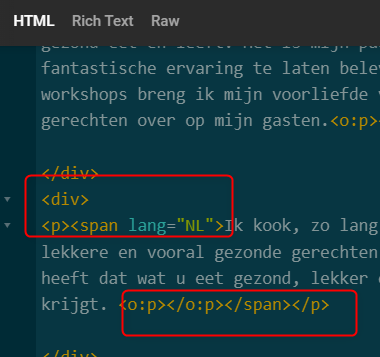
- The published desktop HTML contains only 31 Cornerstone sections and does not contain the text “Met je eigen groep koken,” despite the section being present in the Cornerstone editor.
- WP Fastest Cache was cleared and temporarily disabled; minification is already disabled. No change.
- Cornerstone cache was checked/cleared. No change.
- The page uses Shortcode Storage.
- PHP settings are:
- memory_limit: 512M
- max_execution_time: 300
- max_input_time: 300
- post_max_size: 256M
- upload_max_filesize: 256M
- In the Cornerstone editor console I see:
TypeError: i is not a function
in cornerstone/assets/js/app.react18.7.8.12.js
Versions:
- Pro: 6.8.12
- Cornerstone: 7.8.12
- WordPress: 7.0.4
Could you please advise why the editor accepts the save but the frontend source is not regenerated/updated, particularly for the desktop sections after “B - Met je eigen groep koken”?
Sit is studioroosmarijn.nl
Thank you.