I am having trouble figuring out how to put a button over an image. any help would be appreciated thank you
Hello Brandon,
Thanks for writing in!
If you use image and button element, it will just be displayed below each other. I would recommend that you make use of the image as a background image for your column, add a gap element and then the button element. If you are not seeing the background options for the columns, you may need to enable it. To turn ON the Advanced Mode, please go to the Settings > Preferences > Advanced Mode


Hope this helps.


Hey Bryan,
Use a gap element to set a minimum height for your column. The gap element will serve as the extra space before the button will display.
Hope this helps.
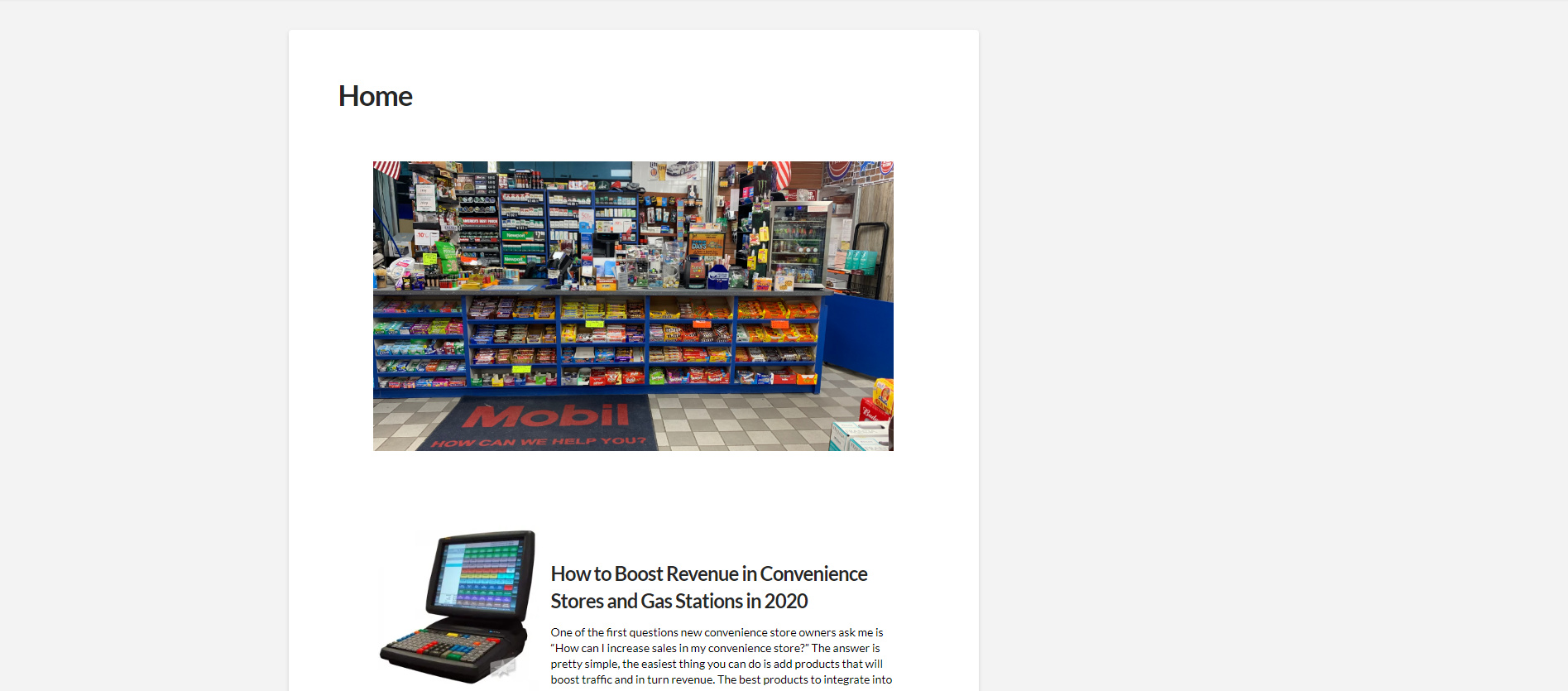
Can you tell me how I can make my content take up the whole page not just like half?
Hello Bryan,
Please change your page template from default to Blank - No Container | Header, Footer.
For more details about the different page templates in the theme, please check this out:
Hope this helps.
This topic was automatically closed 10 days after the last reply. New replies are no longer allowed.