XPro's (Contentbuilder) not working anymore... huge issue

Hey Team,

I am experiencing a huge content Builder issue. I researched the forum but found nothing similiar to this.
After a weekend (no updates or sth.) i logged into the Backend of Wordpress and wanted to start editing an existing site.

But the contentbuilder doesnt load anymore. First of all I had the issue that Cornerstone wasnt displaying columns and CSS propably.

I deactivated every Plugin, so X Pro is running standalone right now.
No changes.

I have absoluty no idea what could have happen and how to fix it.

Im very interested in your solution.

  • Danny, part of Calvin Hollywood

Hi there,

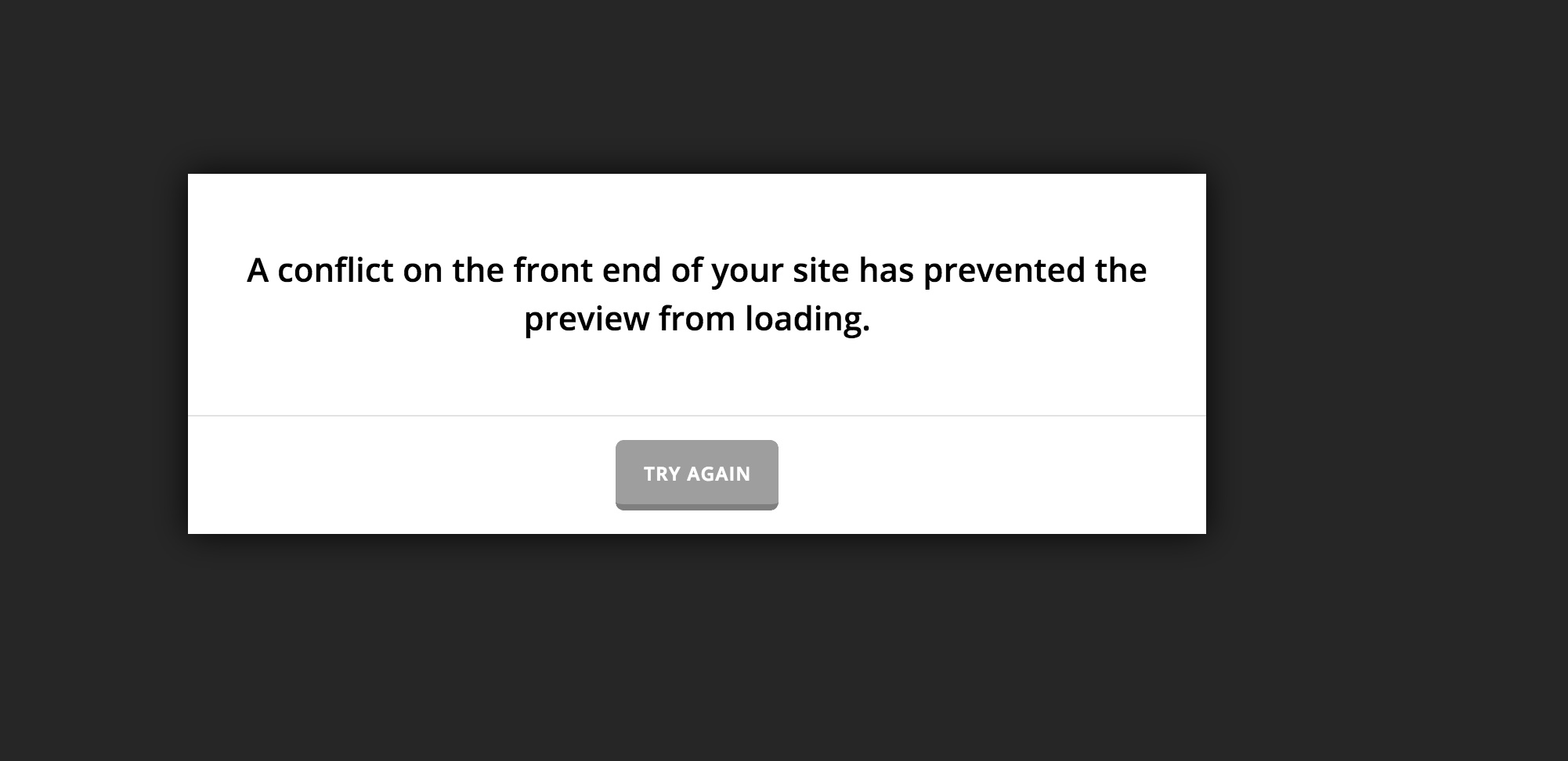
I tried to access your WordPress dashboard for further investigation but unfortunately, I encountered this error:

The conflict error that you are encountering can be caused by several different reasons, I will try to explain them one by one so you can rule them out by testing your environment:

  • Make sure that you have enough PHP memory limit settings, to do so you need to contact your hosting service provider and ask them to increase the settings from their side and also you do it on the WordPress, for more information:

https://theme.co/apex/forum/t/troubleshooting-customizer/196
(Not Working or Showing a White Screen section.)

  • Check for any kind of cache plugin or service that you may have on your installation, clear all the caches and turn off performance services such as CloudFlare if you are using such services, for more information:


https://xthemetips.com/using-cloudflare-rocket-loader-with-x-pro-and-x5/928/

  • Contact your hosting service provider and make sure that they exclude builders URL’s from the mode security settings, for more information:

If you still have problems regarding the conflict in the Builder please kindly get back to us with the correct URL which we need to use to access your WordPress dashboard using the secure note functionality of the post.

Thank you.

Hey, thanks a lot for writing in.

I deactivated every caching plugin and checked the memory site it is 512M.

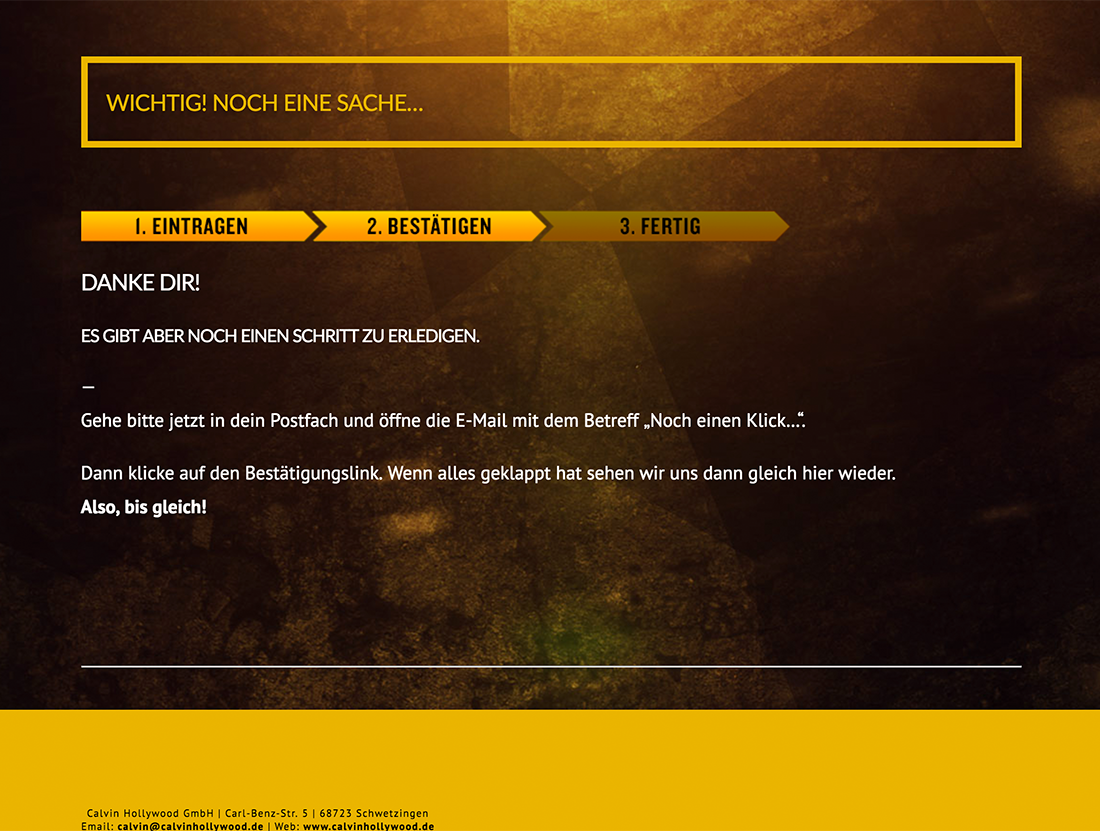
It seems to be that the themes default css is not loading propably. No columns no standart css.

Pretty strange.
I post you a screenshot of it and provide you the correct login data.

(Everything should be centered)
Link to this page is: http://calvinhollywood-lp.de/email-bestaetigen/

/EDIT/
In the meantime I have no idea how that could happen but the builder is now loading. But without css and columns. Like you see in the screenshot.

EDIT AGAIN
I have absoluty no *** clue. But the site is now working fine. Wtf is happening?

Hi,

I checked and I can confirm that it is working fine now.

Please note that you need to clear cache first before deactivating the cache plugin. If you deactivate it without clearing, the cache is still there.

The cache updates after some time depending on the settings, that might have corrected the issue.

Thanks