WPML not working anymore

Hi There!

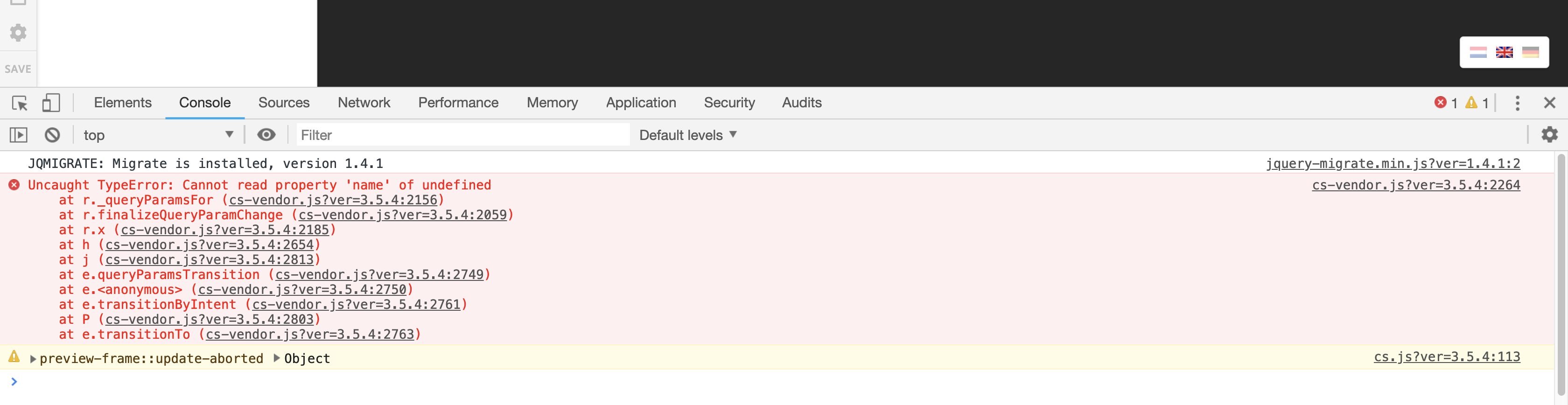
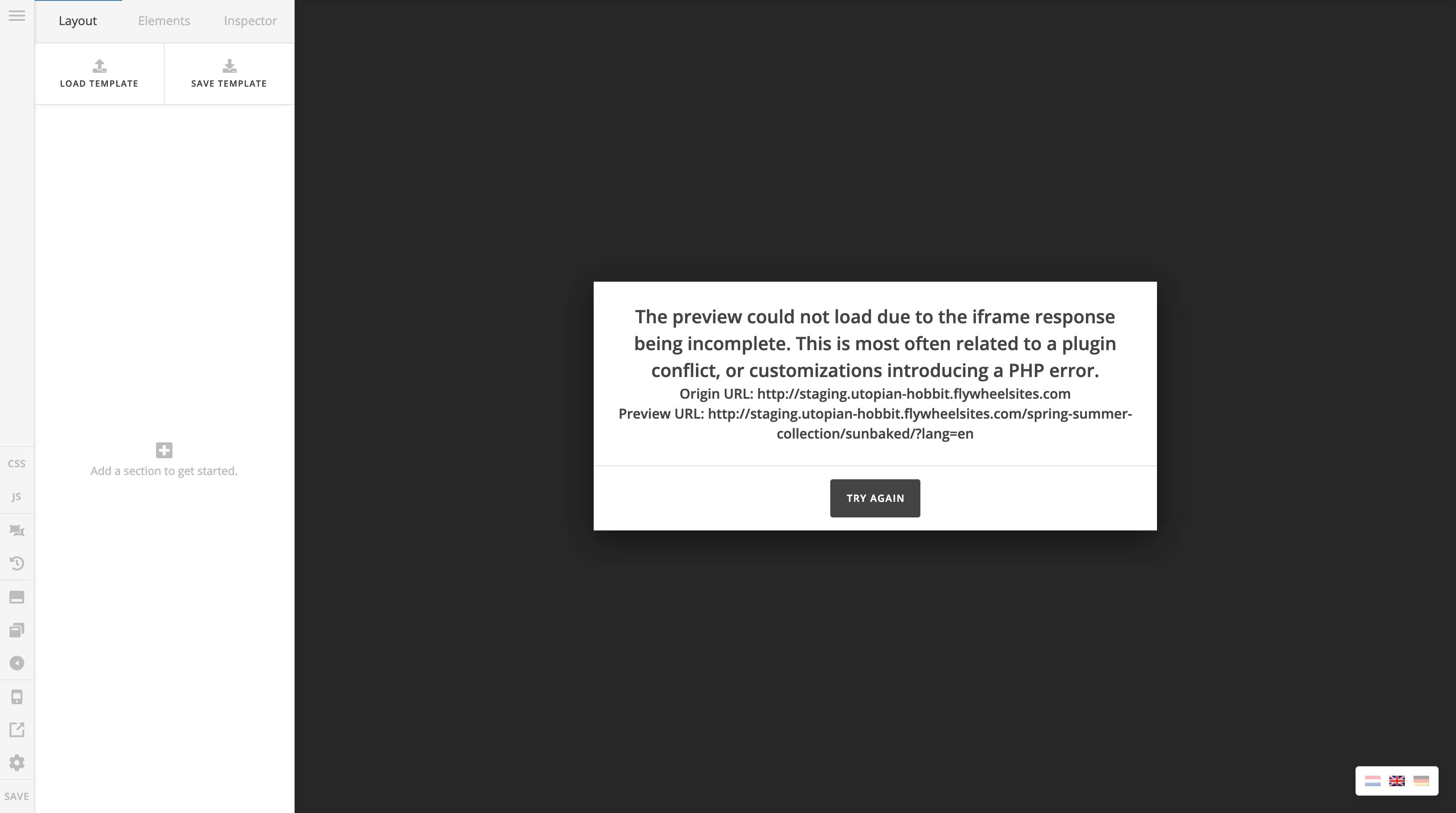
WPML in combination with pro is not working anymore. We can edit pages in Pro in the original language, but the translated versions are causing an error (see screenshot). We have setup a staging environment, deactivated all plugins and made sure everything is fully updated (problem still there). There are also errors in the console (cornerstone related).

Any ideas?

Thanks!
Hey Tim,

Regretfully, there is a known conflict with the latest version of WPML if WPML String Translation is used. The solution for now is to downgrade to these versions:

  • WPML Multilingual CMS - 4.0.6
  • WPML String Translation - 2.8.6
  • WPML Translation Management - 2.6.7

There’s currently no timeline as to when this will get fixed.

We’re sorry for the inconvenience.

Hi Christian,

I have downgraded the wpml plugins and I can confirm the problem still exists…

What now?

I’d like to check your staging site again but the credentials no longer work. Please check and also provide the staging’s FTP or cPanel access.

Thanks.

Hi Christian,

I have updated the login credentials, they should work again. The sFTP credentials are in the secure note.

Thanks!

Hi Tim,

Upon checking, your WPML is not properly configured for the builder anymore. Please check https://theme.co/apex/forum/t/wpml-issue/48740. You can compare that setting on your current setup, I like to go ahead and change it but may I know how it was translated?

That’s because if it’s translated through translation manager/editor like from here https://wpml.org/documentation/translating-your-contents/advanced-translation-editor/ then it will be wiped out once you translate it manually using the builder. I assume you have updated from older version of cornerstone and WPML.

Thanks and let me know.

Hi Rad,

This did the trick. Thanks so much for this great support!

On behalf of my colleague, you’re welcome. Cheers! :slight_smile:

This topic was automatically closed 10 days after the last reply. New replies are no longer allowed.