Hi
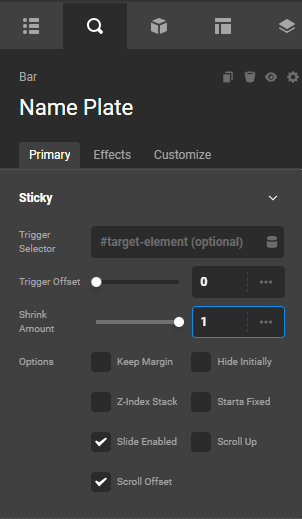
I’m trying to have 2 bars in the header sticky. Bar 1 contains the logo. It needs to shrink on scroll.
I set the “shrink amount” to 0.7
The logo stays the same size. I found another forum topic that suggested adding CSS to the element holding the image to make it smaller. It is smaller. BUT - the element doesn’t center vertically on the bar. It’s sitting below the bottom of the bar, cut off.
Also, the sticky bar (Bar 2) below has a gap between the first sticky bar.
I’m not sure how to make it so that both Bar 1 and Bar 2 are sticky, but Bar 1 and the contents (logo image) gets smaller while still keeping the logo centered vertically in Bar 1 and there’s no gap between Bar 1 and Bar 2 when scrolling.
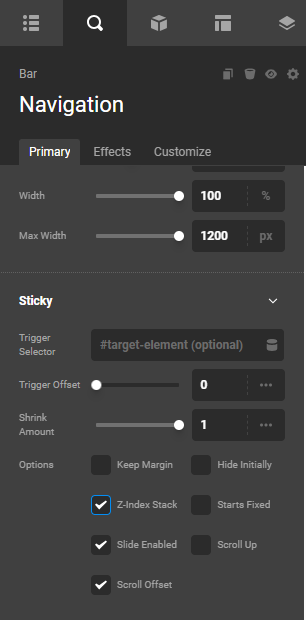
BAR 2 SETTINGS

BAR 1 SETTINGS
!

CSS to make logo image smaller on scroll
!

Gap between Bar 1 and Bar 2 on scroll