New Table element : Sticky header seems to not work properly

Hi @Themeco team,

i’ve just finished to playin’ around an offers comparator with the new Table Element (in CS).
The element works quite well, but i struggle to make the sticky header option works !

Is there any required settings to make it work ?

As i understand it, if the Table Element contains a Head & Body Sub-Elements and this option enabled, the header would “slide” over the table—like a sticky header—is that right?

Thank you in advance for your answers.

Florian

PS : Screenshot to better understanding

Capture d’écran 2026-08-07 à 16.53.34

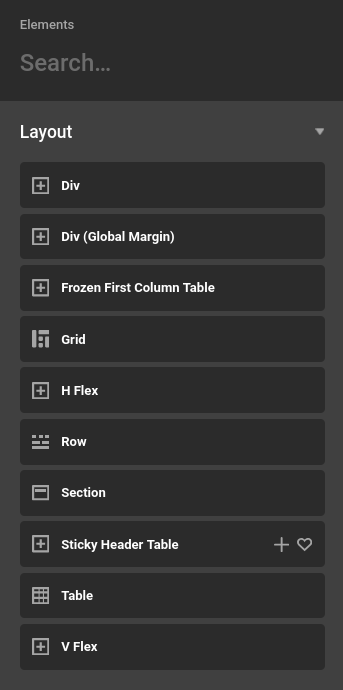
There is a prefab called “Sticky Header Table” that can help you out here. The table needs a wrapping element that has a specific height in order to work properly here. The Data Tables Max plugin also can help with this setup and you should check it out. Let us know if this helps and have a great day.

1 Like

@charlie

i see, so there is a sticky header element where we can put all the table and set the header with height… and the classic table who need a wrapper with a specific height (and the active option).

it works fine now, thank you !

Yes i can see the value of Data Tables CS extension, and i’ll probably take it as soon as i need to manipulate datas.

Have a good day

Florian

Hello Florian,

You’re very welcome! I’m glad you got it working.

Thanks

1 Like

This topic was automatically closed 10 days after the last reply. New replies are no longer allowed.