Hello, I am using two very short (5sec) mp4 graphics on this page. But having an issue with them working properly. Originally I did the following:
- Used Image element and to get the mp4 to show up properly I went to add image, selected videos from the drop down, copied the URL (this is one of them: https://aoec.ca/wp-content/uploads/2020/04/BIPOC-2020-OCT-23-SAVE-THE-DATE-2.mp4) and then went to Insert from URL and pasted it there.
When I do it this way it shows up fine on Safari and mobile. But in chrome it shows up as a broken image. Is there a way to get this to work on Chrome too?
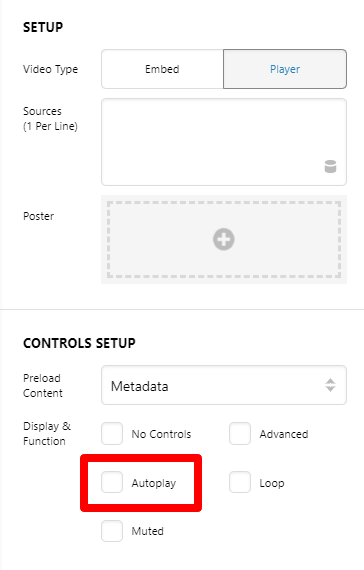
I also tried using Classic Video Player, which is how it is setup right now. It seems to work okay on Safari (doesn’t always load the bottom graphic though), but on Chrome you have to click on the image to get it working (for the arrows to show up).
Would you be able to advise which element I can use so that the videos work on all platforms?