Issue Displaying Cornerstone Content

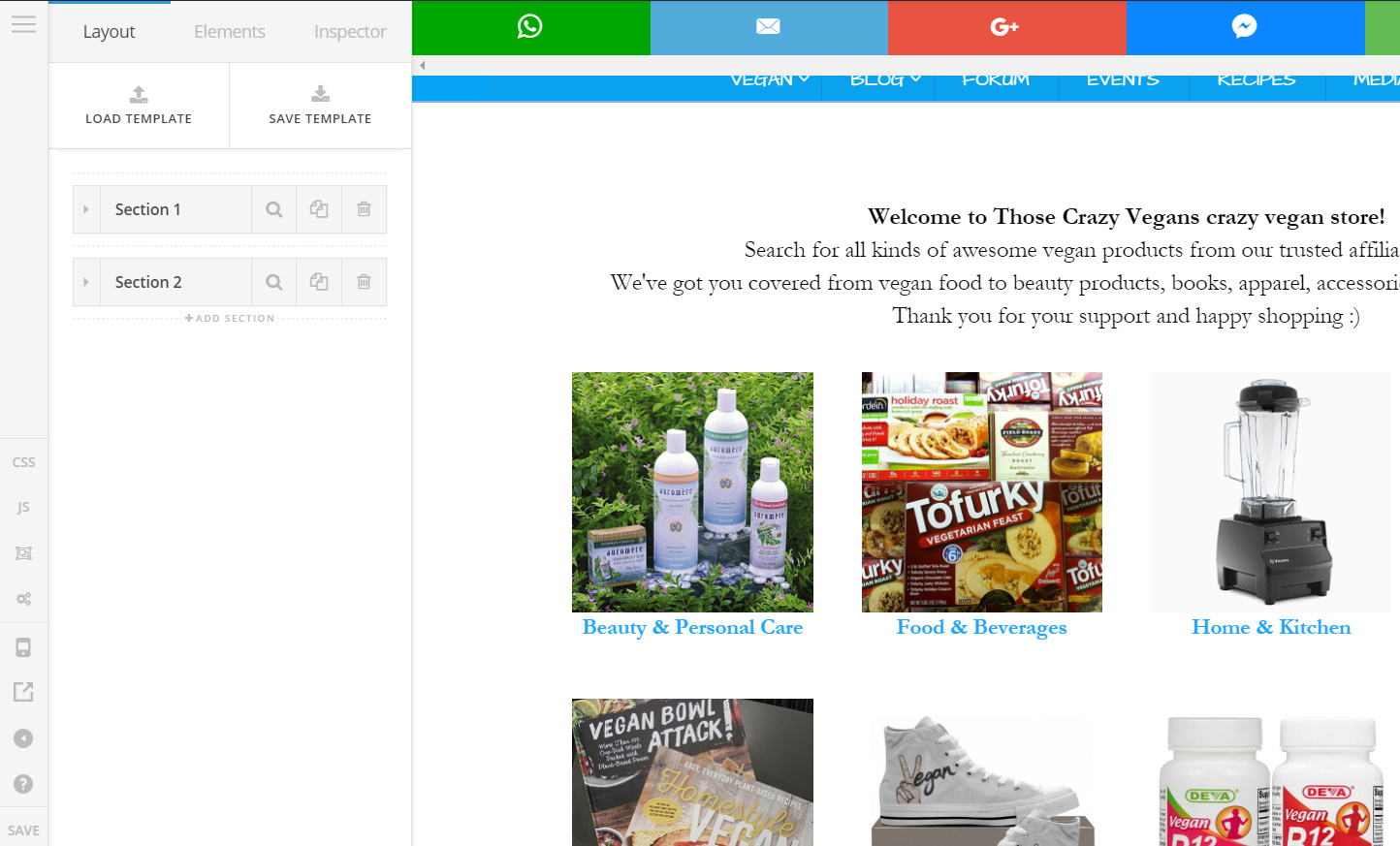
hello. I have an issue for awhile displaying content to the right of Cornerstone. It works for my friend on his end, but not for me. It almost always happens. Sometimes I get an error message popping up as well. I cleared my cache, I tried multiple browsers and even my phone and same issue. I tried different ISP providers and IP addresses and still same issue. Thanks. https://www.thosecrazyvegans.net Screenshot and secure note.

same page as the screenshot https://www.thosecrazyvegans.net/store

Hello @michaellanfield,

Thanks for asking. :slight_smile:

Cornerstone seems to be working fine on my end. Please see screencast. https://cl.ly/2t0v0U0K2K2c

Thanks.

Yea for some reason it just doesn’t work for me for some reason and I am getting frustrated with my computer. arrrrrhhhhh

Hi again,

I also tested your shop page by editing in Pro builder and it works on my end too (see screenshot)

Please check your browsers and update them to the latest versions and see if this resolves the issue. Try latest version of Chrome (incognito mode)

Thanks!

It doesn’t work for me, I will try incognito mode in Chrome

Let us know if this works for you!

Thanks

It works only sometimes. Sometimes it does not load.

Hi There,

Also works on my end, would you mind sharing to us, what machine you’re in and what browser/version so we can try to replicate the issue. And do you have any browser Add-ons? Would you mind deactivating all your browser add-ons for a while and test the site.

Thanks,

I tried deactiviating all plugins and removed my global CSS. No luck. Maybe it was my cloudflare. I removed it and see what happens after 4 hrs they said should take affect. I heard Cloudflare could be the issue. I am using various browsers but Google Chrome for example doesn’t work. Doesn’t work in Opera as well. All latest versions. Windows 10, Acer PC.

Hi There,

I tested your site (Cornerstone) in Windows 10 PC and it works fine as well (see screenshot).
Yes, this is more likely a caching related issue, please login back to your CloudFlare and clear entire caching / purge everything.

When you open CS and If you still encounter the empty page issue, do a hard refresh (Ctrl+f5 in windows).

Just to clarify, when I say browser add-ons, I am not referring to your site’s plugins. I am referring to browser extensions that you might have on your browser.

Thanks,

I am not sure. I tried everything. Sometimes it works and sometimes it doesn’t getting issues all the time.

Hello There,

Please make sure that your browser is up to date. For best results, please make use of the private browsing mode and test your site again.

Please let us know how it goes.

I tried. Everything is updated. I tried multiple browsers nothing. This is the hardest problem I’ve come across yet.

Hello There,

There seems to be a PHP time out on the page. Please contact your hosting provider and ask for assistance in increasing your PHP time limit. At the moment, it is set only at 30s, please increase it to at least 300s.

Please let us know how it goes.

I am doing that and see what happens

Thank you for your cooperation.

Okay so Bluehost did that for me. It kinda works sometimes, but sometimes still giving me that aggressive cache issue and popup sometimes.

Try increasing the max execution time to 600. Also ask your host if they have a built-in caching system and if they do, try requesting to temporarily disable it so you could compare the result with or without caching.

Thanks.

1 Like

I tried all this and still no luck. I see some people have the same issues on their ends.

Hi there,

Please consider that our Pro theme is installed in 1000 websites and it is typical to have such threads talking about the various problems, most of the problems are related to the environments of them. It will not help your case pointing out to them.

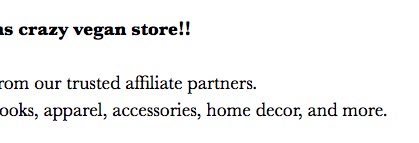
Now regarding your case, I did test the case again and I went to your store page and changed the welcome text and added an additional exclamation sign:

As you say that the problem is intermittent we could not recreate the issue to be able to help. In some rare cases, the slow loading of the page due to an internet connection and a slow hosting can result in a timeout. In such a case the message will appear about the caching. You just need to click on the reload the page.

In the new version of the theme, the timeout will be smarter and wait till the page loads completely. There is no ETA at the moment for the release. The release version will be 2.1.

Thank you.