I need some help in many small things, I don't manage to get started

I love the idea, the feeling and the performance of this theme, but wrapping my mind around it is proving to be much more difficult than anticipated.
I come from Divi, which I ended up disliking very much, so my tech is basic. I know how to modify CSS and so on but I would have a hard time coding a site.
Here is a list of things that I would expect to be able to do easily and I found myself wasting hours reading through the docs, finding out that I was reading how to do things in features I don’t have (because I have X, and yet the docs are for both)

  1. Make the text look nice in desktop view. I checked in mobile view, to find out that I want to change it ONLY for mobile. I still don’t know how to do that without fiddling with the CSS of that element, which takes a monumental amount of time for every text. So how do you do that?
  2. How do you tweak the sizes and options for one specific view without having to create duplicates of that thing and make it show in one and hide in all other views?
  3. I thought it was a good idea to have one of those full, parallax pictures with text in the centre and… Well I seem unable to figure out how to do that. how do you make something fullwidth!?
  4. tried to use my font Josefin sans and I set it up and guess what not working well, like how to make all H being font X and all content of font Y, consistently ? no idea.
  5. Is there a way to make one format for h1d, another format for h2f (different colour shadows etc) globally?
  6. How do you decide the order of elements within a row when in mobile? if I want the second element to show first on mobile, how do you go about getting that?
  7. how do you go about at making simple scroll animations and on hover animations like shown in the demos?

ANY help at any of these points, even to where the information I search (exactly) would tremendously help to deal with the ongoing frustration. so thanks in advance.

  1. https://theme.co/docs/typography

  2. Custom CSS

  3. Make sure you are using a template with no container and then turn off global container from the row you want to be full width.

  4. Theme Options related to typography or Custom CSS

  5. Yes, custom CSS, or styles but CSS is more efficient

  6. Again, custom CSS or Learn more about the Grid element

  7. Effects Menu on each Element

Good Luck!

@dabigcheeze
THAAAAAANNNNKKKK YOOOUUU Siiir!
I have a following question about number 3:
“Make sure you are using a template with no container” I am not sure what you are referring to. I am not using any layout template, I go about making sections and adding rows within them. I used Integrity stack (but I think you would have said stack instead of template). where do I gota look?
I took this step but it still keeps some margin to the right:


I coloured red for the section red and blue the column
Ive leared that messing with the margins leads to problems if there are already intended ways to do something
I cou

If you go up to the top on the left, you’ll see a gear icon. Click it and then select a page template. Blank - No Container | Header | Footer is my “go to” page template.

1 Like

As well, head to YouTube and run through the array of videos that ThemeCo has on their channel. Great resource to get up to speed and give you some practical ideas.

1 Like

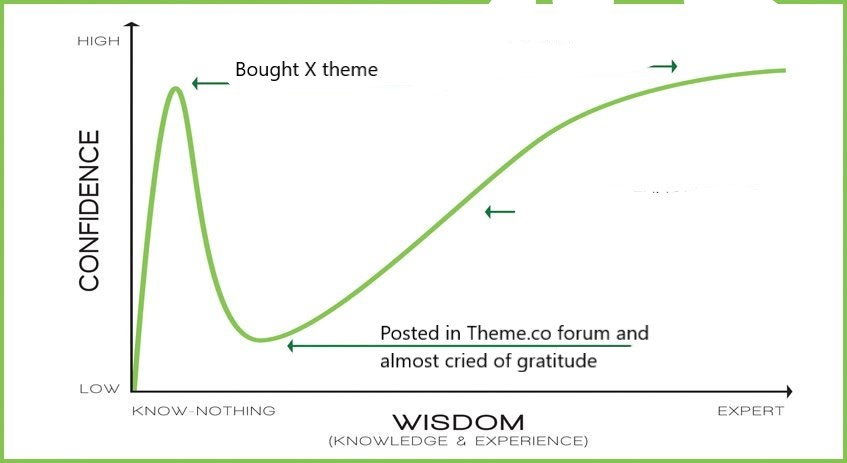
Thank you again I made you a meme

Hi Carlos,

Thanks for reaching out.

Just for future topics, self responding or someone bumping your post other from support pushes it back in our Queue system so it takes longer to respond to.

I guess all your questions were answered by @dabigcheeze. If you have any other concerns regarding our theme features, feel free to reach us.

Thank you.

This topic was automatically closed 10 days after the last reply. New replies are no longer allowed.