How to permanently disable New Post Options sections in sidebar? (Part 2)

So this is a continuation of this thread that was locked because it timed out:

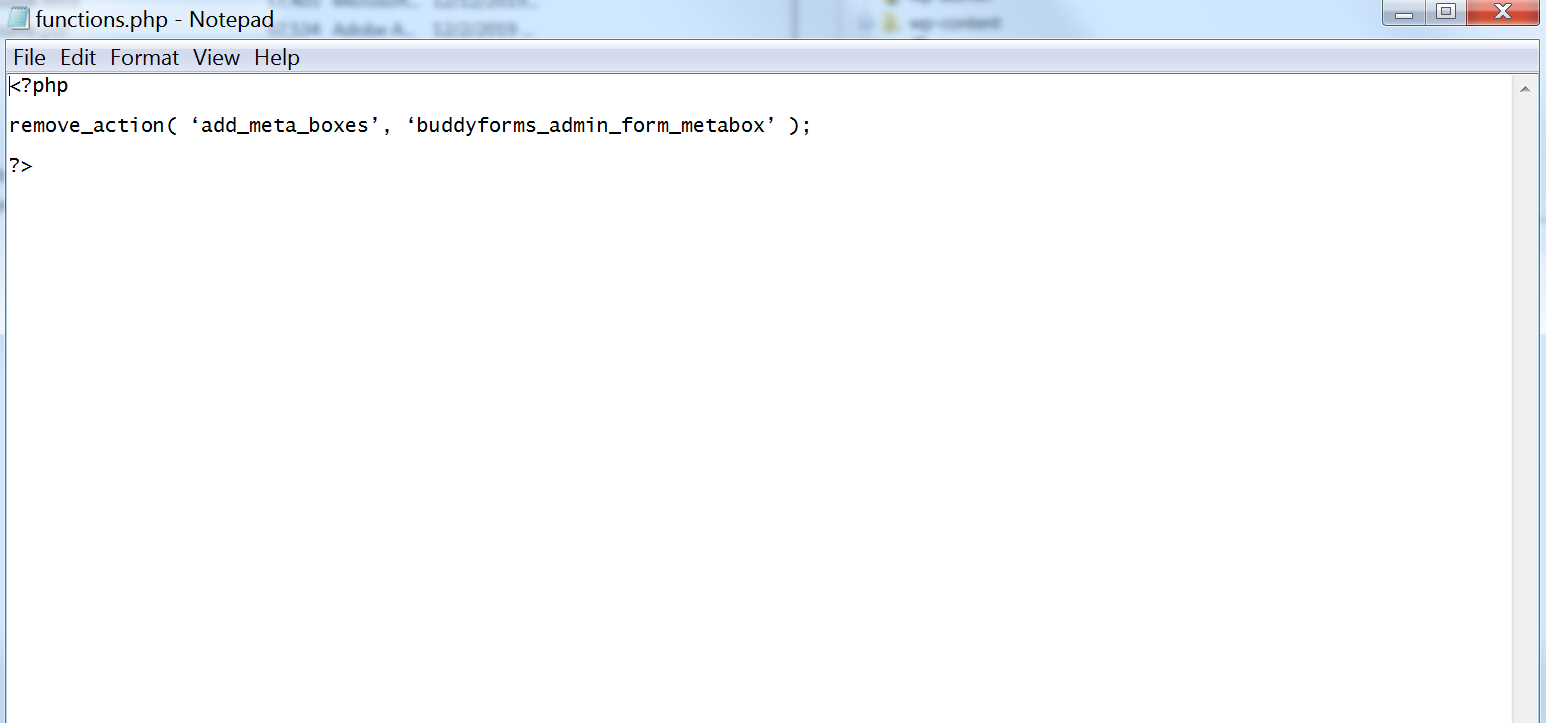
From the last reccomendation I add this code to the functions.php in the child theme:

<?php

remove_action( ‘add_meta_boxes’, ‘buddyforms_admin_form_metabox’ );

?>

However, it didn’t seem to remove this section from the options bar.

It didn’t error out at the top of the page like it did before I added the <?php ?>

But am I missing anything else?

This piece of code was directly from the plugin developer, so it should work.

Unless I’m still not typing it properly?

Thank you.
Hi John,

We can check how it is added if you can share the a screenshot of your functions.php file. Though, if it is not working, you should get back to the plugin developer because it is outside the scope of our support. Thank you.

Hello, yes I totally understand.

Here is a screenshot:

Hi John,

Is that the functions.php that is located here?
\wp-content\themes\x-child or \wp-content\themes\pro-child

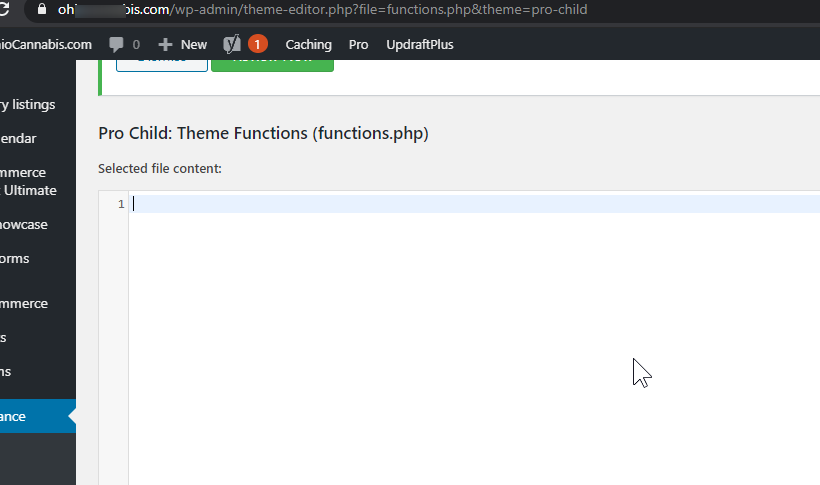
There should be other content. Please try to download child theme from here. Check the actual content of default functions.php. Or to avoid much back and forth please share Wordpress and FTP credentials inside a secure note.

Hmm yes, that is the file that was in the folder:

public_html>wp-content>themes>pro-child

And by looking in my dashboard, I am using an official Pro Child Theme.

I downloaded the Pro Child Theme again, but if I try to install it, will it mess up some of my current Pro Child Theme’s design or code?

Either way I’ve added FTP and WP credentials for you to check out.

Thank you!

Hey John,

Your child theme’s functions.php is blank. You either removed the official child theme code or have inserted custom PHP with syntax error. Please have a developer fix the issue. You can download the official child theme here: https://theme.co/apex/child-themes. And, take the official functions.php code in the child theme.

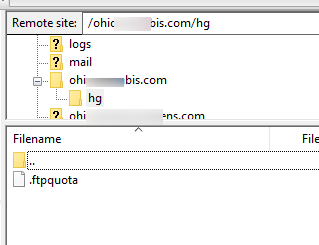
Your FTP access also is incorrect. The site folder empty.

Please note that your request is beyond the scope of our theme support. Please have a third-party developer fix the custom code for you.

Thank you for understanding.

This topic was automatically closed 10 days after the last reply. New replies are no longer allowed.