Basically, I am trying to create a custom blog page using loopers and I am wondering how do I add pagination to it so that it would only have 3 shows at a time but can use a button to load more, sort of like a next page.
Hello Stephen,
Thanks for writing to us.
To add pagination you need to add the “Post Pagination” element. Please have a look at the given screenshot below.
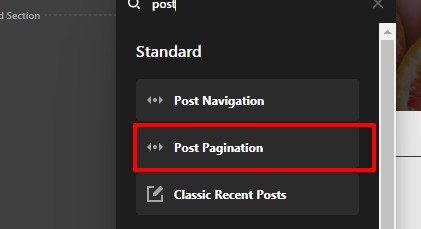
In case if you haven’t seen our doc please have a look at it https://theme.co/docs/pagination
Hope it helps
Thanks
I am adding the pagination element but it is not showing anything, is there something special I have to do to get them to read the loopers I have above? Here are some screenshots.

Hi Stephen,
For now the pagination and the navigation element works with only with pre-defined templates. I would request you to use the Pre-defined Template which has the pagination or navigation included already.
Thanks for understanding
What do you mean by pre-defined templates?
Then how would I get pagination added to my looper setup? Is there a 3rd party plugin I need?
Hello Stephen,
You don’t need any plugin to use pre-defined templates. Whenever you are creating a new layout for your archive page you get an option “Use Template”. If you click on the template you would get an option to select the predefined template that is already designed.
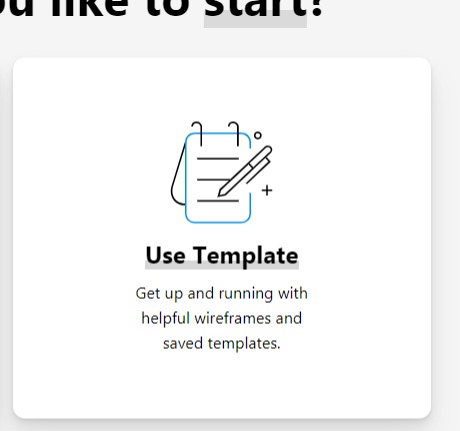

Hope it helps
Thanks
This topic was automatically closed 10 days after the last reply. New replies are no longer allowed.