Help with navigation bar and reader

hello Guys!
I need to change the style of my navigation bar and reader and I realized I have no idea on how to do it. I believe there is need of some coding.
it’s simple. I need to leave the logo as it is but take out the header transparency Meaning i would like the logo to be on the picture only and the menú bar make it white without transparency but just below the header picture

when I scroll down the menú bar should stay fixed on top

could you please be so kind to help me?

thanks a lot
cheers
isabella

Sorry I meant to say header not reader :slight_smile:
thanks

Hi Isabella,

To help you better with this, please share your site URL so we can see your current header. The details you have given is not enough so it will also help to give us screenshot of the header look you want to achieve. This way we can give you more specific recommendation. Thank you.

Hey Lely
thanks a lot
so the url is www.boundlessroads.com
you have helped me to make it transparent you will find lots of coding inside the custom CSS.

I would like something like this with the menú bar below the picture

thanks a lot

Hi,

To achieve that kindly do the following.

  1. Deactivate Slider Settings: Below Masthead and activate Slider Settings: Above Masthead

  2. Change this code

.home .masthead {
    position: absolute;
    left: 0;
    right: 0;
}

to this

.home .x-logobar {
    position: absolute;
    left: 0;
    right: 0;
   width:100%;
}
  1. Change this
.x-logobar, .home .x-navbar, .x-topbar {
    background-color: rgba(255,255,255,0.5) !important;
    box-shadow: none;
    border: 0;
}

to this

.x-logobar,  .x-topbar {
    background-color: rgba(255,255,255,0.5) !important;
    box-shadow: none;
    border: 0;
}
.home .x-navbar {
   background-color:#ffffff;
}

Hope that helps

Helio thanks a lot for your help but the log is off now

It should be over the picture and centered. Or should I put it on the picture directly and load the picture already with the logo embebed?
thanks for your help

Hi isabella,

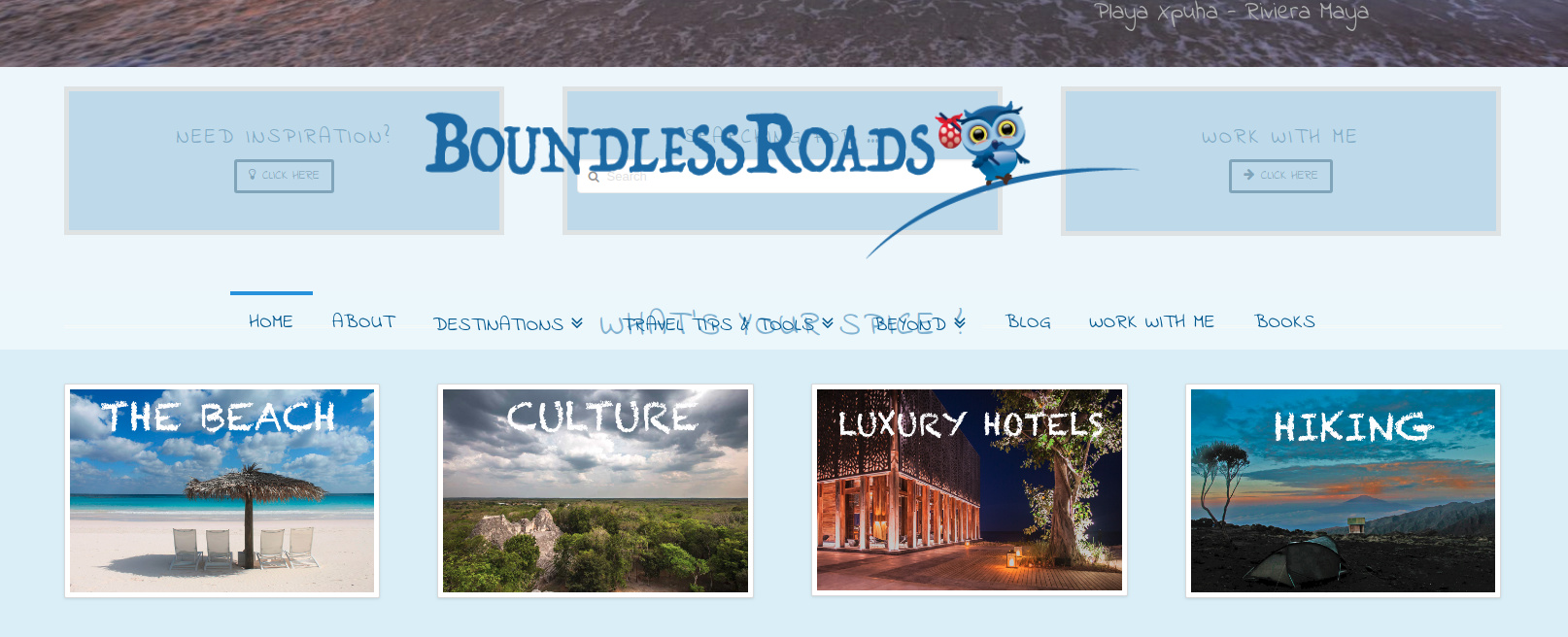
I’ve checked your website and this is how I can see the logo now, it’s centered:

Did you manage to get this sorted out, or you are getting a different look on a different browser? If so, please make sure to clear browser cache first and recheck this issue.

Thanks.

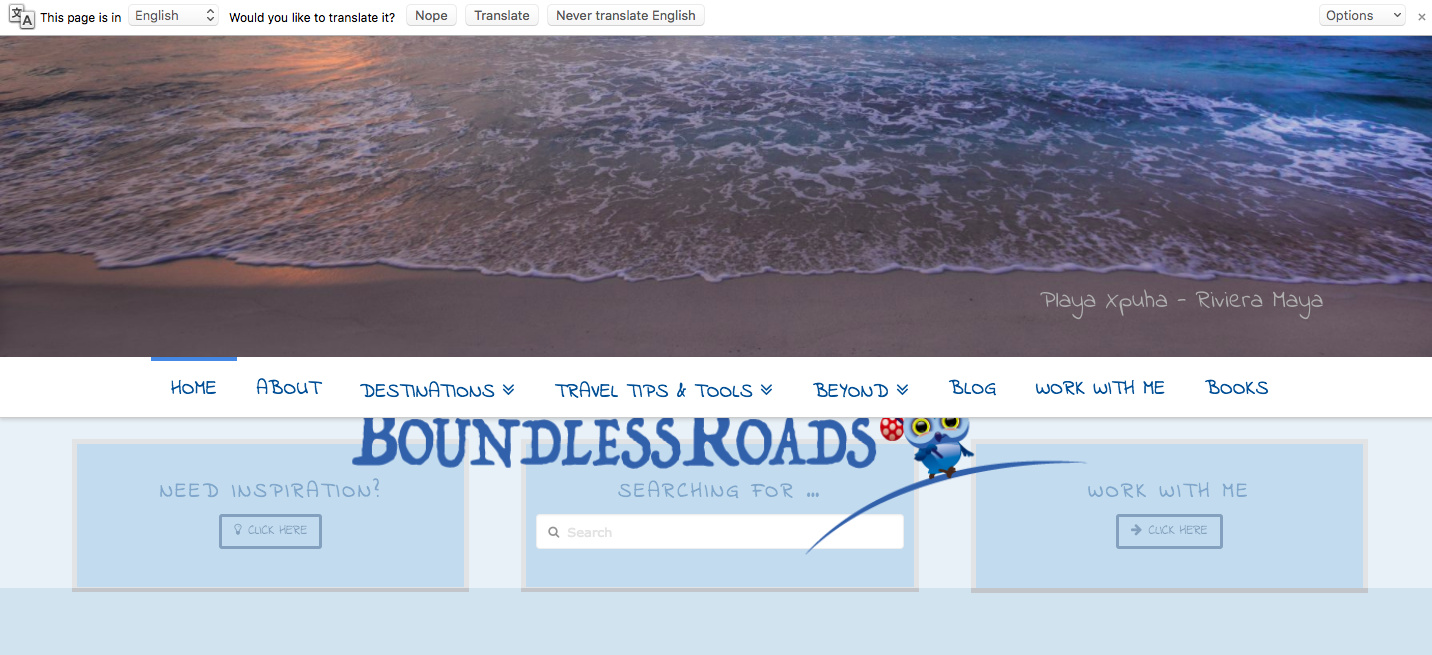
Helio I am not sure if it looks good to you but it’s definitely in the wrong position. The logo needs to be on top, on the picture not overlapping other writings.
also the menu bar is overlapping the rest of the page.
As I mentioned before the menu bar needs to be below the picture and the logo on the picture on top as it was before but without the transparente layer
thanks for your help
regaras

Also the social media logo on the top right moved to the top left.
I couldn’t leave the site like that and I moved back to the original but if you try to make the changes I was told to do you can see what I am talking about.

I really hope someone can help me to do the change correctly
i will give you again access datas
thanks a lot
regards

Hi there,

The other see it differently, and with your screenshots, it’s different too compared to what I’m seeing. On my end, the logo is above the menu and it’s not completely transparent (and overlaying a background image). And when scroll down, the logo doesn’t follow along as your screenshot.

But I understand that you wish to make it stay fixed/float too, you may then add this code to your global custom
javascript.

jQuery('.x-logobar').prependTo('.x-navbar');

Then please make your logo bar background transparent.

.x-logobar {
background-color: transparent !important;
}

Thanks!

hello there
i did what all you told me and this is the result www.boundlessroads.com
could you please help me and fix it?
if the original request was not clear I will try to rephrase it here

the logo needs to be on the photography in the centre top without the logo bar
the menú needs to have a white bar and positined right after the photo but stay on top of the page when scrolling down.

thanks for your help
cheers
isabella

Hello Isabella,

I’ve rechecked your website now and I can tell that adding this CSS code to (X > Theme Options > CSS):

.x-logobar {
        top: -50vh;
}

should reposition the logo in the middle of the photography on your website.

Thanks.

hi
it works thanks!
could you please help me to put back the social media icons on the left side where they were originally? I am not sure why they have now moved to the right.

thanks a lot
regards
Isabella

Hey Isabella,

The social icons were originally placed in the right side and the topbar content text to the left side. To move the social icons to the left side, please make use of this code:

body .x-topbar .x-social-global {
    float: left;
}

We would loved to know if this has work for you. Thank you.

hey there!
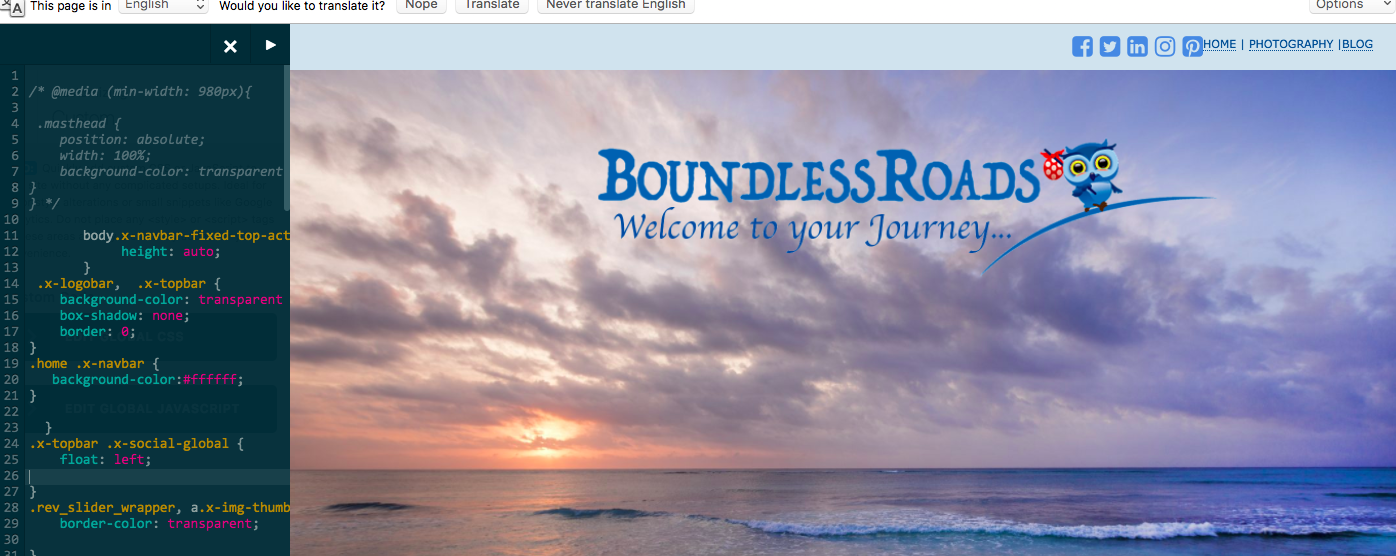
I already had it like that … see screen shot but it doesn’t work

weird… It moved when I applied the other changes

Also I realized that the new lay out applies only in the Home page not in the other pages which look awkward, can you please help me and extend it to every single page and post?

thanks a million
isabella

Hello @isa1978,

Thanks for updating the thread. :slight_smile:

Have you removed the code as I don’t see the same while inspecting the topbar and icons are aligned to the right side? Please try out following CSS instead:

body .x-topbar .x-social-global {
    float: left !important;
}

Let us know how it goes.

Thanks.

hi!
no it is still there I added important! but it’s still not working :frowning:
thanks for your help

Hi There,

I’ve taken closely at your custom css codes and I found out that there is an invalid entry.

If you fix this, the code we have given should work.

body .x-topbar .x-social-global {
    float: left !important;
}

Be very careful with inserting the code as it might render other codes as invalid as well.

great thanks a lot it works.

but i still have the other issue. could you please help me as well?

the new lay out applies only in the Home page not in the other pages which look awkward, can you please help me and extend it to every single page and post?


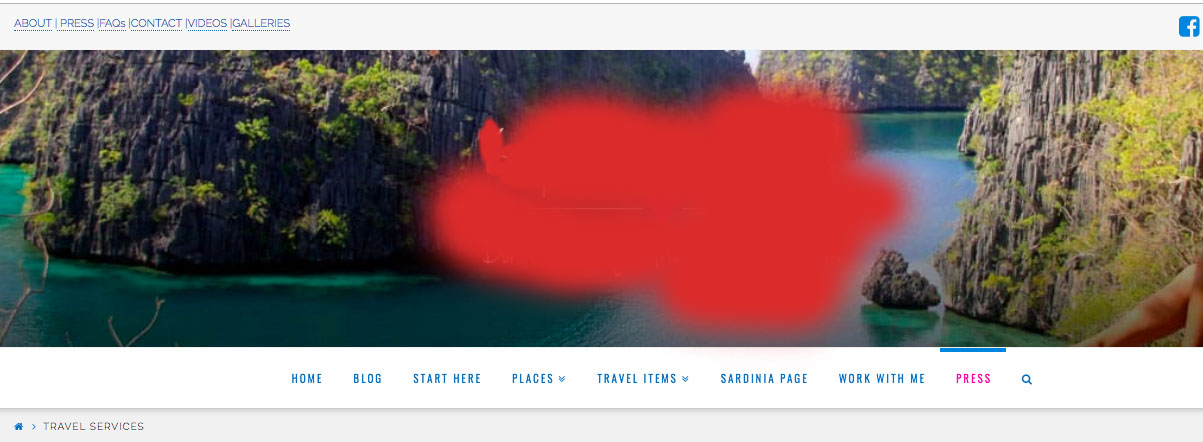
as you can see in this page the menú bar is in the middle and there is no logo bar

thanks a million

Hello There,

Where should the logo be positioned in the page? If you want it to be under the menu, you can add this code:

.single-post .x-logobar {
    top: 50px;
}

Hope this helps. Kindly let us know.