Header has an additional scroll bar

Hi all,

On this page, you can see a second scroll bar appearingon the right side of the header.

We tried adding body { overflow:hidden; } which didn’t help in getting rid of the bar, since it made the entire header area invisible.

We’re not sure what could have been the cause of it, since we started working on the header as we always have. Any help is much appreciated.

Hi @INcroatia,

Thanks for reaching out.

I check your website and I couldn’t replicate the issue. The header layout doesn’t have any scroll bar or maybe you already change your layout.

Let us know if you are still experiencing the header with a scroll bar.

Hope that helps.

Thank you.

We haven’t done much, other than just build around the issue. It seems like it has disappeared on its own.

We have 2 other issues, though - the first one is that none of the JavaScript codes we added could make the columns the same size and we couldn’t place the icon and title of the accordion header in the middle.

JavaScript issue:


We’ve used 3 different codes that have worked in the past, but now don’t.

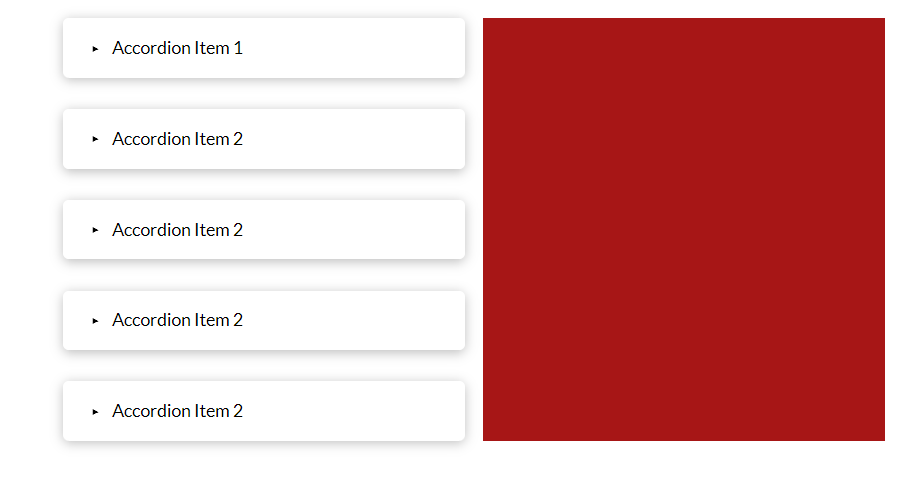
The little arrow icons are always flush to the left, while the text is justified. We’ve been playing around with it, but weren’t successful in having the icons next to the text, justified as well.

Any tips on these are very welcome.

Hi @INcroatia,

The mentioned issue is not found in the website pages, can you please specify the exact page URL, where you are having the issues.
Although you can achieve the same height column using the two columns inside the row.

Thanks

Hi @tristup, the link is mentioned in the first post; it’s this page we’re talking about. We’ve since solved the column issue, but we’d still like for the little icons next to the title of the accordion.

We currently have this

when what we want to achieve is this

Hi @INcroatia,

You can increase and decrease the space between the icon and title of Accordion by using the controls available under the Header tab of the element.
Please find the screenshot for example.

To know more on available controls of Accordion element please read this article: https://theme.co/docs/accordion#available-controls

Thanks

This topic was automatically closed 10 days after the last reply. New replies are no longer allowed.