Header Builder - Column Inside of a Row Container? Container Inside of Container?

I am building a header - Inside the far right container I have two buttons stacked in Row format, however the top row area needs to be split into two buttons, in a column format (with a 70% and 30% width split). Unfortunately I haven’t seen a way to split this container further in the header builder.

Can anyone suggest a work around?

In this image the top is the desired layout, and the bottom is the current design that I have.

Image

Any ideas are welcomed,
Thanks.
Hey Kris,

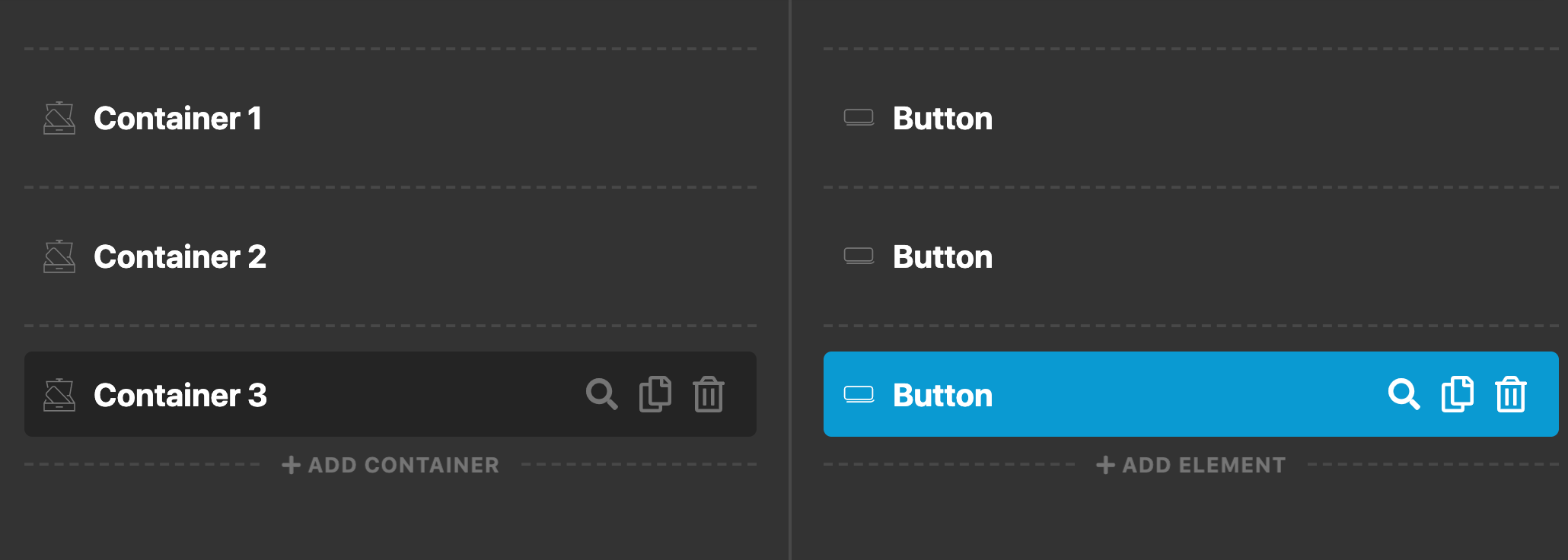
This layout is possible by just having three containers in the header builder then the last container will contain three buttons.

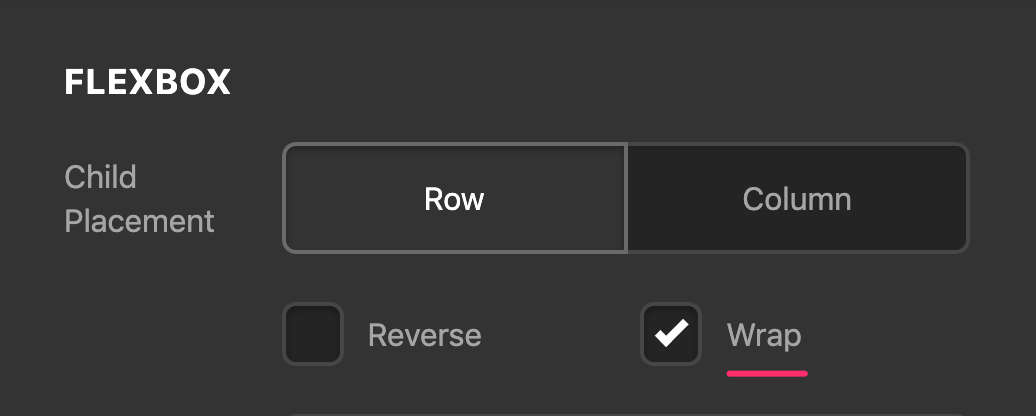
Then enabled the flex wrap option of the third container.

Then add these code’s to the first two buttons’s Element CSS:

$el {
  flex-basis: 50%;
}

And this code to the third (member login) button’s element CSS:

$el {
  flex-basis: 100%;
}

The result will be like this:

Hope this helps.

Fantastic, thank you very much!

You’re welcome!
We’re glad @Jade were able to help you out.

This topic was automatically closed 10 days after the last reply. New replies are no longer allowed.