Fonts exclusive to a Component don't load on frontend

Hi there,

I’ve am using a custom font and only using that custom font within a component. Then I’ve placed the component on a page and the font doesn’t load as the @font-face rule for that particular font isn’t in the page output.

You can look at the example in the link I’ve added to the secure note. The food item names should be in sang-bleu-kingdom but they’re not loading. The font files are uploaded and working but because the page doesn’t declare the @font-face rule, they don’t load.

For reference the text element is nested in a component, inside another component, inside a Tab element on the page.

Is this a bug or expected behaviour?

Thanks
Hello @boomfly,

Thanks for writing to us.

I would suggest you please have a look at this documentation to learn more about how to import the custom font to the into Cornerstone and the use it in the component.

Hope it helps
Thanks

Hi @prakash_s,

Thanks for this. I’ve followed the steps to correctly import a custom font. The bug occurs when a component uses a custom font and only when it is selected from the font palette (not the custom font fmaily directly) and only if that font isn’t in any other element on the page already. Here’s the steps to recreate it.

  1. Upload a custom font - refer to docs https://theme.co/docs/font-manager#custom-fonts
  2. Add the custom font to the font palette.
  3. Create a new Component and add a Text element.
  4. Set the font in the Text element to the font in the font palette - not the custom font listed. The bug occurs when the palette font is picked over the custom font.
  5. Mark the Text element for export as a component.
  6. Create a new blank page and add the Text Component to the page.
  7. Save and view.

If the page doesn’t contain the font in any on-page element then you’ll see the font doesn’t load. It only loads when switching to the same font but from the Custom Font Family list.

Just so you know I’ve put a temporary fix in place on the example I sent in my secure note but you should be able to recreate the bug at your end using the steps above. Happy building!

Hope that helps.

Hello @boomfly,

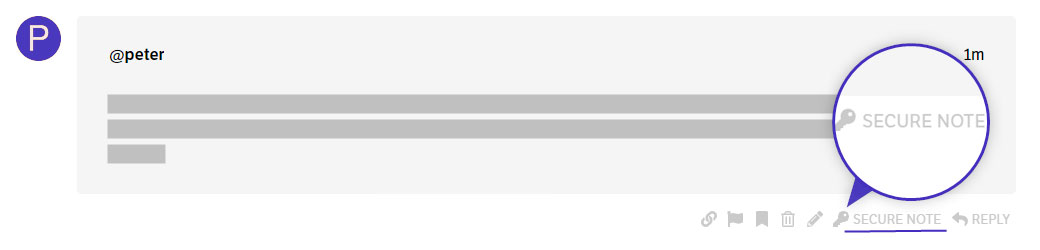
To help you with your concerns we need to check your settings, I would request please share the admin login details meanwhile. I would suggest you troubleshoot a few of the common issues before we investigate your settings. Please share your details in a secure note. Please provide the following details

  • WordPress Login URL
  • Admin-level username and password

You can find the Secure Note button at the bottom of your posts

Thanks