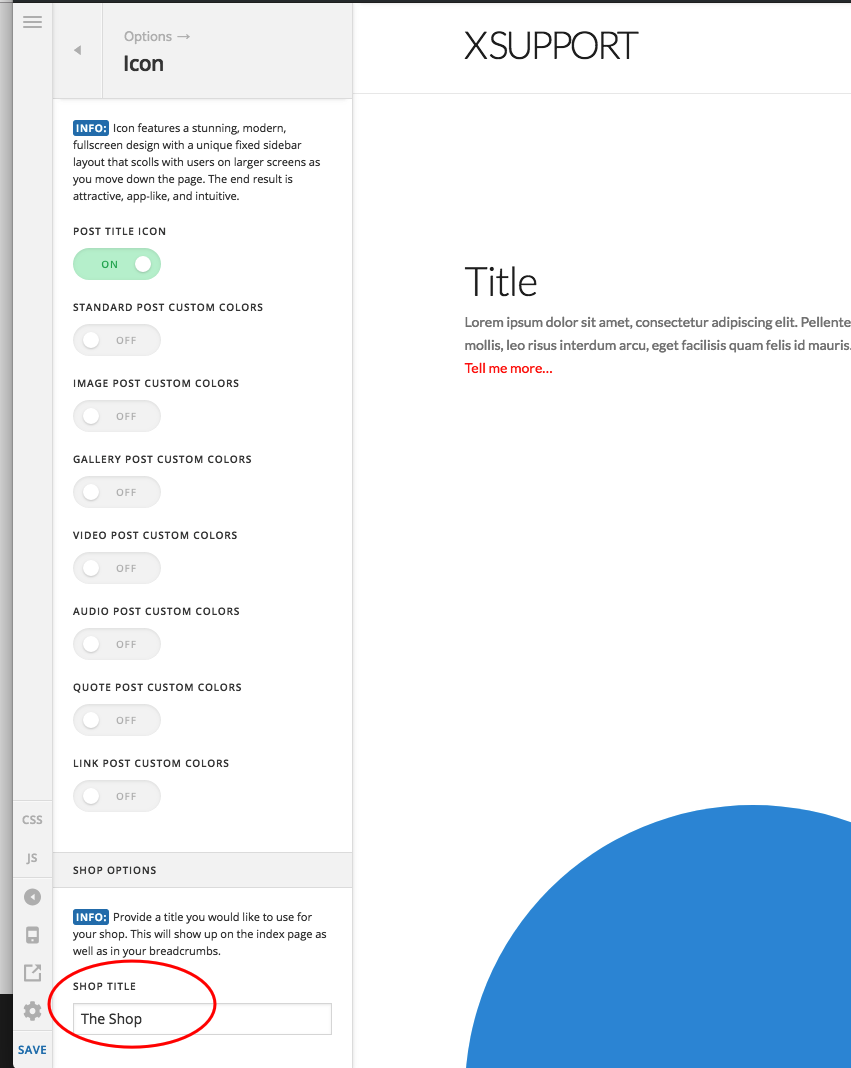
Hi,
I’m currently working on a website with WooCommerce. On the shop archive page, the Icon Stack’s “The Shop” title showed up. However, the option to change this title (Theme Options -> Icon -> Shop Options -> Shop Title) was hidden. I figured out that this feature is hidden when using Pro headers.
The issue here is that, even though the feature is hidden in Theme Options in this case, the title still shows up in the frontend. I am aware of ways of hiding the title, but in my case I actually wanted to use it, but to adjust the text I had to work around this by un-assigning my Pro header. I then changed the text in Theme Options and re-assigned the header. The changed text is now showing up fine (https://woocommerce-93166-722039.cloudwaysapps.com/shop).
Perhaps it would be better if the “Shop Options” for Icon would be accessible even with Pro Headers enabled, since the page title will still show up on the frontend when using those headers.