Custom 404 Page is not output – Beta 5

Repro:

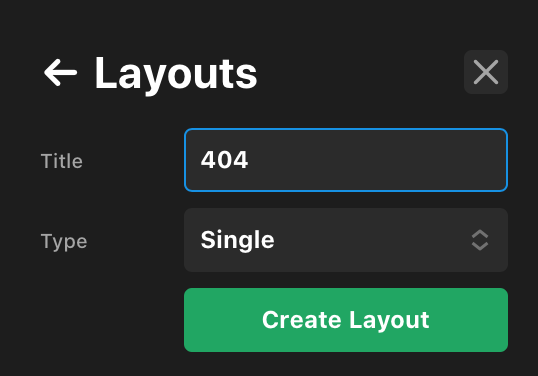
  1. Create a new single layout
    image
  2. Set up the layout with content (like a custom image, “oops” headline element, inline search element, etc.)
  3. Go to the Layout Settings tab, and open the conditions pop-up
  4. Set the conditions to 404 Page is being viewed.
  1. Save the layout
  2. Visit an invalid page, like {site url}/randomstring

Observed: The layout you created in step 2 is not displayed. Instead, you just get the header followed by the footer.

If you turn off the assignments for this layout, the default 404 page will be displayed as expected.

@devinelston, Pro has a Custom 404 extension, which you can install and use to designate any page as 404. It will also output the proper response header. I don’t think that assigning a template would create a valid 404 page.

Thanks @Misho, I was hoping this new assignment functionality would replace the need for that particular plugin… otherwise, I’m not sure why these assignment controls are available. But I certainly could be missing another use-case for them.

1 Like

@devinelston, you are right. This 404 assignment is odd. Maybe it is a special case where the 404 response header is being added automatically when a template is assigned to a 404 page. Let’s see what Themeco wizards will say about it. :slight_smile:

Being able to assign different 404 pages based on various conditions would be really something.

1 Like

This will in a way make the 404 extension obsolete as it should be applying like expected. Will followup here when that’s solved.

2 Likes

Fixed for next patch.