Hi. I’m using the Eclipse demo as a start.
I’m customizing the flipping cards. I want complete control over the font on the back of the card.
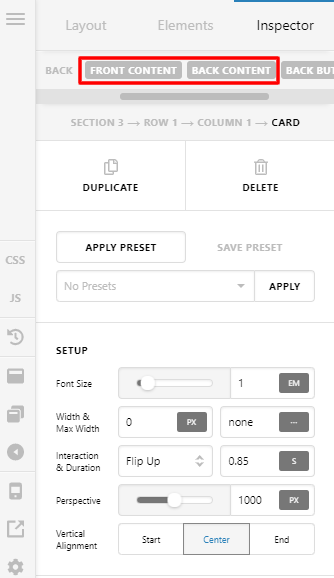
When editing the page I click the card, and I find in the inspector:
Back Text Primary Text
Text:
Tag: p, h1 - h6, div
Changing the TAG has no effect.
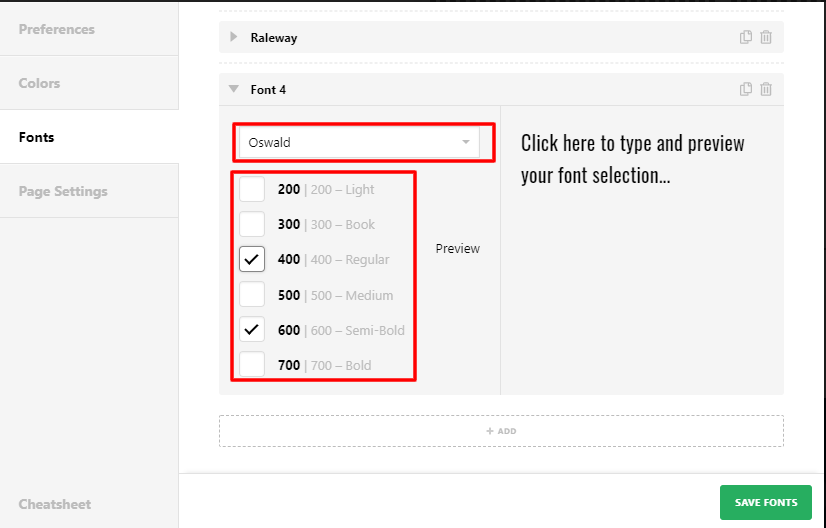
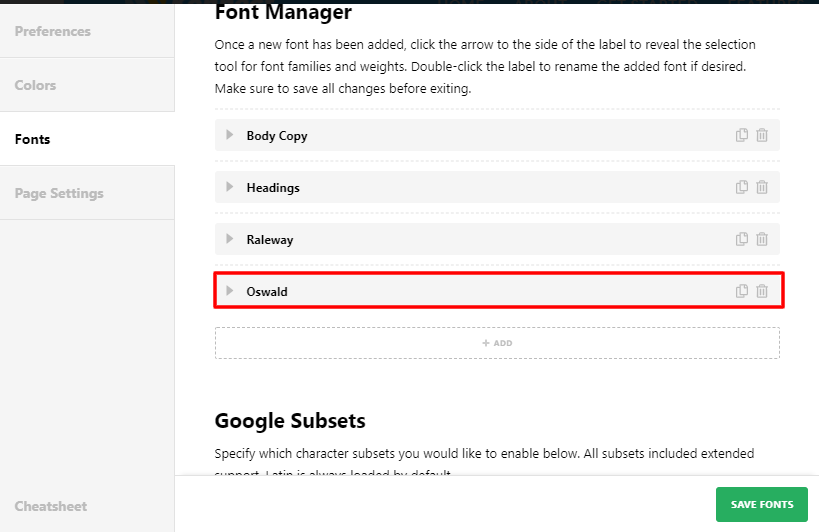
The only way I seem to have control over the font, is when I enable Font Manager, go to Page Settings, Fonts, and than underneath Body Copy and Headings, I find the item ‘Karla’. When I change Karla, the font has changed, but 1) not necessarily the font size, 2) I can’t even choose italic here.
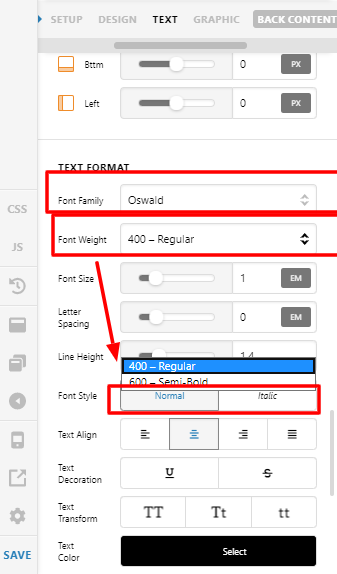
When I go to Theme Options and Typography, I can enable italic for headings and for body font, but not for the third item which was called ‘Karla’.
I think easiest would be if the tag option would work.
I’d like to have the font Oswald Semibold, Italic and an adjustable size.
Hope you can help me out understanding how this is supposed to be done! Thanks in advance!