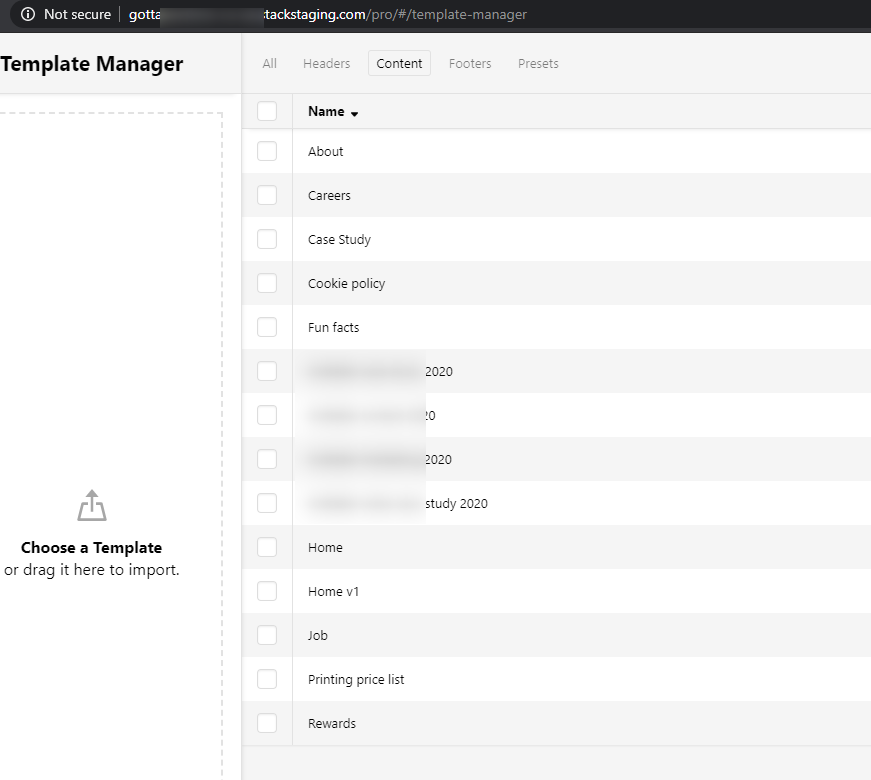
Can't import content templates

Hi there,

I’m making a copy of a site for a client that has 2 sites with the same look. I’ve saved the pages, headers, footers etc as templates and downloaded them to upload into the new site.

When I do, the headers and footers upload and import fine, but any content ones gives an error:

‘Uh oh! Sorry! Your file is not properly formatted’

All I did was download it from the template manager. Have tried both as a bundle and individually but no luck - just with the content templates!

Any ideas?

Hello @RubberDuckers,

Thanks for writing in!

When you export the templates, select which header, footer and content templates and then download the file to your computer. When import it, the same download file should be used. To get familiar with the template manager, please check this out: https://theme.co/docs/builders-101#templates

If nothing is helping, provide us access to your site so that we can check your settings. Please create a secure note with the following info:
– Link to your site
– WordPress Admin username / password

To know how to create a secure note, please check this out: https://theme.co/apex/forum/t/how-to-get-support/288

Regards.

Thanks. I’ve used the Template Manager a lot and never come across this issue.

Will send you details to both sites in a secure note.

Hey @RubberDuckers,

I have downloaded the templates in your live site and imported them in my test site and also your staging site and I didn’t get an error.

If you’re still getting the error on your end, please try a different browser and also try a different computer connected to a different network.

Thanks.

How weird! Thank you for that. I’ll give it a go later on different things.

Thanks!

Let us know how it goes,

Cheers!

Weirdly today, it worked fine on the same computer/browser/network as last time.

Then it didn’t work, tried a different browser, no luck.

Tried a different device and it did work!

So bit weird…!

Hi @RubberDuckers,

That could be a caching related, please clear all your caching features and plugins, including your browser’s cache. Also, please try using Incognito or private mode of your browser where there are no browser add-ons and caching involve.

How do I set my browser to Incognito or private mode?

Thanks,

This topic was automatically closed 10 days after the last reply. New replies are no longer allowed.