Hello,
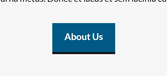
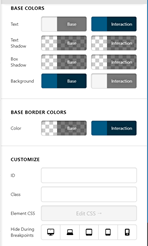
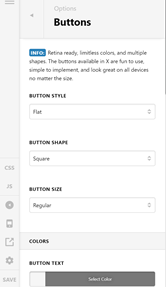
How do I take the drop shadow off of my buttons? They’re not styled that way in Theme Options or within the page’s editor:
Hello,
How do I take the drop shadow off of my buttons? They’re not styled that way in Theme Options or within the page’s editor:
Hello @addabble,
Thanks for writing in!
Please be advised that the buttons in the Theme Options > Buttons will be applied globally and designed according to the selected button style and the stack that you are using. If you are referring to the Button element that you can add in Cornerstone or Pro Editor, you can set a shadow in the Box Shadow option in the button element settings. If you don’t see some of style options, you need to turn on the Advanced Mode by going to the Settings > Preferences > Advanced Mode


Hope this helps.
This topic was automatically closed 10 days after the last reply. New replies are no longer allowed.