Hey Pierre,
Regretfully, that is not possible out of the box so you need custom CSS.
I’ll provide a custom CSS example but please keep in mind that this is only for guidance and to show how to extend the style of an element beyond what the options offer. We will not provide further support for any customization so you get stuck, will need to research how the code works and consult with a developer in case it doesn’t work on your end.
In the example below, I’m using the Post List element.
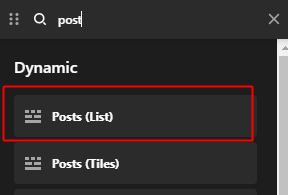
I then inspected the Post element and added the following Element CSS which basically tell odd columns to reverse the flex direction. Because it involves Flex, you need to understand Flex Layout. You can learn here: https://theme.co/docs/use-flex-layout
$el.x-col:nth-child(odd) {
  flex-direction: row-reverse;
}
Hope that helps and thank you for understanding.


