X Promo Content Classic

Hey there! I’d like to use the “classic promo” element both on a dark background page, and on a light background page - this is what I’m trying to achieve:

I’m able to get the promo card to look like one or the other, but I can’t figure out how to get both a light and dark version of x-promo-content to work at the same time.
Hi there,

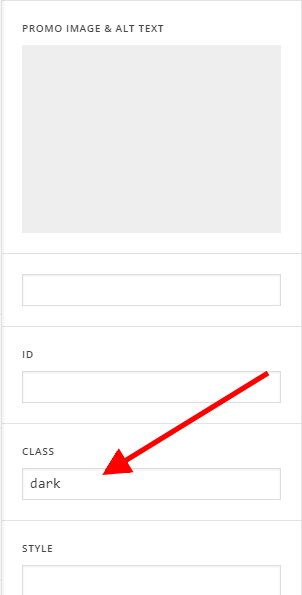
You may add different values to the class field of the Classic Promo element.

For example, to you will the class dark to one of the promo element. To style its promo content specifically, you can use the selector:

.dark .x-promo-content {

}

Then you can add the class light to the other element and use the CSS:

.light .x-promo-content {

}

You can read more about CSS Class here:

https://www.w3schools.com/cssref/sel_class.asp

Hope this helps.

This topic was automatically closed 10 days after the last reply. New replies are no longer allowed.