X Pro theme UI not updated

Hi there,

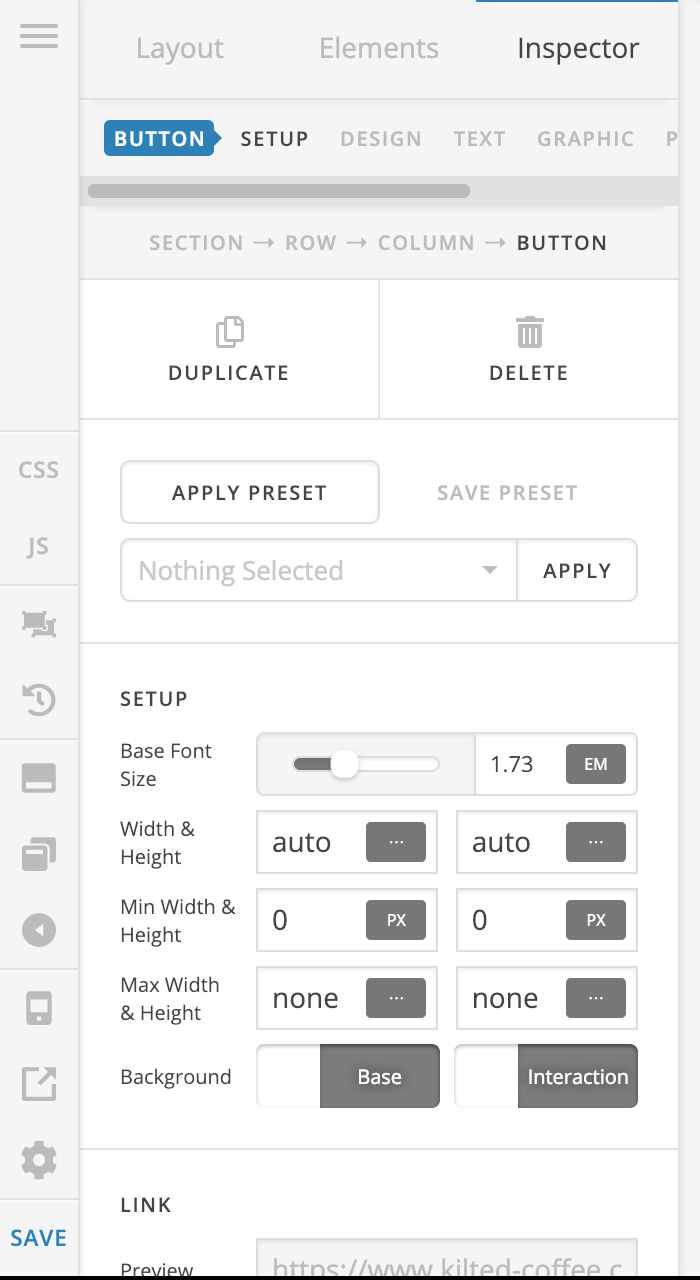
My current theme (pro) looks nothing like what anyone is using on any youtube videos or any of the threads.

Is there a specific reason for this?

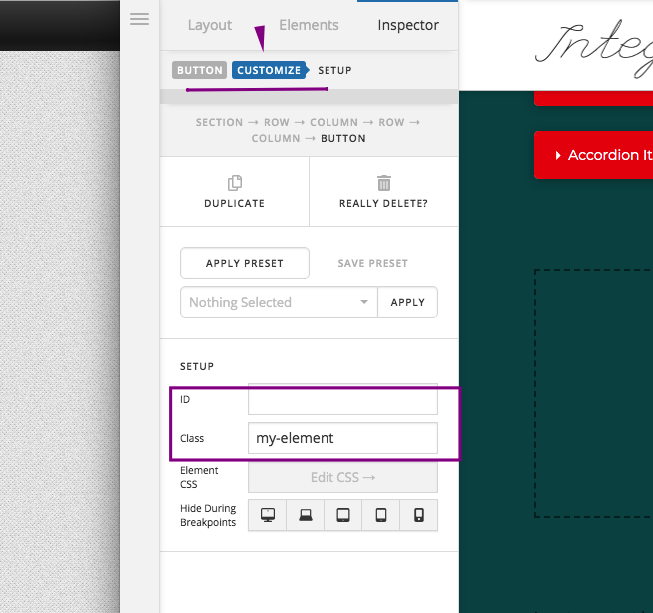
The main reason I ask is because I’m looking to add a class to a button but my current version of X Pro won’t let me… I think it may be in the software?

Any help would be greatly appreciated.

I have attached a screenshot.

Kind Regards,

PP
Hello PP,

Thanks for writing in!

To add a class or ID for your button, please find the “Customize” tab in your button setting.

We would love to know if this works for you. Thank you.

Perfect! managed to get the code and class, however, Ive been trying to get my button alligned in the middle of the page, put the code in with the class and to no avail…

(This is so it sits in the middle of the mobile website and the desktop version aswell).

I have used the following CSS

.x-btn {
text-align: center!important
}

Thanks for any help!

Hello Paul,

text-align: center !important; will only get the button text centered. If you want to have the button positioned at the middle of the column, set the left and right margin to auto.

Hope this helps. Please let us know how it goes.

Hi RueNel,

I have done the following however, the button still sits on the left hand side of the page :persevere:.

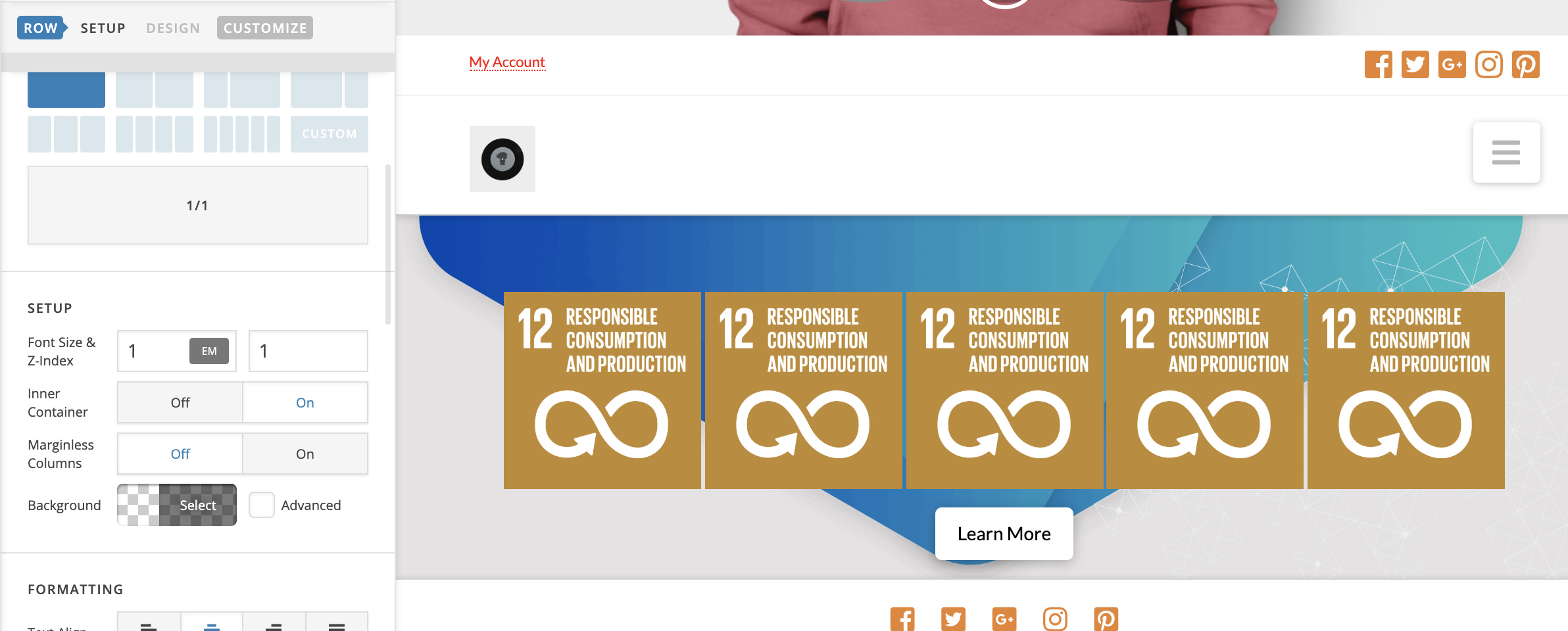
I have attached a screenshot.

Thanks for your response!

Hey @kiltedcoffee,

The fastest way to center a button is adding another row to your section, then place the button inside this row and set the text align of row to center:

Hope it helps :slight_smile:

Legend!! Its worked!! So happy thanks very much!

You’re most welcome.

This topic was automatically closed 10 days after the last reply. New replies are no longer allowed.