X-Pro - Responsive texts?

Hello
I really like the pro update and all of the new updates, but I have a question about something that was easier to find in the regular theme…

How can i set the responsive texts for the mobile version of the site, because in the SETTINGS in cornerstone/fusion there is no responsive text option and what’s the best way to make the mobile version of the site, different sections hidden for desktop and viewing only on mobile or there is a more easier way?
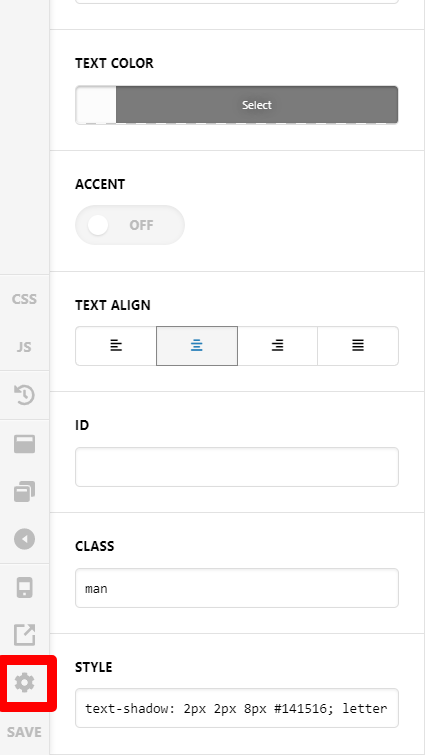
Hi @danailyovev,

Thanks for reaching out.
You can use the Responsive Text option from page settings, to set the minimum and the maximum font size. The minimum font size is the smallest size where your font could respond to and the maximum font size is the maximum size too

Once you have added the values, you need to add the class into the respective element where you want this font size.

Thanks

This topic was automatically closed 10 days after the last reply. New replies are no longer allowed.