Hi,
I took a look at your demo: https://demo.theme.co/designcloud/content/geometry-grid/
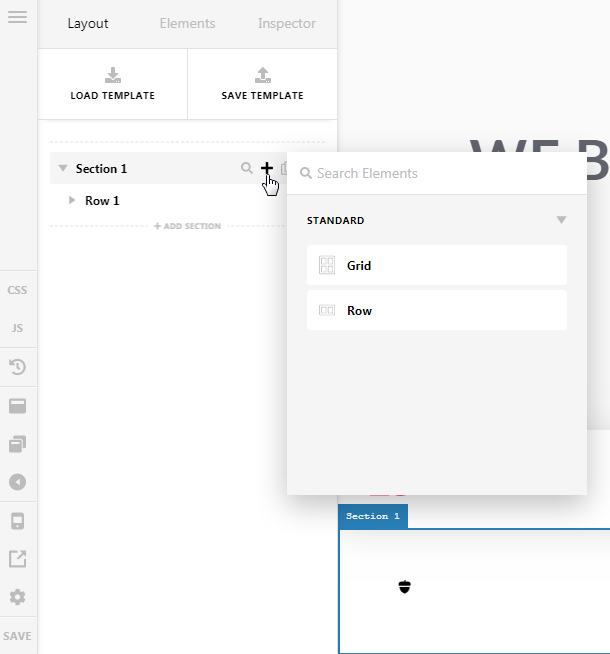
I noticed the row became a grid in this section. I saw you can change the default content layout element in the preferences. But how do I choose between a row and a grid without changing the preferences while editing a page?
Also, do you have a documentation about the grid?
The way you used a cell to put a side background is amazing but the columns template looks difficult.
Thanks