X/Pro Cornerstone will not load to let me edit my site

All the pages are built in Cornerstone, so I can’t update.
I just installed the latest update of X/Pro today and now I can’t edit any of the pages on my site with Cornerstone.

It shows me problems with files like the ones I mentioned below :
Fatal error: Allowed memory size of 41943040 bytes exhausted (tried to allocate 72 bytes)
in /home/ilovnsko/public_html/wp-content/plugins/cornerstone/includes/elements/mixins_setup/_anchor.php on line 840

If I repeat the process of editing my pages, it may display a different file that has the same problem of capacity
I have reinstalled but you do not solve the problem

What should I do to solve the problem?
Hi there,

If you are getting an error message that suggests: Fatal error: Allowed memory size of xxxxx bytes exhausted, it means that you need to have the PHP memory limit of your site increased.

To do this, please edit your wp-config.php file and insert these lines:

    define( 'WP_MEMORY_LIMIT', '256M' );
    define( 'WP_MAX_MEMORY_LIMIT', '512M' );

You can add it before the line
/*That's all, stop editing! Happy Blogging. */

In case the issue persists, please try to get in touch with your hosting provider and confirm to them that your PHP memory limit is increased.

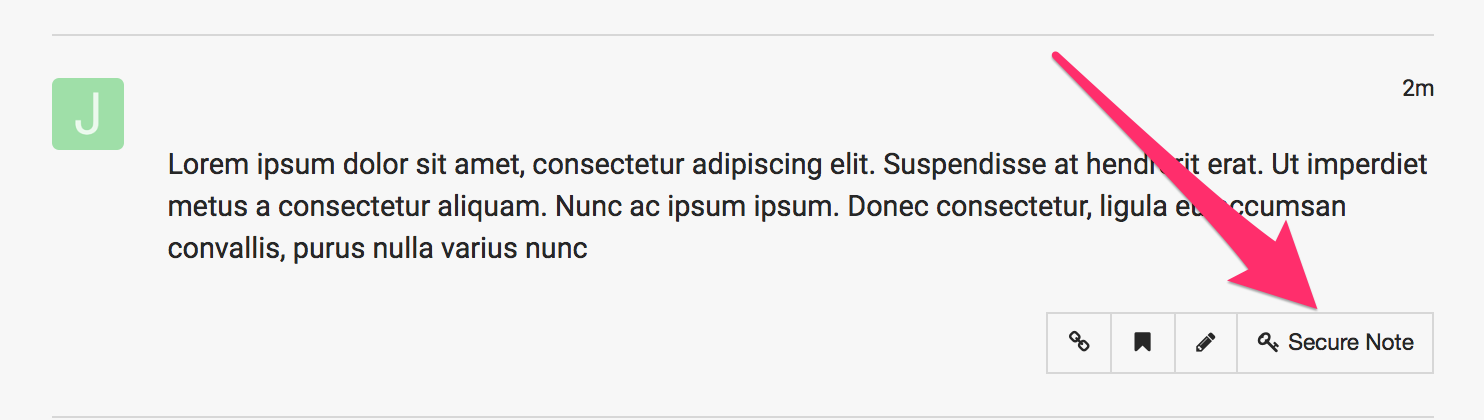
If you are still having an issue, please provide us with the admin details of your site in a Secure Note so that we can check this further.

This topic was automatically closed 10 days after the last reply. New replies are no longer allowed.