Hello @co50,
Thanks for writing in!
The thumbnails is from the WooCommerce product slider feature. If you disable the support for the Woocommerce Slider the images will look different and you’ll need to modify the sizes. If you remove theme support for the gallery slider, your single product page would then look like this:
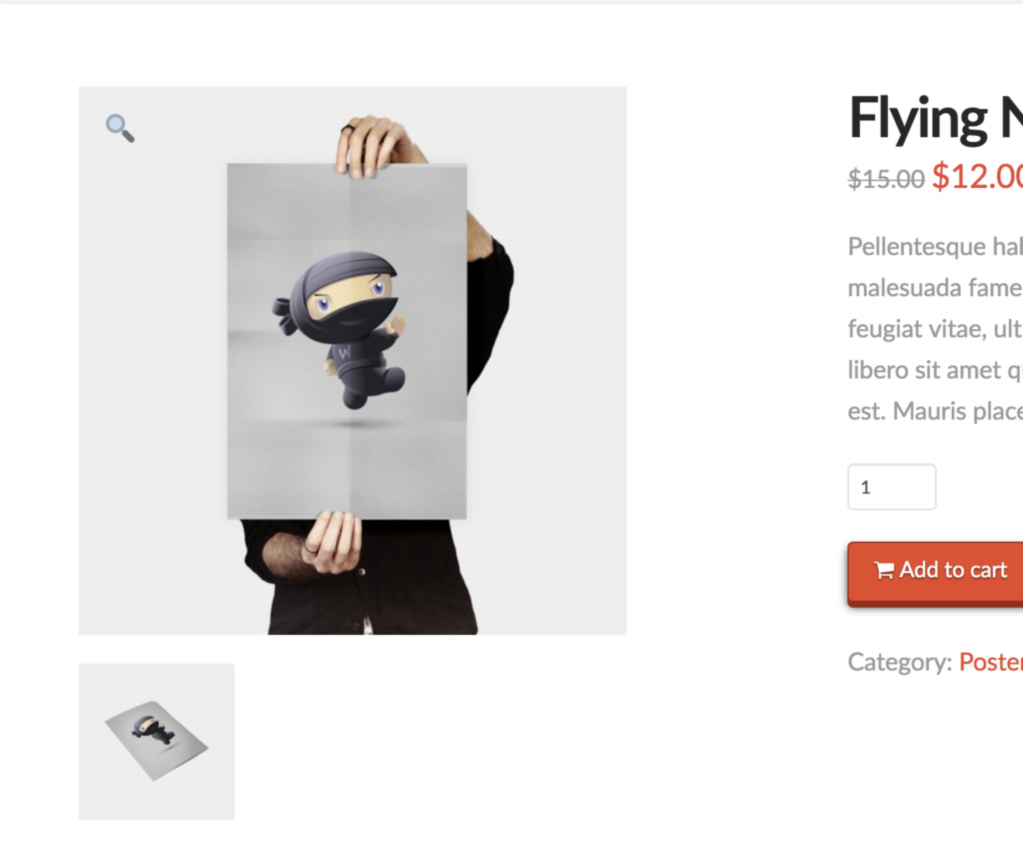
And because what you are trying to accomplish requires a template customization, we would highly to suggest that you use a child theme. This allows you to make code changes that won’t be overwritten when an X update is released.
After the child theme is set up, please add the following code in your child theme’s functions.php file
// Remove product gallery slider and gallery zoom
// =============================================================================
add_action( 'after_setup_theme', 'remove_woo_three_support', 11 );
function remove_woo_three_support() {
    remove_theme_support( 'wc-product-gallery-zoom' );
    remove_theme_support( 'wc-product-gallery-slider' );
}
// =============================================================================
We would loved to know if this has work for you. Thank you.

