Woocommerce product image size

Hi!

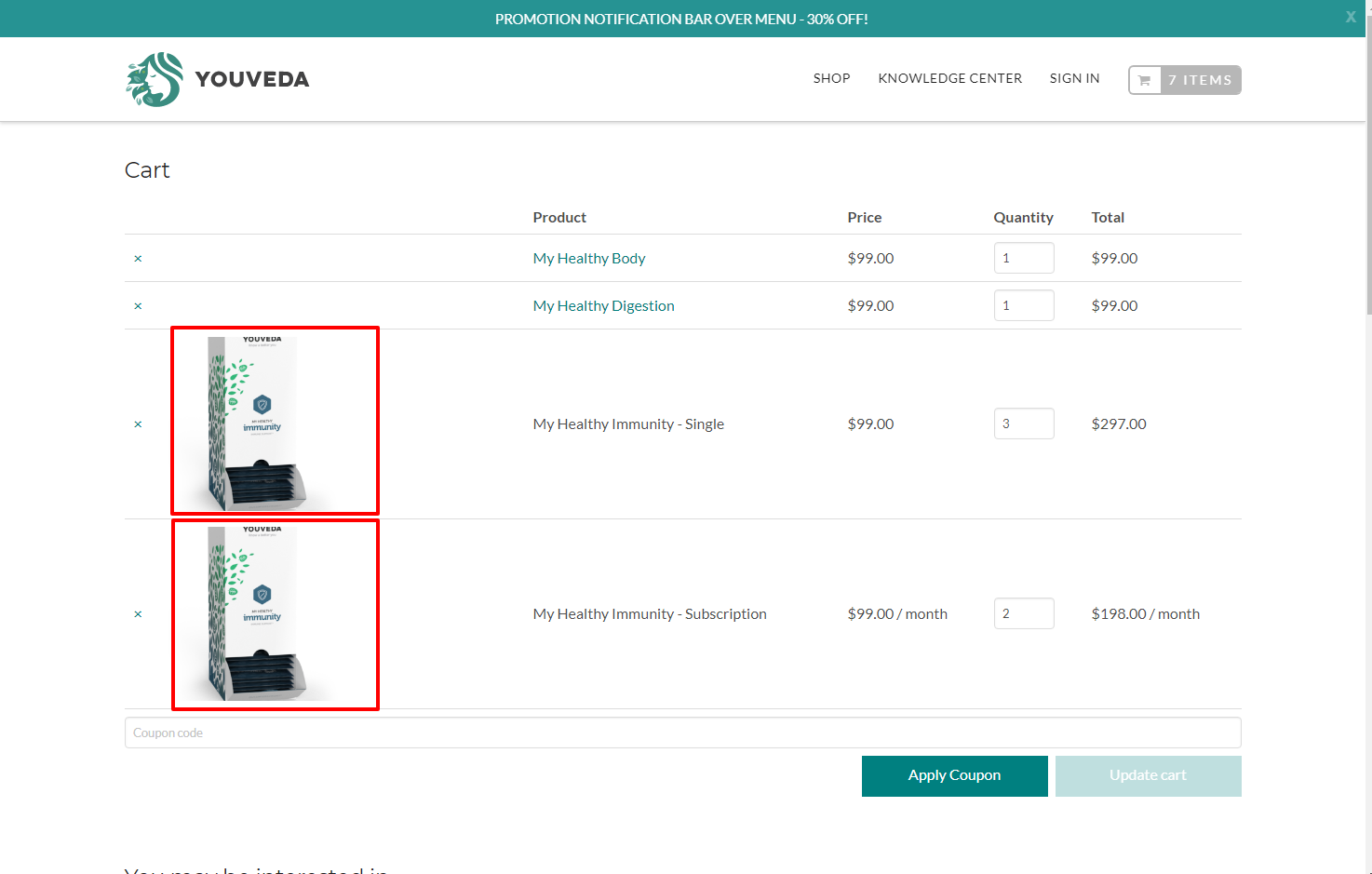
We would like to change the product image size on the cart page (please, see attached).
We have found a step by step tutorial, but our settings do not match exactly the settings on the tutorial.

For example, we don’t see a “Display” tab under products.
We just dont want images to be cropped.

Can you give us a hint?
Hello @amebadiseno,

Thanks for asking. :slight_smile:

Actually team at WooCommerce have moved the settings to change image sizes under Customizer. You can do that from Appearance > Customize > WooCommerce > Product Images.

Please note that in Customizer you might see two WooCommerce tabs. WooCommerce tab that sits above Additional CSS button is where you will find the options to change image size. Here is a screencast. https://cl.ly/2f0R100v3X3C

Thanks.

Hi Prasant,

Thanks !!!

I missed the other “Woocommerce Tab”

You are most welcome. :slight_smile:

This topic was automatically closed 10 days after the last reply. New replies are no longer allowed.