I have realised you can’t edit the shop page with Cornerstone so I was wondering if someone could point me in the right direction, all I want is the shop page to look like this…
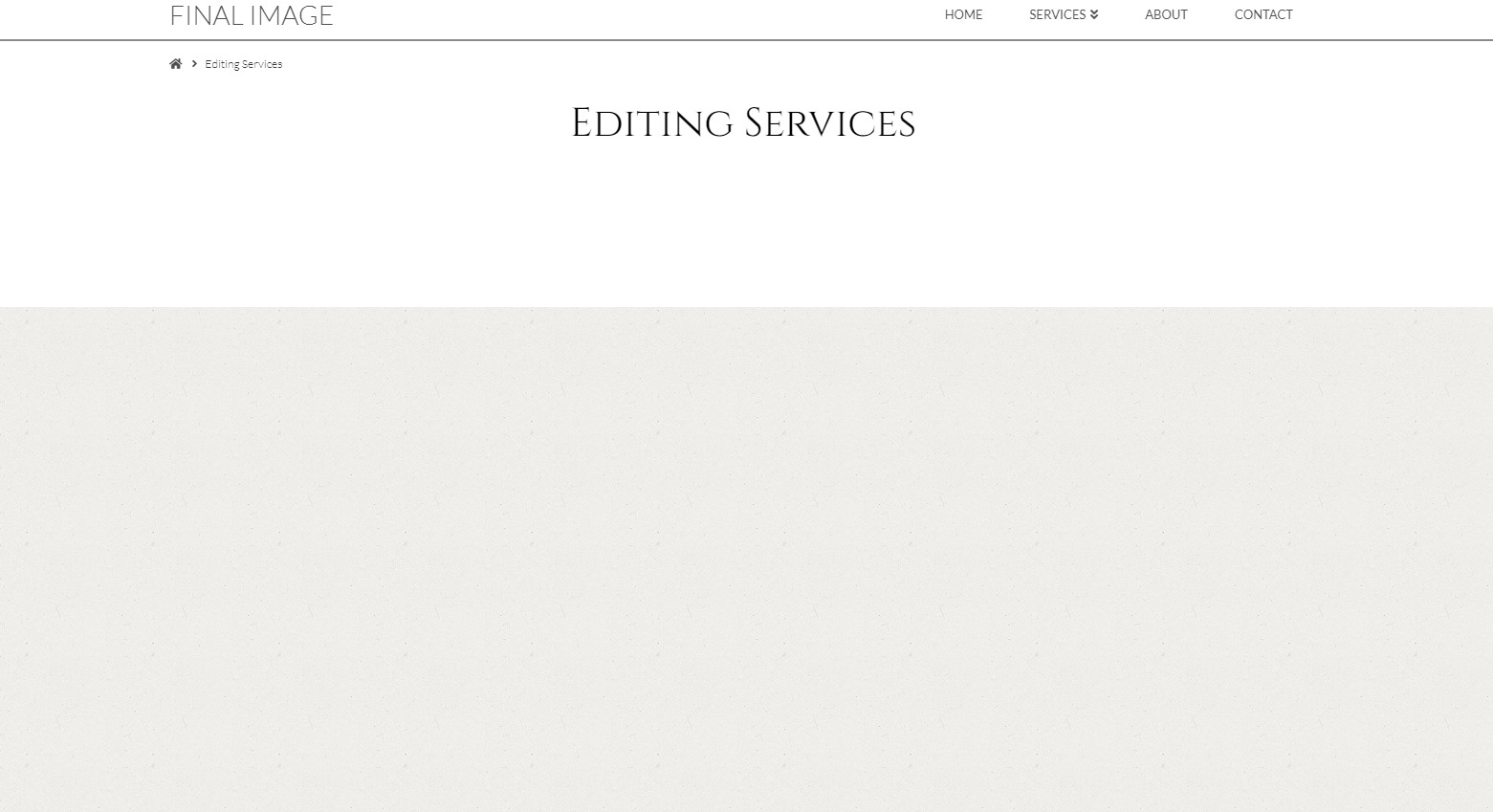
currently looks like this…
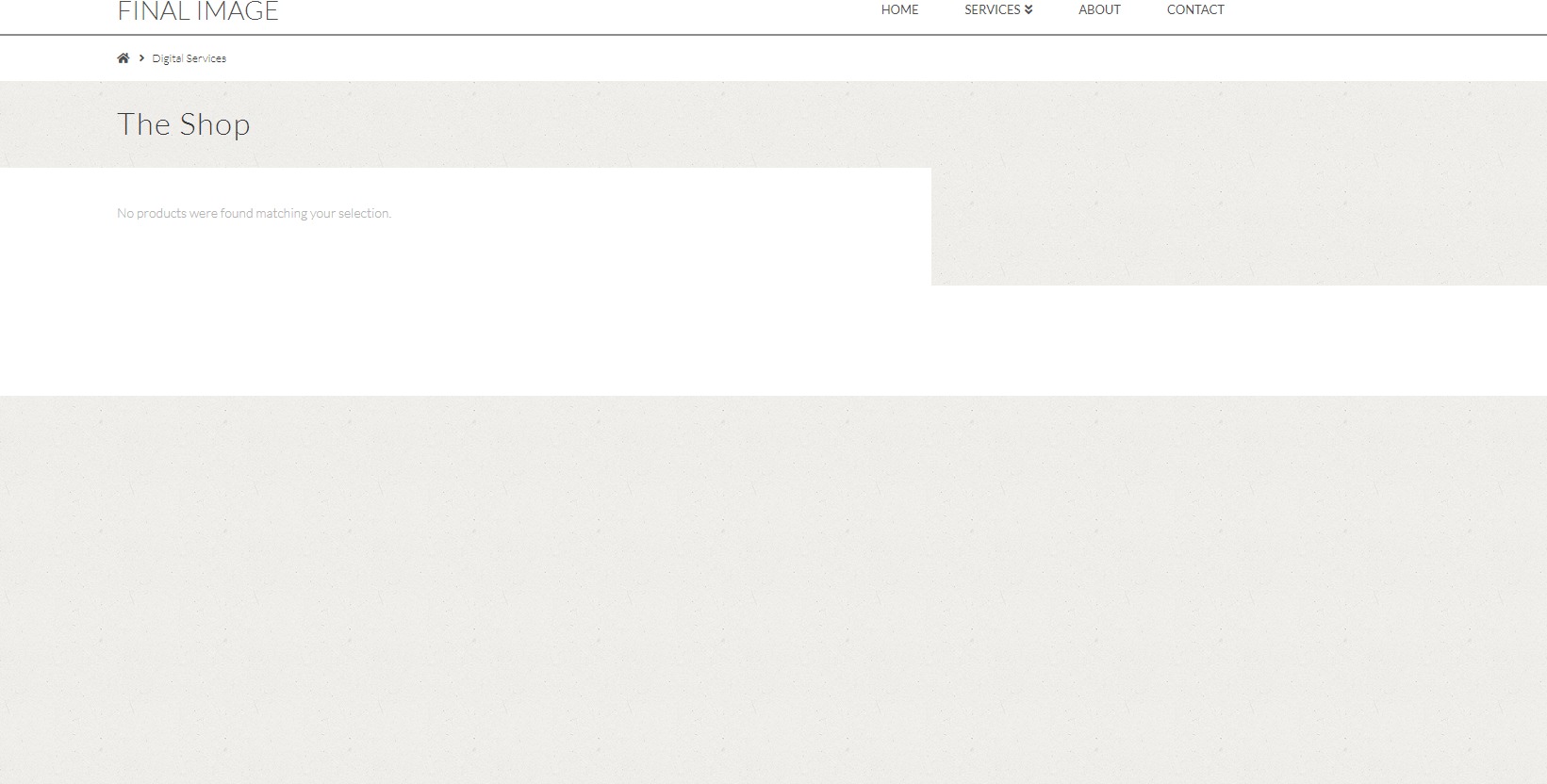
I have realised you can’t edit the shop page with Cornerstone so I was wondering if someone could point me in the right direction, all I want is the shop page to look like this…
currently looks like this…
Hi there,
Please go to X > Theme Options > Woocommerce then set the Shop Layout to Fullwidth.
To set the shop title. Go to X > Theme Options > Ethos > Shop Options : Shop Title.
To set the shop title to center, add this code to the Global CSS:

.post-type-archive-product .x-header-landmark {
    text-align: center;
    padding: 50px 0;
    background-color: #fff;
    width: 100%;
    max-width: 100%;
}
Hope this helps.
Brilliant Thanks
You’re welcome. Please note that what @Jade has given here is custom CSS. That is actually outside the scope of our support. I’m just making you aware so you won’t get surprised if we can’t give you custom CSS. We give CSS here to serve as a guide or to help users get started if what they want to achieve is beyond what is offered in the theme.
Thanks.
This topic was automatically closed 10 days after the last reply. New replies are no longer allowed.