WooCommerce Appointment Form Shortcode

Hi guys,

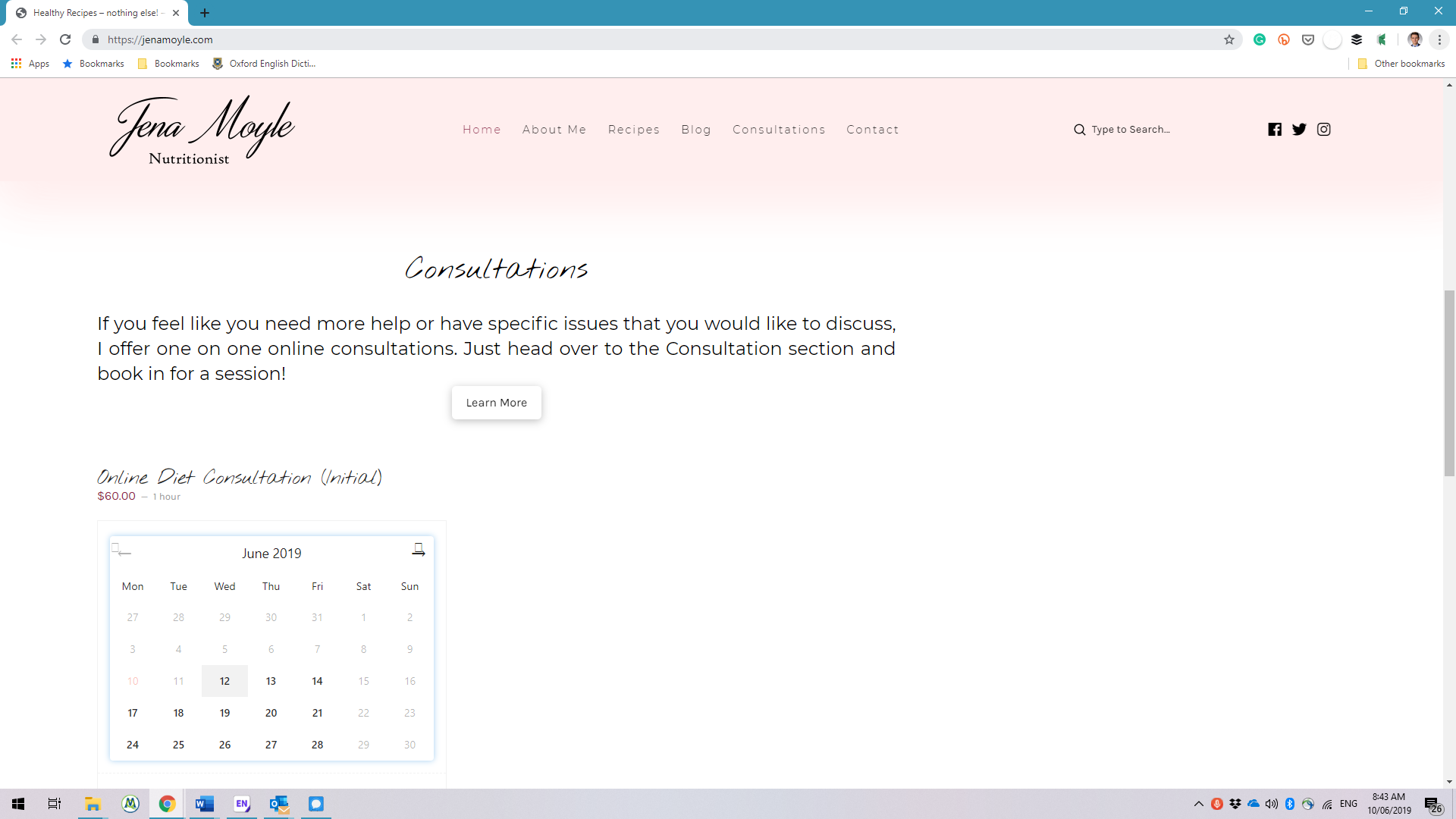
I’m using a shortcode to create an appointment form on my page. I have entered the shortcode into a content element in a 1/3 column, however, every time I actually load the page, the appointment form appears under the text and not in the place it’s supposed to be (see screenshot). Is there any way to force the form to reduce in size and stay in place?

Thanks in advance,

JP
Hello JP,

Thanks for writing in!

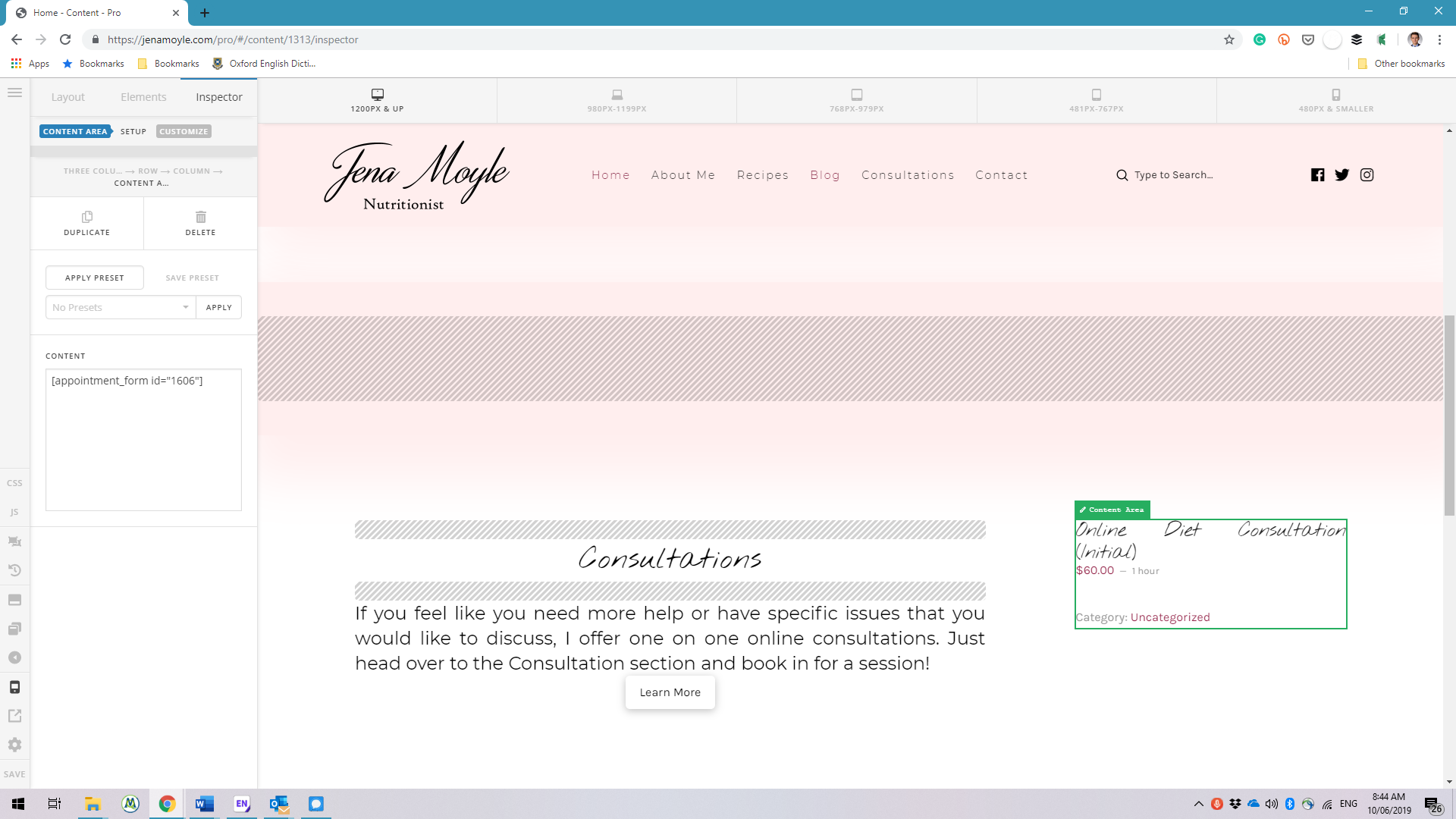
The WooCommerce shortcode is generating incorrect tags which messes up the section, rows and columns. Temporarily you can resolve this by adding this code:

<div class="appointment">[appointment_form id="1606"]</div></div></div>

Please check your site now.

Hi @RueNel,

Thanks for the quick help, that worked great!

Best,

JP

You’re welcome!
We’re glad we were able to help you out.

1 Like

This topic was automatically closed 10 days after the last reply. New replies are no longer allowed.