Why are my images not full size?

Hey,

A problem I’ve had for a while is that, by default, the images I add to my post don’t appear at their full size. For example, you can see the images on this post appear with a width of 540 pixels when they should be 620.
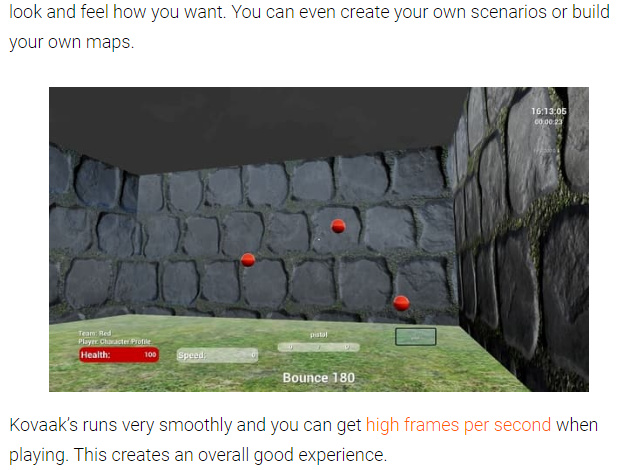
image

This is particularly a problem on mobile because the screens are already small and if the images aren’t their full size they are hard to see clearly.

I’ve found that changing the alignment of my images to be center-aligned does fix this. But I have no idea why.

Do you know how I can fix this?

Hello Mark,

Thanks for posting in! You are using WP Editor’s Gutenberg and right now, it has its own styling adding a left and right margin. You can only make it fullwidth by overriding the default styling. You can use a custom css setting the left and right margin. At the moment, the image block only have to this custom css adding a bottom margin:

.wp-block-image {
    margin-bottom: 1em;
}

If you modify this custom css adding a left and right margin, you can then add it in X > Theme Options > Custom CSS to override the default margins making the image become fullwidth inline with your text contents.

I have used the Google Chrome Developer Toolbar to check the live HTML code and find which CSS selector of the image block. You can learn more about CSS selectors and details here

This topic was automatically closed 10 days after the last reply. New replies are no longer allowed.