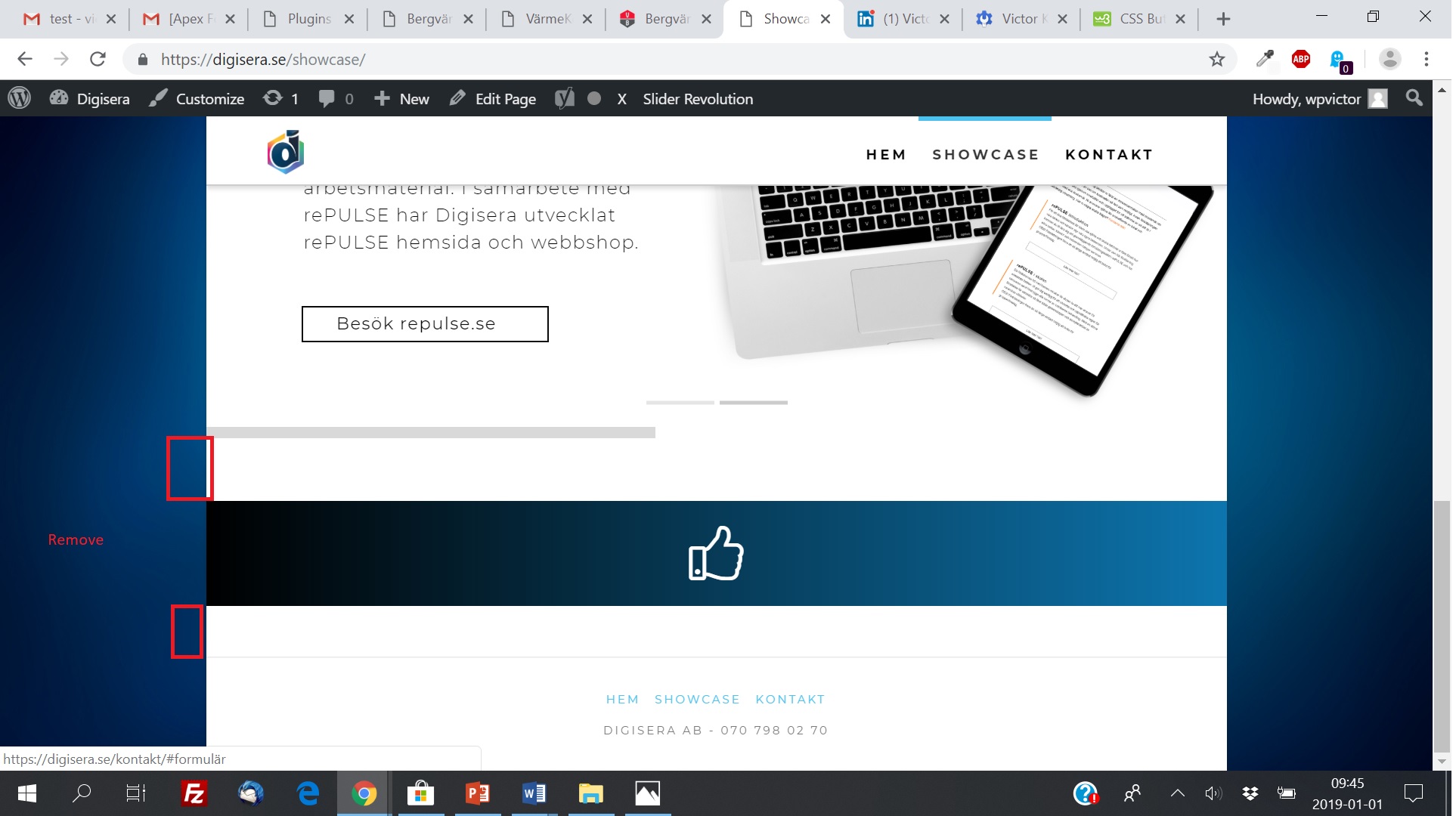
White space not visible in Cornerstone

Hi!

I have a problem at my site digisera.se

There is white space at some places, even though there are no margin or padding in the columns/rows/sections in Cornerstone. I would like to remove this whitespace. Please see attached images.

The URL:s are: https://digisera.se/showcase/
and https://digisera.se/kontakt/
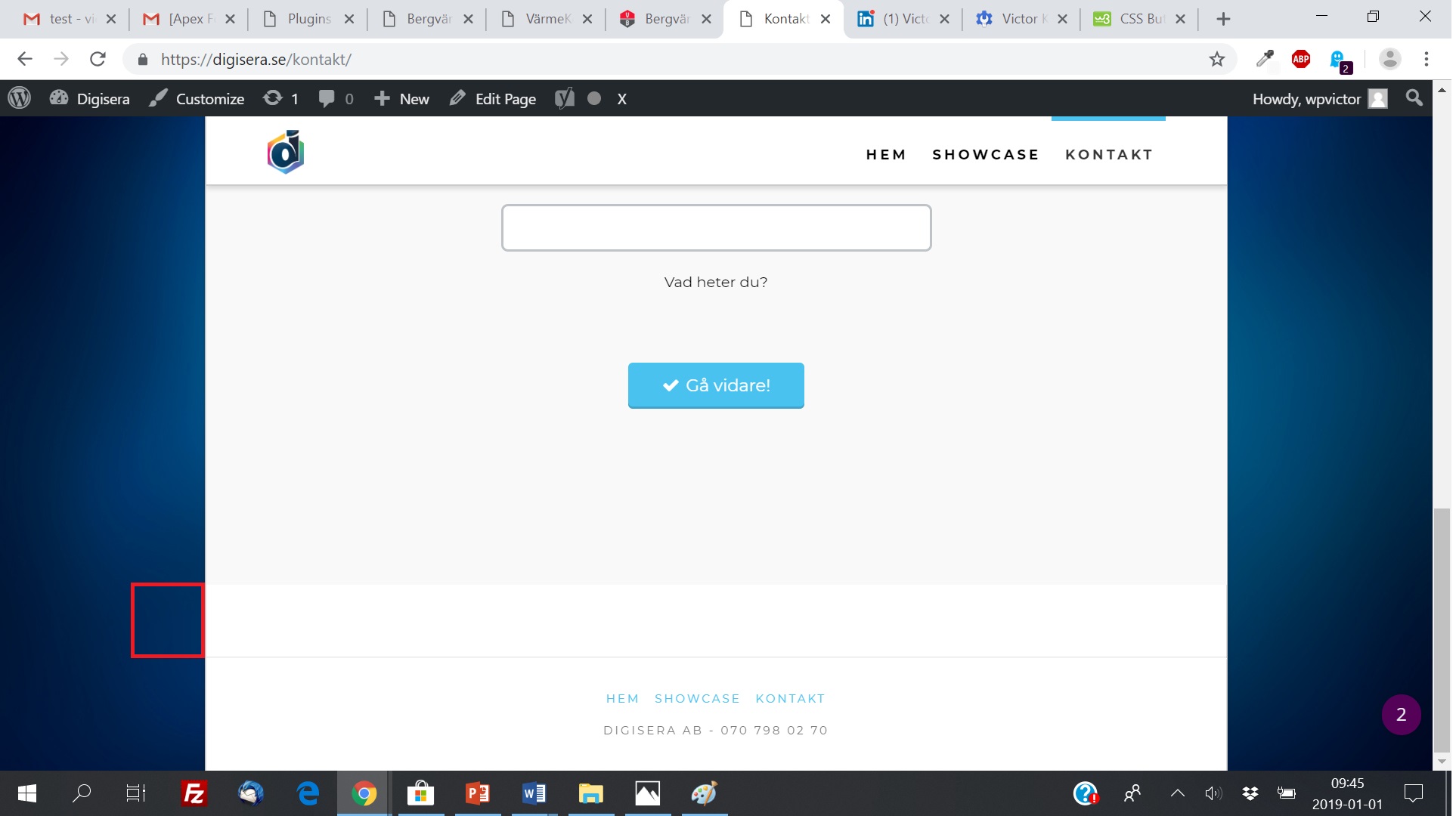
Could you provide me with a solution?

Thanks!

Best,
/Victor
Hi Victor,

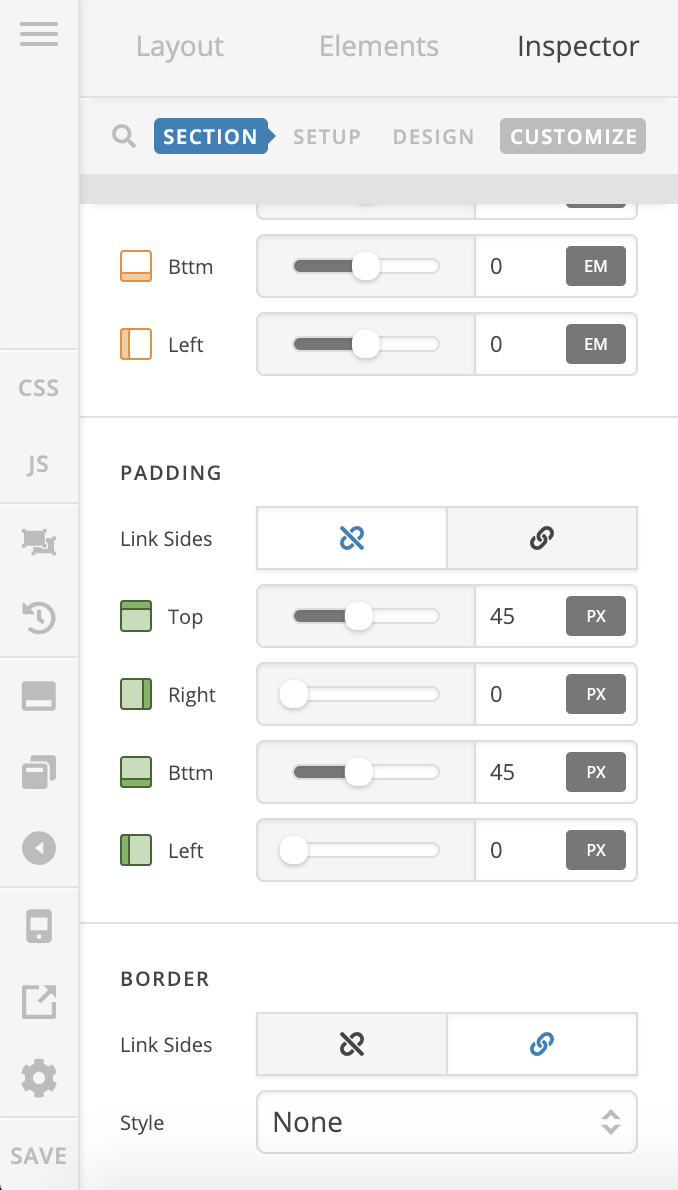
That’s the default padding of your sections, please inspect each section and remove the top & bottom paddings:

There are some empty <p> tags in your content as well, to remove them, please add this custom CSS:

p:empty { display: none;}

Hope it helps :slight_smile:

Thank you, apperantly I needed to enable advanced settings to see padding while inspecting element.

You’re most welcome.
It’s good to know that you have figured out the Advance mode to adjust the paddings.

This topic was automatically closed 10 days after the last reply. New replies are no longer allowed.