Hey there,
where do I edit the css of a design cloud element. I added the fresh pricing table element from the cloud but I cant find where I can change the preset styling.
Thanks for your help!
Hi @zerotoone.de,
Thanks for writing in!
There is no custom CSS used in the Fresh Pricing template. You can import and edit anything via content editor.
Just select the column or the elements inside it, you can able to edit the design.
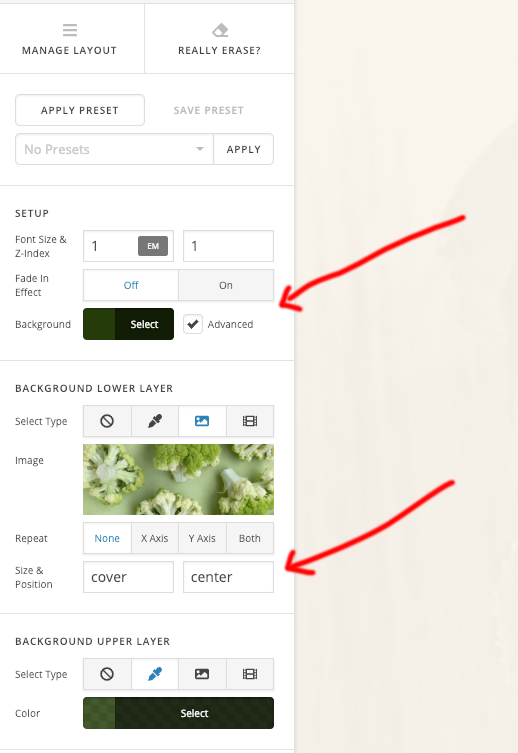
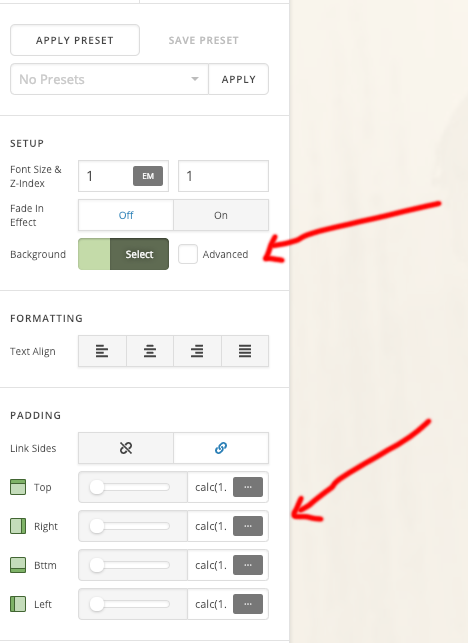
Hope this helps!
Thats not true,the class .fresh-pricing-col-main
is just one example
Hi @zerotoone.de,
Thanks again for asking!
These are just class names, having no CSS written for this. If any user wants to add custom CSS then can use the class name.
If you want to add CSS then you can use the same class name or you can change it too.
The CSS can be written in the page CSS or Theme Option CSS.
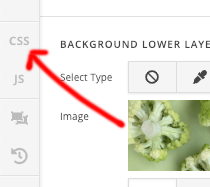
Page CSS applies to the specific page only.
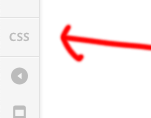
Theme option -> CSS applies to global.
Hope this clear now.
Thanks
okay thank you for clarifying
You’re welcome!
This topic was automatically closed 10 days after the last reply. New replies are no longer allowed.