I want to move the scroll up Arrow at the bottom of the content on every page to the middle of the page. How do I do that?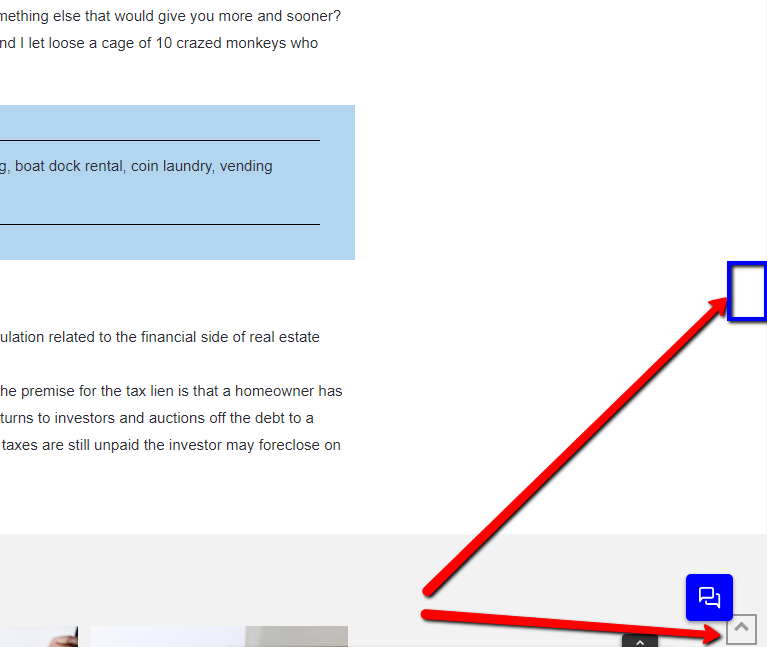
Hi There,
To move the scrollup button, please add this custom CSS under Theme Options > CSS:
.x-scroll-top {
     bottom: 50%;
}
If you would like to learn CSS, I am sharing few resources that you take a look to get started with CSS and an interesting tool that you can use to speed up the development process.
I recommend you to watch following video that will help you to get started with CSS.
Sometimes it can get a bit difficult to find out the right selector to be able to write the required CSS codes. A handy tool that can help you in this is Google Chrome dev tools. I am sharing the resource that you can refer to get started with dev tools.
https://developers.google.com/web/tools/chrome-devtools/css/
Thanks.
Hello Thai thank you. Doesn’t seem to be taking effect. I’m very familiar with CSS. is there more specific selector you think I should use?
Hi there,
The code provided by @thai should do the job. Try adding an !important declaration to the CSS code.
If the code is still not working, try checking your codes here and see if there is a CSS error that is causing the code not to work.
Hope this helps.
It worked thanks
Glad we could help, Cheers!
This topic was automatically closed 10 days after the last reply. New replies are no longer allowed.