Hi, i would like to change the background foto which is located in the ‘area hidden’. Where can i find that code or possibility in Pro editor? Thanks
Hi @Simone01,
That is usually set to the section, row, or column’s upper or lower background image:
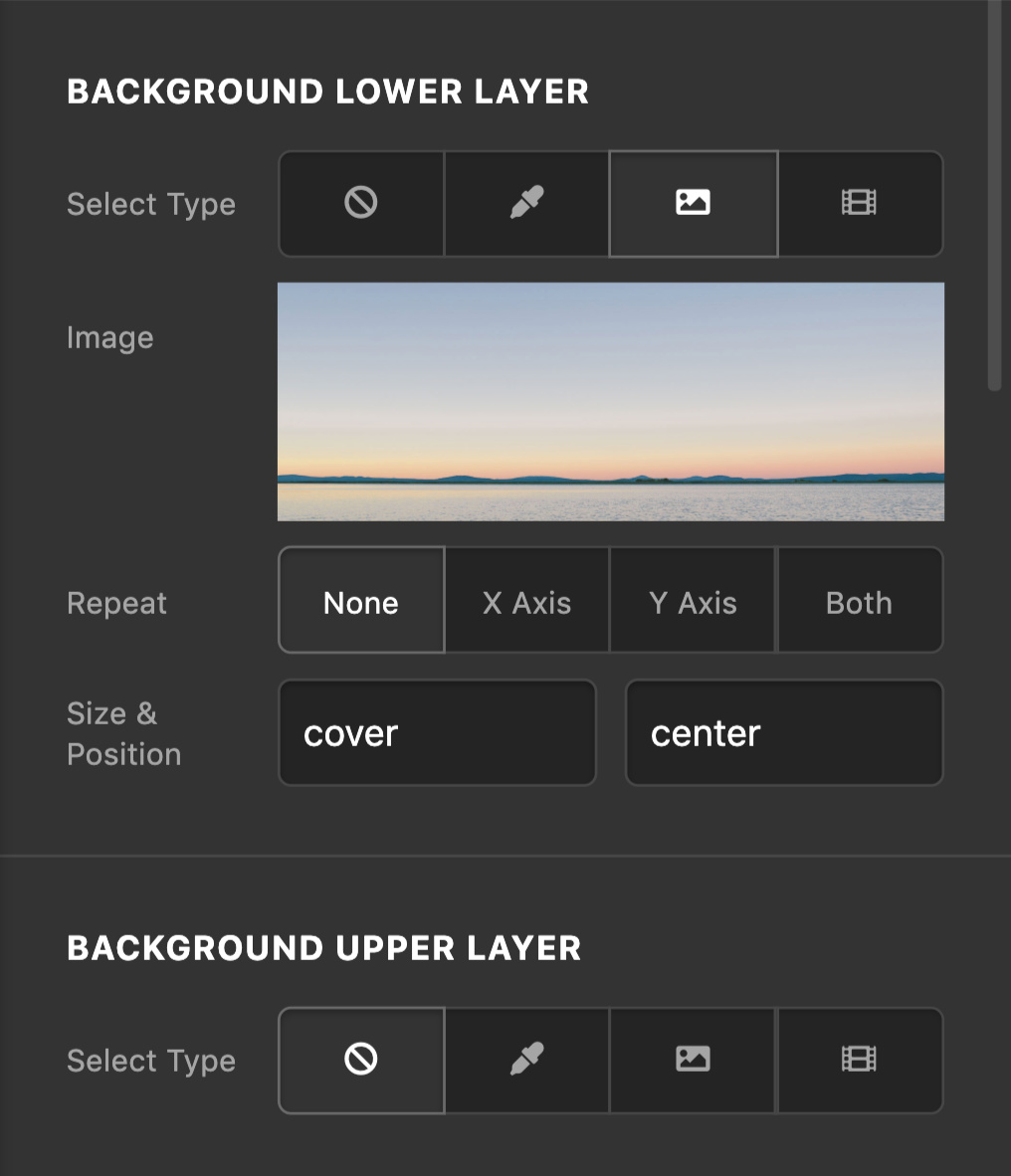
Hope this helps.
Hi, i thought so too, but i see no image there. Could it be hidden somewhere else in the template Auto that i use? It’s the image of the car dashboard behind the transparant color blue that i would like to change. Keep the transparant blue. 
Hey @Simone01,
I checked your page and it’s the lower layer’s background image of your first Section. Inspect your Section that contains both these columns in content builder, under Background Lower Layer option replace the image with a new one:
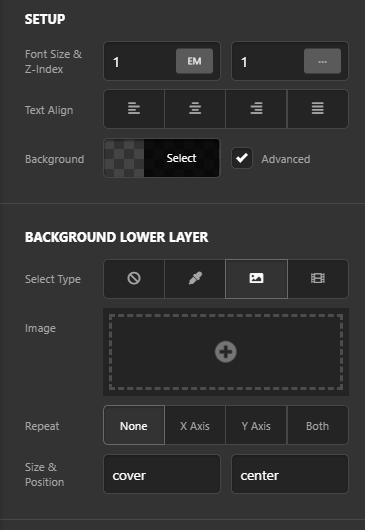
In your screenshot you’re inspecting the Column, you need to inspect the Section to get to that image. Hope this helps!
Yess i found it  Thanks a lot
Glad to hear you got it sorted, Simone.
This topic was automatically closed 10 days after the last reply. New replies are no longer allowed.