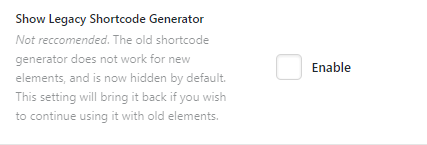
After the update I can’t see the option to add cornerstone elements into the text editor as it was previously possible. Unfortunately, I don’t have a screenshot how it looked like before, but next to the ‘toggle toolbar’ option was the cornerstone icon which was very handy.
Both theme and plugin are updated to the latest version.
Please help !