Installed woocommerce and this is what my shop page looks like? What have I done wrong here?
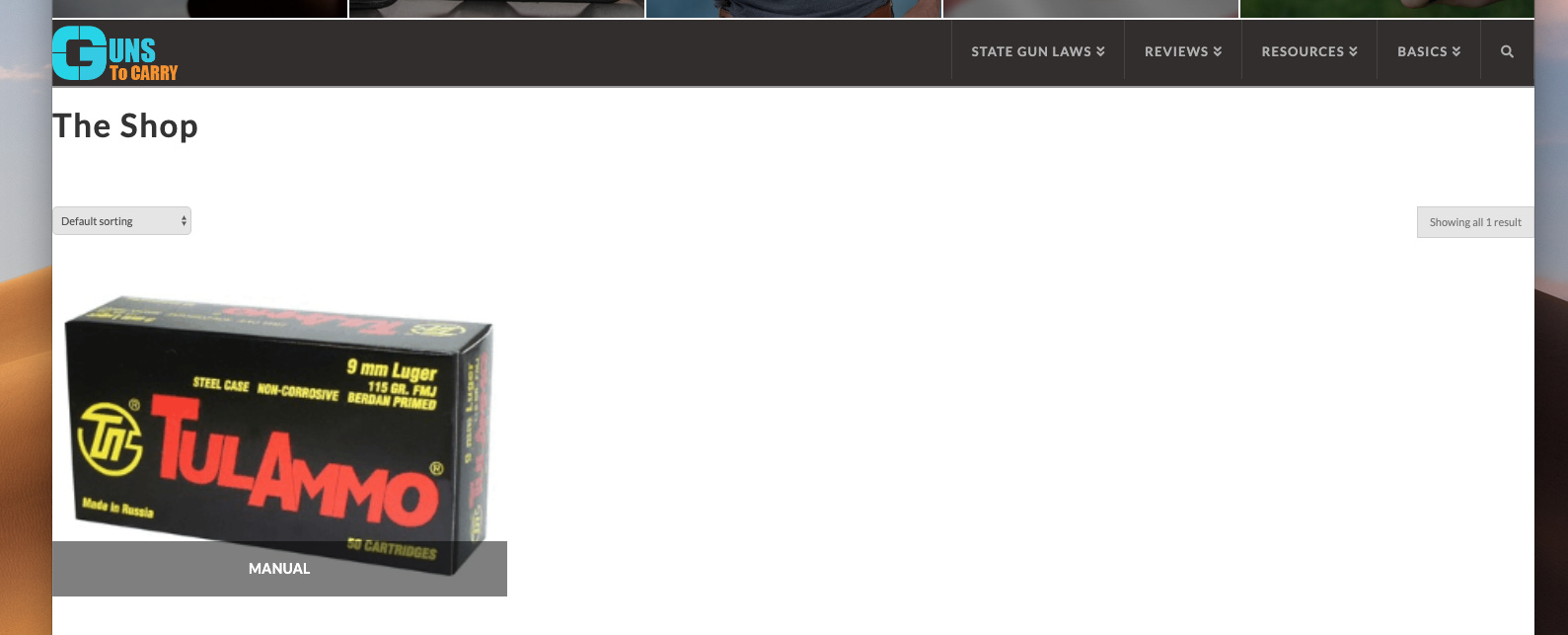
I am using the Ethos theme
Installed woocommerce and this is what my shop page looks like? What have I done wrong here?
I am using the Ethos theme
Hi @waynepatt58,
This is how I see it.
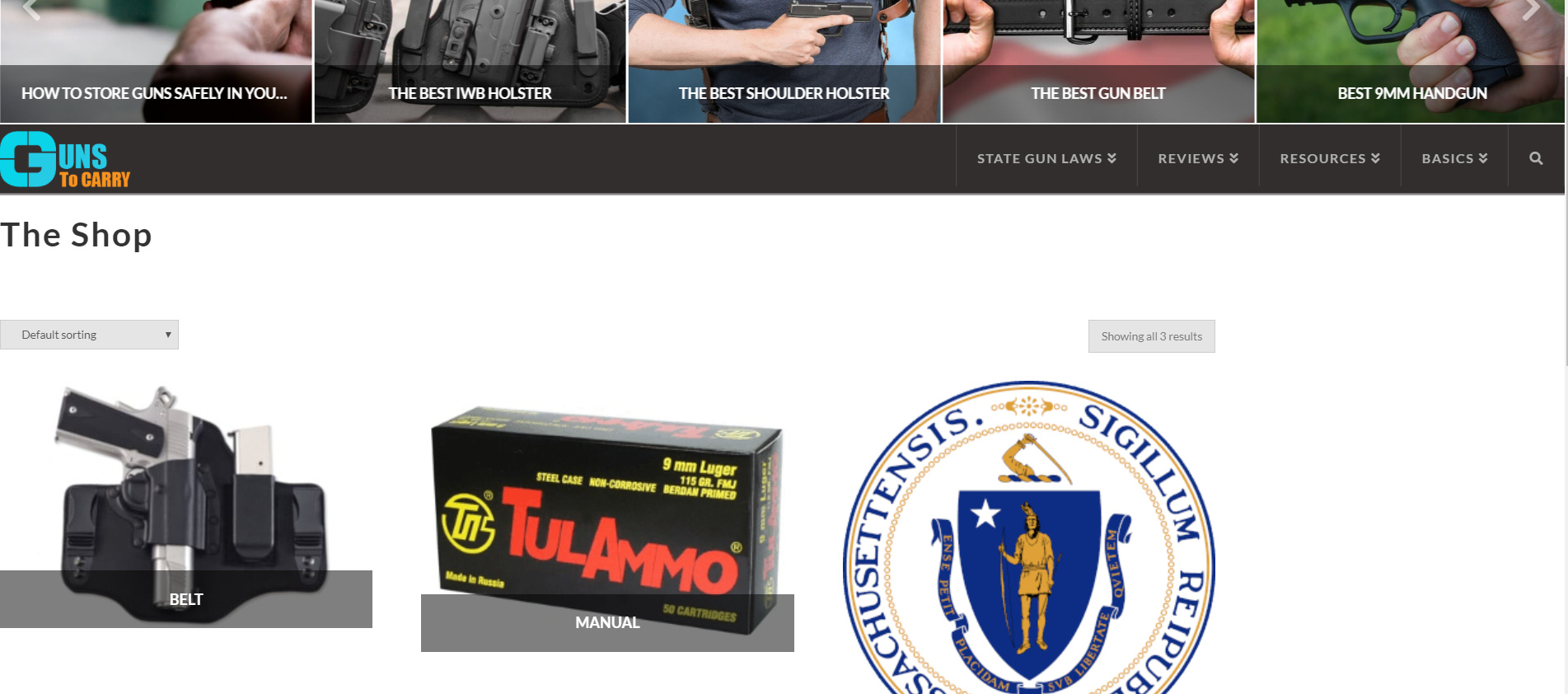
It is edge to edge of the browser because of the following setting on Theme Options > Layout and Design:
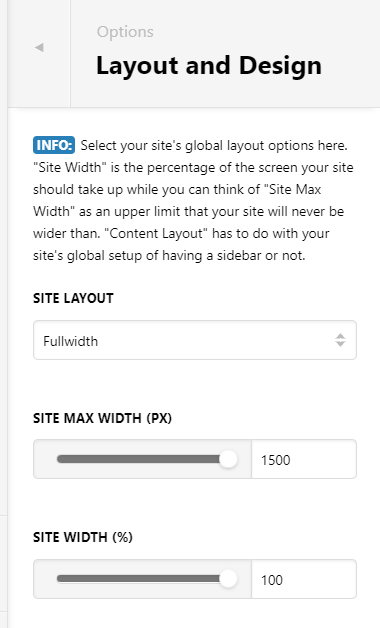
Try to reduce value of site width and max-width.
Yes you are on correct page. However if I adjust the site Max width etc. then I mess up all the other pages and posts on the site, there is well over a hundred other pages. So I was hoping there is a way to just adjust the shop page, I realise I cannot modify it with cornerstone. so is this possible? to just modify shop page?
Hello @waynepatt58,
You have inserted this custom css:
.x-container.max {
    max-width: 100%;
}
This code affects your shop page. If you intended for this css code to be applied to your single post or pages only, you will need to update it and use this:
.page .x-container.max,
.single-post .x-container.max {
    max-width: 100%;
}
so that the shop page and any other pages will not be affected by that code.
Hope this explains your issue briefly.
Thanks, a developer put that on there. I will disable the coding plugin and move all the code to the CSS box on the page it was for, will that work?
This topic was automatically closed 10 days after the last reply. New replies are no longer allowed.