Website structure is all messed up after update

Hi I updated to the latest version of wordpress, X theme and Cornerstone and now my site is all messed up in terms of structure and I can’t figure out why. I deactivated every plugin to see if there was a conflict but it seems to be a theme issue. I also cannot edit any pages in my site through Cornerstone it just has the loading icon and never loads.

Thanks

Hey,

Please, can you give to us more details about your issue?

Hi, i have the same Problem. After upgrading my complete structure is gone.

Hi @amiller671,

Please disable Cloudflare auto minifier. CSS and JS files are already minified by the theme… Minifying it again causes breakage on the file resulting to styling issues.

@secBIT,

First note not to share credentials when your are not the owner of the thread because secure note is visible to the original poster. The issue is the same for you. Either you have a cloudflare too with auto minification set to on or you have a plugin that minifies CSS and JS files. Disable it and try again.

Hope this helps.

Hi, Thanks for that, I messaged my hosting and asked how to disable cloudflare minify and this is what my hosting replied: "About minify, that is something a theme should never, ever do (goes against “best practice” web dev).

The minify in CloudFlare is very mild. If possible we recommend getting the minify in your theme disabled to allow CloudFlare to do it’s job properly."

Is this something you can help me do? It has a serious styling issue without doing something about one of these things. Thanks

Regretfully, there is no option to disable minification in X. It is not against best practice to minify resources. In fact, it is a best practice. Please disable Cloudflare minification.

Thanks.

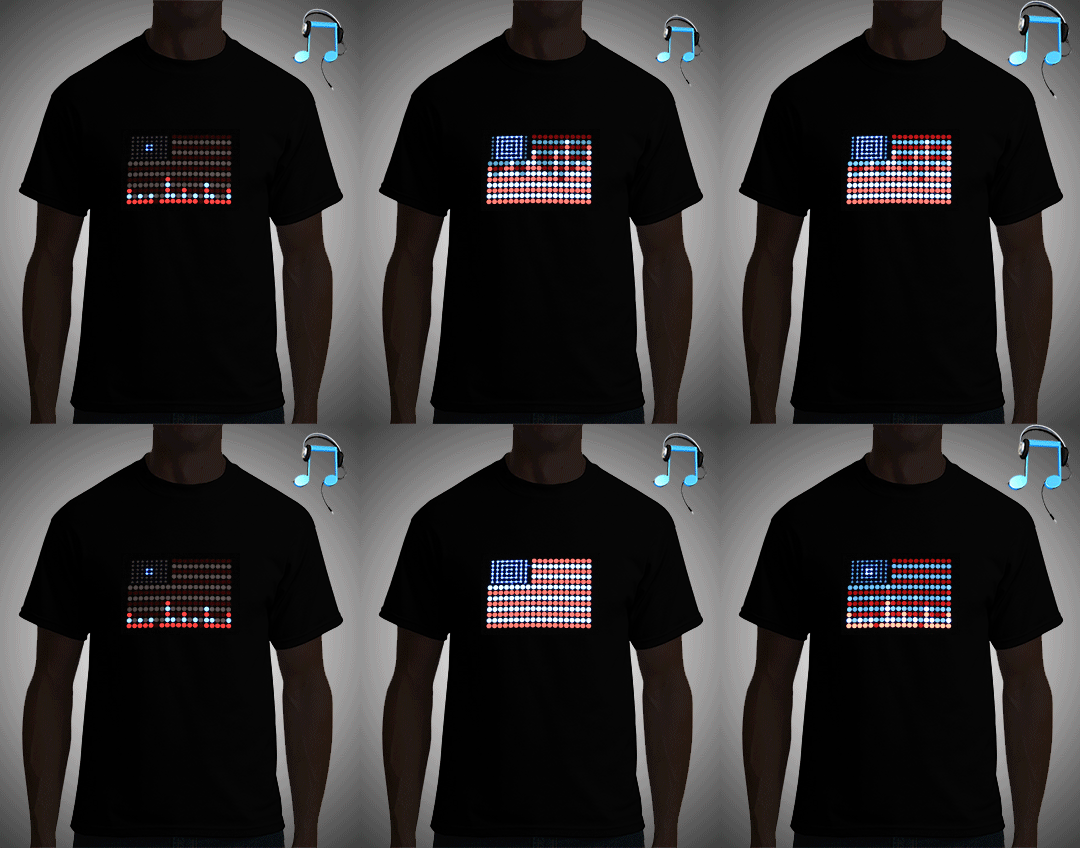
Ok thanks for that. I have another question/issue since the new update… I use WooCommerce and I have animated .gifs as the main image on my products and they used to animate just fine and now they are static and one frame. If you look at the picture itself at this link https://www.flashionstatement.com/wp-content/uploads/2017/03/American-Flag-LED-Shirt.gif
you can see it is supposed to animate but somehow through WooCommerce now it doesn’t. Is there a way you could direct me to fix this and make them animate? Here is the link to my shop page https://www.flashionstatement.com/shop-2/

Try this solution https://www.volpc.com/website-design/how-to-fix-animated-gifs-not-displaying-correctly-in-woocommerce/. If you have further questions, please open a separate thread so topics are not mixed up and so to avoid confusion.

Thanks.

Hi, thank you for the information and for the solution!!! that helped and works great!! :slight_smile:
all the best!

You are most welcome. :slight_smile: