My site can not be reached, and says it is not online.
I was editing shortcodes in the editor and the whole site just crashed. I can’t even get to the admin page. 
My site can not be reached, and says it is not online.
I was editing shortcodes in the editor and the whole site just crashed. I can’t even get to the admin page.
Hi there,
Did you make some updates before you started having the issue? You can login through FTP then edit the wp-config.php file and find the line: define( 'WP_DEBUG', false );. Set it to true then save the file. Log back in the admin area and you should be able to see some more error information when you redo the steps you are having issues with.
If you are getting an error message that suggests: Fatal error: Allowed memory size of xxxxx bytes exhausted, it means that you need to have the PHP memory limit of your site increased.
To do this, please edit your wp-config.php file and insert these lines:
    define( 'WP_MEMORY_LIMIT', '256M' );
    define( 'WP_MAX_MEMORY_LIMIT', '512M' );
You can add it before the line
/*That's all, stop editing! Happy Blogging. */
In case the issue persists, please try to get in touch with your hosting provider and confirm to them that your PHP memory limit is increased.
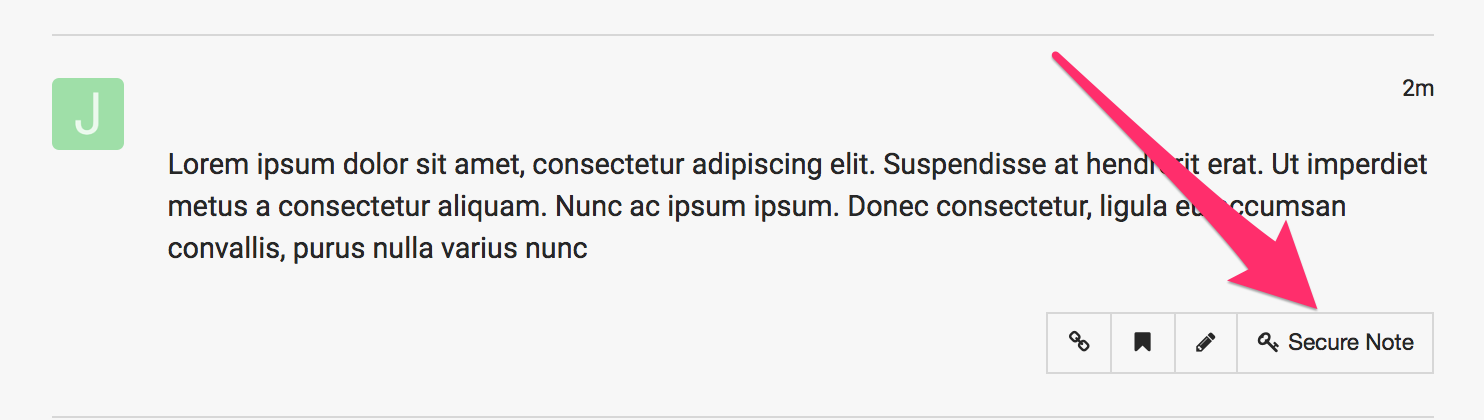
If you are still having an issue, please provide us with the admin details of your site in a Secure Note so that we can check this further.
I haven’t run any updates, I don’t have a fatal error, the site is just offline.
Hi Elizabeth,
This is what I am getting when I am trying to access the site:

Have you tried enabling the wp_debug in the wp-config file to see more information about the possible error that is causing this issue?
It’s already set to true.
I also know my PHP limit is already set to the parameters you indicated.
I have the white page of death.
Hi again,
I checked your site and I’m getting 500 Internal Server Error, this could be related to a ModSecurity rule being triggered due to a combination of keywords used in the core WordPress files. This should be able to be remedied by writing to the support team at your host and asking them to whitelist the ModSecurity rules on your domain.
We have also found that this is due to security settings or permissions errors with the server. For this particular situation, you will need to contact your hosting provider and ask them to ensure that your file permissions are set correctly.
Let us know how this goes!
Ok. So I went to my host, and they have been able to restore the home page of the site, but all of my links are still broken. The server guy says that my file web.config.bak is broken. He has disabled it to allow the website to load but none of the links are working. I tried resetting permalink and it doesn’t work.

I did check all the links on your menu and all pages work well. The only issue I saw is the URLs on your buttons. The URL on those buttons are not https.

Thanks,
Replying just to give more info on the thread. My managed server replaced the corrupted web.config.bak file with boilerplate and the site is up, but my previews for the builder get held up and I can’t upload media files through the media library, I have to do it from the file manager. I have a premium wordpress support tcket open because the site is on a Plesk server. I think that’s the root of the problems with this installation.
 i
i
Hello Elizabeth,
Thanks for updating the thread.
I checked the website and it seems to be a permission related problem. I am getting The uploaded file could not be moved to wp-content/uploads/2019/02. error message when trying to upload images. I suggest you to have a word with the hosting provider support team and also take a look at following threads for some more options.
Thanks.
Lol, I uploaded my images to the file manager and added via URL and that was fine, bUT now my page builder is not loading AT ALL. Lord this is a nightmare job.
Hello Elizabeth,
Thanks for updating the thread. 
When I opened the page I could see that page was not loading i content builder and in dev tools I was getting Preview timeout message. I then deactivated all plugins from Plugins > Installed Plugins and now page is working absolutely fine. I suggest you to deactivate all plugins and then reactivate one at a time to narrow down the plugin or plugins that causing the problem.
Thanks.
I’d just like to report in on this and say that we moved this site from a Plesk server to a Linux environment and almost all issue have been alleviated. It came down to a difference in permissions between Windows and Linux. I did not know this, but apparently the permissions structure is different, and that caused issues in uploading media, text formatting, elements working, and formatting. In Plesk, none of the icons on the backend Pro editor appeared, or would load at all.
In short, I do not recommend running Wordpress/ Pro on a Plesk server.
Glad it’s sorted now, Elizabeth.
This topic was automatically closed 10 days after the last reply. New replies are no longer allowed.